Criterion 01
Does the page export a file a game engine can import today?
Choose among PixelBox workflows by the job you need to finish: generate a character pack, prepare existing art, or explore a concept. This publisher-owned list covers PixelBox tools; it is not an independent comparison of every pixel art editor.
Published by the LlamaGen team. This guide compares our own PixelBox workflows, not the entire pixel art software market. Check the listed output and limitations before choosing a tool.
Choose PixelBox Character Studio when you need to review a four-direction animated character pack for Godot or Unity. Use the free slicer, packer, and converter when you already have art. Labs generators return one concept image and require further asset preparation.
Explore gameplay, handheld use, and coordinated designs. These AI-generated concepts illustrate visual possibilities; review your own assets and engine imports before shipping.
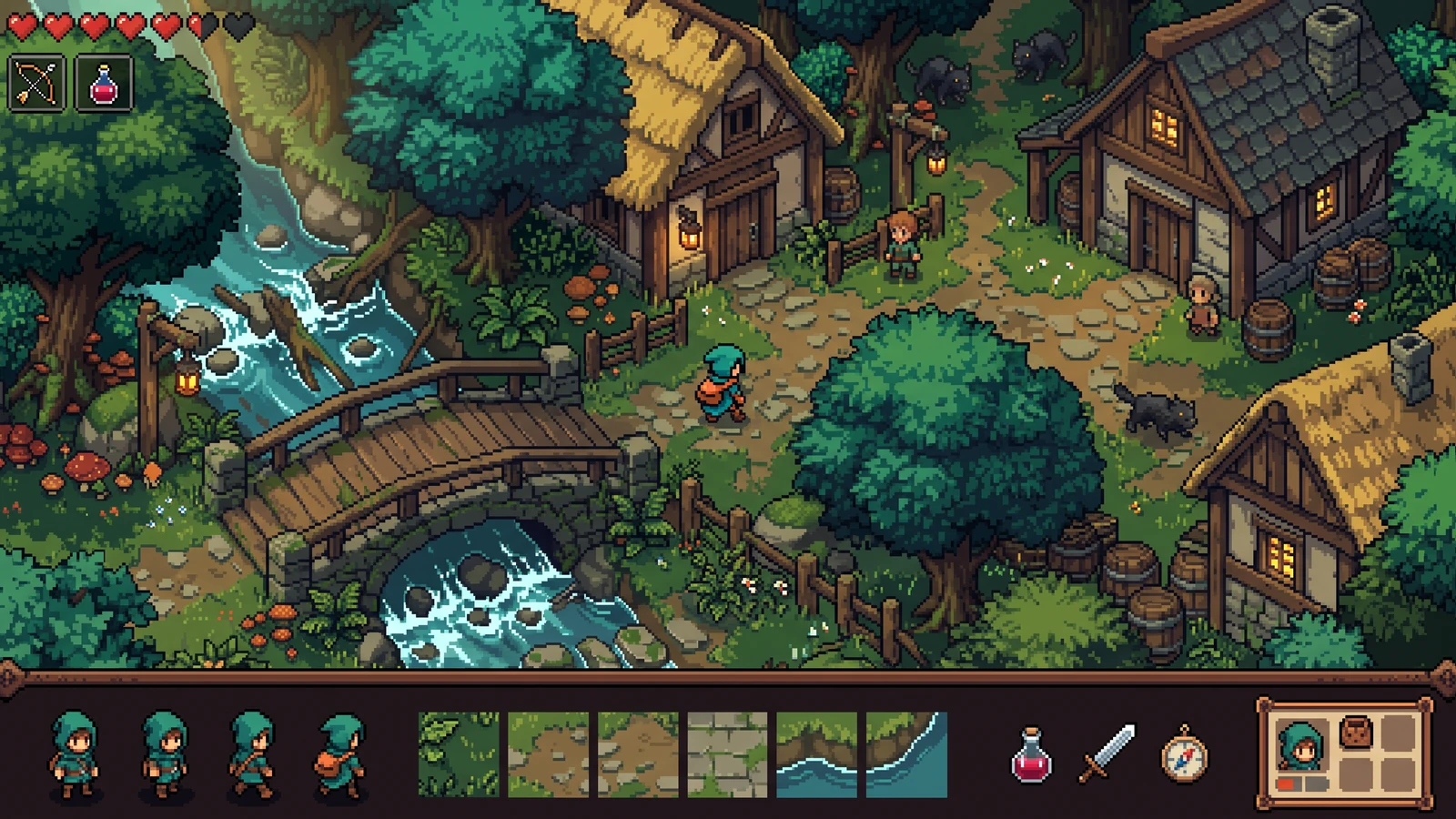
Review the playable scene beside its characters, terrain, items, and interface as one coordinated design.
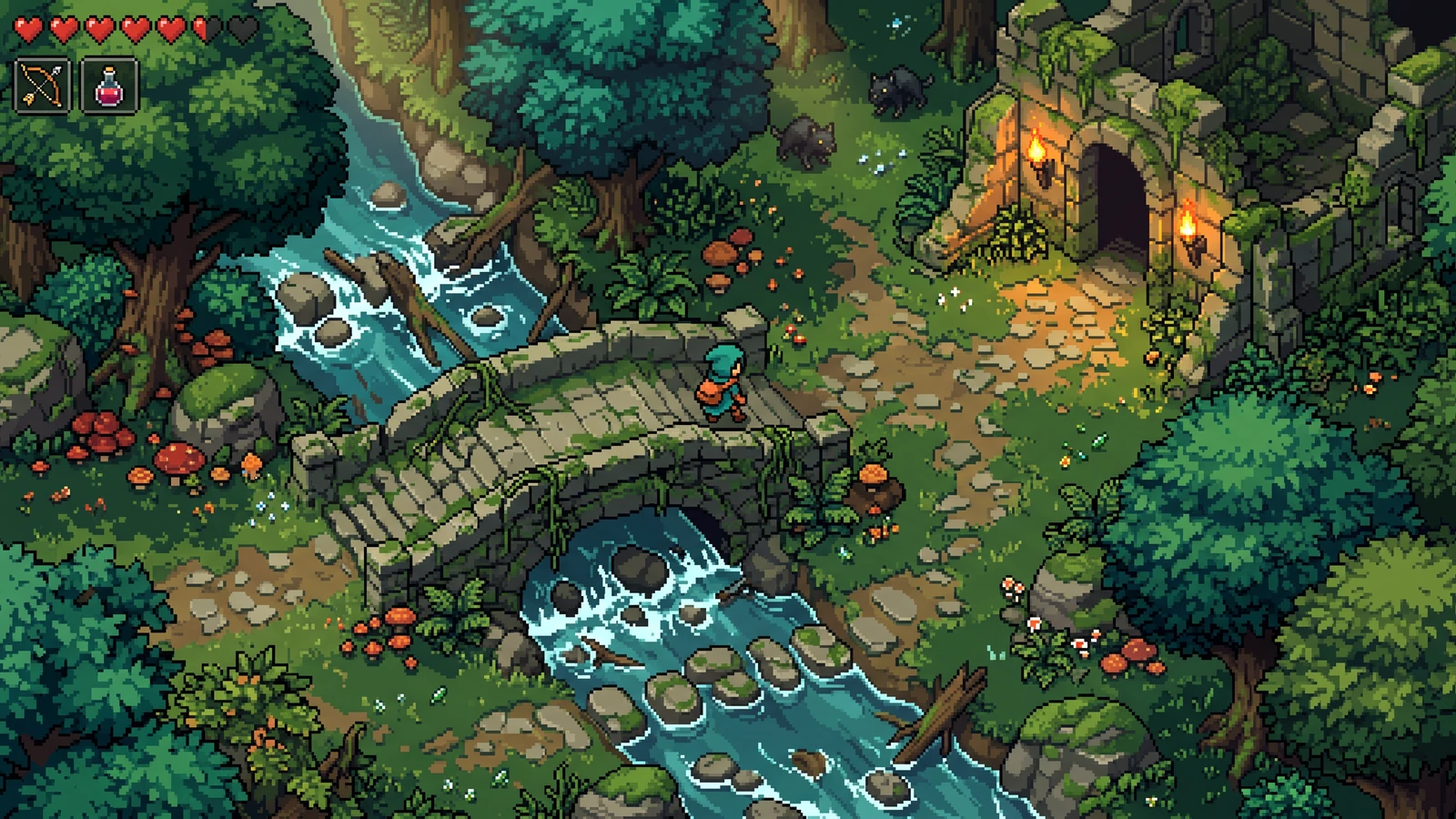
Judge the character silhouette, terrain scale, and interface together at gameplay size.
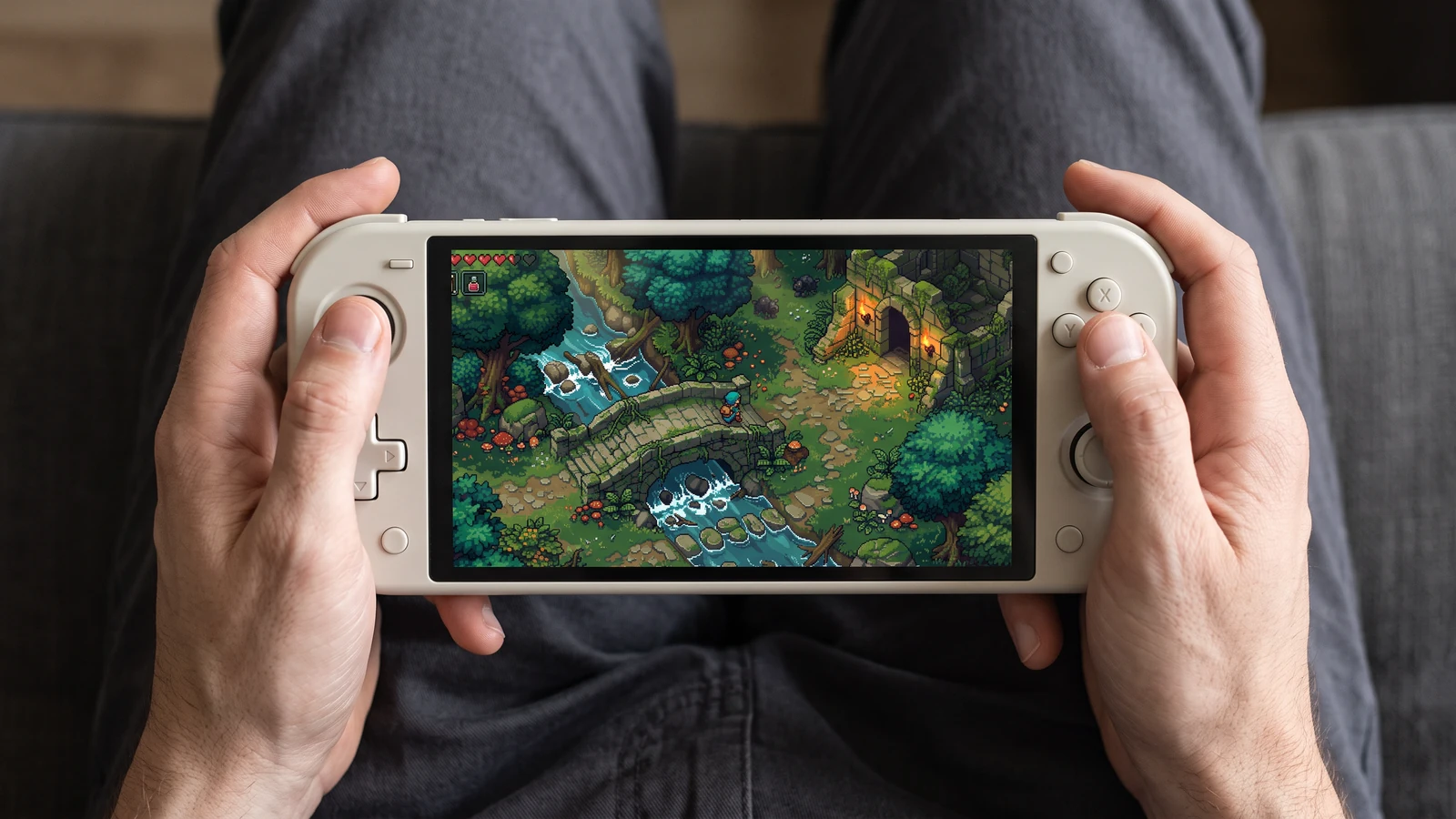
Check how the same game scene reads on a handheld screen, from the character to the smallest interface icons.
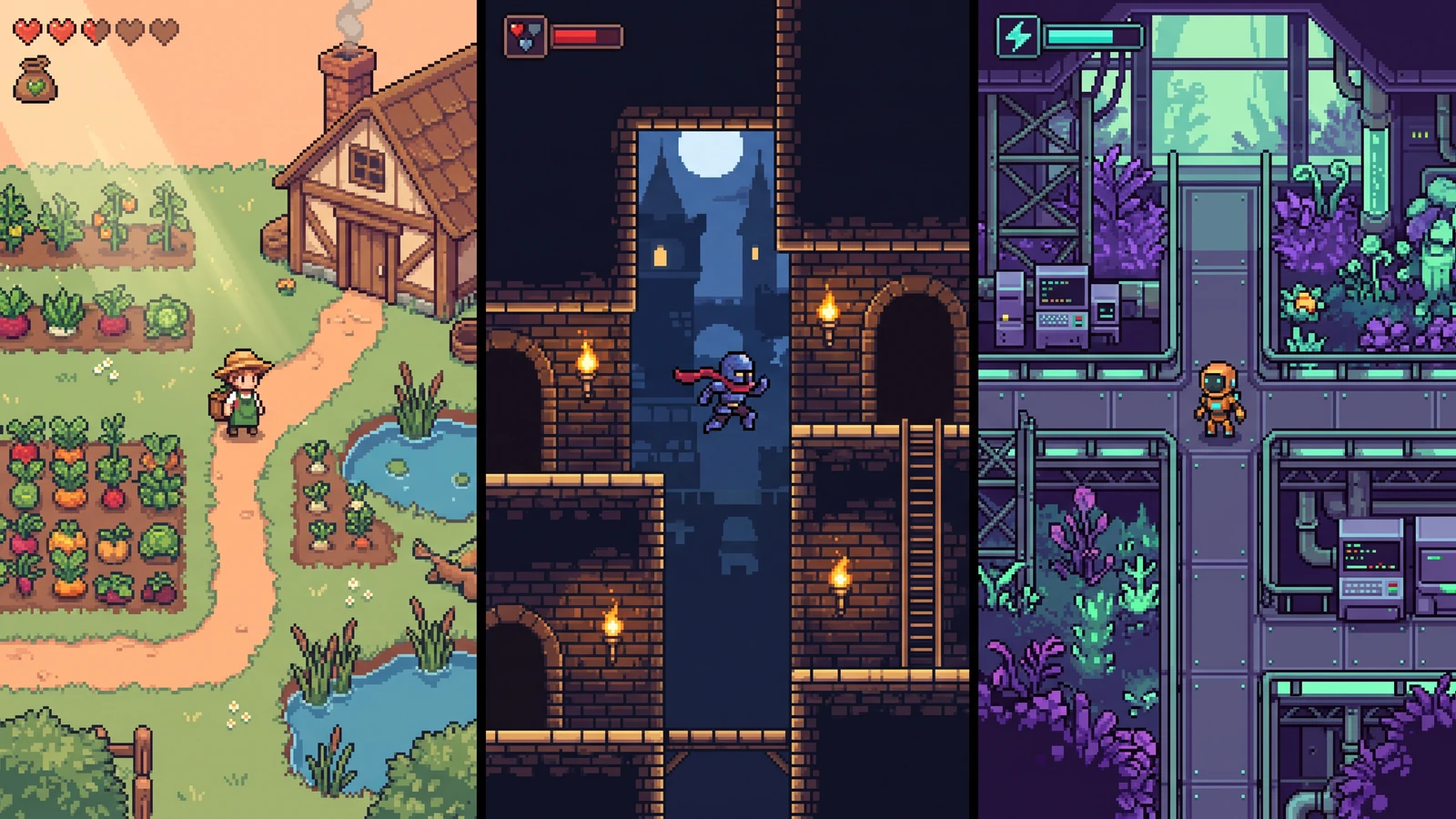
Compare different character designs inside the game worlds they are designed for.
Does the page export a file a game engine can import today?
Do source files stay private when the job is local?
Is the credit cost visible before any AI run?
Is the current output labeled honestly—production pack vs one concept image?
One character becomes a reviewed 4-direction Idle, Walk, and Attack pack with 12 clips, 64 frames, and generated Godot 4 or Unity import files.
Open toolLocal slicing, pivot review, atlas JSON, plus free Godot 4 and Unity packages. No upload and no credits.
Open toolReduce the image grid, approximate colors with RGB quantization, and export without smoothing. Review the resulting silhouette before using it as a character reference.
Open toolPacks transparent frames into a sheet and writes coordinates as JSON without leaving the browser.
Open toolNearest-neighbor 2×, 4×, and 8× scaling preserves hard pixel edges and transparency without smooth interpolation.
Open toolExtract approximate dominant-color HEX values from a reference. Reuse them manually when planning later artwork; the utility does not enforce palette consistency.
Open toolA free browser tilemap for routes, water, and landmarks. It exports a PNG planning image; editable engine map data is not included.
Open toolBest Labs stop for biome style. It is a concept image today, not a finished auto-tile XML file.
Open toolExplore doors, counters, and top-down RPG scale in one concept image. Check dimensions and prepare tiles separately before engine import.
Open toolExplore a shared visual direction for characters, props, and terrain. The result is one concept image rather than a library of separate game assets.
Open toolUse a concrete input, inspect the output, and check the current limits before choosing your next step.
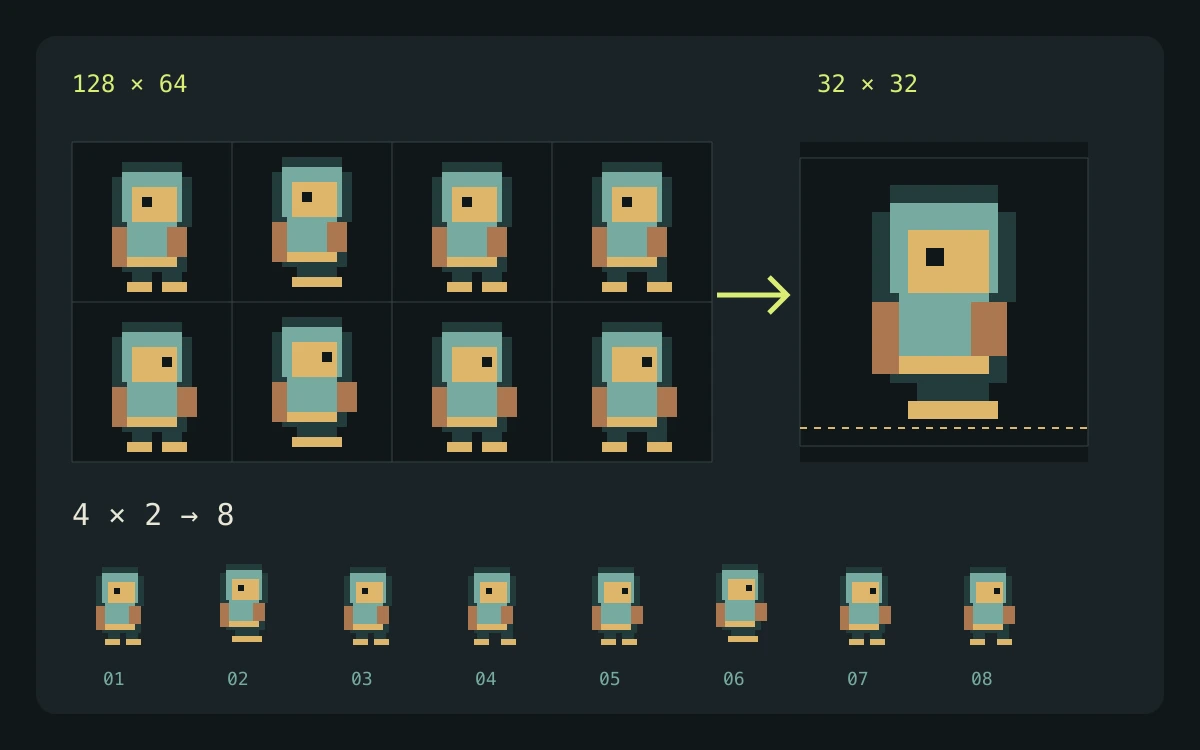
Start with one concrete deliverable: a concept image, cut frames, an atlas with coordinates, or a reviewed animated character pack.
A scoped choice among PixelBox workflows, based on current input controls and output formats.
This guide is published by LlamaGen and covers its own PixelBox tools. It is not an independent comparison or benchmark of all pixel-art products.
Check the engine or editor documentation when preparing your own import. These sources describe file and playback behavior, not an endorsement of PixelBox.
Content updated:
Published and maintained by LlamaGen. This page describes current PixelBox controls and export formats. Contact the team about incorrect information or an export problem.
Pay only when you need generated frames. Character Studio spends signup credits on a first-pass 4-direction pack. Slicer, packer, resizer, palette, converter, and the basic map canvas stay free.
The Labs page returns one concept image. Character Studio adds individual clip review, a movement preview, and generated Godot or Unity import files.
This guide groups our own workflows by their current deliverables: generated concepts, PNG transformations, sprite atlases, and character packages. It does not independently benchmark other products.
Character Studio generates reviewable character animations. Free utilities prepare existing files in your browser. Labs generators return one concept image.