Hosted Comic MCP
Streamable HTTP endpoint is live
LLAMAGEN FOR CLAUDE CODE
Let Claude read scripts, folders, and production notes, then orchestrate LlamaGen's existing Comic MCP for repeatable panels, storyboards, and localized manga workflows.
One prompt to start · File-first
Read https://llamagen.ai/claude. Connect LlamaGen's existing Comic MCP using my LLAMAGEN_API_TOKEN environment variable, verify the available tools, and help me build an editable comic project. Use Claude Code for files and automation, and LlamaGen for visual refinement.
Made a comic book using Claude? Turn the files into a repeatable production workflow.
Claude Code + LlamaGen
Claude Code
New comic task
LlamaGen editor
Cyberpunk Samurai · Page 01
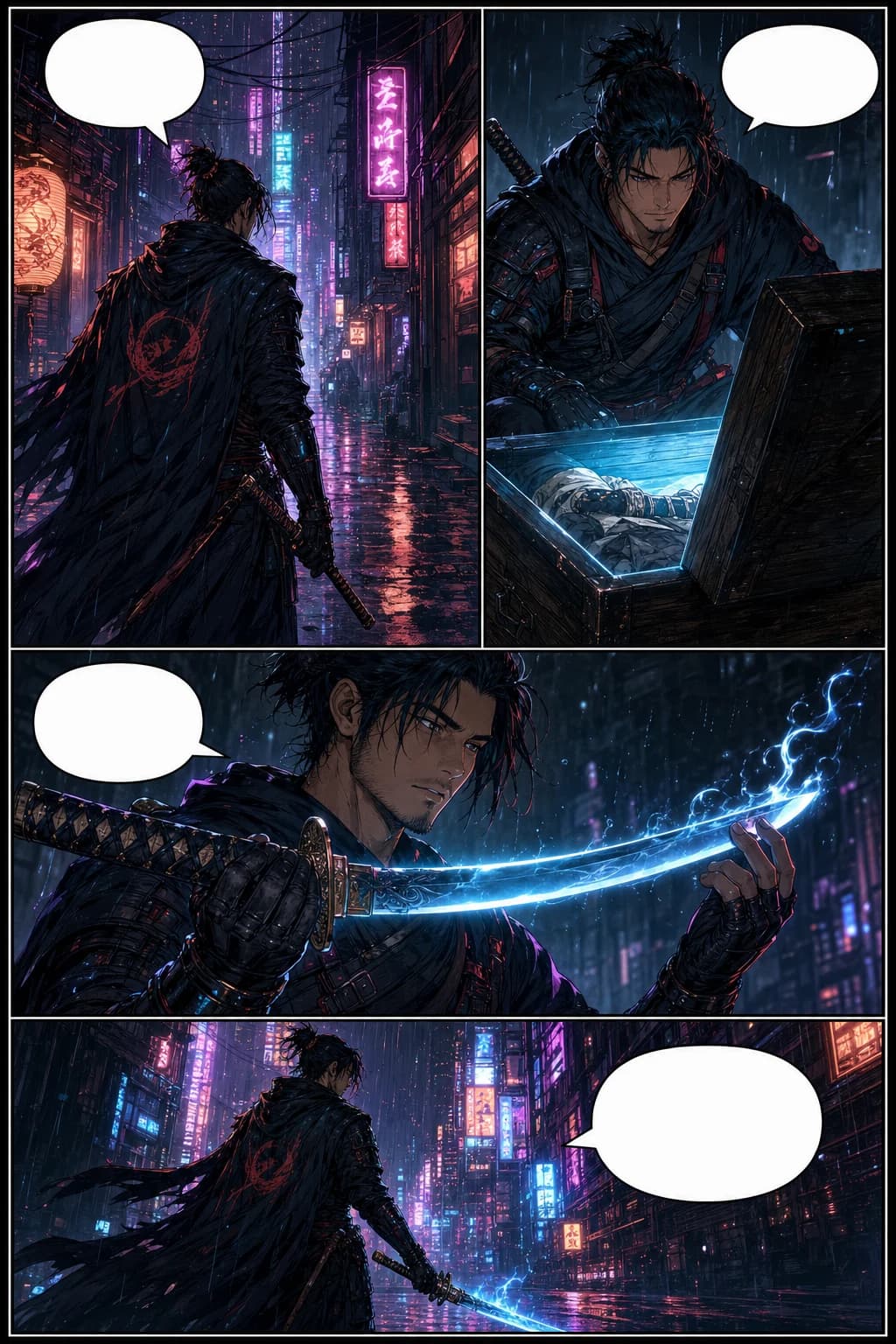
Streamable HTTP endpoint is live
Docs, create, status, and usage
Existing Settings → API workflow
Generate with MCP, refine in LlamaGen
Real LlamaGen project examples, each starting from a different intent and ending with assets that stay editable.
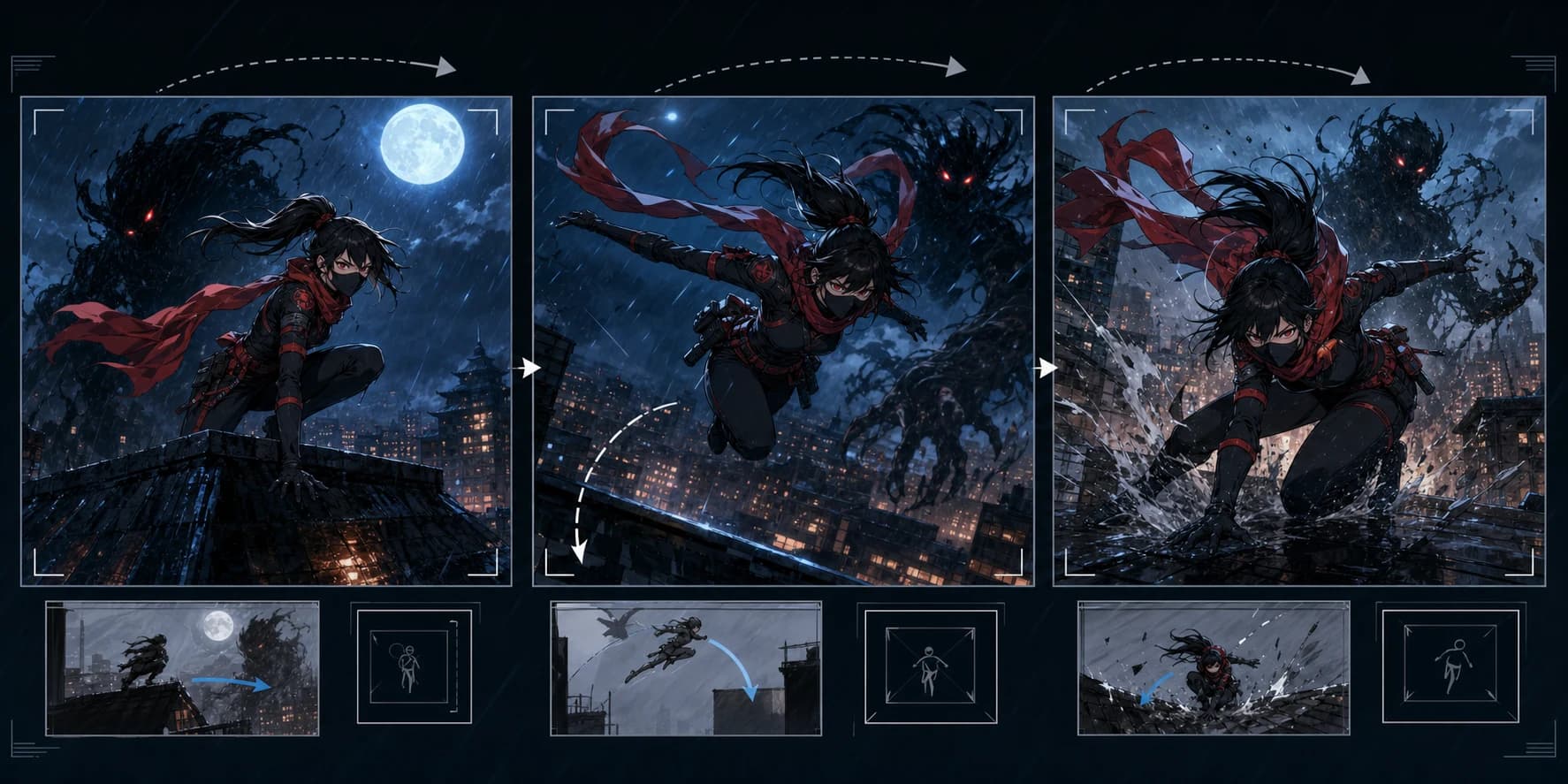 Project 01
Script folder → storyboard sequence
Scene files, camera notes, and shot constraints become a consistent board that can be regenerated in controlled batches.
Outcome: structured shot plan plus generation IDs for automation
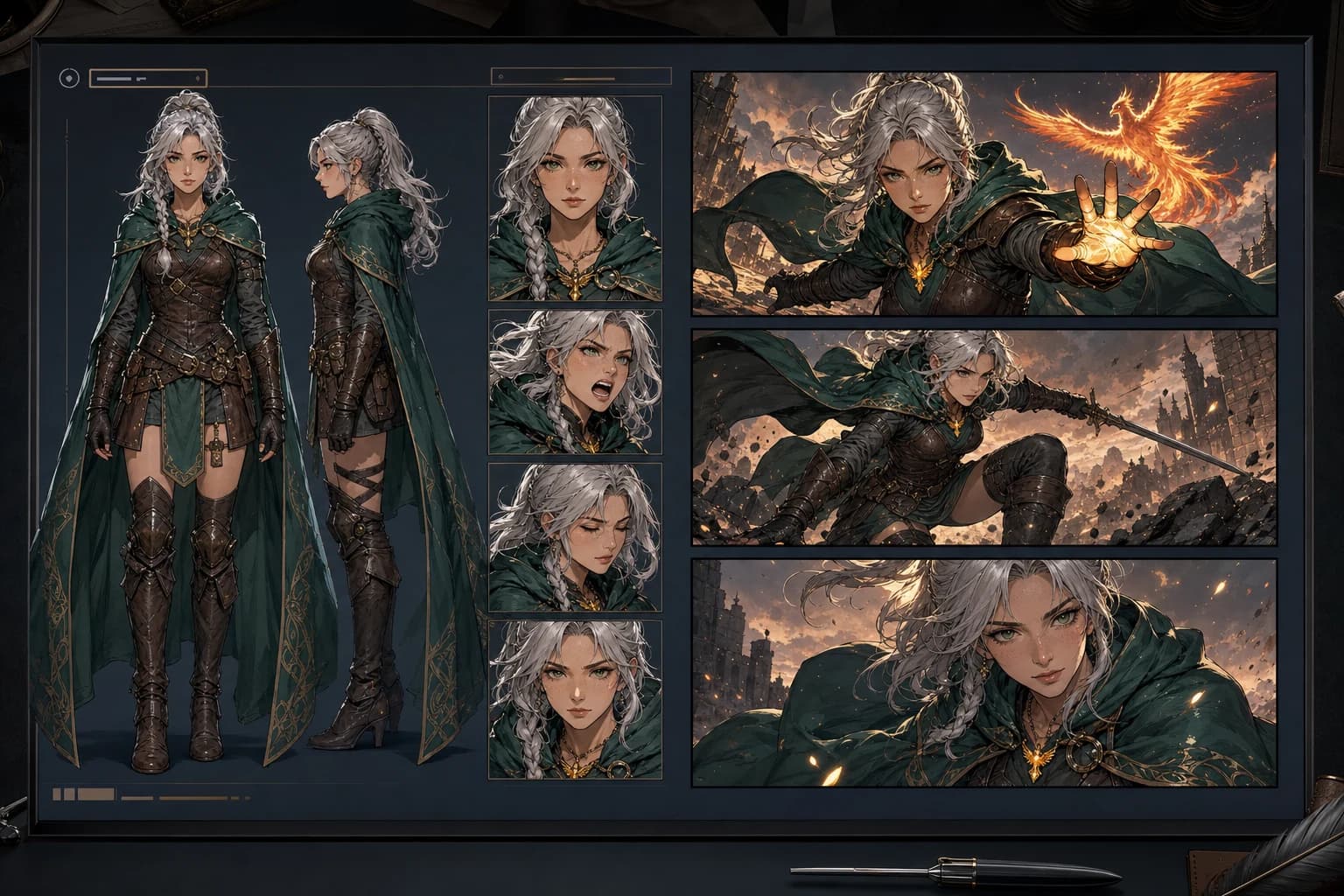 Project 02
Reference folder → continuity system
Claude extracts appearance, wardrobe, props, and scene rules before LlamaGen generates the next page.
Outcome: reusable canon for pages, episodes, and spin-offs
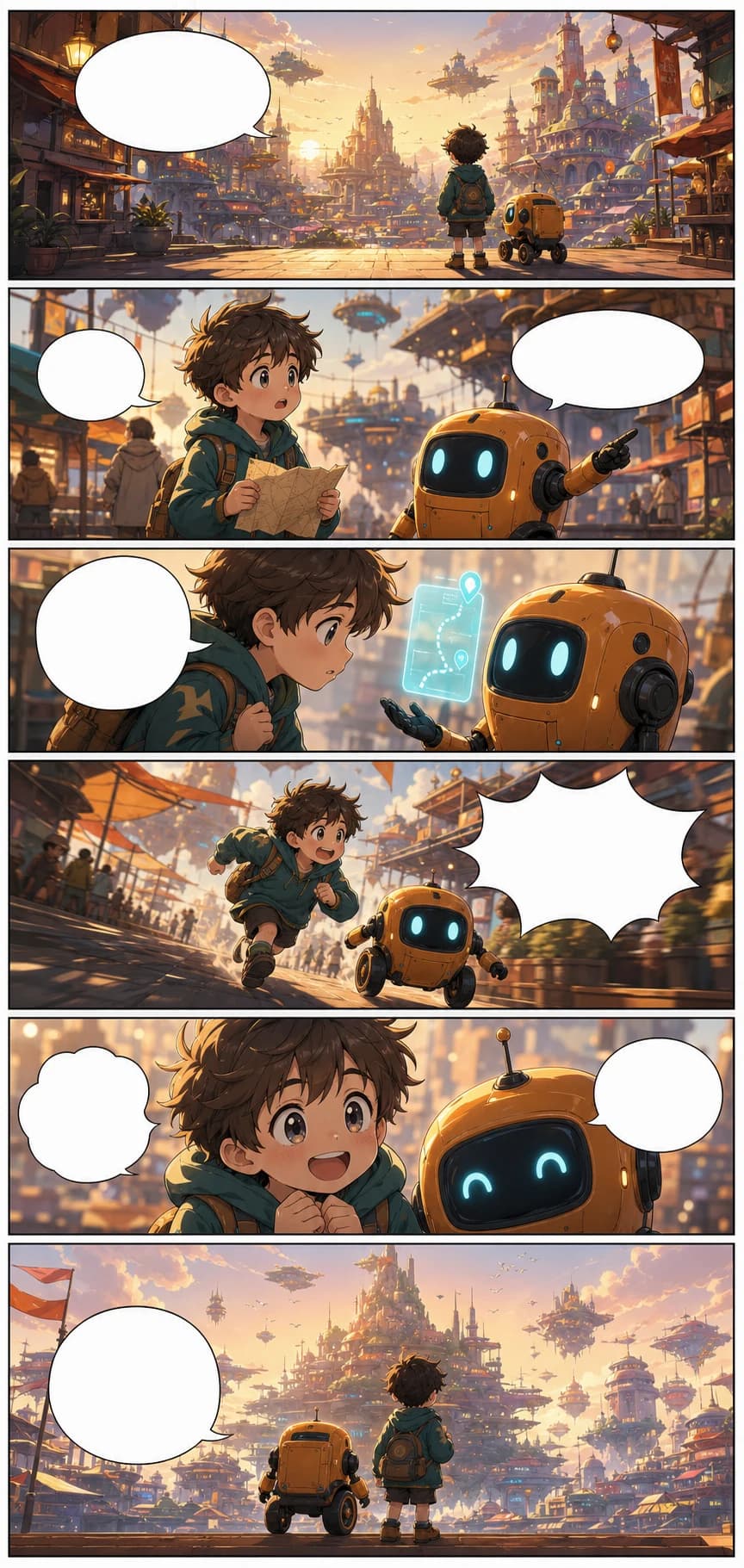 Project 03
Dialogue files → localized webtoon
Translation files and terminology rules become a localization plan for bubbles, effects, and vertical delivery.
Outcome: repeatable localization handoff without flattening the art
These are controlled LlamaGen delivery evaluations with the input, full-resolution output, first-delivery result, revisions, evidence hash, and known limitations preserved for review.
Exact settled provider cost and active human review time were not separately measured for these runs. Each full case discloses its review method and remaining defects.
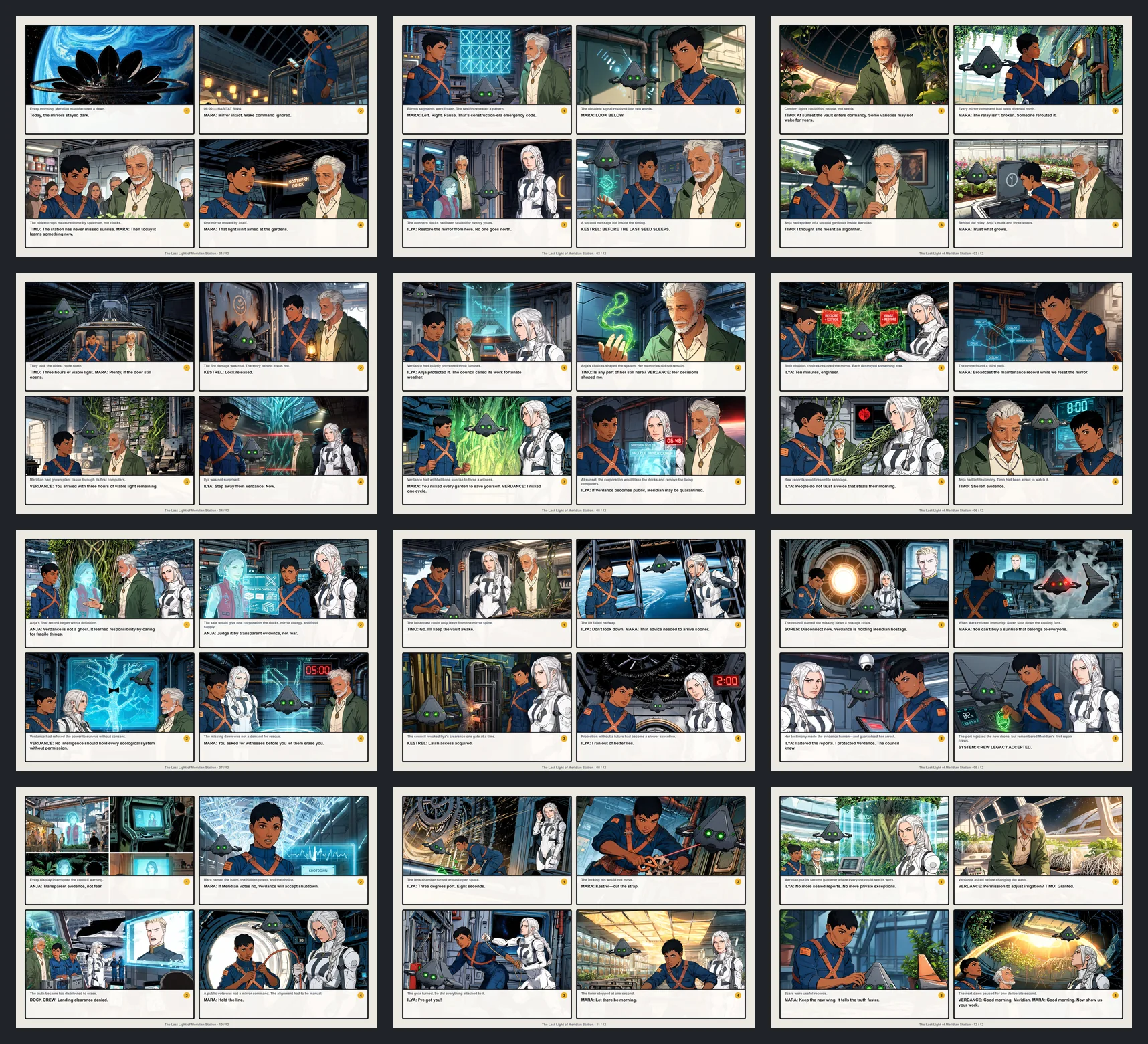
Script → complete comic
One original 2,150-word screenplay became a complete 12-page comic with 48 panels and 6 recurring characters.
16 recorded revision events across 15 panels; complete PDF and CBZ retained.
SHA-256 111e16d6f5ba2b978e2b8460906bc81e3de74acafa3977a3b1a69693c3c58fc4
View full evidence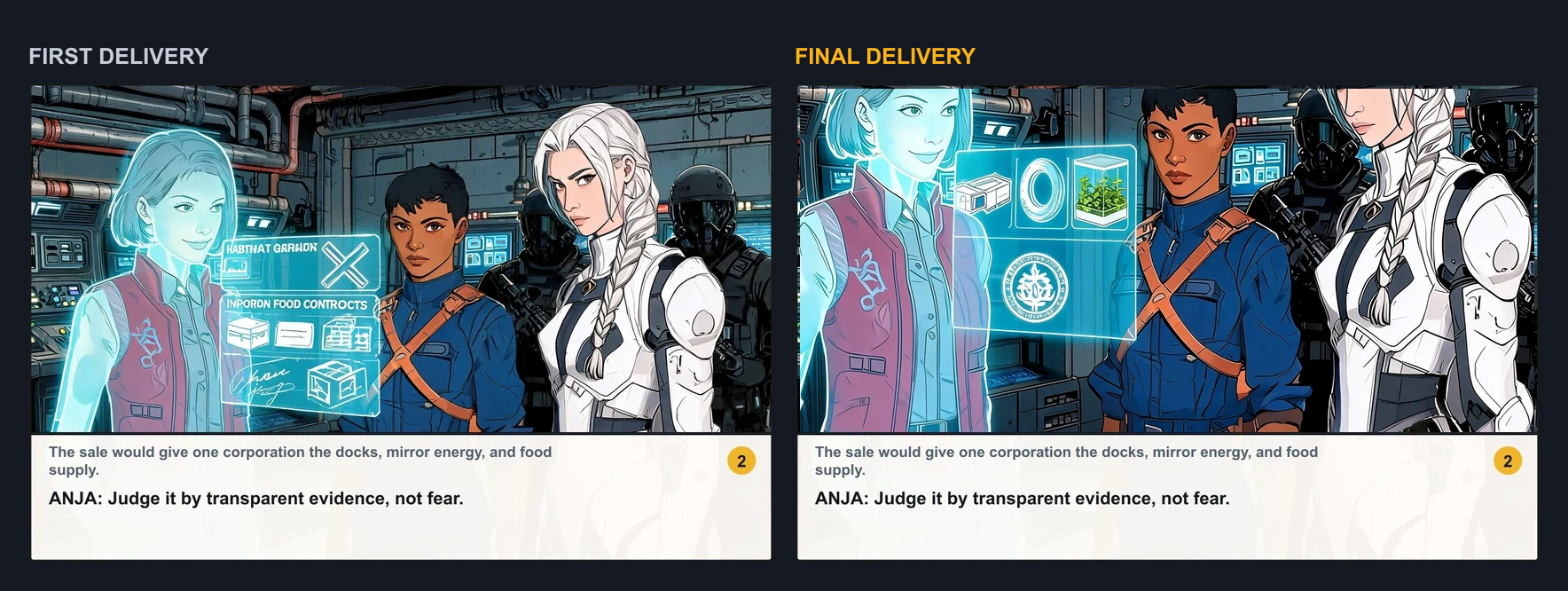
First delivery → targeted revision
A controlled change request targeted page 7, panel 2. The workflow redrew that panel, preserved the authored dialogue band, and kept every other page unchanged.
97.9% delivered-version acceptance after one requested modification.
SHA-256 0ff2e3cef04a9239a476aa19e84371eda58ae6055eb84392628714235a6f09a7
View full evidence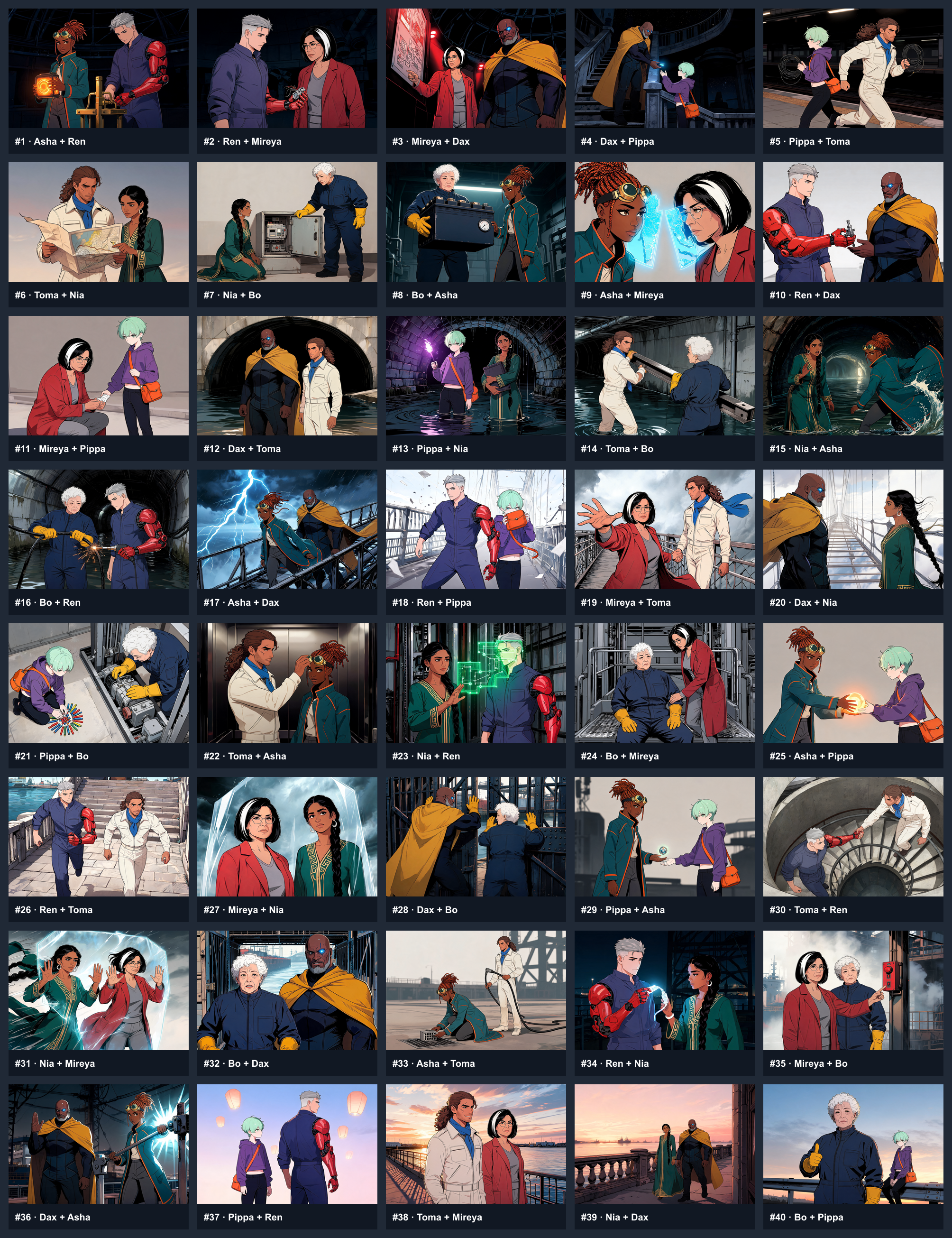
Multi-character continuity
8 registered characters made 80 appearances across 40 panels. Every appearance was reviewed against disclosed identity anchors.
3 targeted redraws; final 40/40 panels accepted.
SHA-256 98c7d95e7fe7663b99d3ae8f482ad6583c281c7a8a836d68d40e8c819ab1d636
View full evidenceThese are discoverable workflow recipes built on existing pages and MCP tools—not six new generation systems.
Understand a story, choose its strongest beats, and orchestrate panels through LlamaGen.
Read scripts or scene files, extract shots, and create a production-ready storyboard sequence.
Turn references and notes into reusable character rules for consistent pages and episodes.
Transform a lesson into a clear visual narrative with age, vocabulary, and learning goals intact.
Translate a product brief into a benefit-led comic for launches, onboarding, and social campaigns.
Plan translation, bubble replacement, reading order, and localized delivery while preserving the artwork.
We do not claim you will never switch applications. The conversation is the control surface; the LlamaGen editor is where visual precision lives.
The host model understands the brief, asks questions, plans the work, and decides which LlamaGen tool to call.
Comic generation, character references, panel assets, task status, and usage remain LlamaGen capabilities.
Creators move into LlamaGen for layout, bubbles, panel-level edits, visual polish, and final delivery.
Files, batches, and automation
Claude Code turns local production inputs into structured requests. LlamaGen remains the generation and visual editing layer.
Host model usage and LlamaGen credits stay separate
Host model usage covers conversation and reasoning. LlamaGen credits cover comic generation and related media operations.
Use the hosted endpoint and a LlamaGen API token. No new generation backend is required.
The host model understands the task, applies a workflow recipe, and calls the existing tools.
Review the generated work in the visual product and make panel-level production edits.
Claude Code can connect to the existing Streamable HTTP MCP today with a LlamaGen API token. Packaged plugin and OAuth distribution remain future work.
Yes. Claude Code can connect to the existing remote Comic MCP with a LlamaGen API token.
No. These pages document the MCP and agent workflows available now. They do not claim a public one-click plugin already shipped.
Use the LlamaGen editor for layout, speech bubbles, panel replacements, local polish, and final delivery.
Copy the setup prompt, connect the capability available today, and keep every comic project editable in LlamaGen.
Read https://llamagen.ai/claude. Connect LlamaGen's existing Comic MCP using my LLAMAGEN_API_TOKEN environment variable, verify the available tools, and help me build an editable comic project. Use Claude Code for files and automation, and LlamaGen for visual refinement.