1. Establishing shot
Introduce the scene.
Wide · 3s


Visual storytelling
Map an idea into ordered panels. Make every frame explain one action, camera choice or learning step before sharing the plan.
Enter your story idea after opening the project wizard.
Try a story idea
Draft and edit in your browser. AI generation follows your LlamaGen plan and available credits.
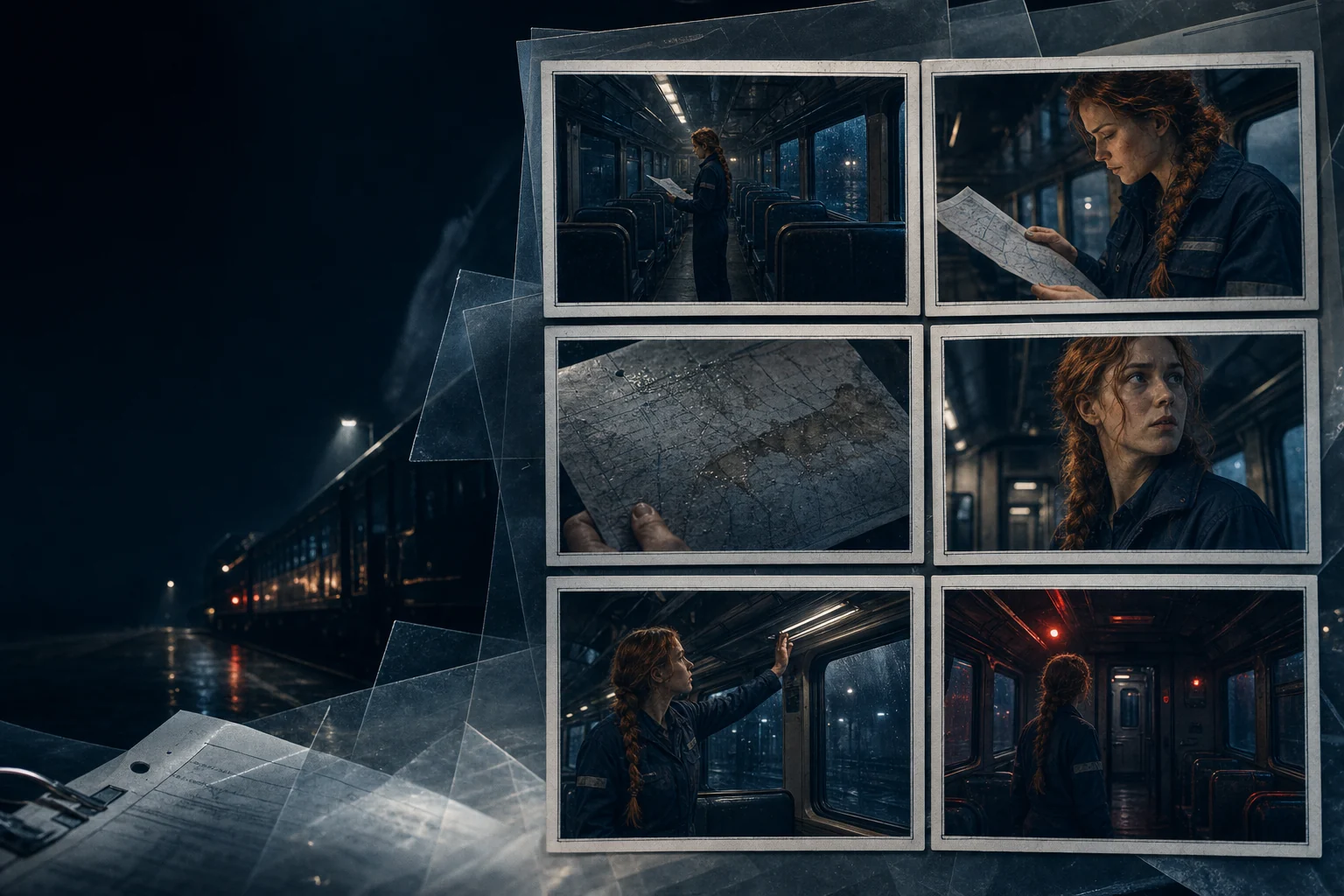
Shot-by-shot planning
Start with a real story, then edit every step
01 Describe your idea
02 Arrange and edit the draft
03 Continue in LlamaGen Studio
Hands-on studio
Edit pages, add illustrations, reorder scenes and save your story as a PDF.
This draft stays in your browser. Uploaded photos are not automatically sent to an AI model.
Introduce the scene.
Wide · 3s
Review pages and dialogue before sharing.
Introduce the scene.
Wide · 3s
Show the central action.
Medium · 3s
Show the character's reaction.
Close-up · 3s
Move into the next scene.
Over the shoulder · 3s
What makes it useful
Go beyond an attractive picture. Build a project you can actually review, revise and continue.
Explain a process or historical event in a few visual steps.
Add camera details, action and timing beneath each panel.
Move scenes, review transitions and export a printable draft.
A real, editable workflow
Keep control of the sequence instead of starting over when one detail needs work.
Choose the story, lesson or video objective.
Give each panel one visible action or key idea.
Review readability, pacing and handoff to your full project.
Questions before starting
Students can outline stories, explain scientific processes or plan short educational videos.
A storyboard plans shots and production choices; a comic is usually designed as the final reading experience.
Yes. Prepare three- or six-panel drafts and use the browser's print-to-PDF option.
Yes. Note motion, scene changes and timing in each storyboard panel.
Your next story starts here
Write a first idea, refine the pages in the browser, or continue with AI creation in LlamaGen Studio.
Start creating →AI generation uses credits. View current plans.