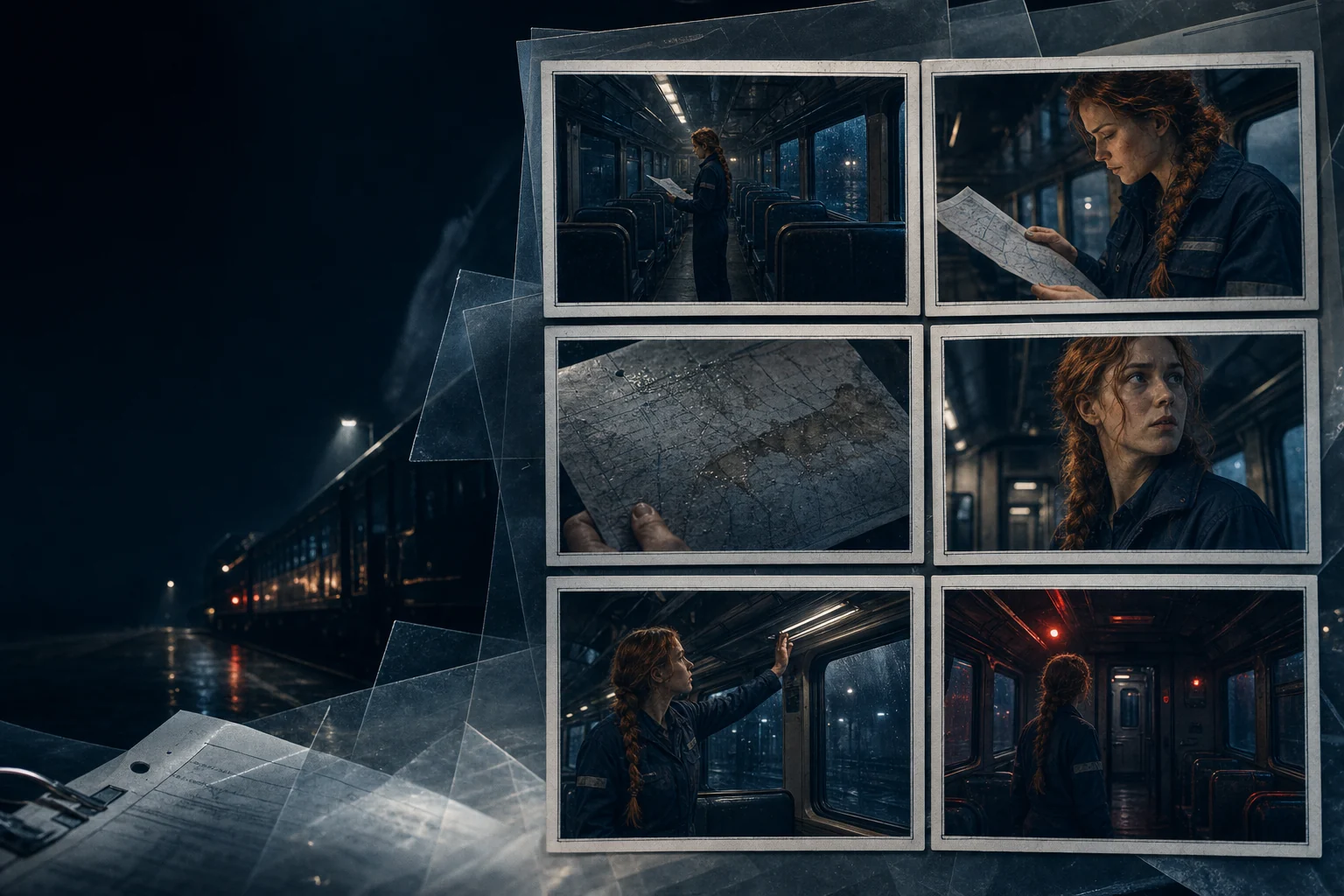

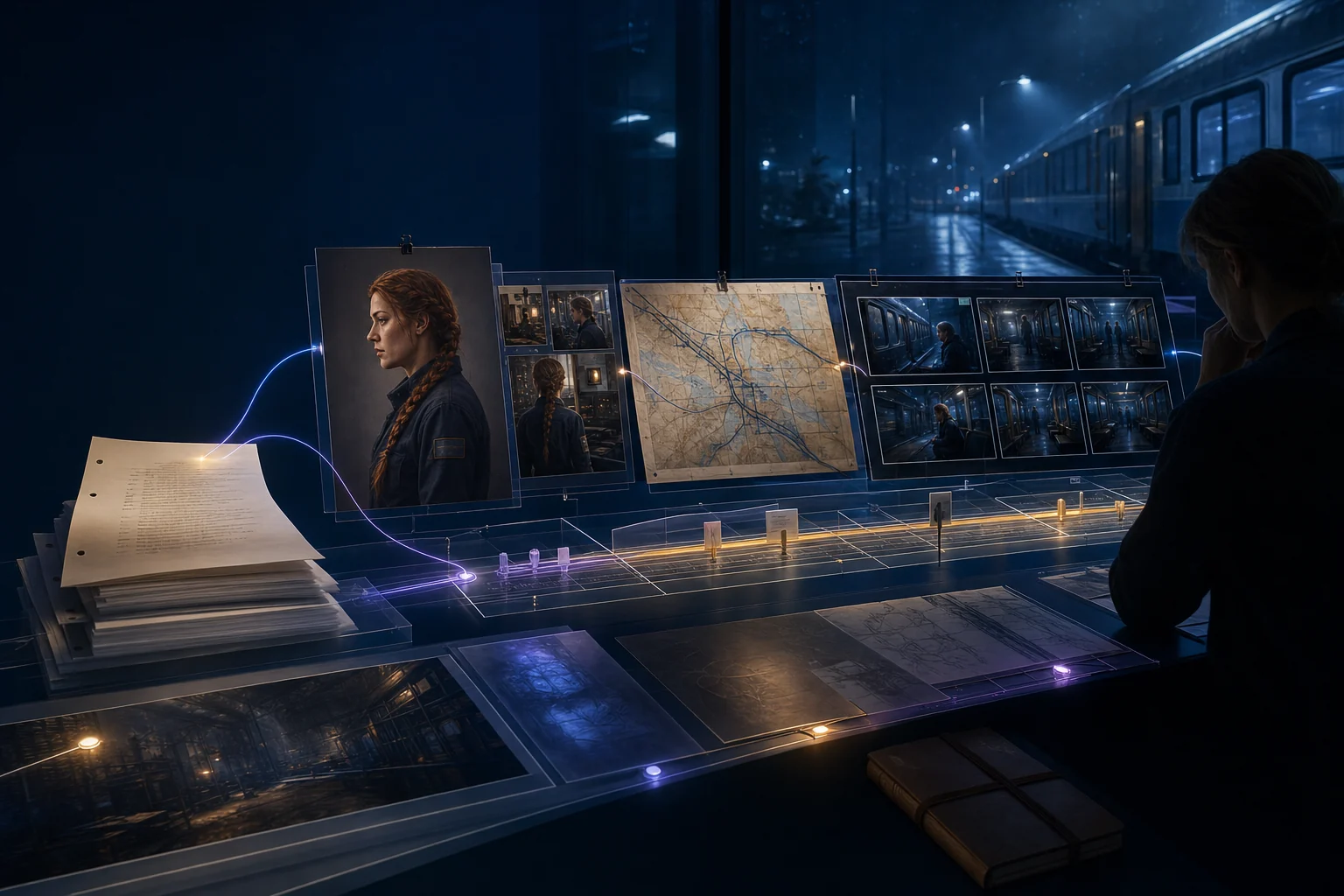
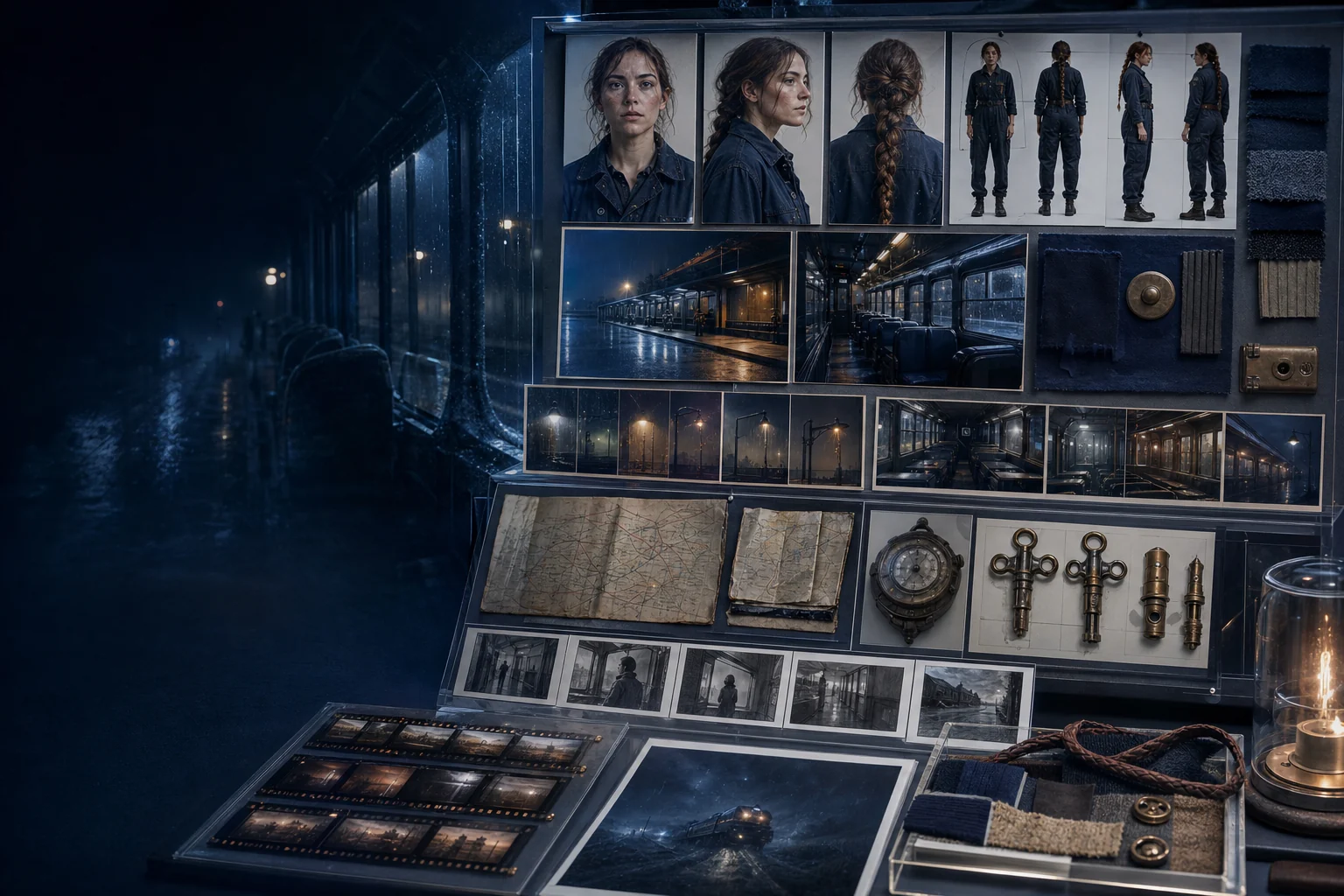
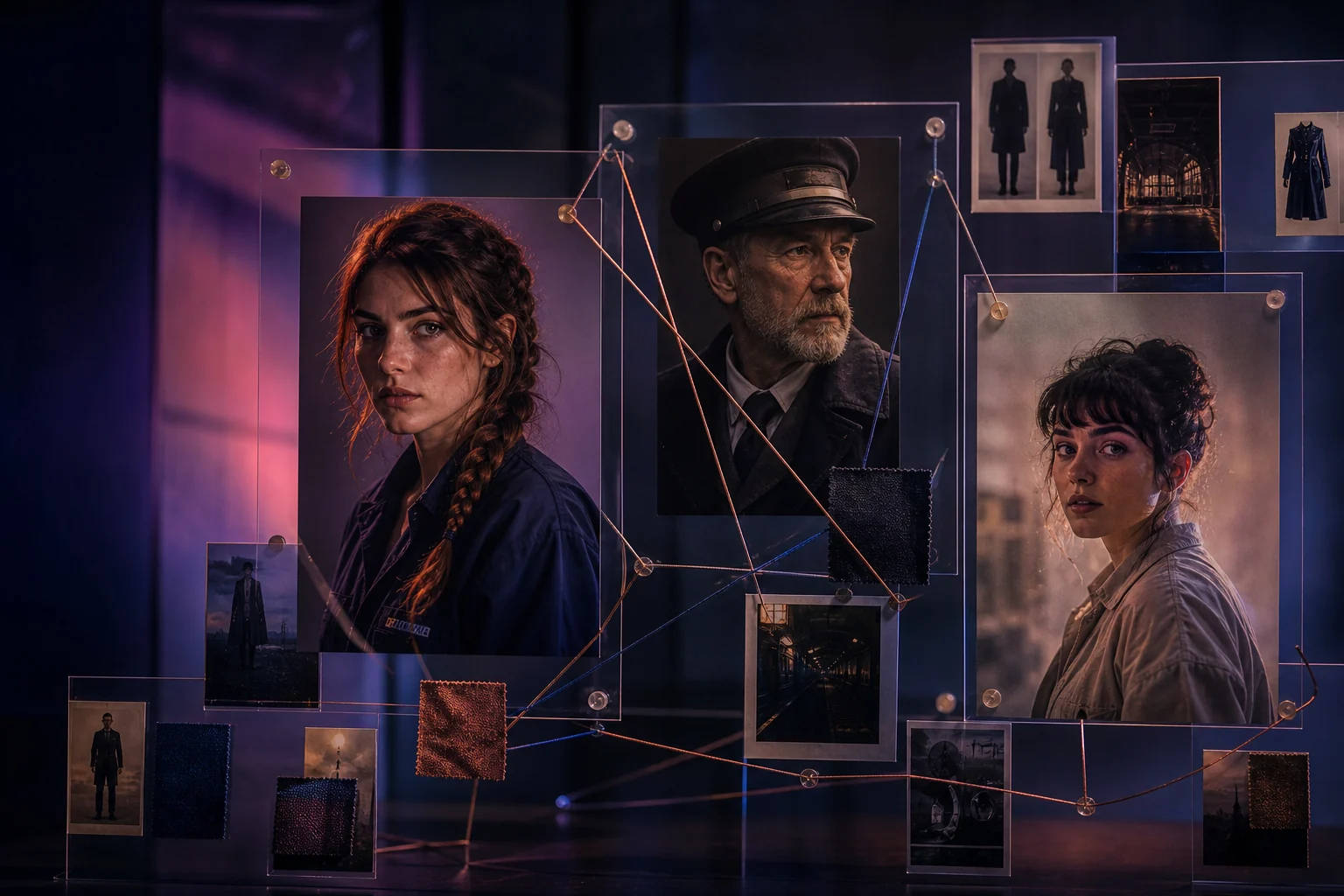


Bring the idea
Start with a script, scene outline, campaign concept, or a simple description of what happens.


Transform a script or rough concept into a visual sequence. Shape shots, pacing, character blocking, and continuity before expensive production begins.
Keep scripts, shots, characters, and visual continuity together from first beat to final frame
Safety & originality
All generated storyboard frames are original artwork. No copyrighted content is reproduced. Users are responsible for ensuring reference materials and final outputs respect intellectual property rights.
Made to inspire
Keep story context close while you explore framing and visual direction across an entire scene.
Simple workflow
Start with a script, scene outline, campaign concept, or a simple description of what happens.
Define framing, action, location, characters, and the purpose of each beat.
Scan the sequence for continuity, coverage, pacing, and missing moments before production.
Who this is for
Plan shots, sequences, and visual continuity before production begins.
Visualize ad concepts, product demos, and campaign videos before shooting.
Teach visual storytelling, sequence planning, and narrative structure.
Designed for visual thinkers
Keep shots connected to the scene and story instead of generating isolated frames.
Try alternate compositions and directions before committing production time.
Give writers, directors, artists, and collaborators one clear view of the sequence.
Features
Turn a script or outline into ordered visual frames.
Control framing, angle, camera movement, and composition.
Keep characters recognizable across every frame.
Choose aspect ratios for film, social, ads, or animation.
Add dialogue, camera notes, and timing to each frame.
Set the art direction, mood, and rendering approach.
Track locations, props, and character positions across shots.
Download boards ready for production meetings.
Share storyboards with teams for review and feedback.
Generate multiple variations of a scene quickly.
Create and review storyboards on any device.
New templates and formats added regularly.
FAQ
A storyboard creator turns a story or script into ordered visual frames that communicate shots, action, and transitions before production.
Filmmakers, animators, comic creators, marketers, teachers, product teams, and anyone planning a visual sequence can use them.
No. A scene outline or rough idea is enough to begin. You can add detail as the visual sequence takes shape.
There is no fixed limit. Short sequences may need 6–12 frames; films and series often use many more. Match the frame count to the scene length and coverage you need.
Yes. Include camera angles, movement notes, dialogue, timing, and action descriptions with each frame to make the board production-ready.
Yes. Share storyboard sequences with writers, directors, and team members for review and feedback before production begins.
Start with a direction. Make every frame your own.