1. Establishing shot
Introduce the scene.
Wide · 3s


Film and video planning
Visualize the action before you shoot. Work through the opening shot, key action, reactions and scene transitions with an editable storyboard.
Enter your story idea after opening the project wizard.
Try a story idea
Draft and edit in your browser. AI generation follows your LlamaGen plan and available credits.
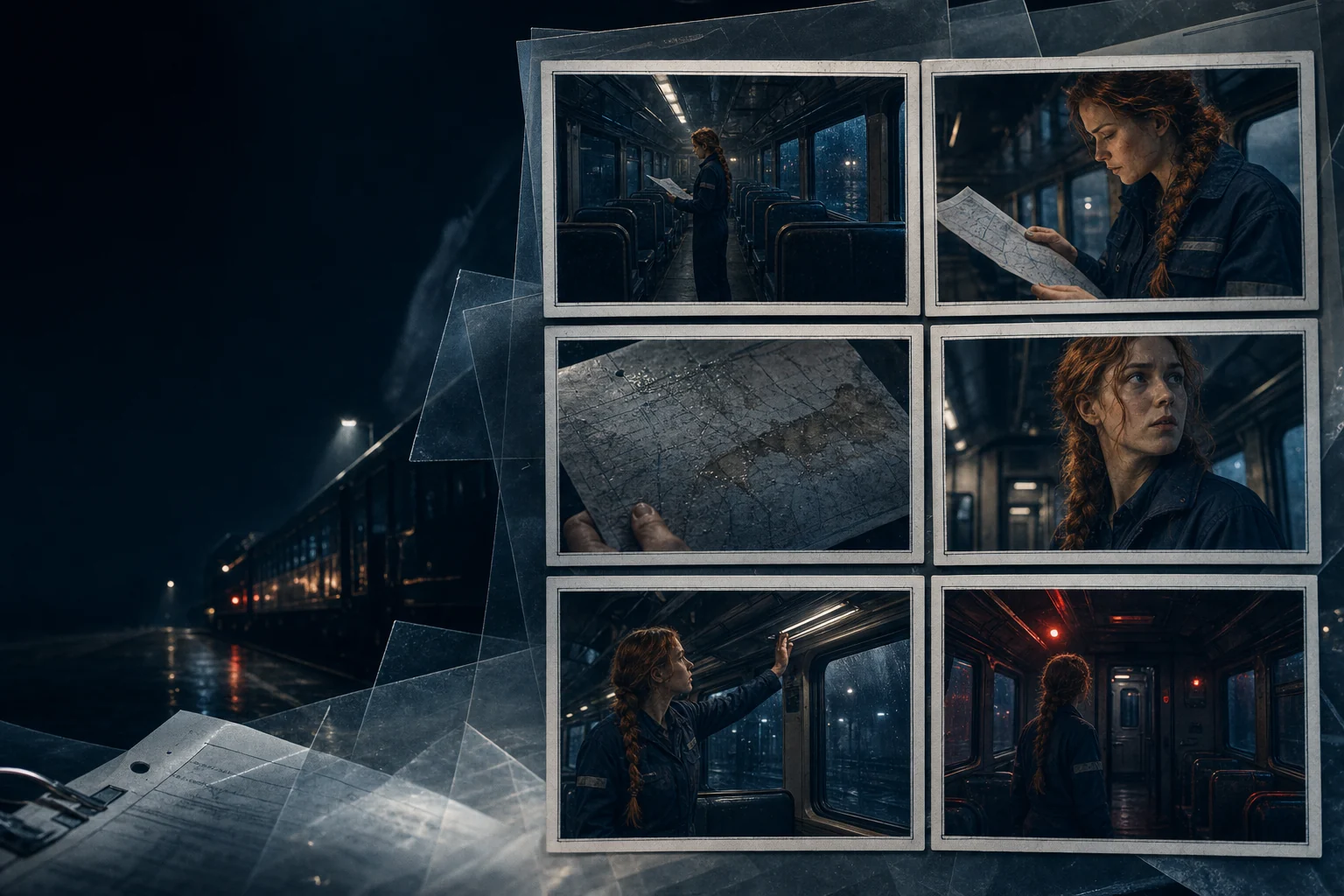
Shot-by-shot planning
Start with a real story, then edit every step
01 Describe your idea
02 Arrange and edit the draft
03 Continue in LlamaGen Studio
Hands-on studio
Edit pages, add illustrations, reorder scenes and save your story as a PDF.
This draft stays in your browser. Uploaded photos are not automatically sent to an AI model.
Introduce the scene.
Wide · 3s
Review pages and dialogue before sharing.
Introduce the scene.
Wide · 3s
Show the central action.
Medium · 3s
Show the character's reaction.
Close-up · 3s
Move into the next scene.
Over the shoulder · 3s
What makes it useful
Go beyond an attractive picture. Build a project you can actually review, revise and continue.
Plan wide shots, close-ups and the action that belongs in each frame.
Note shot duration, camera framing and important transitions.
Use an ordered storyboard to spot missing scenes early.
A real, editable workflow
Keep control of the sequence instead of starting over when one detail needs work.
Summarize the objective, audience and action.
Create panels with camera angles, durations and story beats.
Review the printable storyboard or continue in the LlamaGen project wizard.
Questions before starting
A storyboard is a sequence of visual panels used to plan how a scene unfolds.
Three or six panels work for a short scene; longer videos need as many shots as the story requires.
Yes. It can help plan hooks, transitions, camera angles and the final call to action.
The browser draft includes printing and PDF output; check the full project workflow for additional formats.
Your next story starts here
Write a first idea, refine the pages in the browser, or continue with AI creation in LlamaGen Studio.
Start creating →AI generation uses credits. View current plans.