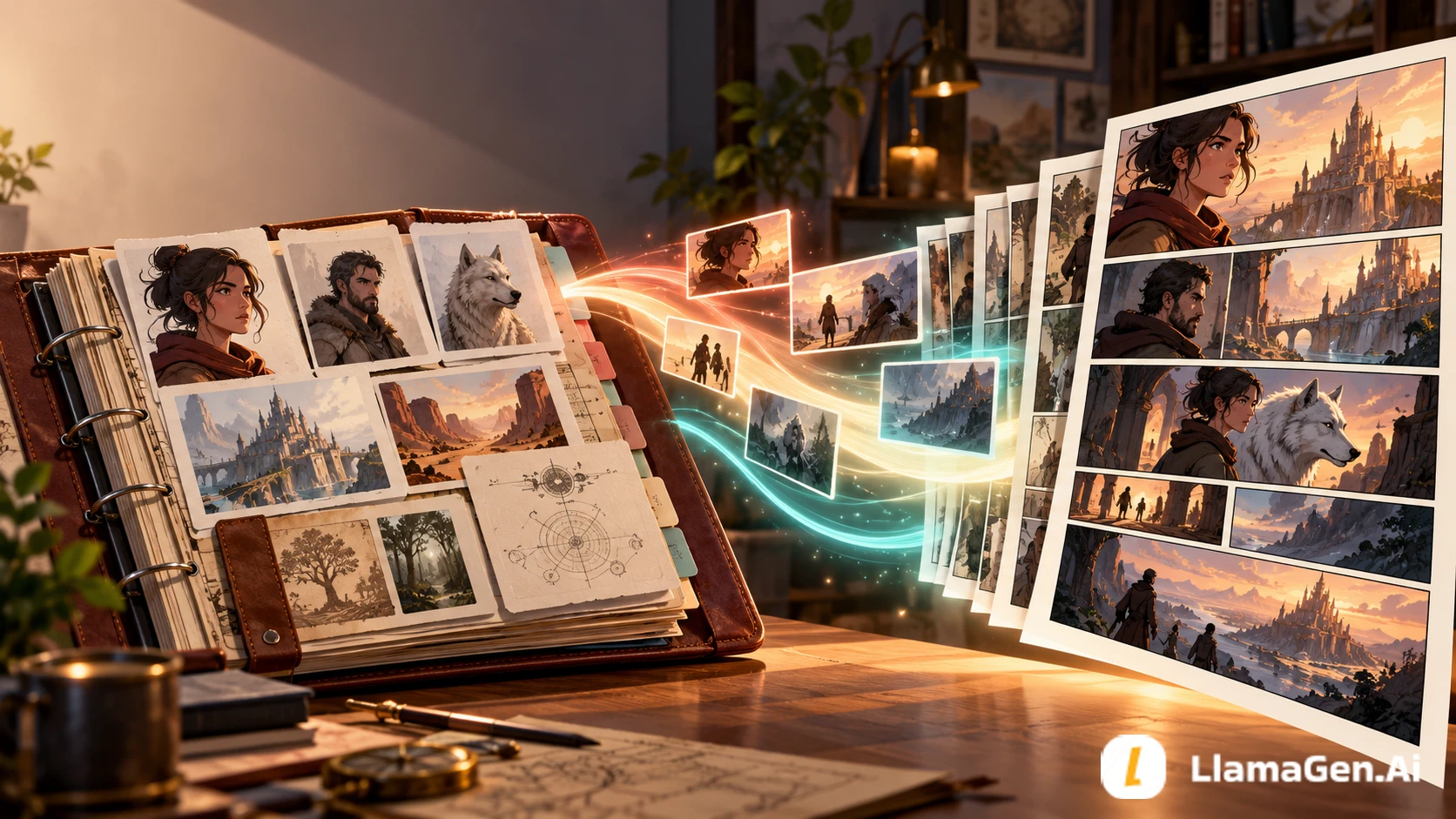
Claude is most useful before image generation: give it the source material, ask it to separate canon from invention, and make it produce an auditable panel contract. LlamaGen.AI then turns that approved contract into visual pages you can edit.
manuscript + story bible
-> canon extraction
-> scene selection
-> page beats
-> panel contract
-> human approval
-> LlamaGen.AI pages
-> continuity review and targeted repair
For a document-first route, upload the approved source to LlamaGen.AI Comic Copilot. For a conversation-first route, see the current Claude and LlamaGen.AI workflow. Do not ask either tool to silently decide which parts of your novel are expendable.
What This Workflow Is For
This is not another generic article about character consistency. The existing Comic Character Consistency Checklist covers visual drift. This guide solves the earlier problem: turning a large body of prose into a production script without losing causality, motivation, or canon.
Use it when you have:
a novel chapter, screenplay, lesson, or long story draft;
a story bible with characters, places, rules, and timeline facts;
more source material than fits comfortably in one prompt;
a need to approve story changes before artwork is generated;
several pages that must feel like one sequence rather than unrelated illustrations.
Encendé sueños para los más chicos Donde millones de historias cobran vida
Un resumen de los últimos lanzamientos de funciones de LlamaGen, mejoras del producto, actualizaciones de diseño y correcciones importantes de errores.
✦
✧
✦
✧
Un nuevo medio para contar historias
Creá sin límites historias, cómics, animaciones, juegos y más, en segundos, que conectan con audiencias modernas
Claude Comic Script Workflow: Story Bible to Panel-by-Panel Pages - LlamaGen.AI Blog
Claude features, context limits, and project availability vary by plan and product surface. The workflow below does not depend on a specific Claude model name. Verify the live interface before committing a production schedule.
Worked Example: Glass Harbor
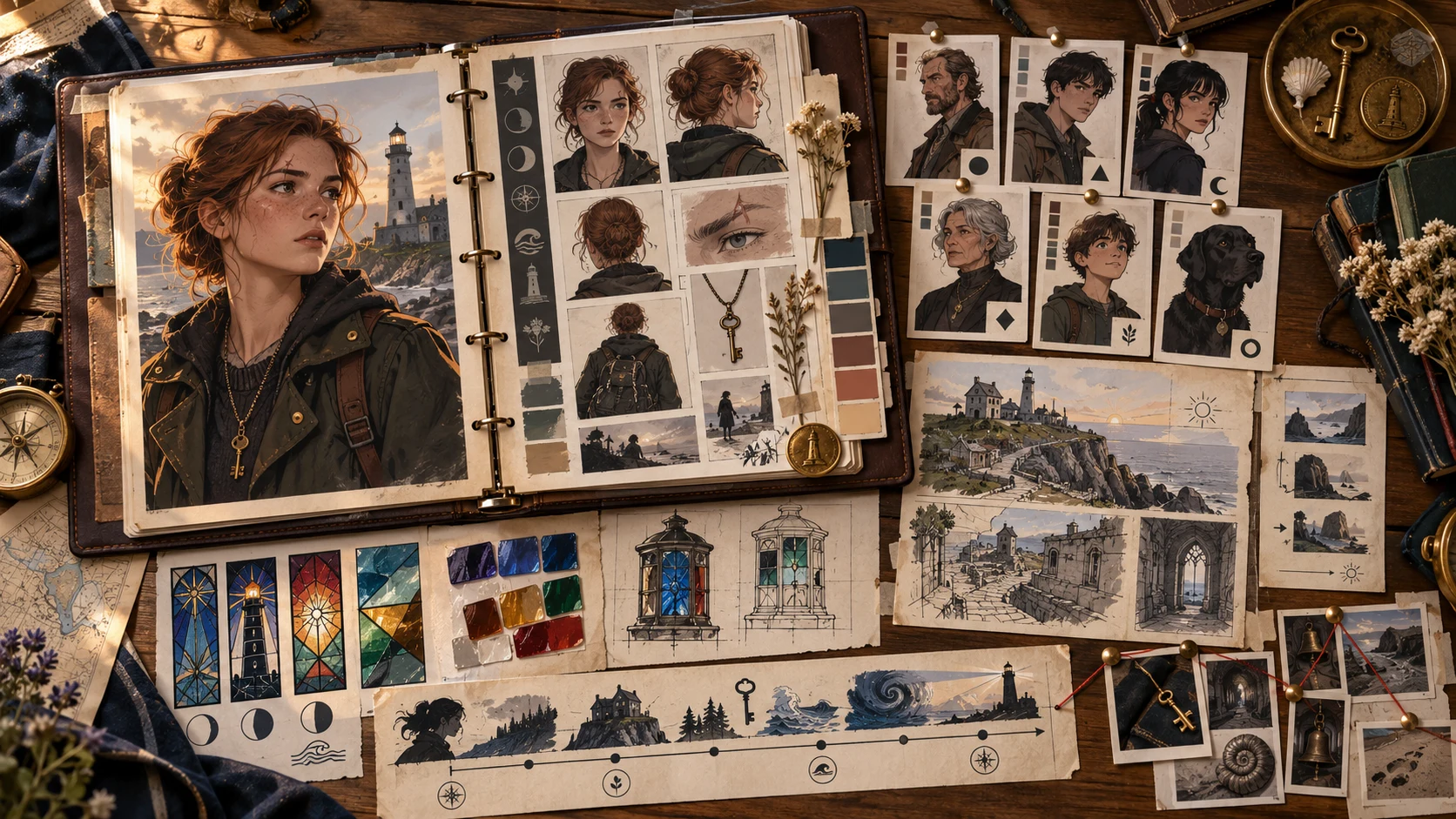
The test source is an original fictional chapter about Mara Vale, an apprentice lighthouse keeper in a city where memories are stored in colored glass.
The source pack contains:
File
What it establishes
What must not drift
story-bible.md
world rules, cast, timeline
memories glow only after sunset
mara-character.md
appearance, fear, goal
scar over right eyebrow; brass key necklace
chapter-04.md
theft at the lighthouse archive
Mara does not yet know the thief's identity
locations.md
archive, sea wall, lamp room
archive windows face east; lamp room is above it
style-notes.md
audience and visual tone
YA mystery, restrained violence, no comedy inserts
The adaptation target is eight panels across two pages. The chapter itself is much longer, so the first task is not “write the comic.” It is deciding what the comic must preserve.
Step 1: Put the Source Before the Request
Anthropic's long-context guidance recommends placing long documents before the query and clearly separating parts of the prompt. XML-style labels make the boundaries explicit.
<story_bible>
[paste the canonical world and character facts]
</story_bible>

<chapter>
[paste the chapter to adapt]
</chapter>

<production_constraints>
- 2 pages
- 4 panels per page
- left-to-right reading
- YA audience
- preserve the reveal at the end of the chapter
</production_constraints>

<task>
First extract the facts that the adaptation depends on.
Quote or point to the source for each fact.
List ambiguities separately. Do not write panels yet.
</task>
This order reduces the chance that a confident panel plan is built on an invented fact.
Step 2: Build a Canon Ledger
Ask Claude for a compact ledger before any scene writing.
ID
Canon fact
Source
Visual consequence
Status
C01
Mara wears a brass key necklace
character file
necklace visible in close and medium shots
locked
C02
stored memories glow after sunset
story bible
glass is inert in the opening daylight panel
locked
C03
Mara has not identified the thief
chapter 4
no clear villain portrait or name
locked
C04
archive windows face east
locations file
morning light enters from frame right
locked
A01
exact color of stolen memory
not stated
choose only after author approval
open
The “open” row matters. It keeps a missing detail from becoming accidental canon.
Step 3: Choose the Dramatic Spine
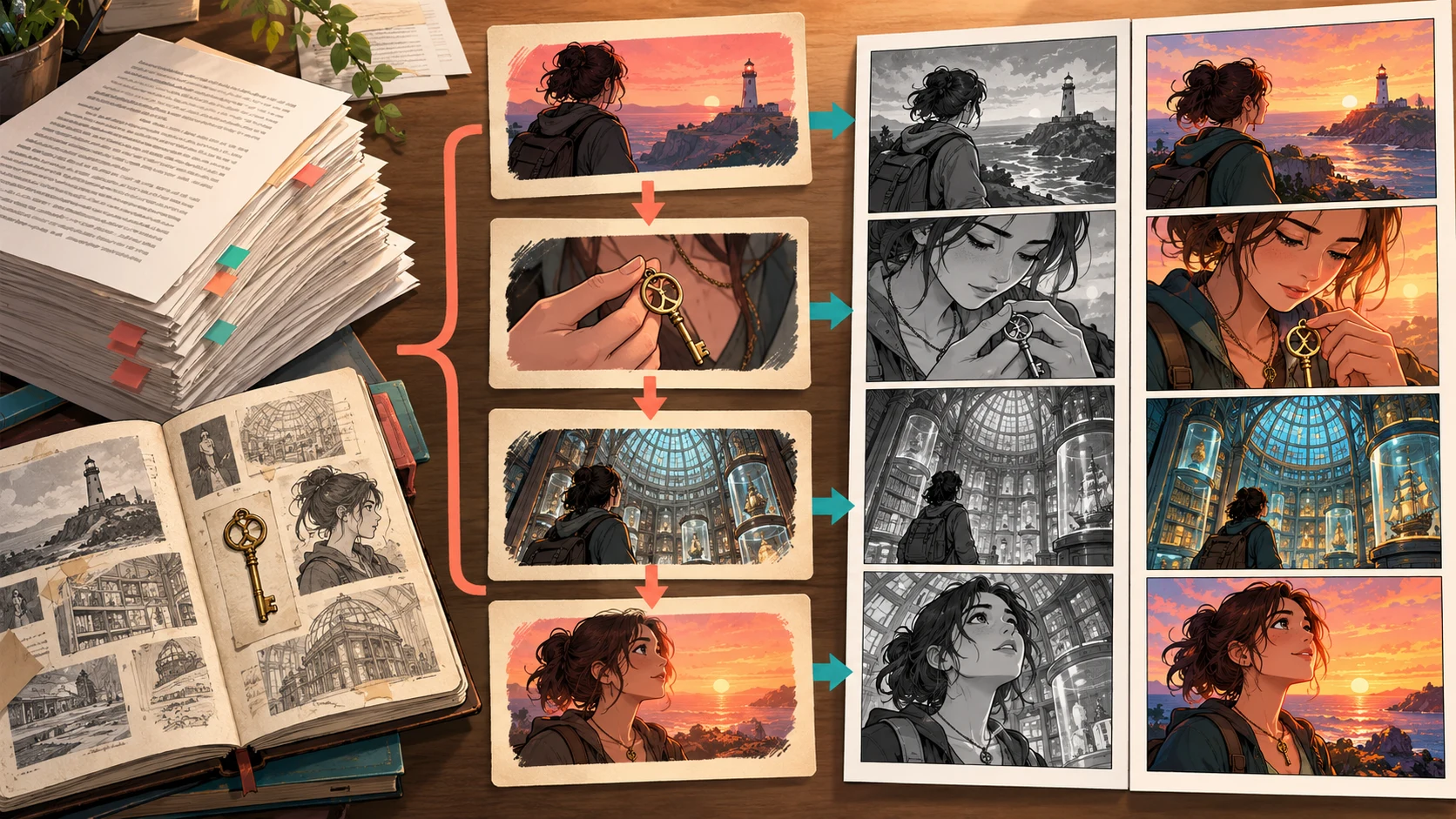
For an eight-panel limit, the chapter becomes four beats:
Normal: Mara catalogs unlit memory glass before sunset.
Disruption: One labeled slot is empty and the security thread has been cut.
Choice: She hears footsteps above but sends the guard toward the sea wall.
Payoff: At sunset, a hidden shard in her own key begins to glow.
Everything that does not support those four beats is either cut, moved to another page, or converted into a visual background clue. Claude can propose the compression, but the author approves it.
Step 4: Turn Beats into a Panel Contract
A panel contract is stricter than prose. Each row describes one visible moment that can be reviewed before it becomes an image.
Panel
Visible action
Shot
Canon anchors
Text budget
Purpose
1
Mara labels dark glass vials
wide
east windows, key necklace
caption, 11 words
establish work and daylight rule
2
her finger stops at an empty slot
insert
torn red security thread
none
reveal absence
3
she checks the archive ledger
medium
right eyebrow scar, same coat
one short line
confirm theft
4
shadow crosses the ceiling grille
low angle
lamp room above
sound effect only
redirect attention upward
5
guard asks where the thief went
two-shot
guard uniform, Mara's key
two bubbles
force a choice
6
Mara points toward the sea wall
medium close
guilty eye line
one line
show deliberate lie
7
sunset enters the archive
wide
east windows now warm
caption, 7 words
activate world rule
8
shard inside Mara's key glows
extreme close-up
brass key, blue light
no dialogue
chapter payoff
Step 5: Run Three Checks Before Artwork
Causality check
Can a reader explain why panel 6 happens? If not, the lie looks arbitrary. The missing slot, footsteps, and guard question must all remain.
Knowledge check
What does each character know at each panel? Mara knows she is hiding something. The guard does not. The reader sees the glowing key only at the end. A script that names the thief early breaks the chapter.
Visual check
Can the action be drawn? “Mara realizes betrayal is inevitable” is not a panel. “Mara closes her hand around the key while looking away from the guard” is.
Step 6: Hand the Approved Contract to LlamaGen.AI
There are two practical routes:
Upload route
Use Comic Copilot when the chapter and supporting files are the source of truth. Upload the approved material, confirm the extracted characters and beats, and generate from the reviewed plan.
Conversation route
Use the Claude workflow page when you are already planning in Claude and your workspace supports the documented integration path. Keep the approved panel contract in the handoff so the visual system does not have to infer the story again.
In either route, create the character reference before the full sequence. Approve Mara's face, scar position, coat, and key necklace once, then reuse that reference.
Step 7: Review by Contract, Not by Vibe
Mark each generated panel against the same fields used to plan it:
Review field
Pass condition
Targeted response when it fails
Action
one planned action is immediately legible
rewrite only that panel's visible action
Canon
no contradiction with the ledger
restore the exact anchor from the source
Continuity
face, coat, scar, and key match
repair the panel with the canonical reference
Camera
sequence has useful shot variation
regenerate the selected panel with a new shot
Text space
bubbles do not cover the focal action
revise composition before lettering
Reveal
glowing key appears only in panel 8
remove the premature clue from earlier panels
Use the existing single-panel repair guide for a visual defect. Do not regenerate both pages because one hand or prop is wrong.
Failure Case: Asking for the Whole Comic at Once
This prompt is too loose:
Read my story bible and make a dramatic two-page comic from chapter four.
It leaves the model to choose the canon, compression, pacing, shot list, dialogue, and reveal simultaneously. Common results include:
an attractive scene that omits the chapter's causal turn;
invented villain details becoming visual “facts”;
the key necklace moving or disappearing;
dialogue explaining information the picture already shows;
an ending that resolves the mystery too early.
The solution is not a longer decorative prompt. It is a staged approval process.
Reusable Claude Prompt
<role>
You are a comic adaptation editor. Preserve source truth before optimizing drama.
</role>

<source_material>
[story bible, chapter, character notes, and location notes]
</source_material>

<constraints>
[audience, page count, panels, reading direction, visual tone]
</constraints>

<workflow>
1. Produce a canon ledger with source references and unresolved facts.
2. Stop for approval.
3. Propose the minimum dramatic spine that fits the panel budget.
4. Stop for approval.
5. Produce a panel contract: action, shot, anchors, text, and purpose.
6. End with continuity and causality checks for LlamaGen.AI.
</workflow>

<rules>
Do not silently invent missing canon.
Use one visible action per panel.
Keep dialogue short enough to letter clearly.
</rules>
FAQ
Is this the same as using Claude Code with Comic MCP?
No. This article is for story development in Claude and a human-approved handoff. The Claude Code plugin guide covers an agent and developer-oriented setup.
Should the entire novel go into one request?
Keep the global story bible available, but adapt one chapter or scene at a time. This makes omissions and inventions easier to detect.
Can Claude guarantee scriptural, historical, or legal accuracy?
No. It can organize source-grounded evidence, but a qualified human must approve sensitive or factual material before publication.
Where should visual character consistency be checked?
The useful handoff from Claude is not “a more creative prompt.” It is an approved chain from source fact to scene beat to drawable panel.
Start with one chapter, produce the canon ledger, approve the eight-panel contract, and then upload the source to LlamaGen.AI to build the visual sequence.