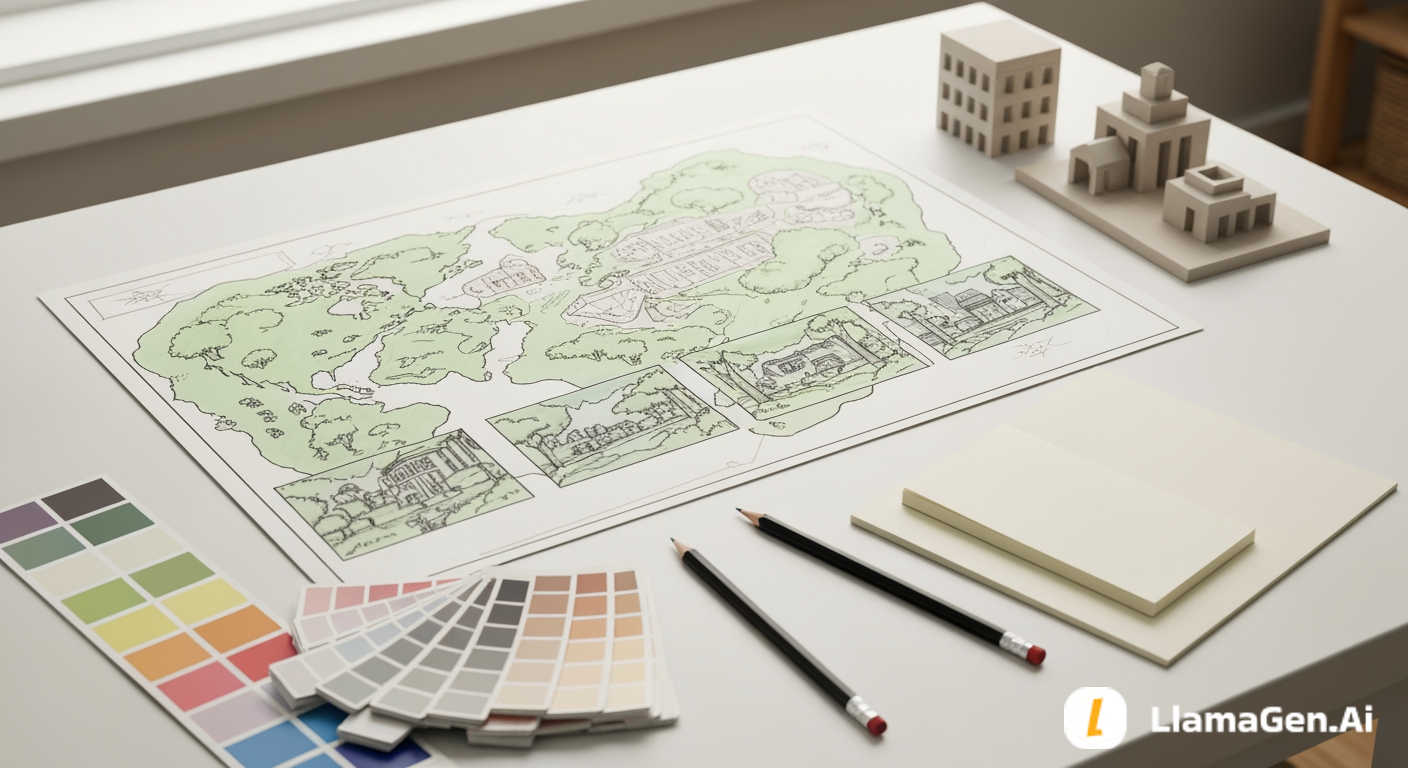
A comic world does not need a giant encyclopedia before page one.
It needs a few places that readers can recognize, revisit, and understand at a glance. If the setting changes every panel, the comic feels unstable. If the background stays generic, the story loses atmosphere. Good world building gives your panels a place to stand.
Today, you will turn the story seed and character sheet into one practical output:
Three reusable locations and one visual style definition.
Those assets become the foundation for scripts, panel prompts, camera choices, and final comic pages.
What You Will Create
For a first comic page or short manga scene, do not build a whole planet. Build three locations:
1. Home base
2. Pressure location
3. Mystery or destination location
Each location should include:
Story function
Visual identity
Recurring objects
Lighting
Color palette
Background rules
Mood
Panel use
Do-not-change details
Here is the template:
Location name:
Story function:
What happens here:
Shape language:
Key objects:
Palette:
Lighting:
Texture:
Crowd or emptiness:
Camera feel:
Never change:
Can change:
Panel use:
Example:
Location name: Floating Junk Market
Story function: home base and pressure source
What happens here: Leo works, hides mistakes, and meets people who know too much
Shape language: stacked platforms, hanging cables, patched metal, narrow bridges
Key objects: repair stalls, pulley crates, warning flags, old fans
Palette: dusty gray, faded yellow, rust orange, sky blue
Lighting: bright high-altitude daylight with hard shadows
Texture: scratched metal, canvas awnings, oil stains, chipped paint
Crowd or emptiness: crowded foreground, open sky behind
Camera feel: wide establishing shots and low angles along bridges
Never change: floating platforms, hanging cables, warning flags, open sky
Can change: stall signs, crowd density, weather, loose props
Panel use: opening shot, chase path, argument scene, visual reminder of pressure
Registro de cambios
Enciende sueños para los jóvenes Donde millones de historias cobran vida
Un resumen de los últimos lanzamientos de funciones de LlamaGen, mejoras del producto, actualizaciones de diseño y correcciones importantes de errores.
✦
✧
✦
✧
Un nuevo medio para contar historias
Crea historias, cómics, animaciones, juegos y más sin límite, en segundos y con un estilo que conecta con las audiencias modernas
Comic World Building: Design 3 Locations Before You Generate Panels - LlamaGen.AI Blog
That is world building at a useful comic scale.
Why World Building Comes Before Panel Scripts
If you write a panel script before the world is defined, every panel has to invent a new background.
That creates three problems:
The same place looks different every time.
The character feels disconnected from the environment.
The AI receives vague prompts like "city" or "room" instead of specific visual direction.
Better world building gives you reusable environment anchors.
For the Leo story, the story seed already gives us the world:
In a floating junk market above the city, Leo, a nervous apprentice repair kid, wants to prove he can fix something valuable, but every machine he touches breaks in a new way. When he opens a dented delivery crate and finds a tiny robot repeating his missing sister's voice, he must decide whether to hide it from the market guards or follow the robot's map, which points to a place that officially does not exist.
The world is already inside the story. Your job is to make it visible.
Step 1: Define the Story Function of Each Place
Do not start with scenery. Start with function.
Ask:
Where does the character feel safe?
Where does the story pressure increase?
Where does the mystery pull the reader forward?
For a short comic, three locations are enough:
Location type
Purpose
Example for Leo
Home base
Shows normal life and rules
Floating Junk Market
Pressure location
Forces action or danger
Guard Checkpoint Bridge
Mystery location
Opens the next story question
The Unlisted Platform
Each location should do a job. If a location does not create story movement, combine it with another.
Step 2: Give Each Location a Visual Anchor
A visual anchor is the background version of a character anchor. It helps readers know where they are.
Good location anchors include:
A repeated skyline shape
A color accent
A signature object
A lighting pattern
A texture
A doorway, bridge, tower, machine, tree, sign, or window shape
A crowd pattern
A weather condition
For Leo:
Floating Junk Market: hanging cables and warning flags
Guard Checkpoint Bridge: red signal lights and steel gate ribs
Unlisted Platform: impossible white stone arches under the market
Now the comic can cut between places without confusing the reader.
Step 3: Build a Small Location Set
Here is a usable three-location set for the Leo story.
Location 1: Floating Junk Market
Story function: home base and pressure source
Visual identity: stacked salvage platforms above open sky
Palette: dusty gray, faded yellow, rust orange, sky blue
Lighting: hard daylight, wind, sharp shadows
Key objects: repair stalls, pulley crates, hanging wires, warning flags
Mood: busy, unstable, noisy
Never change: floating platforms, sky gaps, hanging cables, warning flags
Can change: crowd density, weather, loose parts, stall arrangement
Use it for:
Opening establishing shot
Leo at work
Market pressure
Chases
Public embarrassment
Location 2: Guard Checkpoint Bridge
Story function: danger and rule enforcement
Visual identity: narrow bridge between platforms with a heavy steel gate
Palette: dark blue-gray, red lights, worn black rubber, cold metal
Lighting: alternating warning lights and deep shadows
Key objects: scanner arch, patrol booth, chain barrier, guard silhouettes
Mood: tense, exposed, watched
Never change: red signal lights, bridge gate ribs, narrow walkway
Can change: number of guards, crate positions, fog, crowd flow
Use it for:
Leo hiding the robot
A near-capture moment
A choice between safety and curiosity
A strong page-turn hook
Location 3: The Unlisted Platform
Story function: mystery and destination
Visual identity: an impossible quiet platform beneath the market that official maps ignore
Palette: pale stone, muted green, silver light, deep shadow
Lighting: soft reflected light from below, no visible sun
Key objects: sealed door, old transit map, broken clock, sister's symbol
Mood: quiet, forbidden, strangely clean
Never change: white arches, sealed door, silver light, sister's symbol
Can change: dust, mist, small debris, robot glow
Use it for:
End-of-page reveal
First discovery of the larger mystery
Emotional scenes connected to the missing sister
Contrast against the noisy market
Step 4: Define the Visual Style Rules
Locations need a shared visual language. Otherwise the comic feels like unrelated images.
Use this style definition:
Overall style:
Line quality:
Color strategy:
Lighting strategy:
Background detail:
Texture:
Camera language:
Mood range:
Do not use:
Example:
Overall style: cinematic clean manga with grounded props and readable panel backgrounds
Line quality: clean outlines, light hatching on metal and fabric
Color strategy: muted industrial palette with small warm accents
Lighting strategy: natural daylight for the market, red warning lights for danger, silver light for mystery
Background detail: medium detail, enough to recognize the location but not overwhelm the character
Texture: scratched metal, canvas, chipped paint, worn rubber, pale stone
Camera language: wide establishing shots before close emotional panels
Mood range: adventurous, tense, curious, slightly melancholic
Do not use: random neon cyberpunk, unreadable signs, crowded details behind every face
These rules can carry into every panel prompt.
Step 5: Use LlamaGen.AI to Turn Locations Into Reusable Visual Assets
This is where LlamaGen.AI fits naturally into the workflow. World building is not just one background image. It becomes a production system for comic pages, scenes, storyboards, and panel-level revisions.
Use LlamaGen.AI to create:
Establishing shots
Background references
Storyboard beats
Environment variations
Character-in-location tests
Camera-angle references
Reusable comic panel prompts
Start with one location at a time. Do not ask for every location, every character, and the full plot in one generation.
Use this structure:
Create a reusable comic environment reference for:
[paste location sheet]

Include:
- wide establishing shot
- one medium shot with space for a character
- one detail shot of a key object

Style rules:
[paste visual style definition]

Important:
- no readable text
- preserve the location anchors
- make the background useful for future comic panels
After generation, compare the result against the location sheet. If the visual anchor disappears, tighten the prompt before moving on.
A simple review loop helps:
Check whether the anchor is still obvious at a glance.
Check whether the palette and lighting match your style rules.
Check whether the image leaves room for characters and speech balloons.
Save the best result as a reference, not just a one-off image.
Prompt Examples You Can Copy
Use these prompts to turn a story seed into a practical world-building asset.
Prompt 1: Extract world clues from a story seed
Extract world-building clues from this comic story seed:
[paste story seed]

Return:
- visible setting clues
- social rules
- technology or magic rules
- possible locations
- recurring objects
- mood and lighting cues
- details that should become visual anchors
Keep the output practical for comic panels.
Prompt 2: Create three reusable locations
Create three reusable comic locations from this story seed and character sheet:
[paste story seed]
[paste character sheet]

Use this structure for each location:
- location name
- story function
- visual identity
- key objects
- palette
- lighting
- mood
- never-change rules
- flexible details
- panel uses
Do not create more than three locations.
Prompt 3: Build a visual style definition
Create a visual style definition for this comic world:
[paste location sheets]

Output:
- overall style
- line quality
- color strategy
- lighting strategy
- background detail level
- texture rules
- camera language
- mood range
- do-not-use list
Make it usable inside AI comic generation prompts.
Prompt 4: Generate a location reference prompt
Turn this location sheet into a LlamaGen-ready prompt:
[paste location sheet]

Create a reusable comic environment reference.
Include a wide establishing view, a medium panel background, and a key object detail.
Preserve the visual anchors.
Avoid readable text, logos, random signs, or unrelated characters.
Prompt 5: Check setting consistency risks
Review these comic location sheets for consistency risks:
[paste location sheets]

Find:
- locations that look too similar
- missing visual anchors
- vague palettes
- background details that are too complex
- rules that should be fixed before panel generation
Return a revised version.
A Complete World-Building Example
Here is the compact world bible for Leo's first comic page:
World premise:
A floating salvage market hangs above a city. Repairs, trade, and illegal transport routes keep the market alive, but guards control access to old platforms that official maps no longer show.

Core locations:
1. Floating Junk Market
2. Guard Checkpoint Bridge
3. The Unlisted Platform

Shared visual style:
Cinematic clean manga, muted industrial palette, readable backgrounds, strong silhouettes, sky gaps, patched metal, limited warm accents, and clear lighting contrast between public market, danger zone, and mystery space.

World rule:
Official maps are incomplete. Hidden platforms can exist below, above, or between registered market layers.

Recurring visual symbols:
Warning flags, old transit marks, pulley crates, sister's symbol, dented repair tools.

Do not change:
The market floats above open sky. The checkpoint uses red warning lights. The Unlisted Platform has pale arches and silver light.
That is enough to write the next article: a panel-by-panel comic script.
World-Building Checklist
Before moving to panel scripting, check your world-building sheet:
The story has three usable locations.
Each location has a story function.
Each location has a clear visual anchor.
The locations look different from each other.
The palette and lighting are specific.
The background detail level is defined.
Fixed details and flexible details are separated.
The character can naturally act inside each location.
The setting supports the story seed from Day 1.
The world supports the character sheet from Day 2.
The location sheets can be pasted into LlamaGen prompts.
The visual style definition can be reused across panels.
Common Mistakes to Avoid
A few issues can weaken this process:
Designing too many locations before the first page is drafted
Making every place equally detailed instead of prioritizing story function
Using anchors that are too generic, such as a plain alley or a random room
Changing palette or lighting so much that locations stop feeling related
Generating polished images before the location rules are clear
If you avoid those mistakes, your later scripting and panel generation become much easier.
Next Step: Comic Script and Panels
The next article in this series is Comic Script and Panel Planning. That guide turns your story, character sheet, and world-building notes into a 4-6 panel script.