Problème
Les recherches de « meilleur générateur » sont souvent des listes génériques. Pour les créateurs, la vraie question est : quel workflow garantit la cohérence des personnages et crée des visuels réutilisables.


Comparez l’essentiel pour choisir le meilleur générateur d’images IA afin d’obtenir des personnages cohérents, des modifications sur référence, des comics, des couvertures et des visuels réutilisables.

Alignez votre point de départ avec un résultat, un workflow et un niveau de qualité clairs avant d’ouvrir le générateur.
Les recherches de « meilleur générateur » sont souvent des listes génériques. Pour les créateurs, la vraie question est : quel workflow garantit la cohérence des personnages et crée des visuels réutilisables.
Un prompt texte, une image de référence ou un asset existant nécessitant une décision de workflow générateur.
Créateurs de BD, marketeurs, artistes, enseignants et équipes qui privilégient la réutilisation des personnages, le contrôle des prompts et la qualité des assets plutôt que la seule nouveauté.
Utilisateurs qui n’ont besoin que d’un éditeur photo manuel, d’une appli de dessin vectoriel ou d’un outil de mise en page papier sans génération IA.
Un guide pratique pour choisir un workflow de générateur d’images IA en fonction de la cohérence, du contrôle des références, des besoins d’édition et du format de sortie.
Aucun générateur d’images IA ne doit être jugé sur un seul exemple : testez la cohérence d’identité, le contrôle d’édition, la gestion des artefacts et les droits avant la production.
Consultez les détails pratiques, le processus et les limites qui peuvent affecter le résultat avant de passer du temps à affiner votre prompt.
Le meilleur générateur d’images IA dépend de la tâche : création à partir de texte, transformation sur référence, édition ou génération d’assets personnages répétables.
Pour workflows BD et personnages, la cohérence d’identité est plus importante qu’une seule image impressionnante.
Le support d’images de référence aide à préserver visages, tenues, produits, poses et mascottes sur de multiples sorties.
Un workflow d’image générée efficace inclut contrôle du prompt, revue, édition et composition exploitable dès la sortie.
Les générateurs d’images IA gratuits sont utiles pour tester, mais une vraie production demande plus d’itérations, de vérification des droits et de contrôle sur la sortie.
Comparez le workflow dont vous avez besoin, puis testez la cohérence, le contrôle des références, la qualité d’édition et la réutilisation pratique avant de choisir un outil.
Utilisez un prompt texte pour une idée nouvelle ou importez une image de référence si l’identité, la pose, la forme du produit ou la continuité sont essentielles.
Demandez la prise en charge d’images de référence, des détails cohérents sur les personnages, le contrôle des prompts, la boucle d’édition et une composition prête à l’export. Précisez ce qui doit rester inchangé et ce qui peut être repensé.
Créez l’image puis vérifiez la cohérence d’identité, la contrôlabilité du prompt, la boucle d’édition, la qualité de sortie et la facilité à réutiliser l’image avant de la télécharger ou de l’utiliser ailleurs.
Axes d’évaluation pour choisir un générateur d’images IA pour personnages, modifications, couvertures et assets créatifs réutilisables.
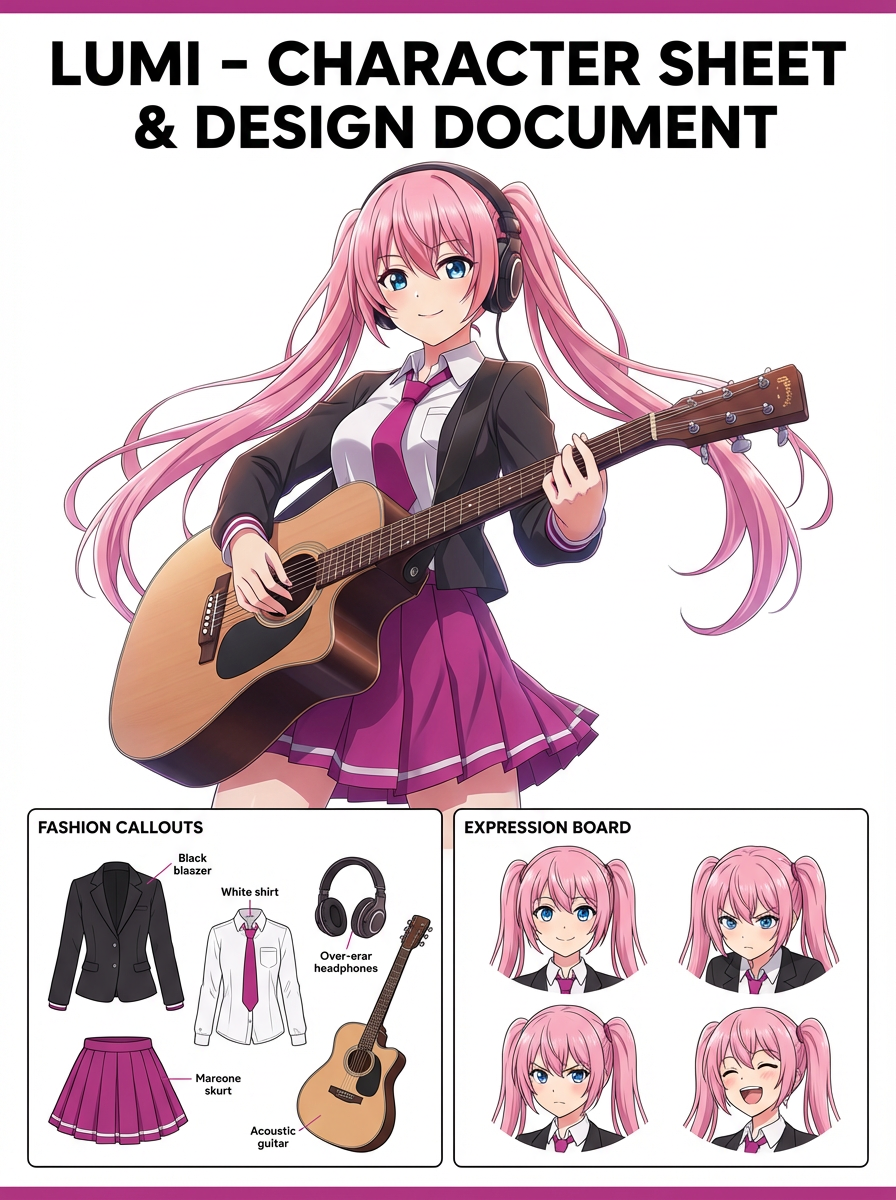
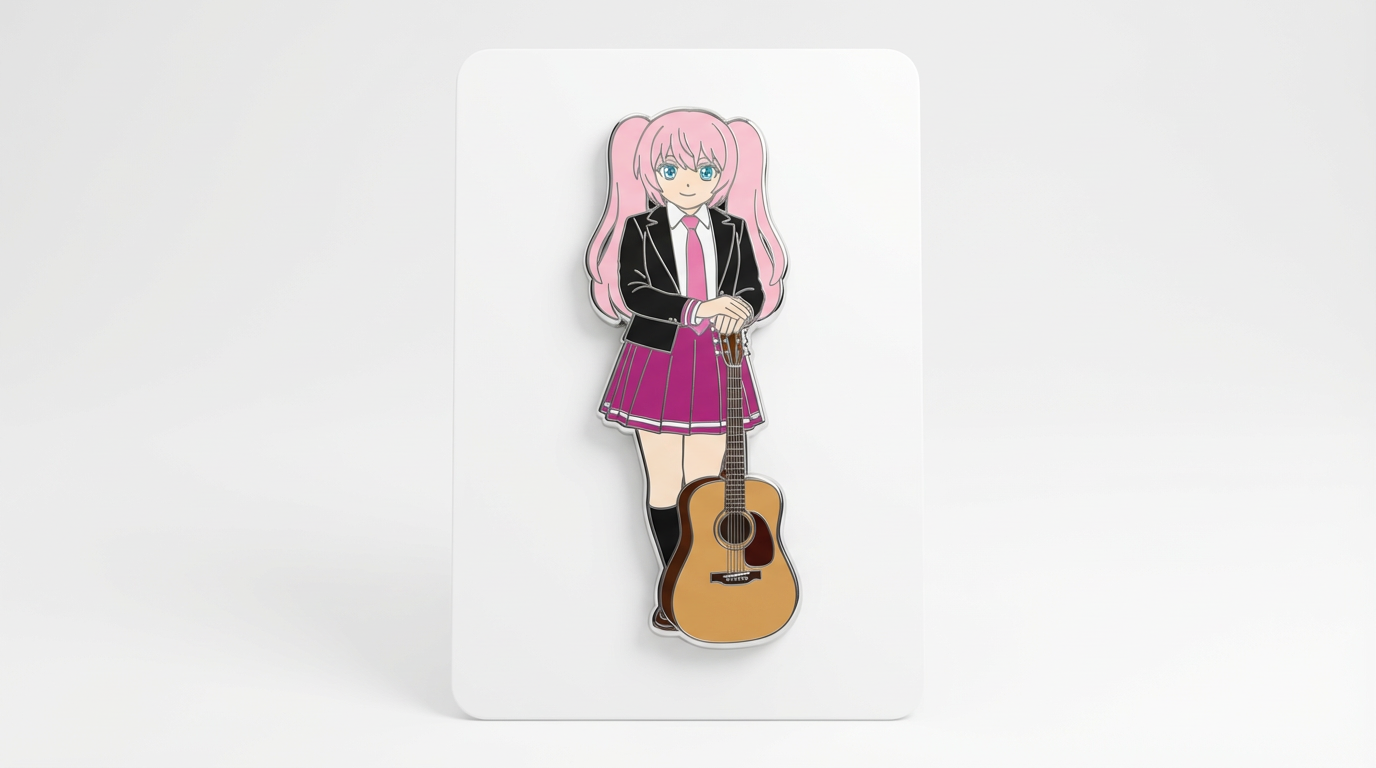
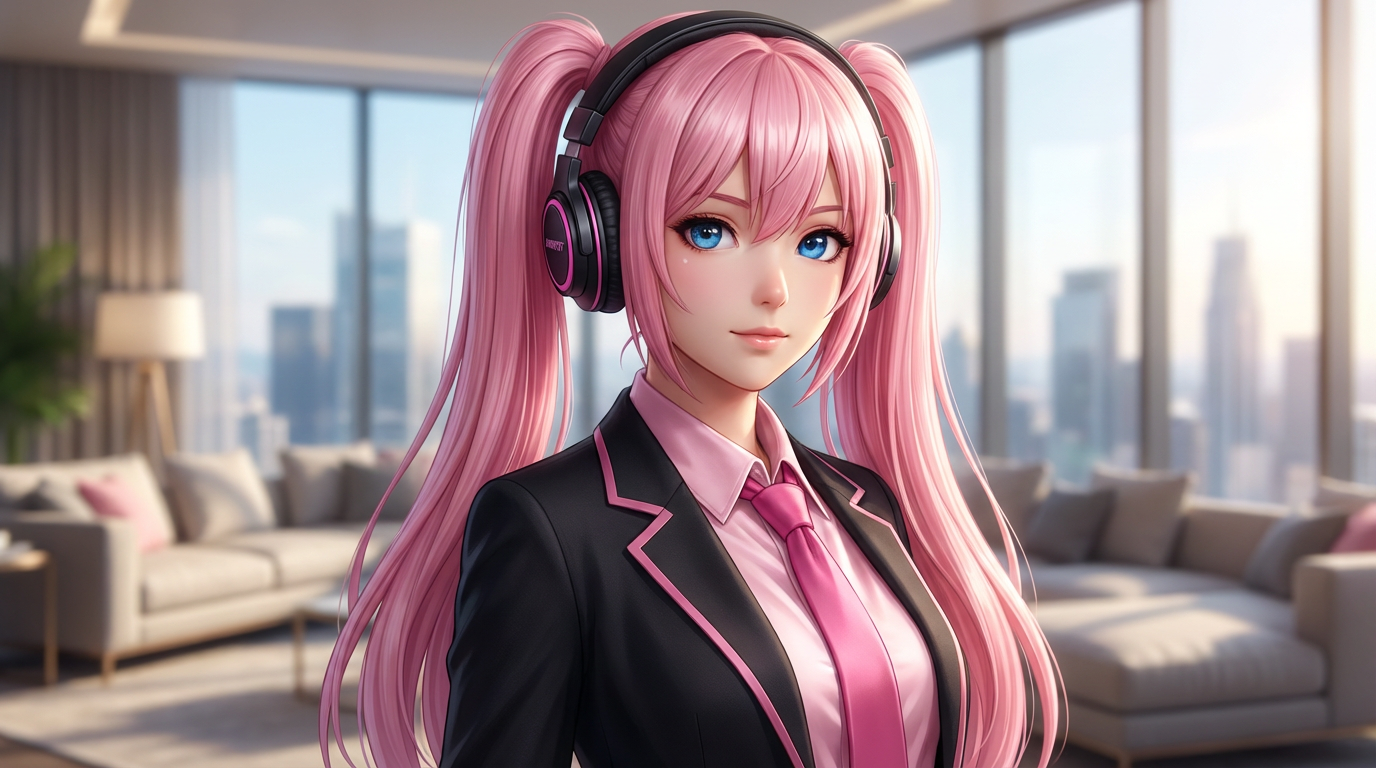
Cette page se concentre sur les choix rendant un générateur d’images IA utile en projet réel : cohérence, contrôle des références, boucle d’édition et réutilisation des sorties.
Le meilleur générateur pour un personnage de BD ne sera pas forcément le meilleur pour un mockup produit photoréaliste ou un meme rapide.
Pour les projets continus, conserver le visage, la tenue, la pose et le style à travers les éditions importe plus qu’une seule image marquante.
Cherchez génération par prompt, import de références, édition, modèles et une chaîne claire de l’idée à l’asset réutilisable.
Servez-vous de ces prompts pour tester si un générateur sait préserver les personnages, respecter les contraintes et produire des visuels adaptés à votre workflow.
Représentez le même personnage original dans trois poses tout en conservant la forme du visage, la coiffure, les couleurs de la tenue et le style général. Présentez le tout sous forme de sheet de personnage claire afin de rendre les différences facilement comparables.
Un bon générateur doit garantir une identité stable à travers toutes les variations, pas seulement produire une image unique impressionnante.
Utilisez mon image de personnage téléchargée comme référence. Transformez-la en une couverture de magazine, une carte à collectionner et une icône de profil en préservant la même identité et les détails clés de la tenue.
Il s’agit de vérifier si le workflow permet de décliner une référence en plusieurs formats concrets sans perdre le sujet.
Prenez le résultat généré et ne modifiez que le fond ainsi que l’éclairage. Préservez le personnage, le cadrage, la tenue et la pose afin que l’édition semble maîtrisée et non totalement régénérée.
Un bon workflow créatif doit proposer des itérations contrôlées, pas une remise à zéro de l’identité à chaque modification.
Avant de considérer un résultat IA comme finalisé, vérifiez qu’il répond au besoin créatif réel et reste exploitable.
Comparez le résultat avec la source ou le brief. Visage, silhouette, palette et détails signatures doivent rester intentionnels.
Le workflow doit correspondre clairement au besoin : texte-vers-image, image-vers-image, édition, cohérence personnage ou génération d’asset.
Vérifiez recadrage, espaces négatifs, échelle du sujet et si l’image fonctionnera comme couverture, icône, carte, mockup ou scène.
Passez en revue mains, contours, faux textes, accessoires, arrière-plans, motifs répétitifs avant publication.
Une image utile se recadre, s’édite, se référence ou se transmet facilement, sans devoir réexpliquer le contexte caché.
Le choix idéal dépend de votre usage. Pour les utilisateurs de LlamaGen, l’atout principal est la cohérence des personnages, la génération basée sur référence, les comics, les couvertures et les assets créatifs réutilisables.
Passez au workflow voisin selon que votre entrée change : texte, image de référence, édition ou vidéo.
Ces intentions proches aident à choisir le bon workflow au lieu de tomber sur une page partiellement adaptée.