Problème
Les prompts uniquement textuels font souvent perdre l’identité. Le workflow image à image aide à conserver le sujet tout en modifiant le format de sortie.


Utilisez une image existante comme référence, puis transformez-la en un nouveau style, asset, couverture, mockup, badge, carte ou visuel de personnage grâce à l’IA.
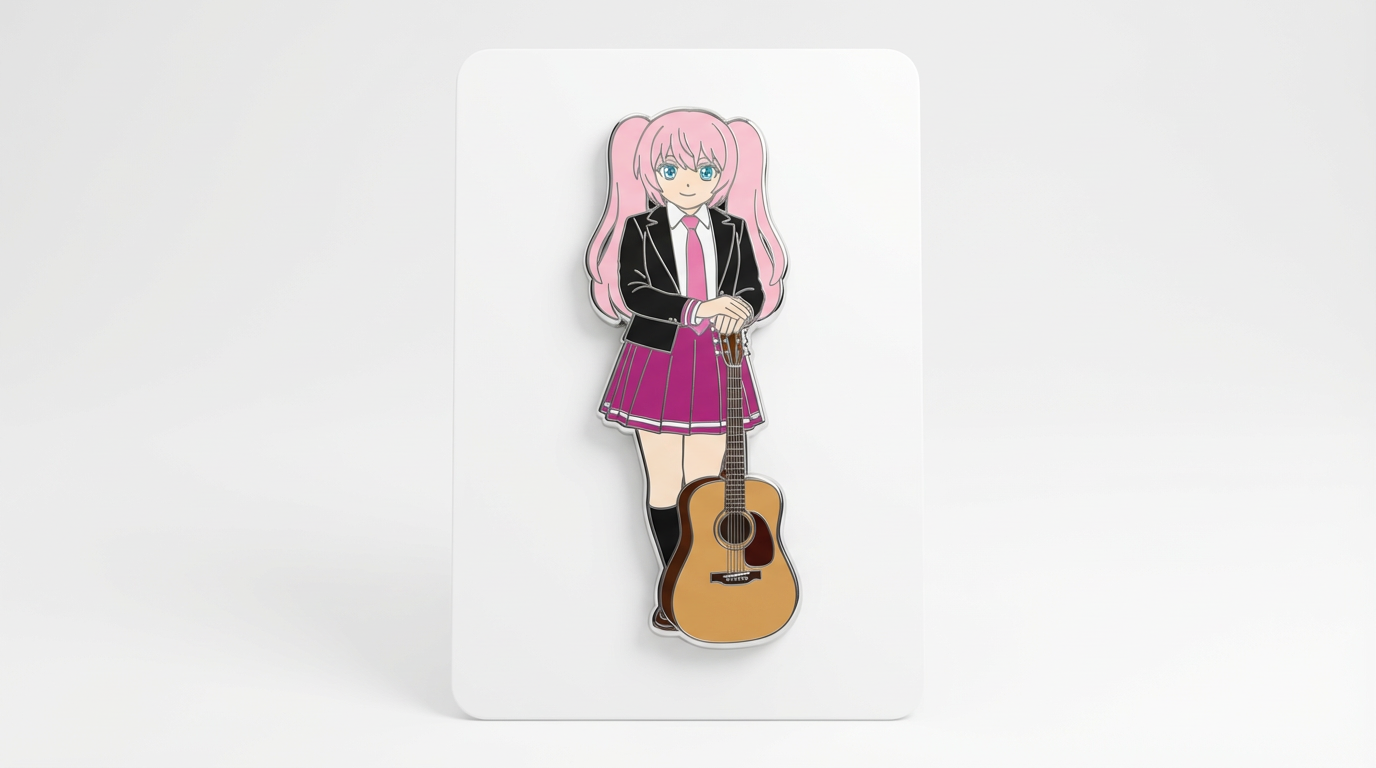
Adaptez votre point de départ à une sortie, un workflow et une qualité clairs avant d’ouvrir le générateur.
Les prompts uniquement textuels font souvent perdre l’identité. Le workflow image à image aide à conserver le sujet tout en modifiant le format de sortie.
Une image source accompagnée d’instructions précisant ce qui doit rester stable et ce qui peut changer.
Restyliser des portraits, préserver des OC, transformer des personnages en mockups de merchandising, créer des assets cohérents et générer des variantes visuelles à partir d’une image source.
Utilisateurs nécessitant une restauration exacte, une retouche médico-légale ou des détails garantis inchangés sans vérification manuelle.
Une image transformée qui conserve le sujet principal tout en modifiant le style, le format, la présentation produit ou la composition.
Les résultats image à image peuvent s’éloigner de la référence quand les prompts sont trop larges ; gardez vos contraintes précises et comparez le résultat à la source.
Consultez les détails pratiques, le processus et les limites qui peuvent affecter le résultat avant de passer du temps à affiner votre prompt.
L’IA image à image part d’un visuel existant, puis utilise des prompts pour transformer le style, le décor, la pose, la lumière ou le format.
Les meilleurs prompts image à image précisent quels détails doivent rester intacts et lesquels peuvent être modifiés.
Les workflows image à image sont utiles pour variantes de personnage, scènes de produits, transferts de style et adaptation d’assets de campagne.
Le contrôle par la référence diffère d’une duplication exacte : les sorties générées peuvent quand même modifier visages, mains, logos ou petits objets.
Avant de publier un résultat image à image, comparez-le à la source pour l’identité, la composition, les artefacts et les droits d’utilisation.
Commencez avec la bonne entrée, définissez la transformation image à image souhaitée et vérifiez le résultat avant toute utilisation en projet réel.
Utilisez un prompt texte pour de nouvelles idées ou téléversez une image de référence quand l’identité, la pose, la forme du produit ou la continuité du personnage sont importantes.
Demandez la même identité du sujet, les mêmes couleurs principales, un nouveau support, une composition propre et un format d’asset spécifique. Précisez ce qui doit rester intact et ce qui peut être modifié.
Créez l’image, puis vérifiez identité, pose, éléments vestimentaires, évolution de l’arrière-plan et clarté du format avant de télécharger ou d’utiliser ailleurs.
Exemples d’instructions pour transformer des prompts ou des références en transformations image à image.
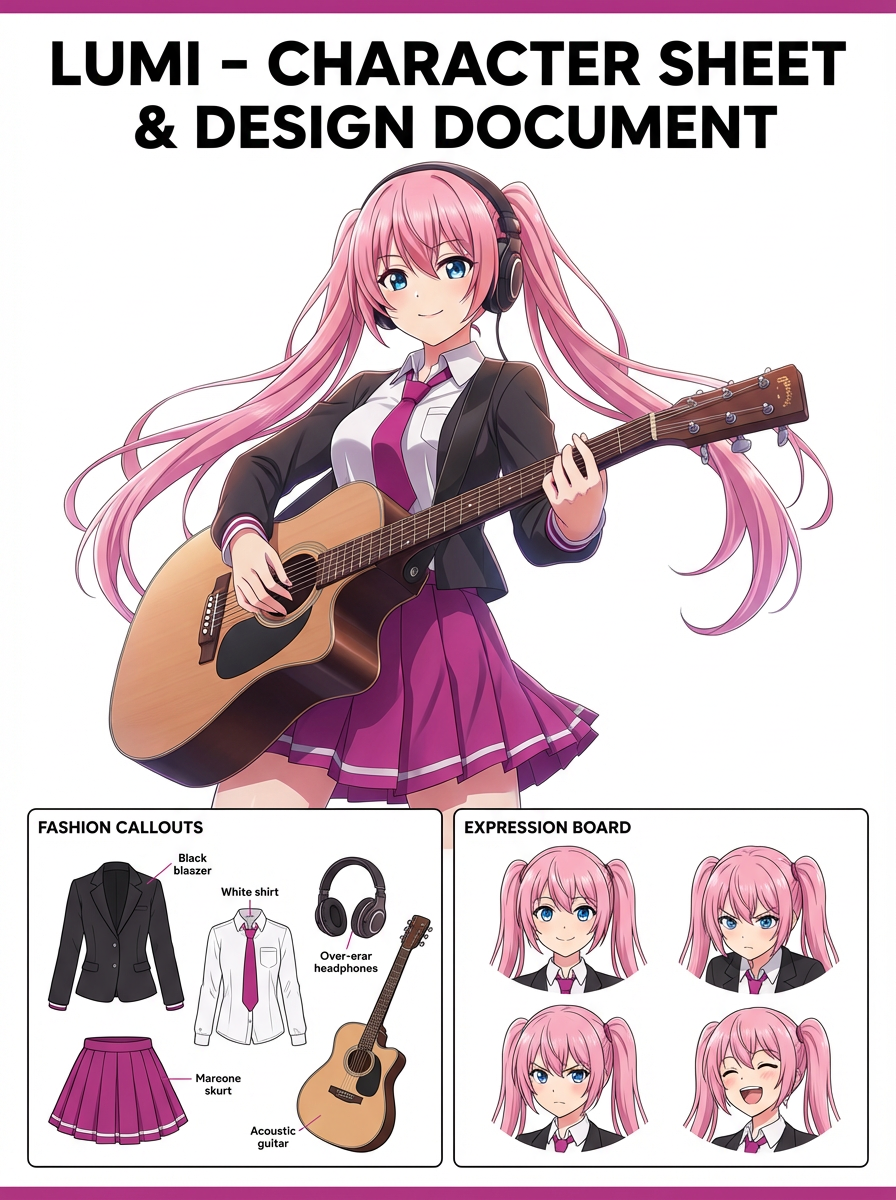
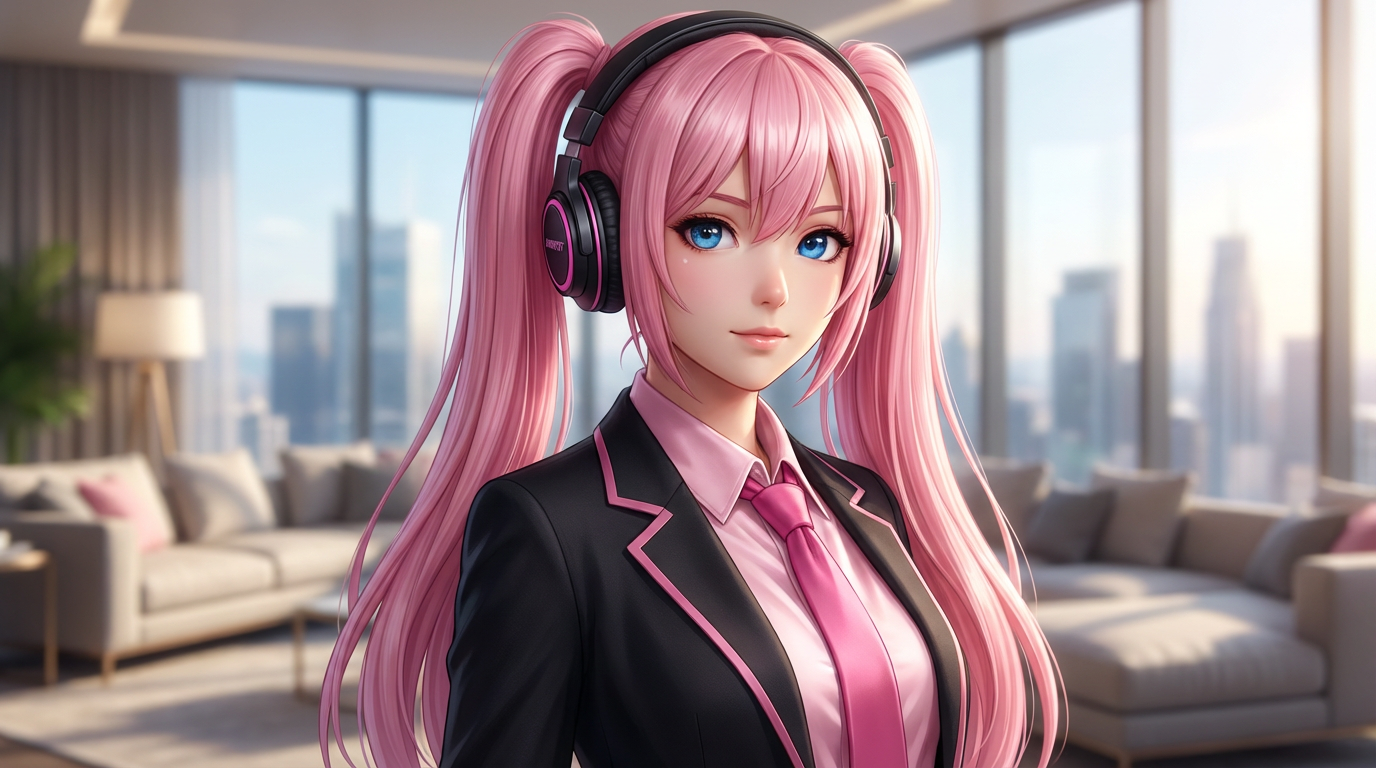

Cette page met l’accent sur les facteurs rendant la transformation image à image réellement exploitable : clarté de l’entrée, contraintes de format et contrôle pratique de la qualité.
Utilisez une image source pour indiquer au modèle ce qui doit rester stable avant de changer le style ou le format.
Utile aux créateurs qui accordent de l’importance aux visages, coiffures, vêtements, signes distinctifs ou forme du produit.
Transformez une image en badge, figurine, couverture, standee, carte, écran de visual novel ou asset réseaux sociaux.
Utilisez ces prompts comme point de départ. Remplacez sujet, image source, style et cible selon votre projet.
Utilisez mon image téléchargée comme référence d'identité. Réalisez une transformation image-vers-image en conservant l’identité du sujet, les couleurs clés, une composition soignée et un format de ressource final spécifique. Gardez le visage, la tenue et la silhouette reconnaissables.
Cela indique au modèle ce qui doit rester stable avant de demander la modification de la présentation.
Réalisez une transformation respectant la référence d’une image d’origine vers une nouvelle création. Utilisez un sujet principal évident, une composition forte et les mêmes repères d’identité importants.
Fonctionne si vous n’avez pas encore d’image de référence mais avez besoin d’un format de sortie concret.
Affinez ce résultat pour obtenir une transformation image-vers-image aboutie. Donnez la priorité à l’identité, à l’ownership de la pose, aux repères de tenue, aux changements d’arrière-plan et à la clarté du nouveau format. Éliminez tout artefact gênant et facilitez la réutilisation de l’image finale.
Transforme une première version en asset opérationnel en listant directement les contrôles de qualité.
Avant de considérer un résultat IA comme final, vérifiez s’il répond au besoin créatif réel et s’il est réutilisable concrètement.
Comparez le résultat à la source ou au brief. Le visage, la silhouette, la palette et les signes distinctifs doivent rester intentionnels.
L’image doit clairement être une transformation image à image, pas juste un portrait générique légèrement restylisé.
Vérifiez recadrage, espaces négatifs, échelle du sujet et si l’image convient à une couverture, une icône, une carte, un mockup ou une scène.
Inspectez mains, contours, faux texte, petits accessoires, encombrement d’arrière-plan et motifs répétés avant publication.
Une image utile doit pouvoir être recadrée, éditée, référencée ou transmise à un collaborateur sans avoir à expliquer le contexte caché.
Cela consiste à utiliser une image en entrée, puis à demander à l’IA de la transformer tout en préservant certaines parties d’origine.
Passez au workflow voisin si votre point de départ change : texte, image de référence, édition, vidéo.
Ces intentions voisines aident l’utilisateur à choisir le bon workflow plutôt qu’une page seulement partiellement adaptée.