

कैरेक्टर और इमेज निर्माण
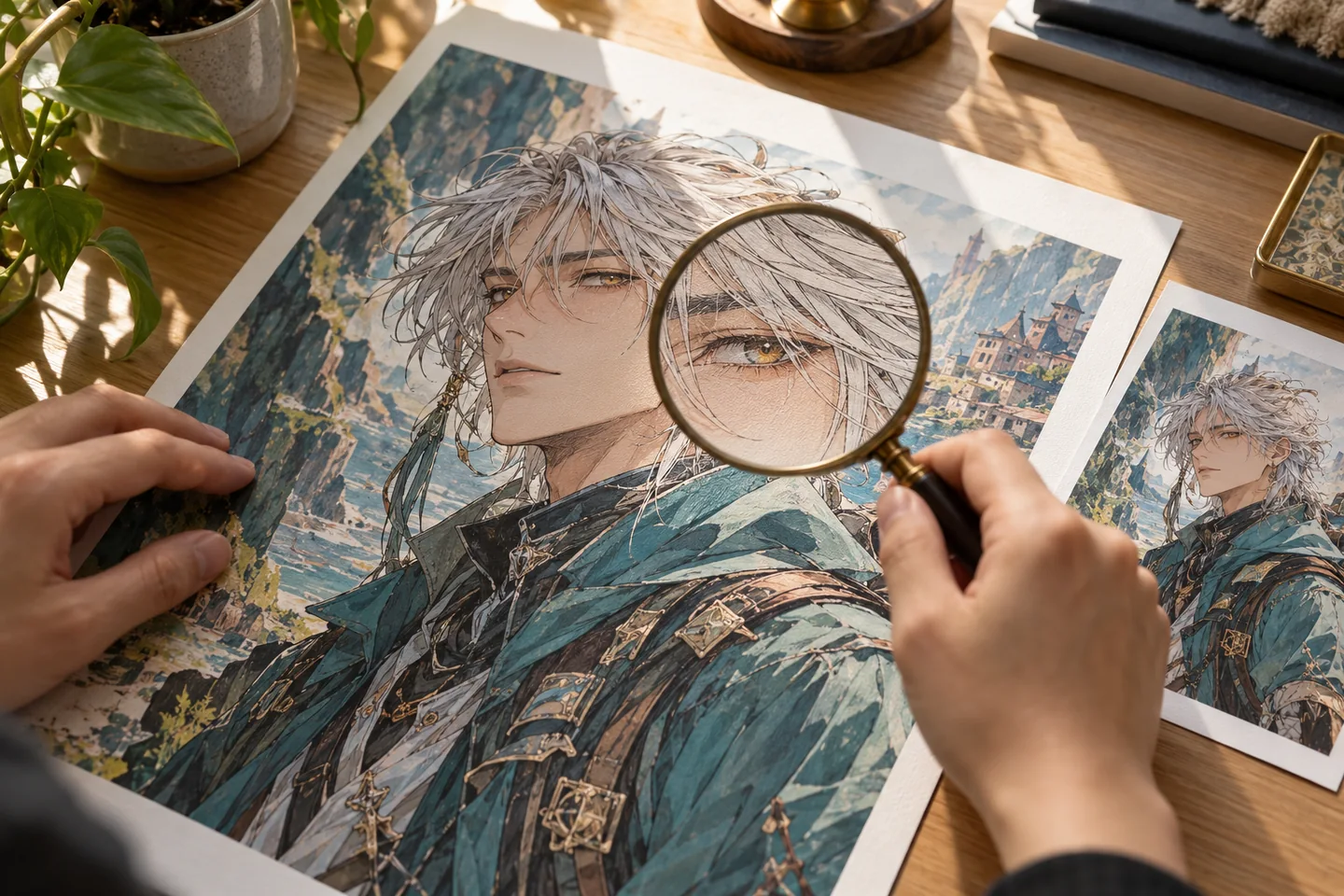
एनीमे अपस्केलर Anime upscaler का इस्तेमाल करें, फिर linework जाँचें।
Eligible free account credits के साथ anime upscaler preset आज़माएँ। Eyes, lettering और fine lines को source से compare करें, और enlargement रखने से पहले actual output dimensions जाँचें।
फ्री अकाउंट और उपलब्ध starter या earned free credits के साथ योग्य बेसिक विकल्पों से शुरू करें। साइन इन करके लागत देखें; paid models और अन्य plan limits लागू रहेंगे।
आपका वर्कस्पेस
anime upscaler का इस्तेमाल करें
फ्री अकाउंट और उपलब्ध starter या earned free credits के साथ योग्य बेसिक विकल्पों से शुरू करें। साइन इन करके लागत देखें; paid models और अन्य plan limits लागू रहेंगे।
चित्रण निर्माण के लिए एआई सहायता
छवियाँ अपलोड करें और रचनात्मक इफेक्ट्स लगाएँ। प्रीसेट ब्राउज़ करने के लिए बाएँ पैनल का उपयोग करें।
Customized
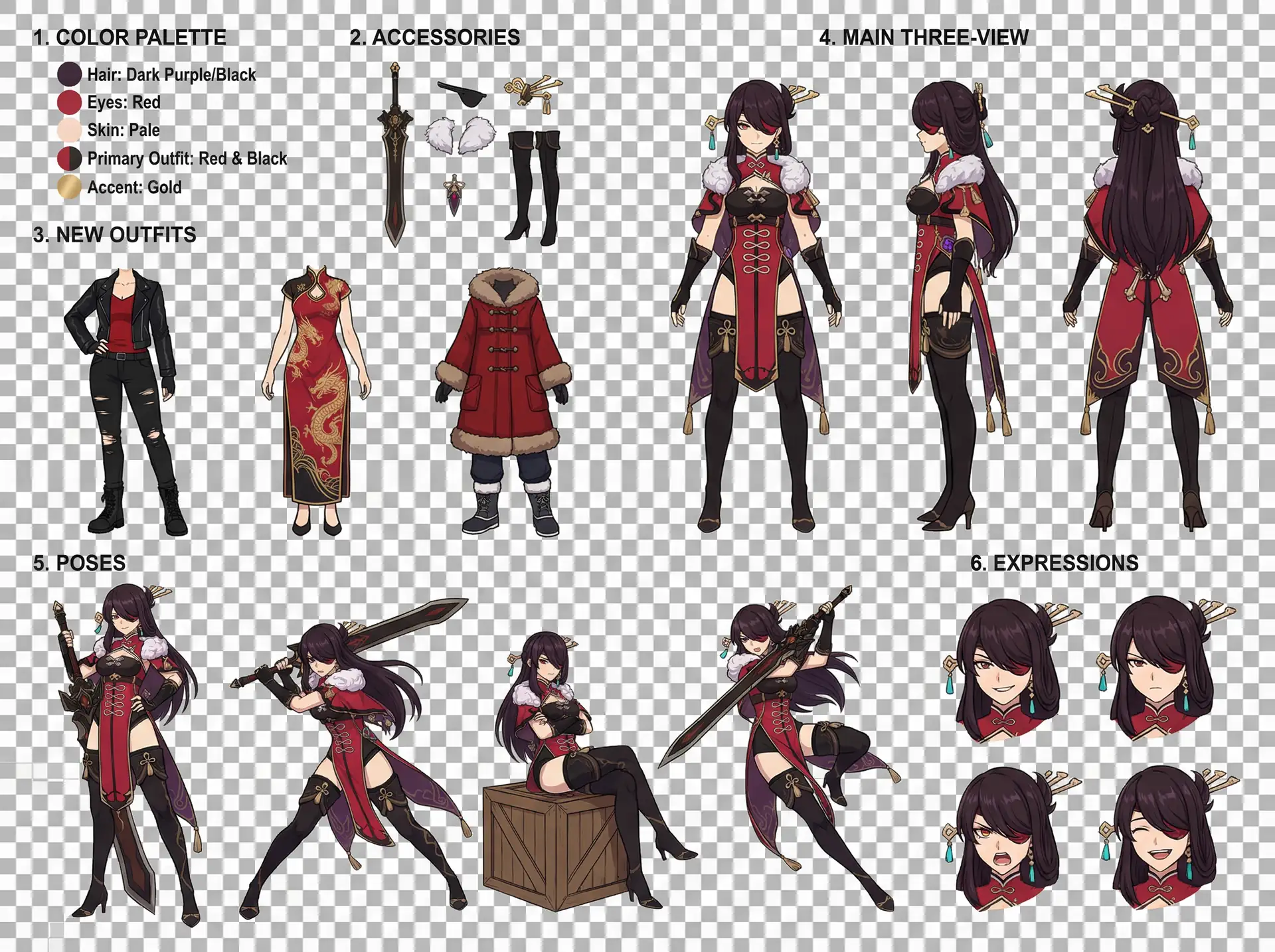
Character Design Reference Sheet
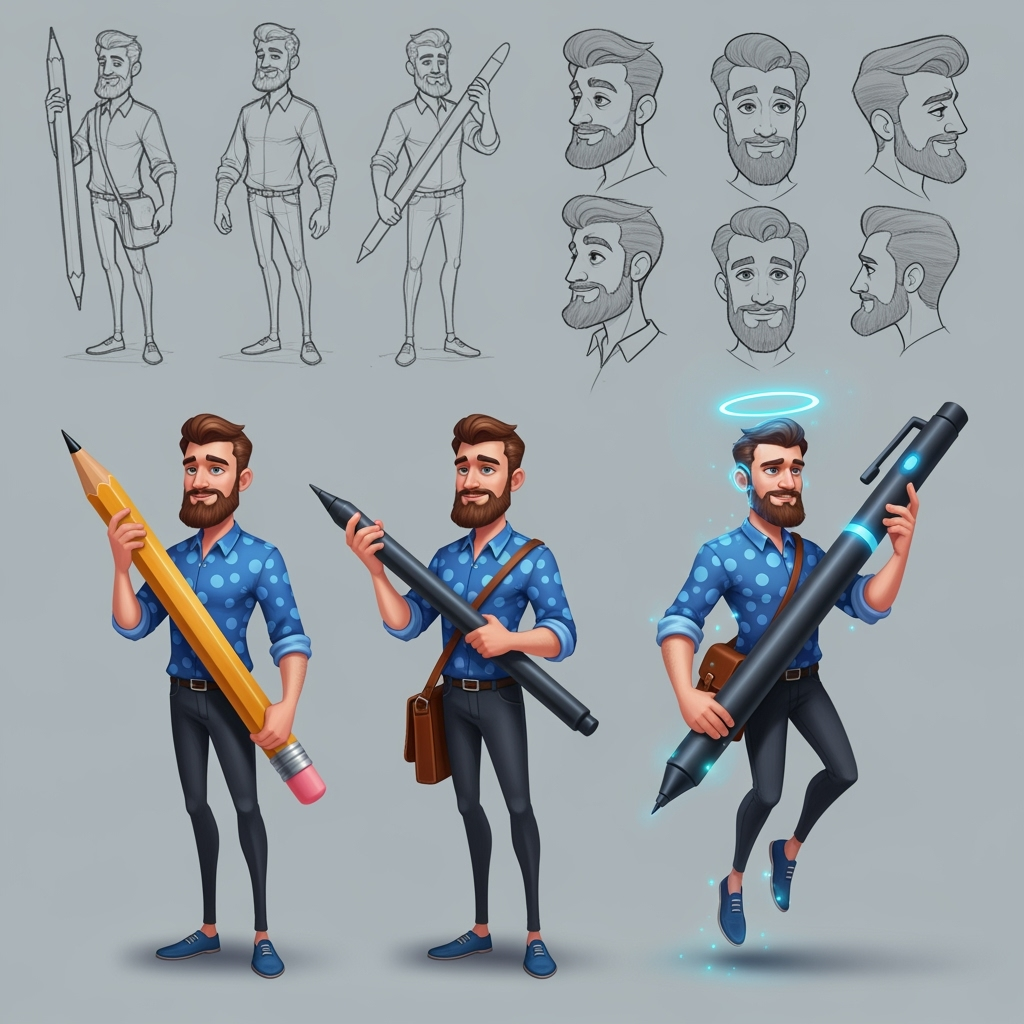
किरदार शीट
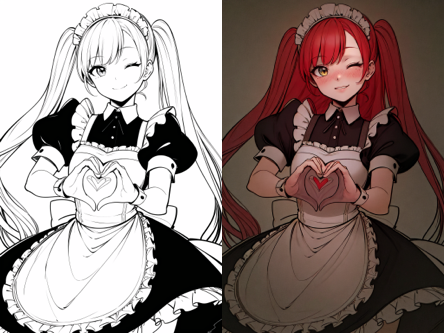
लाइन आर्ट कलराइजेशन
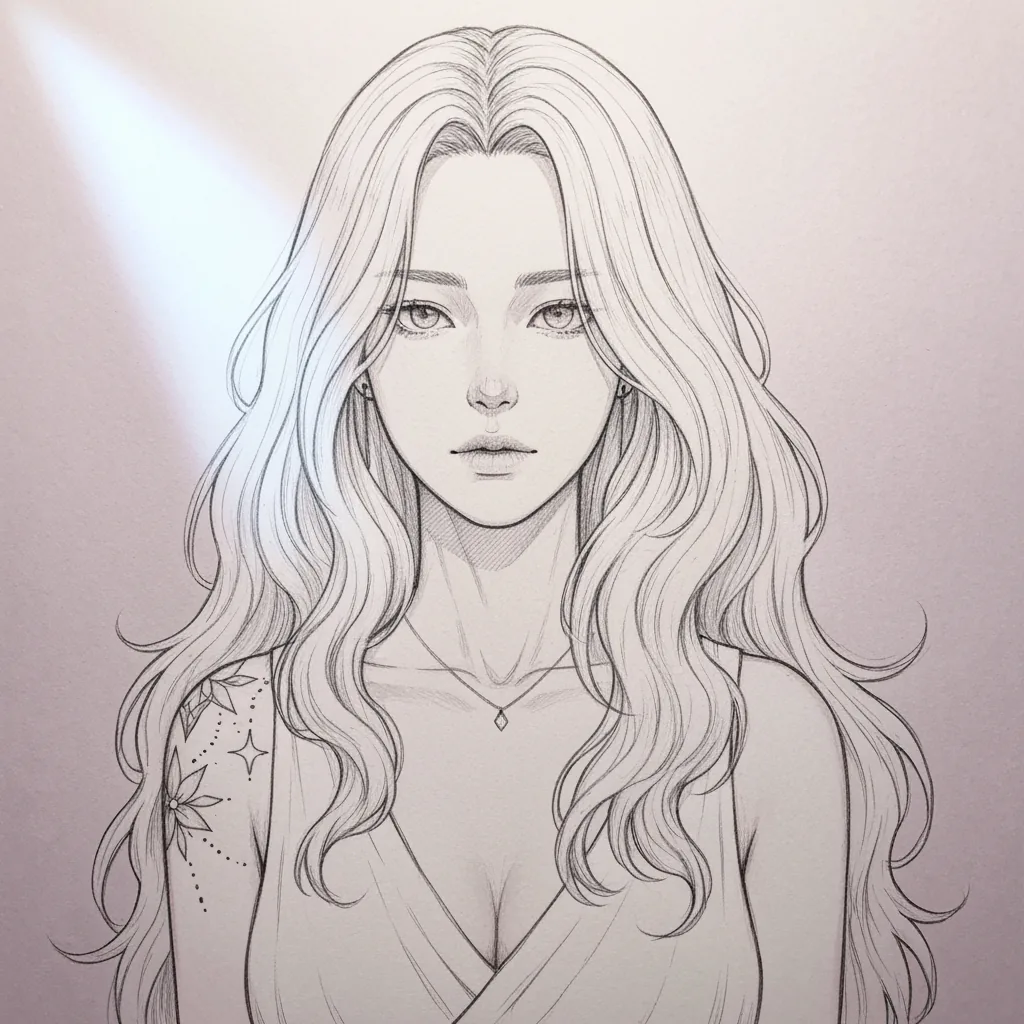
स्केच सरलीकरण
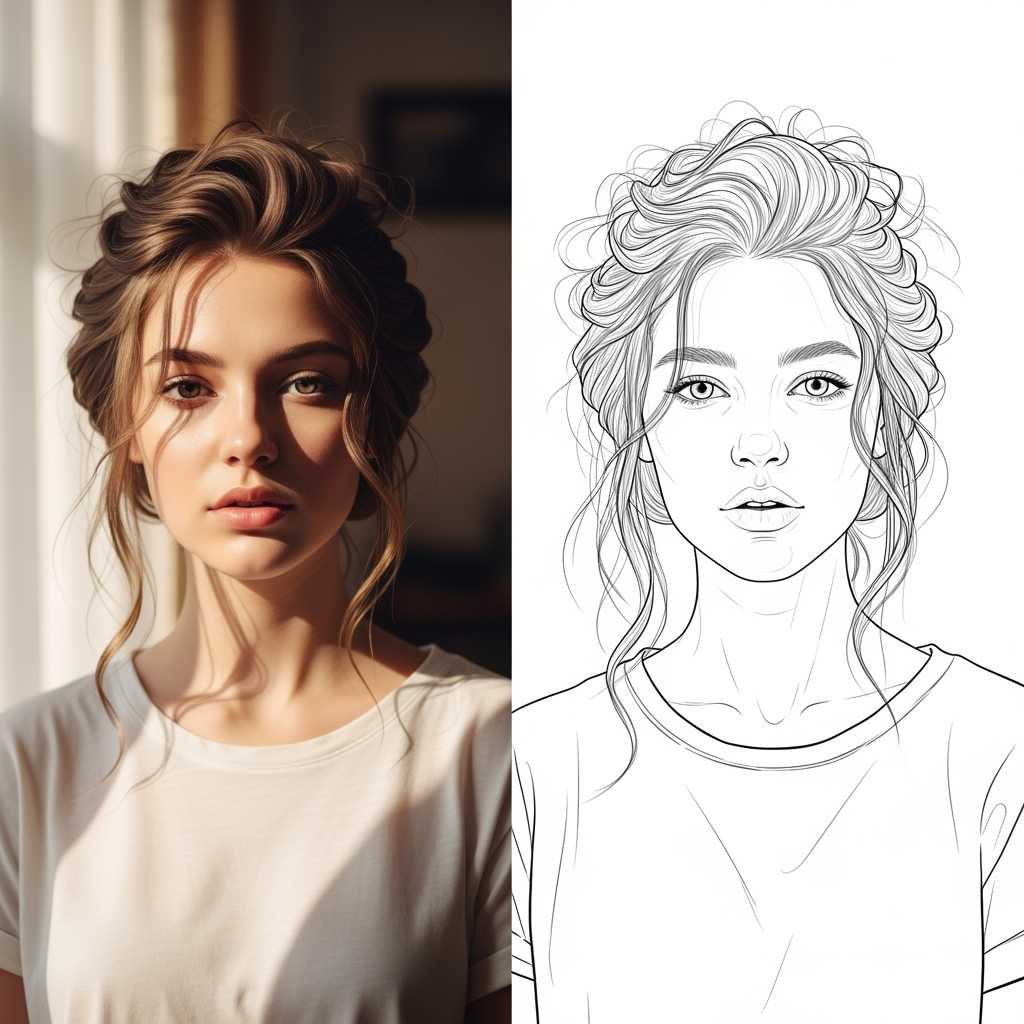
एआई लाइन कला
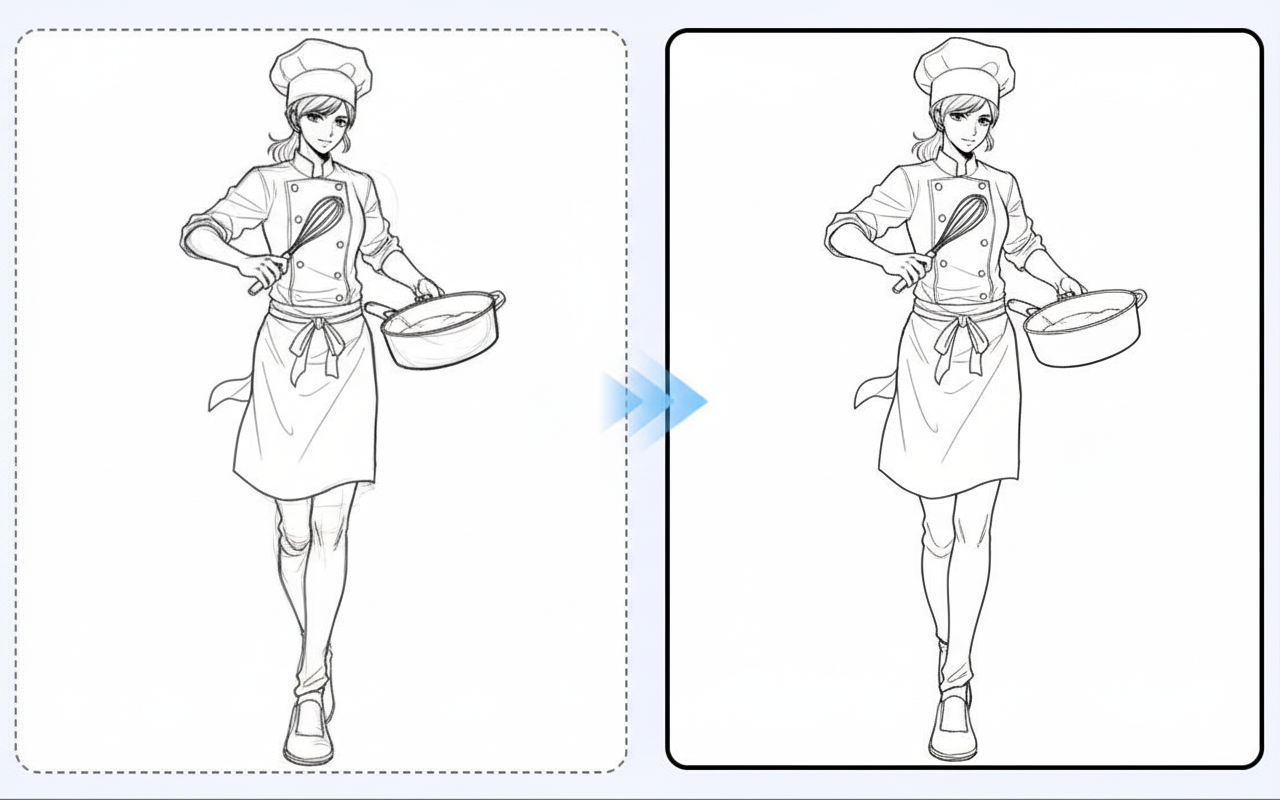
लाइन आर्ट सुंदरता
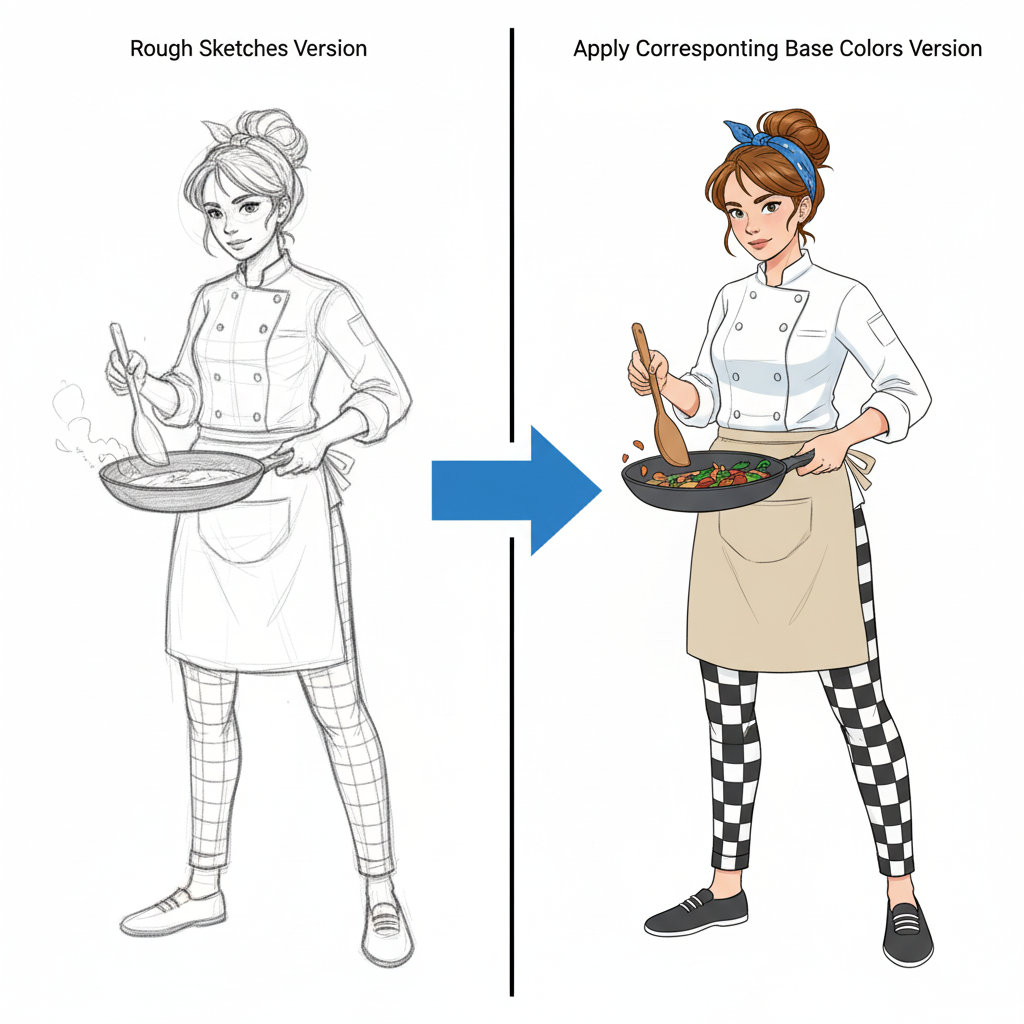
कैरेक्टर रंगाई
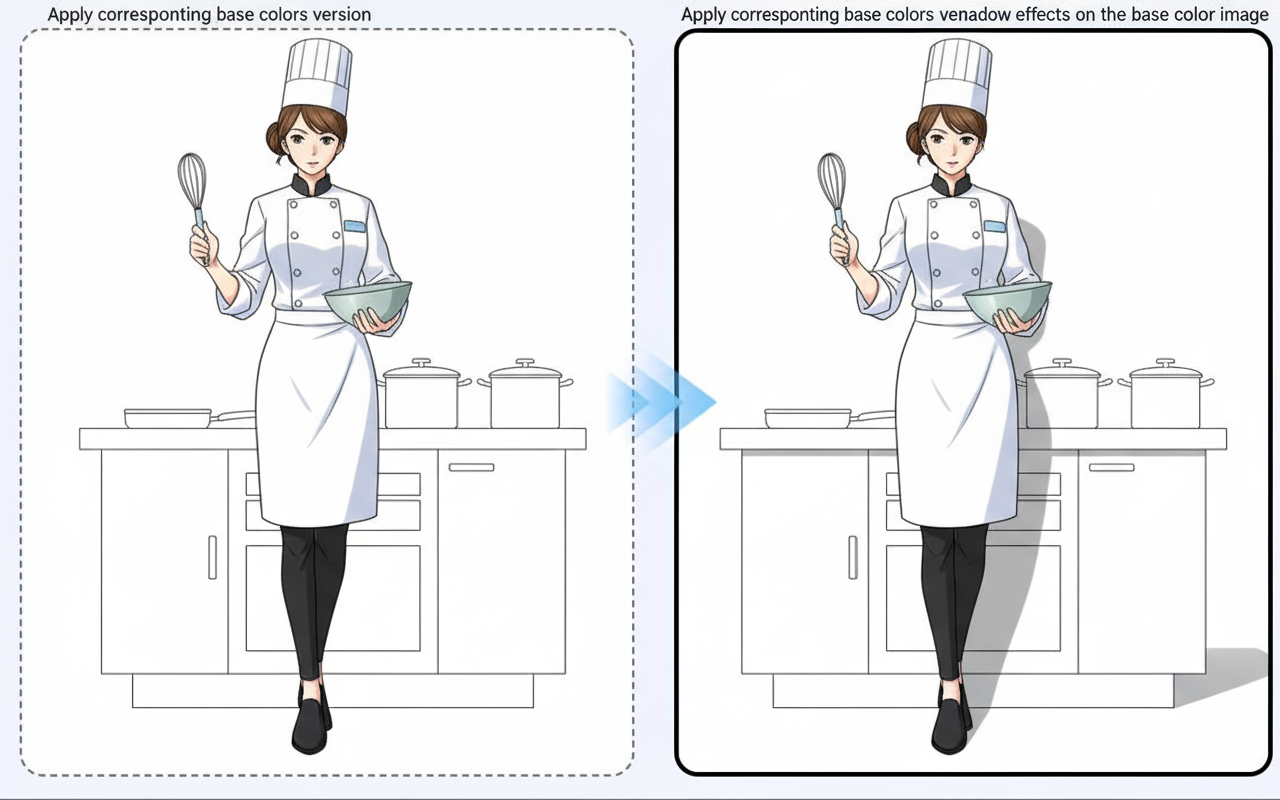
शैडो जनरेशन
01 / एक ज़्यादा उपयोगी शुरुआत
जब संभव हो, original file इस्तेमाल करें
Preview का screenshot compression, interface elements और missing detail ला सकता है। Web preview की copies को बार-बार enlarge करने के बजाय source artwork से शुरू करें।
Anime Upscaler आज़माएँ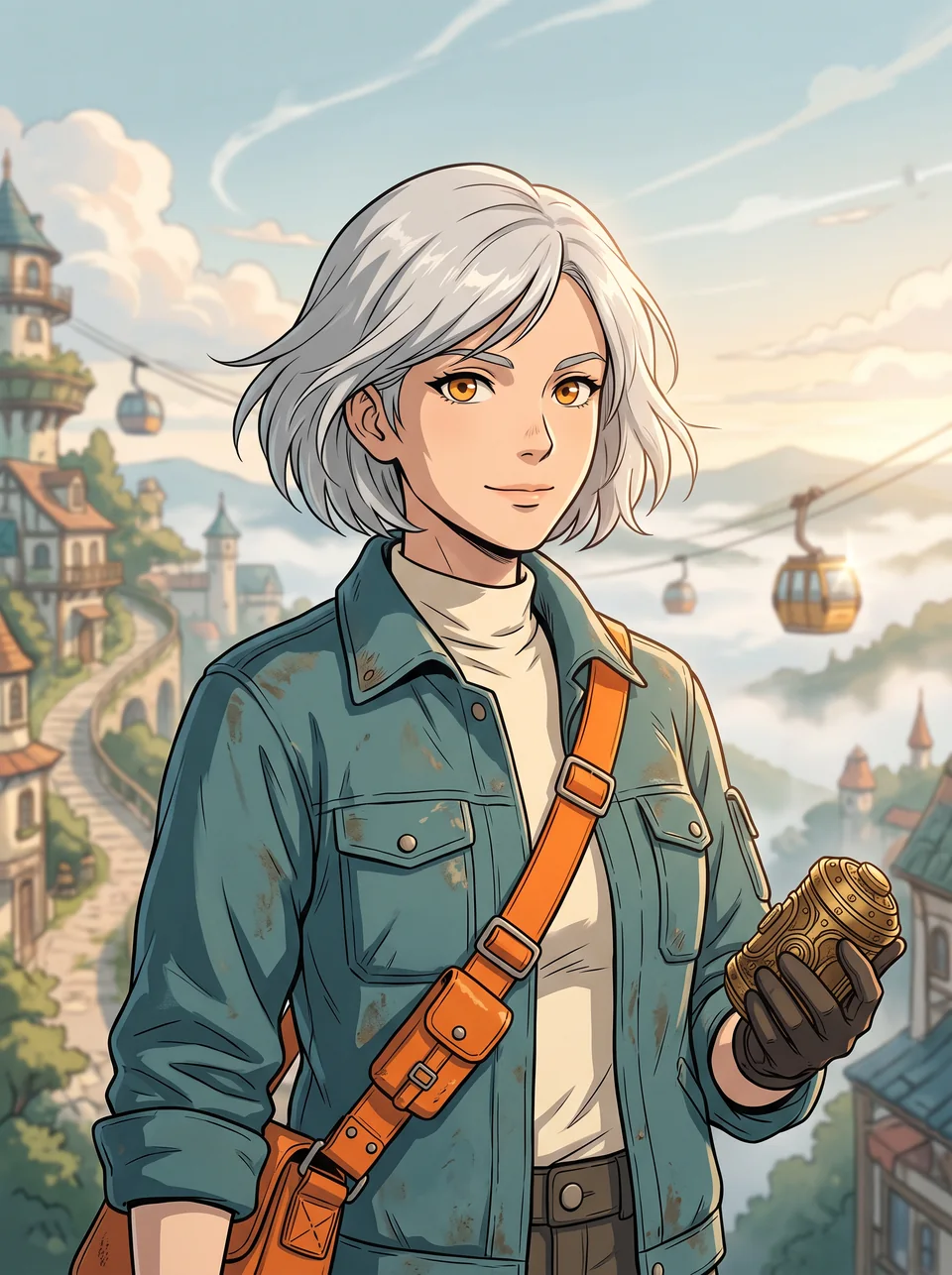
02 / एक ज़्यादा उपयोगी शुरुआत
सिर्फ़ dimensions नहीं, details भी देखें
बड़ा output invented eyelashes, बदली हुई lettering या ज़्यादा कठोर edges ला सकता है। सुधार कहने से पहले original और result के उसी छोटे हिस्से को एक ही viewing scale पर compare करें।
Anime Upscaler आज़माएँ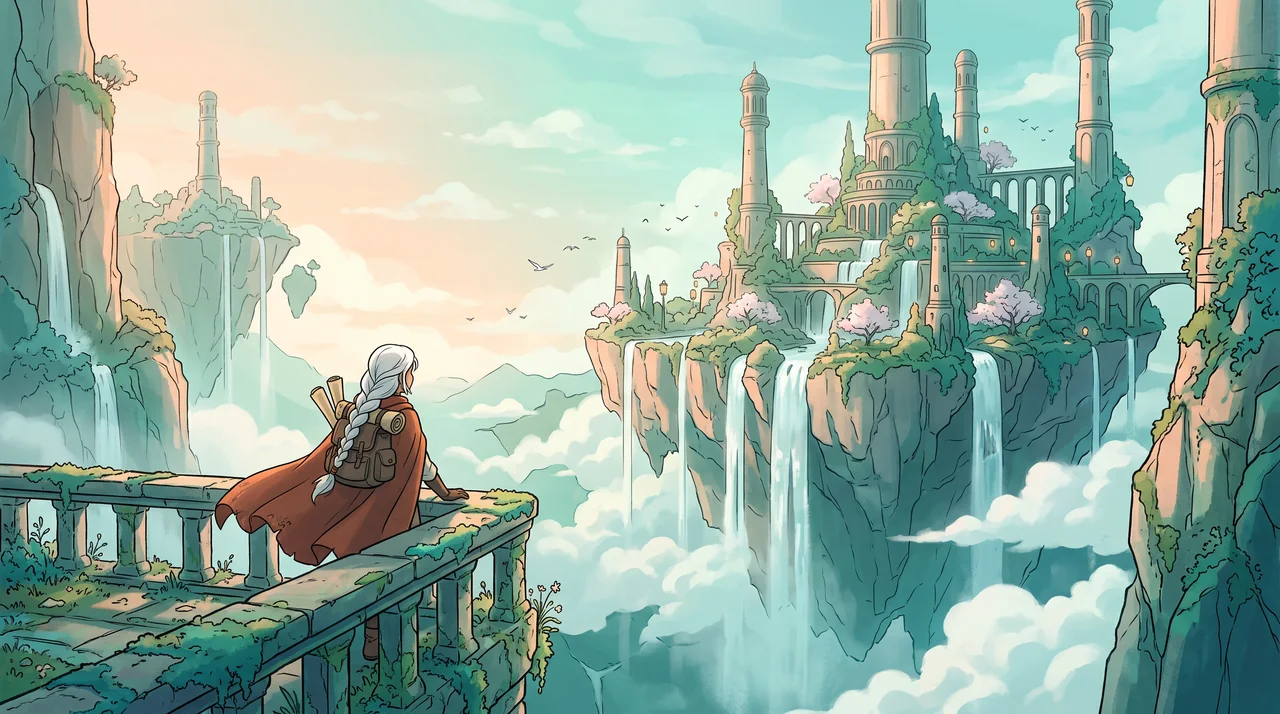
तीन व्यावहारिक शुरुआत बिंदु
एक ब्रिफ़ आज़माएँ। नतीजा देखें। एक चीज़ बदलें।
एनीमे अपस्केलर के लिए ये अभ्यास आज़माएँ, ताकि आप ठोस विवरणों की जांच कर सकें। ये सुझाए गए अभ्यास हैं, रिकॉर्ड किए गए ग्राहक प्रोजेक्ट नहीं।
एक character portrait
सुझाया गया ब्रिफ़
एक साफ़ anime portrait इस्तेमाल करें और processing से पहले तथा बाद में eyes, mouth और hair strands compare करें।
- क्या जांचें
- 100% zoom पर matching eye और hair regions तथा intended display size दोनों पर जाँचें। Exported dimensions अलग से देखें; sharp दिखने वाली lines अपने-आप measured resolution gain साबित नहीं करतीं।
- अगला क्या बदलें
- अगर added detail character identity बदल दे, तो original बनाए रखें।
एक comic panel
सुझाया गया ब्रिफ़
पतली ink lines और dialogue वाले एक panel का इस्तेमाल करें, और original की एक अलग copy रखें।
- क्या जांचें
- Processing के बाद हर शब्द पढ़ें और bubble outlines जाँचें।
- अगला क्या बदलें
- अगर image operation lettering बदल दे, तो editor में final lettering दोबारा जोड़ें।
एक cover illustration
सुझाया गया ब्रिफ़
बड़े digital canvas के लिए illustration तैयार करें, और पहले intended display dimensions जाँचें।
- क्या जांचें
- Actual use size पर face, hands और textured background देखें।
- अगला क्या बदलें
- अगर source पहले से पर्याप्त साफ़ दिख रहा हो, तो बार-बार processing से बचें।
इनपुट से उपयोगी आउटपुट तक
एनीमे अपस्केलर का उपयोग कैसे करें
पहले एक छोटा काम पूरा करें, फिर वही चरण अपनाएँ जो आपके प्रोजेक्ट के लिए मददगार हों।
- 01
Preset खोलें
Image-effects workspace में anime upscaler entry इस्तेमाल करें।
जांचें: शुरू करने से पहले active preset verify करें।
- 02
Source upload करें
ऐसी file चुनें जो आपकी हो या जिसे process करने की अनुमति हो।
जांचें: Compressed thumbnail की बजाय original artwork को प्राथमिकता दें।
- 03
उपलब्ध workflow चलाएँ
Model availability और दिखाई गई credit cost देखें।
जांचें: यहाँ किसी fixed multiplier या output resolution का वादा नहीं किया गया है।
- 04
Output compare करें
Matching regions जाँचें और दोनों files रखें।
जांचें: Publish करने से पहले वास्तविक pixel dimensions और visible changes देखें।
सीमाएँ जानें
आउटपुट पर भरोसा करने से पहले क्या जांचें
- Enlargement original में कभी रिकॉर्ड न हुई exact information वापस नहीं ला सकता। AI नई details बना सकता है।
- Available resolution और model behavior current workspace पर निर्भर करते हैं; यह page fixed 2× या 4× output का वादा नहीं करती।
- Generated faces, hands, text और छोटी details बदल सकती हैं। बड़े project में इस्तेमाल करने से पहले output की समीक्षा करें।
एनीमे अपस्केलर: आपके सवाल, जवाब सहित
क्या upscaling exact original detail वापस लाता है?
नहीं। Model detail infer या invent कर सकता है। जब character identity या lettering महत्वपूर्ण हो, तो result को original के साथ compare करें।
कौन-सा source सबसे अच्छा है?
उपलब्ध सबसे साफ़ original file इस्तेमाल करें, interface overlays या बार-बार screenshot compression के बिना।
क्या speech-bubble text वैसा ही रहेगा?
ऐसा मानकर न चलें। हर line जाँचें और संभव हो तो original lettering अलग से सुरक्षित रखें।
क्या बड़ा file हमेशा बेहतर होता है?
नहीं। Dimensions, visible detail और target display size देखें; बड़ा byte count quality score नहीं होता।
क्या मैं इसे free में आज़मा सकता/सकती हूँ?
जब आपके account में पर्याप्त available starter या earned free credits हों, तब eligible basic generation free में आज़माएँ। पहले sign in करें और model, cost तथा plan limits देखें। हर request credits खर्च करती है; paid-only options और आगे की generations के लिए paid plan या purchased credits चाहिए हो सकते हैं।
क्या मैं result publish कर सकता/सकती हूँ?
ऐसे references इस्तेमाल करें जिनके आप मालिक हैं या जिन्हें इस्तेमाल करने की अनुमति है। Publishing और commercial use आपके plan, Terms of Use और third-party rights पर निर्भर करते हैं; generated image अकेले ही उन rights को clear नहीं करती।
स्रोत और आगे पढ़ने के लिए
वर्कफ़्लो के पीछे का मार्गदर्शन देखें
हर स्रोत के साथ उसका दायरा भी दिया गया है। कोई बाहरी संदर्भ समर्थन या प्रदर्शन प्रमाणन नहीं है।
LlamaGen: संदर्भ छवि दिशानिर्देश
First-party public-tool guidance में reference-image, upload और output-format मदद के लिंक हैं। Selected tool द्वारा दिखाए गए controls का पालन करें; यह independent performance review नहीं है।
LlamaGen plans, credits और account support
First-party plan information. Selected tool में model access और हर generation की cost देखें; account questions के लिए [email protected] से संपर्क करें।
अपना क्रिएटिव प्रोजेक्ट जारी रखें
एनीमे अपस्केलर
एक स्पष्ट विचार से शुरू करें।
फ्री अकाउंट और उपलब्ध starter या earned free credits के साथ योग्य बेसिक विकल्पों से शुरू करें। साइन इन करके लागत देखें; paid models और अन्य plan limits लागू रहेंगे।
Anime Upscaler आज़माएँ