Find a story worth following
Explore a character's goal, an unusual setting, or a difficult choice. Compare different openings before you commit to a direction.


Használd a LlamaGen.ai-t AI történetgenerátorként és történetszerzőként. Egy egyszerű ötletből strukturált vázlatot készít cselekménnyel, szereplőkkel, párbeszéddel, és akár storyboard vagy képregénypanelek felé vezető úttal.
Try the first draft here. Free access has limits; saved projects and visual tools use your account and plan credits.
See how it worksPick a prompt to read an illustrative opening, then generate your own version. These samples are prepared examples, not live results or customer testimonials.
Example opening
The radio said Mara's name before she switched it on. On Platform Three, rain gathered around a red suitcase. She had checked the platform a minute ago. Empty. Now someone had left a case beneath the broken clock, with a luggage tag written in her handwriting.
Start with something specific: a radio operator alone at a station, a red suitcase, and a message that knows her name. Generate an opening, read what works, then change the stakes or point of view. The next decision stays yours.
Generate story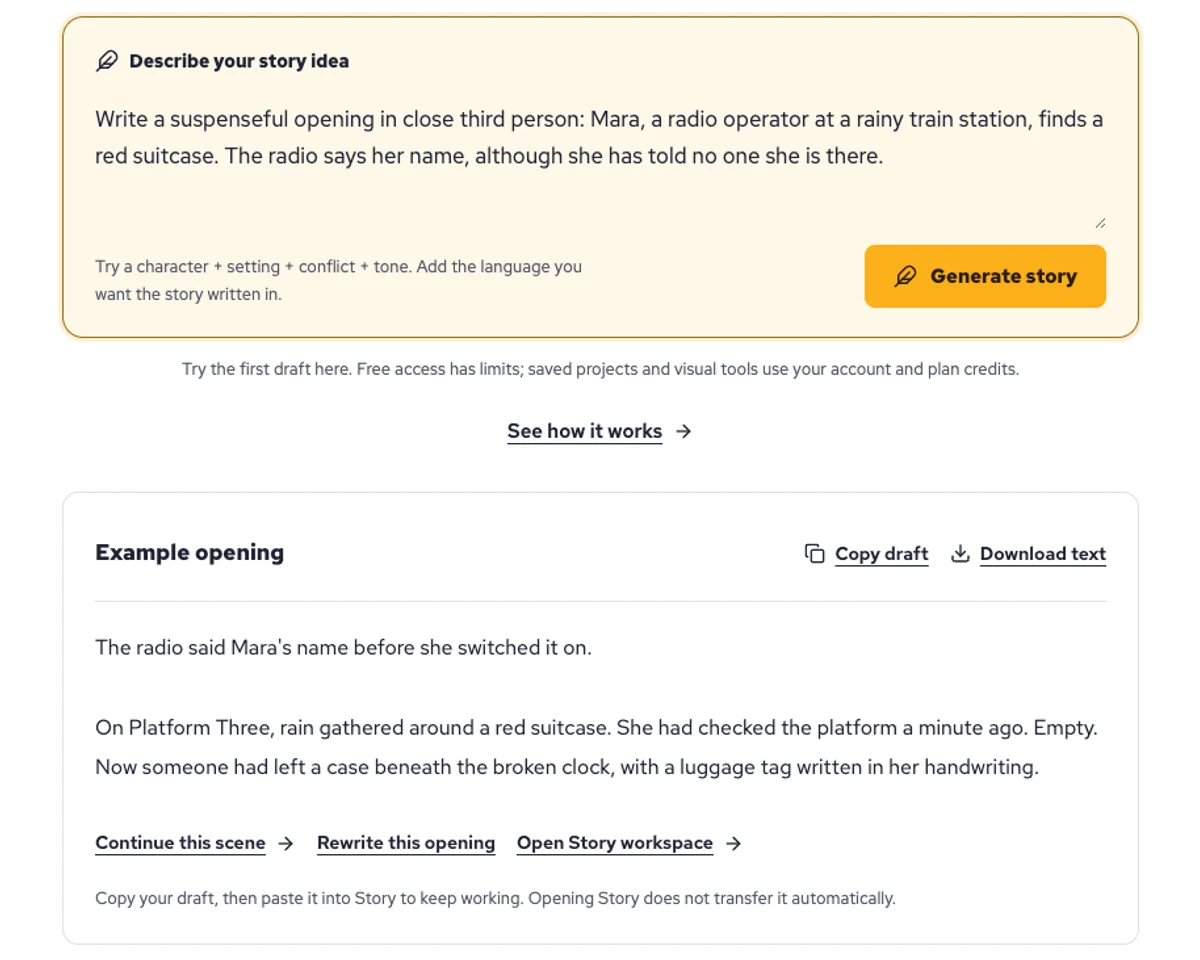
Explore a character's goal, an unusual setting, or a difficult choice. Compare different openings before you commit to a direction.
Paste an unfinished idea or use Continue after a draft. Read each new scene for names, motives, and details that need to stay consistent.
Use Rewrite to try a sharper opening. Copy a version you like before generating another, then edit the phrasing in your own voice.
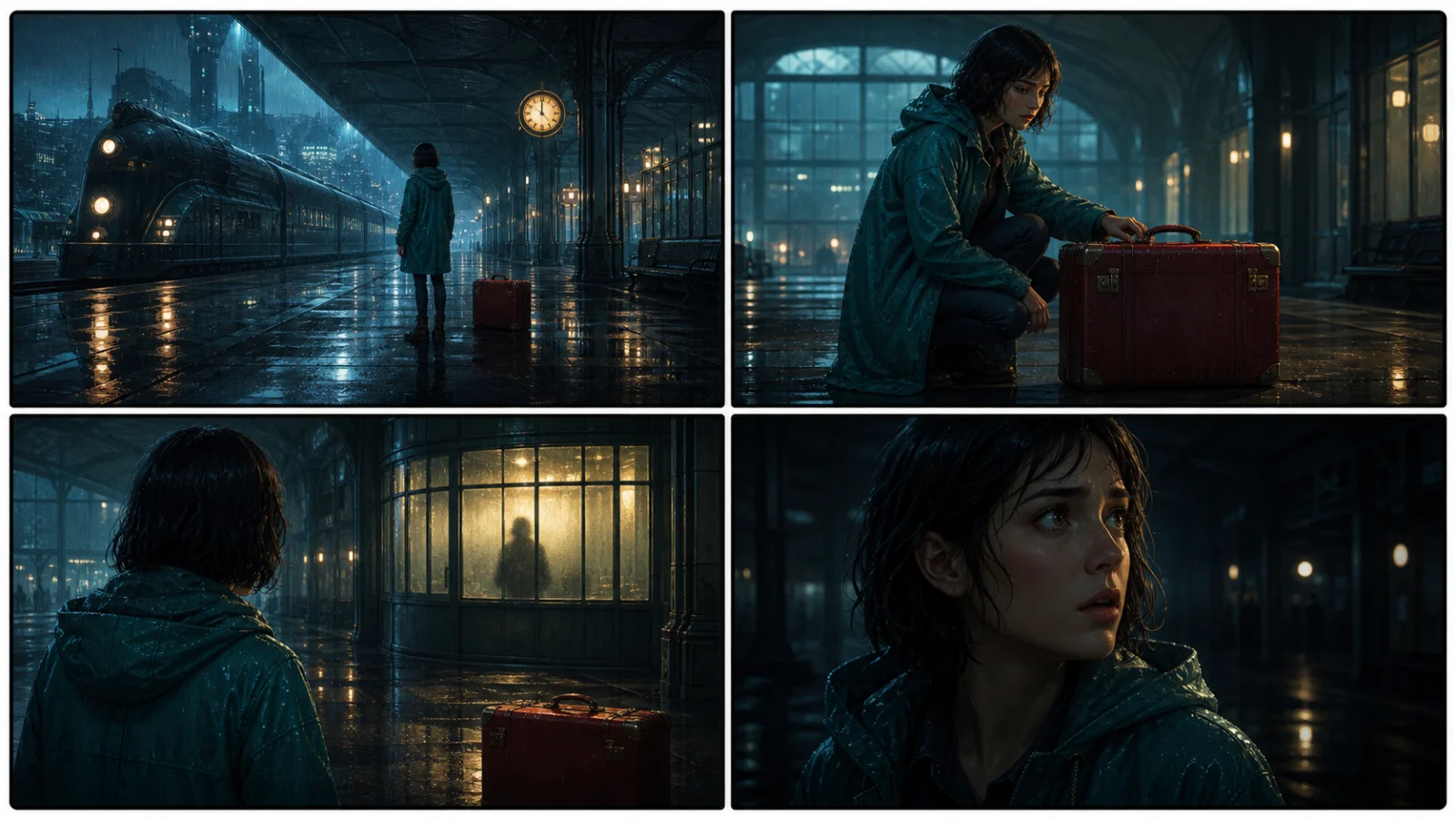
This illustrative sequence follows Mara, her teal raincoat, and a red suitcase through four station shots. Use it as a guide: keep a character, location, and key prop consistent when you adapt your own draft into a storyboard or comic.
Explore script to storyboardThe same rainy-station story, imagined as a reading copy, a handheld proof, different cover designs, and a coordinated author set.
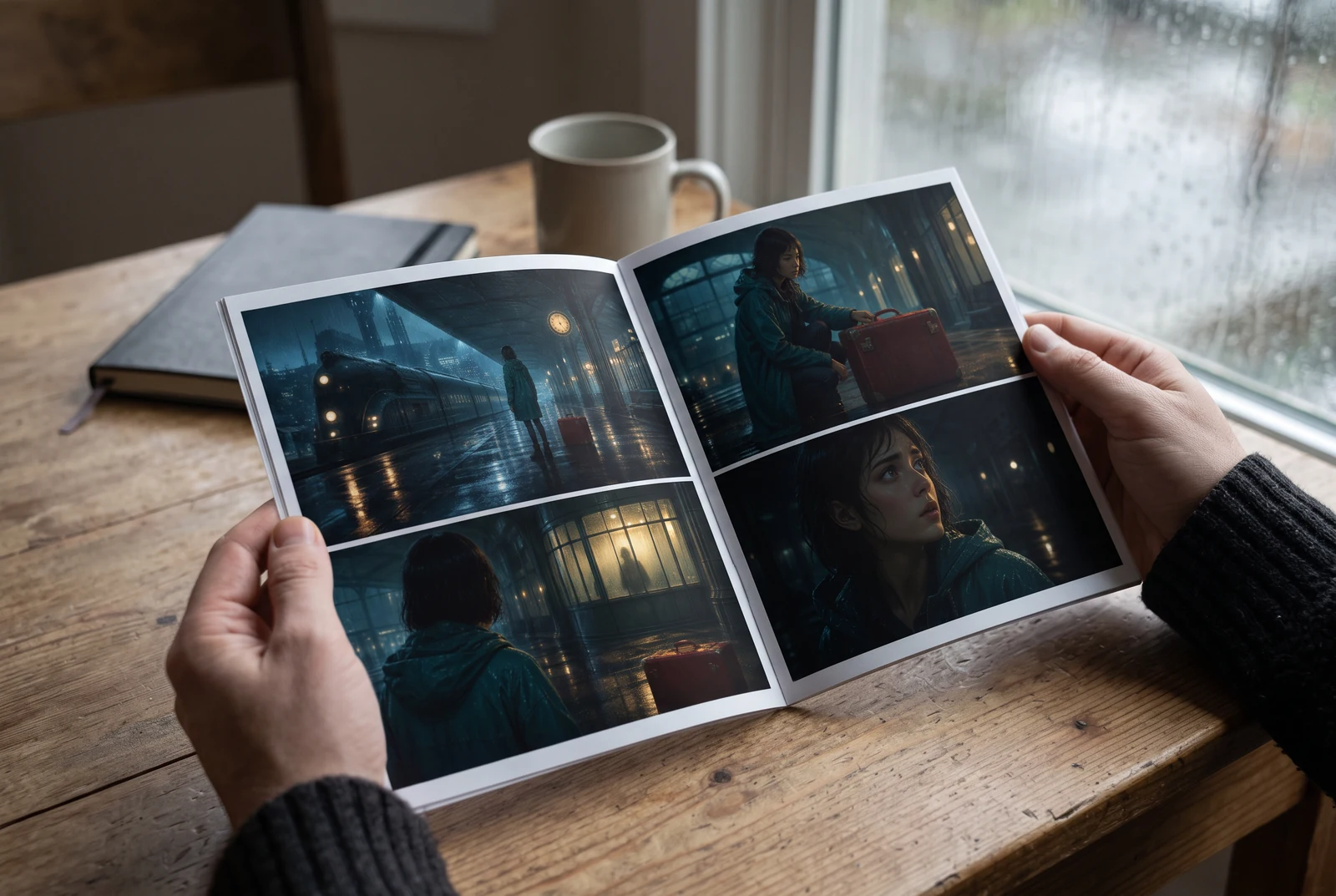
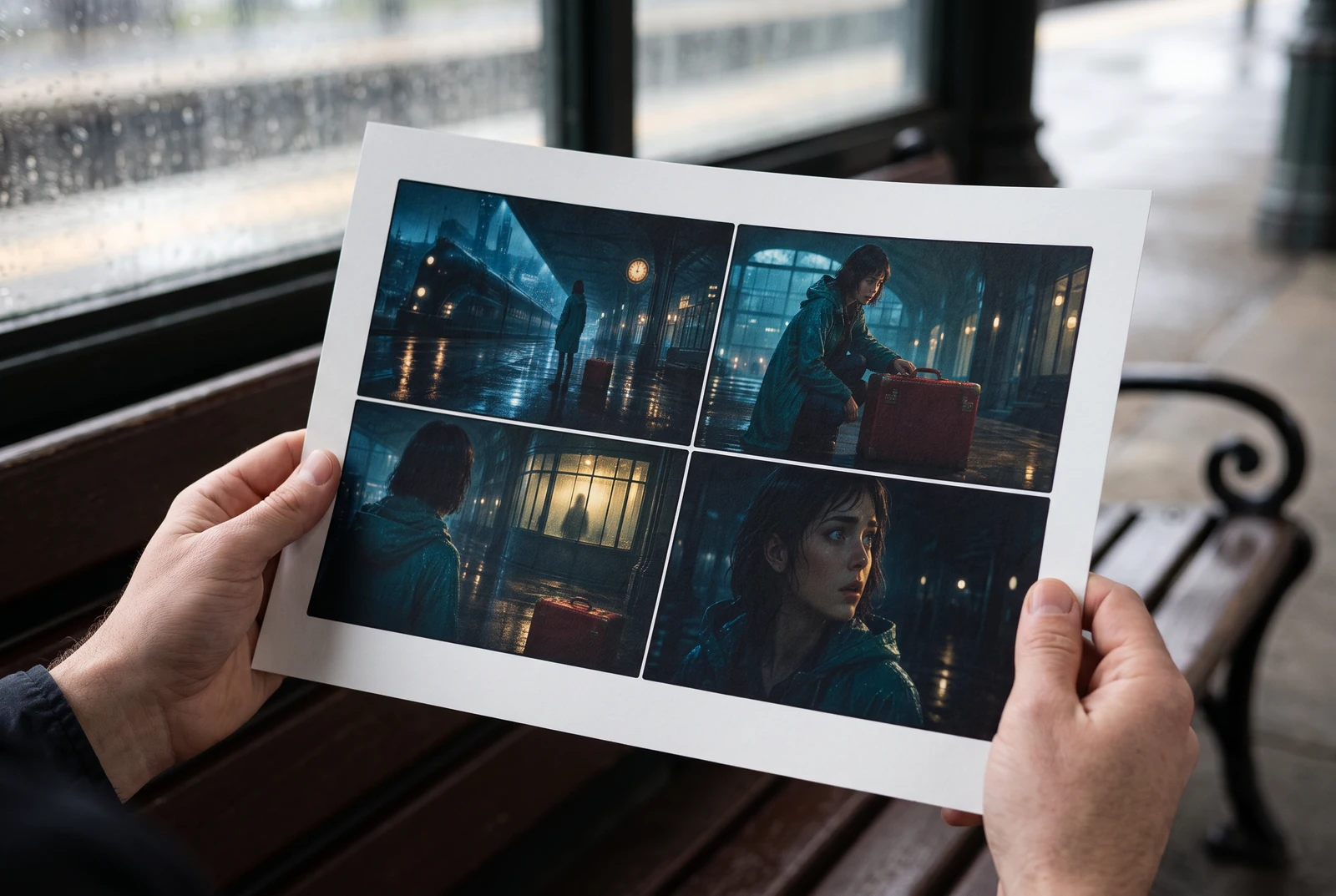
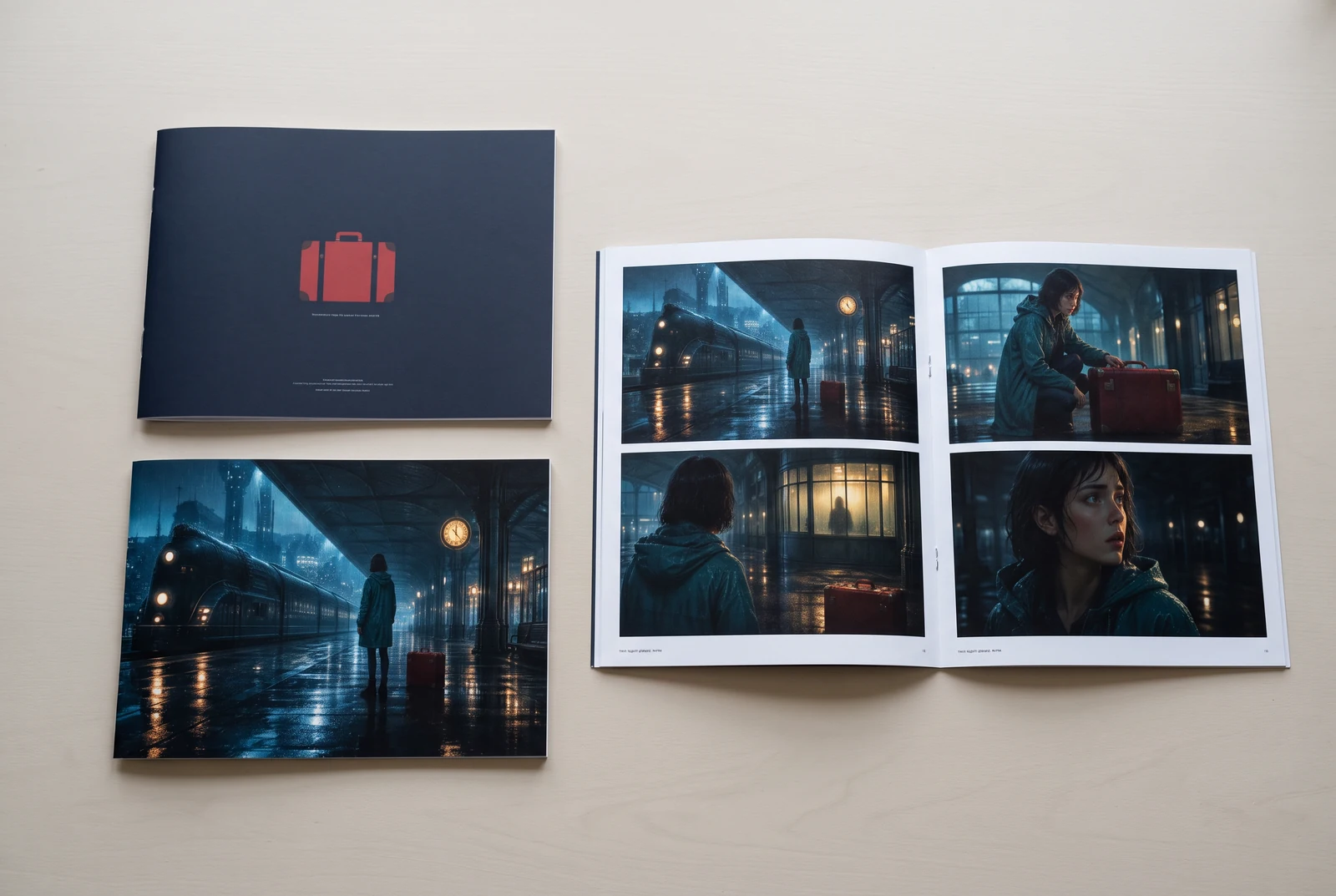
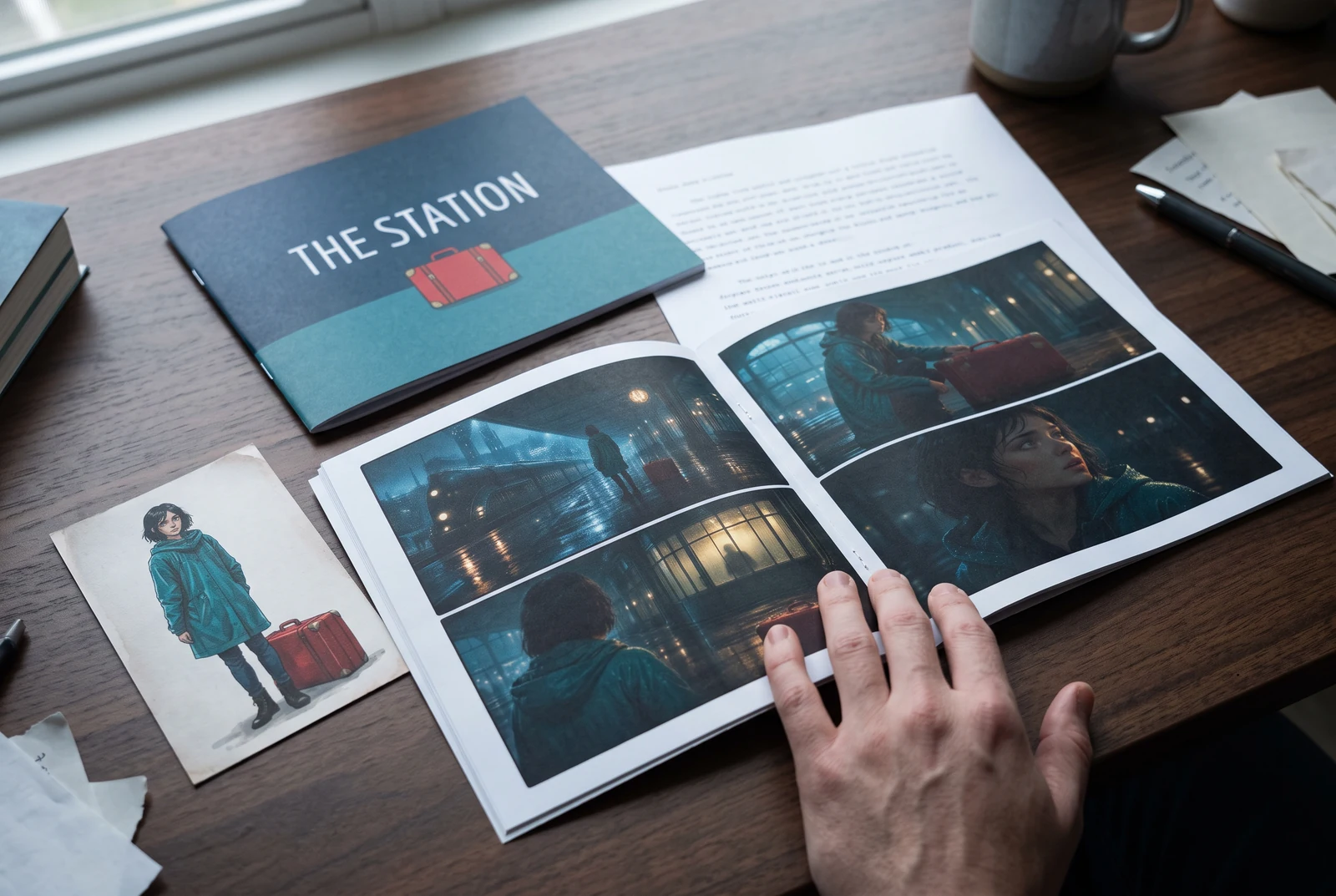
AI-generated display concepts using original LlamaGen story art. Paper examples illustrate personal printing and reading; they are not customer photographs or a print-delivery offer.
Test a premise, change the point of view, or work through the opening of a short story.
Draft scene beats and dialogue before planning comic panels or storyboard shots.
Create writing prompts and sample narratives. Review the output and follow your classroom or team's AI rules.
Describe a protagonist, setting, goal, and obstacle. Choose a tone and output language in your prompt.
Select Generate story. The result is a draft to review; one response is not a complete book.
Check the voice, facts, and continuity. Continue the next scene or rewrite the opening. Copy a version before replacing it.
Keep this text in this browser for up to seven days while you sign in, then choose a workspace and save it in Story. AI continuation uses your account's plan allowance.
AI can invent facts, repeat familiar phrasing, or lose track of a character. Review every draft before sharing it. Follow LlamaGen's terms and your school or workplace rules; check third-party material before publishing.
Egy böngészőalapú eszköz, amely az ötleteidet AI segítségével strukturált történetté alakítja. Írj be egy promptot, és kapsz egy vázlatot cselekménnyel, szereplőkkel, párbeszéddel, jelenetvázlatokkal és vizuális iránnyal prózához, képregényekhez, tanórai íráshoz, videókhoz vagy vizuális regényekhez.
Egy jó prompt tartalmazza a történetötletet, a műfajt és a hangulatot. Például: 'Egy magányos boszorkány erdei kávézót nyit' meleg, slice of life hangulattal. Minél tisztábban fogalmazod meg az ötletedet, annál jobb lesz a történet. Érdemes megadni a szereplők, a helyszín, az érzelmi tónus és a fontos cselekménypontok részleteit is.
Szerkesztheted vagy bővítheted a történetet, vagy alapként használhatod képregénypanelek vagy vizuális regényjelenetek létrehozásához illusztrációkkal, elrendezéssel és párbeszéddel az eszközeink segítségével. Sok alkotó a generált történeteket forgatókönyvként használja a panelkompozíciók, karakterkifejezések és vizuális ritmus kidolgozásához.
Időt spórol, felébreszti a kreativitást, és segít minden szintű írónak túllépni a blokkokon. Legyen szó prózáról, képregényről, vizuális regényről, tanórai feladatról vagy videós forgatókönyvről, gyors kiindulópontot ad egy olyan narratív szerkezettel, amelynek kidolgozása normál esetben órákba telne.
Yes. Choose Save this draft in Story, sign in, select a workspace, and confirm saving. The text stays in this browser for up to seven days and is never placed in the URL. If you reach a Story plan limit, compare plans and return to save the same draft.
Ezen az oldalon létrehozhatsz egy első vázlatot íróprogram vásárlása nélkül. Bejelentkezés után elérhetővé válik a Story, az elmentett előzmények, valamint a storyboard, képregény és videó munkafolyamatok, amelyek a csomagod kreditjeit használják.
Az eszköz rugalmas történetpromptokat támogat romantika, fantasy, horror, dráma, komédia, iskolai élet és kísérleti műfajok esetén. Nem kényszeríti az ötletedet egyetlen általános sablonba sem, miközben a generálás továbbra is megfelel a platform biztonsági szabályainak.
Folytathatod új vázlatok, alternatív befejezések, fordulatok, karakterívek és jelenetváltozatok generálását, amíg kísérletezel. A hosszabb projektek, az elmentett előzmények és a vizuális gyártás a fiókod és a csomagod kreditjeit használják.
A legtöbb történet 5-10 másodperc alatt elkészül, a komplexitástól és a hossztól függően. Az AI szinte azonnal feldolgozza a promptodat, így gyorsan iterálhatsz, és percek alatt több történeti irányt is kipróbálhatsz.
Minden fő műfajt támogatunk, beleértve az ifjúsági romantikát, városi fantasyt, szuperhős történeteket, sci-fit, horrort, rejtélyt, slice of life-ot, akciót, természetfelettit, komédiát, drámát, történelmi műveket és még sok mást. Csak írd be a kívánt műfajt a promptba.
Ezen az oldalon fiók létrehozása nélkül is generálhatsz egy első vázlatot. Bejelentkezés után elérhetővé válik a Story, a munkamenetek közti előzmények, valamint a storyboard, képregény és videó munkafolyamatok, amelyek a csomagod kreditjeit használják.
Jelenleg az angol promptok adják a legmegbízhatóbb vázlatokat. Más nyelven is megírhatod az alapötletet; az eredményt érdemes alaposan átnézni, majd Storyban tovább szerkeszteni.
LlamaGen builds tools for writing, comics, and storyboards. Explore the team and product, check plan details, or contact support before choosing a workflow.
Write a premise. Explore an opening. Decide what happens next.
Generate story