01Page structure
Design the sequence before the details
Start with panel templates, portrait or landscape pages, and a visible page strip. The whole sequence stays close enough to inspect pacing while one page remains active for precise work.
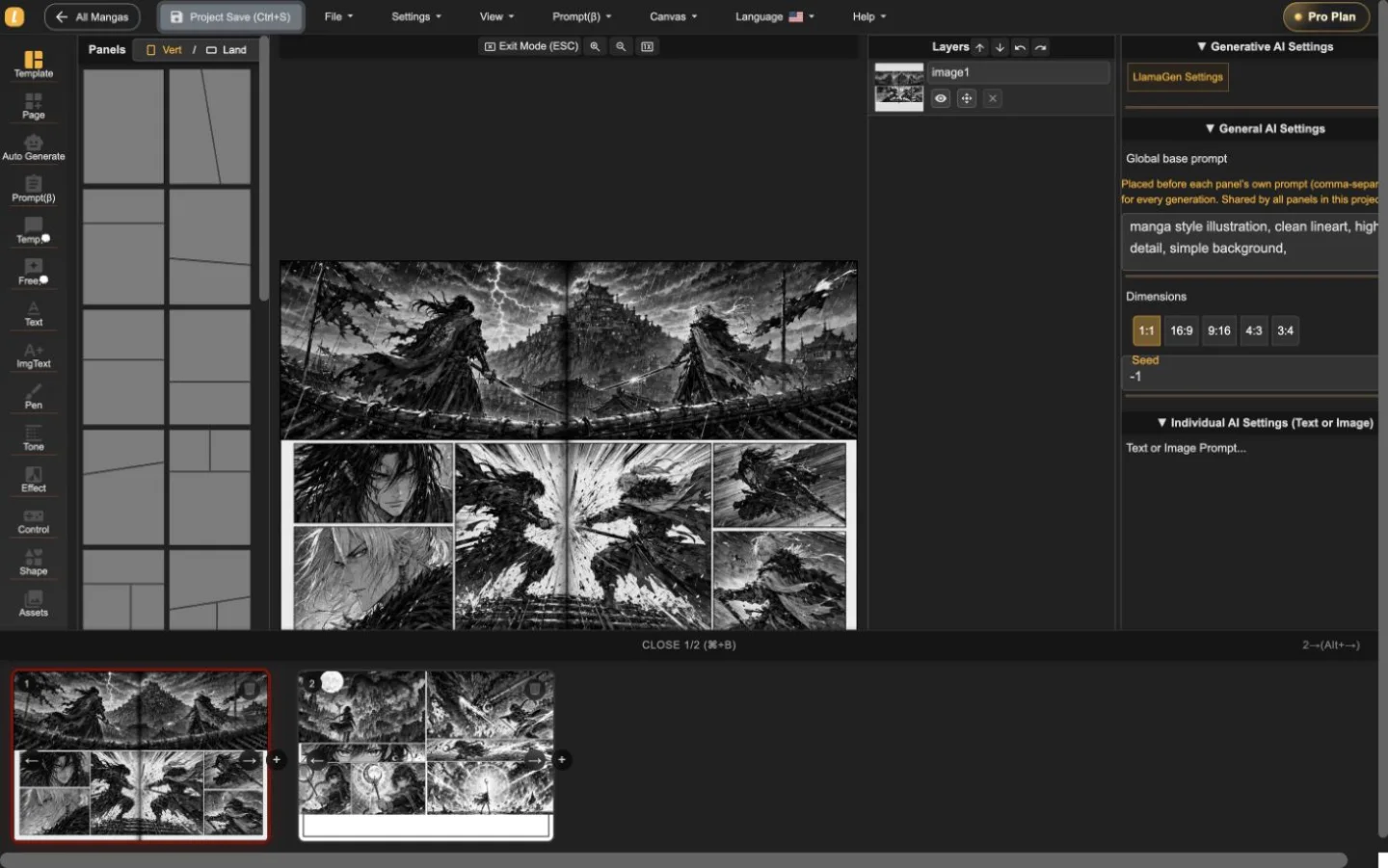
LlamaGen Manga Editor
Plānojiet daudzlapu nodaļu, novietojiet vai ģenerējiet mākslu paneļos, rediģējiet dialogu un slāņus, un saglabājiet katru korekciju, nesadalaot stāstu starp dažādiem rīkiem.
22-second interface tour
Built from real editor captures, this guided tour shows where page order, panel composition, layers, and generation controls live. It is an interface overview, not a recording of interaction speed.
Vadīta attēlu secība divām īsta projekta lapām. Nospiediet Play tikai tad, kad vēlaties; video nesataisa sākotnējās lapas ielādi.
Saglabājiet lapas pāršķiršanas skatu, kamēr viena lapa ir aktīva.
Strādājiet ar mākslu, nezaudējot apkārtējo lapu.
Labojiet izvēlēto paneli ar tā kontrolēm redzamām.
Izmantojiet tūri, lai saprastu darba vidi, pēc tam testējiet mijiedarbības ātrumu ar savu lapu pirms plāna izvēles.
Pārbaudiet plūsmu redaktorāTrīs darba līmeņi
Start with panel templates, portrait or landscape pages, and a visible page strip. The whole sequence stays close enough to inspect pacing while one page remains active for precise work.
Place generated or uploaded artwork inside panel boundaries, select objects directly, adjust composition, and keep the surrounding page visible instead of sending every correction through a separate generator.
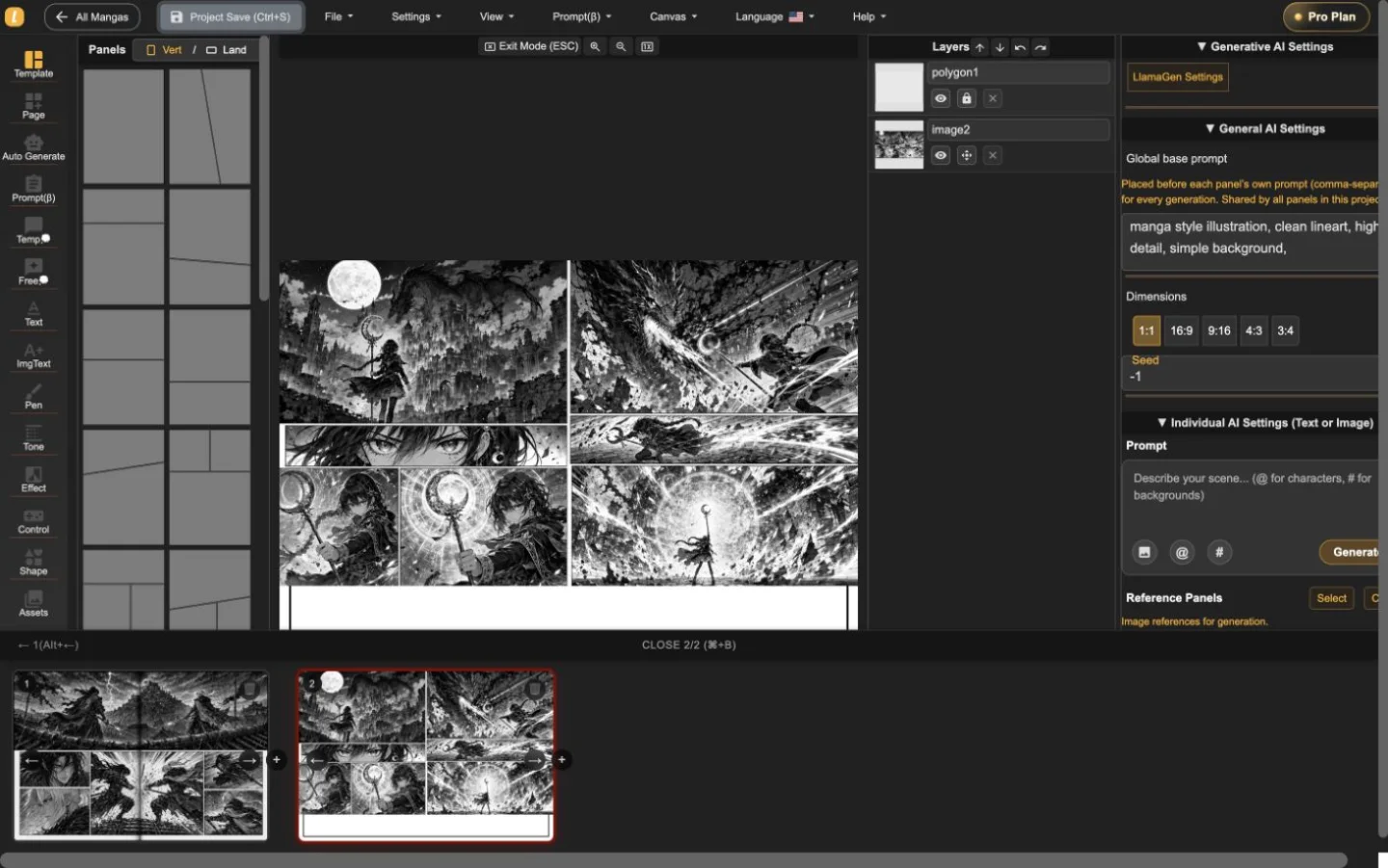
The layer list, panel selection, prompt controls, dimensions, and generation settings live alongside the page. That makes targeted revisions easier to understand and safer to repeat.
Īsts divlapu projekts
Darbības un fantāzijas lapas tika importētas, pārslēgtas un saglabātas Manga redaktorā. Ekrānuzņēmumi rāda produktu darbībā — ne studijas foto vai dekoratīvu paraugu.
Noderīga pirmā sesija
Izmantojiet redaktoru, lai atbildētu uz trim praktiskiem jautājumiem pirms plānu salīdzināšanas: vai var strukturēt lapu, rediģēt paneli, nezaudējot kontekstu, un eksportēt vajadzīgo formātu?
Sākt manga projektuNosakiet lapas virzienu un paneļu ritmu.
Izvēlieties paneli, pārskatiet tā slāni un pielāgojiet mākslu vai dialogu kontekstā.
Testējiet pašreizējās lapas lejupielādi un saglabājiet rediģējamu projekta rezerves kopiju pirms garākas nodaļas izveides.
Manga Editor plans
Standard supports multi-page drafting. Pro is the relevant comparison when a series needs character consistency or the plan's general commercial terms.
Pirms publicēšanas
Saglabājiet rediģējamu rezerves kopiju, pārbaudiet nepieciešamo rezultātu un pārskatiet tiesības, kas piesaistītas katram avotu resursam pirms izdošanas.
How to use Manga Editor
Start with structure, make image changes in context, and save a stable version before the next major revision.
Izvēlieties vertikālu vai ainavu lapu, pievienojiet paneļus un izkārtojiet secību, pirms pulējat atsevišķus attēlus.
Ģenerējiet vai ievietojiet attēlus izvēlētā panelī, precizējiet promptus un rediģējiet dialogu, formas, slāņus un izkārtojumu kontekstā.
Pārvietojieties caur lapu sīktēliem, saglabājot projektu kopā, pēc tam izveidojiet atjaunojamu versiju pirms lielām korekcijām.
Reference
Praktiska informācija par lapām, attēliem, ģenerēšanas vadību, atkopšanu un publicēšanas pārbaudi.
LlamaGen Manga Editor is a browser-based workspace for composing multi-page manga, comics, and webtoons. It combines panel layouts, image placement, AI-assisted generation, text tools, layers, page navigation, and project history in one editor.
Yes. The page strip keeps multiple pages in one project so you can add, reorder, open, and review the sequence without exporting every page as a separate document.
Yes. Import or paste your own image files, then place them on the canvas or inside a selected panel. The editor keeps the surrounding page visible while you adjust the composition.
Yes. AI controls can generate or refine images for the selected panel. The editor keeps the page, panel, prompt, and layer context visible while you work.
The editor currently supports a current-page image download using the selected DPI, supported vector content as SVG, and an editable project backup. Download access depends on your plan. PDF is not currently listed as an editor export.
Standard and Pro include single-page and multi-page editing. Standard currently includes 15,000 monthly credits and up to 20 panels per prompt. Pro currently includes 45,000 monthly credits, character consistency, and up to 40 panels per prompt.
Pro currently lists general commercial terms. Commercial use also depends on the rights to your prompts, reference images, fonts, characters, and other source material, so review the current plan and terms before publishing or selling a project.
Project history shows saved versions with page previews, timestamps, and page counts. Review the selected snapshot before choosing whether to restore it.
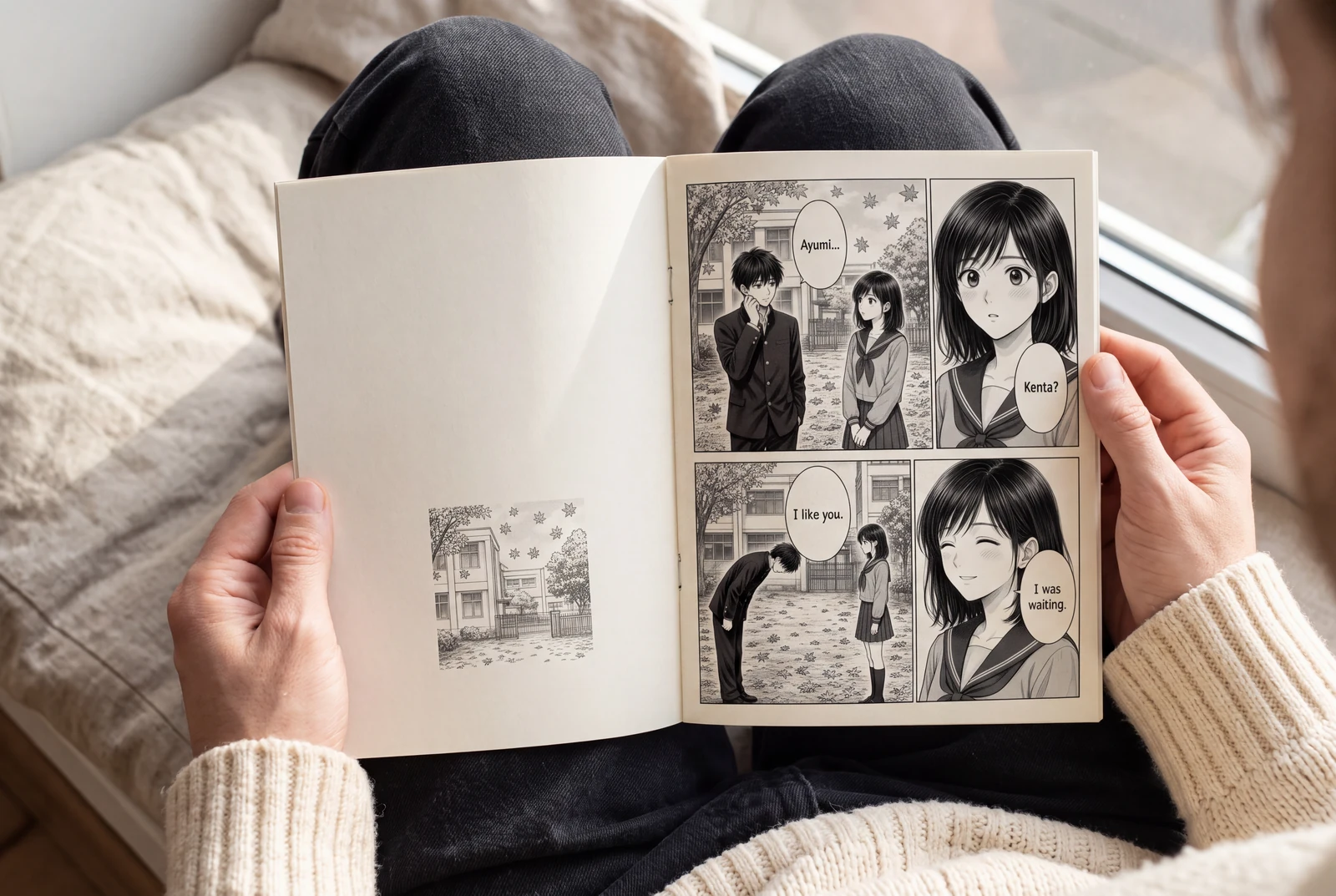
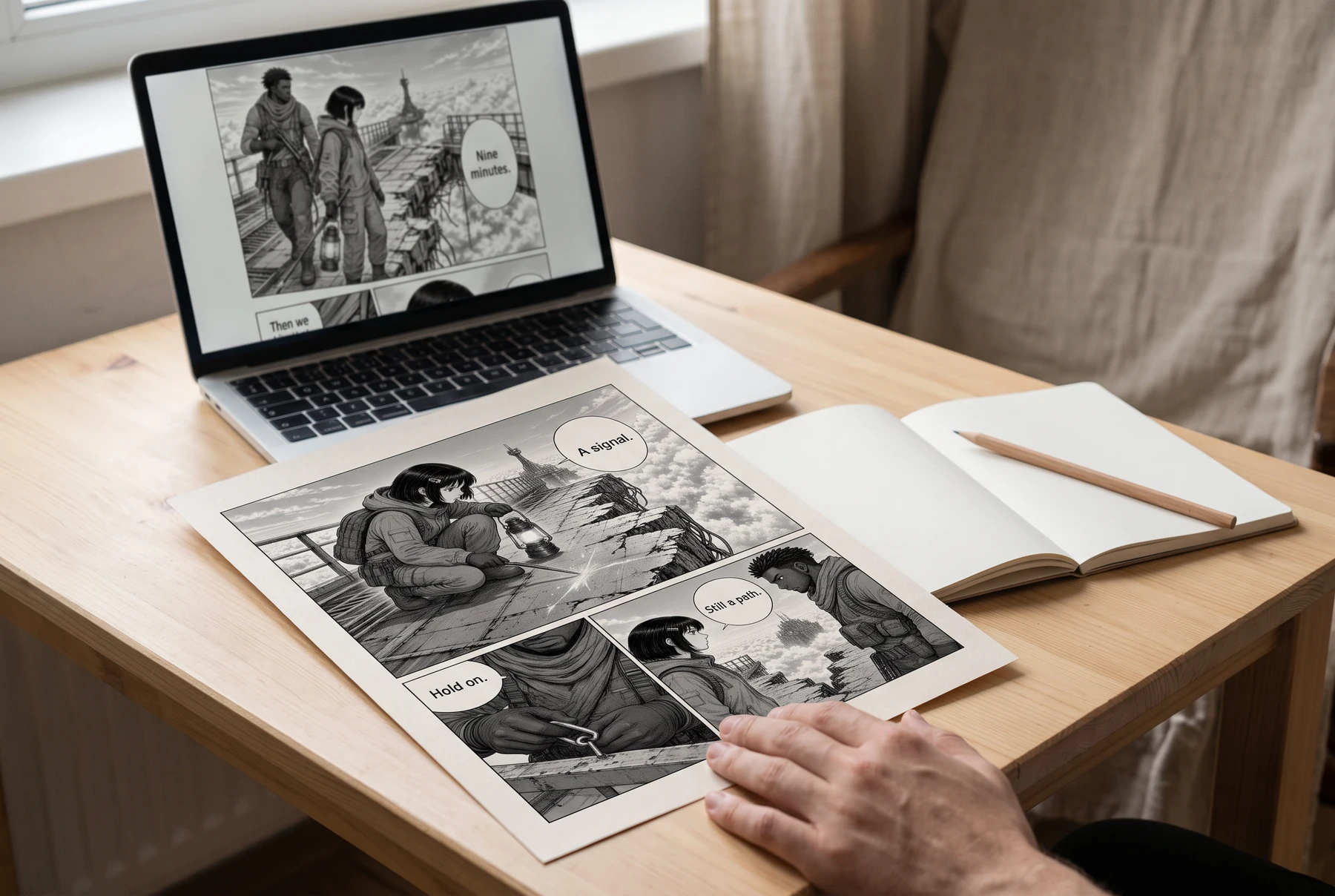
Plan manga panels, gutters, image crops, and dialogue space before exporting a readable page. Includes a four-panel planning example and practical checks.
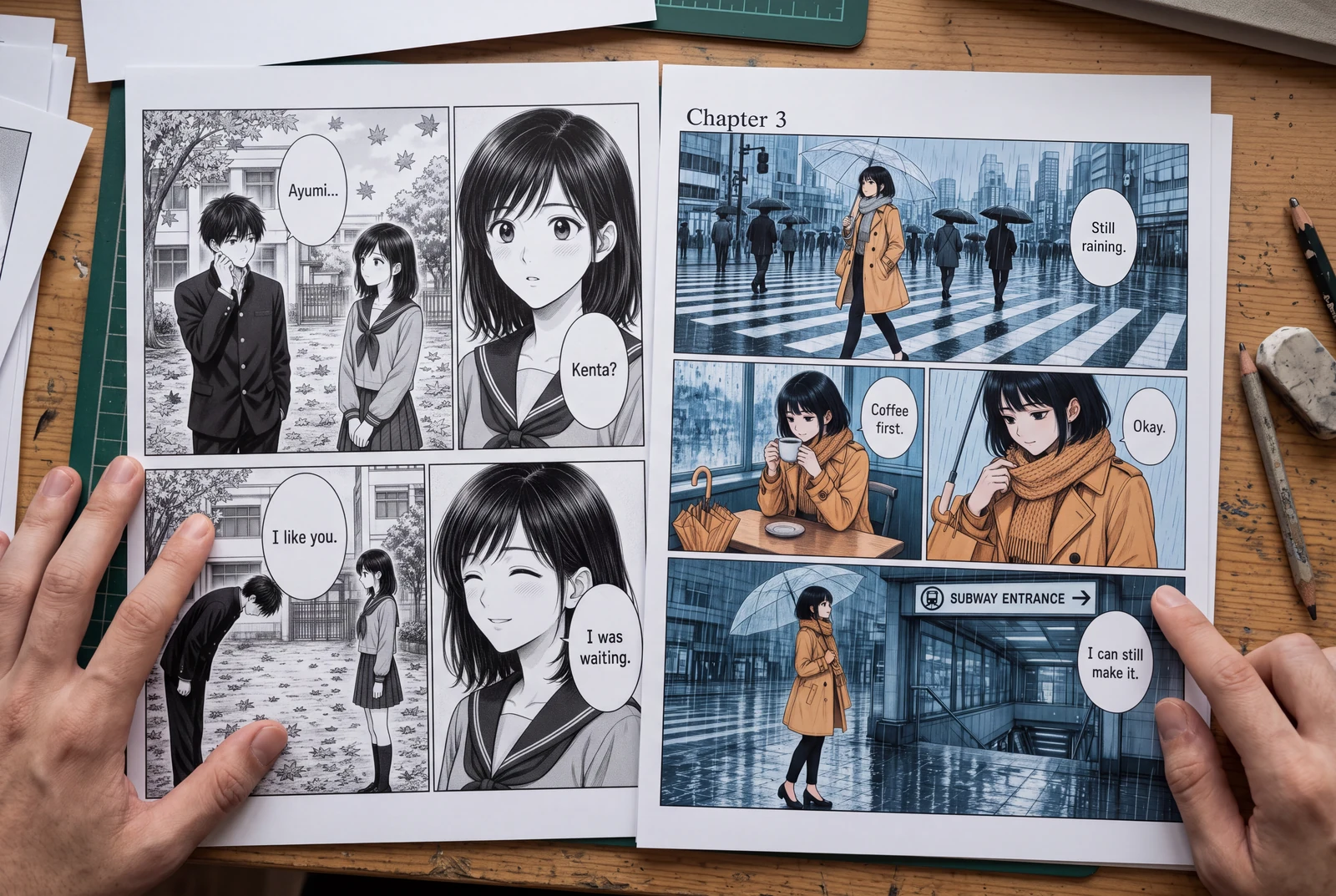
Place manga speech bubbles in a clear order, connect tails to speakers, and preserve text space across translations. Includes a dialogue planning example.
Guides
Three practical guides to turn a story into panels you can read, revise, and share.
 AI-generated lifestyle concept
Manga planning guide
Turn a short manga script into four readable panels with an original worked example, a reusable prompt, dialogue checks, and an honest review checklist.
Read guide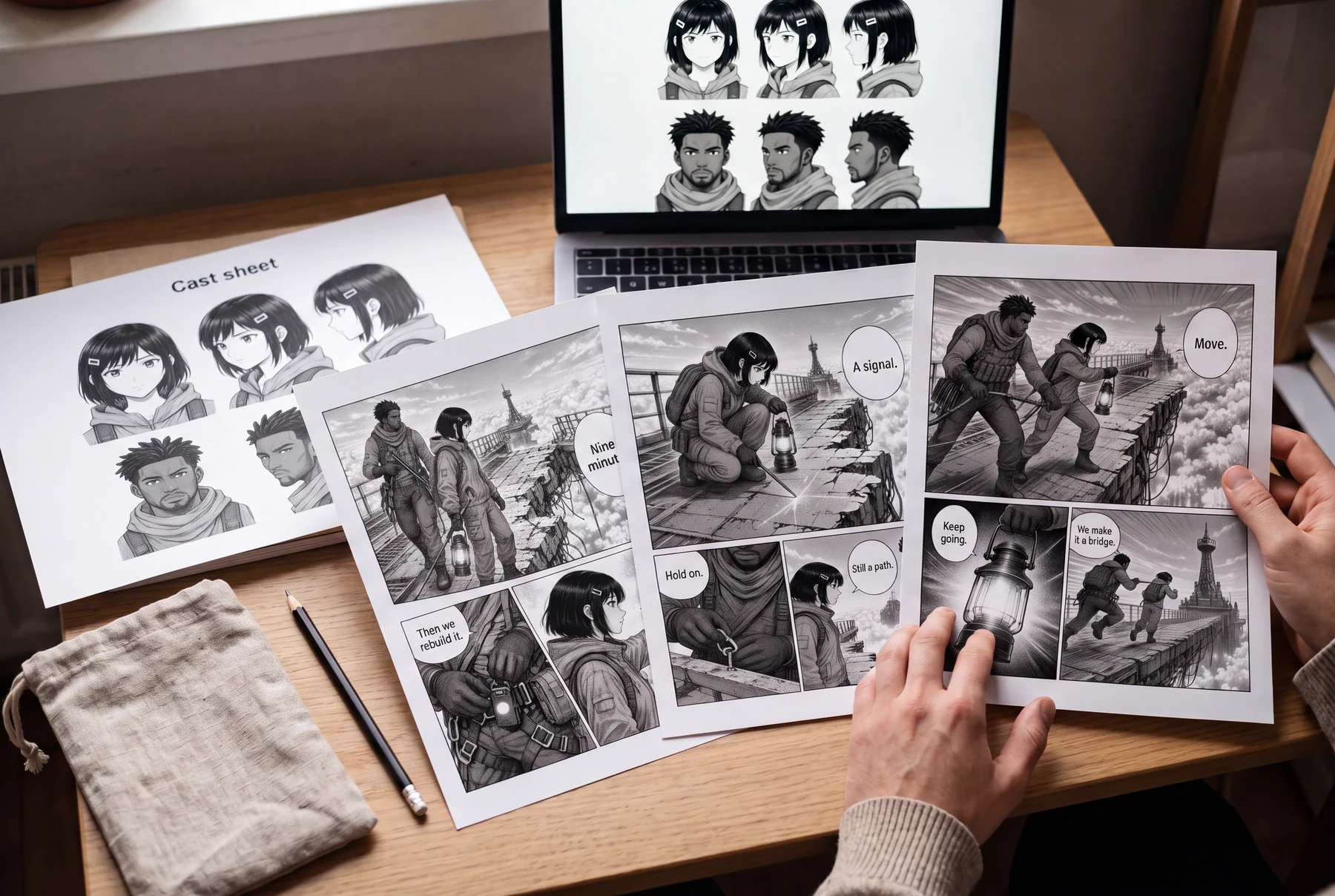 AI-generated lifestyle concept
Character continuity guide
Keep AI manga characters recognizable with a character bible, scene continuity checks, and a targeted redraw prompt. Includes an original illustrated example.
Read guide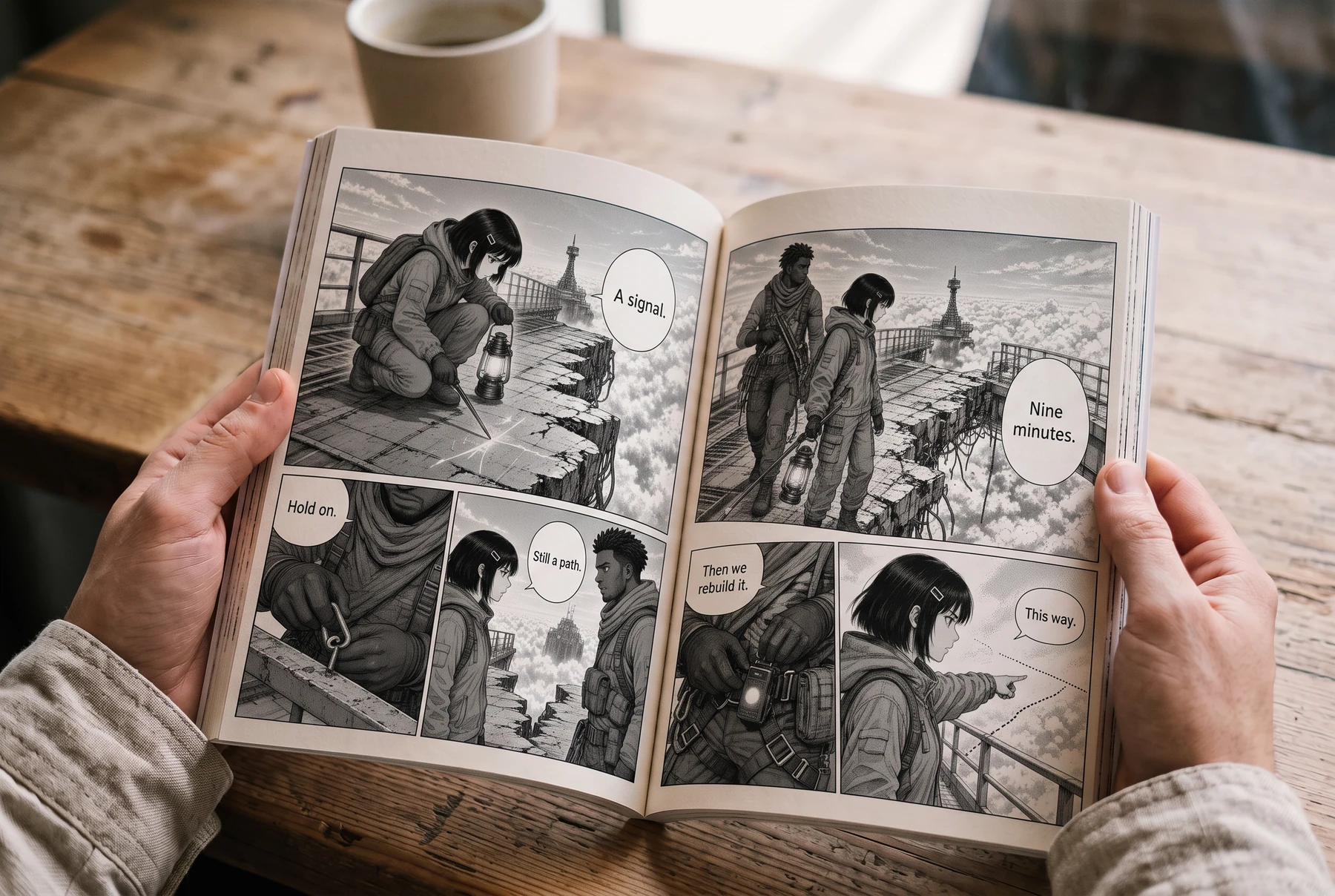 AI-generated lifestyle concept
Reading order & lettering
Plan right-to-left manga panels and speech balloons with an illustrated four-panel example, a lettering brief, and a translation checklist.
Read guideSāciet projektu
Izvēlieties lapas formātu, nosakiet paneļu ritmu un novietojiet pirmo mākslas darbu.