Understand the difference between a generated PNG layer sheet and extracted transparent PNG parts, with checks for edges, missing detail and editable raster output.


Live2D material preparation
Review separated artwork before Live2D preparation
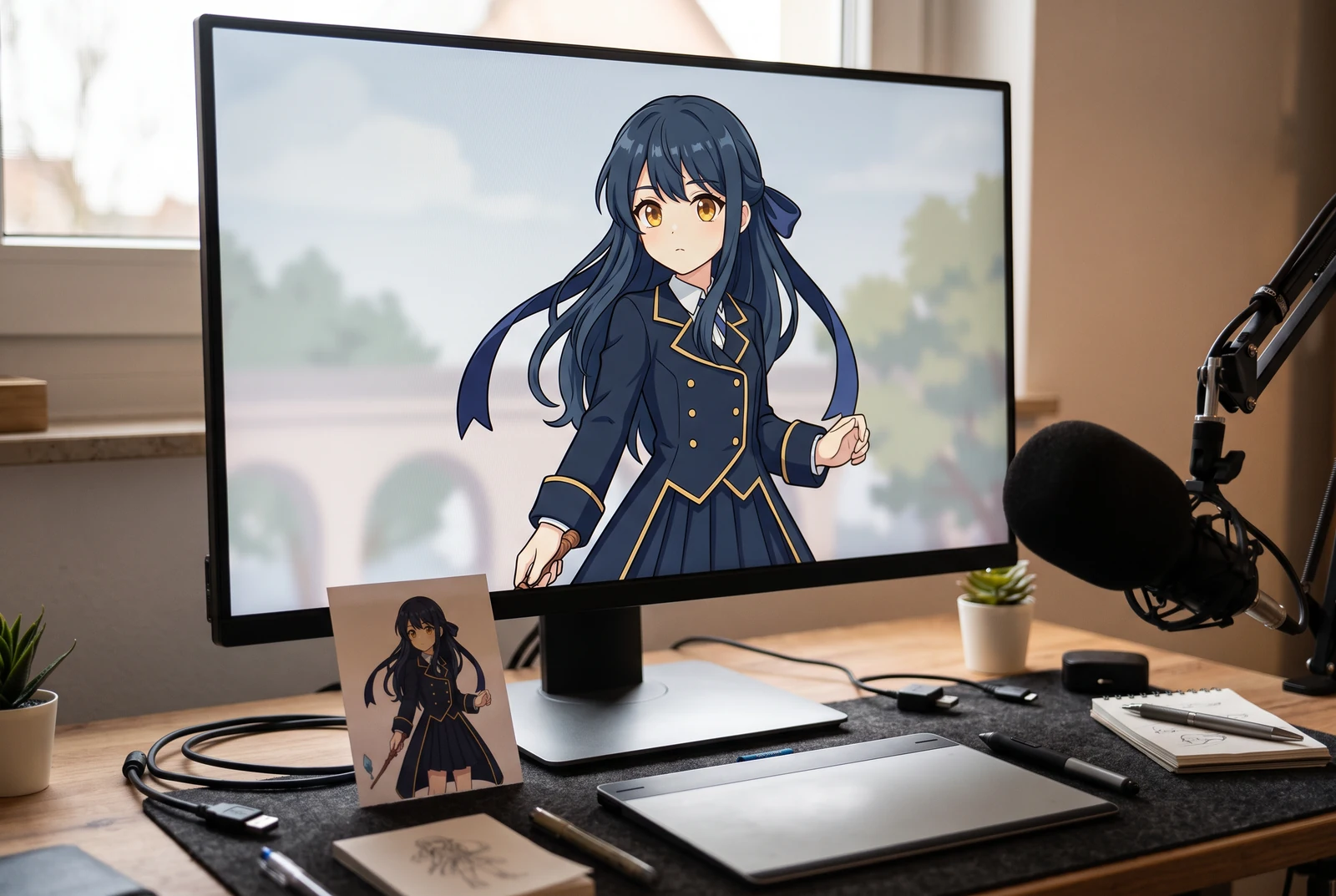
AI-generated lifestyle concepts. Printed pieces and device scenes illustrate possible downstream uses after manual preparation; they are not customer photos or verified export or rigging results.
Live2D preparation starts with an illustration whose parts support the movement you plan to rig. AI separation can suggest useful pieces, but it cannot tell you whether an eyelid, hidden cheek or shoulder has enough artwork for a turn. Treat the generated sheet as an inspection aid, then use Live2D's material guidance to finish the illustration for your model.
For illustrators and aspiring model creators reviewing a flattened character image before manual material preparation and rigging.
← Back to all layer splitting guidesSee the finished artwork in everyday life
Explore how prepared character artwork could appear on personal prints, devices and coordinated creative sets.
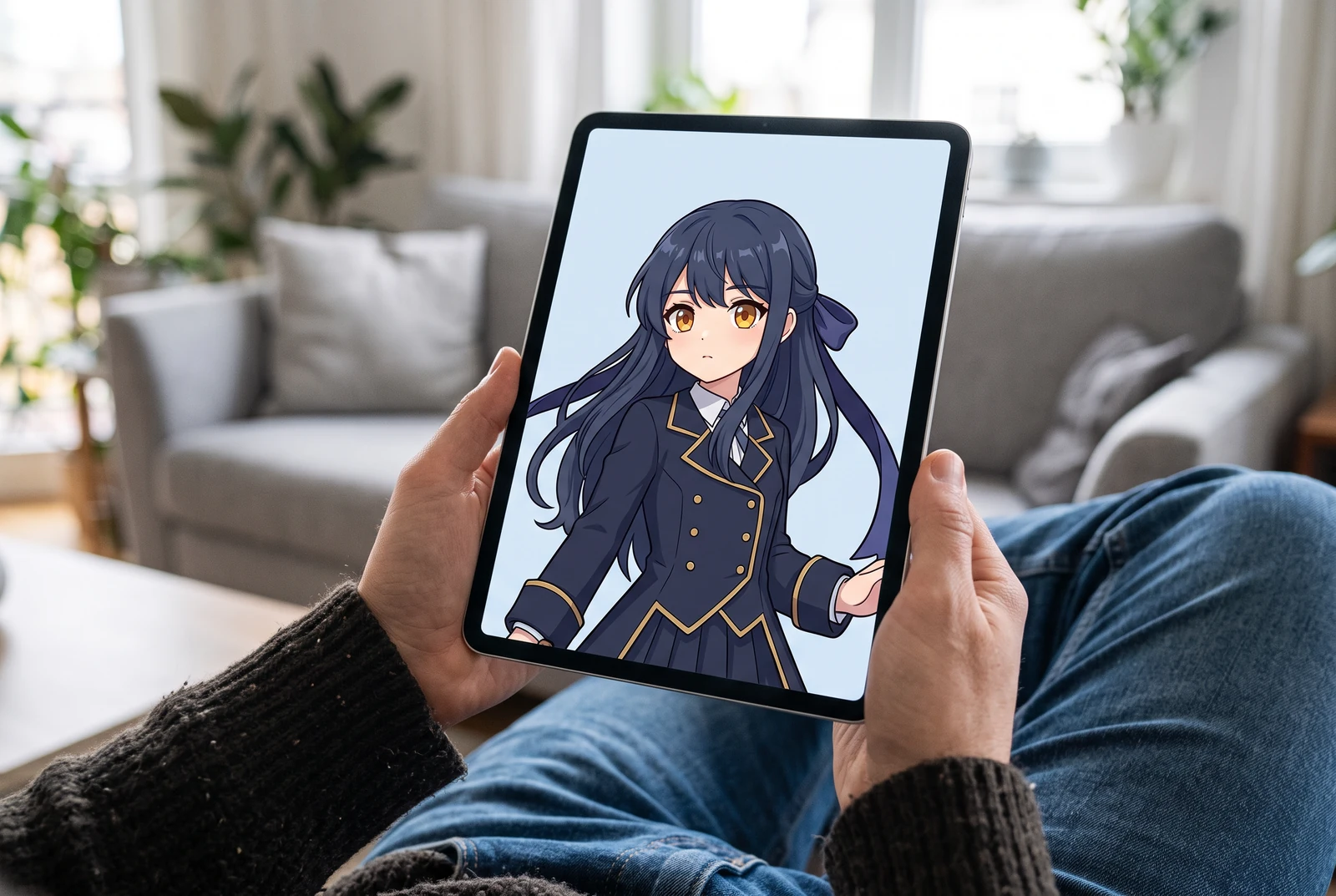
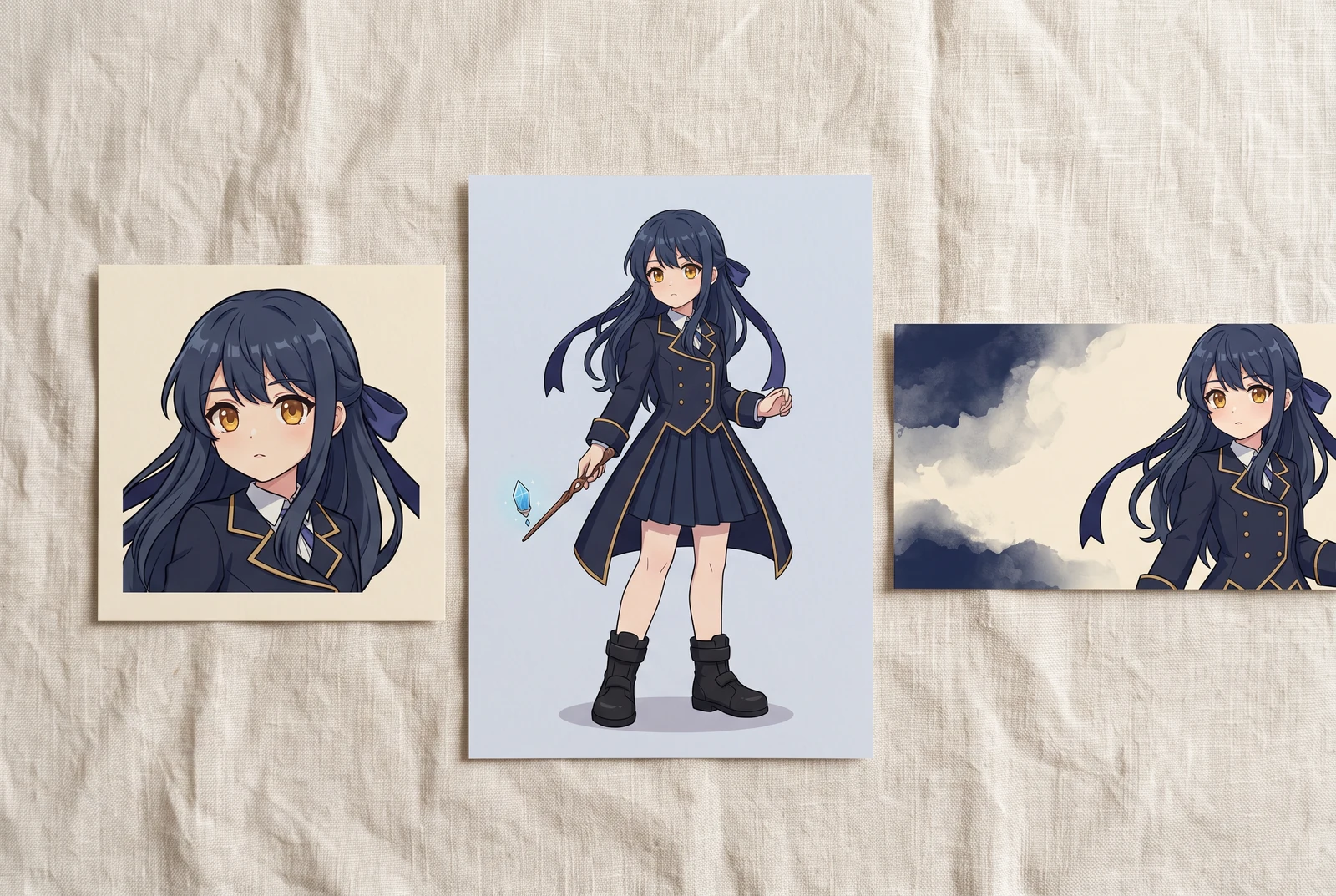
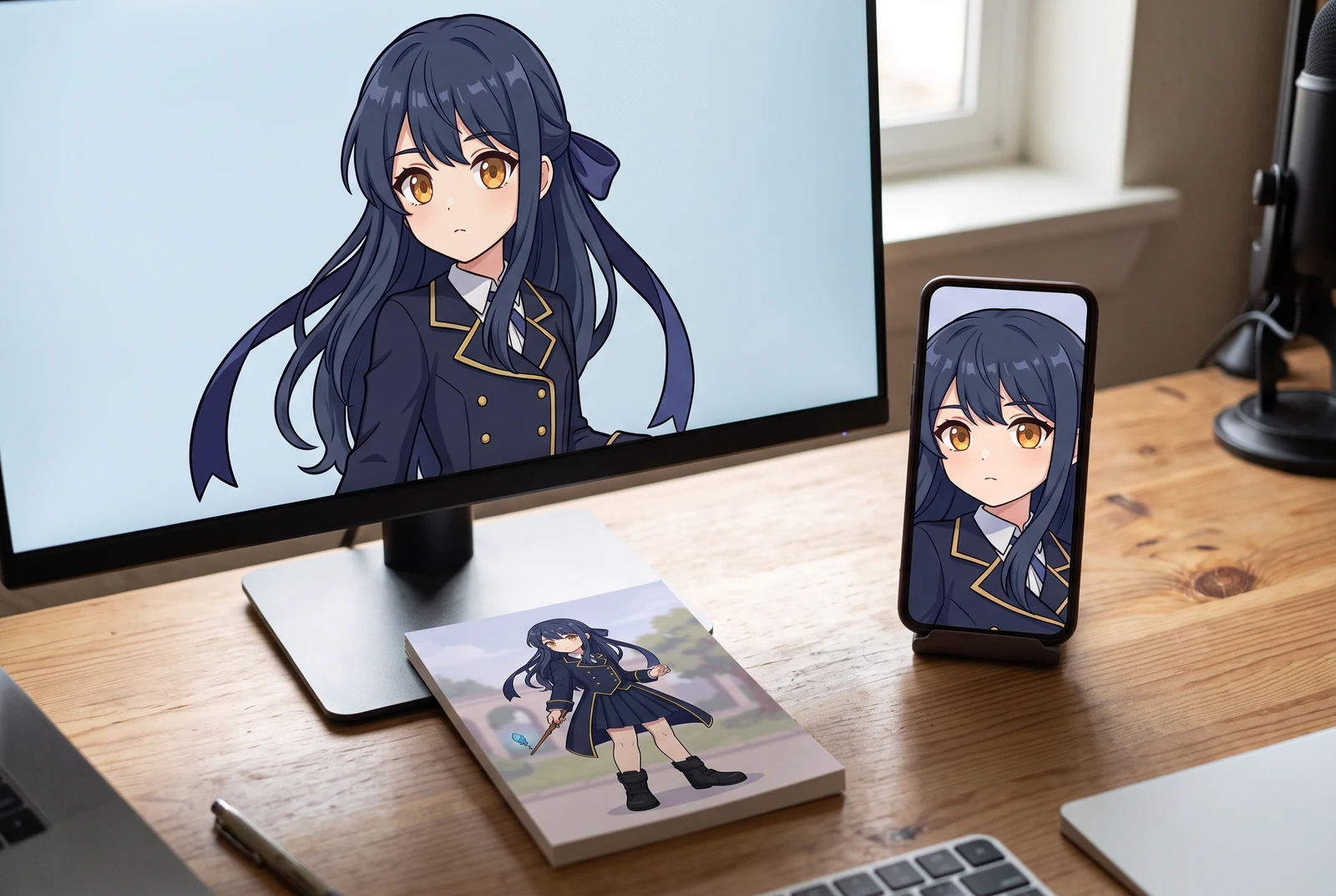
AI-generated lifestyle concepts. Printed pieces and device scenes illustrate possible downstream uses after manual preparation; they are not customer photos or verified export or rigging results.
Inspect the published layer-sheet example
Gallery example: this comparison shows a source image and one generated PNG sheet. It does not demonstrate individual extracted PNG files, a ZIP, or a PSD.
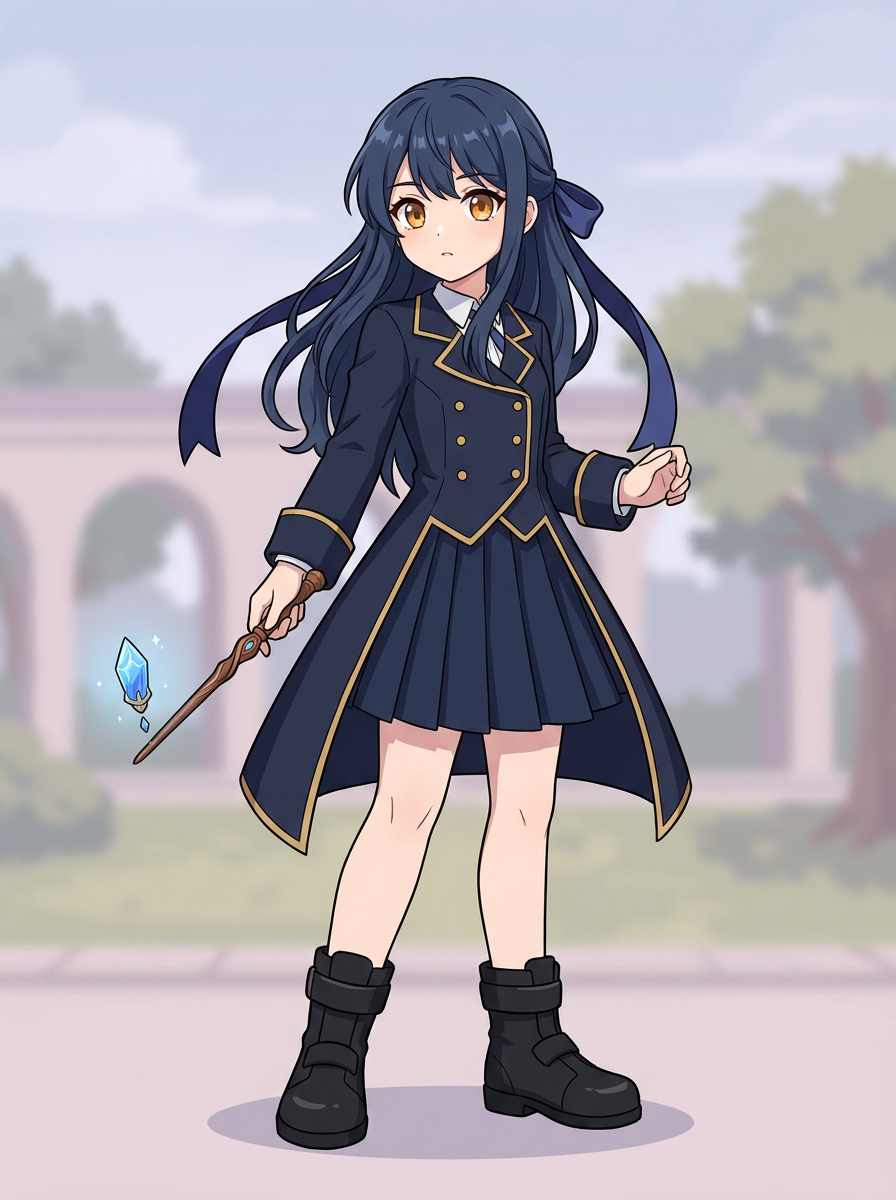
Original character image
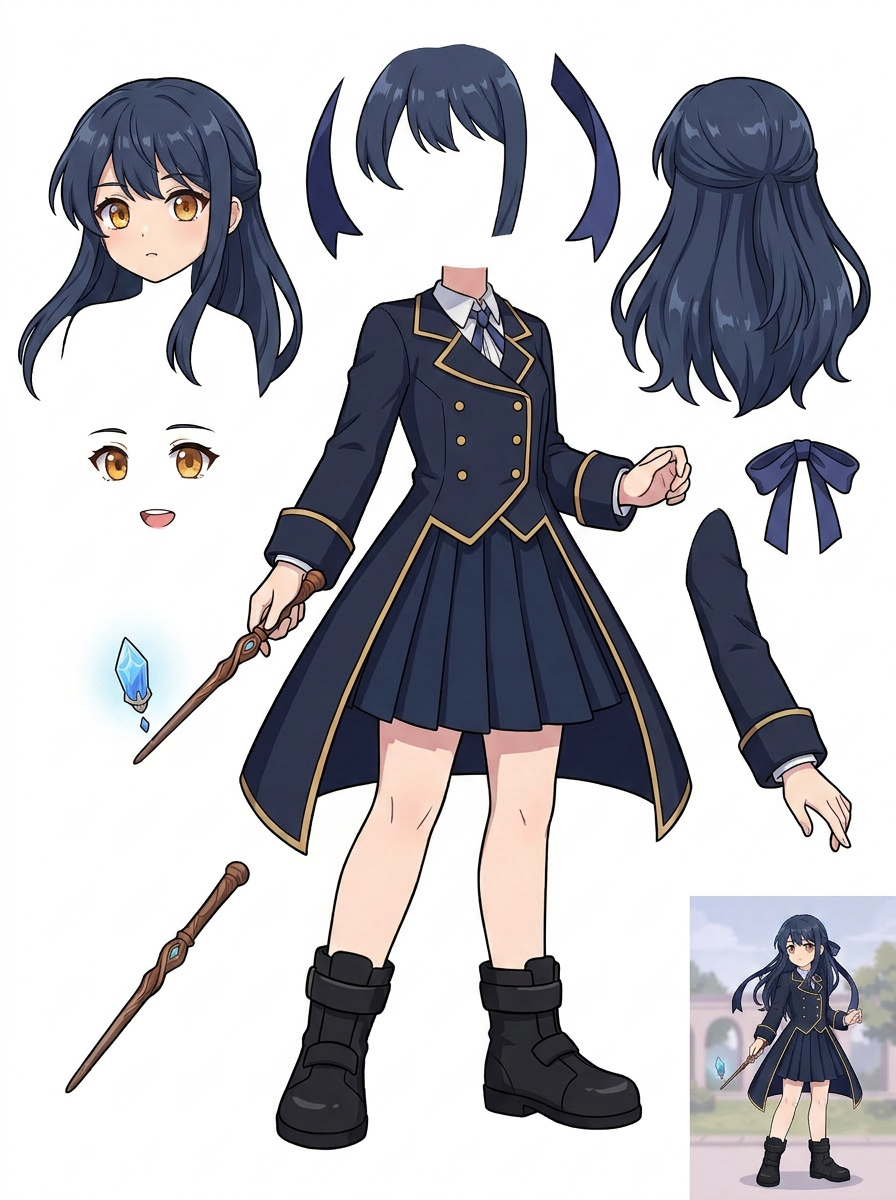
Generated single PNG layer sheet
A practical workflow
Define motion before judging separation
Write down whether you need blinking, mouth motion, hair sway or a head turn. Inspect the eyes and hair sections for those needs. A pair of visible eyes on the sheet is not proof that eyelids, lashes, mouth shapes or the face underneath are prepared correctly.
Inspect overlaps and remaining fused areas
Check the hairline, neck, sleeve and uniform in the proposed sheet. In this example, the central body remains largely joined. A moving arm may expose a missing shoulder, and hair movement may expose incomplete face artwork. Mark these areas for drawing and cleanup.
Prepare the material in an illustration editor
Where available, an eligible paid extraction pass supplies transparent raster PNGs, ZIP and a starter PSD. Inspect that artwork, organize and name the layers, complete concealed areas and follow Live2D's material requirements. Only then move to import, mesh creation, parameters and rigging.
What to inspect
- Facial parts needed for your intended expressions are present and can move independently.
- Hair and clothing extend behind adjacent parts enough for the planned motion.
- The face and neck remain visually complete when you move foreground pieces aside.
- The final material follows the current Live2D documentation rather than relying on the sheet's appearance.
Know the limits
- The splitter does not create an automatic Live2D rig, deformation meshes, movement parameters or a finished model.
- A starter PSD is raster editing material. It does not guarantee Live2D import readiness or complete artwork behind overlapping parts.
Related workflows
Prepare character artwork for a game asset workflow. Inspect equipment, fused limbs, overlap and alignment before exporting raster parts to your preferred tools.
Plan simple mascot motion using separated raster parts. Inspect scarf, arms, shoes and body overlap before extraction, cleanup and animation in your editor.
Inspect character edges, ground shadows and missing areas before background replacement. Understand where a layer sheet helps and where manual masking is needed.
Questions before you start
Can I import the generated sheet directly as a finished model?
No. A single sheet is not prepared model material. Even after extraction, you must inspect and organize the artwork, complete missing regions and perform the Live2D setup and rigging.
Why link to Live2D's own documentation?
Its material guidance explains the requirements of the destination application. That reference supports your preparation decisions; it is not an endorsement of LlamaGen or evidence that this gallery sample has passed an import test.