01
Get the details just right
Describe what the character does, carries, and wears. Adjust the brief and generate another draft when an important detail is missing.


Describe a hero, mage, or mythical creature, choose an art style, and generate character art for your game, story, or RPG campaign.
From idea to image
LlamaGen's fantasy character generator turns a written brief into an image draft for a tabletop RPG, fan fiction, or a graphic novel. Name a role, outfit, signature object, and setting; choose a style; then review the result and refine your next prompt.
Start with a role, a memorable object, and a place in the world. Those details give the character more identity than a genre label alone.
Ideas to try
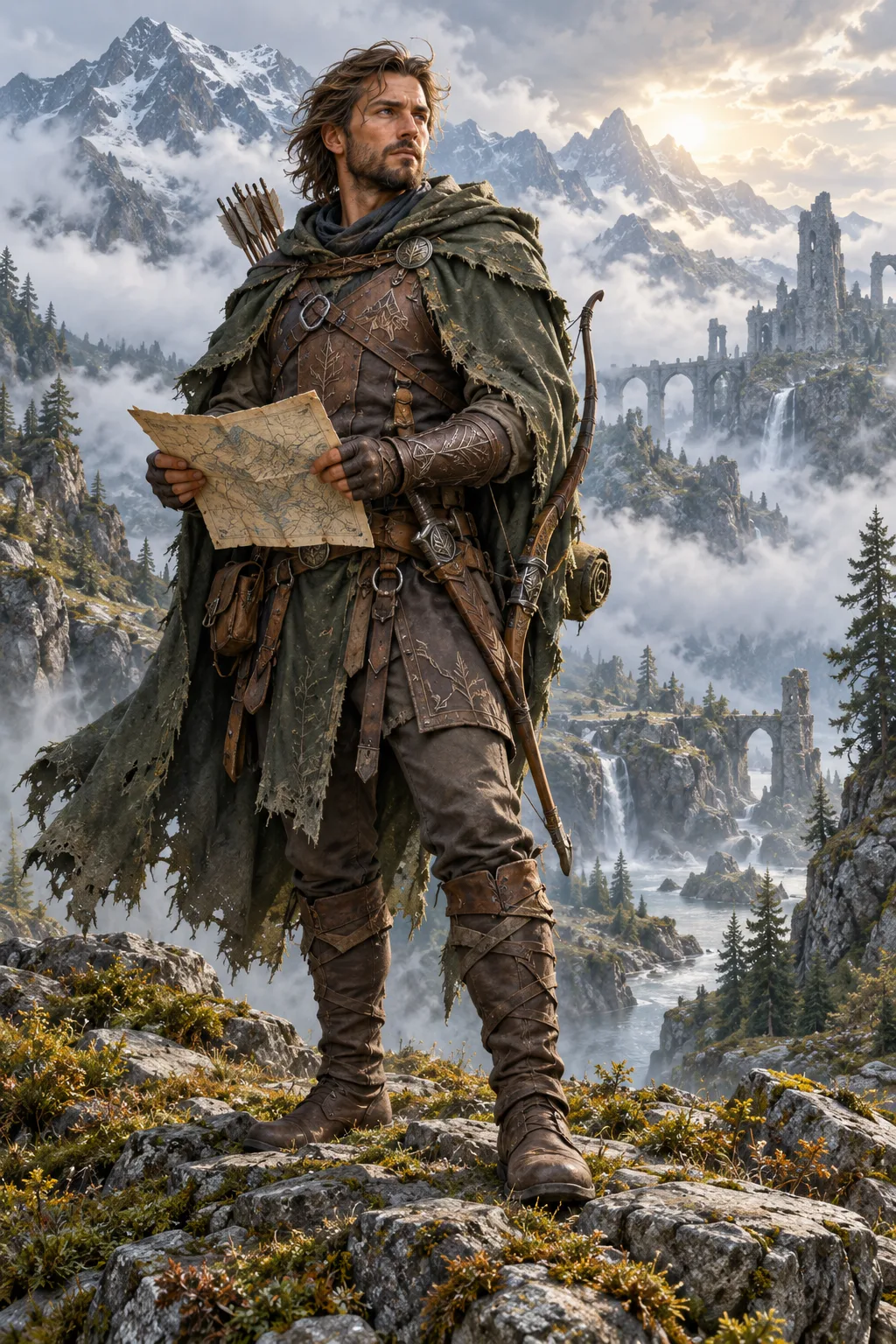
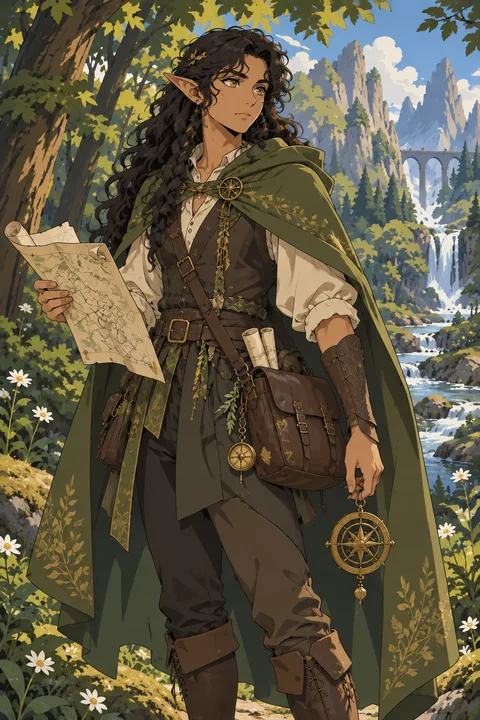
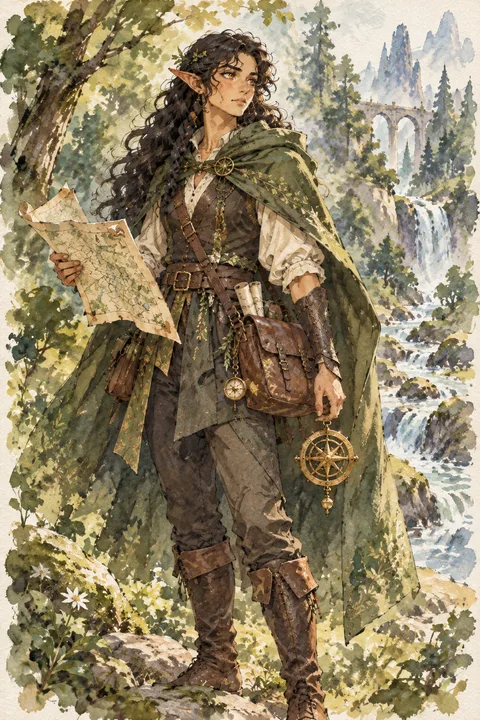
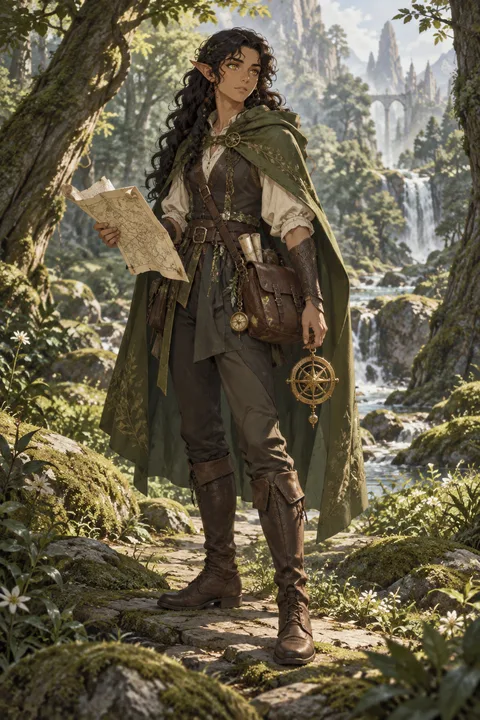
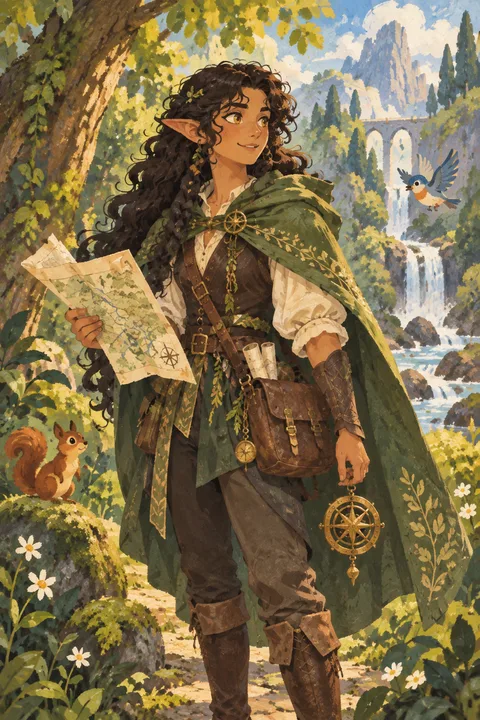
Explore visual directions
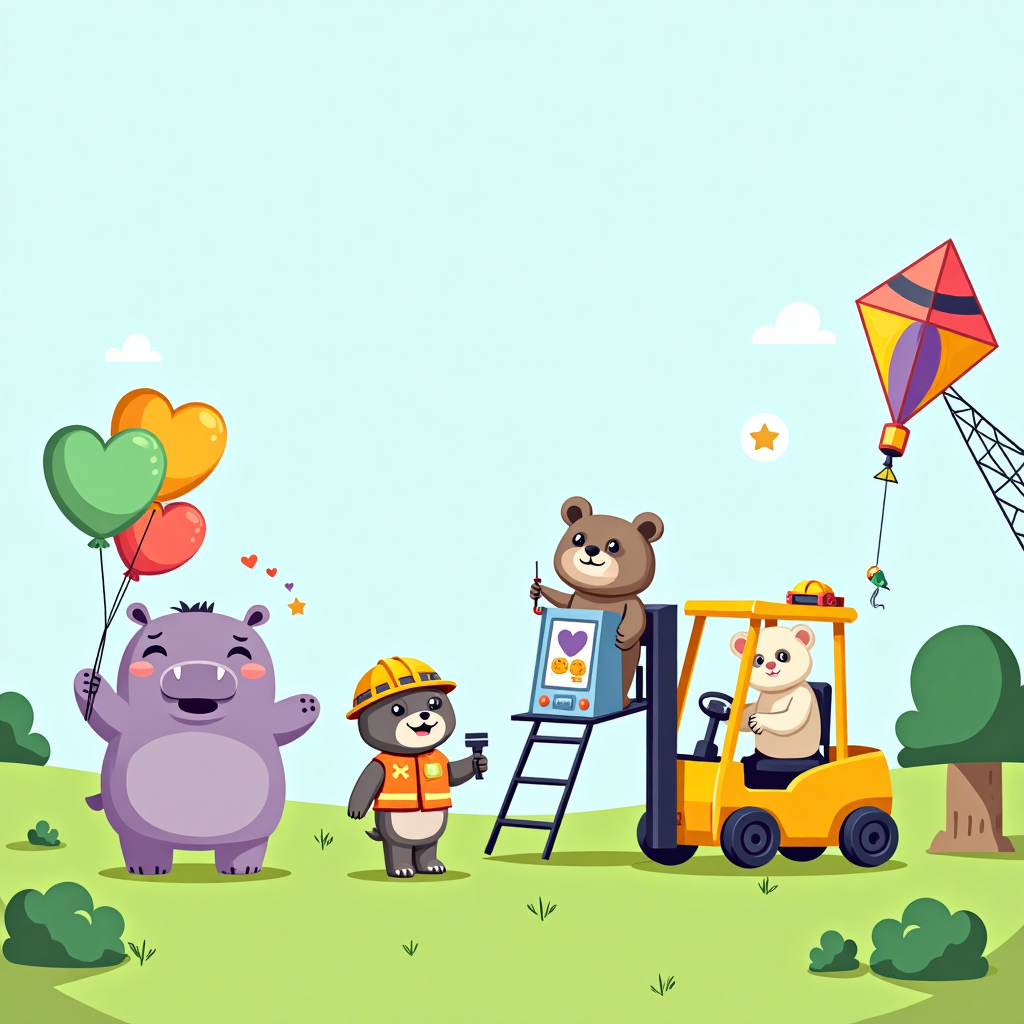
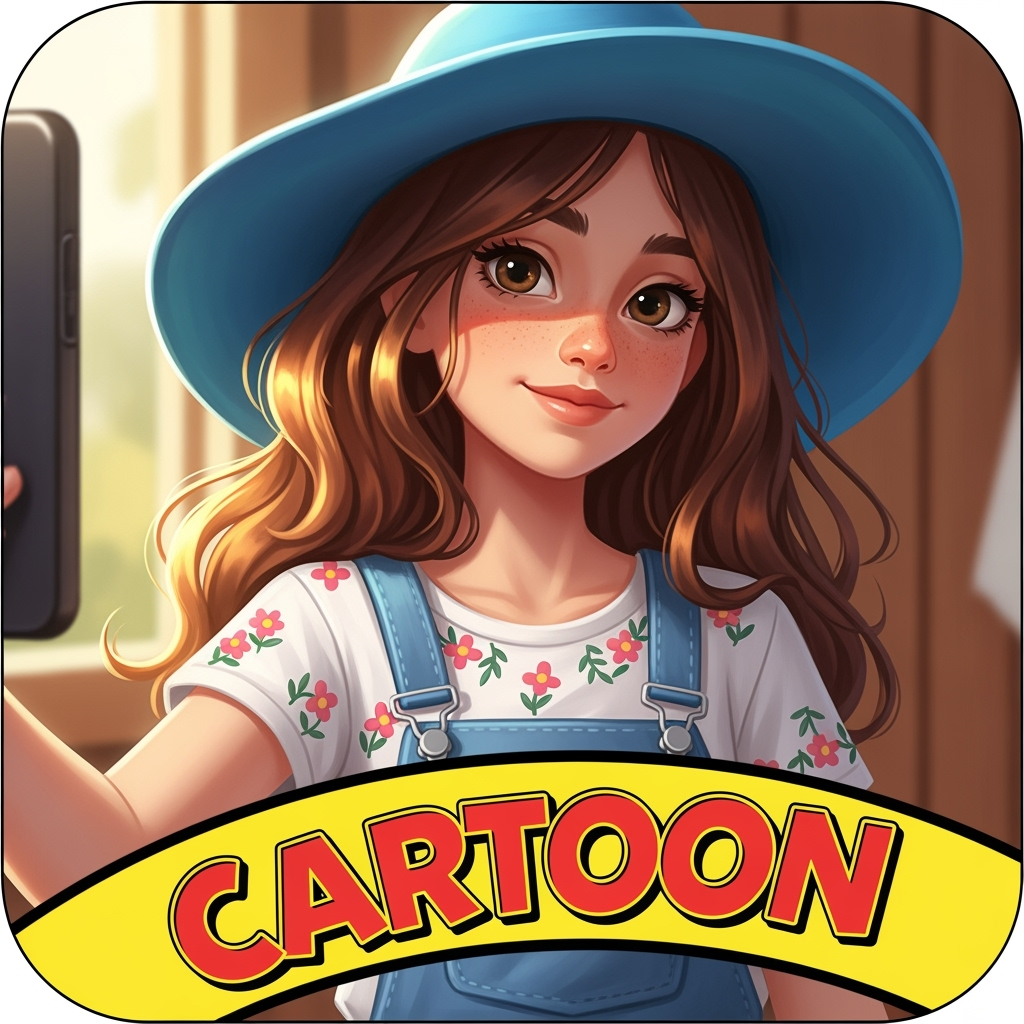
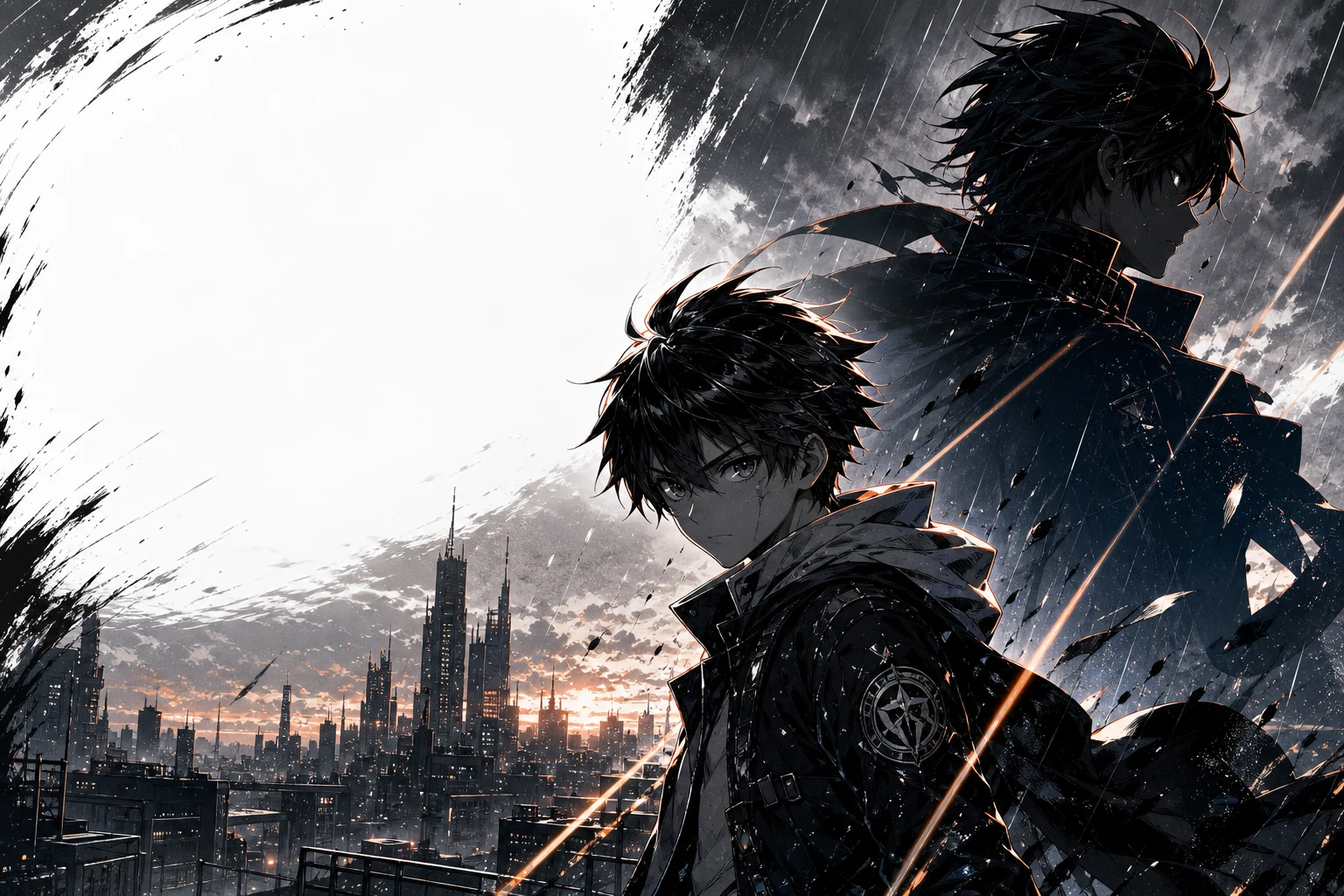
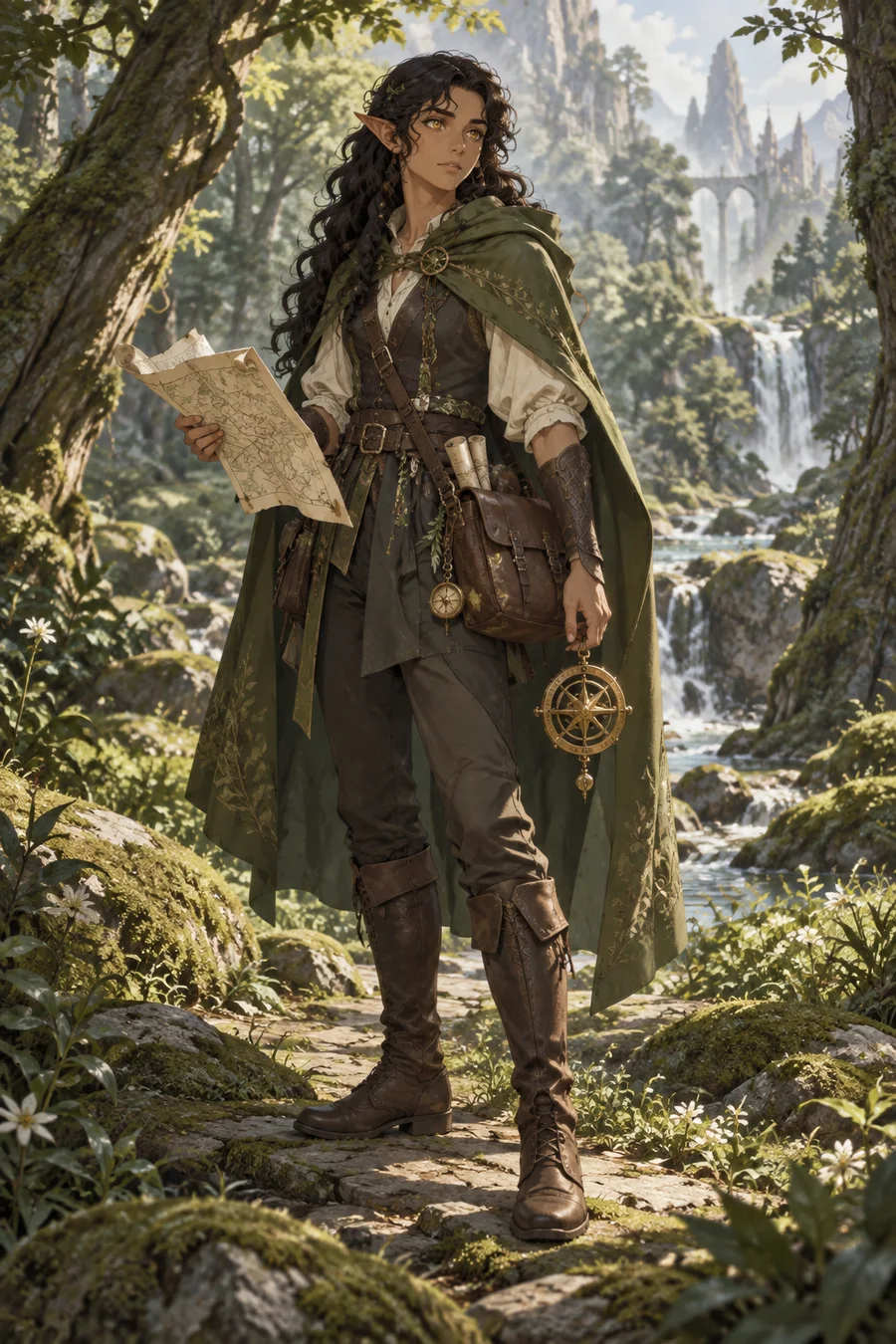
The same character brief can feel cinematic, painterly, realistic, or like a storybook illustration. Choose one of the four illustrated presets, open 20 more style prompts in the generator, or describe your own medium, lighting, and palette.
These illustrative previews show one concept in four art directions. Generated results will vary.
Try a style in the generatorDescribe what the character does, carries, and wears. Adjust the brief and generate another draft when an important detail is missing.
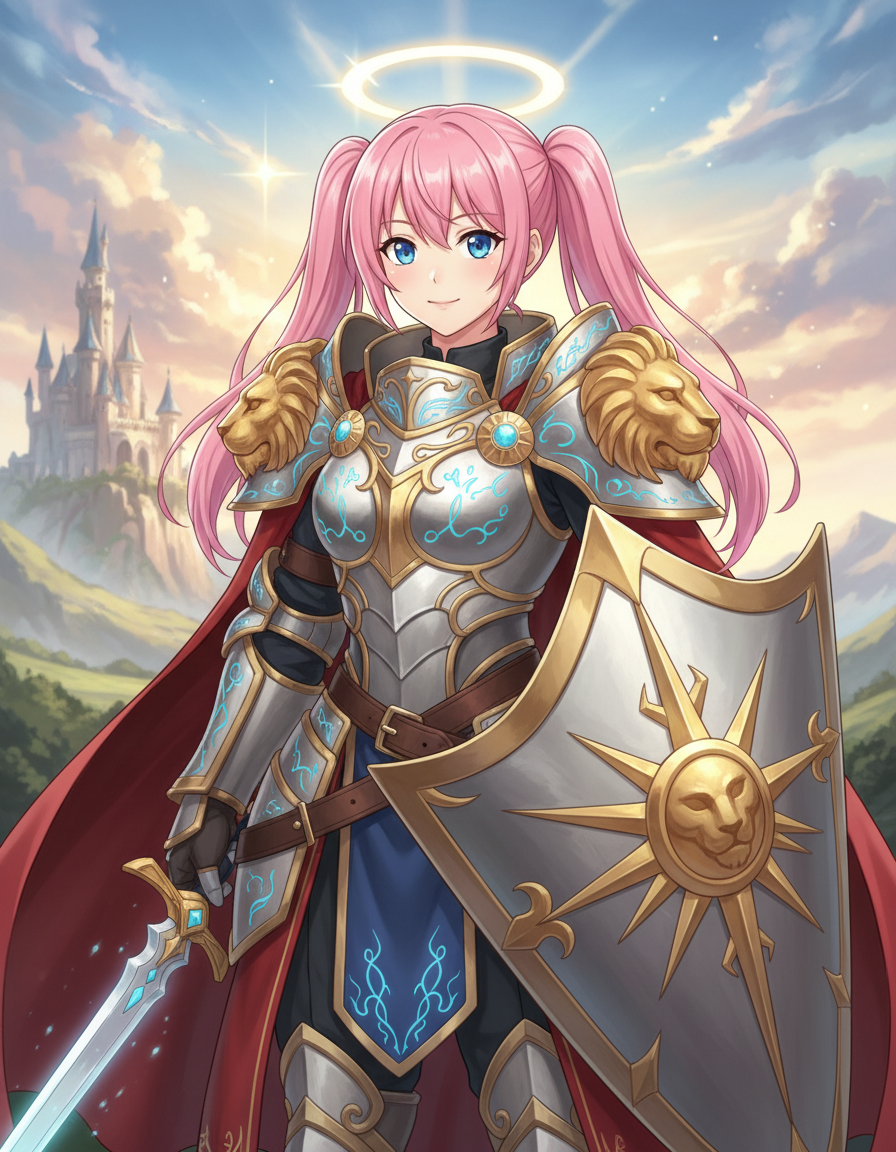
Try another style prompt or change the lighting, palette, and image shape. Compare the result before choosing a direction.
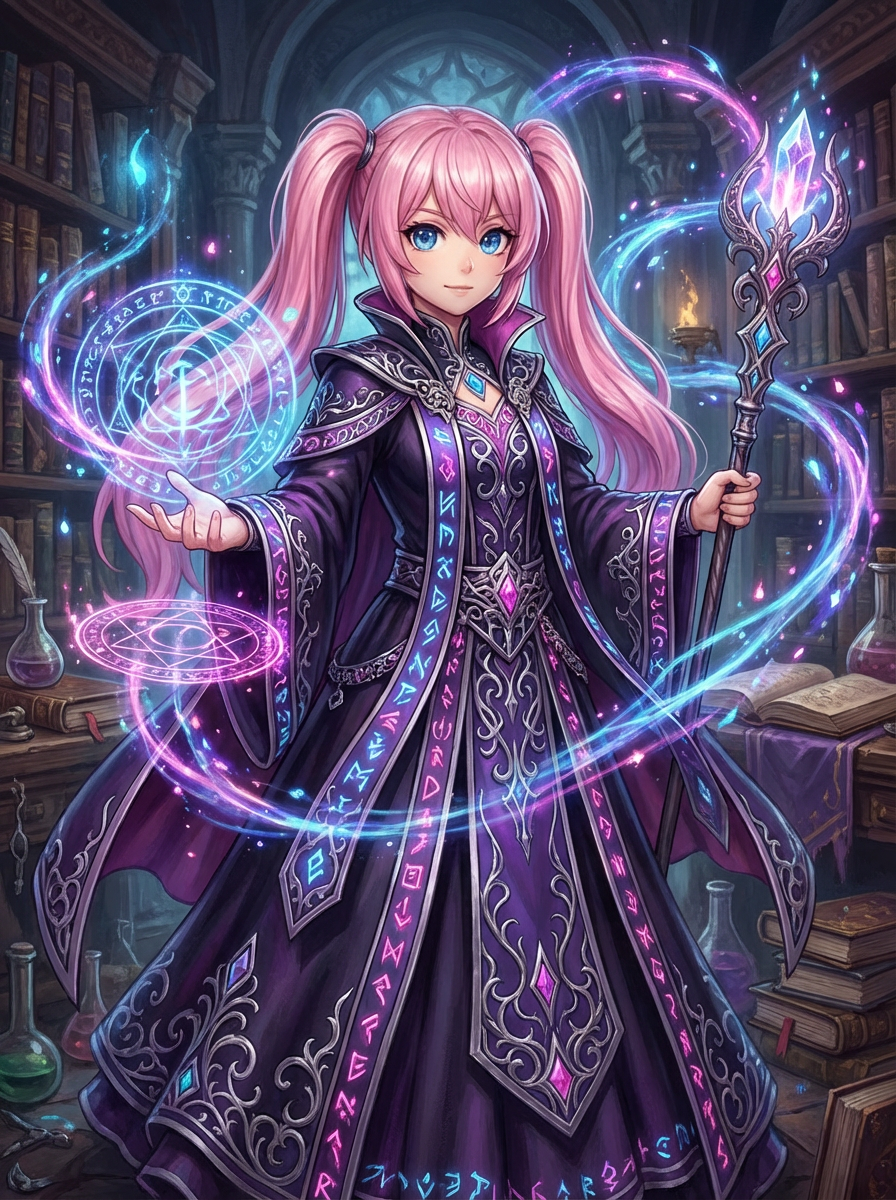
Download the image for a game, fan fiction project, or graphic novel. A separate LlamaGen comic tool can help you develop it into panels.
Describe your own character ideas and review generated images for close resemblance to existing characters before sharing or commercial use. AI output is not guaranteed to be unique.
Explore illustrative concepts for games, stories, and tabletop campaigns, then make a brief of your own.
Explore heroes, villains, NPCs, and mythical creatures for video games and tabletop RPG campaigns.
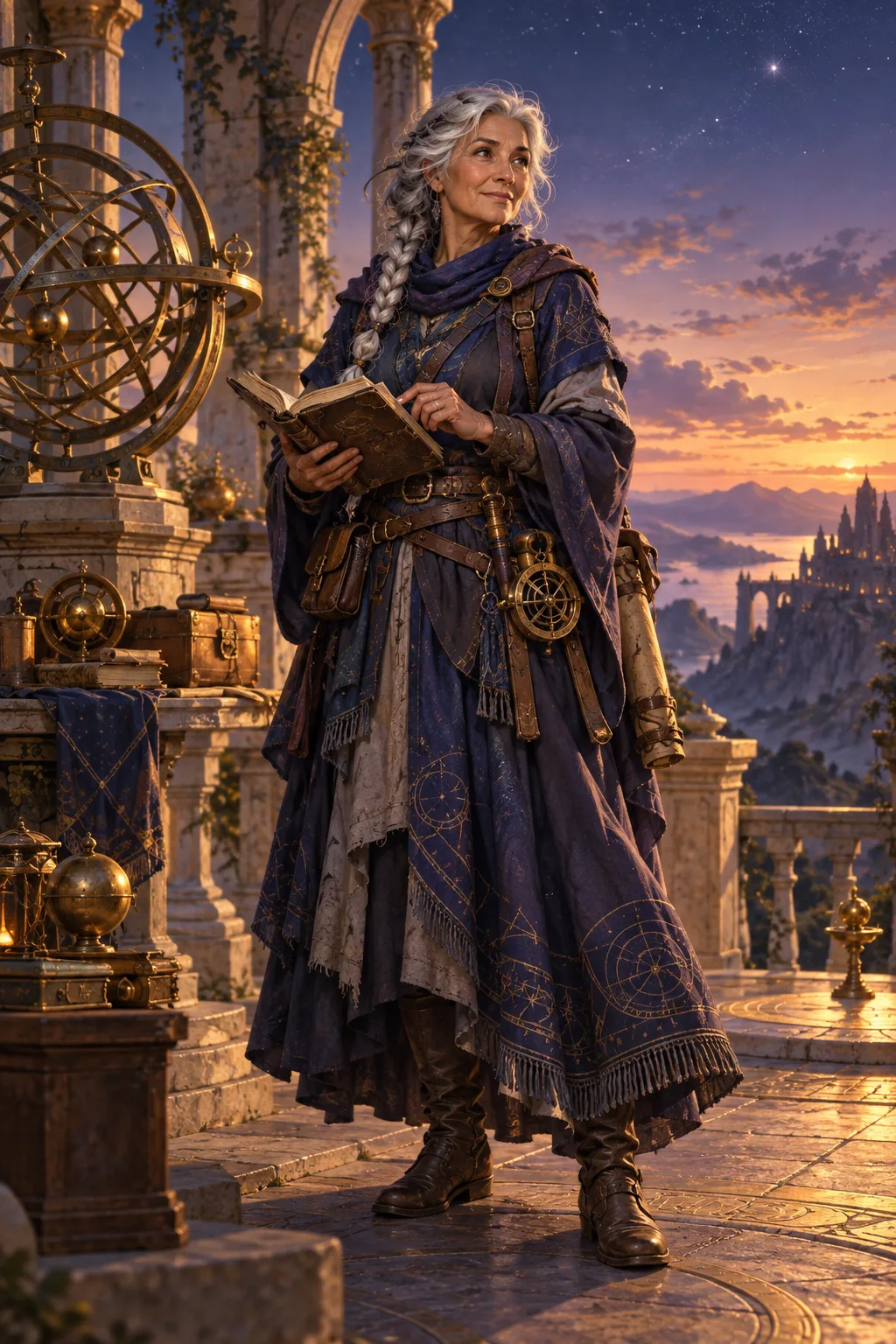
Visualize characters from a novel, graphic novel, screenplay, or original world before developing the story further.
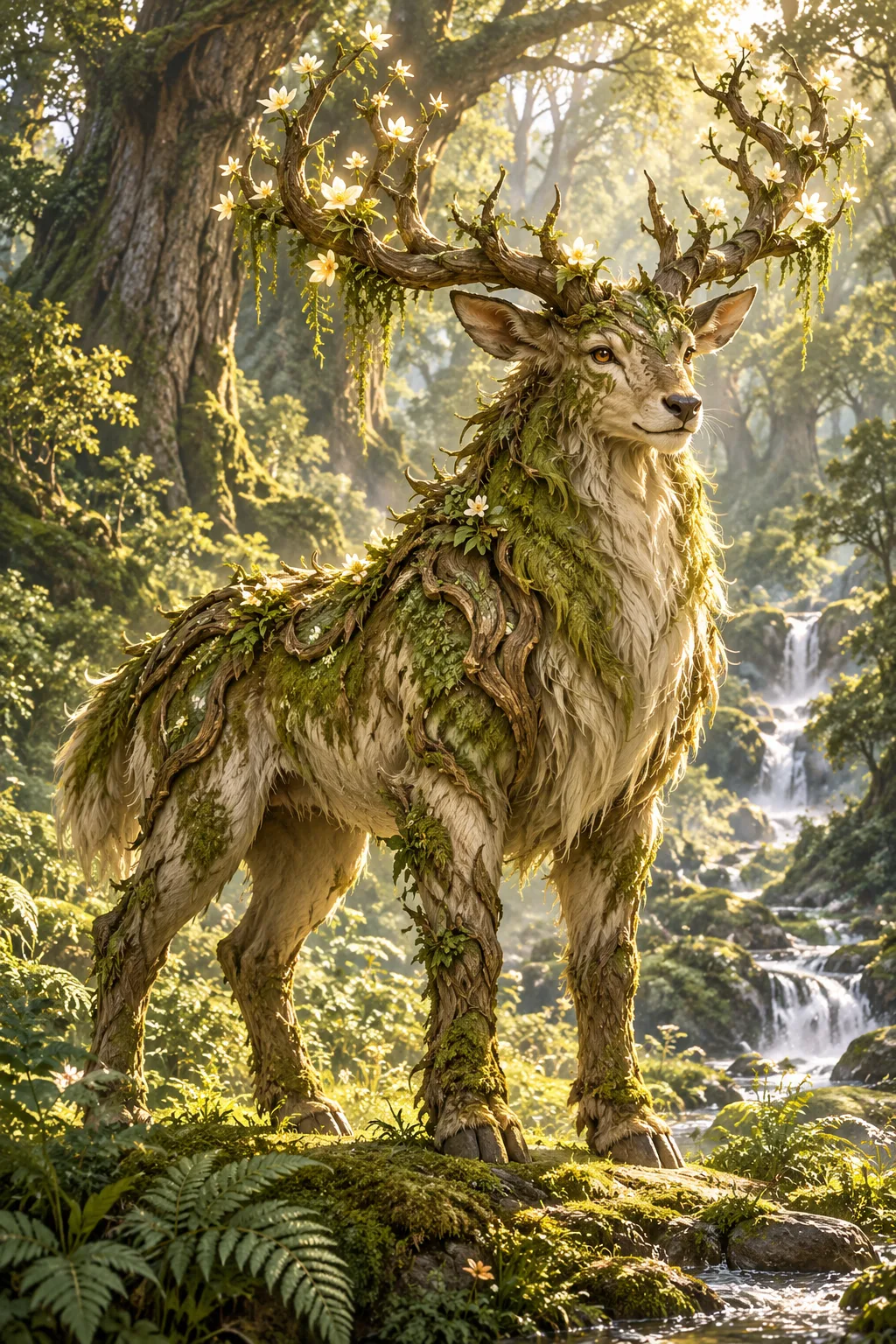
Test a look for an original character, fan fiction concept, or personal illustration project.
Guide the image through the prompt and controls on this page, then continue in a separate LlamaGen tool if your project needs more than a character image. Generated results can vary.
Describe a fantasy character in the prompt field and generate an image draft.
Pick one of four illustrated presets or 20 more text-based style prompts.
Begin with a forest spellcaster, skyship captain, or mythical guardian idea.
Choose portrait, square, or landscape before generating a character draft.
Name a hero, mage, rogue, rival, or NPC role to guide the visual brief.
Describe a creature's anatomy, markings, and silhouette in the prompt.
Specify fabrics, armor materials, colors, and wear to express a character's past.
Include a weapon, tool, relic, or familiar that makes the character recognizable.
Add cultural, climate, or landscape cues to place the character in a world.
Prompt for a luminous, somber, adventurous, or other visual atmosphere.
Describe body language or emotion, then check the image for the intended result.
Revise the prompt or style preset and generate another image.
Use the download control on a generated result to save the image.
Use a downloaded draft as a reference in LlamaGen's separate comic workflow.
Open toolExplore a separate OC Maker workflow when the concept needs more development.
Open toolWork from a short brief to a downloadable image, then revise your prompt whenever a detail needs another pass.
Start creatingWrite a prompt that names the role, species, outfit, props, world, mood, and art style.
Choose a style prompt and image shape, review the credit cost shown on the button, and generate your character image.
Adjust the brief, style prompt, or image shape and generate another draft if the pose, outfit, or mood needs work.
Use the download control on a generated result to save it for your story, game, or campaign.
Use the downloaded image as a visual reference in your project or explore LlamaGen's separate comic and character tools.
This fantasy character builder is an AI image generator that turns a written brief into visual drafts. Describe a hero, villain, NPC, or mythical creature, then choose a style and image shape before generating.
You can explore the page without generating an image. The current image model requires a Pro plan, and generation uses credits. The button shows the credit cost before you start.
Include a role, species, clothing or armor, a memorable prop, world or culture, mood, and preferred art style in your prompt. You can pick from illustrated presets or more text-based style directions and choose an image shape. Results can vary, so you may need another draft.
Yes. Describe your own RPG character's backstory, class-inspired abilities, equipment, personality, and a distinctive visual detail. You can also draft characters for a campaign, fan fiction, or a graphic novel. Reusing a brief helps guide new images but does not guarantee identical results.
This page does not grant or guarantee commercial rights. Check LlamaGen's current terms, your rights to any uploaded references, and the final image before publishing or selling it.
Turn a story idea into a comic workflow in a separate tool.
Generate an original character from a prompt or reference image.
Explore 3D-style character concept images from a written brief.
Add color to a drawing or comic ink in a separate workflow.
Create custom coloring pages from photos or ideas.
Develop a character story into a short four-panel comic.
Describe the role, choose a style, and generate a draft. You can review the credit cost before you start.
Create a fantasy character