STEP 1
Upload one source JPG, PNG, or WEBP
Use art you own or are licensed to modify. Clean outlines and isolated subjects work best.


IMAGE TO PSD WORKFLOW
Need individual layer files rather than another flattened picture? Check the AI-generated layer sheet first, then run the optional paid extraction pass for transparent PNGs and a raster-layer PSD.
Designers preparing editable handoff files from approved illustrations, mascots, product graphics, or game artwork.
Quick preview uses credits. A separate extraction pass on an eligible paid plan is required for independent transparent PNG, ZIP, and PSD files.
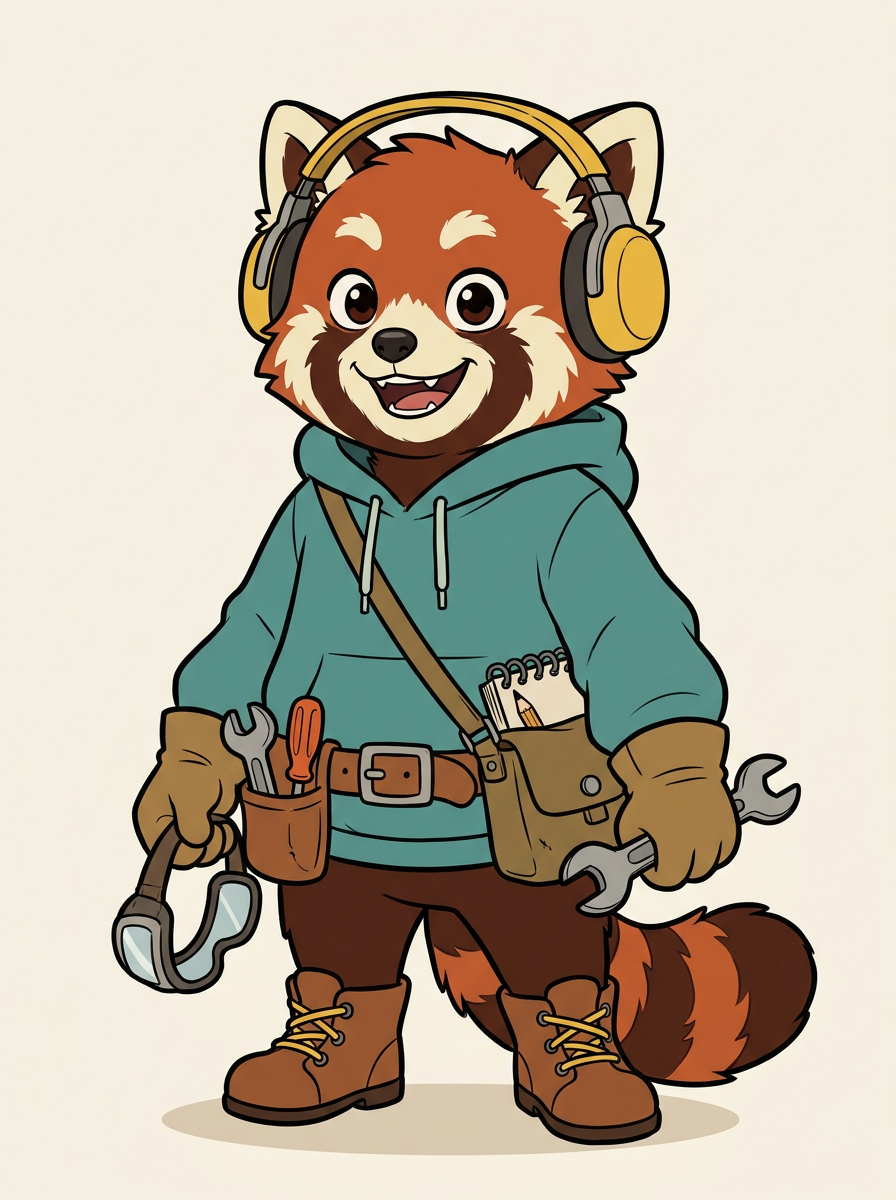
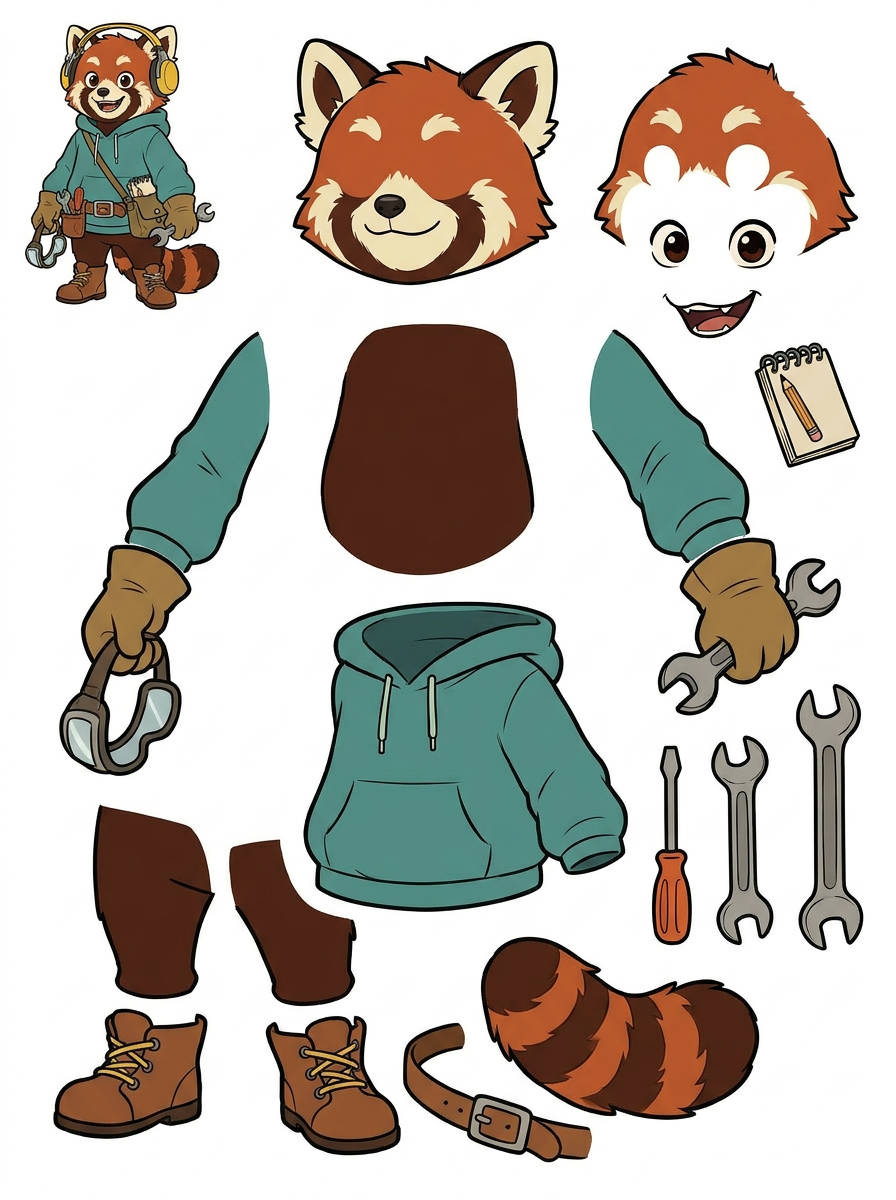
2. Generated PNG layer sheet (not yet a PSD)
Real layer-sheet example. Independent PNGs and PSD are created only by the separate paid extraction step; they are not pictured here.
STEP 1
Use art you own or are licensed to modify. Clean outlines and isolated subjects work best.
STEP 2
Quick provides a reviewable asset sheet (credit-based); PRO uses an upgraded model for a cleaner sheet.
STEP 3
On a paid plan, run the additional extraction step for separate transparent PNGs, ZIP, or a starter layered PSD.
Move or mask the raster layers independently. Review all edges and hidden areas before client delivery.
Test new accessory arrangements or prepare isolated visible parts for further editing.
Organize visible parts for a graphics editor before sprite or interface production.
A paid second extraction pass can produce separate transparent PNG layers. Those can be downloaded individually, in a ZIP, or as a starter PSD with separate raster layers. The PSD does not promise editable native text or perfect hidden-background reconstruction.
Quick Mode is available on the free plan but uses credits. PRO Mode and the separate transparent-layer extraction step require the applicable paid entitlements and credits. Your account's current plan and credit costs are shown in the existing tool.
No. Current export is a starter PSD composed of raster image layers, not guaranteed native text layers. Rebuild important typography manually.
Yes, after eligible paid second-pass extraction. The live tool offers individual transparent PNG files and a ZIP.