

Top-to-bottom aware
Scene order and reveal timing follow the original vertical episode structure.
Preserve top-to-bottom story order, episode rhythm, and full-color character continuity while reframing key beats for 9:16 video.
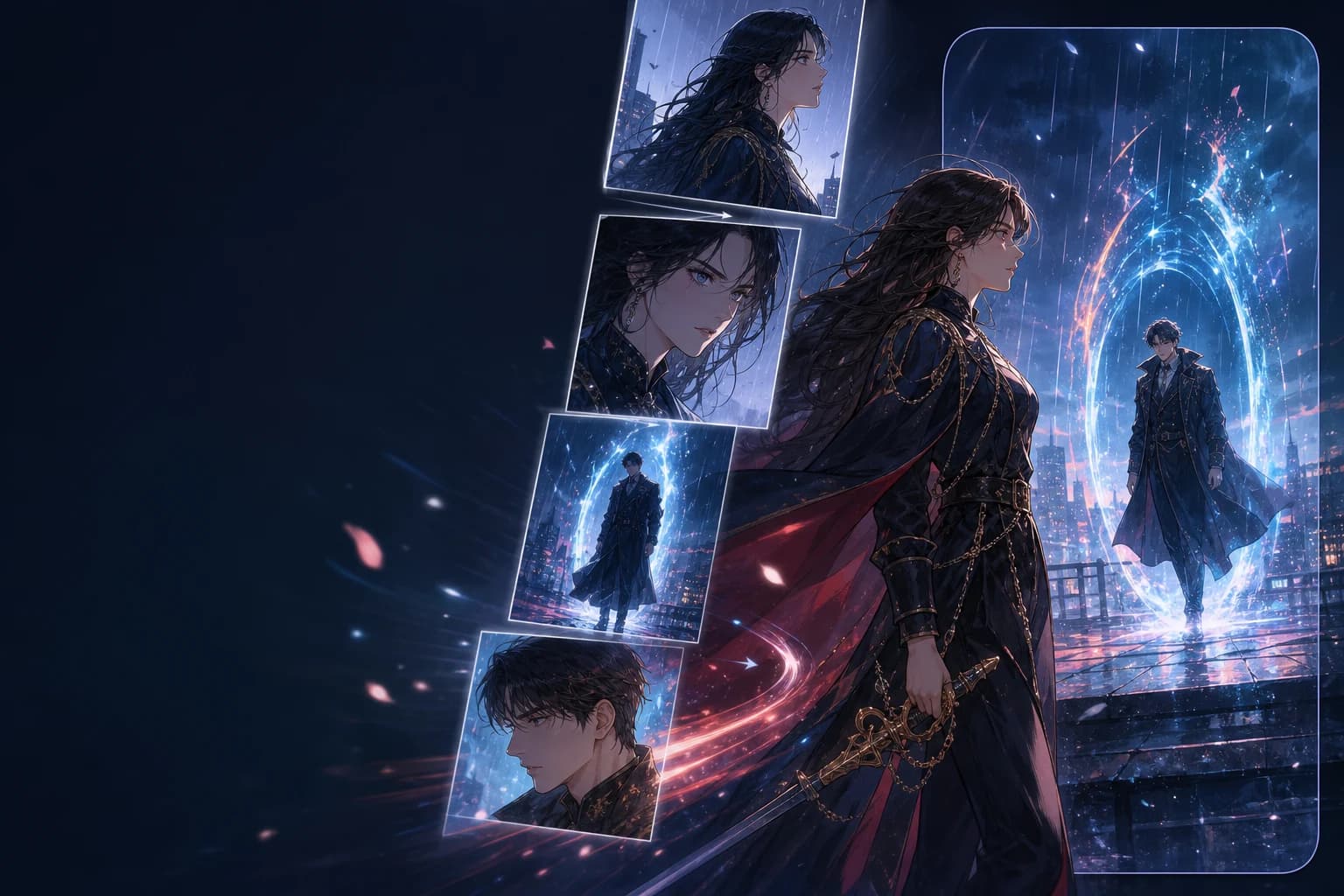
SOURCE FORMAT
Vertical-scroll webtoon
BUILT FOR THE SCROLL
A webtoon uses scroll distance like an editor uses time. LlamaGen translates that spacing into holds, reveals, and transitions.
Scene order and reveal timing follow the original vertical episode structure.
Character design, lighting, and palette stay recognizable across animated beats.
Framing is planned for Shorts, TikTok, and Reels instead of cropped afterward.
EPISODE TO TEASER
Choose the episode beats that earn motion and preserve the cliffhanger that earns the next view.
Upload long-strip art or selected panels in vertical order.
Choose character entrances, dialogue holds, and the cliffhanger reveal.
Export a 9:16 cut designed for mobile feeds and episode promotion.
EPISODE MOMENTS
Each direction turns a different webtoon reading behavior into video timing.
ROMANCEUse a gentle vertical drift and hold before the second character enters frame.
THRILLERTranslate a long dark scroll into escalating cuts without revealing the threat early.
FANTASYLayer light, hair, and atmosphere, then stop at the episode's unanswered turn.
VERTICAL IS A STORY CHOICE
START WITH AN EPISODE BEAT
Upload your vertical art and describe the hook. The Webtoon preset opens in 9:16 with vertical sequence awareness.
FAQ
Answers for turning vertical episodes into social-ready motion teasers.
Yes. You can upload long-strip art or selected episode panels and keep their top-to-bottom sequence.
Yes. The Webtoon preset opens with a 9:16 canvas so important faces, dialogue, and reveals are framed for mobile video.
You can turn scroll distance into pauses, camera movement, entrances, and cliffhanger timing instead of assigning every panel the same duration.
Yes. The default output is intended for YouTube Shorts, TikTok, Reels, and episode-launch posts.
RELATED WORKFLOWS