

Korean-first audio
Korean voice and dialogue timing are preselected, then remain editable in the studio.
Build Korean-language action, romance-fantasy, and level-up teasers with character continuity, vertical framing, and motion designed around the chapter beat.
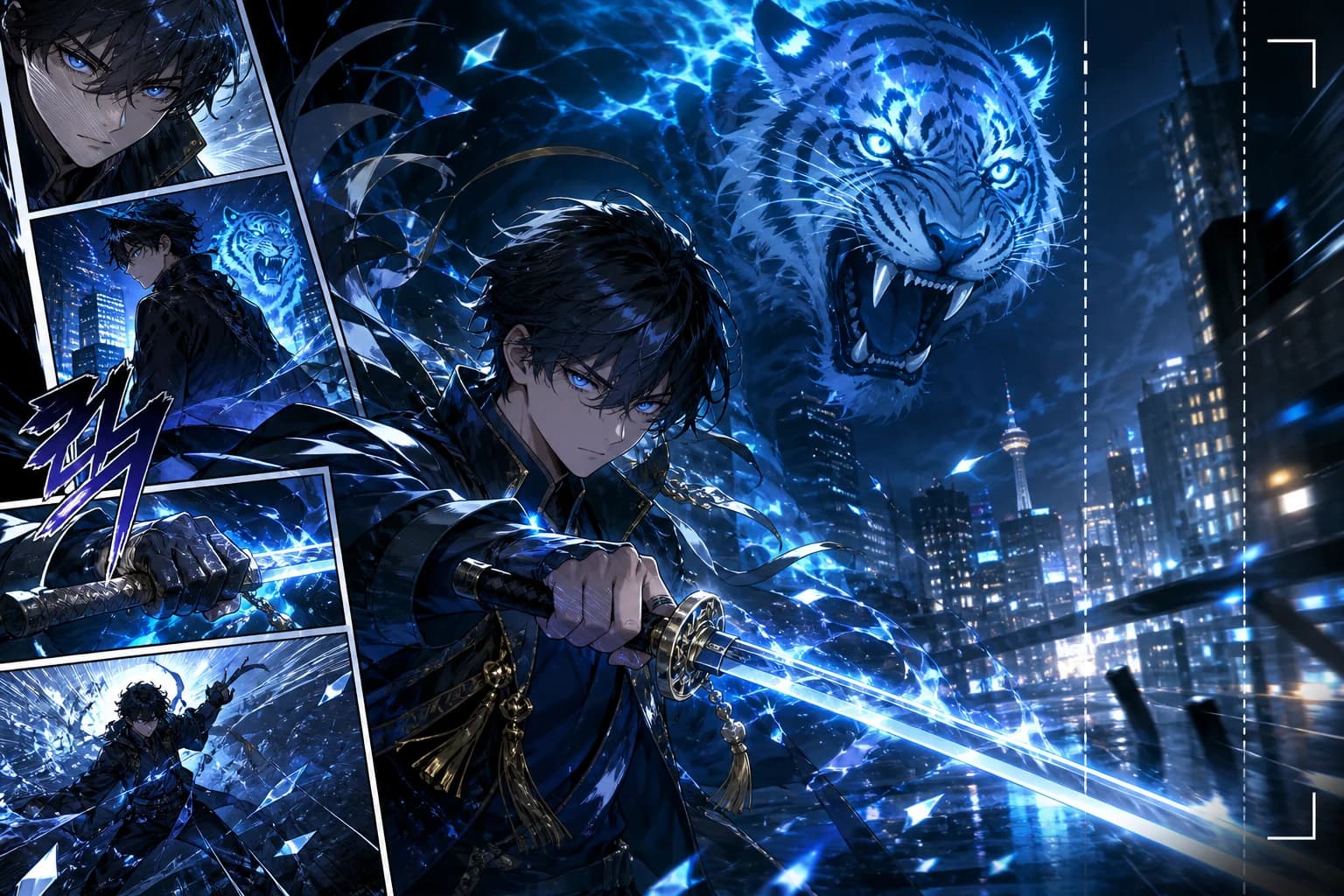
SOURCE FORMAT
Full-color Korean manhwa
MADE FOR MOTIONTOON
LlamaGen separates the chapter into deliberate motion layers while protecting the character designs and lighting that make the art recognizable.
Korean voice and dialogue timing are preselected, then remain editable in the studio.
Foreground effects, characters, and backgrounds move with depth instead of rubbery warping.
Action, romance-fantasy, murim, and level-up scenes get distinct motion direction.
CHAPTER TO MOTIONTOON
Preserve the setup, accelerate the transformation, and cut before the answer your audience wants.
Upload full-color chapter art in its original vertical order.
Direct depth, energy effects, dialogue, and camera emphasis around the chapter beat.
Create a Korean-first vertical teaser ready for short-form publishing.
GENRE DIRECTIONS
The preset gives each scene a restrained, genre-specific camera language.
LEVEL-UPBegin on the expression, introduce the aura, then land on the status-changing strike.
ROMANCE FANTASYUse shallow parallax and a slow push instead of over-animating the face.
MURIMHold the stance, track the blade, and release particles only after contact.
MORE THAN A MOVING PANEL
START WITH THE CHAPTER BEAT
Upload full-color manhwa art and direct the impact. Korean voice, vertical sequence, and 9:16 framing are ready.
FAQ
Answers for creators producing Korean-first motiontoon and short-form video.
This preset emphasizes Korean voice timing, full-color manhwa continuity, motiontoon layering, and genres such as murim, romance fantasy, and level-up action.
Yes. It uses the original panels as the visual source while directing characters, effects, and backgrounds as separate motion cues.
Yes. Korean is passed into Animation Studio as the default voice language and can be changed before generation.
Action, level-up fantasy, romance fantasy, murim, drama, and thriller scenes all work well when the selected panels have a clear visual beat.
RELATED WORKFLOWS