

Right-to-left aware
Panel order, eyelines, and reveals follow the original Japanese reading direction.
Animate finished manga pages with right-to-left sequence awareness, Japanese dialogue timing, and the punchy editorial rhythm of a manga PV.
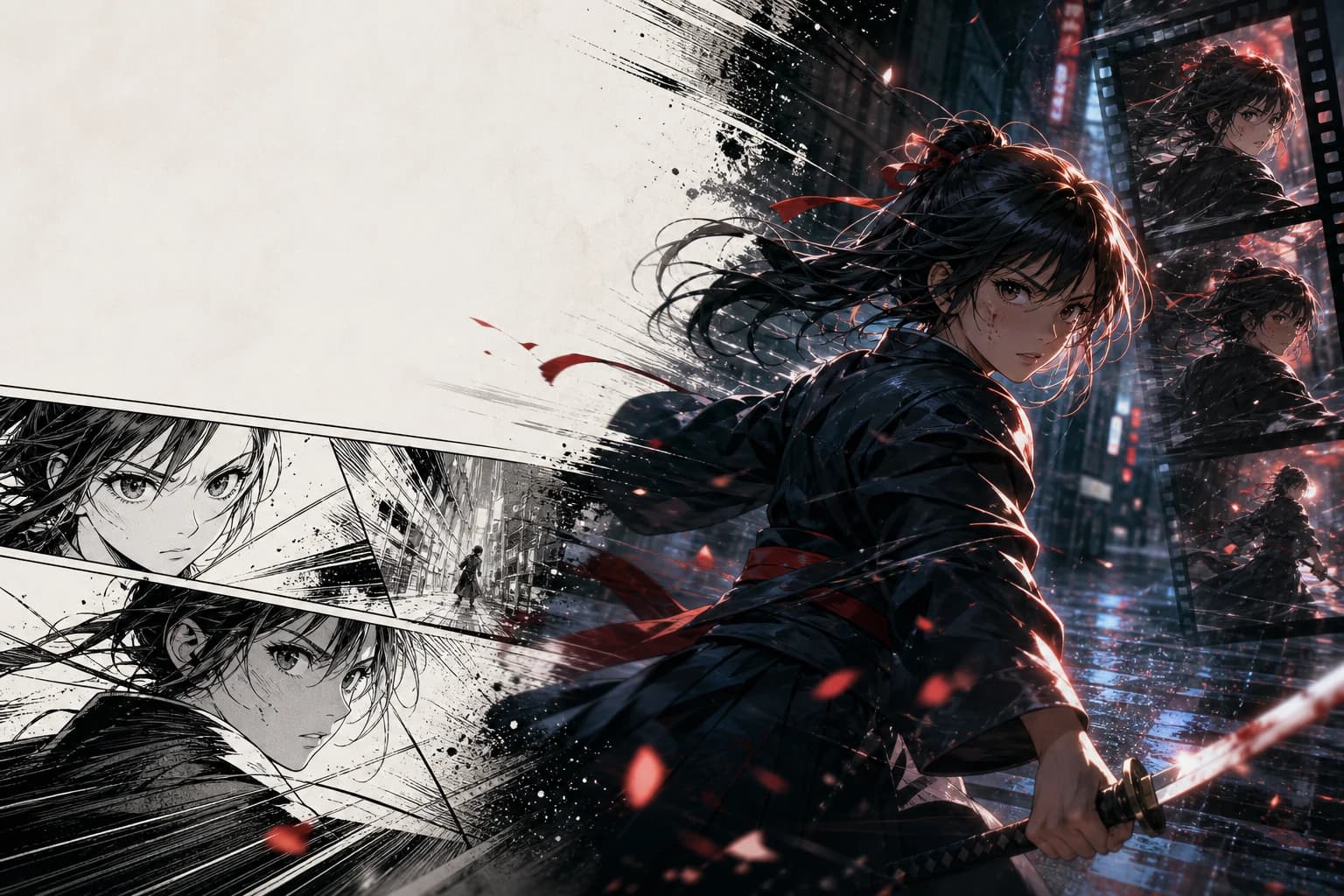
SOURCE FORMAT
Black & white manga
FORMAT-NATIVE BY DEFAULT
LlamaGen reads the page as sequential art, then plans motion around the reveal, the dialogue beat, and the inked composition.
Panel order, eyelines, and reveals follow the original Japanese reading direction.
Screentone, speed lines, and high-contrast blacks remain part of the visual language.
Camera pushes, holds, Japanese dialogue, and SFX cues are paced for promotional video.
ONE EDITORIAL PASS
Keep the creative decisions that matter together instead of rebuilding every panel in separate tools.
Upload pages or panels in their original right-to-left order.
Set holds, camera moves, dialogue timing, and moments where the page should breathe.
Produce a landscape trailer or reframe selected beats for vertical promotion.
MOTION DIRECTIONS
The format preset changes editorial behavior—not just the label on the upload box.
ACTIONProtect the line art, then use a fast camera break only at the decisive strike.
COMEDYLet the speech bubble land before the close-up and snap-zoom punchline.
FANTASYSeparate foreground ink, particles, and background tone for restrained parallax.
WHY THE PRESET MATTERS
START WITH YOUR PAGE
Upload a finished page and describe the emotion or motion you want. The manga preset is already applied.
FAQ
Practical answers for turning black-and-white manga pages into motion.
Yes. The manga preset passes a right-to-left reading direction into the animation workflow so panel sequencing and reveals follow the source page.
Yes. You can direct motion while keeping ink texture, screentone, and high-contrast composition as visual constraints.
Yes. Japanese is preselected as the primary voice language and can be changed inside Animation Studio.
The default is a 16:9 promotional sequence. You can also reframe selected beats for Shorts, TikTok, or Reels.
RELATED WORKFLOWS