

Separate defects that need another generation from issues you can fix in an editor. A typo in a caption may be editable; a transformed face or a missing story prop can require revisiting the shot.
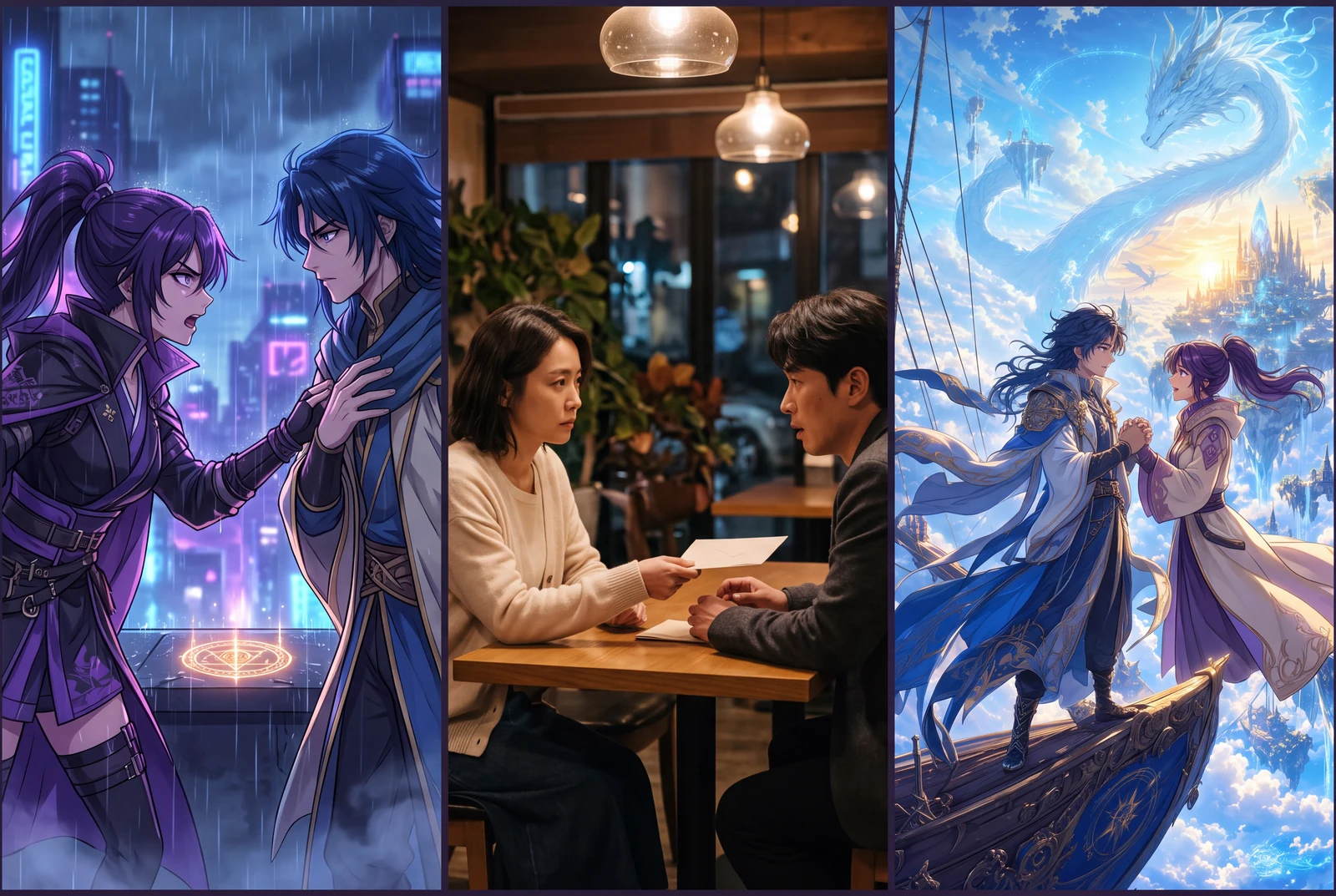
AI-generated comic-drama and short-drama concept frames, not customer work, actual video exports or measured evidence.
製作流程
- 01
Compare with the source
Pause at the beginning, middle and end of each shot. Check faces, hands, costume colors, props and lettering against the original panel. Inspect the whole clip too, since distortions can appear between those checkpoints.
- 02
Watch the sequence at normal speed
Confirm the setup precedes the reaction and the payoff is understandable. Look for sudden jumps, clipped actions or transitions that reveal the ending too early.
- 03
Listen and read separately
Listen for clipped words and abrupt music endings. Then mute the video and review captions and key visual information. Correct speaker names and meaningful audio cues before publishing.
- 04
Check the downloaded file
Open the exported MP4 outside the studio. Confirm its duration, frame shape, sound and final frame match your intended delivery. Keep a copy of the source art and make sure you have permission to use the artwork and audio.
Worked planning example
A small issue log for the greenhouse draft
An illustrative review note could say: “Shot 02: the boot leaves frame; revise the framing. Shot 03: the reaction feels rushed; extend the hold in the edit. Final caption: correct the robot's name.” These are hypothetical review examples, not defects observed in a published LlamaGen clip.
Revise only the boot shot: keep the entire boot visible while the sprout emerges. Preserve the robot's yellow apron and the greenhouse bench. Keep the camera restrained so the key prop remains readable.
Illustrative brief. Timing is a starting point to adjust after preview, not a measured generation result.
What to check before continuing
- Only the poster frame is checked while motion artifacts go unnoticed.
- An editable caption issue triggers an unnecessary paid generation.
- The downloaded file is published without a phone-size or muted review.
常見問題
What information helps support diagnose a problem?
Include the video or generation-page link, the setting you selected, the point in the clip where the problem appears and a concise description of the expected result. Avoid sending private source material unless it is needed.
Can I promise perfect character consistency to a client?
Treat consistency as something to review, not an automatic guarantee. Agree on references and approval criteria before producing a larger sequence.