

Comic animation and layout
Choose a four-panel comic layout that fits your story
Four panels can deliver a complete small story when each panel has a clear job. Choose the reading path and the final viewing surface before filling every box with detail.
What you will make
A four-beat outline and a real layout handoff for a story page, a short strip or a fictional game's dialogue scene.
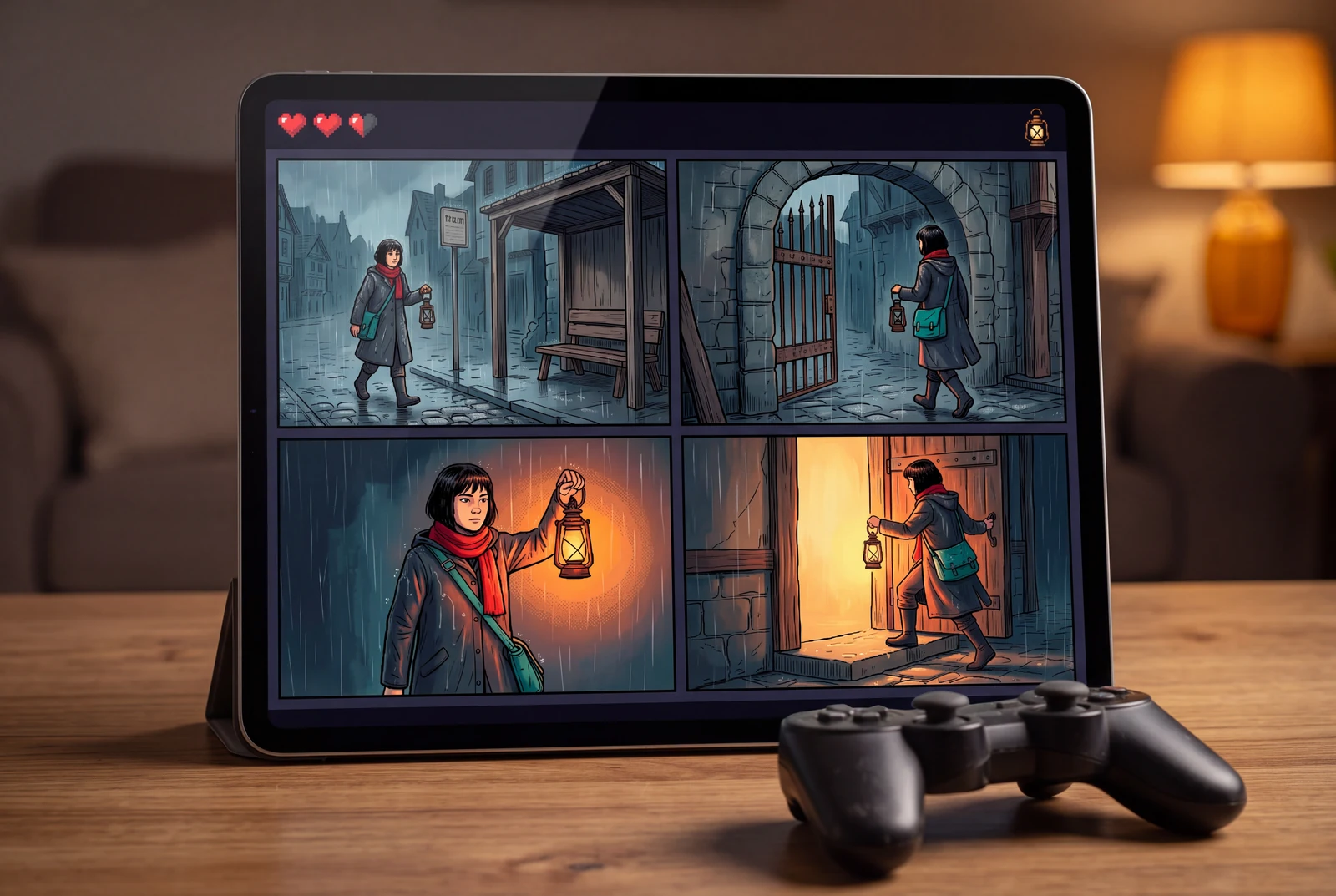
Content reviewed:
Pick the reading surface first
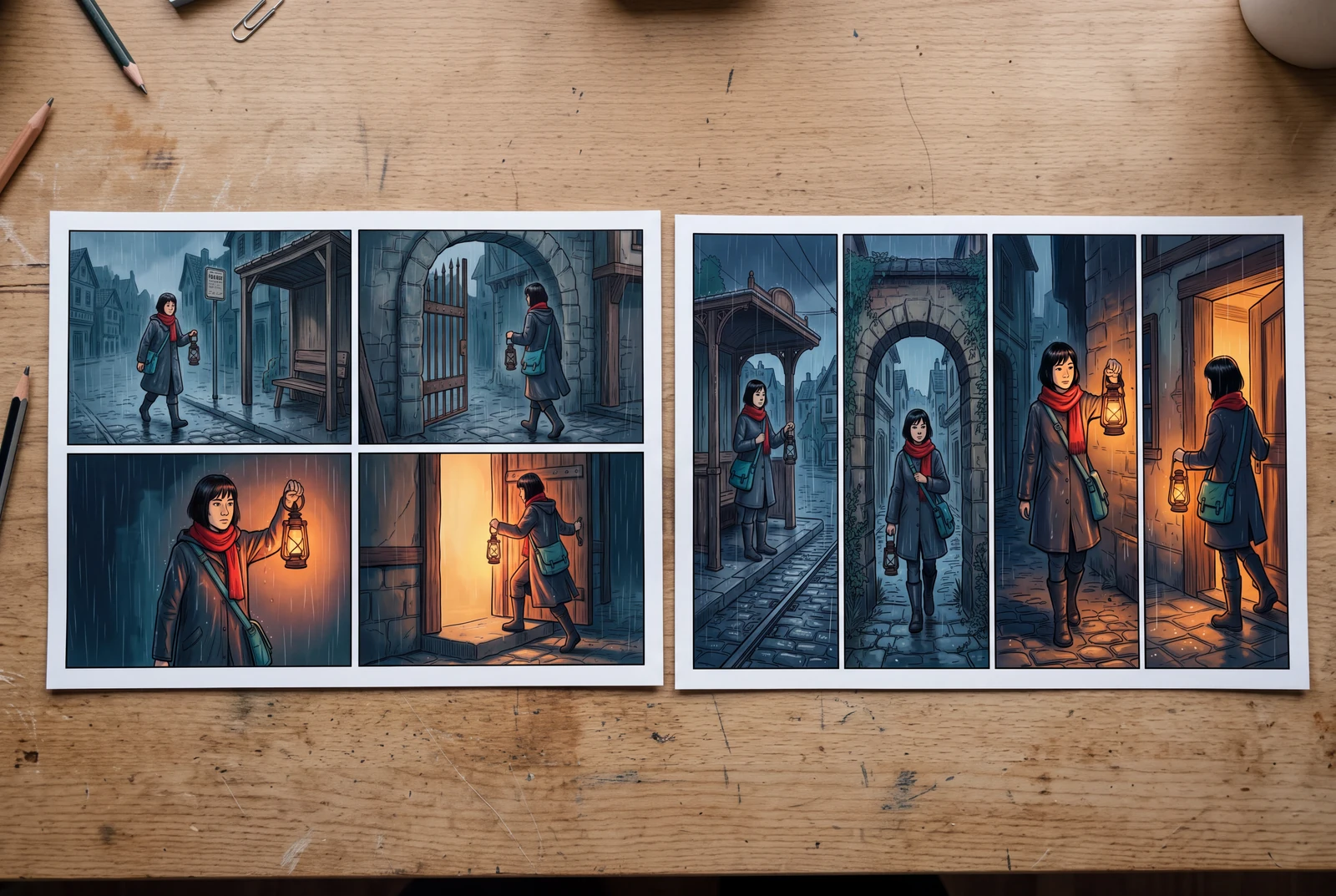
A 2 × 2 grid keeps a four-beat story compact on a page. A horizontal strip emphasizes a left-to-right sequence on a wide surface. Neither automatically solves phone readability: preview the result at the size your reader will actually see and consider presenting the panels separately for a vertical edit.
- Use g-2x2 for a compact page with two clear rows.
- Use g-4strip when each beat can stay legible in a narrow panel.
- Leave room for a face, an important prop and any planned speech before adding background detail.
Give the four panels different jobs
Use setup, change, response and payoff as a planning scaffold. In a game cutscene, the first panel can establish the quest location, the second reveal a blocked route, the third show the player's character noticing a clue and the fourth reveal the next destination. A comic page is a narrative asset; this does not create game logic or a playable build.
- Keep the same story in both layouts so the comparison is useful.
- Test the outline without dialogue; then add only the words needed.
- Make the final panel answer the opening question or set up a deliberate next beat.
Know what remains editable
The layout links below open the real creator with the chosen layout ID and panel count. This is a starting template. An uploaded finished-page image is still a flat image unless the selected tool explicitly separates or rebuilds its parts. Do not assume its panel borders, lettering and characters become independent editable objects.
- Keep your script and original images alongside the finished export.
- Check the editor's current controls before relying on later panel changes.
- Use the dedicated dialogue and reading-order tools when testing speech placement and flow.
A worked example
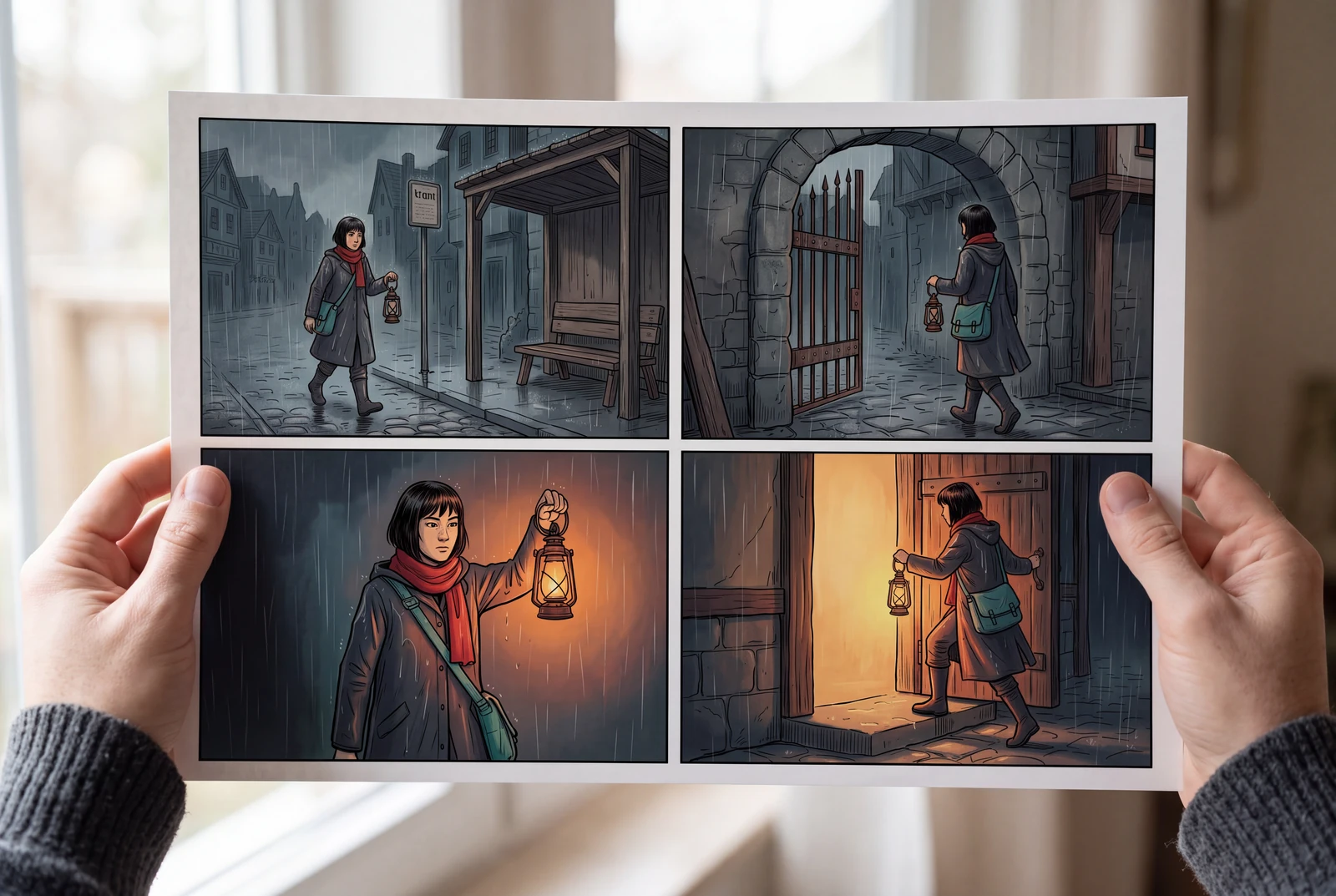
The same lantern story in four beats
Try these beats in both the 2 × 2 grid and the horizontal strip. This is an original planning exercise; choose your own reading direction and preserve it consistently.
| Panel | Story job | What to show | What to check |
|---|---|---|---|
| 1 | Setup | Mika waits at a rainy tram stop with the brass lantern. | The silhouette, scarf and destination can be identified. |
| 2 | Change | The narrow gate ahead appears closed. | The obstacle is visually different from the first panel. |
| 3 | Response | Mika raises the lantern toward a small opening. | The hand and lantern fit without covering the important face or clue. |
| 4 | Payoff | Light appears behind the open doorway. | The result reads even before a speech bubble is added. |
Before you export
- Follow the intended panel order with your finger; no jump is ambiguous.
- Compare the two layouts at the same final display size.
- Keep dialogue inside its planned area and inspect the actual exported file.
Start with a real layout
These previews use the same panel geometry as the LlamaGen layout library. Opening a layout passes its ID and panel count to the comic creator; it does not preserve existing artwork or guarantee an editable reconstruction of an uploaded flat image.
Four panels in a 2 × 2 grid
Use this layoutFour panels in a horizontal strip
Use this layoutSee the finished story in context
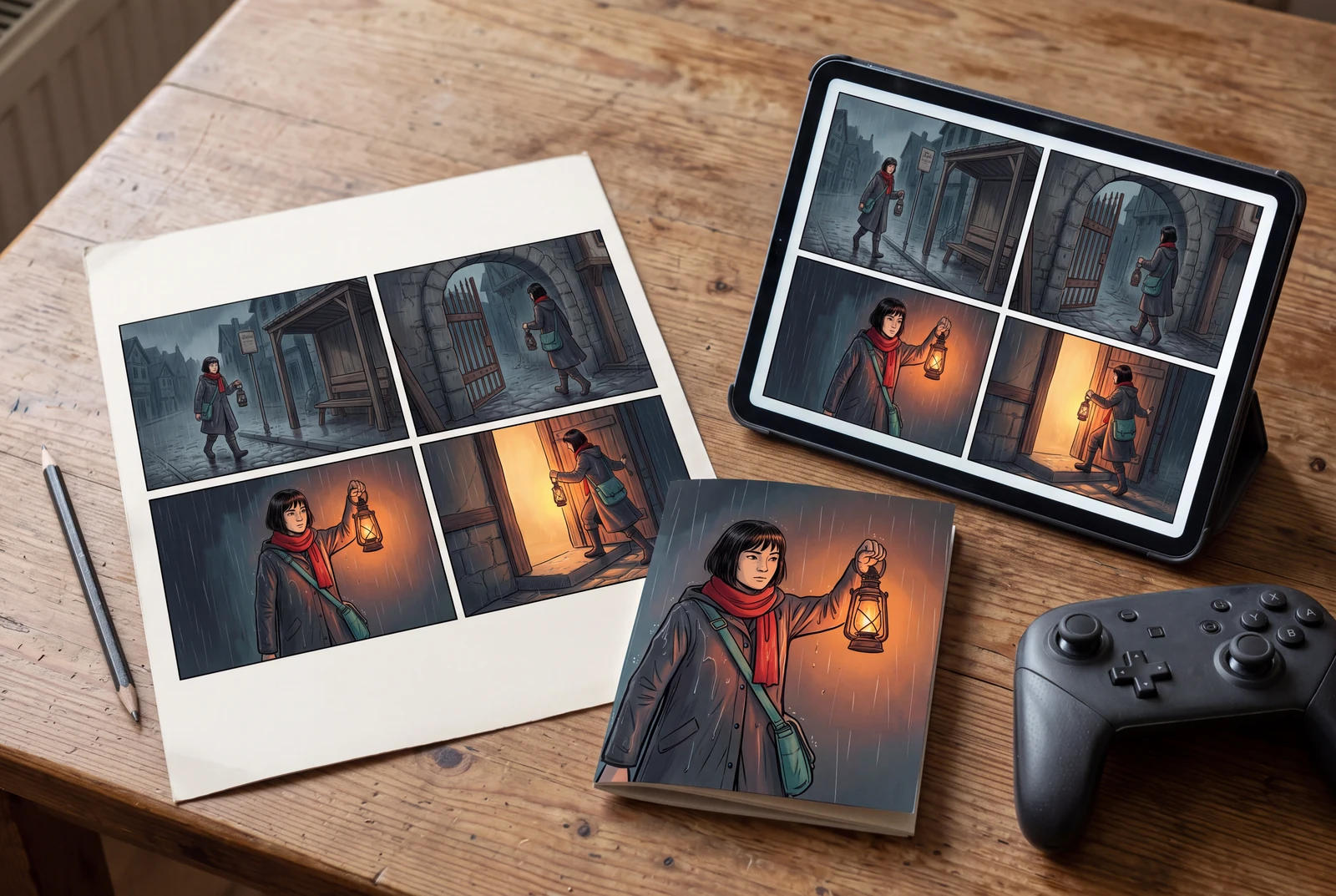
AI-generated presentation concepts with fictional adult characters. Paper prints, game scenes and drama stills illustrate possible uses; they are not customer photographs, playable-game captures, generated-video demonstrations or a print service.
Questions before you begin
Is a 2 × 2 layout always better than a strip?
No. Choose based on the viewing surface, reading path, dialogue and the action each panel must contain. Compare the same story at its real viewing size rather than judging only a large desktop preview.
Will the selected layout and panel count open in the creator?
The links pass the shared catalog's layout ID and panel count to the comic creator. Review the current creator settings before generating. The link does not import existing artwork or guarantee every later editing operation.
Can I use the finished panels in a game?
They can be prepared as narrative artwork for a project when you have the necessary rights. Export requirements, dialogue interaction and game-engine integration are separate tasks. The AI game scenes on this page illustrate presentation possibilities, not a running game.