

Comic animation and layout
Turn a comic page into a clear animation shot list
A readable comic page is a useful starting point, but its panels are not automatically a finished video sequence. Decide what moves, what stays still and where each shot hands the story to the next before spending generation credits.
What you will make
A short, ordered shot list you can take to the existing Comic to Video workflow, with one action and one review check per shot.
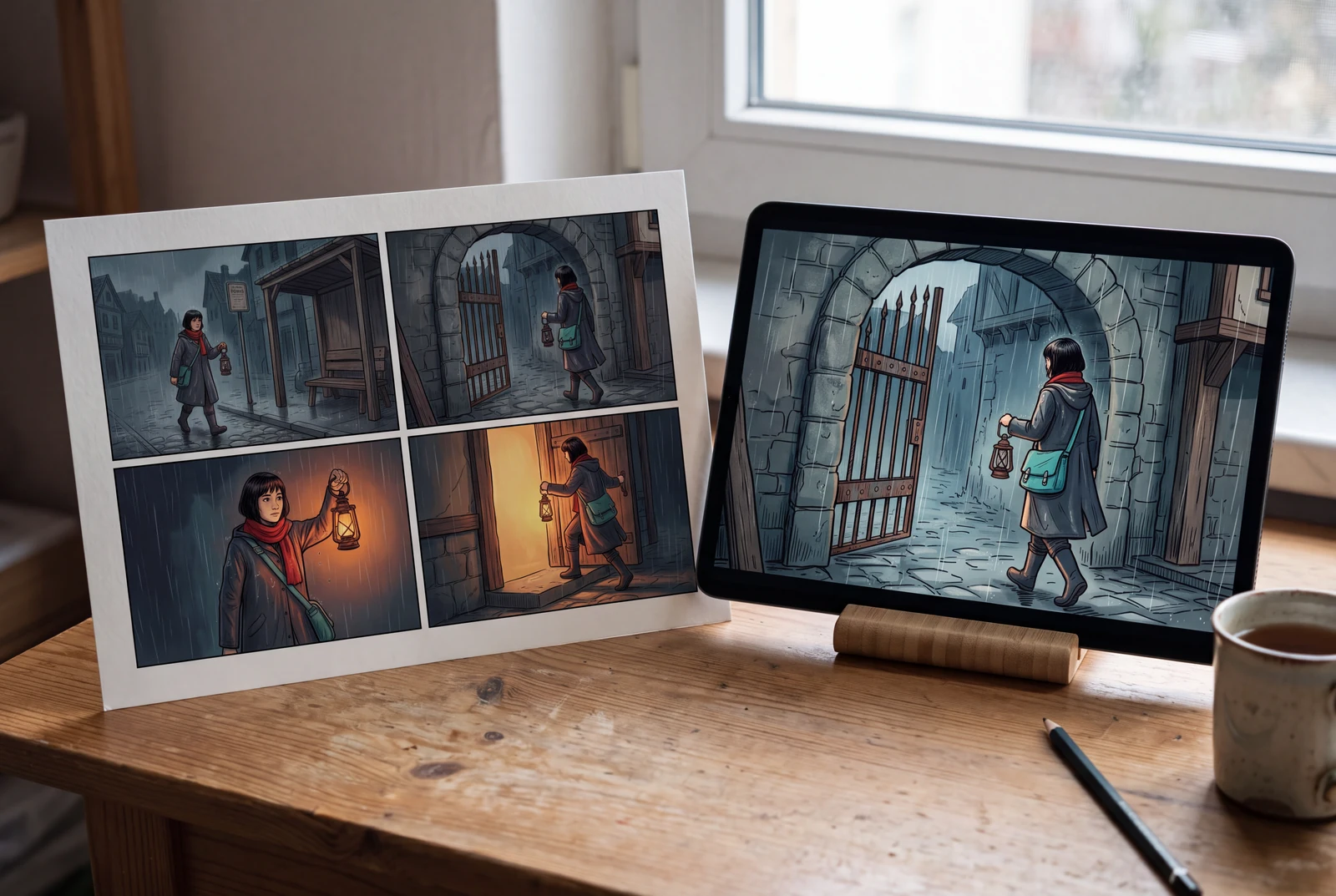
Content reviewed:
Choose a sequence that can be checked
Start with three or four connected beats rather than every panel in a chapter. Keep the character, location and immediate goal identifiable in each source image. If your source is one flat page, separate or crop the intended panels before choosing a workflow that expects individual images.
- Record the source page and panel number beside every shot.
- Write the visible starting pose and the intended ending pose.
- Reserve dialogue and music decisions until the pictures read in order.
Give the subject and the camera separate jobs
Describe the character's action first: Mika lifts a brass lantern while waiting beside a tram stop. Then add a restrained camera instruction, such as a locked frame or a slow push toward the lantern. A moving character, a spinning camera and a changing background in the same brief make failures harder to diagnose.
- Keep one main action in each shot.
- Name the background elements that must remain: the gate, tram-stop sign and rain direction.
- Treat durations as your editing plan; available generation durations depend on the selected mode.
Review the joins, not only the attractive frames
Put the ending frame of one shot beside the next starting frame. The lantern should not jump hands, the scarf should not change color and the character should not reverse direction without an establishing view. Regenerate or edit the smallest failing shot before assembling the whole sequence.
- Compare first and last frames for hand, prop and costume continuity.
- Check whether the viewer can locate the doorway after a close-up.
- Preview the exported file with sound and subtitles on the target device.
A worked example
Four shots for a lantern delivery
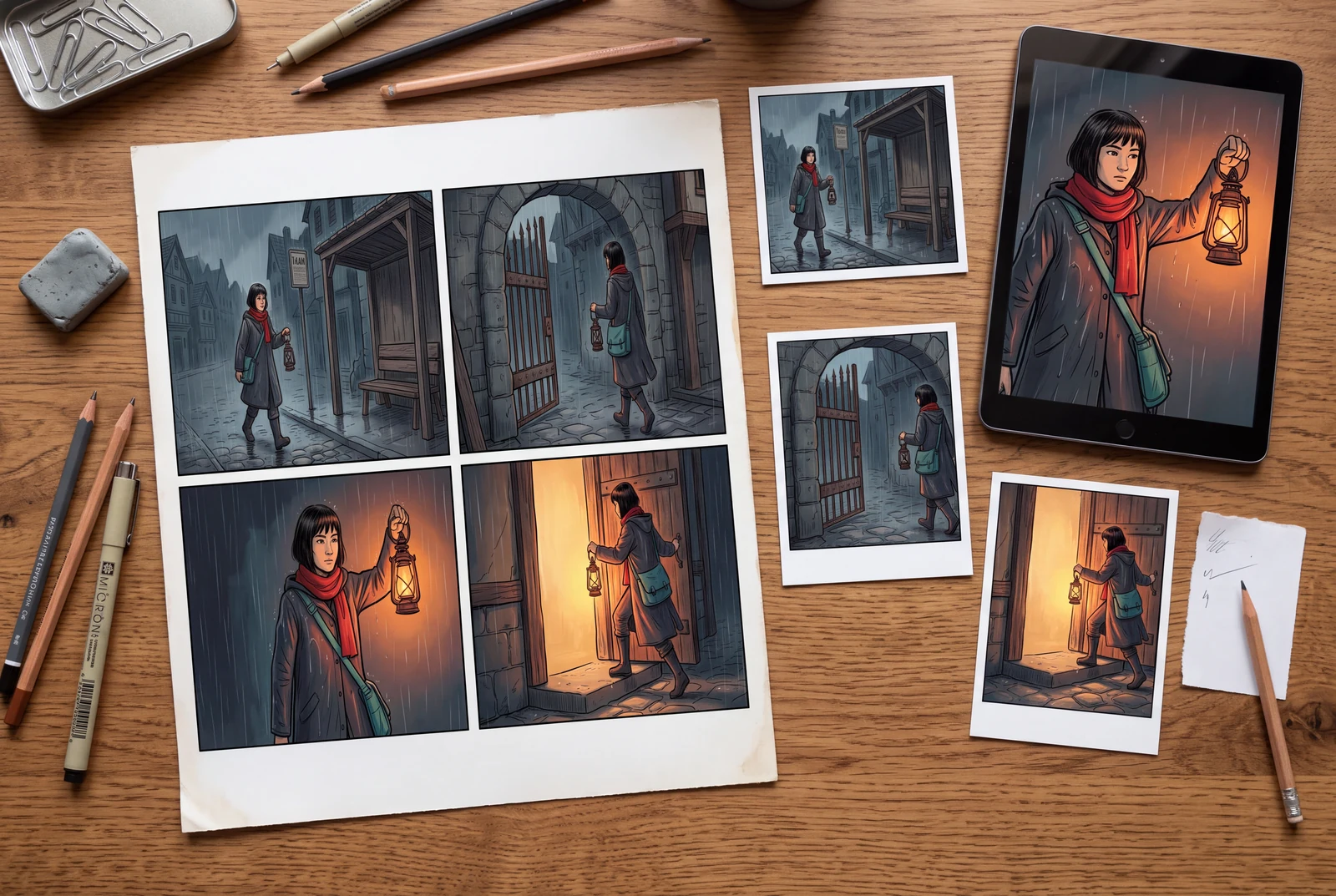
An original fictional example: adult courier Mika, wearing a red scarf and teal satchel, carries a brass lantern from a rainy tram stop to a narrow gate. These are planning instructions, not measured generation results.
| Shot | Source and framing | Main action | Acceptance check |
|---|---|---|---|
| 01 · Establish | Wide view: tram stop and gate share the frame. | Mika notices light through the gate; camera stays still. | The viewer can point to both the courier and the destination. |
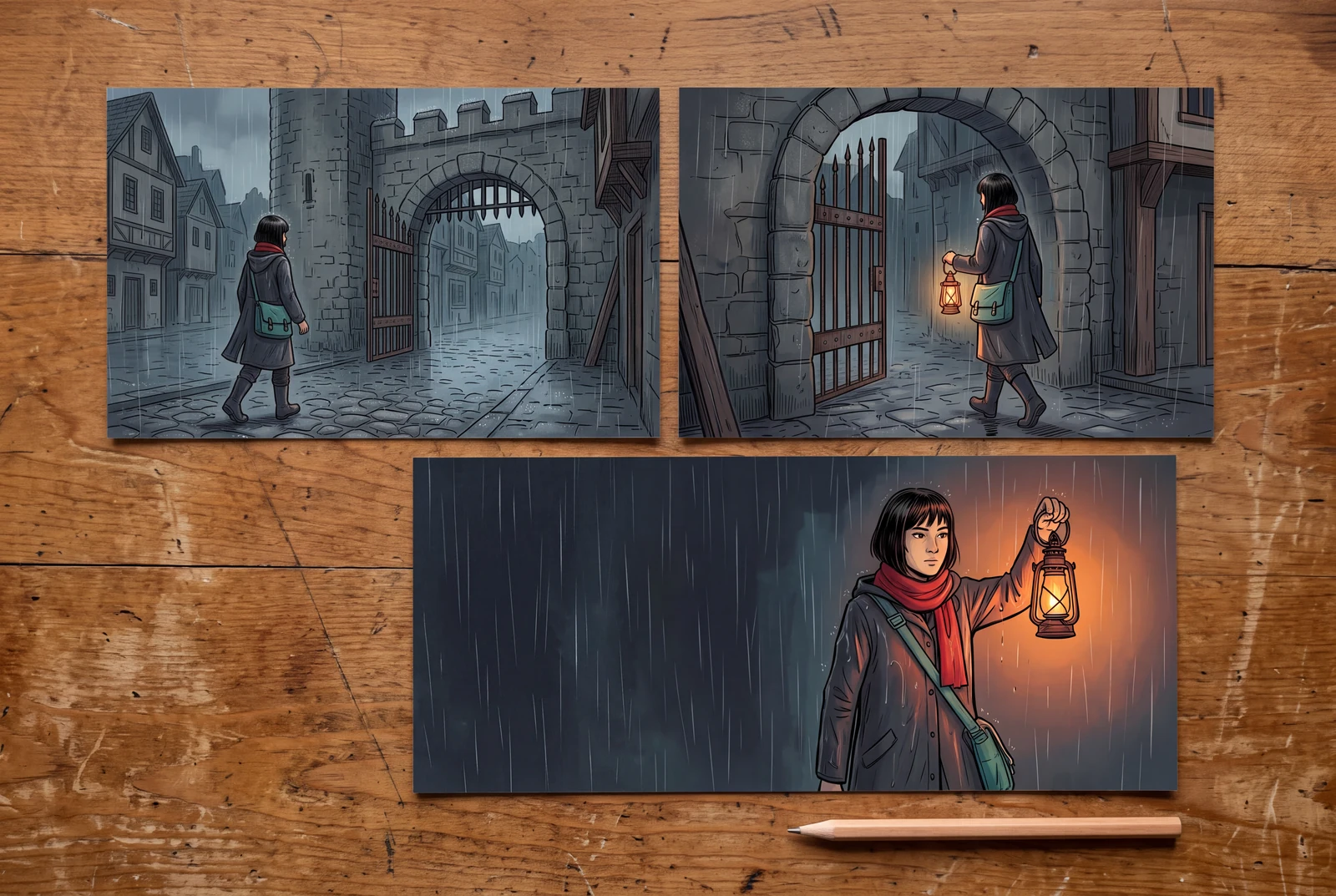
| 02 · Approach | Medium view using the same travel direction. | Mika takes one step toward the gate; retain rain direction. | The satchel and lantern remain on the same sides. |
| 03 · Detail | Close view of the lantern and the holding hand. | The lantern begins to glow; use a restrained push-in only if needed. | The grip and lantern shape stay readable throughout. |
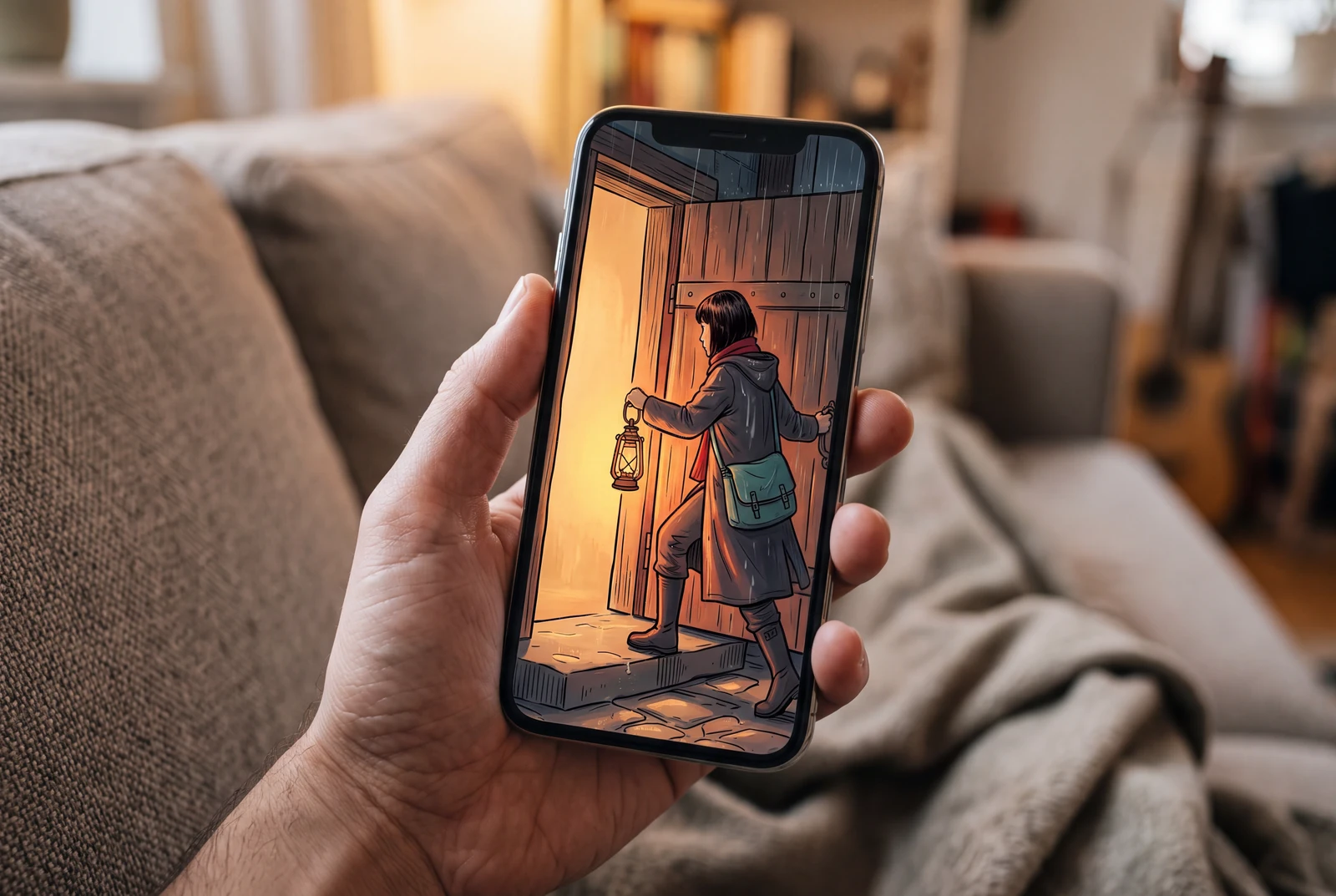
| 04 · Resolve | Wider view of Mika at the doorway. | The doorway opens and Mika pauses before entering. | The final frame resolves the delivery without introducing a new character. |
Before you export
- Each shot has a traceable source panel and a single action.
- The background and prop checks are specific enough to reject a bad result.
- The export plays in sequence; a static promotional image is not accepted as video proof.
A published comic-to-video example
This existing LlamaGen showcase pairs a comic cover with a video. It is separate from the newly generated concept scenes and does not document the worked example on this page.
See the finished story in context
AI-generated presentation concepts with fictional adult characters. Paper prints, game scenes and drama stills illustrate possible uses; they are not customer photographs, playable-game captures, generated-video demonstrations or a print service.
Questions before you begin
Does animating panels produce a fully animated film?
Not necessarily. A motion comic can combine held panels, camera moves, limited character motion, sound and cuts. Full character animation needs additional control and review. Describe the result you are trying to make before choosing the tool and mode.
Should I upload the complete comic page or separate panels?
Use the input format required by the selected mode. A complete page can be useful as a story reference, while separate panel images give clearer shot boundaries. Check the live tool's accepted formats and limits; this guide does not override them.
Can I copy the four-shot plan exactly?
Yes, as a starting brief for your own original artwork. Adjust framing, movement and continuity checks to the actual image. The example does not promise a particular duration, credit cost or successful first generation.