





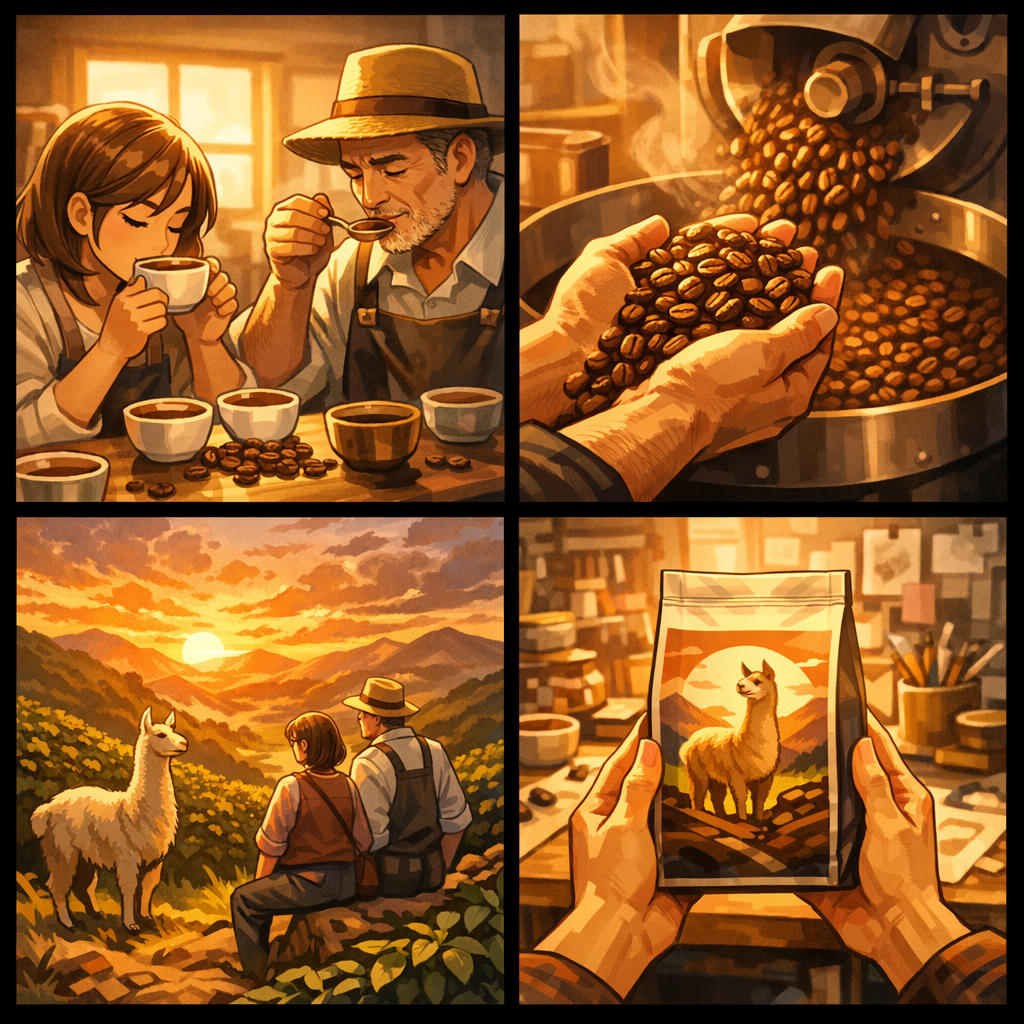

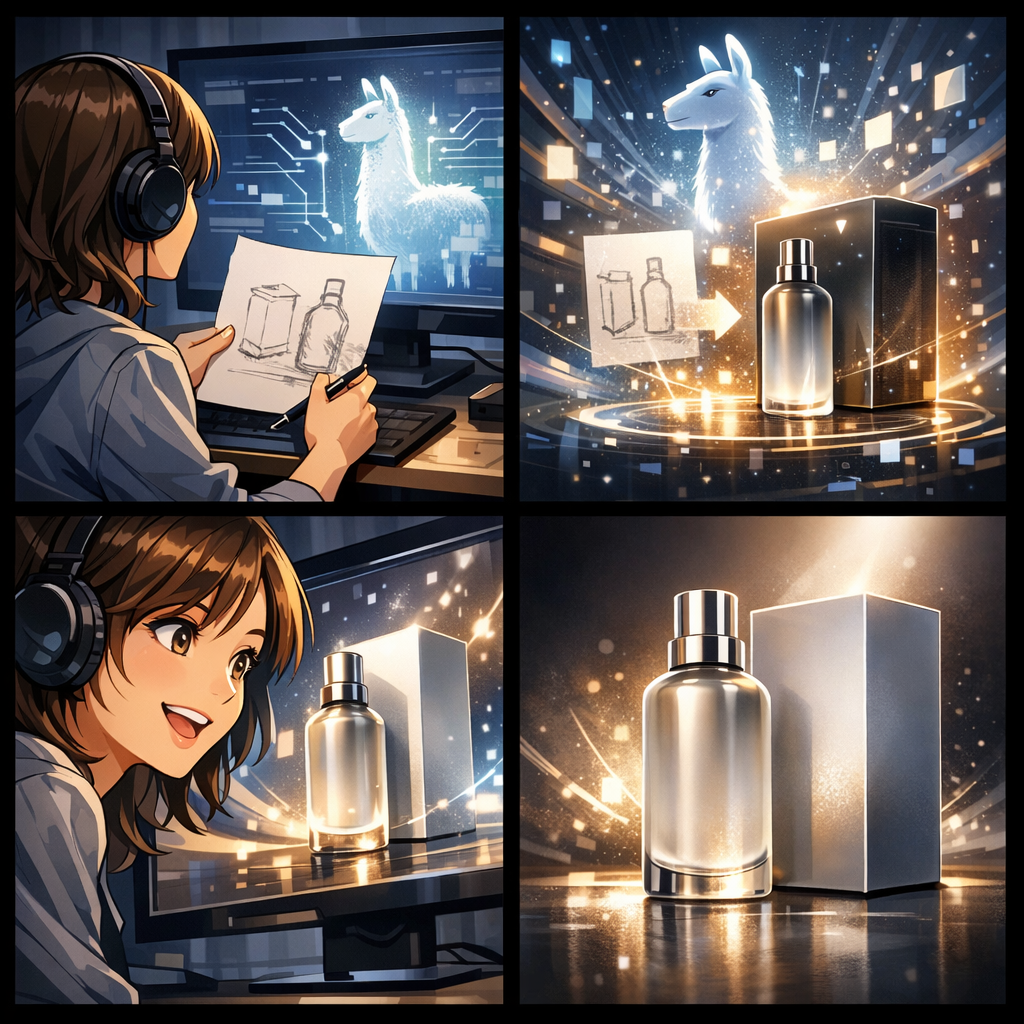
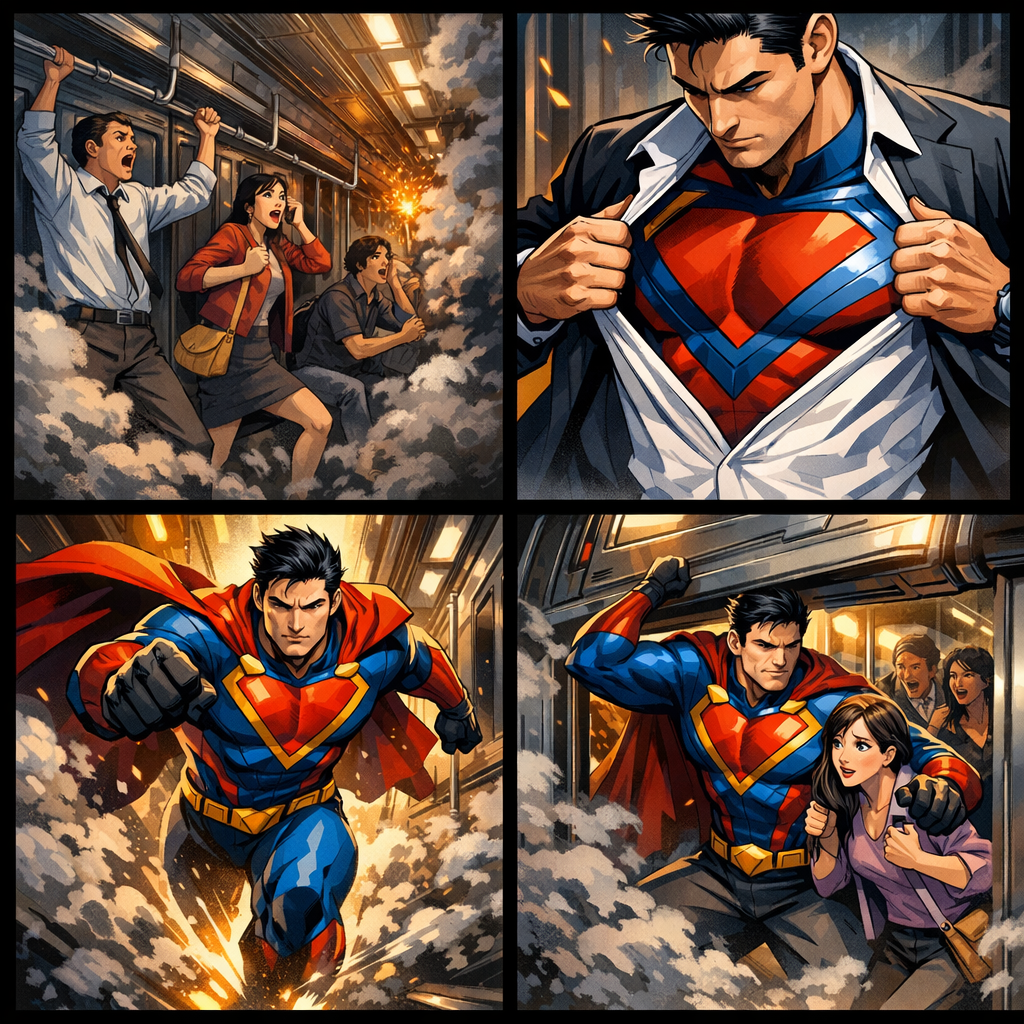

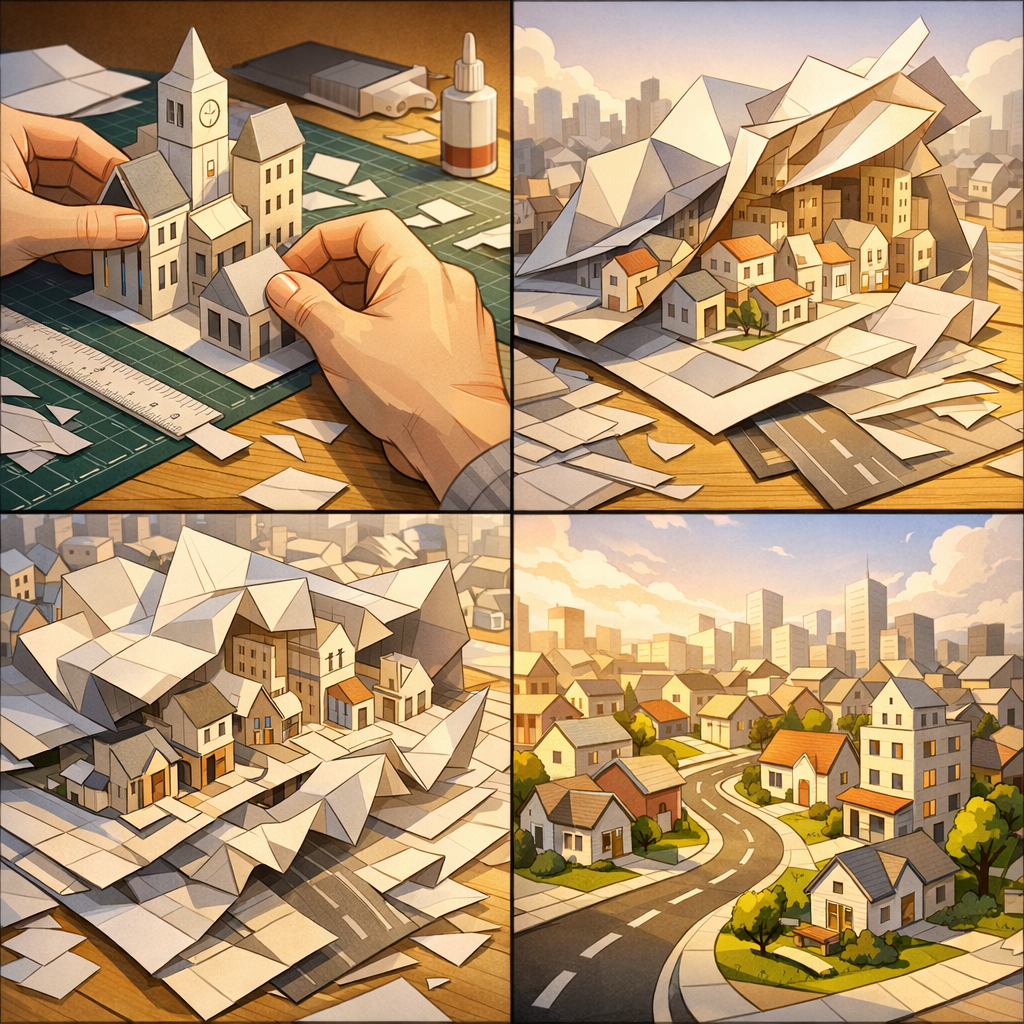

Movie Script转漫画
Movie Script to Comic免费转换器
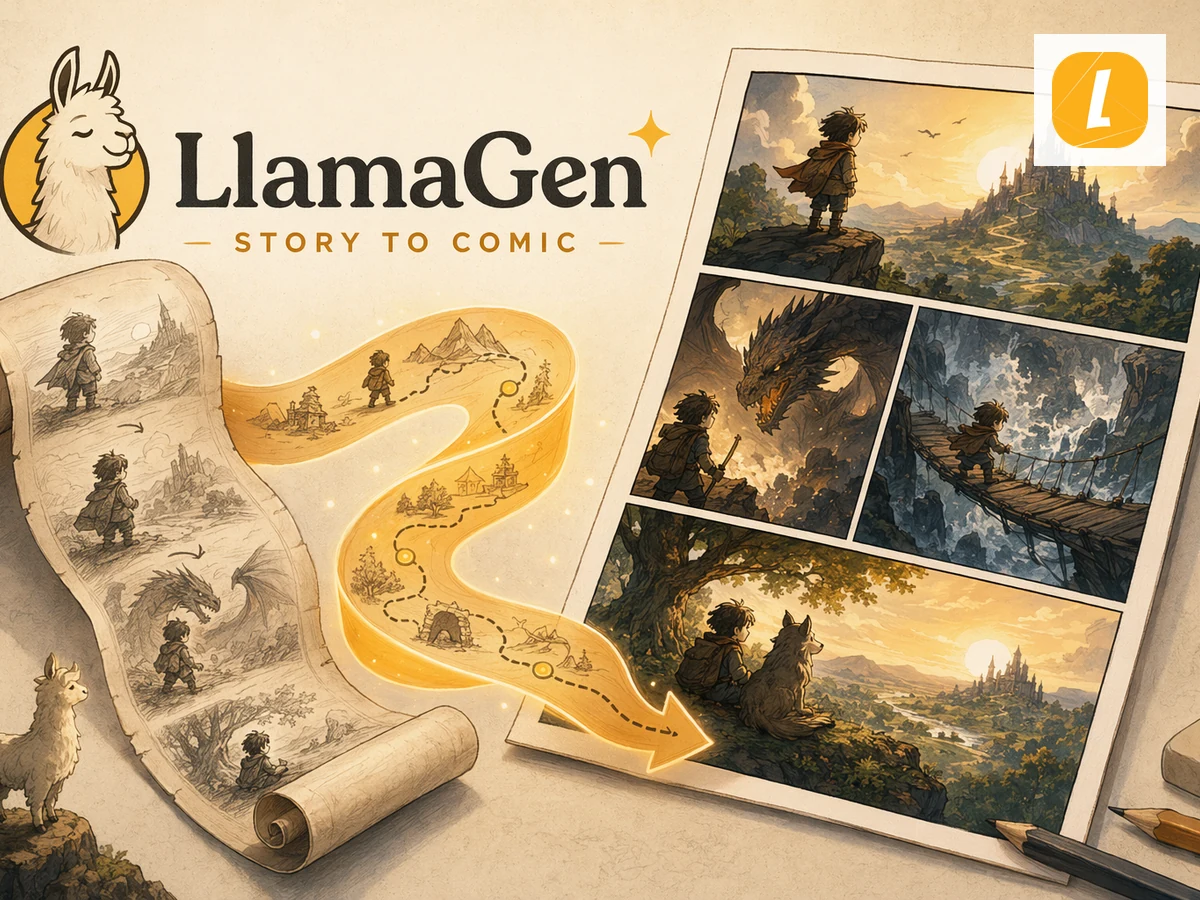
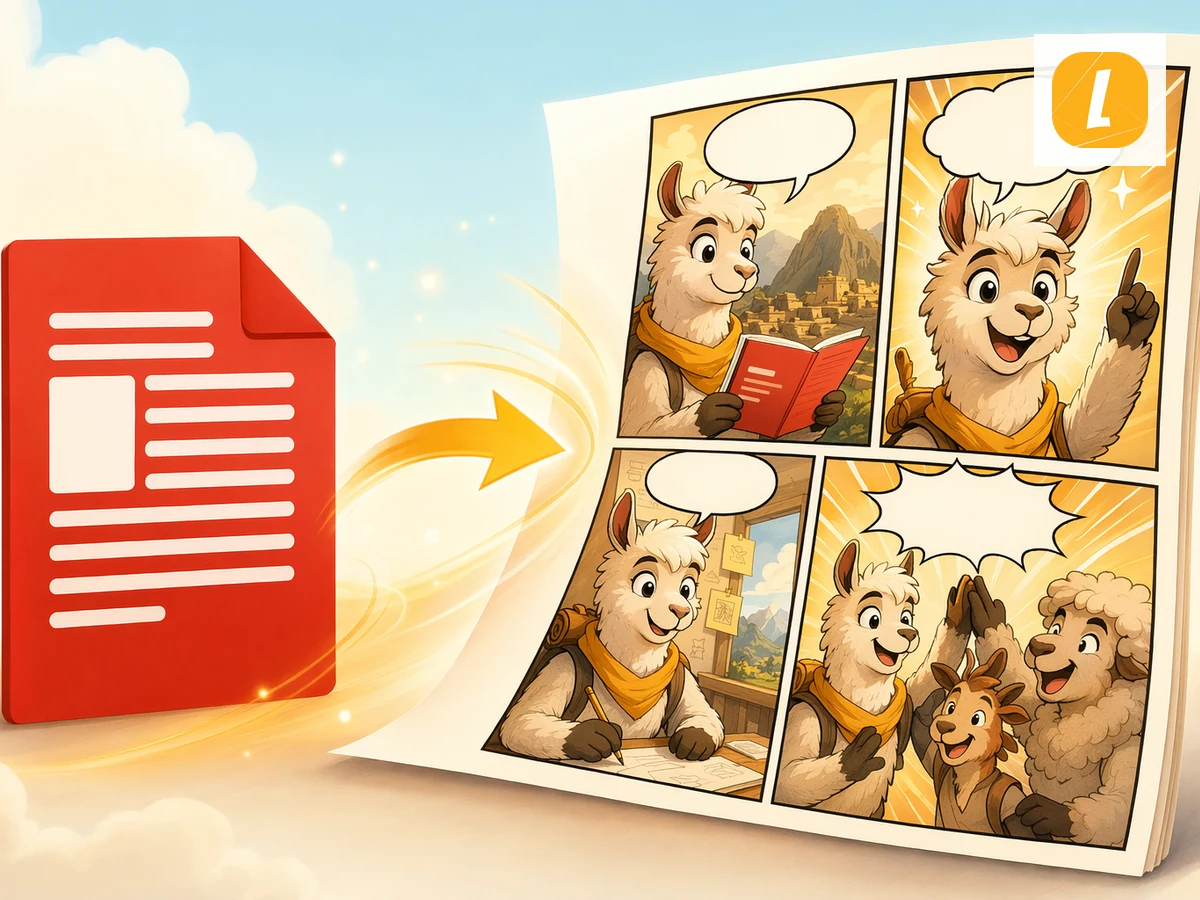
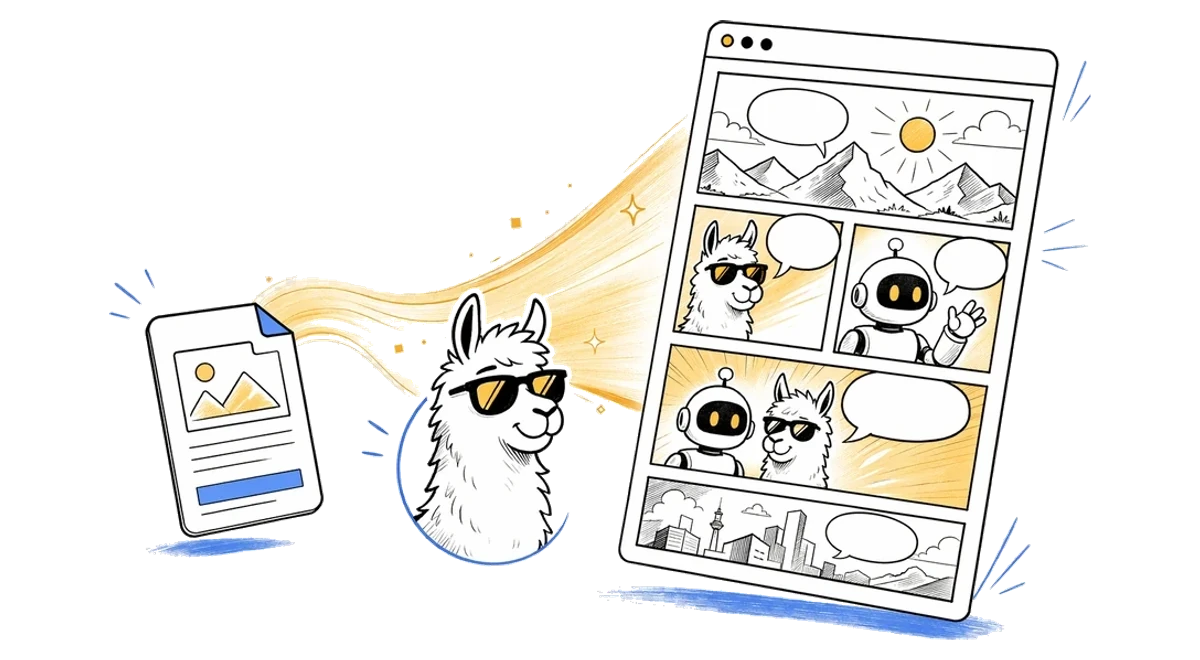
Turn movie scripts into comics. Upload or paste movie scripts and create a comic page that follows the source material instead of starting from a blank prompt.
如何免费将Movie Script转换为漫画?
上传Movie Script文件
上传你的Movie Script文件,或在支持的页面粘贴来源内容。LlamaGen 会把它作为漫画生成的参考素材。
用 AI 创建并编辑Movie Script漫画
点击创建漫画,AI 会把来源内容转成分镜、画面节奏和字幕结构。生成后可以继续在 LlamaGen Studio 中编辑。
下载或继续 AI 创作
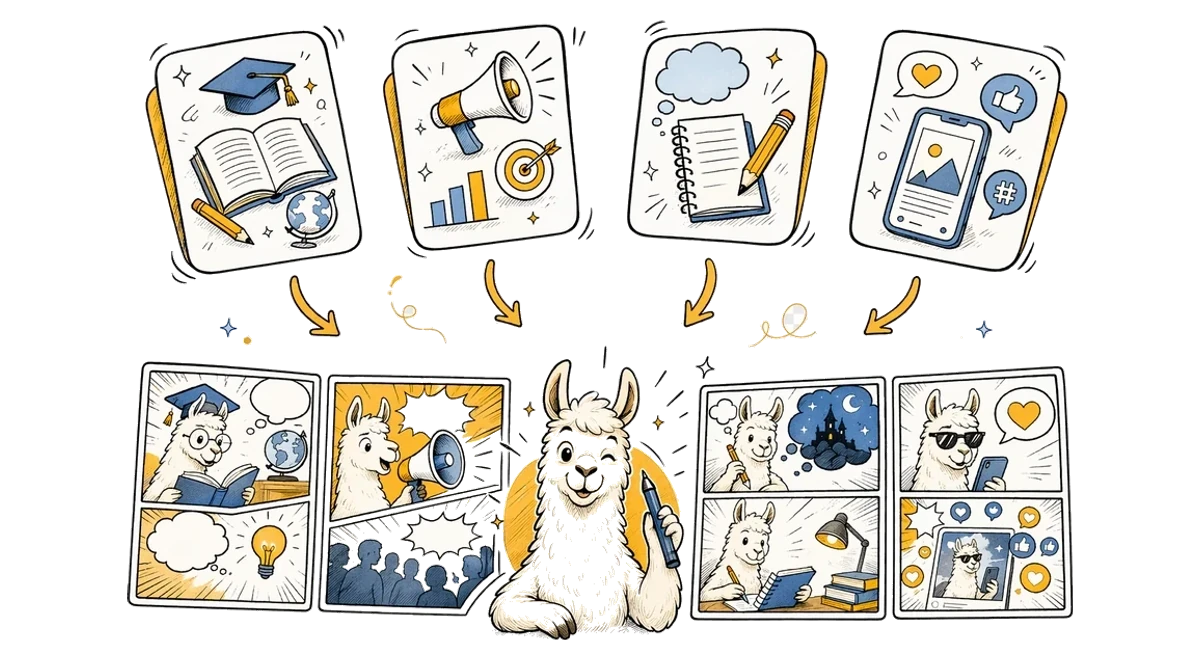
生成完成后,你可以继续调整分镜、字幕和版式,也可以把结果用于教学、营销、故事草稿或社交内容。
Convert Movie Script to Comic Online with AI
Convert Movie Script to Comic online in seconds using LlamaGen's AI comic converter. Upload your Movie Script source, paste notes when supported, and turn the material into a panel-ready comic page with captions, pacing, and a clean visual structure. Instead of rebuilding a comic from scratch, you can start from existing content and continue editing the result in LlamaGen Studio.


Free Movie Script to Comic Converter for Any Use Case
This free Movie Script to Comic converter is designed for creators, teachers, marketers, students, and storytellers who need to turn source material into visual stories. Use it for explainers, class materials, character scenes, social posts, pitch concepts, or fast creative drafts. LlamaGen keeps the workflow simple while giving you an editable comic result you can refine after generation.
Movie Script to Comic常见问题
What is Movie Script to Comic?
Movie Script to Comic is a LlamaGen tool that uses movie scripts to create AI comic pages with panels, captions, and comic-ready layouts.
How do I convert Movie Script to a comic?
Upload or paste movie scripts, add an optional direction, and click Create Comic. LlamaGen sends the source with an English prompt based on the Movie Script to Comic theme.
Does Movie Script to Comic use the uploaded file?
Yes. File-based pages upload your source first, then pass it through the uploadedAttachments flow in useCreateComic so the comic request can reference the attachment.
Can I edit the comic after it is generated?
Yes. Successful generations open in the LlamaGen comic workspace where you can continue editing the comic page.
What file types does Movie Script to Comic accept?
Movie Script to Comic accepts .txt, .md, .pdf, .doc, .docx files up to 50MB. Free uploads are limited to 10MB; larger files require an upgraded plan.
Is Movie Script to Comic good for storytelling?
Yes. It is designed for turning source content into panel-based comic storytelling, including education, explainers, social posts, and creative drafts.
探索更多文件转漫画工具

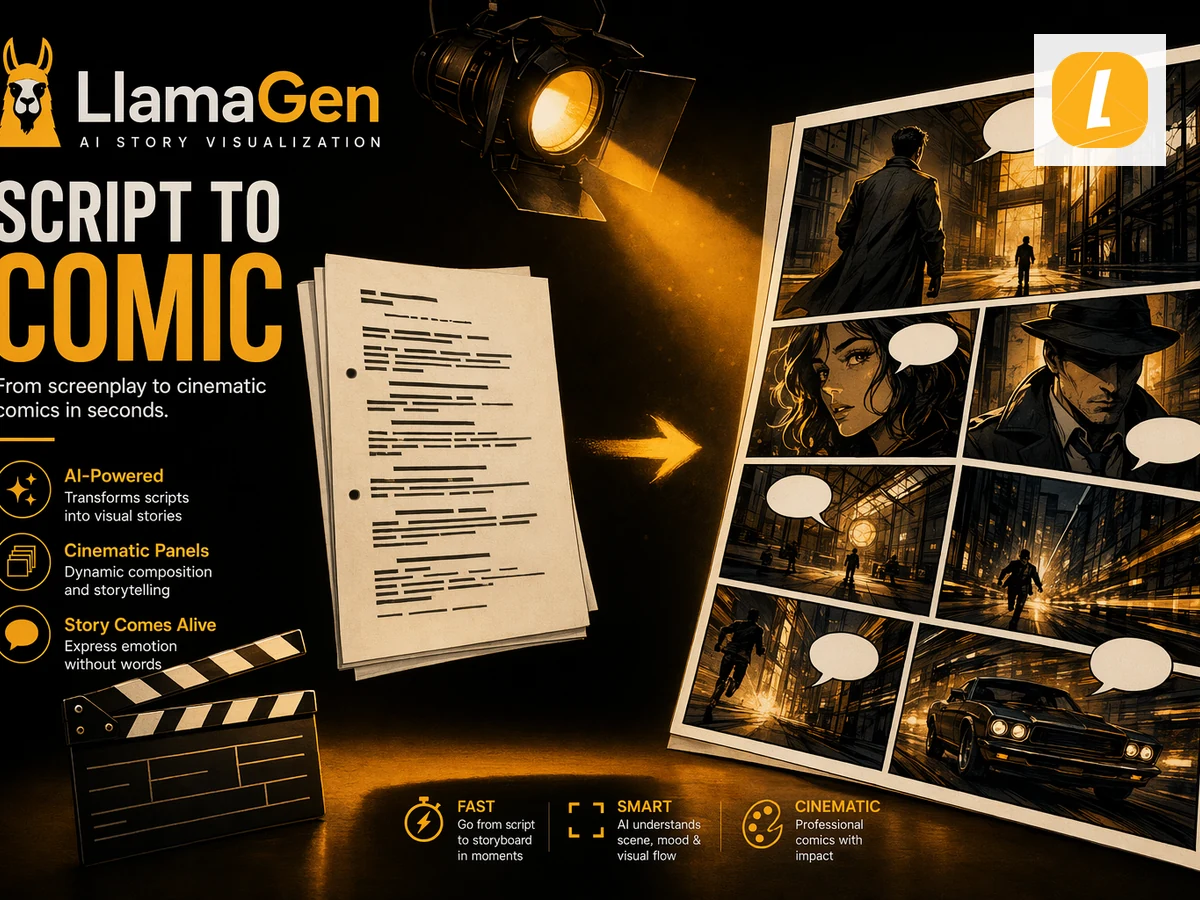
Script to Comic
Convert scripts into AI comic pages. Upload or paste a script and LlamaGen will adapt dialogue, beats, and scenes into comic panels.

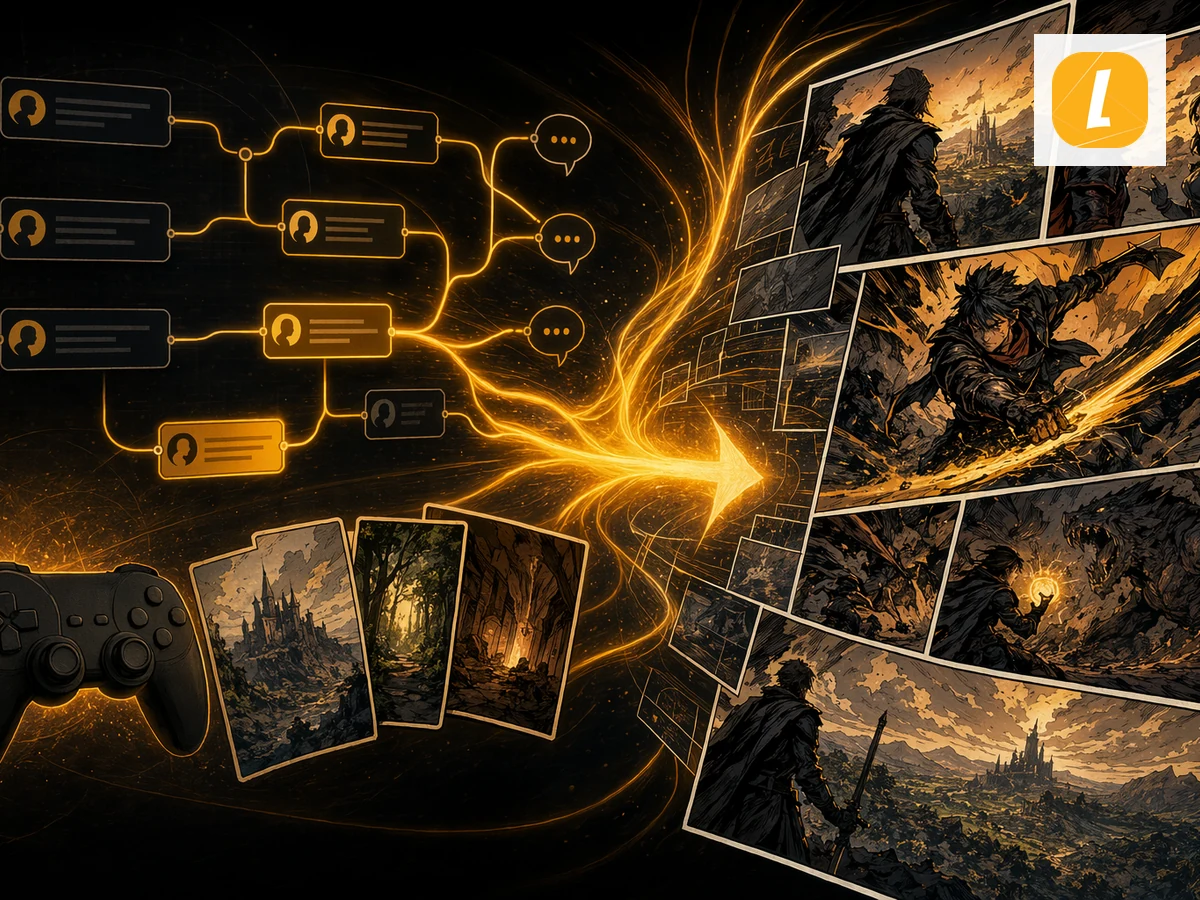
Game Script to Comic
Turn game scripts into AI-generated comics. Upload or paste source content and let LlamaGen transform the source into comic panels, captions, and a ready-to-edit story page.

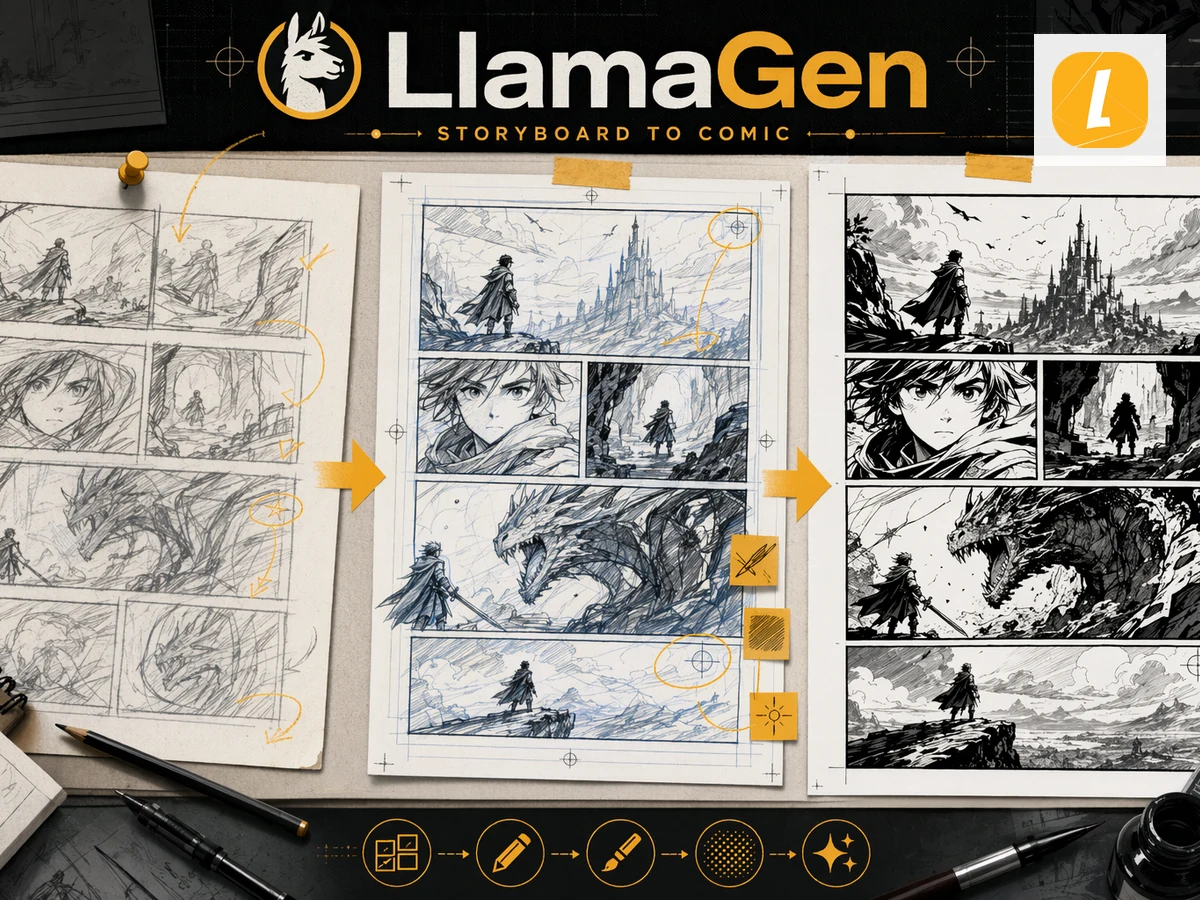
Storyboard to Comic
Convert storyboards into finished comic pages. Upload storyboard frames or paste scene notes and generate polished comic panels in LlamaGen.

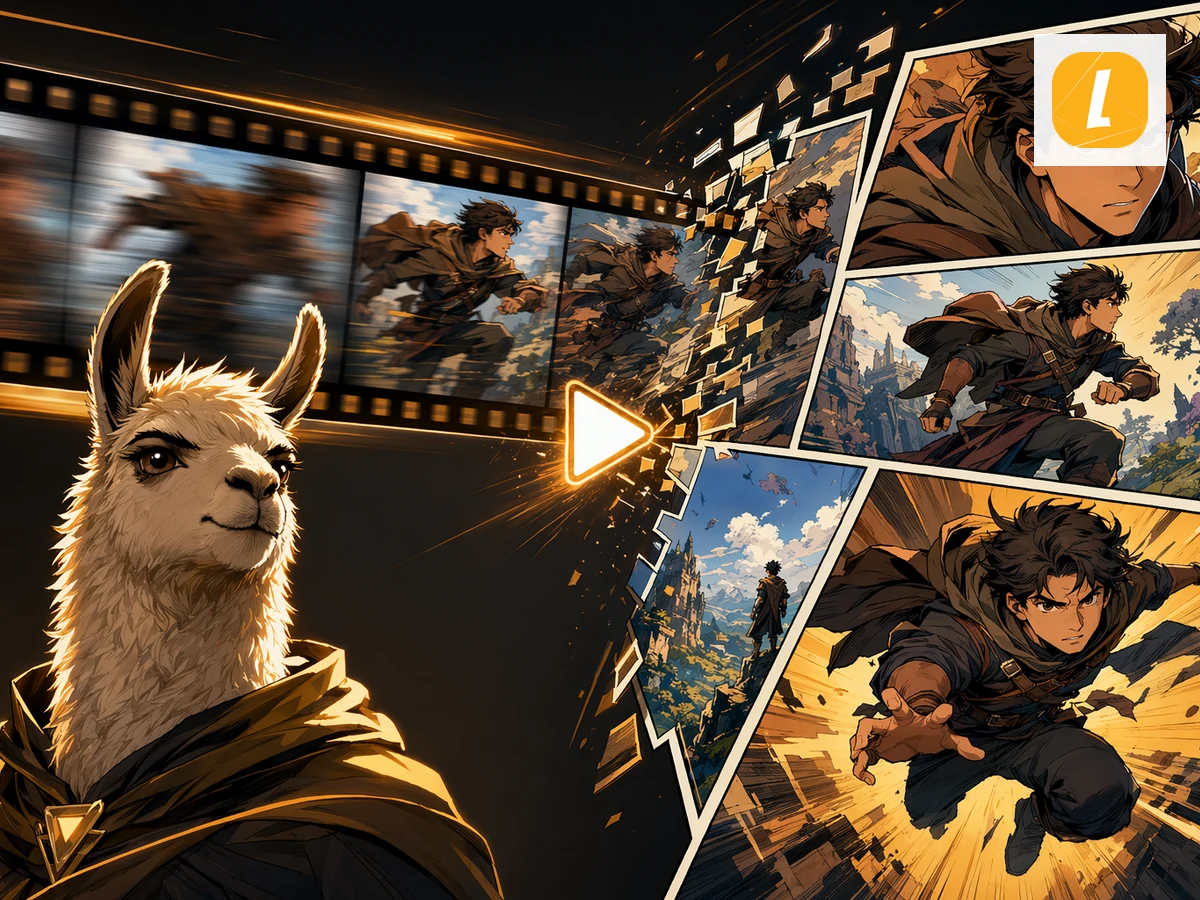
Video to Comic
Turn videos into AI comic pages. Upload a video or describe the key moments and LlamaGen will adapt them into comic panels.

YouTube to Comic
Create comics from YouTube ideas. Paste a YouTube URL or video summary and LlamaGen will turn the source into a comic page.

Story to Comic
Create comics from stories. Paste or upload a story and LlamaGen will adapt the plot, characters, and scenes into a comic page.

Prompt to Comic
Turn prompts into AI-generated comics. Paste a comic idea, scene prompt, or character setup and generate a polished comic page in LlamaGen.

PDF to Comic
Convert PDF files into AI-generated comics. Upload a PDF and let LlamaGen turn its content, scenes, or ideas into a comic page with panels and captions.