

Create Black comic characters with control
Direct the people, hair, skin tone, setting, genre, and cultural context that matter. Turn your brief into a readable page while keeping the cast recognizable panel to panel.
For original Black stories—not a filter, preset stereotype, or one-off portrait.

The first-success moment
Your character is still your character in panel four
The useful result is not a single attractive portrait. It is a comic page where identity, expression, wardrobe, setting, and story direction stay connected long enough for someone else to read it.
Direct
Name the details that matter: face, skin tone, hair texture or style, age, wardrobe, place, relationship, mood, and genre.
Create
Turn the direction into an opener, close-up, action, reaction, dialogue beat, and ending panel.
Review
Check character continuity and story meaning before you extend the idea into more pages, posts, lessons, or motion.
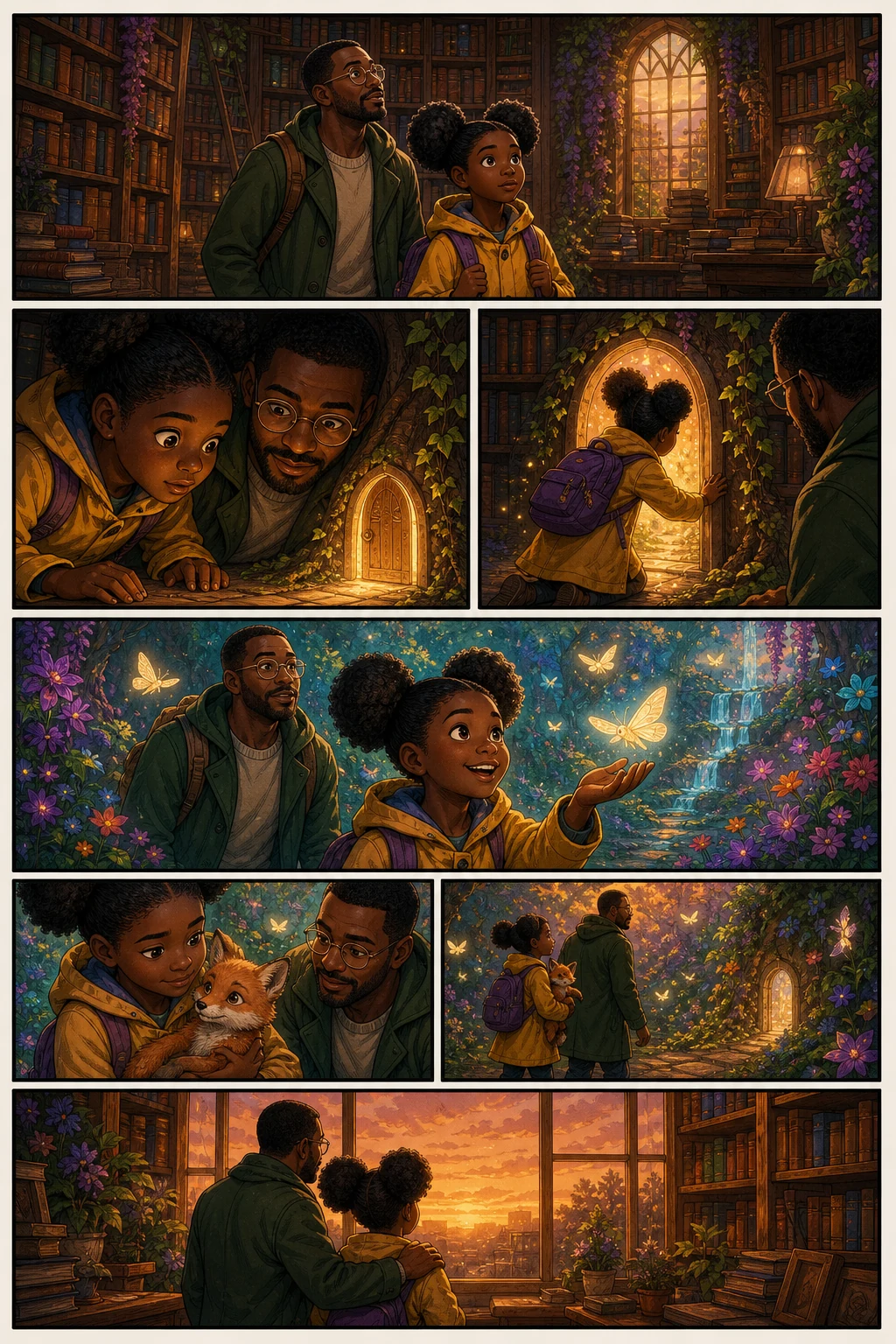
Start with the identity details that matter to your story
Give the model creator direction instead of relying on a vague label. Describe complexion, undertone, face shape, natural hair or protective style, age, body type, clothing, era, neighborhood, family relationship, and the emotional energy of the scene.
Specific character direction
Use concrete visual references and story context for the traits the reader needs to recognize.
Genre without a default stereotype
Build everyday, romance, comedy, history, superhero, fantasy, sci-fi, educational, or branded stories.
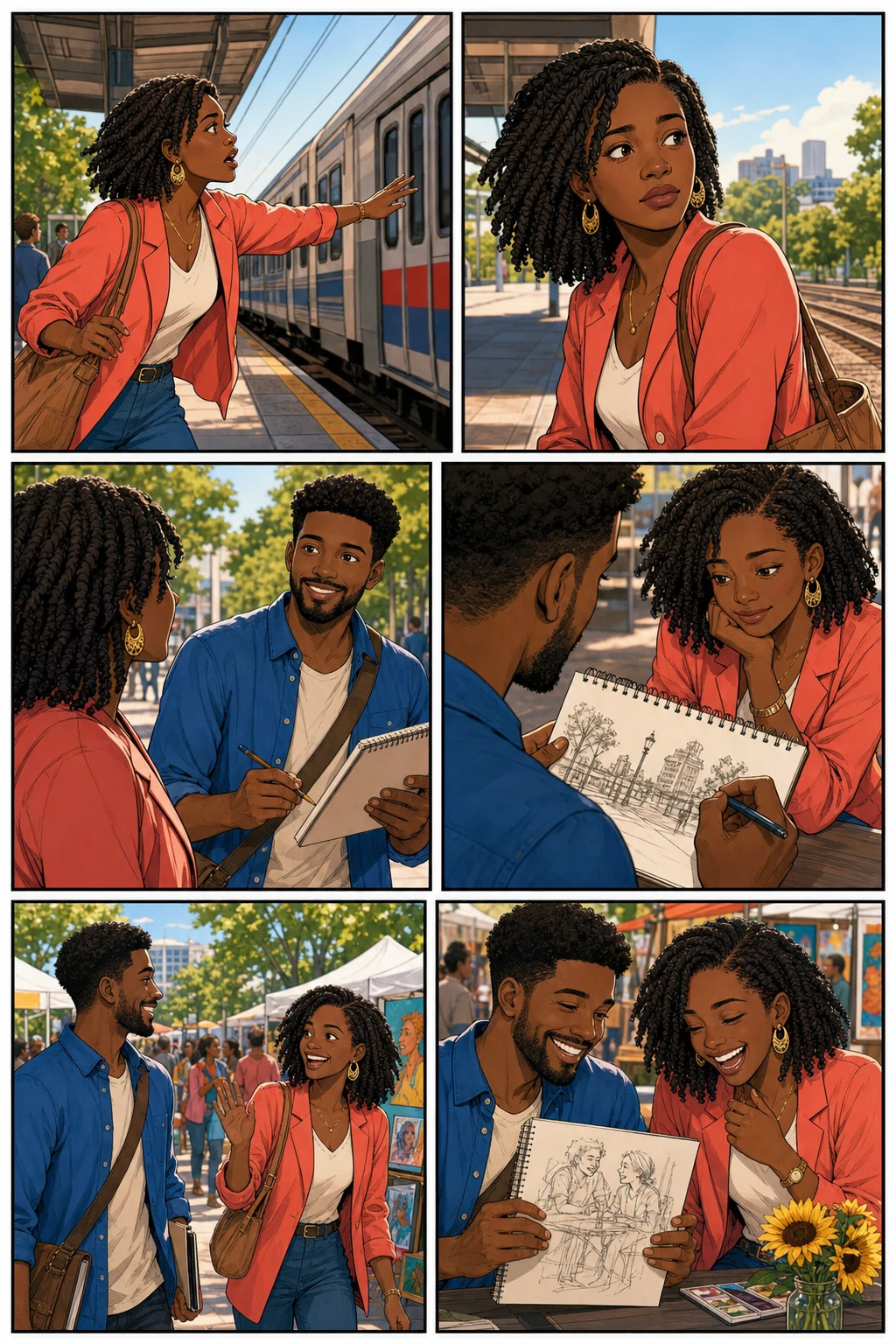
Keep the cast recognizable as the camera and emotion change
A comic needs the same person to survive a wide shot, close-up, action pose, reaction, and new location. Use character references and repeated visual anchors for face, hair silhouette, complexion, outfit, accessories, and role.
Continuity over isolated portraits
Judge the result as a sequence so visual drift is easier to spot before you continue.
Lighting-aware review
Check whether complexion and facial features remain legible in daylight, interiors, night scenes, and dramatic color palettes.
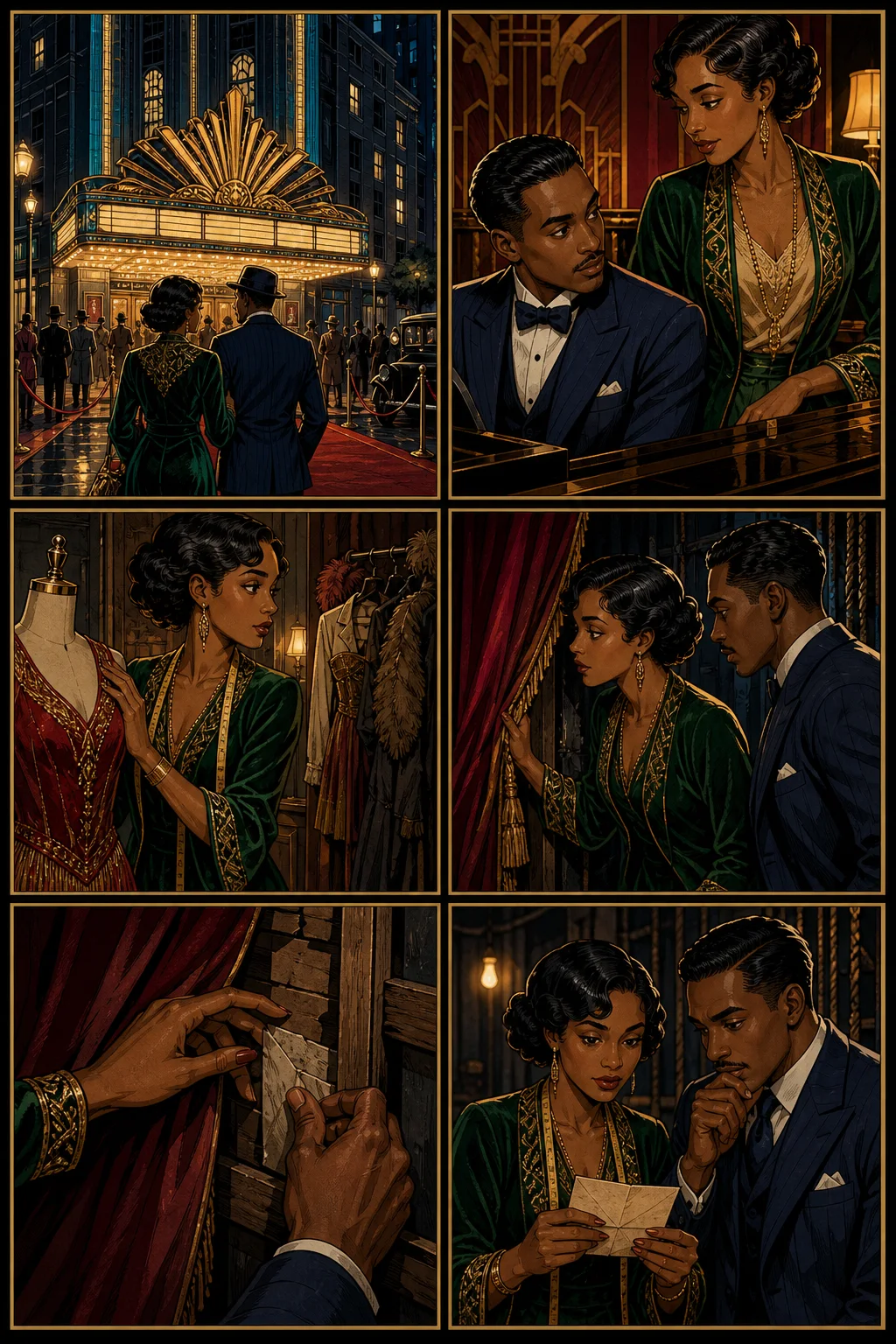
Give the story a point of view, not just a look
Paste dialogue or a short script and explain whose experience drives the scene, what changes, and what the reader should feel. Then shape the words into readable panel beats instead of a collection of disconnected images.
Creator-controlled context
Add place, time period, relationships, speech intent, references, and boundaries that the scene should respect.
A page people can review
Use the first page to test pacing, clarity, continuity, and tone before committing to a longer comic.
Creator-directed workflow
Build the person, scene, and story beat in that order
A stronger prompt separates identity direction from visual style and plot. That gives you clearer things to review when the first page appears.
Anchor the character
Describe the recurring visual details and, when available, attach a character reference.
Set the lived-in world
Name the location, time period, relationships, objects, atmosphere, and cultural references the scene needs.
Write the change
Explain what happens between the first and last panel, including the emotional turn and dialogue intent.
Review before extending
Check representation, continuity, readability, and tone, then carry the approved cast into the next page.
How to make a Black comic with AI
Use specific, respectful direction and review the complete page before growing the story.
Describe the cast and context
Write who the characters are, how they look, where the scene happens, what connects them, and which details must stay consistent.
Generate the first comic page
Choose the format and visual direction, then turn the prompt or script into connected panels with a readable beginning and ending beat.
Review, revise, and continue
Check identity details, story clarity, dialogue intent, and character continuity before you share the page or build the next scene.
From direction to a reviewable page
Make the first page prove the character and the story can hold together
Start with a concrete creator brief. The goal is a readable page you can assess for representation, continuity, story meaning, and visual quality.
Your Direction → Comic Page
Build the person before the plot moves
A named character anchor makes it easier to preserve the face, hair silhouette, complexion, outfit, role, and emotional range across different shots.
Identity
Are the character's defining details present and recognizable?
Continuity
Does the same cast remain stable as shots, poses, and lighting change?
Story
Do the panels express the intended point of view and emotional turn?
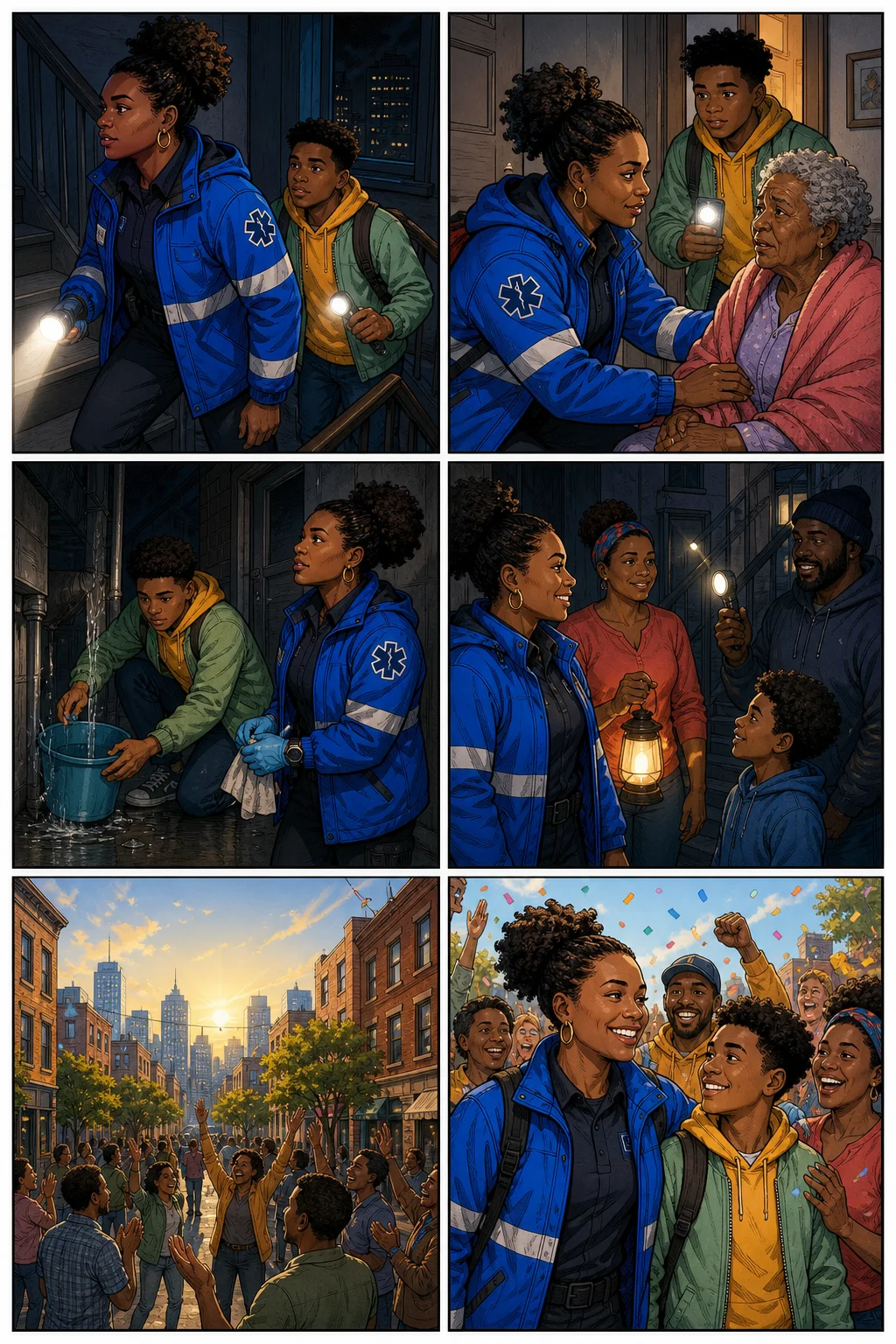
Review the whole sequence, not one lucky image
Look at how the cast, location, action, expressions, and final beat work together. That is the standard a longer visual story has to meet.
A complete, reviewable comic page
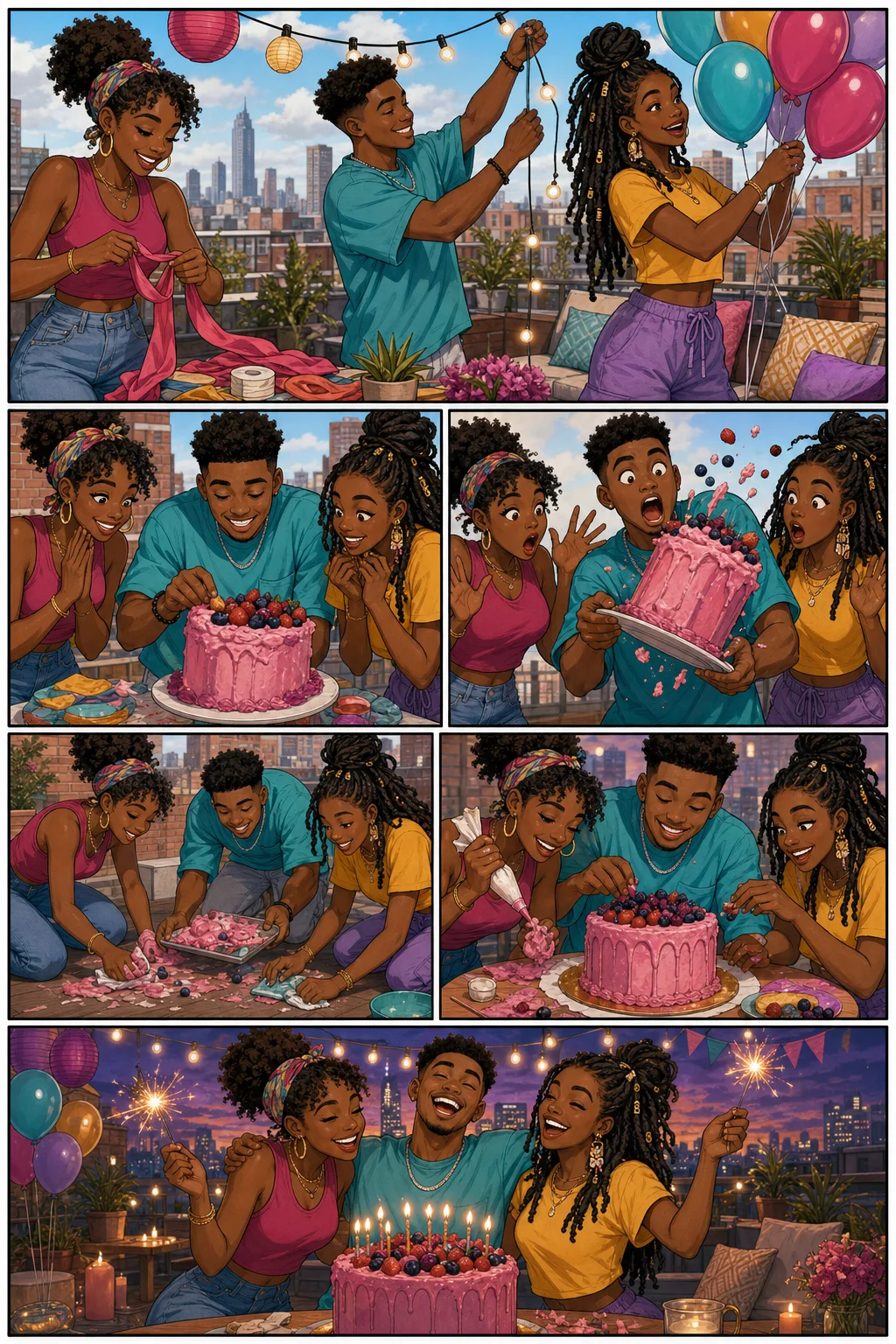
What creator control looks like on the page
Use explicit direction and visual references where they help, then evaluate the output against the story you meant to tell.
Skin tone and lighting direction
Describe complexion and undertone, then review how the character reads under the scene's actual lighting and color palette.
Natural hair and protective styles
Name the texture, length, silhouette, and style that should remain recognizable instead of relying on a generic hair prompt.
Character references
Use approved visual anchors for recurring faces, outfits, accessories, and proportions when continuity matters.
Specific cultural context
Direct the era, place, family, community, objects, language intent, and references the scene needs without reducing the story to a preset aesthetic.
Multiple comic genres
Create slice-of-life, romance, comedy, history, fantasy, sci-fi, superhero, educational, brand, and graphic-novel concepts.
Page-first review
Evaluate representation and storytelling across a sequence before spending time on chapters, episodes, motion, or publishing assets.
Black Comic Maker FAQ
What is the Black Comic Maker?
It is a focused LlamaGen workflow for creating comics with Black characters and creator-directed identity, setting, and story details. It uses the same visual storytelling studio as the AI Comic Generator, with guidance shaped around this specific creative intent.
Is this page for black-and-white comics?
No. This page focuses on comics with Black characters, creators, stories, and audiences. If you want monochrome manga or line-art workflows, use the AI Manga Generator or AI Manga Colorizer pages instead.
Can I describe natural hair or protective hairstyles?
Yes. Be specific about texture, length, silhouette, and style, and review the result across the complete page. A character reference can help when the same look must continue into more scenes.
How do I keep skin tone consistent across panels?
Describe complexion and undertone, keep the character reference stable, and include the intended lighting. Review daylight, interior, night, and dramatic-color scenes because lighting can change how skin appears.
Does the AI guarantee culturally accurate results?
No. AI output still needs creator review. Provide specific context and references, check the page for stereotypes or errors, revise the prompt, and involve people with relevant lived or subject-matter experience when accuracy matters.
What kinds of Black stories can I create?
You can explore everyday life, family, romance, comedy, history, fantasy, science fiction, superheroes, classroom stories, brand narratives, and original graphic-novel concepts. The genre should come from your brief, not from a racial preset.
Can I start without drawing skills?
Yes. Start from a text prompt, short script, or character reference. You direct the cast, context, scene, and visual style while LlamaGen helps turn that direction into comic panels.
Can I continue the same character into more pages?
Yes. Approve the first-page character direction, preserve the reference and recurring details, then carry those anchors into the next scene while reviewing for drift.
Need a general-purpose comic workflow?
Explore the main AI Comic Generator for manga, webtoons, classroom comics, brand stories, graphic novels, and more visual storytelling formats.
Open AI Comic GeneratorCreate the first page, then decide where the story goes
Start with specific character and cultural direction. Review a readable comic page before you commit to a longer series, lesson, campaign, or motion comic.