Webcomics and print pages have different pressure points.
A webcomic needs fast readability, panel flow, and a clean mobile experience. A print page needs margins, page balance, speech bubble placement, and export discipline. The right AI workflow should help you create the draft quickly while still leaving room for production checks.
This guide shows a practical workflow using LlamaGen.AI Comic Strips as the story-to-page starting point, then compares where tools like Anifusion, ComicsMaker.ai, Clip Studio Paint, and Canva fit in the larger production stack.
This workflow audit was captured on July 21, 2026.
I visited the public pages for LlamaGen.AI, Anifusion, ComicsMaker.ai, Clip Studio Paint, and Canva. The goal was not to rank every tool as a universal winner. The goal was to test which workflow best supports a creator moving from a script to a usable webcomic or print-page draft.
The shared test script was:
Page 1: A young inventor opens a rooftop greenhouse during a power outage. A tiny mechanical bird wakes up, projects a map of the city, and points to a tower where the lights are still on.
The page needed:
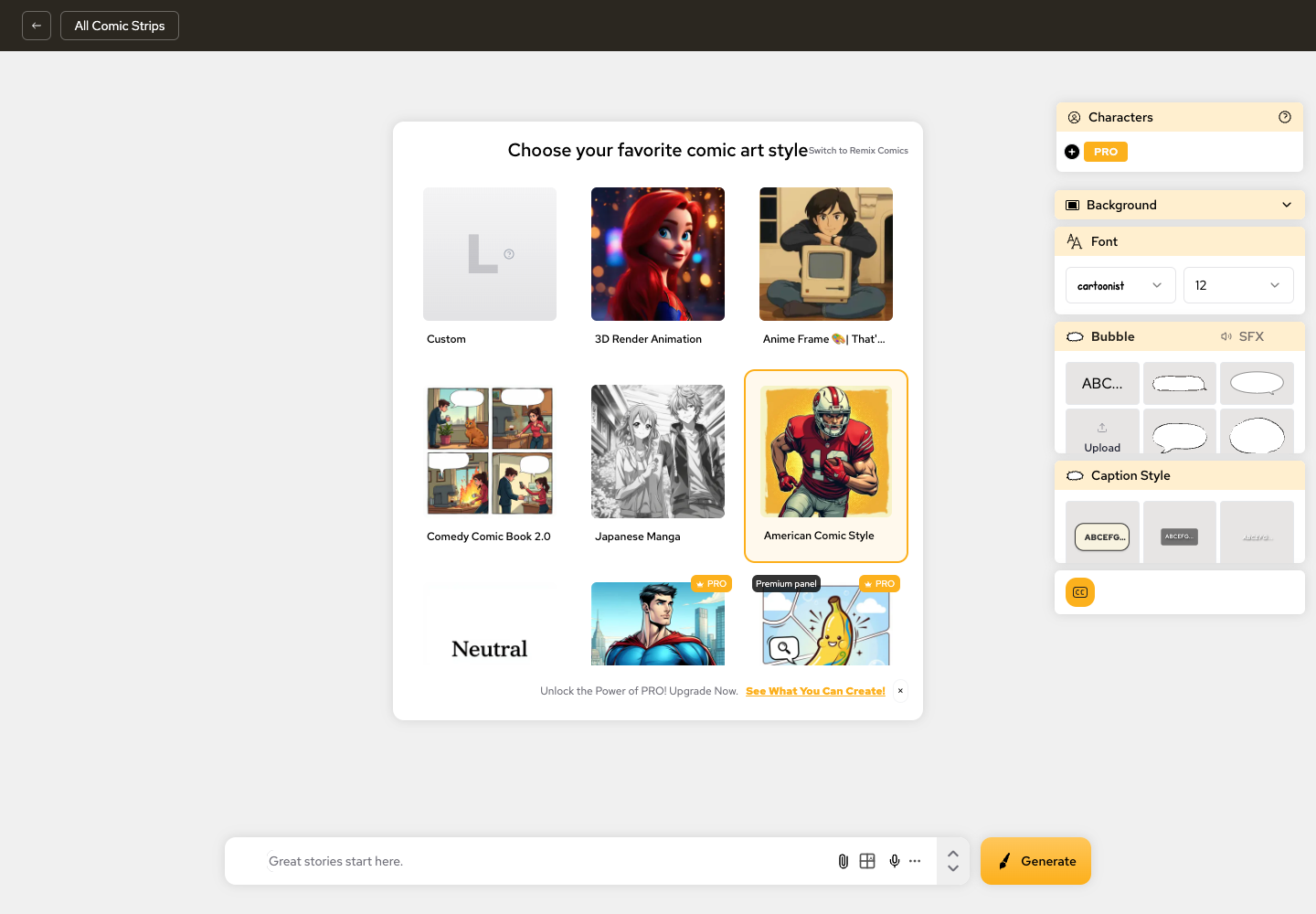
LlamaGen.AI shows comic style, character, background, font, bubble, caption, and generation controls inside the same creation workspace.
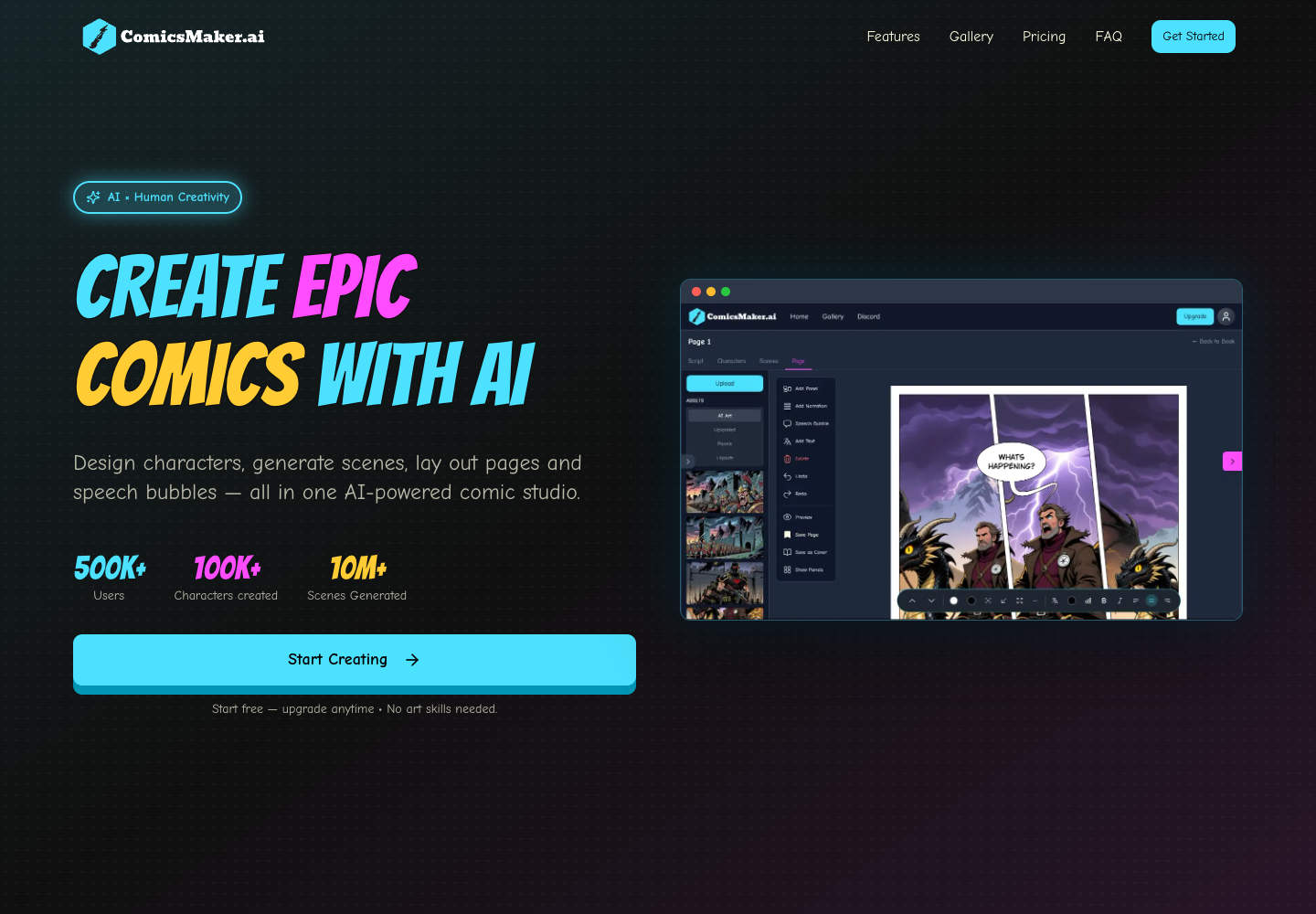
ComicsMaker.ai presents an AI-powered comic studio with page layout, scenes, and speech bubbles in its product screenshot.
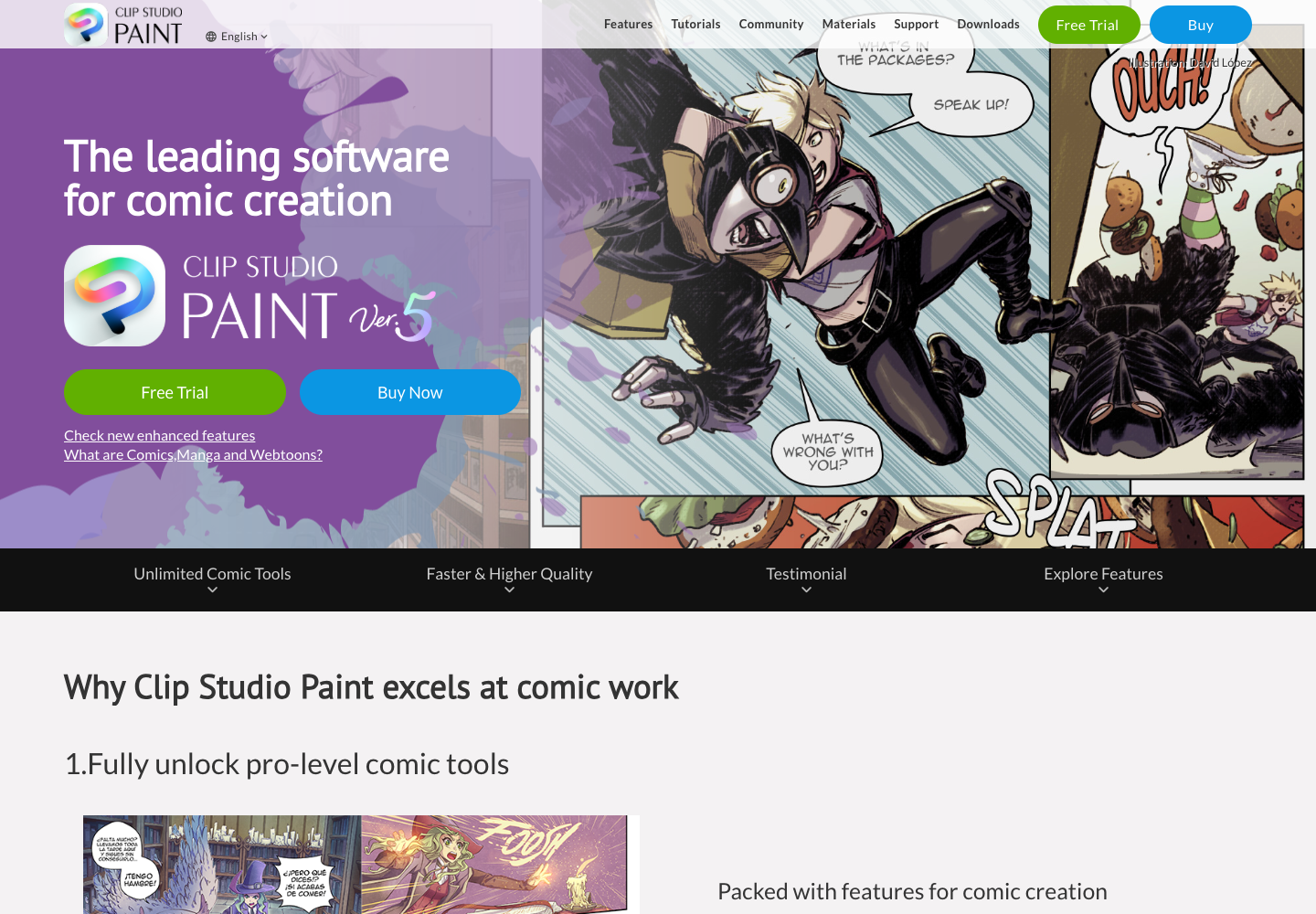
Clip Studio Paint is a dedicated professional comic creation tool, with a strong page, drawing, and finishing orientation.
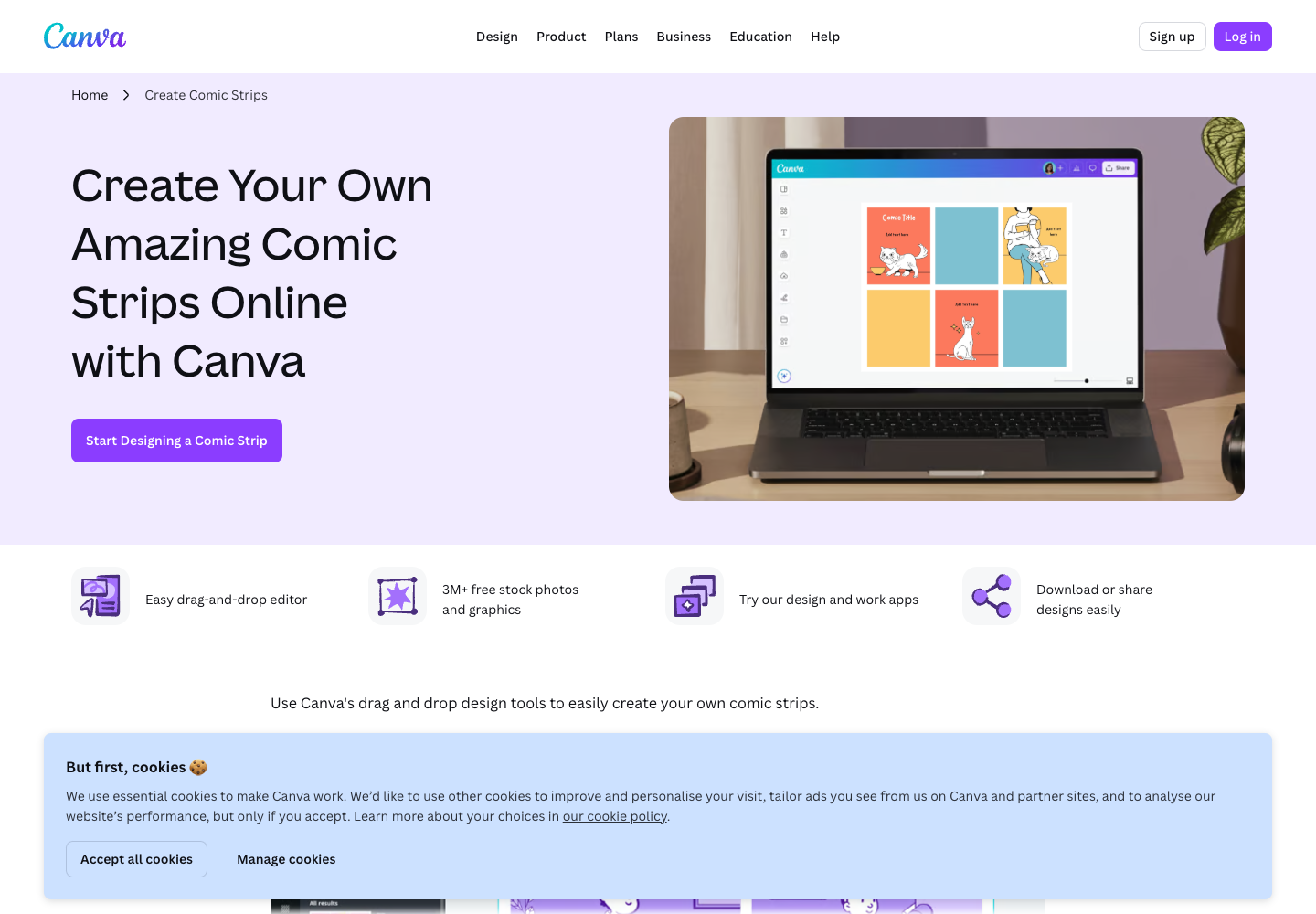
Canva is a strong finishing and template tool for creators who need drag-and-drop design rather than a full AI comic production workflow.
Use AI for the part where it is strongest: turning story information into visual options quickly. Use production checks for the part where human judgment still matters: readability, continuity, and final export.
Do not paste a long paragraph and hope for page logic. Convert the script into panels:
| Panel | Purpose | Prompt Detail |
|---|---|---|
| 1 | Establish setting | Rooftop greenhouse at night, city blackout |
| 2 | Reveal protagonist | Young inventor with tool belt unlocking the glass door |
| 3 | Object close-up | Tiny mechanical bird with folded brass wings |
| 4 | Magic/technology moment | Bird projects a glowing city map |
| 5 | Reaction | Inventor shocked, light reflecting in goggles |
| 6 | Hook | Distant tower still glowing above the dark skyline |
This converts prose into production language. LlamaGen.AI is stronger when the story beats are already clear.
Use a prompt like this:
Create a 6-panel comic page draft.
Story: a young inventor opens a rooftop greenhouse during a city blackout. A tiny mechanical bird wakes up, projects a map, and points to the only tower still lit.
Main character: 19-year-old inventor, short curly hair, round goggles, green jacket, small tool belt.
Style: clean webcomic linework, cinematic lighting, expressive faces, clear panel rhythm.
Do not include readable text, logos, or watermarks.
Then review:
A rundown of the latest LlamaGen feature releases, product enhancements, design updates, and important bug fixes.
Webcomic and print-page drafts need different checks.
| Check | Webcomic Priority | Print Page Priority |
|---|---|---|
| Panel spacing | More vertical breathing room | Page balance and gutters |
| Text density | Short captions, mobile readability | Bubble placement and reading order |
| Export | Images for web posting | Higher-resolution assets and page review |
| Rhythm | Scroll suspense | Page turn or bottom-right hook |
| Revision | Fast iteration | Final cleanup before print layout |
If your main goal is a webcomic, LlamaGen.AI can take you further inside the same workflow. If your main goal is professional print finishing, use LlamaGen.AI for the visual draft and move the best panels into Clip Studio Paint or another print production tool for final cleanup.
Do not polish a broken page. Run this checklist first:
| Issue | Fix |
|---|---|
| Character changed face between panels | Strengthen the character description or reuse a character reference |
| Object appears too late | Add an earlier close-up panel |
| Text area is crowded | Reduce dialogue and reserve negative space |
| Action direction is confusing | Add a transition panel or change camera angle |
| Final hook is weak | End with an unanswered visual question |
The review version should not be treated as final art. It should answer:
| Tool | Best Role In This Workflow | Why It Helps | Watch Out For |
|---|---|---|---|
| LlamaGen.AI | Script-to-page draft, character consistency, comic panels | Strongest first stop for writers and AI comic creators | Final print polish still needs review |
| Anifusion | Manga-style page generation and editing | Strong manga positioning and comic-specific language | Test your own long-form continuity needs |
| ComicsMaker.ai | Page layout and speech-bubble workflow | Visible all-in-one comic studio positioning | Interface fit depends on your production style |
| Clip Studio Paint | Professional drawing, page finish, print cleanup | Mature comic and manga production software | Requires manual art/layout skill |
| Canva | Templates, classroom graphics, simple design polish | Easy drag-and-drop layout | Not a story-to-comic engine |
For many creators, the best stack is:
LlamaGen.AI -> review draft -> selected panel edits -> optional layout/print finishing
Use LlamaGen.AI when you need:
Use a specialist print or design tool after LlamaGen.AI when you need:
| Time | Task | Output |
|---|---|---|
| 0-15 min | Convert script into panel instructions | 5 to 6 panel map |
| 15-30 min | Define cast and visual anchors | Character bible |
| 30-50 min | Generate LlamaGen.AI first draft | Page or strip draft |
| 50-65 min | Review character, order, and hook | Revision notes |
| 65-80 min | Regenerate or edit weak panels | Stronger page draft |
| 80-90 min | Export and test on mobile or print preview | Decision-ready asset |
Sometimes it can create a strong draft, but serious print work still needs checks for resolution, margins, reading order, and lettering. Treat AI as the page-development engine, not a substitute for review.
LlamaGen.AI is strongest at story-to-panel creation, character consistency, and quick comic drafts. It can support both webcomic and print-page planning, with final print polish handled carefully.
Use Clip Studio Paint when you need professional manual drawing, final page cleanup, or exact production finishing after the AI draft is approved.
Start with LlamaGen.AI Comic Strips, generate a 5 to 6 panel page draft, and run the review checklist before investing time in polish.
Just refer your friends, followers, and customers to earn up to 30% in recurring commissions for a lifetime!