1. Cover
Introduce the character and the story.


Storybook creator · English
Turn a small idea into an illustrated story that readers can follow from page to page. Great for classroom storytelling and family reading.
Your choices are passed as prompt guidance. Review the result.
Try a story idea
Hands-on studio
Edit pages, add illustrations, reorder scenes and save your story as a PDF.
This draft stays in your browser. Uploaded photos are not automatically sent to an AI model.
Introduce the character and the story.
Review pages and dialogue before sharing.
Introduce the character and the story.
Introduce the setting.
Something new happens.
The hero faces a problem.
A new plan takes shape.
The hero makes a brave decision.
The challenge is resolved.
Finish with a warm ending.
Benefits
A storybook maker helps you move from a written idea to a sequence of illustrated pages. For children's books, the reading age, recurring characters and page order matter just as much as any single picture. LlamaGen provides a starting point for an original book you can review in Studio.
Explore creative writing and visual storytelling activities.
Describe a hero whose appearance stays recognizable across pages.
Review the finished story before choosing available export or publishing tools.
Examples
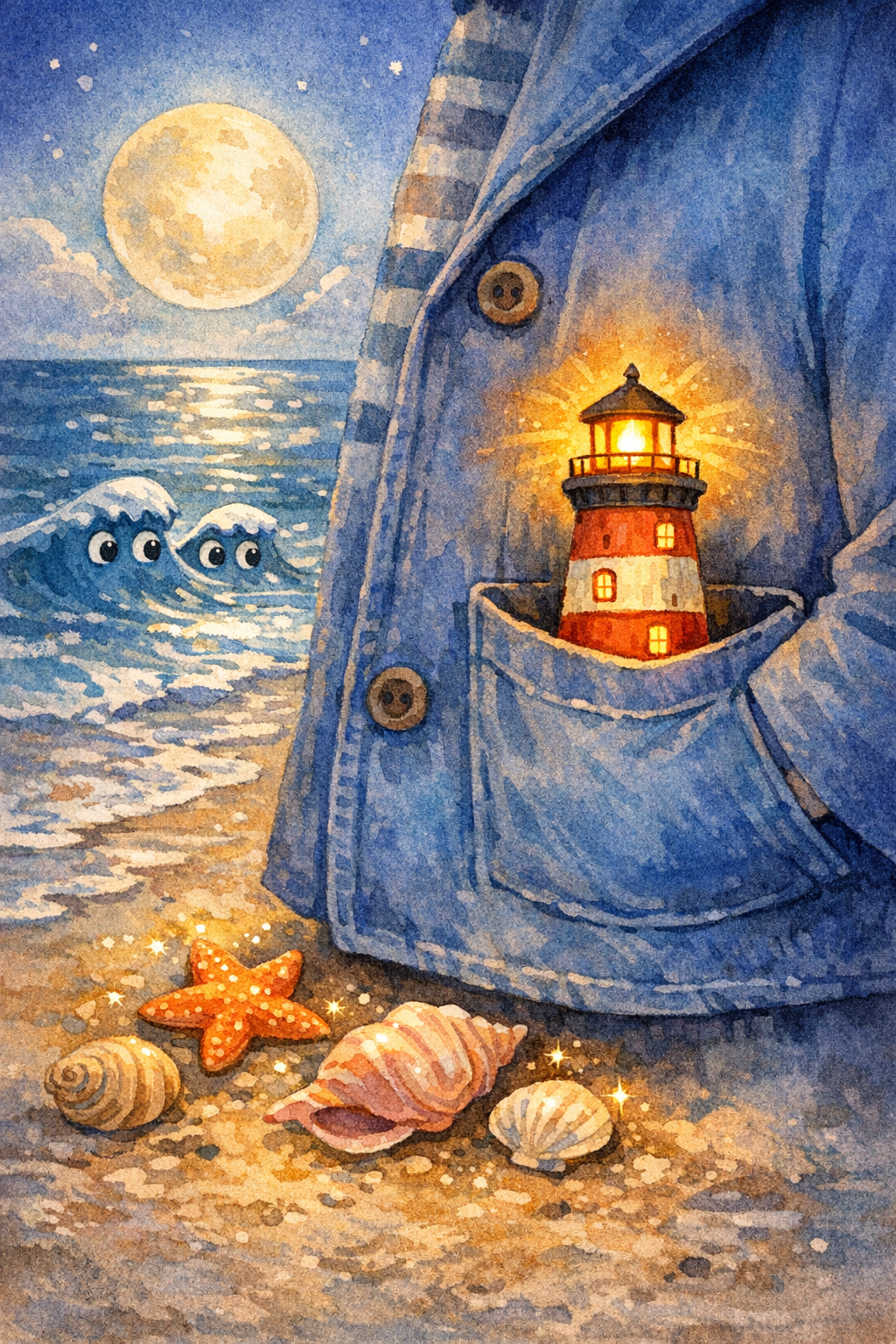
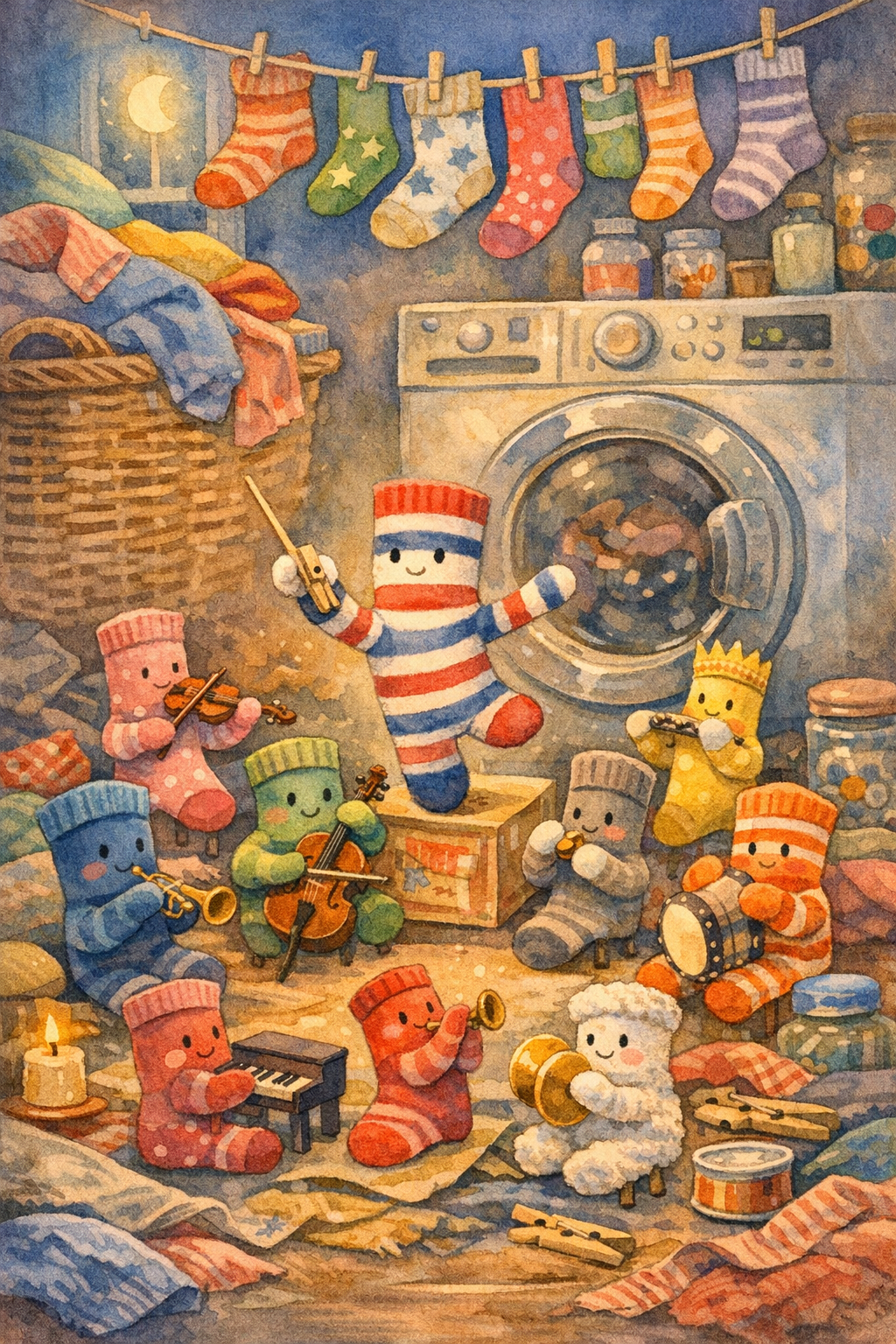
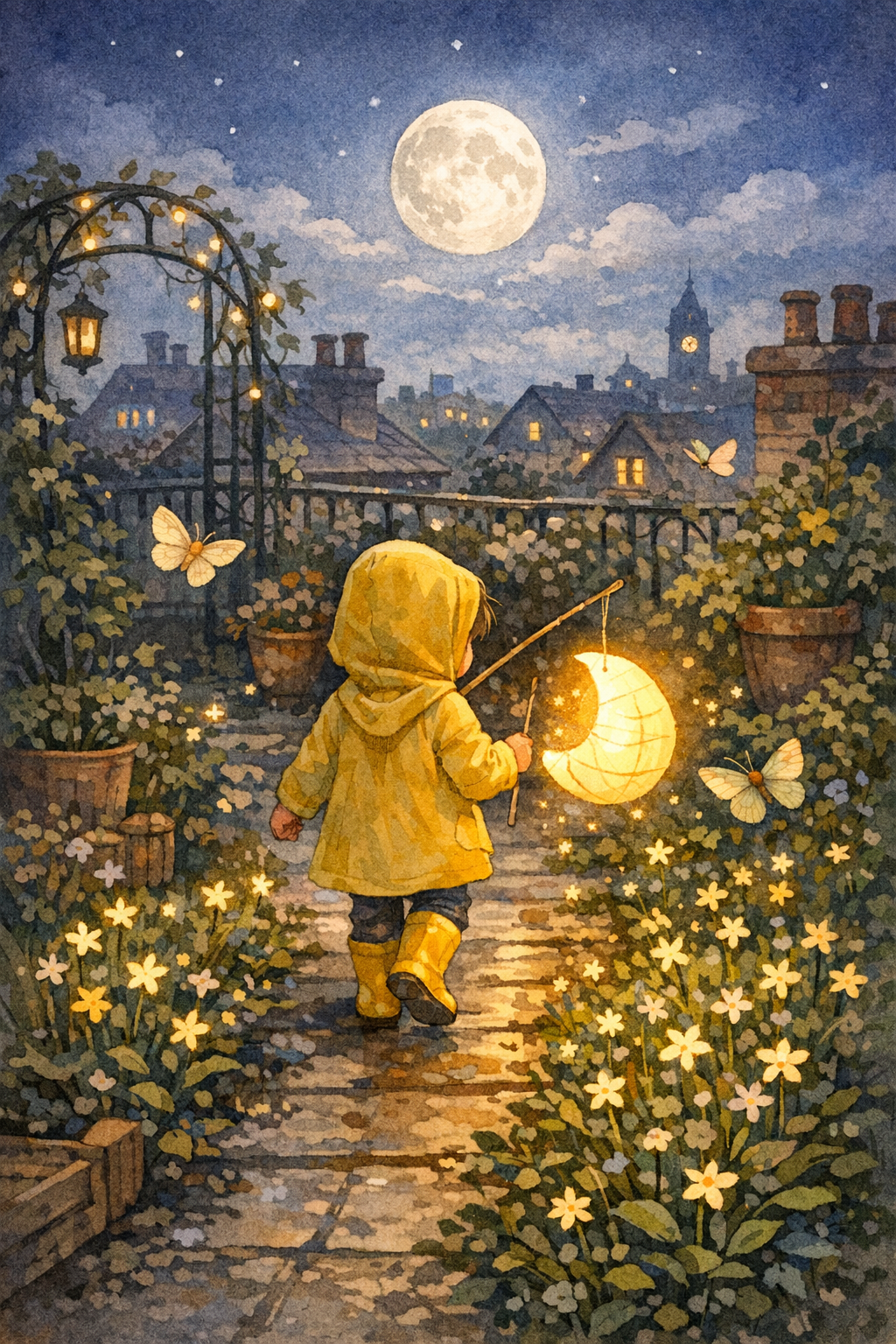
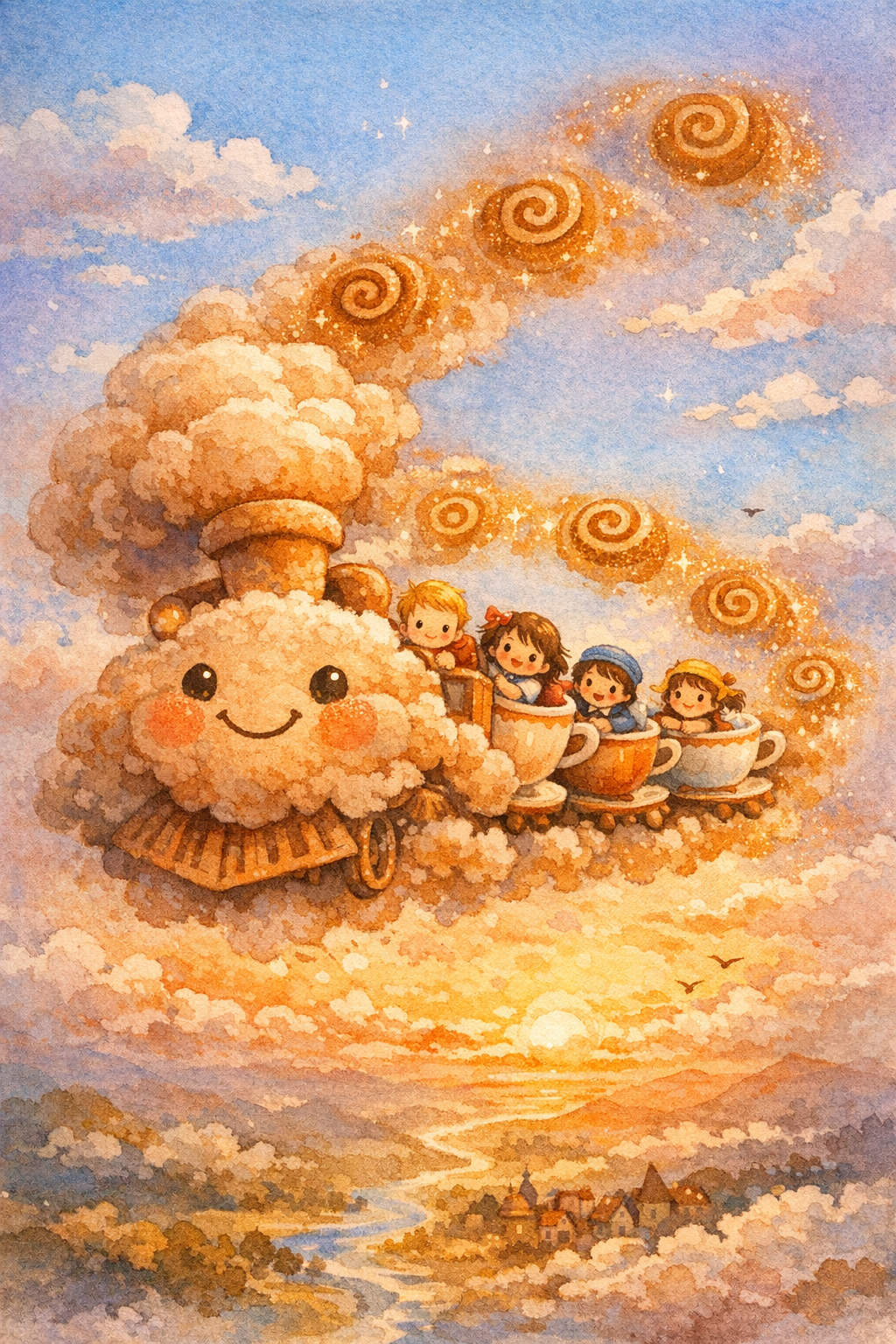
Explore illustrated book covers from LlamaGen's own original story collection. Use these ideas as starting points for your own characters and plots.
Choose a reading range as guidance for your draft prompt. Edit vocabulary and pacing yourself before sharing with children or students.
Reading age
Simple words, gentle repetition and familiar scenes.
Reading age
Short paragraphs, character dialogue and a clear turning point.
Reading age
More detailed scenes, character goals and a fuller plot.
Illustration choices such as watercolor, colored pencil, cut-paper collage and gouache shape the prompt sent to Studio. You can refine the final result after generation.
Watercolor
Colored pencil
Paper collage
Gouache
How it works
Choose a character, reading level, and story goal.
Continue with your prompt in LlamaGen Studio.
Check pacing, reading order, and continuity.
Start by giving your story one hero, one goal and one obstacle. Decide where the adventure happens and how the problem is resolved. Short scenes make it easier to connect each illustration to the writing.
For a classroom project, students can plan a story before opening an AI editor. Teachers should review the generated language and imagery, follow school privacy rules and decide what parts of the process students should complete themselves.
Continue in LlamaGen Studio to refine your illustrated draft and explore the publishing, sharing and print preparation options provided by your project. Review any export and print specifications before final delivery.
Invite students to plan a beginning, middle and end.
Turn a home routine or adventure into a gentle read-aloud.
Use illustrations to explain a history or science idea.
Write an original celebration story for a person you care about.
Make sure every illustration advances the narrative.
Compare outfits, names, tone and visual continuity.
Check usage permissions, privacy and export format before publishing.
At a glance
Visual storytelling, reading and writing projects.
Create an original book for a classroom assignment.
Make a personal bedtime adventure together.
More ways to create
An online storybook maker helps turn a simple story idea into a book with an original character, memorable pages and a voice of its own. Families, teachers and students may use the same workflow for different outcomes: a read-aloud, classroom writing project or a story to share.
Start with a character, setting, goal and conflict. Split the plot into an introduction, discovery, challenge and resolution. Plan where each illustration belongs so the artwork supports the text rather than simply decorating it.
Classroom storybooks encourage students to practice sequencing, dialogue, vocabulary and reading comprehension. Teachers can ask students to outline their plot, draft pages, edit language and present their work to classmates or family.
A storybook becomes more personal when the illustrations reflect the same characters from page to page. Narration also changes how young readers experience a book: test the pacing and read the text aloud while reviewing. For recording and other advanced production tasks, continue in your existing LlamaGen project workflow.
Before sharing a finished book, review spelling, page order, artwork rights and the reader's privacy. Decide whether your audience needs a digital version, printable file or published project, and use the distribution options offered in your account.
For actual classroom assignments
A classroom storybook is more useful when every student has a concrete writing role or outcome. These prompts work as starting points for individual or group books.
Ask students to introduce their interests, communities and goals using original drawings, captions and a short first-person narrative.
Explore storybooks →Turn a school trip into a sequence of observations: what we saw, what surprised us and what we learned.
Start a journal →Assign each student a scene or page, then combine their contributions into an illustrated collection and review it before sharing with families.
Explore book examples →No. Begin with a written prompt and refine the generated draft.
Yes. Teachers should supervise younger students and follow school privacy policies.
Check the full project workspace for book export, printing and ordering options before selecting your preferred format.
Yes. Begin with a written description, choose a reading range and open the first draft in LlamaGen Studio.
Storybook creation can support writing and reading projects. Teachers should supervise minors and follow district privacy policies.
Yes. Plan original characters, a setting, pages and a satisfying ending, then revise generated results.
You can plan a read-aloud version of your story and continue to the narration tools offered by your full LlamaGen workflow. Check the audio settings and review pronunciation before sharing.
Review licensing, content rights and the available export formats before publishing or arranging third-party printing.
Account credits and feature access vary by plan. Review the current prices and generation requirements in Studio.
Write a short plot with an original character and a clear ending, break it into pages, add illustrations, then revise the text and visual consistency.
Students can storyboard a narrative, draft and revise sentences, design characters, then discuss the relationship between each page's words and images.
Narration can help early readers engage with a story. Choose an appropriate read-aloud or recording workflow in your LlamaGen project, and review pronunciation and pacing.
Review licensing, illustrations, fonts, privacy, trim size and the available export or publishing formats before sharing or ordering physical copies.
Turn a small idea into an illustrated story that readers can follow from page to page. Great for classroom storytelling and family reading.
Start my storybook →