01Page structure
Design the sequence before the details
Start with panel templates, portrait or landscape pages, and a visible page strip. The whole sequence stays close enough to inspect pacing while one page remains active for precise work.
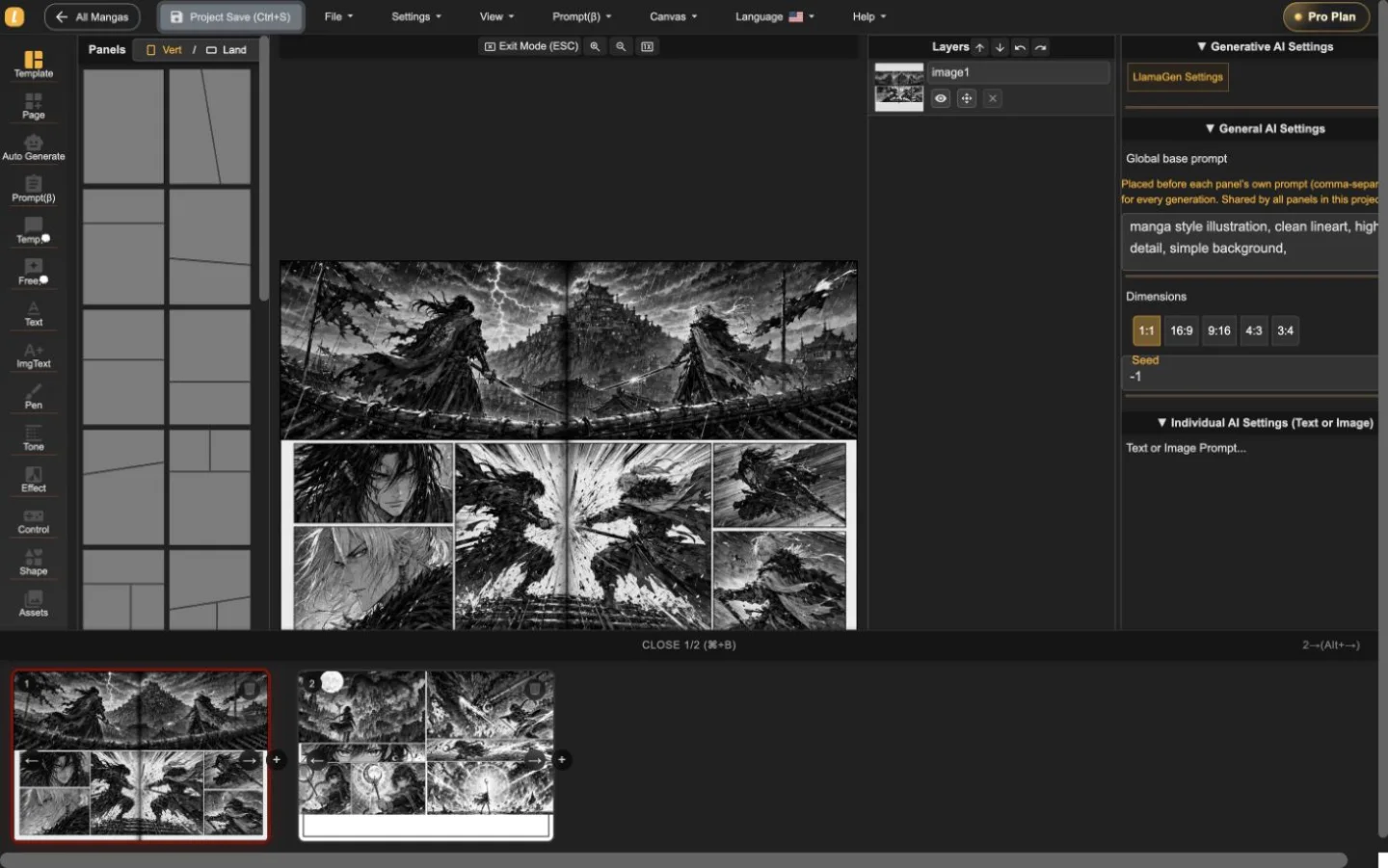
LlamaGen Manga Editor
Planea un capítulo de varias páginas, coloca o genera arte dentro de las viñetas, edita diálogos y capas, y guarda cada revisión sin dividir la historia entre herramientas distintas.
22-second interface tour
Built from real editor captures, this guided tour shows where page order, panel composition, layers, and generation controls live. It is an interface overview, not a recording of interaction speed.
Una guía de dos páginas reales de proyecto. Presiona reproducir solo cuando tú quieras; el video no retrasa la carga inicial.
Mantén el avance de páginas visible mientras trabajas en una sola página.
Trabaja en el arte sin perder de vista la página completa.
Revisa la viñeta seleccionada con sus controles a la vista.
Haz el recorrido para entender el espacio de trabajo y luego prueba la velocidad de interacción con tu página antes de elegir un plan.
Comprueba el flujo en el editorTres niveles de trabajo
Start with panel templates, portrait or landscape pages, and a visible page strip. The whole sequence stays close enough to inspect pacing while one page remains active for precise work.
Place generated or uploaded artwork inside panel boundaries, select objects directly, adjust composition, and keep the surrounding page visible instead of sending every correction through a separate generator.
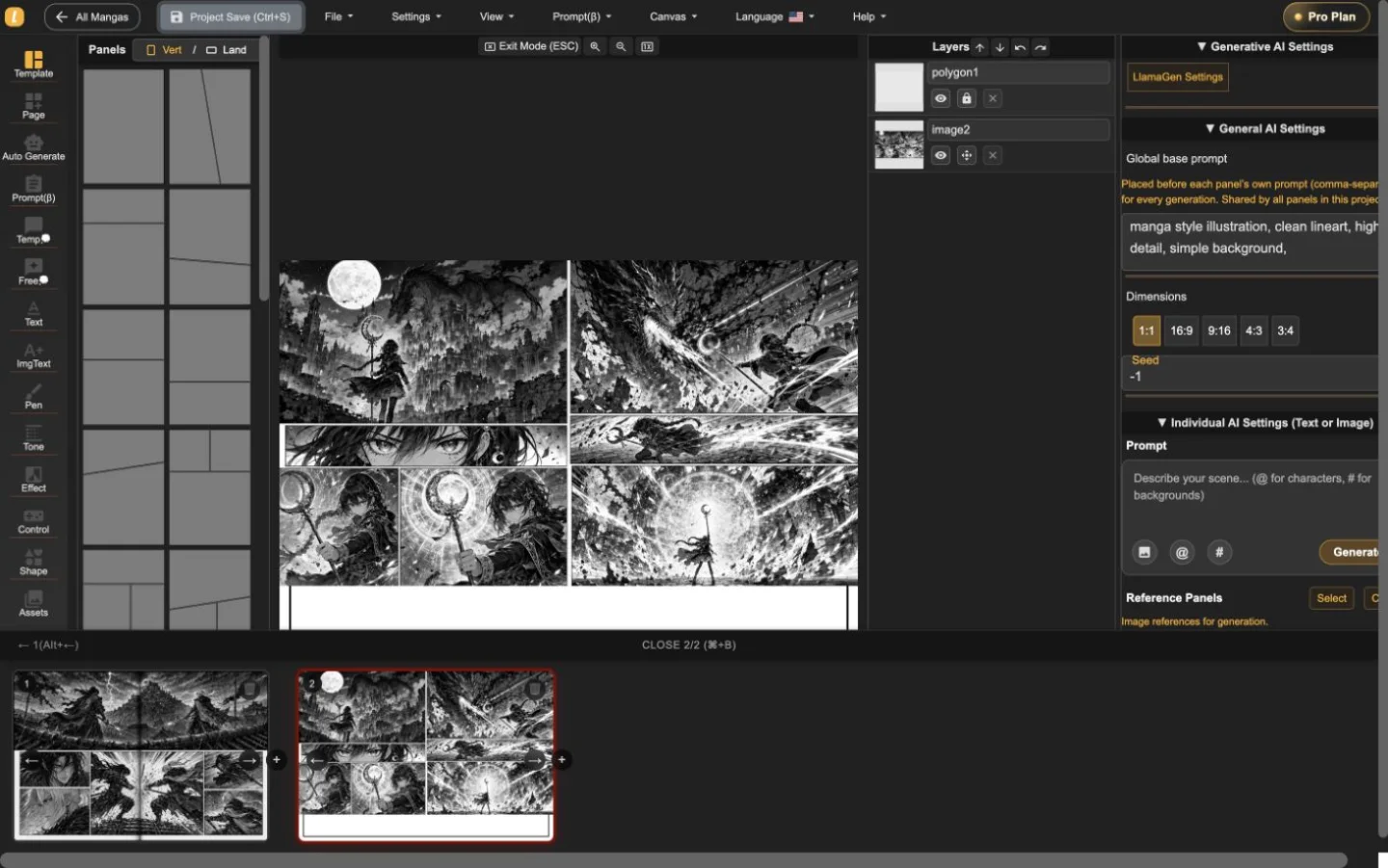
The layer list, panel selection, prompt controls, dimensions, and generation settings live alongside the page. That makes targeted revisions easier to understand and safer to repeat.
Un proyecto real de dos páginas
Las páginas de acción y fantasía fueron importadas, intercambiadas y guardadas en el Editor de Manga. Las capturas muestran el producto en uso, no una foto de estudio ni maqueta decorativa.
Una primera sesión útil
Usa el editor para responder tres preguntas prácticas antes de comparar planes: ¿puedes estructurar una página, revisar un panel sin perder contexto y exportar el formato que necesitas?
Inicia un proyecto mangaEstablece la dirección de la página y define el ritmo de los paneles.
Selecciona un panel, revisa su capa y ajusta la obra o el diálogo en contexto.
Prueba la descarga de la página actual y guarda un respaldo editable del proyecto antes de comprometerte con un capítulo largo.
Manga Editor plans
Standard supports multi-page drafting. Pro is the relevant comparison when a series needs character consistency or the plan's general commercial terms.
Antes de publicar
Mantén un respaldo editable, confirma la salida que necesitas y revisa los derechos de cada recurso fuente antes de publicarlo.
How to use Manga Editor
Start with structure, make image changes in context, and save a stable version before the next major revision.
Elige una página vertical u horizontal, agrega paneles y organiza la secuencia antes de pulir cada imagen individual.
Genera o coloca imágenes dentro de un panel seleccionado, ajusta los prompts y edita diálogos, formas, capas y composición en contexto.
Navega por miniaturas de página manteniendo tu proyecto unido y guarda una versión recuperable antes de revisiones importantes.
Reference
Detalles prácticos sobre páginas, imágenes, controles de generación, recuperación y revisión de publicación.
LlamaGen Manga Editor is a browser-based workspace for composing multi-page manga, comics, and webtoons. It combines panel layouts, image placement, AI-assisted generation, text tools, layers, page navigation, and project history in one editor.
Yes. The page strip keeps multiple pages in one project so you can add, reorder, open, and review the sequence without exporting every page as a separate document.
Yes. Import or paste your own image files, then place them on the canvas or inside a selected panel. The editor keeps the surrounding page visible while you adjust the composition.
Yes. AI controls can generate or refine images for the selected panel. The editor keeps the page, panel, prompt, and layer context visible while you work.
The editor currently supports a current-page image download using the selected DPI, supported vector content as SVG, and an editable project backup. Download access depends on your plan. PDF is not currently listed as an editor export.
Standard and Pro include single-page and multi-page editing. Standard currently includes 15,000 monthly credits and up to 20 panels per prompt. Pro currently includes 45,000 monthly credits, character consistency, and up to 40 panels per prompt.
Pro currently lists general commercial terms. Commercial use also depends on the rights to your prompts, reference images, fonts, characters, and other source material, so review the current plan and terms before publishing or selling a project.
Project history shows saved versions with page previews, timestamps, and page counts. Review the selected snapshot before choosing whether to restore it.
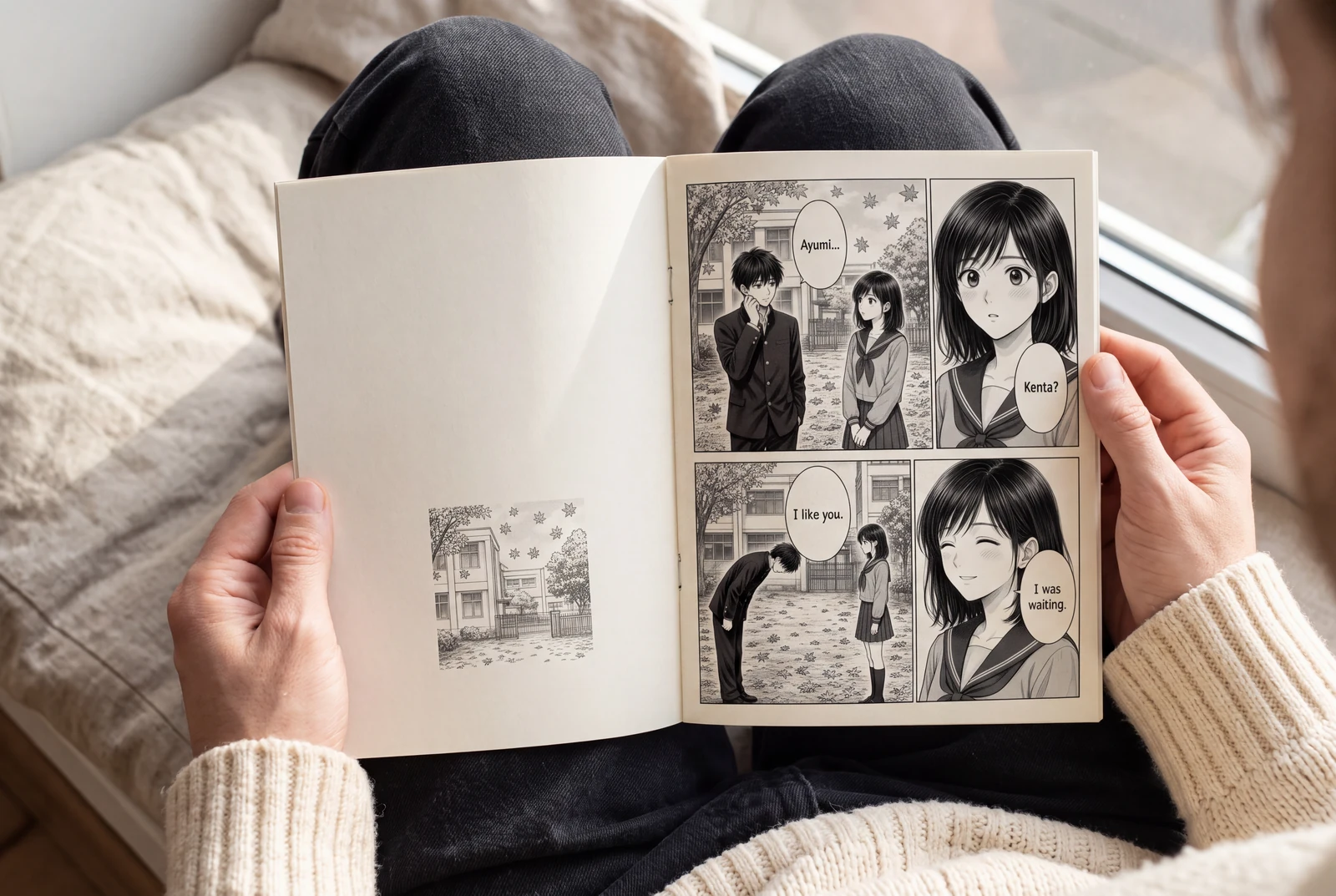
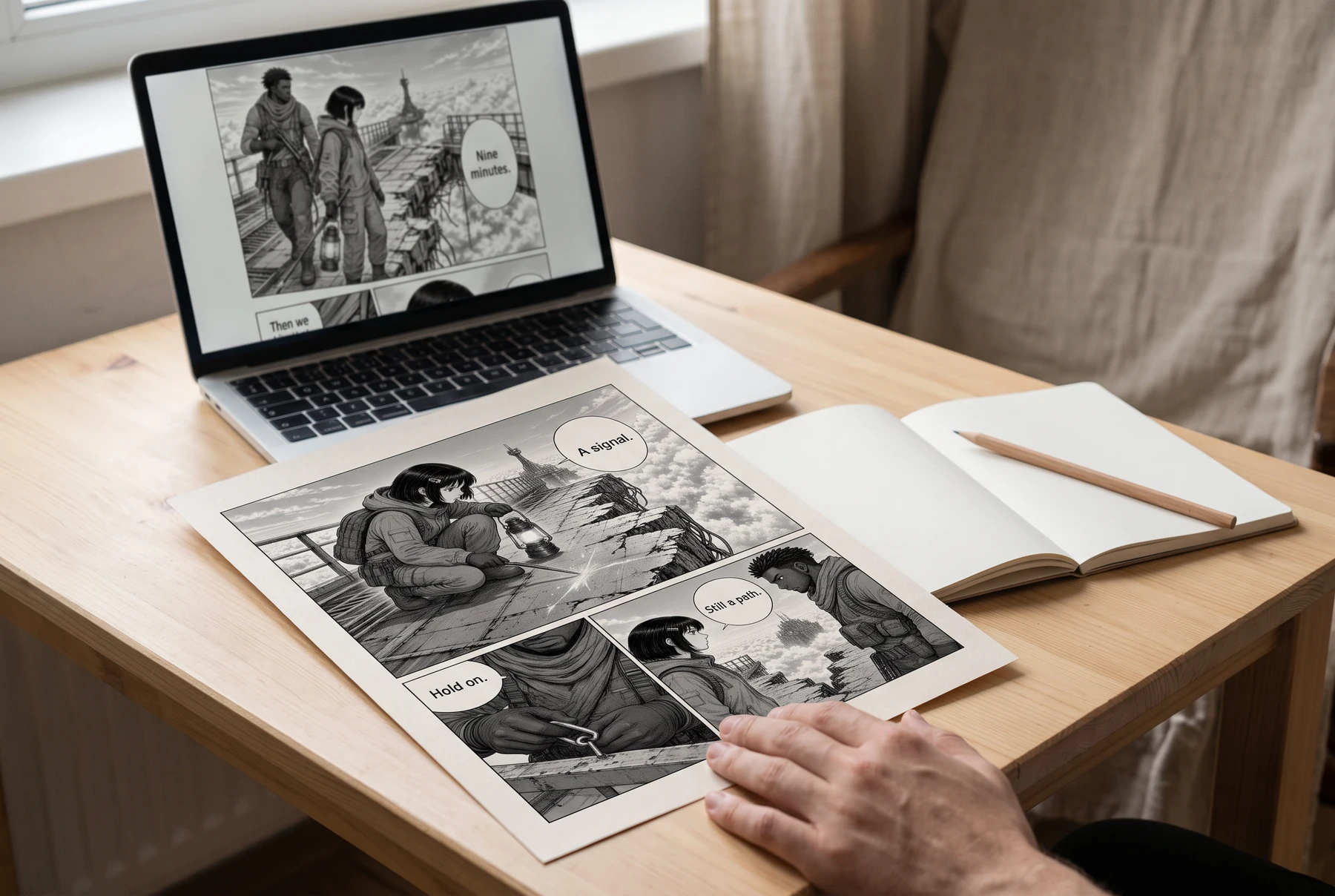
Plan manga panels, gutters, image crops, and dialogue space before exporting a readable page. Includes a four-panel planning example and practical checks.
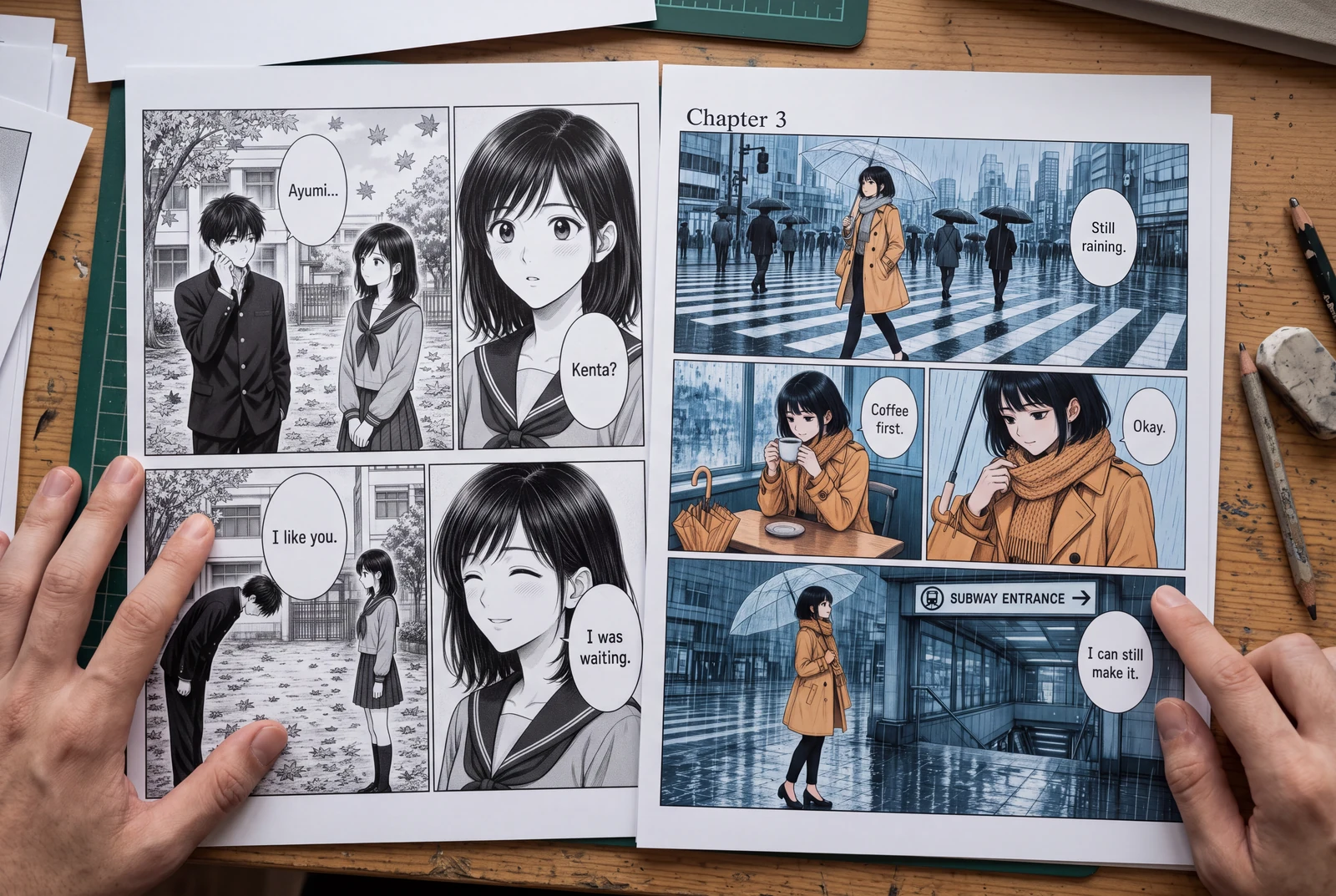
Place manga speech bubbles in a clear order, connect tails to speakers, and preserve text space across translations. Includes a dialogue planning example.
Guides
Three practical guides to turn a story into panels you can read, revise, and share.
 AI-generated lifestyle concept
Manga planning guide
Turn a short manga script into four readable panels with an original worked example, a reusable prompt, dialogue checks, and an honest review checklist.
Read guide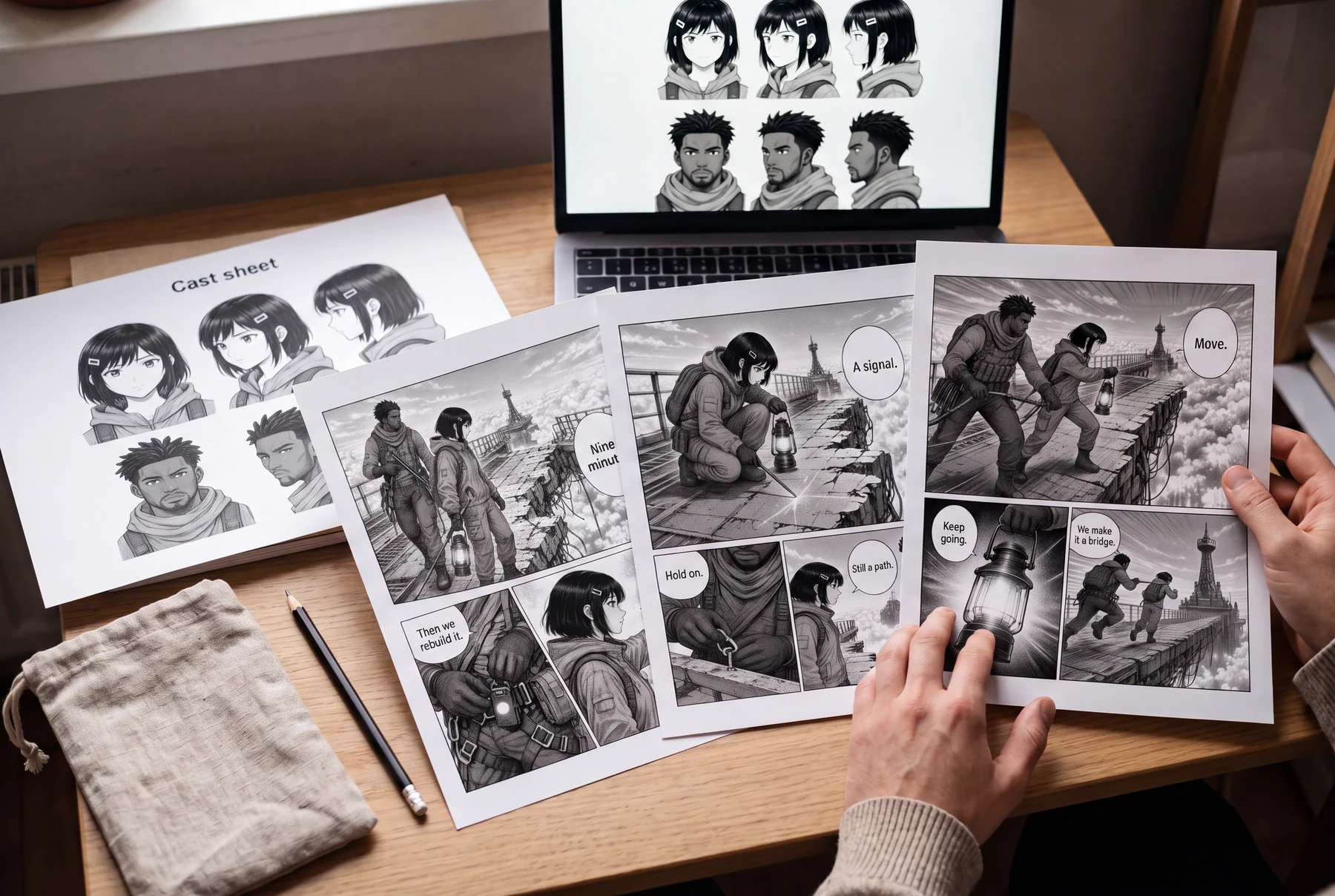 AI-generated lifestyle concept
Character continuity guide
Keep AI manga characters recognizable with a character bible, scene continuity checks, and a targeted redraw prompt. Includes an original illustrated example.
Read guide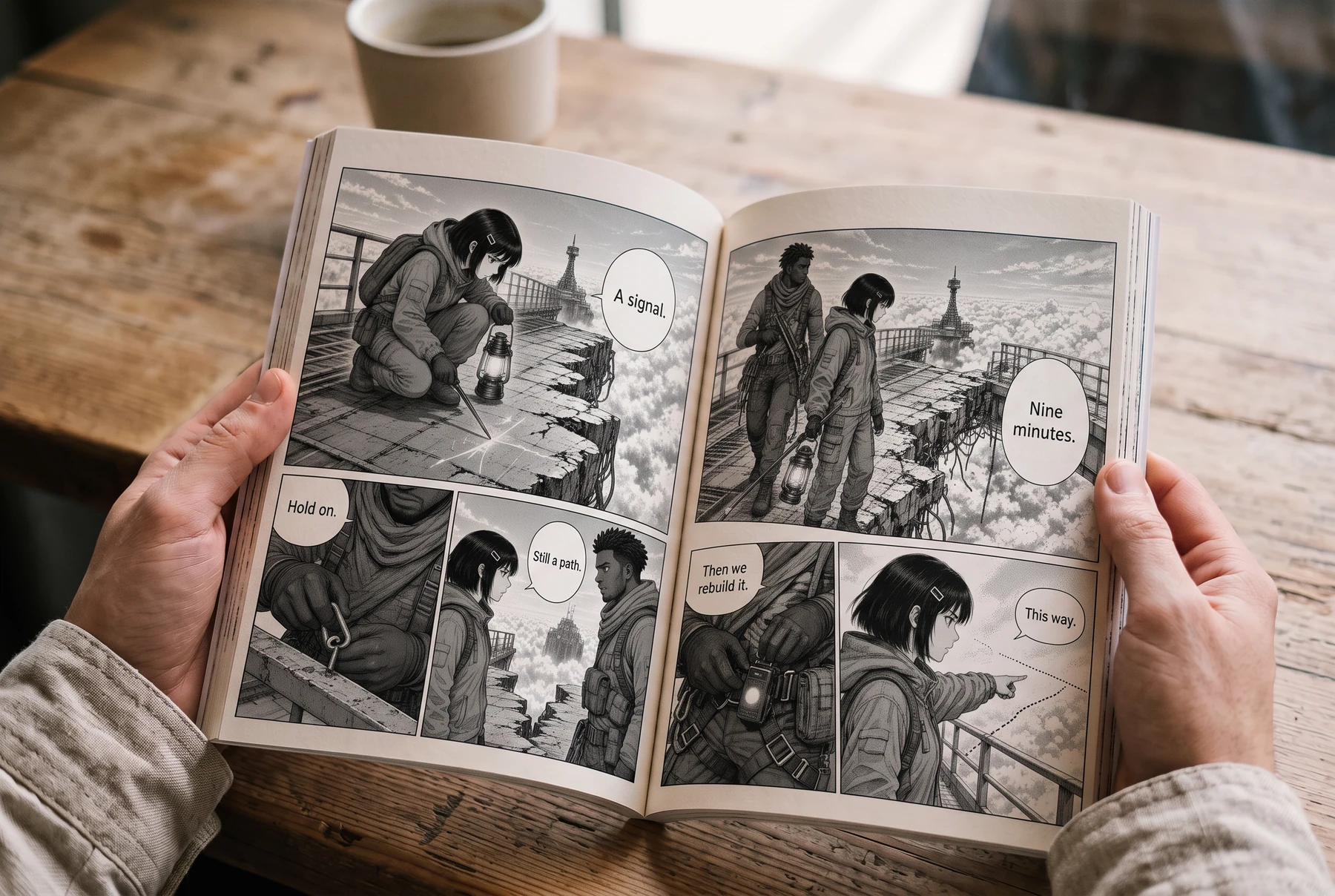 AI-generated lifestyle concept
Reading order & lettering
Plan right-to-left manga panels and speech balloons with an illustrated four-panel example, a lettering brief, and a translation checklist.
Read guideIniciar un proyecto
Elige un formato de página, establece el ritmo de paneles y coloca la primera obra.