

Create Clear Speech Bubbles for Comics, Manga, and Webtoons
Add readable dialogue balloons, caption boxes, narration panels, and text bubbles while keeping the artwork and reading order clear.
Plan the dialogue layout, then continue directly into comic production.

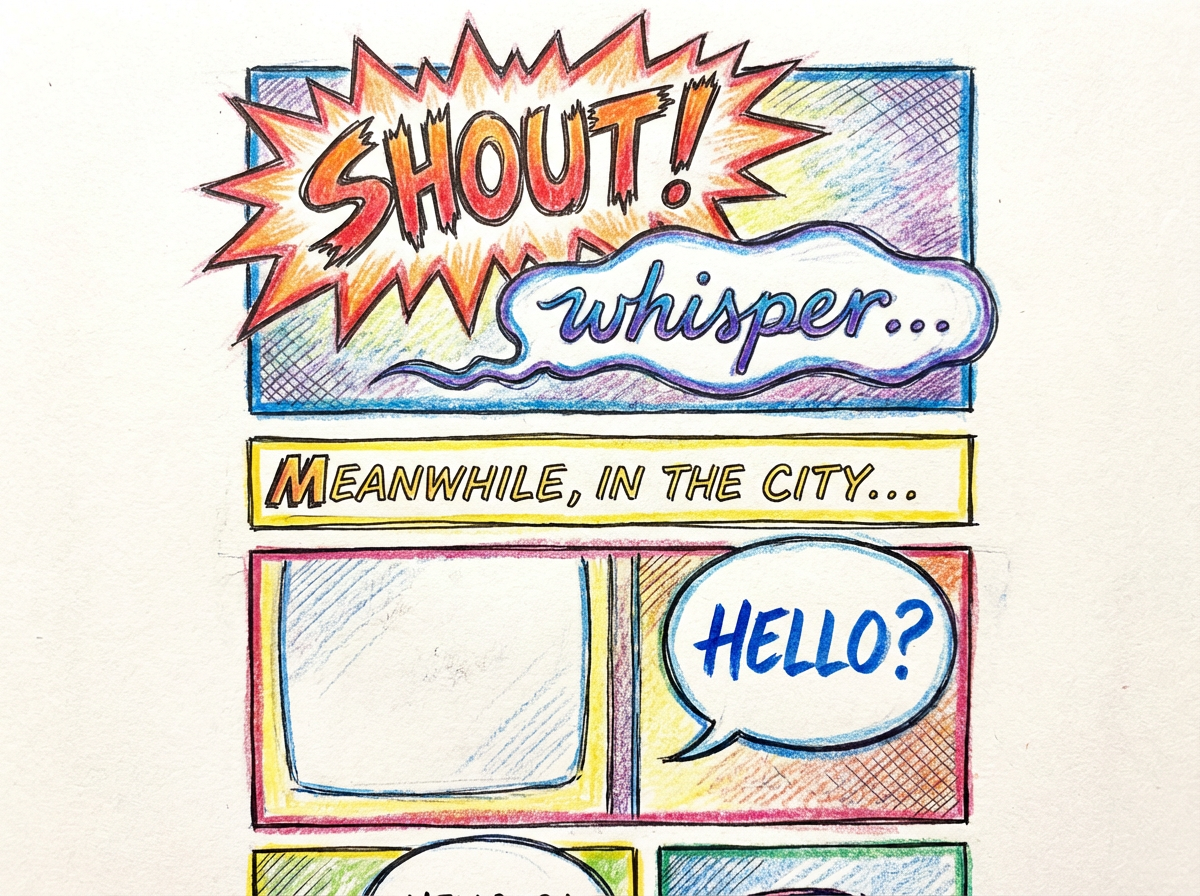

Build speech bubbles that fit the comic instead of fighting the composition
A useful speech bubble generator needs to think about where eyes travel, which character speaks first, how much emphasis is needed, and how to keep the art readable. This workflow keeps bubble placement, captions, and manga lettering tied to the actual page composition.
Launch comic workflow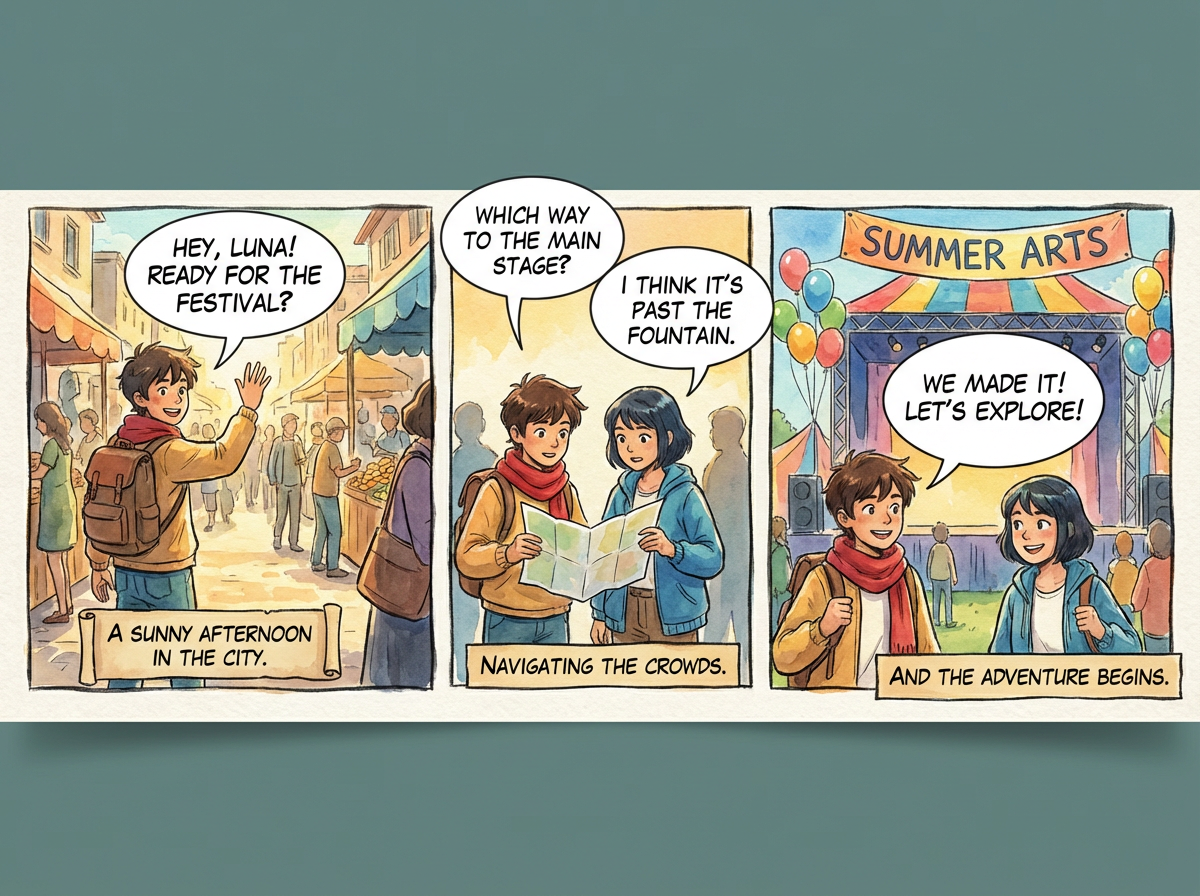
Create speech bubbles, text bubbles, and caption boxes in one workflow
Use the same tool for comic dialogue bubbles, manga speech balloons, caption boxes, narration labels, and readable text containers.
Start creatingHow the Speech Bubble AI workflow works
Three simple stages from raw scene to readable comic dialogue.
Begin with a panel, page, or story idea
Start from a comic strip concept, manga draft, webtoon scene, or illustrated marketing page.
Add the right bubble structure
Set up speech balloons, caption boxes, or narration blocks to guide the reader through the scene.
Continue in the main creation flow
Use the CTA to move into the comic workflow for generation, iteration, and export.
Plan readable dialogue for every panel
Choose the right bubble structure, guide the reading order, and keep dialogue clear at the page level before you move into final lettering.
Prompt to Comic
Dialogue balloons and comic bubbles
Create speech bubbles that support natural reading order across panels and page sequences.
Dialogue balloons and comic bubbles
Create speech bubbles that support natural reading order across panels and page sequences.
Captions, narration, and labels
Add caption boxes, narration blocks, and supporting text containers without flattening the artwork.
AI-assisted bubble creation
Create dialogue bubbles inside a real comic-making workflow instead of stopping at a static text overlay.

Why Use a Dedicated Speech Bubble Workflow
Keep dialogue, captions, narration, and page composition working together in one focused workflow.
One place for every bubble type
Plan speech balloons, thought bubbles, captions, narration, and supporting labels without switching tools.
Match the speaker and the scene
Choose bubble shapes and text containers that make the speaker, tone, and reading order easy to follow.
Works for comic, manga, and webtoon teams
The page speaks to multiple illustrated storytelling formats without splitting the workflow.
Clear next step into comic creation
Move directly into the comic workflow after deciding how the dialogue and captions should read.
Helpful companion for comic pages
Use it alongside comic, manga, and webtoon tools when dialogue layout matters as much as the artwork.
Aligned with real page-making work
Focuses on dialogue layout, captions, and readability rather than generic art generation claims.
Frequently asked questions
What is Speech Bubble AI?
Speech Bubble AI refers to a workflow for planning or generating speech balloons, dialogue bubbles, caption boxes, and narration elements for comics, manga pages, webtoons, and illustrated stories.
Can I create both dialogue bubbles and captions?
Yes. Use it for dialogue balloons, comic captions, manga speech bubbles, narration blocks, and text bubble layouts.
Can I use it for manga and webtoon layouts too?
Yes. The same page structure applies to manga dialogue, webtoon captions, comic strip speech bubbles, and illustrated storytelling layouts.
Does it handle caption boxes as well as speech balloons?
Yes. The workflow includes narration blocks, labels, and caption containers alongside standard speech bubbles.
Where does the CTA lead?
It takes users into the comic creator so they can continue building the comic or illustrated story.
Who is this page built for?
It is built for comic creators, manga artists, webtoon teams, content marketers, translators, and anyone needing readable dialogue layouts on illustrated pages.
Need to keep building after the bubbles?
Jump into the main comic creation flow to continue with panels, dialogue, and export-ready output.
Go to AI comic stripsReady to turn speech bubbles into finished comic pages?
Continue from speech bubbles into complete comic panels, dialogue, and export-ready pages.