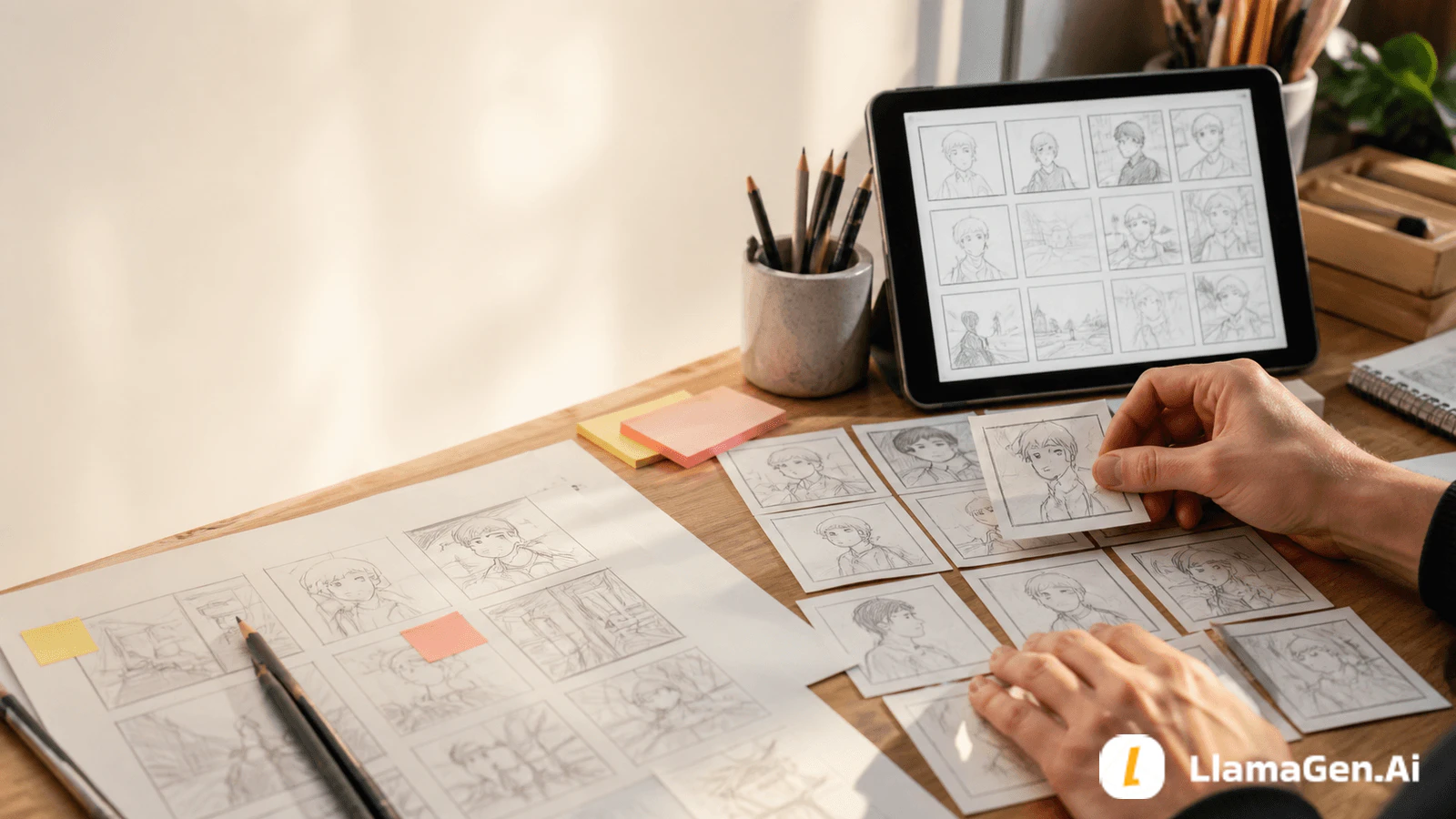
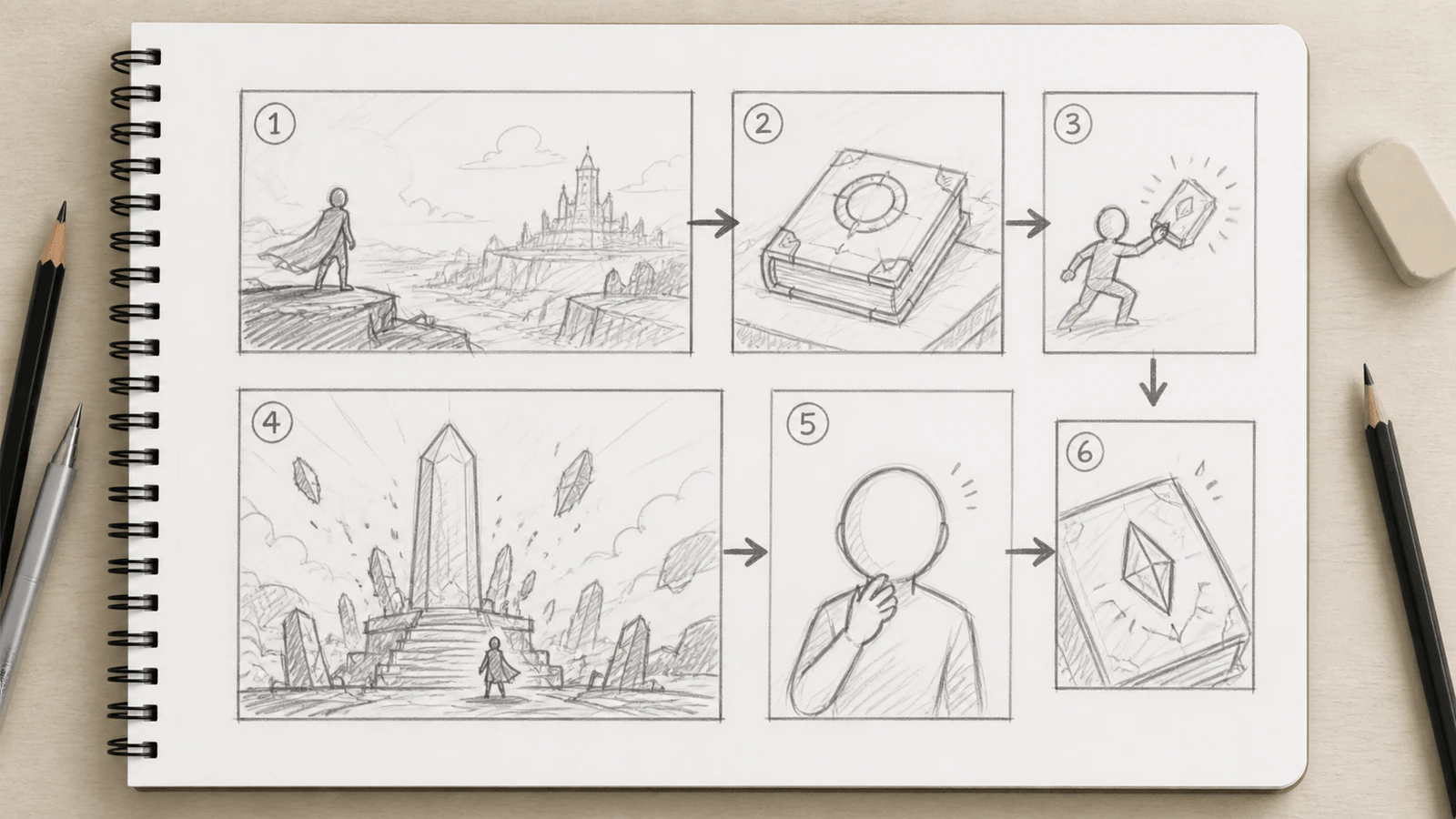
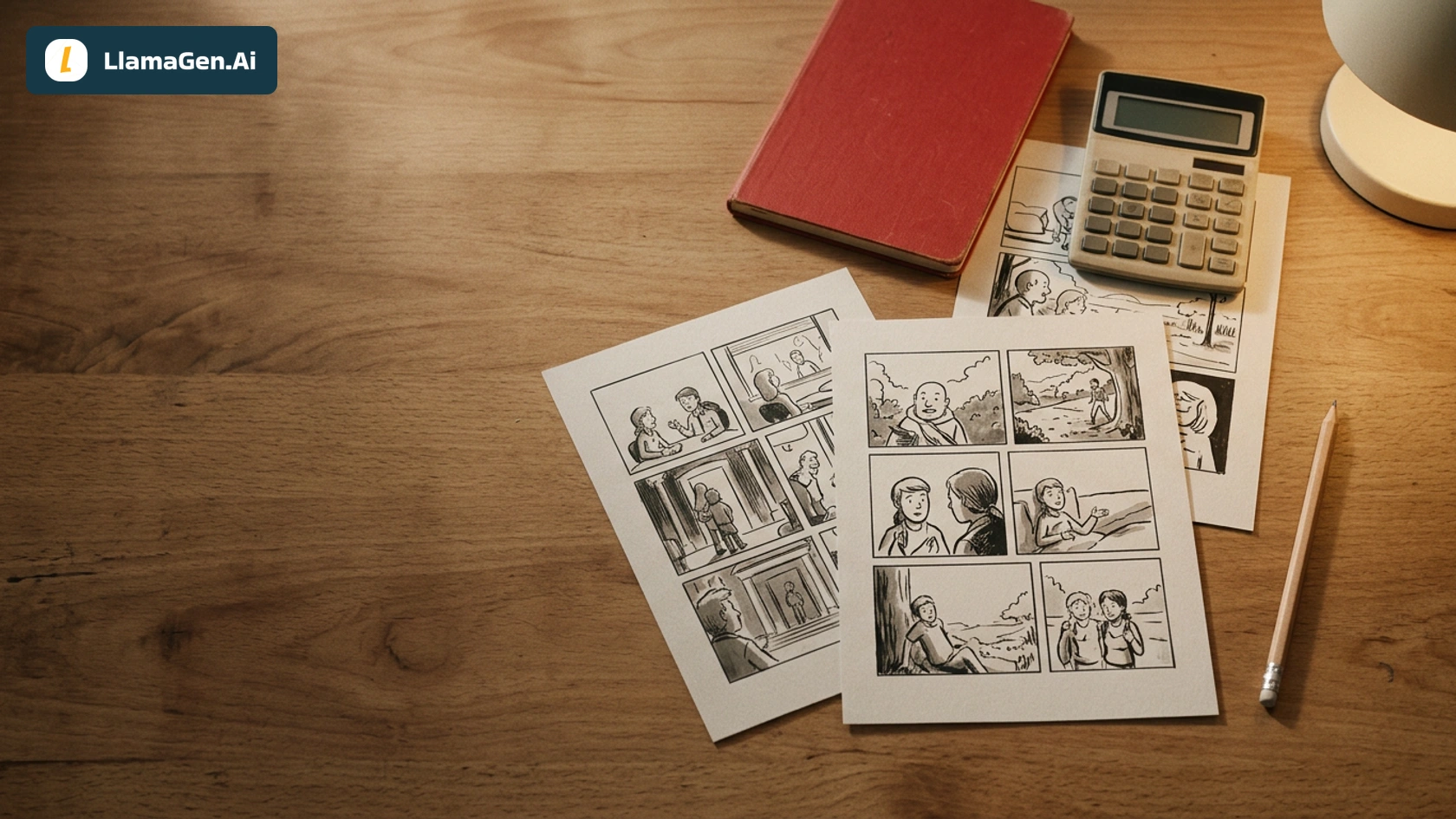
A comic thumbnail is a tiny rough version of the page.
It is not supposed to be beautiful. It is supposed to answer the page's most important questions before you spend time drawing:
What is the first thing the reader sees?
Which beat deserves the biggest panel?
Where does the eye move next?
Where can dialogue sit without covering faces or clues?
Does the final panel land?
If you are using AI, thumbnailing matters even more. A clear thumbnail gives the model a page plan instead of asking it to invent composition, pacing, text space, and story logic at the same time.
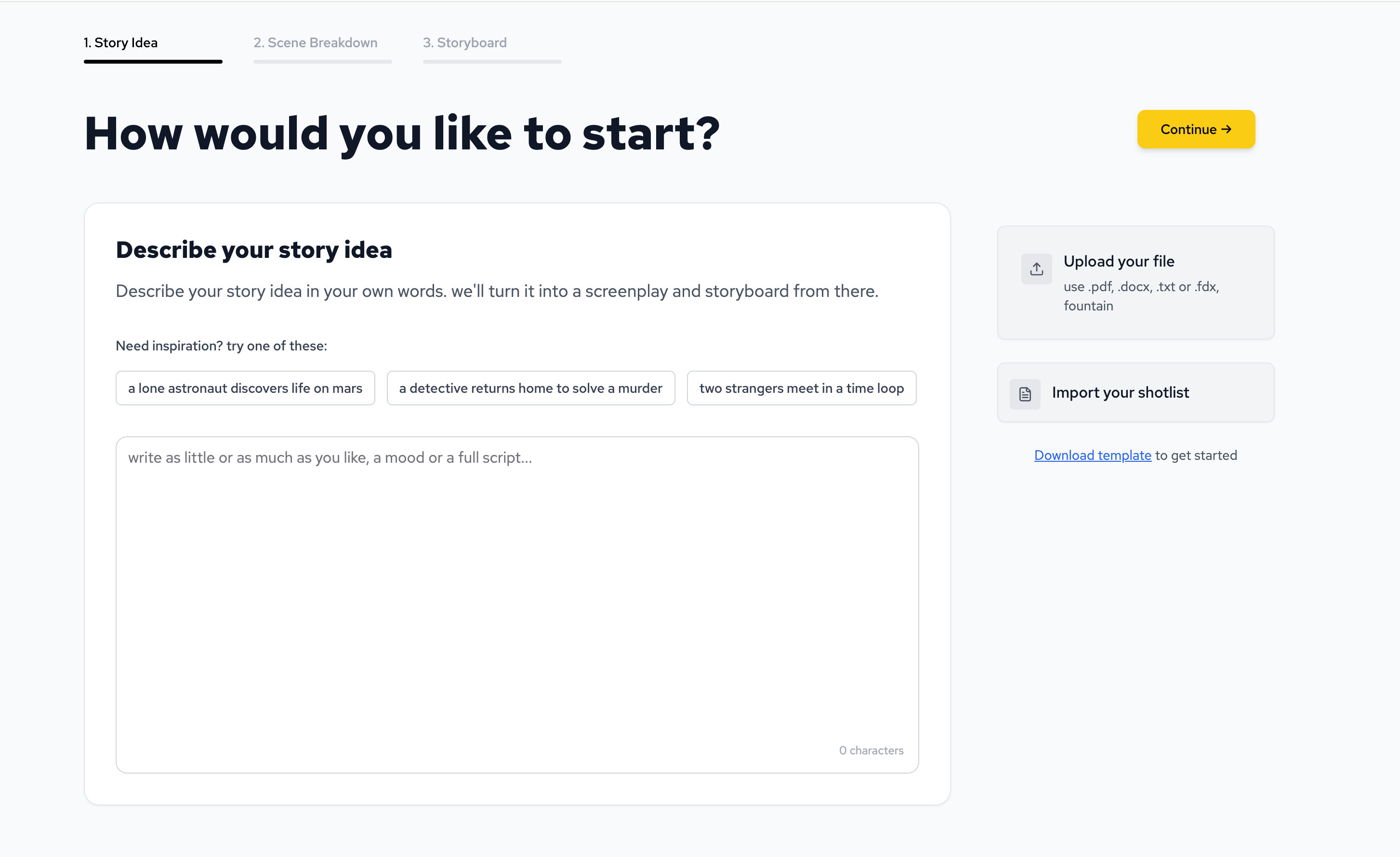
Start with the LlamaGen.AI AI Storyboard Generator, turn your scene into beats, approve the thumbnail, then move into comic page generation.
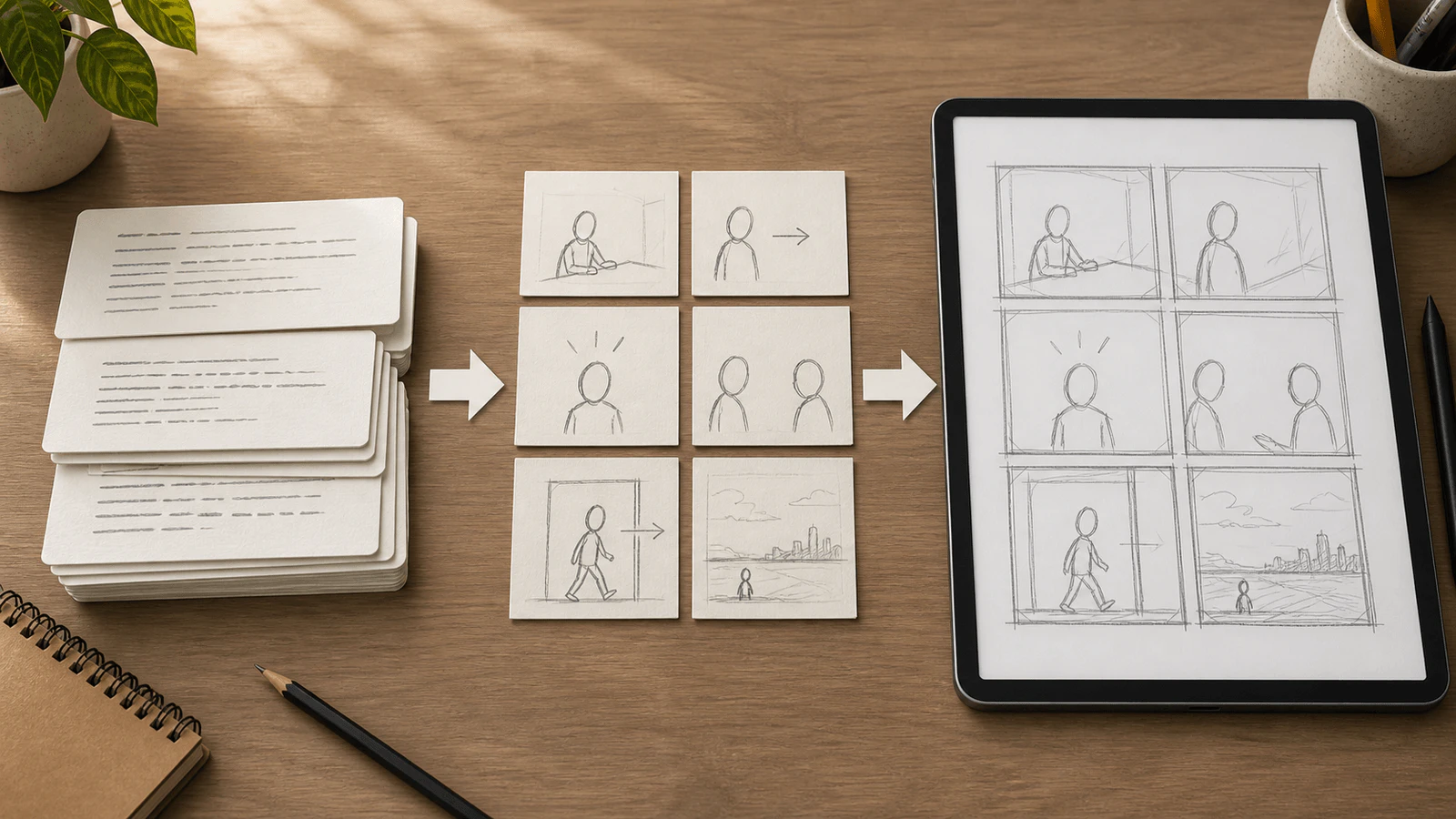
The useful sequence is simple: script cards first, beat cards second, page thumbnail third. Final art comes after the page already reads.
Why thumbnail before drawing?
Beginners often skip thumbnails because rough boxes feel less exciting than finished art.
That is understandable, but it creates expensive mistakes:
The page opens on a close-up before the reader knows the location.
Every panel is the same size, so the reveal has no weight.
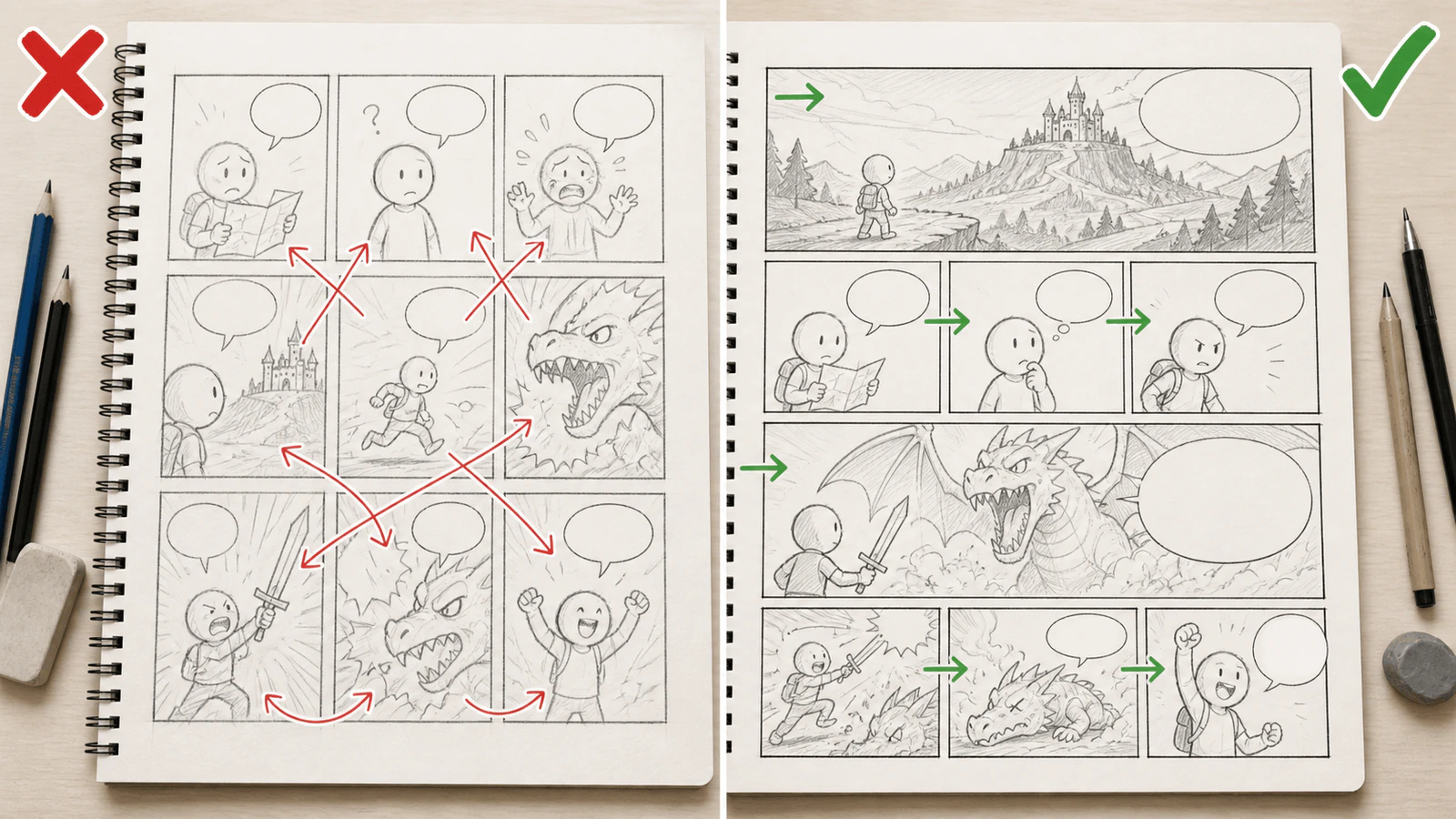
The eye jumps in the wrong order.
Speech bubbles cover the face, action, or important prop.
A dramatic drawing lands in the wrong place.
The final panel repeats information instead of creating a turn.
Thumbnailing catches those problems while the page is still cheap to change.
For writers, thumbnailing also makes the story visual. It forces you to decide what the reader can see, not just what the prose explains.
Test setup
This tutorial uses the same short comic project from the recent LlamaGen.AI comic workflow series.
Test item
Journal des modifications
Faites naître des rêves chez les jeunes Là où des millions d’histoires prennent vie
Un aperçu des dernières fonctionnalités de LlamaGen, des améliorations produit, des mises à jour de design et des corrections de bugs importantes.
✦
✧
✦
✧
Un nouveau support pour la narration
Créez instantanément des histoires, comics, animations, jeux et bien plus encore, en phase avec les publics modernes
How to Thumbnail a Comic Page Before You Draw It - LlamaGen.AI Blog
About 31 minutes including one failed thumbnail pass
Editorial note
Codex drafted and checked the workflow; product model and credit cost can vary by workspace settings and output type
Credits / cost note
Treat this as a workflow test, not a pricing benchmark
These product surfaces are useful for the workflow:
The test question was:
Can a beginner turn a scene into a readable comic page plan before drawing final panels?
Source scene
Here is the scene we need to thumbnail:
Nia, a bicycle courier, arrives at an abandoned train station after midnight.

She carries a sealed silver envelope. A stray station cat slips through the ticket gate. The platform beyond the gate should be empty, but moonlit grass and impossible stone arches appear where the rails should be.

The old arrival board turns on by itself. It does not show a train. It shows the word "Tomorrow."

Nia looks down at the envelope. The wax seal has changed into the same symbol as the board.
That is enough story for one page. The job is not to draw everything. The job is to choose the six visual beats that make the reader understand the mystery.
Step 1: Write the page job
Before drawing boxes, write one sentence that explains what the page must do.
This page shows Nia entering a strange station, noticing that reality has changed, and ending on a clue that connects the envelope to the arrival board.
That sentence is useful because it tells you what not to draw.
You do not need:
every step of Nia riding to the station
a full map of the platform
a detailed backstory for the envelope
multiple reaction panels that all say "she is surprised"
You need arrival, object, movement, reveal, reaction, and clue.
Step 2: Convert the scene into beats
A thumbnail starts with beats, not panels.
Use this prompt in LlamaGen.AI or your planning document:
Convert this comic scene into 6 visual beats.

For each beat include:
- what the reader sees
- what changes from the previous beat
- the camera distance
- whether it needs a large, medium, or small panel
- what space should be saved for captions or speech bubbles
Output example:
Beat
What the reader sees
Size
1
Nia arrives at the abandoned station with her bicycle.
Large wide panel
2
Close view of the sealed silver envelope in her hand.
Medium panel
3
The cat slips through the ticket gate first.
Small action panel
4
The empty platform becomes a moonlit garden of arches.
Largest reveal panel
5
Nia turns toward the glowing arrival board.
Medium reaction panel
6
The envelope seal changes to match the board symbol.
Small insert panel
Each beat should change one thing. If two panels do the same job, combine them.
Step 3: Draw ugly boxes first
Now make the thumbnail.
Keep it small. A sticky note, phone screen, or tiny canvas is enough. If the thumbnail is too large, you will start polishing faces too early.
For a left-to-right comic page, the first readable arrangement is:
Panel
Thumbnail choice
Why
1
Full-width top panel
Establishes the station, bike, time, and mood.
2
Middle-left panel
Moves attention from place to object.
3
Middle-right small panel
Gives the cat a quick action beat.
4
Wide lower-middle panel
Makes the supernatural platform feel important.
5
Bottom-left panel
Gives Nia a reaction and keeps the board visible.
6
Bottom-right insert
Ends on the changed seal.
This is the right level of detail for a thumbnail. The reader path is clear, the largest panel carries the reveal, and the final insert is easy to identify.
Step 4: Mark the reader flow
After drawing the boxes, mark the eye path.
Use arrows if needed:
1 -> 2 -> 3
      |
      v
4 -> 5 -> 6
If the arrows cross too much, the layout is probably fighting the reader.
Check these questions:
Flow check
Pass question
Start
Does the top or first panel clearly tell the reader where to begin?
Direction
Does the eye move in the intended reading direction?
Scale
Does the biggest panel contain the biggest story change?
Rest
Is there breathing room before or after the reveal?
Ending
Does the last panel create a question, clue, joke, or emotional beat?
This is where thumbnailing saves time. Moving a rough box takes seconds. Reworking a finished page can take hours.
Step 5: Reserve text space
Do not add finished dialogue yet. Just reserve space.
For this page:
Panel
Text need
Thumbnail note
1
Short caption
Keep open sky or sign area.
2
No dialogue
Let the envelope carry the beat.
3
Tiny sound effect or no text
Keep corner open near the gate.
4
No dialogue
Let the reveal breathe.
5
One reaction line
Save space above Nia's shoulder, not over her face.
6
No text
End on the object clue.
If the text space is not planned now, final art often fills every corner. Then the lettering has nowhere good to go.
Step 6: Turn the thumbnail into a LlamaGen.AI prompt
Once the thumbnail works, use it as a prompt structure.
Create a rough 6-panel comic page thumbnail for this scene.

Scene:
Nia, a bicycle courier, reaches an abandoned train station after midnight with a sealed silver envelope. A stray station cat slips through the ticket gate. The platform becomes a moonlit garden of arches. The arrival board turns on and shows "Tomorrow." The envelope seal changes to match the board symbol.

Thumbnail rules:
- Keep the art rough and readable, like pencil planning thumbnails.
- Panel 1 is a full-width establishing shot.
- Panel 4 is the largest reveal panel.
- Panel 6 is a small insert of the envelope seal.
- Keep reader flow left-to-right and top-to-bottom.
- Leave clean space for captions or speech bubbles.
- Do not generate finished art.
- Do not generate readable text inside the image.

Return:
1. Panel order.
2. Panel size.
3. Camera distance.
4. Main visual focus.
5. Text space note.
6. What changes from the previous panel.
This prompt is useful because it asks for a page plan, not a finished comic.
The failure case
The first failed thumbnail looked dramatic, but it did not read well.
Problem
What happened
Repair
Equal panels
Every beat had the same size.
Enlarge the reveal and shrink the insert.
Bad opening
The page started on the envelope.
Start with the station exterior.
Confusing path
The reader eye jumped across the page.
Rebuild the flow in reading order.
No bubble space
Faces and props filled every corner.
Mark empty space before final art.
Weak ending
The last panel repeated Nia reacting.
End on the changed seal.
The repaired version is not just neater. It gives the reader one route through the page and assigns visual weight to the reveal.
Thumbnail repair prompt
Use a targeted repair prompt:
Repair the thumbnail layout only.

Keep the same six story beats and rough pencil thumbnail style.

Required changes:
- Make panel 1 a wide establishing shot of the abandoned station.
- Make panel 4 the largest panel and use it for the moonlit platform reveal.
- Make panel 6 a small final insert of the changed envelope seal.
- Keep the reader path left-to-right and top-to-bottom.
- Reduce repeated reaction panels.
- Reserve empty space for one caption in panel 1 and one small reaction bubble in panel 5.

Do not add readable text. Do not create finished comic art. Do not change the story.
This works better than "make the layout better" because it says which part is broken.
Thumbnail checklist
Use this before moving to final drawing or AI comic generation:
Check
Pass
Page job is clear
You can explain the page in one sentence.
Every panel changes something
No duplicate beats unless silence is intentional.
Biggest panel carries the biggest change
The reveal, action, or emotional turn has visual weight.
Reader flow is obvious
The eye does not jump or backtrack.
Text space exists
Bubbles and captions have planned empty areas.
Character appears at useful scale
Close-ups and wide shots are balanced.
Final panel lands
The page ends with a clue, turn, joke, or question.
Mobile readability works
Small panels still read on a phone.
If the thumbnail fails two or more checks, fix the thumbnail before generating final art.
Where LlamaGen.AI fits
LlamaGen.AI is useful at three points in this workflow:
Stage
What to do
Beat planning
Paste the scene and ask for 4 to 8 visual beats.
Thumbnail pass
Ask for a rough page plan with panel sizes, camera distance, and text space.
The important idea is sequencing. Do not ask one prompt to solve everything.
Use:
scene -> beat map -> thumbnail -> layout repair -> final comic page
That keeps the workflow controllable.
FAQ
How detailed should a comic thumbnail be?
Only detailed enough to show panel size, reader flow, character placement, important props, and text space. If you are drawing eyes, fingers, or fabric folds, you are probably polishing too early.
Should I thumbnail on paper or digitally?
Either works. Paper is fast and low pressure. Digital thumbnails are easier to duplicate, rearrange, and turn into prompts for AI-assisted workflows.
How many thumbnail versions should I make?
Make at least two. The first version usually copies the scene order too literally. The second version is where pacing and panel size improve.
Is thumbnailing the same as storyboarding?
They overlap, but they are not identical. Storyboarding focuses on sequential shots. Comic thumbnailing also has to solve page shape, panel borders, reader flow, and lettering space.
Where should beginners start?
Start with the LlamaGen.AI AI Storyboard Generator. Use it to turn the scene into beats, approve the thumbnail layout, then generate the final comic page only after the rough page reads.
Final workflow
Use this repeatable chain:
page job -> visual beats -> ugly boxes -> reader arrows -> text space -> repair -> final art
A thumbnail is not a lesser version of the comic. It is the decision layer that protects the final page from beautiful confusion.
Related hot tags
BD IA
Comic Workflow
Storyboarding
Beginner Tutorial
Outils populaires pour les créateurs
Transformez votre inspiration en une nouvelle histoire
Créez des BD, des storyboards et des photos stylisées avec LlamaGen.