Problema
I prompt solo testuali spesso perdono l’identità. I flussi immagine su immagine aiutano a preservare il soggetto mentre cambia il formato d’output.


Usa un’immagine esistente come riferimento, poi trasformala in un nuovo stile, asset, copertina, mockup, badge, card o personaggio visivo tramite AI.
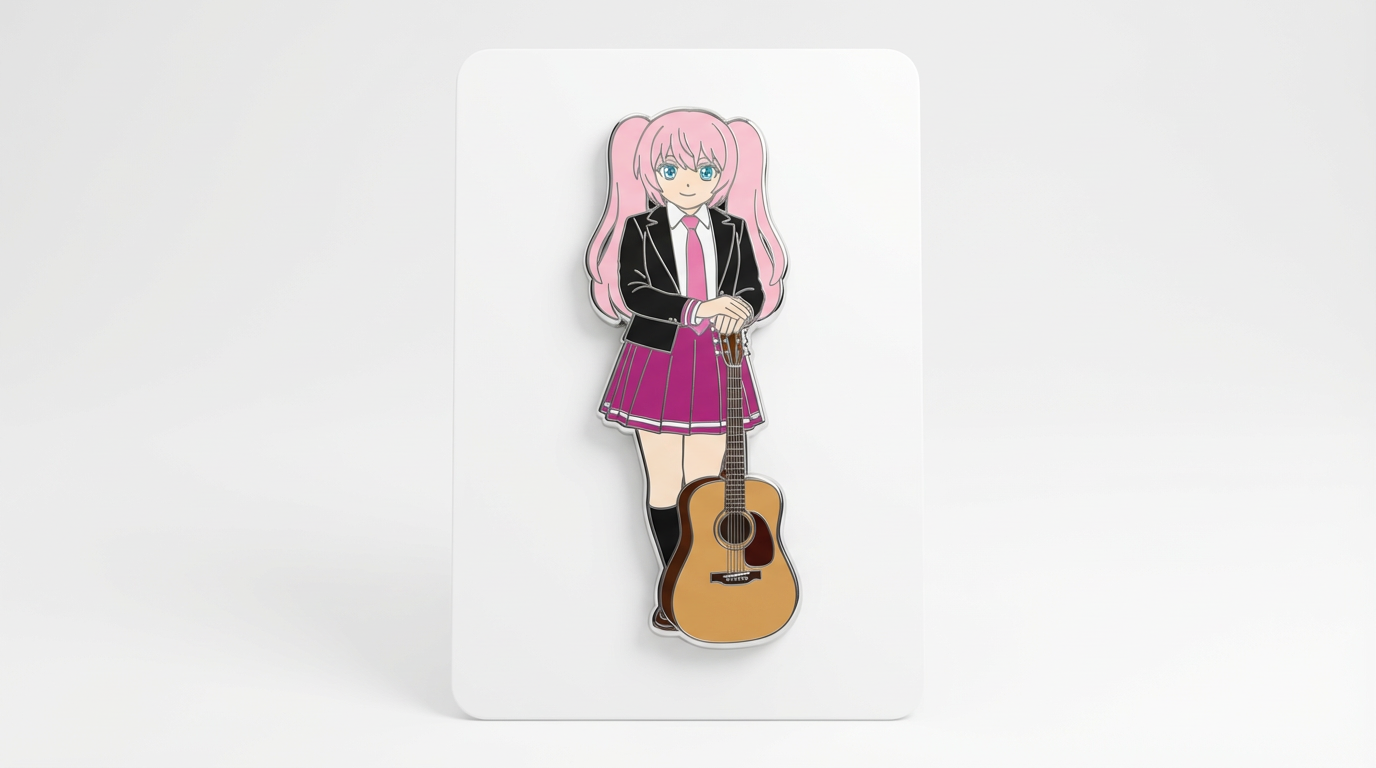
Abbina il punto di partenza a un output chiaro, workflow e livello di qualità prima di usare il generatore.
I prompt solo testuali spesso perdono l’identità. I flussi immagine su immagine aiutano a preservare il soggetto mentre cambia il formato d’output.
Un’immagine sorgente più istruzioni su cosa deve restare stabile e cosa si può modificare.
Restyling di ritratti, preservazione OC, trasformazione di personaggi in mockup di merchandising, creazione di asset coerenti e varianti visive da un’immagine di partenza.
Utenti che hanno bisogno di ripristino esatto, editing forense o dettagli inalterati senza revisione manuale.
Un’immagine trasformata che mantiene intatto il soggetto importante ma cambia stile, formato, presentazione prodotto o composizione.
Gli output immagine su immagine possono discostarsi dal riferimento se i prompt sono ampi; resta su vincoli precisi e confronta il risultato con la sorgente.
Esamina i dettagli pratici, il flusso e i limiti che possono influire sul risultato prima di perfezionare un prompt.
L’AI immagine su immagine parte da un’immagine esistente e usa prompt per trasformarne stile, ambientazione, posa, luce o formato.
I migliori prompt immagine su immagine specificano quali dettagli devono restare invariati e quali possono cambiare.
I flussi immagine su immagine sono utili per variazioni di personaggi, scene di prodotto, transfer di stile e adattamento asset per campagne.
Il controllo del riferimento è diverso dalla duplicazione esatta; gli output generati possono comunque alterare volti, mani, loghi o piccoli oggetti.
Prima di pubblicare un risultato immagine su immagine, confrontalo con la fonte per identità, composizione, artefatti e diritti d’uso.
Parti dal giusto input, definisci la trasformazione immagine su immagine desiderata e verifica il risultato prima di usarlo in un progetto reale.
Usa un prompt testuale per nuove idee o carica un’immagine di riferimento quando contano identità, posa, forma del prodotto o continuità dei personaggi.
Richiedi stessa identità del soggetto, stessi colori chiave, tecnica trasformata, composizione pulita e un formato finale specifico. Indica cosa deve restare invariato e cosa può essere ridisegnato.
Crea l’immagine, poi controlla identità, proprietà della posa, dettagli dell’outfit, cambiamenti di sfondo e chiarezza del nuovo formato prima di scaricare o usare altrove.
Esempi di istruzioni per trasformare prompt o riferimenti in trasformazioni immagine su immagine.
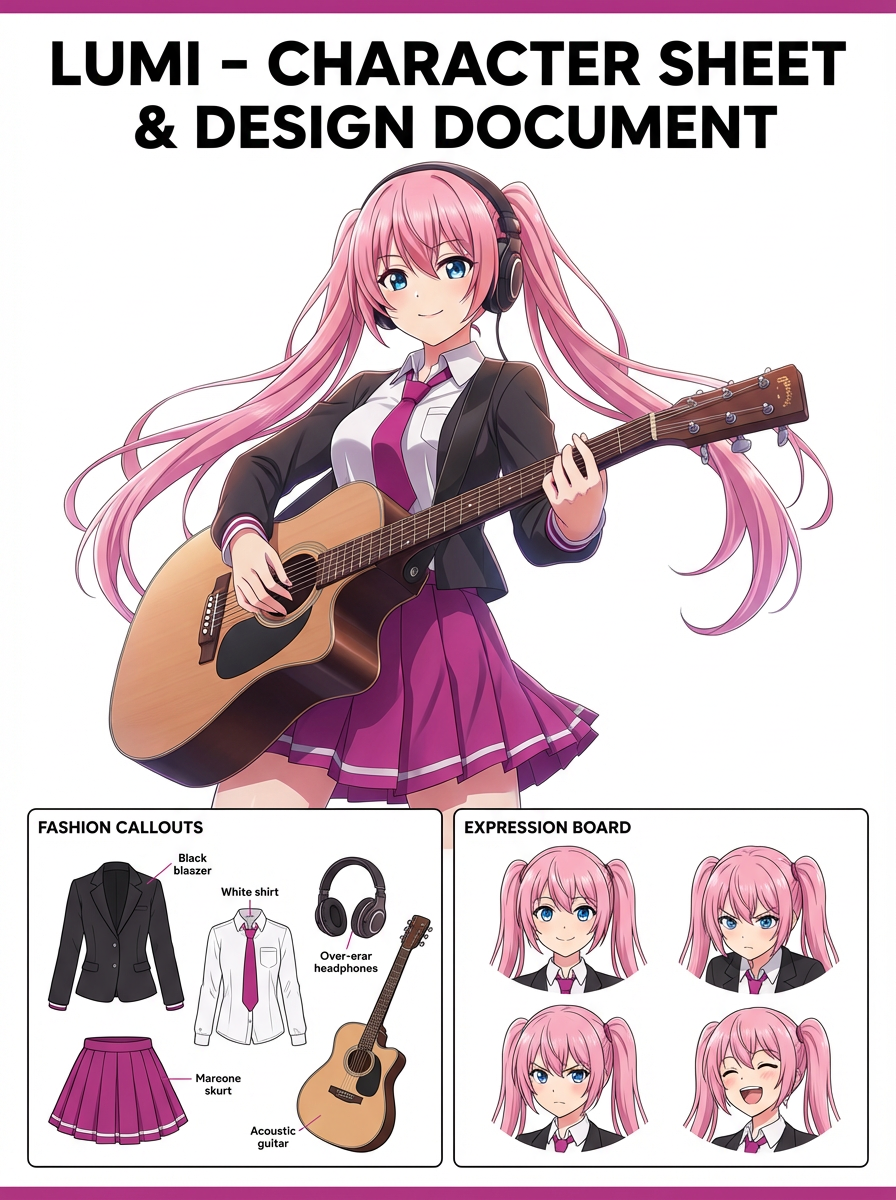
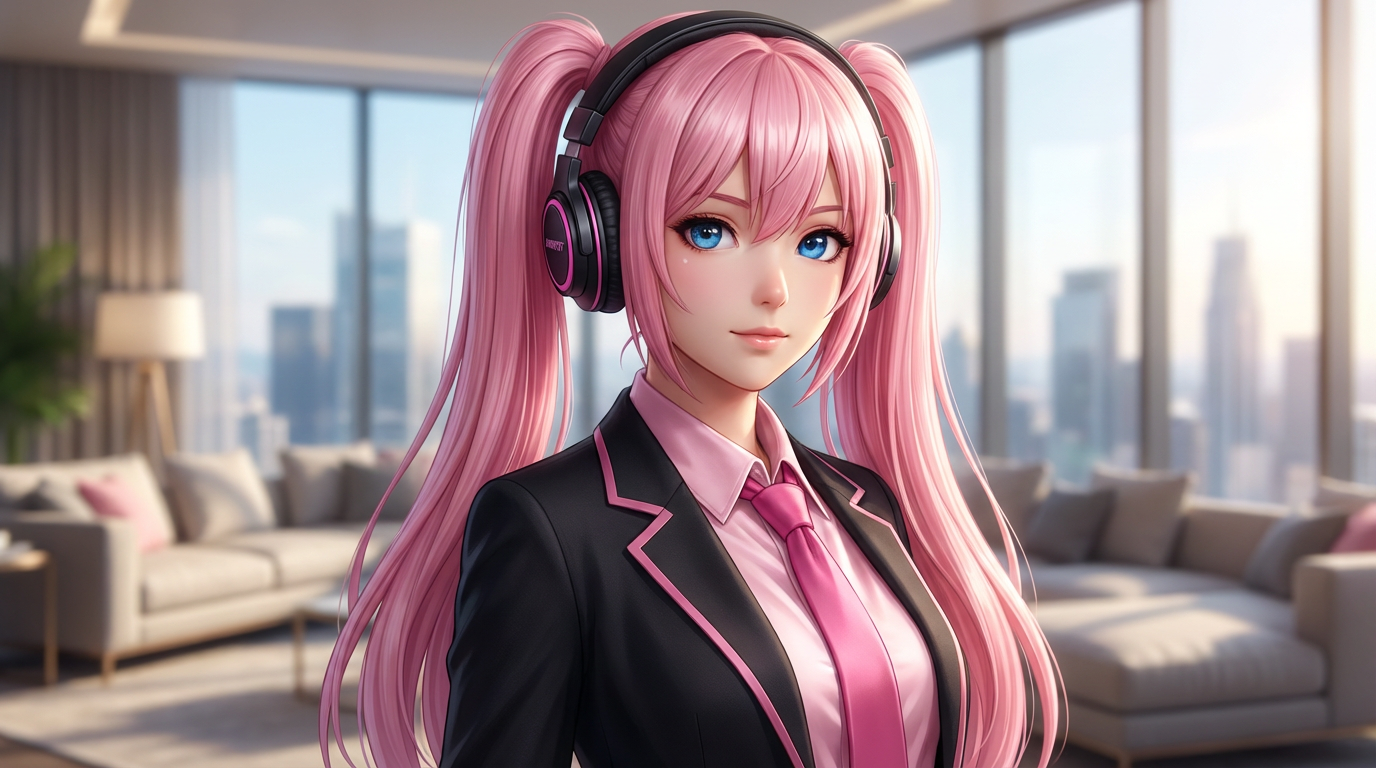

La pagina si concentra sulle decisioni che rendono usabili le trasformazioni immagine su immagine: chiarezza dell’input, vincoli di formato e un controllo qualità pratico.
Usa un’immagine fonte per indicare al modello cosa deve restare stabile prima di cambiare stile o formato.
Utile per chi tiene a volto, acconciatura, outfit, segni mascotte o forma del prodotto.
Trasforma una sola immagine in badge, figure, copertine, standee, card, schermata visual novel o asset social.
Usa questi prompt come base. Sostituisci soggetto, immagine di origine, stile e destinazione con dettagli del tuo progetto.
Usa la mia immagine caricata come riferimento identità. Crea una trasformazione immagine su immagine con stessa identità del soggetto, colori chiave, composizione pulita e uno specifico formato finale. Mantieni riconoscibili volto, outfit e silhouette.
Questo indica al modello cosa deve restare stabile prima di cambiarne la presentazione.
Crea una trasformazione con riferimento preservato da una sola immagine fonte in un nuovo asset creativo. Utilizza un soggetto principale chiaro, composizione forte e gli stessi dettagli identitari.
Funziona quando non hai ancora un’immagine di riferimento ma ti serve comunque un formato pratico di output.
Rifinisci questo risultato in una trasformazione immagine su immagine rifinita. Priorità a identità, proprietà della posa, indizi outfit, cambiamenti di sfondo e chiarezza del nuovo formato. Rimuovi artefatti distrattivi e rendi facile il riutilizzo finale.
Questo trasforma una bozza in un asset più utile nominando direttamente i controlli qualità.
Prima di considerare un risultato AI finale, valuta se risolve il compito creativo reale e se regge il riutilizzo pratico.
Confronta il risultato con la fonte o il brief. Volto, silhouette, palette e dettagli distintivi dovrebbero essere intenzionali.
L’immagine deve essere chiaramente una trasformazione immagine su immagine, non solo un ritratto generico con un leggero cambio di stile.
Controlla taglio, spazio negativo, scala del soggetto e se l’immagine funzionerà come copertina, icona, card, mockup o scena.
Controlla mani, bordi, testo falso, accessori piccoli, disordine sullo sfondo e pattern ripetuti prima di pubblicare.
Un’immagine utile deve essere facile da ritagliare, modificare, usare come riferimento o condividere senza dover spiegare contesto nascosto.
Significa usare un’immagine esistente come input, e poi chiedere all’AI di trasformarla mantenendo alcune parti originali selezionate.
Passa al workflow vicino quando il punto di partenza cambia da testo a immagine di riferimento, a editing, a video.
Questi intenti vicini aiutano gli utenti a scegliere il workflow giusto invece di arrivare su una pagina che risponde solo in parte alle esigenze.