Problem
Text-only prompts often lose identity. Image-to-image workflows help preserve the subject while changing the output format.


Use an existing image as a reference, then turn it into a new style, asset, cover, mockup, badge, card, or character visual with AI.
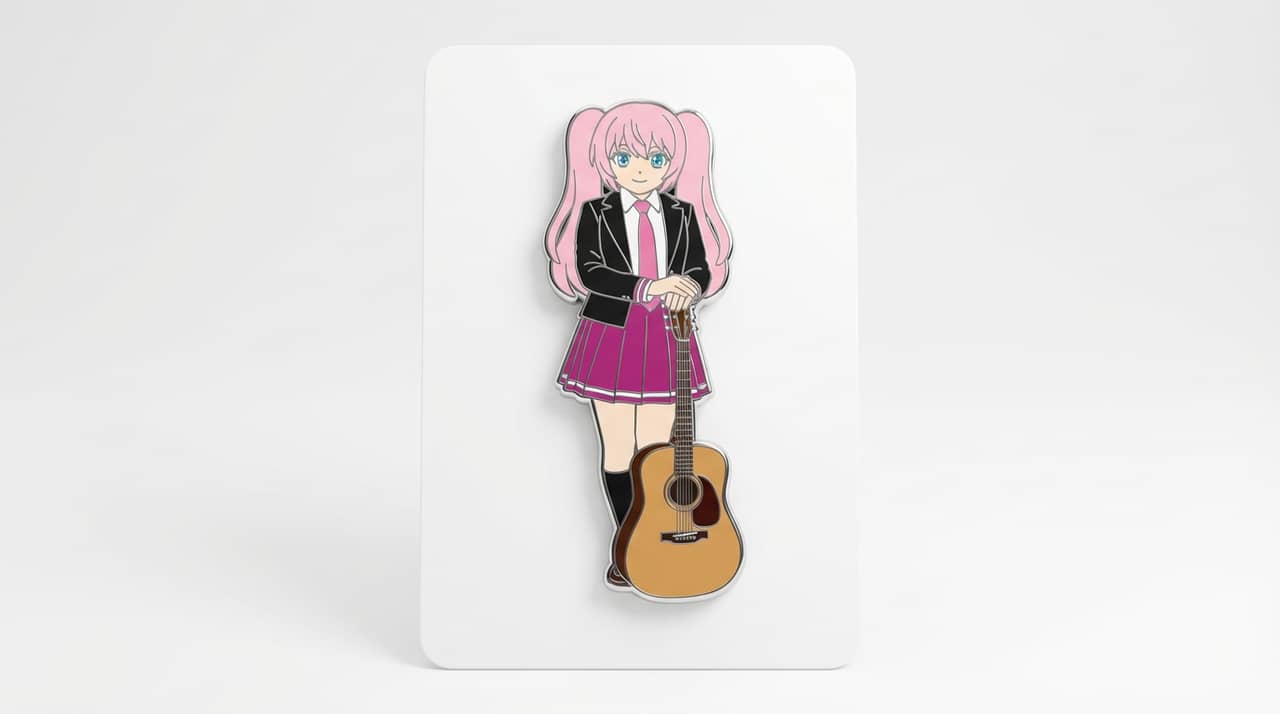
Match your starting point to a clear output, workflow, and quality bar before opening the generator.
Text-only prompts often lose identity. Image-to-image workflows help preserve the subject while changing the output format.
A source image plus instructions about what should stay stable and what should change.
Restyling portraits, preserving OCs, turning characters into merch mockups, creating consistent assets, and building visual variants from a source image.
Users who need exact restoration, forensic editing, or guaranteed unchanged details without manual review.
A transformed image that preserves the important subject while changing style, format, product presentation, or composition.
Image-to-image outputs can drift from the reference when prompts are broad; keep constraints narrow and compare the result against the source.
Review the practical details, workflow, and limits that can affect the result before you spend time refining a prompt.
Image-to-image AI starts from an existing visual and uses prompts to transform style, setting, pose, lighting, or format.
The best image-to-image prompts state which details must stay unchanged and which details may change.
Image-to-image workflows are useful for character variations, product scenes, style transfer, and campaign asset adaptation.
Reference control is different from exact duplication; generated outputs can still alter faces, hands, logos, or small objects.
Before publishing an image-to-image result, compare it against the source for identity, composition, artifacts, and usage rights.
Start with the right input, define the image-to-image transformation you want, and check the result before using it in a real project.
Use a text prompt for new ideas or upload a reference image when identity, pose, product shape, or character continuity matters.
Ask for same subject identity, same key colors, transformed medium, clean composition, and a specific final asset format. Name what must stay unchanged and what can be redesigned.
Create the image, then check identity, pose ownership, outfit cues, background changes, and whether the new format is clear before downloading or using the result elsewhere.
Example directions for turning prompts or references into image-to-image transformations.
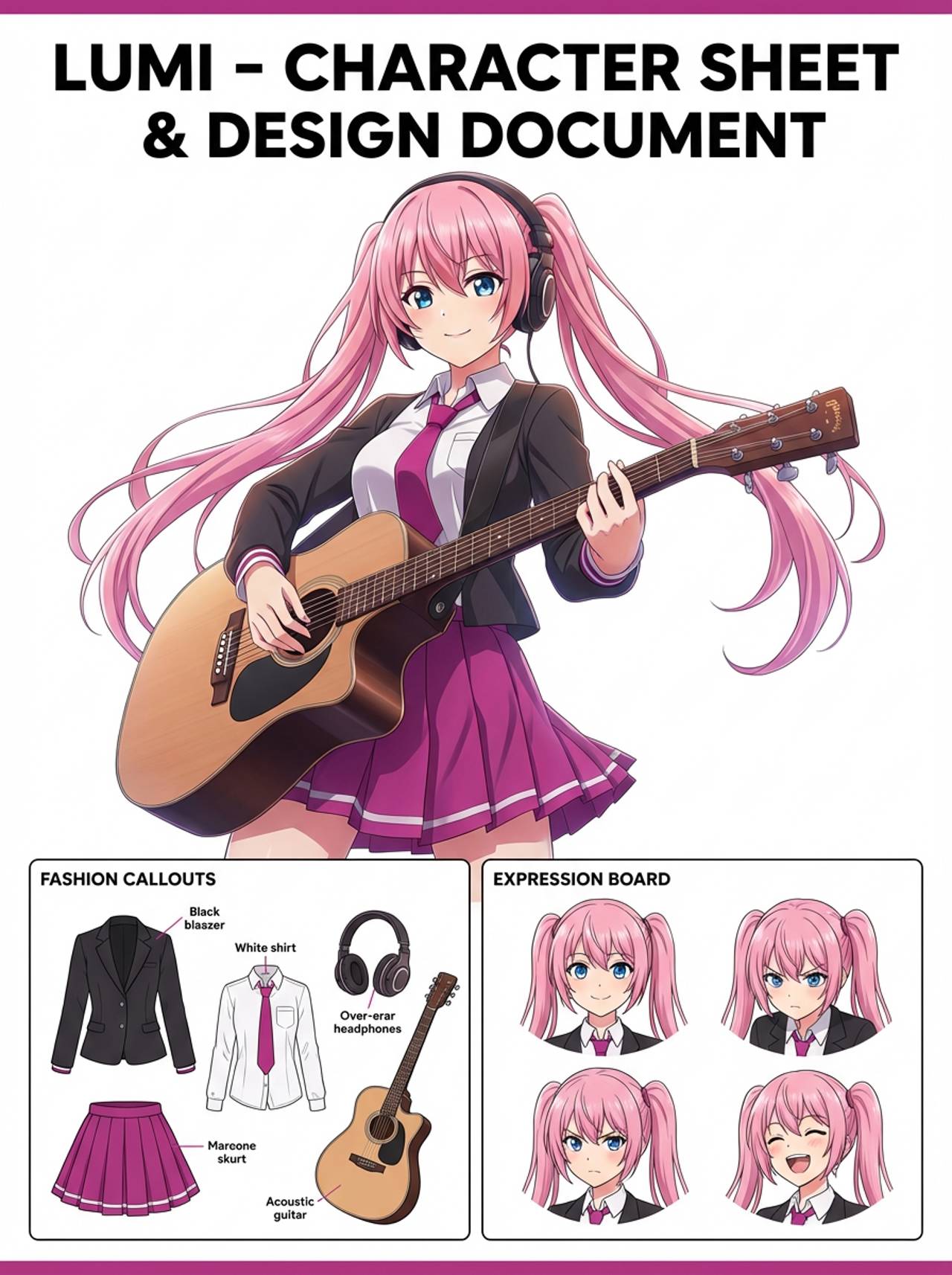
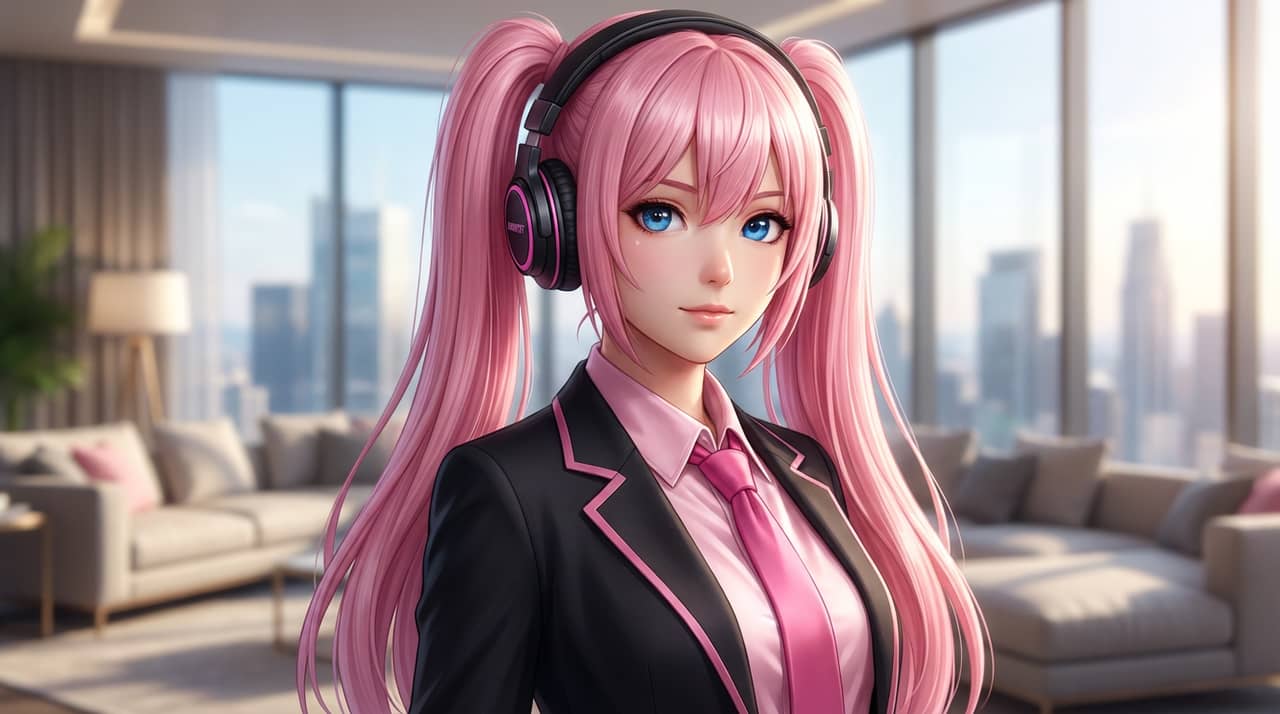

The page focuses on the decisions that make image-to-image transformations usable: input clarity, format constraints, and a practical quality check.
Use a source image to tell the model what must remain stable before changing style or format.
Helpful for creators who care about face, hairstyle, outfit, mascot marks, or product shape.
Turn one image into a badge, figure, cover, standee, card, visual novel screen, or social asset.
Use these prompts as starting points. Replace the subject, source image, style, and destination with your own project details.
Use my uploaded image as the identity reference. Create an image-to-image transformation with the same subject identity, key colors, clean composition, and a specific final asset format. Keep the face, outfit, and silhouette details recognizable.
This tells the model what must stay stable before asking it to change the presentation.
Create a reference-preserving transformation from one source image into a new creative asset. Use a clear main subject, strong composition, and the same important identity cues.
This works when you do not have a reference image yet but still need a practical output format.
Refine this result into a polished image-to-image transformation. Prioritize identity, pose ownership, outfit cues, background changes, and whether the new format is clear. Remove distracting artifacts and keep the final image easy to reuse.
This turns a first draft into a more useful asset by naming the quality checks directly.
Before treating an AI result as finished, review whether it solves the real creative job and survives practical reuse.
Compare the result with the source or brief. The face, silhouette, palette, and signature details should still feel intentional.
The image should clearly read as an image-to-image transformation, not as a generic portrait with a light style change.
Check crop, negative space, subject scale, and whether the image will work as a cover, icon, card, mockup, or scene.
Inspect hands, edges, fake text, small accessories, background clutter, and repeated patterns before publishing.
A useful image should be easy to crop, edit, reference, or hand off to a collaborator without explaining hidden context.
It means using an existing image as input, then asking AI to transform it while preserving selected parts of the original.
Move to the neighboring workflow when your starting point changes from text, to a reference image, to editing, to video.
These nearby intents help users choose the right workflow instead of landing on a page that only half-matches their need.