
LlamaGen.Ai LogoLlamaGen.Ai Brand

Phototo Comic

Free Photo to Comic Converter

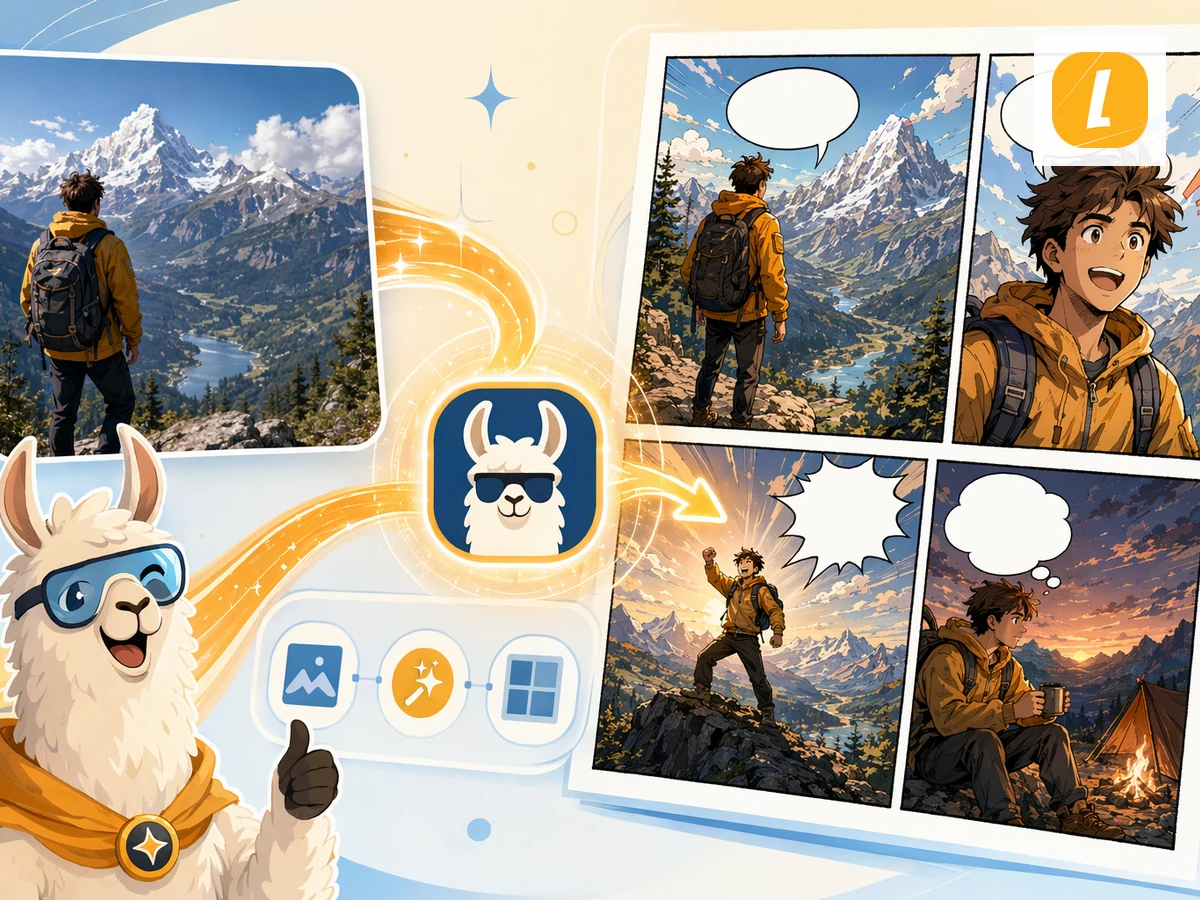
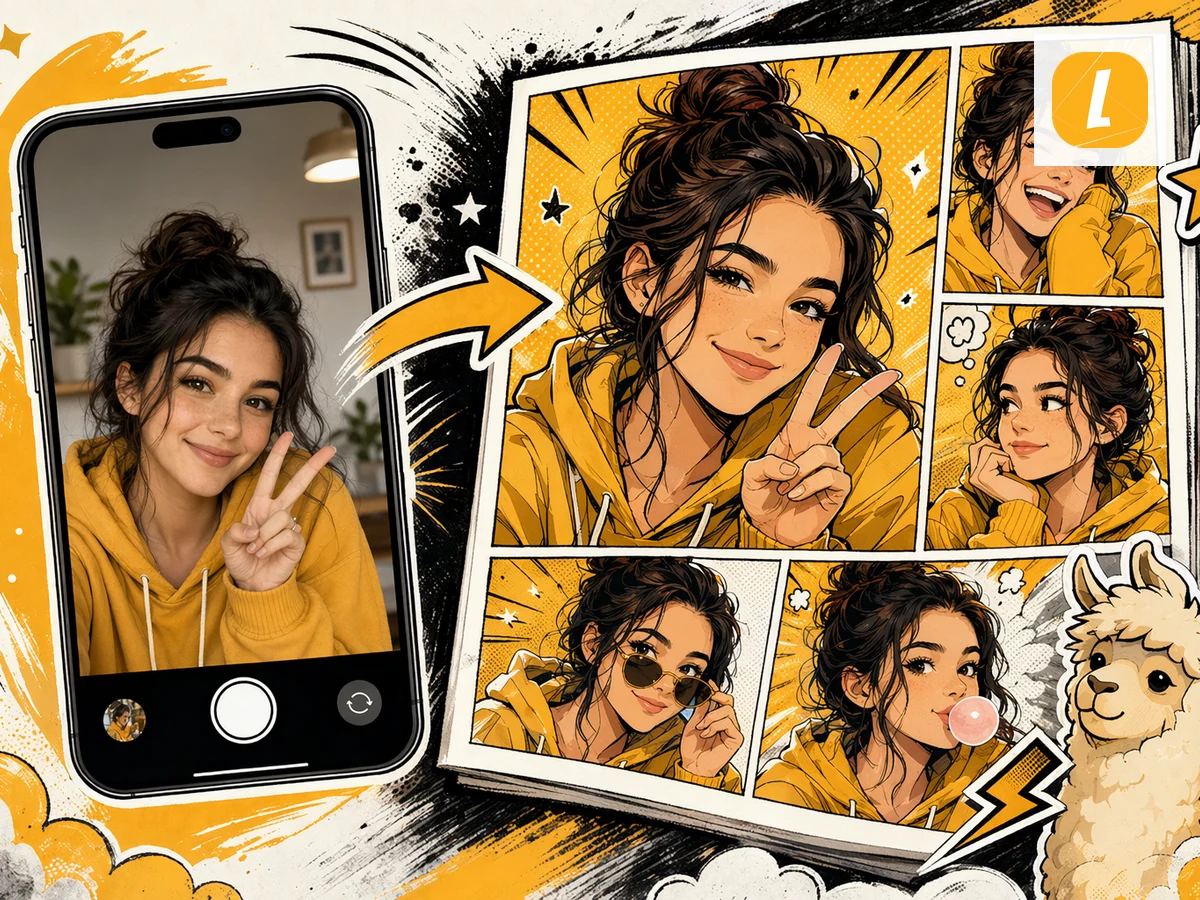
Convert photos into AI-generated comics. Upload a photo and transform the scene, people, or mood into a comic page with cinematic panels.

To
Comic
Drag, paste, or click to uploadFree uploads up to 10MB, paid plans up to 20MB

How to Convert Photo to Comic for Free?

Step 1PHOT

Upload Your Photo File

Upload your Photo file, drag it into the converter, or paste a supported file from the clipboard. LlamaGen keeps the source as comic generation context.

Step 2Create

Create and Edit Photo to Comic with AI

Click Create Comic to turn your source into a comic page with panels, captions, and visual pacing. After generation, continue editing in LlamaGen Studio.

Step 3Share

Download or Continue AI Creation

Keep refining panels, captions, and layouts, or use the generated comic for lessons, social posts, pitches, explainers, and fast creative drafts.

Convert Photo to Comic Online with AI

Convert Photo to Comic online in seconds using LlamaGen's AI comic converter. Upload your Photo source, paste notes when supported, and turn the material into a panel-ready comic page with captions, pacing, and a clean visual structure. Instead of rebuilding a comic from scratch, you can start from existing content and continue editing the result in LlamaGen Studio.

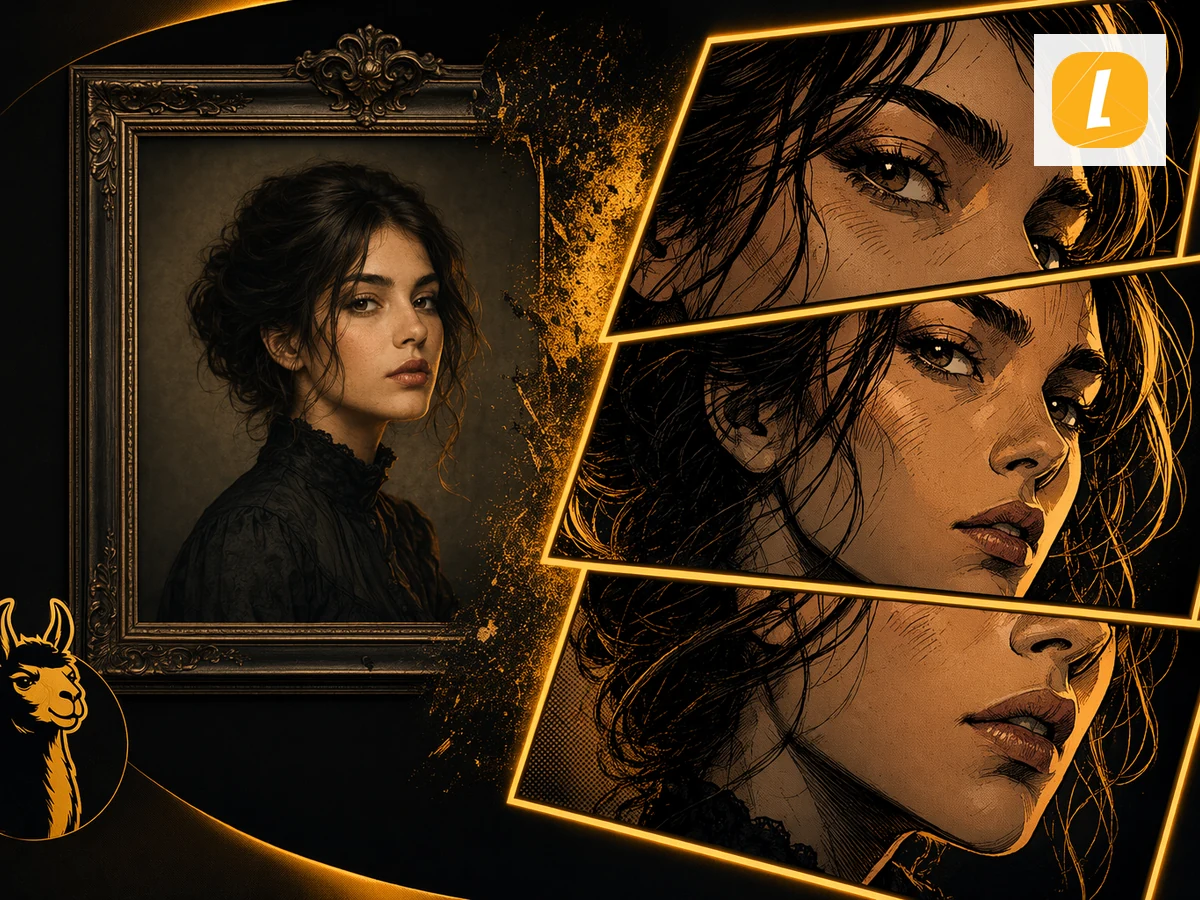
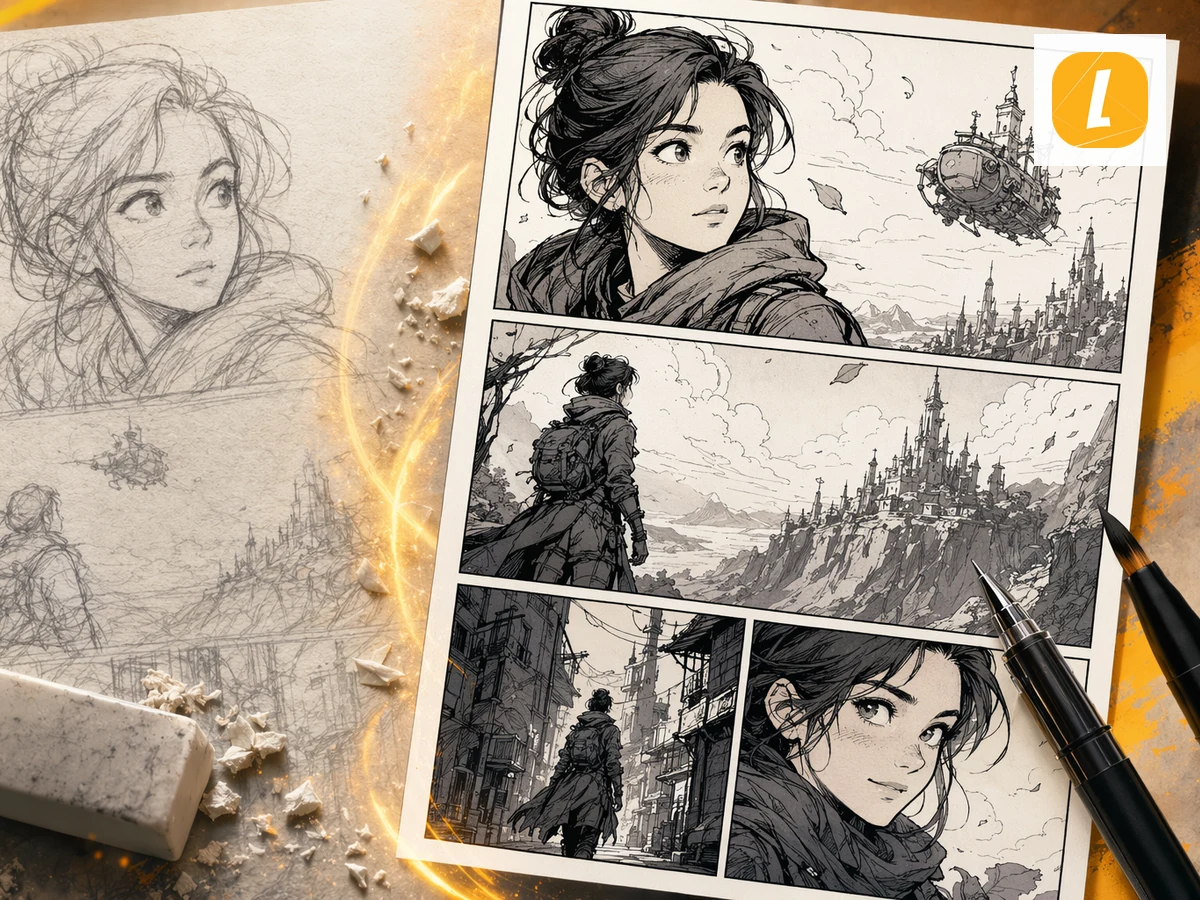
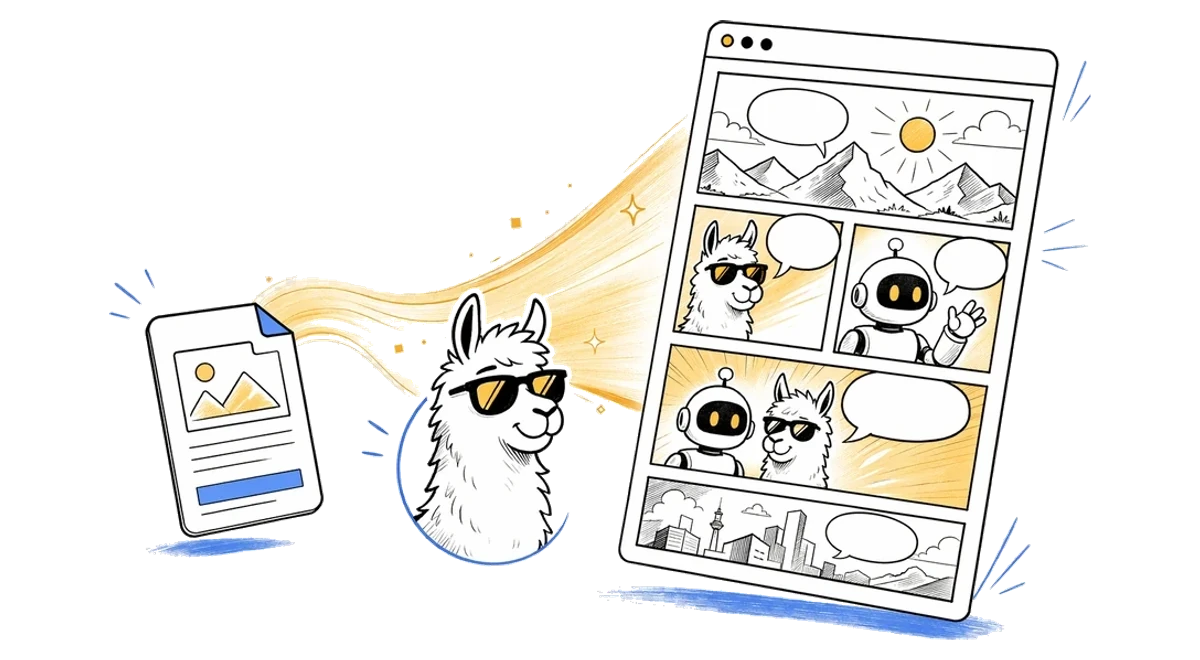
Photo to Comic online AI comic workflow illustration
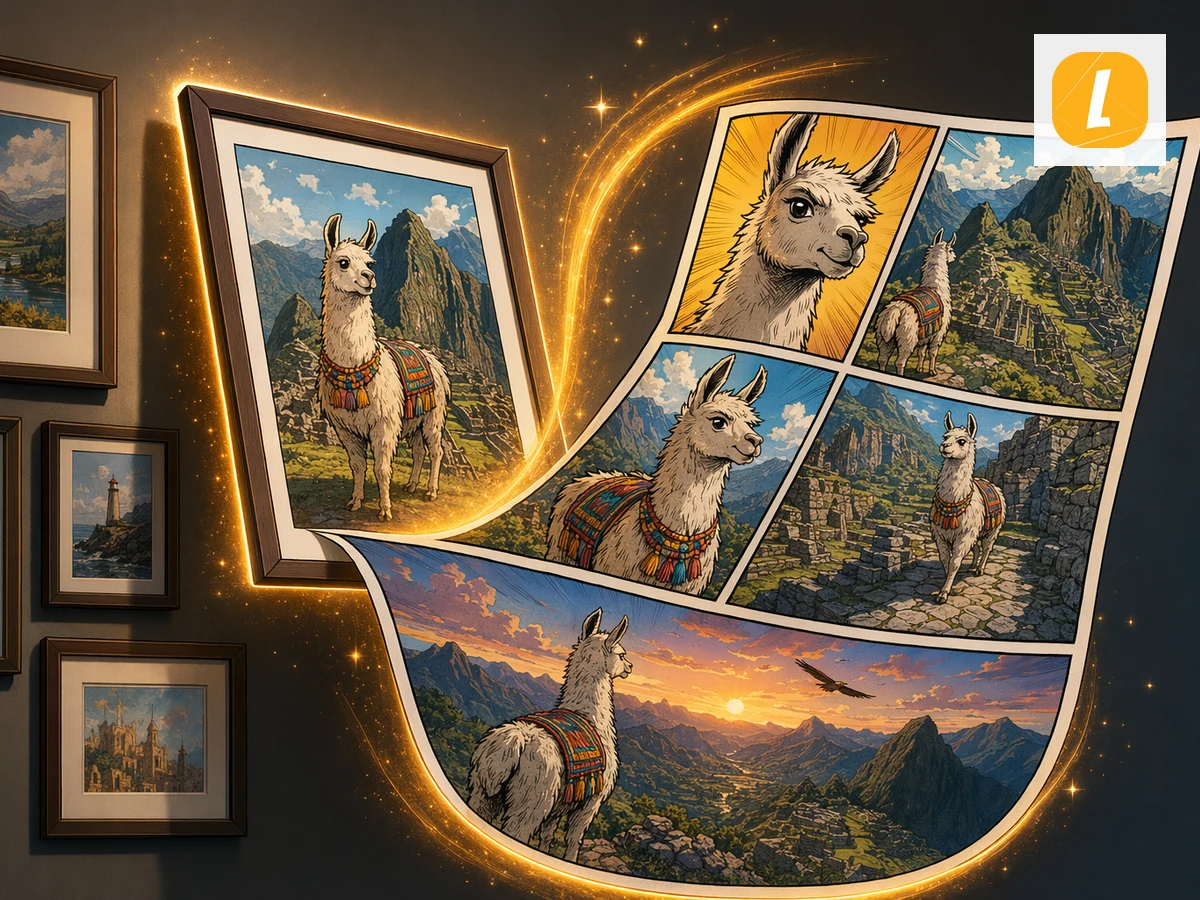
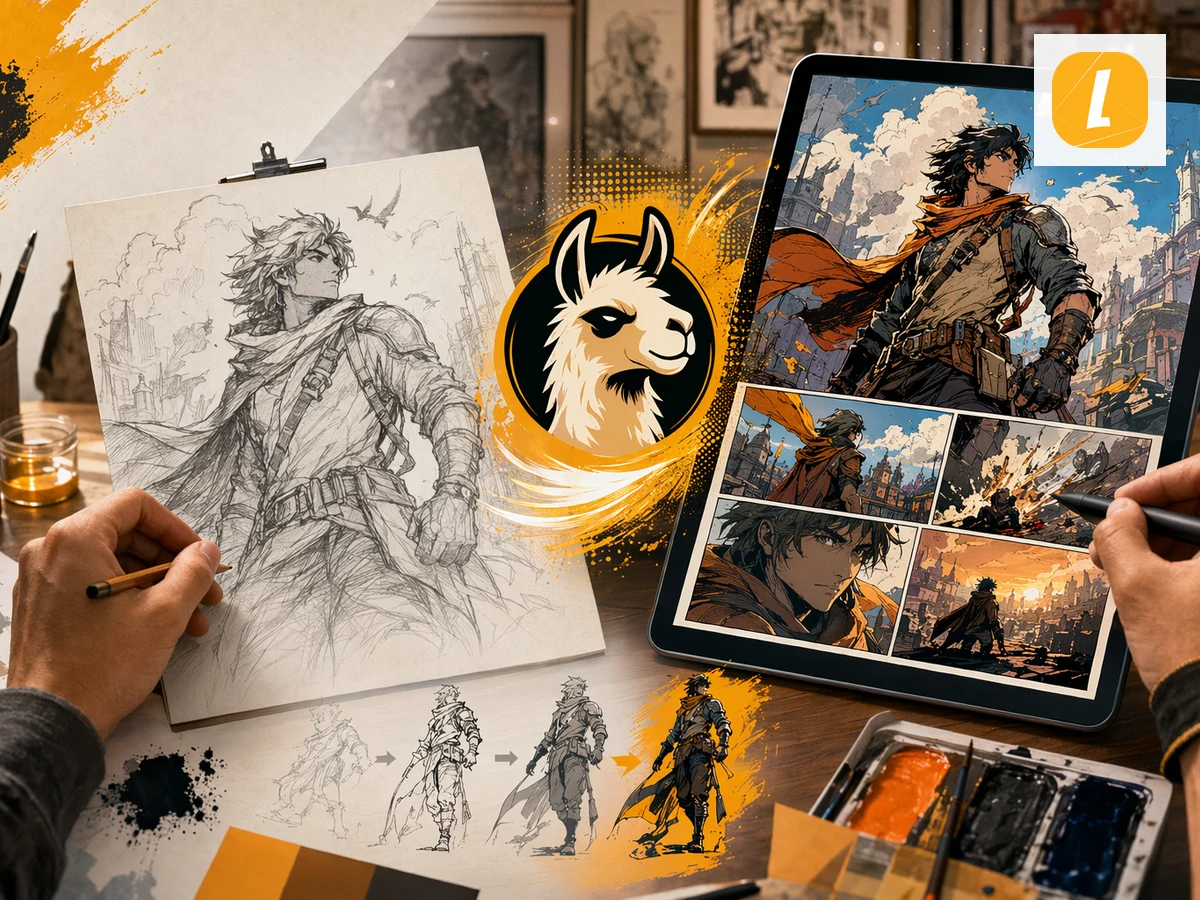
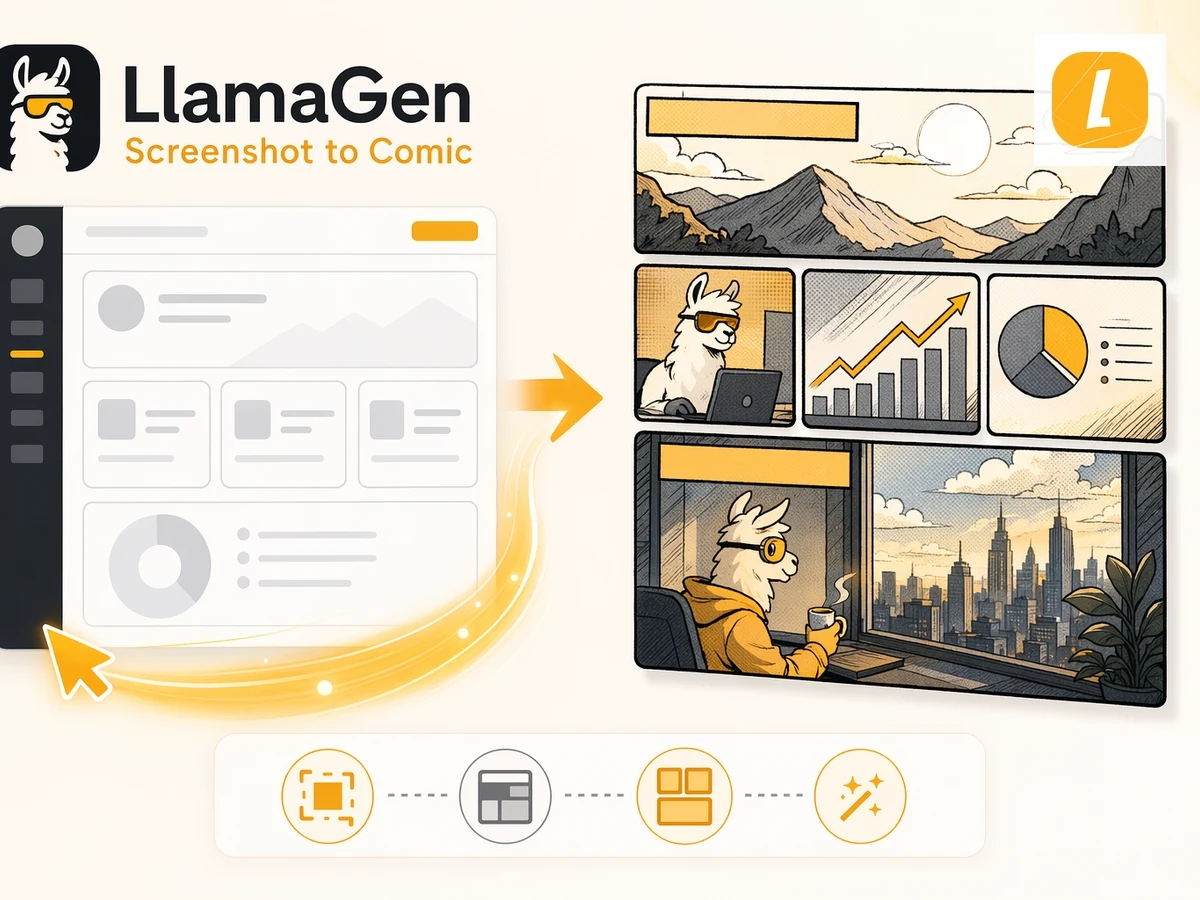
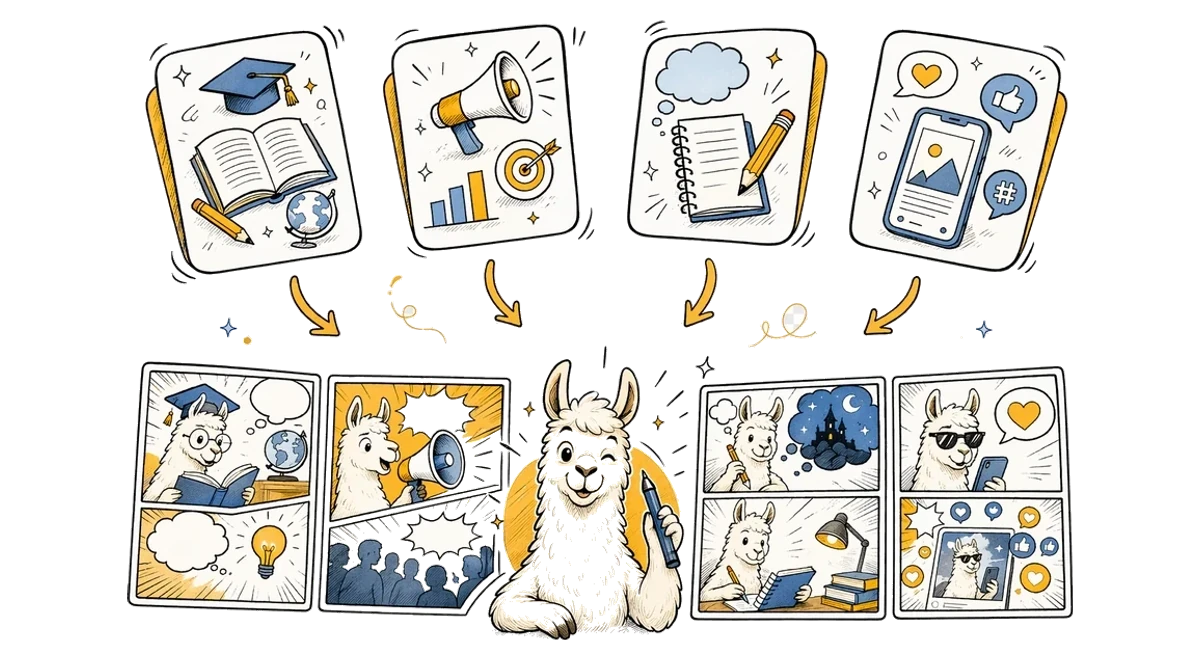
Photo to Comic use cases illustration

Free Photo to Comic Converter for Any Use Case

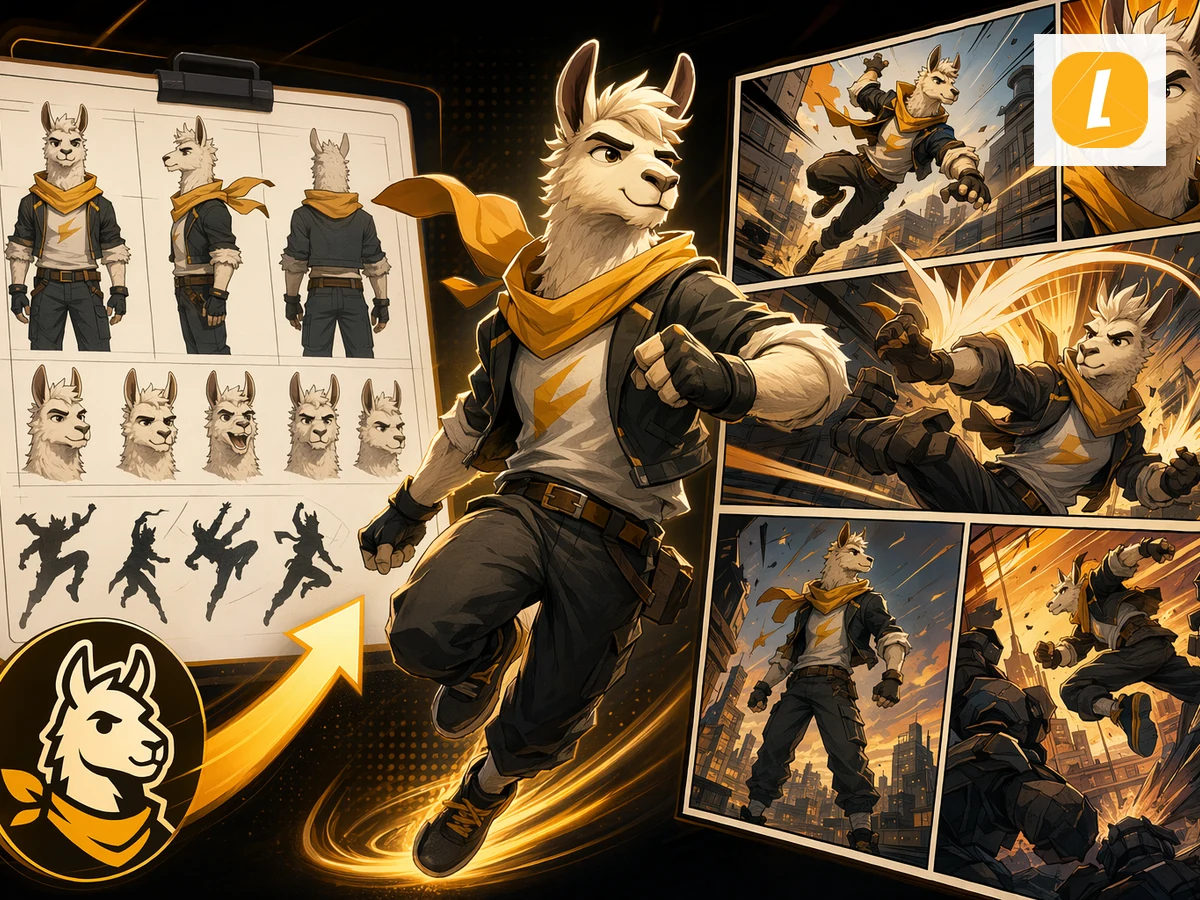
This free Photo to Comic converter is designed for creators, teachers, marketers, students, and storytellers who need to turn source material into visual stories. Use it for explainers, class materials, character scenes, social posts, pitch concepts, or fast creative drafts. LlamaGen keeps the workflow simple while giving you an editable comic result you can refine after generation.

Photo to Comic FAQ

What is Photo to Comic?

Photo to Comic is a LlamaGen tool that uses your photo to create an AI comic page with panels, captions, and a comic-ready layout.

How do I convert Photo to a comic?

Upload your photo, add an optional direction, and click Create Comic. LlamaGen sends the uploaded attachment with an English prompt based on the Photo to Comic theme.

Does Photo to Comic use my source material?

Yes. The page uploads your file first, then passes it through the uploadedAttachments flow in useCreateComic so the comic request can reference the attachment.

Can I edit the comic after it is generated?

Yes. Successful generations open in the LlamaGen comic workspace where you can continue editing the comic page.

What inputs does Photo to Comic accept?

Photo to Comic accepts .jpg, .jpeg, .png, .webp files up to 20MB.

Is Photo to Comic good for storytelling?

Yes. It is designed for turning source content into panel-based comic storytelling, including education, explainers, social posts, and creative drafts.