

Children's Story Videos for StoryHug picture books
Plan a children's story video from a finished picture book, including narration, music, and page-by-page visual beats.
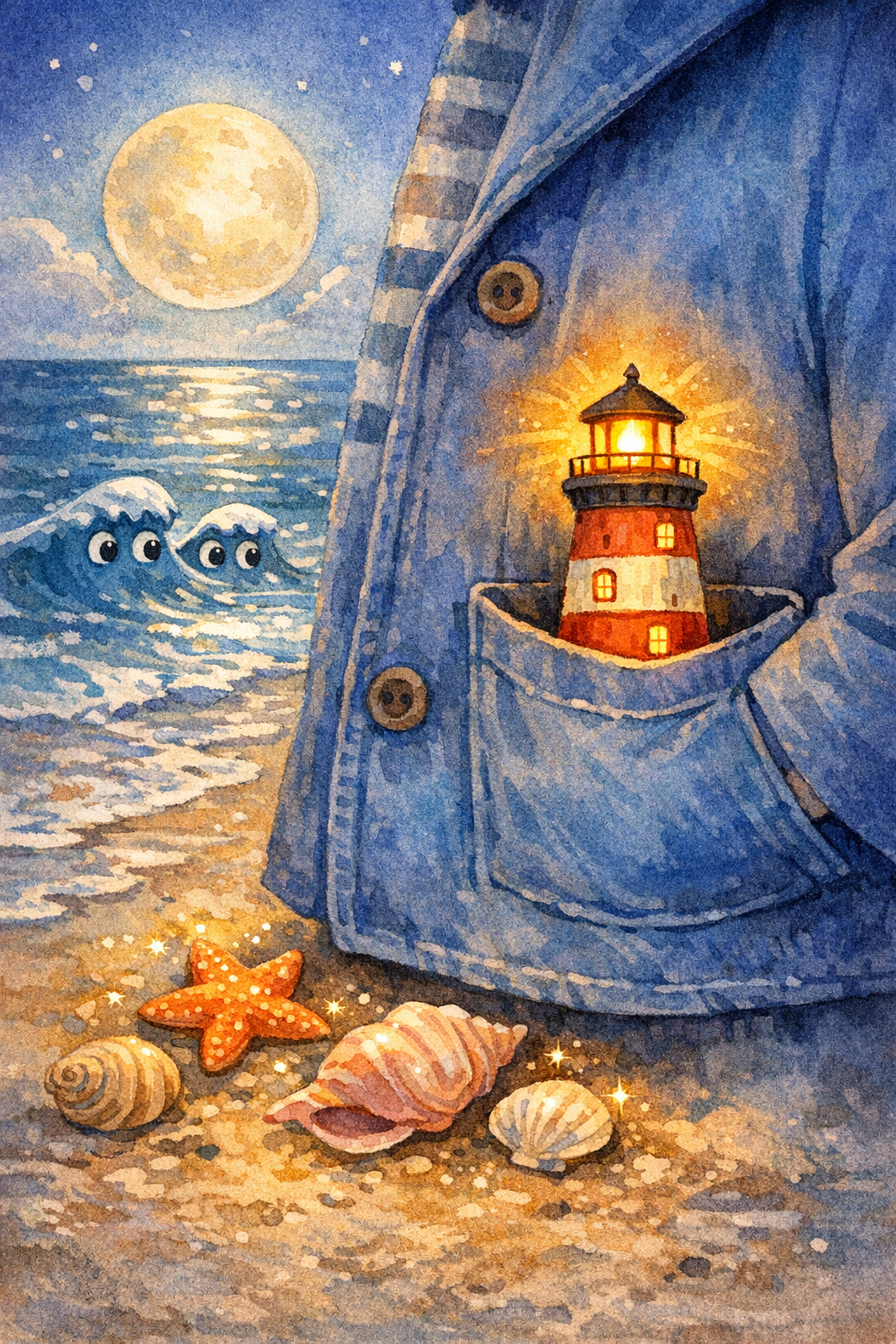
Example preview
The Pocket-Sized Lighthouse
A child carries a tiny lighthouse across a moonlit beach to guide a lost paper boat home.
Opens the comic studio with the same character locked across pages.
무슨 이야기를 만들고 싶으신가요?
이야기를 붙여넣고, 페이지 수와 레이아웃을 선택하세요.
Same face
Lock the child, clothes, and age so every page stays one character.
8-10 pages
Write a short serial, not a one-off image. Continue the same book in Studio.
Pick a format
Picture book, bedtime comic, classroom strip, or vertical read-aloud pages.
Story plan
Turn a story into video or audio
Turn picture books into story videos, read-aloud assets, and shareable children's content.
Create the book first, then use paid audio/video add-ons and export workflows.
Book-to-video workflow
Narration script
Background music
Ways to personalize it
Use case
Plan a children's story video from a finished picture book, including narration, music, and page-by-page visual beats.
Use case
Explore how children's story videos from books can shape the story, illustrations, and read-aloud experience.
Use case
Continue into StoryHug for examples, transparent paid book generation, PDF export and optional add-ons.
Made for your audience
Built for Creators and educators looking to repurpose a book into video, music, or narration.
Creators and educators looking to repurpose a book into video, music, or narration. Use the StoryHug workspace to explore examples, create a preview, and choose an export or add-on only after the story and illustrations feel right.
Start with one child, age range, language, theme, and original companion character.
Generate a 10-page preview with consistent illustrations and child-safe story text.
Upgrade only after the preview works for PDF, print, narration, music, video, classroom, or KDP workflows.
Choose how far to take your book
Create the book first, then use paid audio/video add-ons and export workflows. Check the available PDF, narration, video, print, and membership options before choosing what to make next.
Paid generation
A 4–10 page StoryHug book uses 900–1,800 credits. A one-time pack starts at $4.99 for 3,000 credits.
PDF export
High-resolution PDF download follows the account’s qualifying paid entitlement.
More creation plans
Starter $9/month, teacher plans and additional credit packages are available.
강력한 시작점
2세에서 6세 아이를 둔 부모를 위한 맞춤형 잠자리 책부터 시작하세요. 목표는 단순합니다. 아이가 하나의 작은 감정이나 습관을 5분 안에 이해하고 받아들일 수 있도록 돕는 것입니다.
안전성과 독창성
모든 미리보기는 저장되기 전에 아동 친화적 톤, 위험한 콘텐츠, 보호된 IP, 아이의 사적인 정보 여부를 확인합니다.
인쇄 가능한 경로
미리보기는 의도적으로 짧게 구성됩니다. 유료 내보내기를 통해 출력 가능한 PDF와 향후 제작에 적합한 간결한 형태를 유지합니다.
Related Video and audio pages
Explore related story ideas, formats, and book-making workflows.
Explore more ways to create a children's book
Compare story creation, multimedia, character consistency, publishing, and bedtime-reading workflows to find the next useful step for your project.