

Five shadow directions
내추럴, 드롭, 하드 드롭, 반사, 플로팅 연출을 테스트하세요.
AI shadow generator
Upload a product cutout or clean product photo, choose a shadow style and strength, then generate studio-like depth without redesigning the product.
Add a product shadow
투명 PNG와 깔끔한 배경은 제품 가장자리와 접점 파악을 더 쉽게 해줍니다.
상품 이미지 업로드
투명 PNG 또는 깨끗한 JPG, PNG, WebP, HEIC, HEIF
Shadow type
Shadow intensity
출력 구도
원본 자르기를 지키도록 첫 번째 소스 이미지에 맞춥니다.
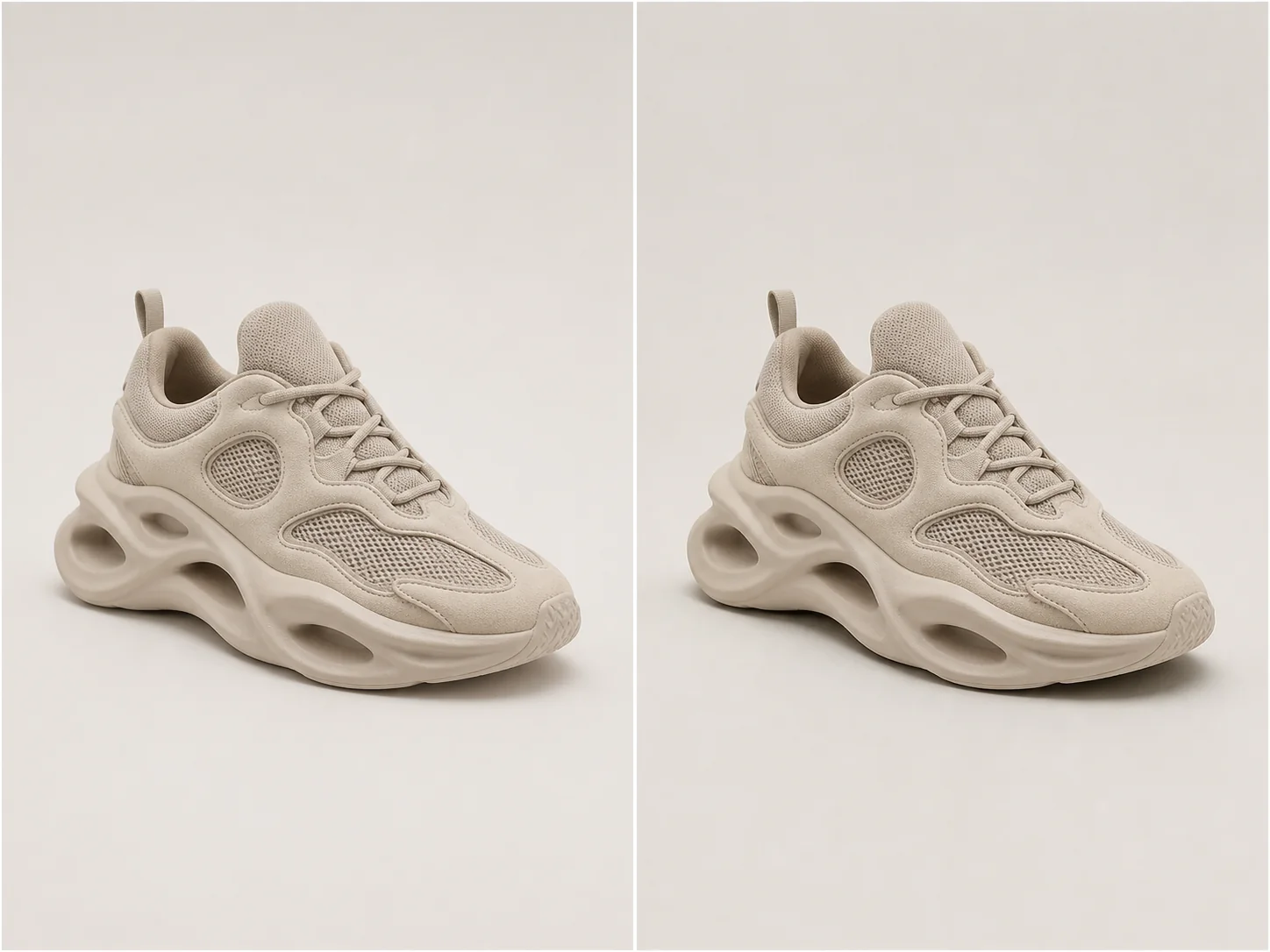
스튜디오 깊이감
A useful product shadow follows object geometry, contact points, camera perspective, and the existing light direction.
Choose natural softness for most catalog work, a directional drop shadow for graphic layouts, or a controlled reflection for glossy studio treatments.
내추럴, 드롭, 하드 드롭, 반사, 플로팅 연출을 테스트하세요.
상품 자체를 바꾸지 않고 시각적 비중을 조절하세요.
Infer contact points and perspective so the shadow follows the object.
정확한 형태, 소재, 색상, 라벨, 자르기를 그대로 유지하세요.
실제 예시
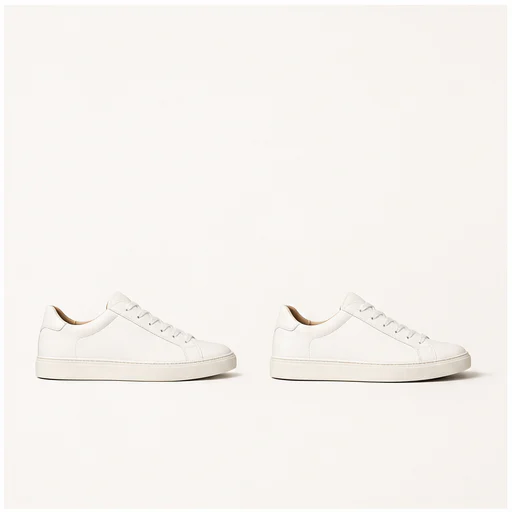
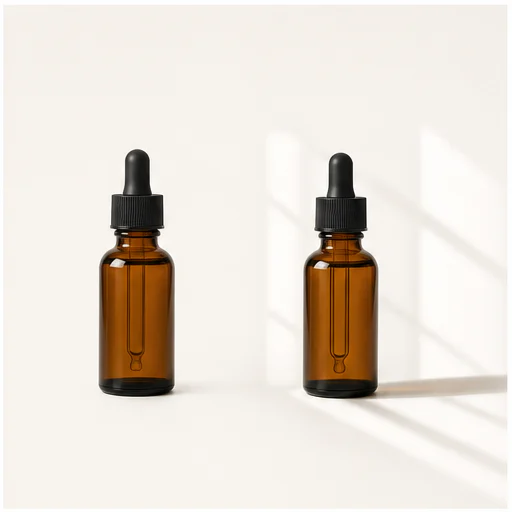
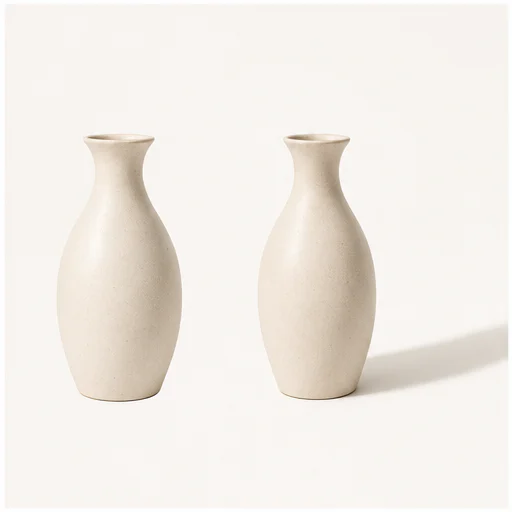
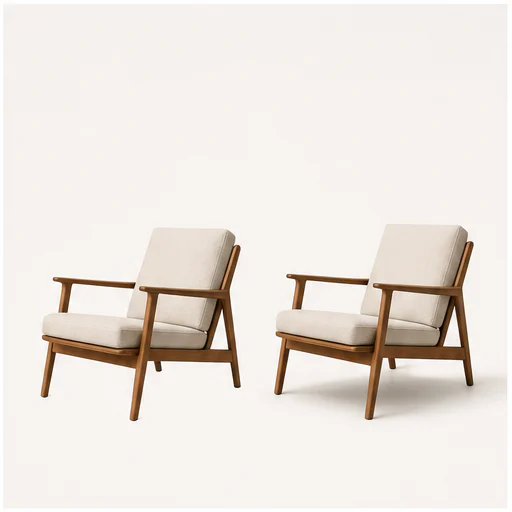
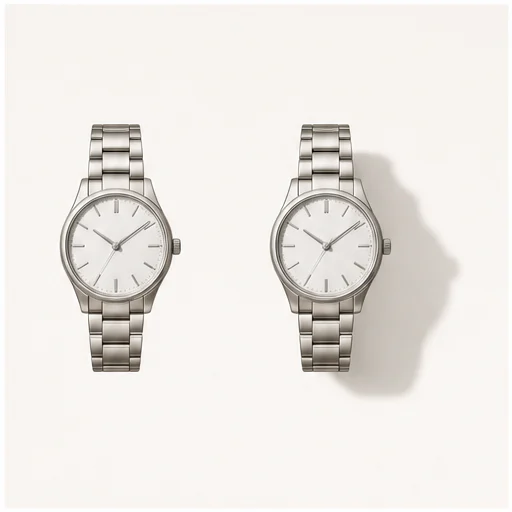
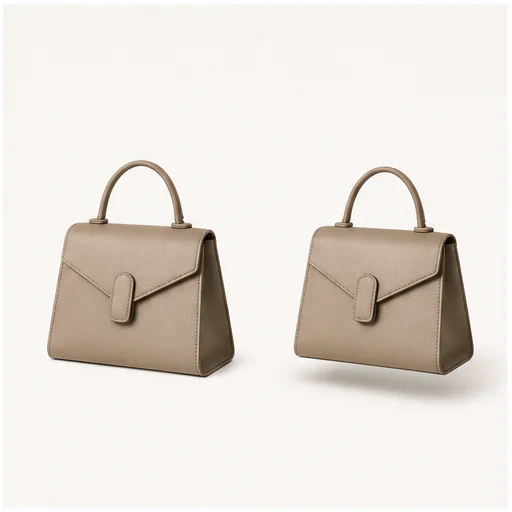
Each example keeps the full product visible before and after adding a physically plausible shadow. Material, angle, scale, and background remain consistent.
작동 방식
짧은 워크플로를 따라 진행한 뒤, 생성된 디테일을 확인하고 사용하거나 게시하세요.
전체 윤곽이 보이는 선명한 제품 컷아웃이나 깔끔한 사진을 선택하세요.
카탈로그, 광고, 마켓플레이스, 캠페인 레이아웃에 맞게 연출을 조정하세요.
접촉 지점, 빛의 방향, 불투명도, 제품 가장자리를 확인하세요.
Real creator feedback
Read what creators shared about making comics, characters, and visual stories with LlamaGen.

@jake-m
As an avid creator of comic book style graphics, I've struggled to find a tool that truly allows me to unleash my creativity at scale. llamagen.ai not only breaks limits but shatters them, offering endless possibilities for my projects. It's the ultimate AI-powered solution I've been waiting for!
@sarah-l
I've tried numerous AI tools for image generation. And they are quite fun to play with but llamagen.ai is the first app I've actually saw a potential use-case. The character consistency really grabbed my attention as it's something I hadn't seen before and I can see the appeal for professionals and amateurs alike. Truly a game-changer!

@michael-b
llamagen.ai has reignited my passion for storytelling. As a busy professional, finding time to pursue creative projects can be challenging. But this app has proven so easy to use... It's like having a creative companion by my side!

@alex-t
Being part of the creative industry demands efficiency without sacrificing quality. llamagen.ai not only meets but exceeds these expectations. Really loved playing with the storyboarding and having an AI to help with not only image generation, but also the text content - it's really a nice way to help enhance the overall experience.
@maya-s
I enjoy a great comic book and have been very sceptical about AI. For example the criticisms of the Batman AI comic saga where not without merit. But through the scepticism I do see a place for such tools. While I still value an authentic man-made production, the ability for me to create something on my own (with a little help from AI) is really empowering and exciting.
@taylor-h
Maintaining character consistency is a challenge that I did not expect to be overcome so fast. While not perfect at times, the results are impressive and I’m really looking forward to the chance to further customize my workflow and AI generation.
실용적인 워크플로
작업 목적에 따라 생성 이미지를 검토용 초안, 참고 자료, 또는 완성 에셋으로 활용하세요.
마켓플레이스
장면이 복잡해지지 않게 상품 이미지에 은은한 깊이를 더하세요.
카탈로그
Use one shadow language across unrelated product photos.
캠페인
그래픽형 소셜 소재에는 방향성 그림자나 떠 있는 듯한 그림자를 사용하세요.
뷰티
병, 단지, 반사성 패키징에 스튜디오 특유의 윤기 있는 입체감을 만들어 보세요.
검토 메모
A shadow should support the product quietly. If it competes with the object, reduce intensity or try another type.
the shadow begins at believable contact points
원근감이 제품과 카메라에 맞습니다
빛 방향이 일관되게 유지됨
투명하고 반사되는 가장자리가 깔끔하게 유지됩니다
라벨과 상품 구조가 그대로 유지됨
원본 전체 프레임이 그대로 유지됩니다
FAQ
소스 이미지, 생성 결과, 권리, 검토에 대한 실용적인 답변입니다.
투명 PNG나 전체 형태가 보이는 깔끔한 제품 사진이 가장 좋은 경계와 접점 단서를 제공합니다.
대부분의 상품 사진에는 자연스러운 소프트가 잘 어울립니다. 드롭 섀도는 더 그래픽하게 보이고, 반사는 세련되며, 떠 있는 그림자는 분리감을 줍니다.
프롬프트는 제품의 형태, 색상, 소재, 라벨, 카메라 앵글, 크롭을 보호합니다.
관련 도구
이 집중 편집을 끝내고 다음 사진 또는 패션 작업으로 넘어가세요.
흐린 인물, 제품, 문서, 추억 사진을 업로드하고 원본 구도를 바꾸지 않으면서 더 깔끔한 가장자리와 자연스러운 디테일을 복원하세요.
인물 사진, 셀카, 단체 사진을 업로드하면 정체성, 표정, 조명, 인물, 원본 크롭은 유지한 채 자연스럽게 뜬 눈으로 보정합니다.
저조도, 압축, 스캔, 생성 이미지의 노이즈를 줄이면서 가장자리, 질감, 원본 분위기는 살려 보세요.
바래거나 긁히고, 흐리거나 오래된 사진을 업로드하면 얼굴, 옷, 기록, 원본 구도를 최대한 지키면서 더 선명하게 복원할 수 있습니다.
이미지로 시작
Choose a shadow type and strength, then create a more grounded product image.