

1
Choose the real intent
Start from what the user is trying to do: generate from text, edit an image, restyle a reference, compare options, or make a specific asset.
Find the right LlamaGen workflow for text-to-image prompts, image-to-image transformations, AI image editing, character assets, covers, collectibles, and social-ready visuals.
Start from text, transform a reference image, edit an existing result, compare generators, or turn an image into video.
For creators comparing text-to-image, image-to-image, editing, and image-to-video workflows.
For creators comparing editors by identity preservation, prompt control, edit boundaries, and reusable output quality.
For creators who already have a reference image and want to restyle it, preserve identity, or turn it into a specific asset.
For users who want to refine an existing image: change outfit, fix composition, adjust style, or prepare a final shareable version.
For people comparing how AI image generation works before they choose a model, prompt, reference workflow, or output format.
For users who want a clear path from a plain idea to a finished image without learning prompt engineering first.
For users whose real goal is motion. Route them to video instead of forcing them through an image-only page.
Choose the asset you want to create, then open the workflow with the most relevant inputs and controls.
Start from what the user is trying to do: generate from text, edit an image, restyle a reference, compare options, or make a specific asset.
Each page explains the input, output, prompt examples, and quality checks for that job before sending the user into creation.
Create the first image, check identity and composition, then reuse the result across comics, product mockups, profile art, and campaign sets.
Start with the pages that represent the collection best: character presentations, physical-product mockups, cover formats, and playful object transformations.
Each card includes examples, workflow guidance, practical answers, quality checks, and a direct creation path.
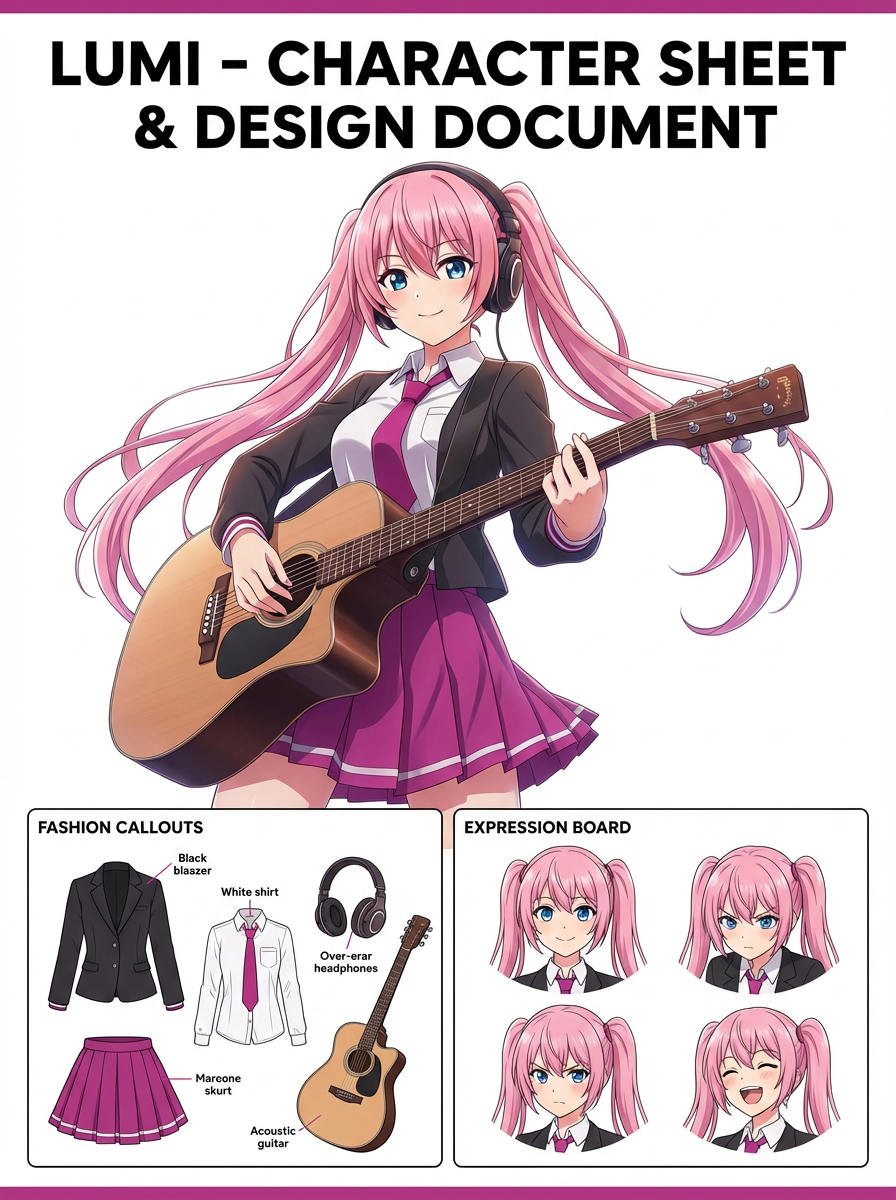
LlamaGen 이미지 생성 워크플로우를 텍스트 프롬프트, 참조 이미지, 이미지 편집, 캐릭터 일관성, 이미지-동영상 연결에 따라 비교하세요.
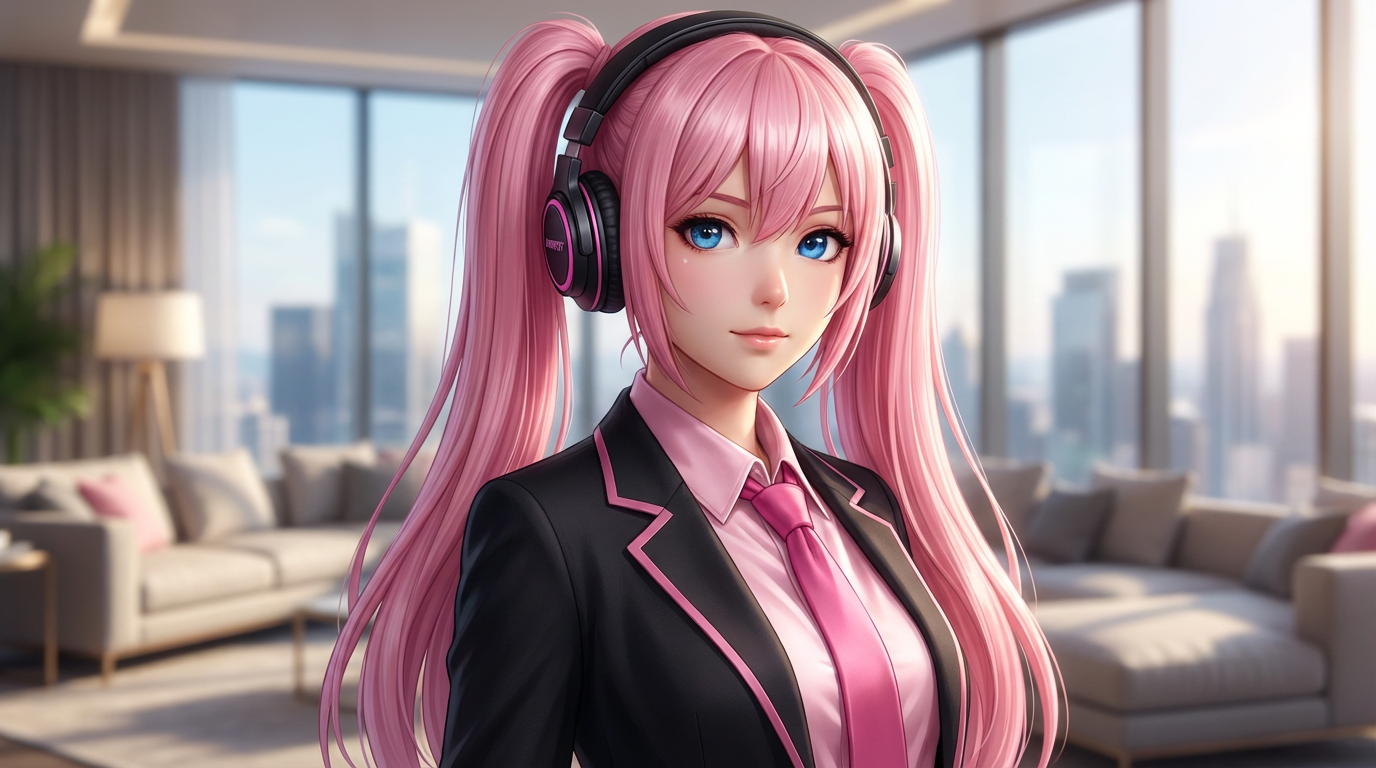
AI 이미지 편집기는 제어력, 정체성 유지, 프롬프트 명확성, 창의적 한계, 편집 결과의 재사용 가능성으로 평가하세요.
텍스트 프롬프트, 이미지-이미지 참조, 편집 목표, 최종 출력 점검을 구분하는 워크플로우로 AI 이미지를 계획하고 제작하세요.
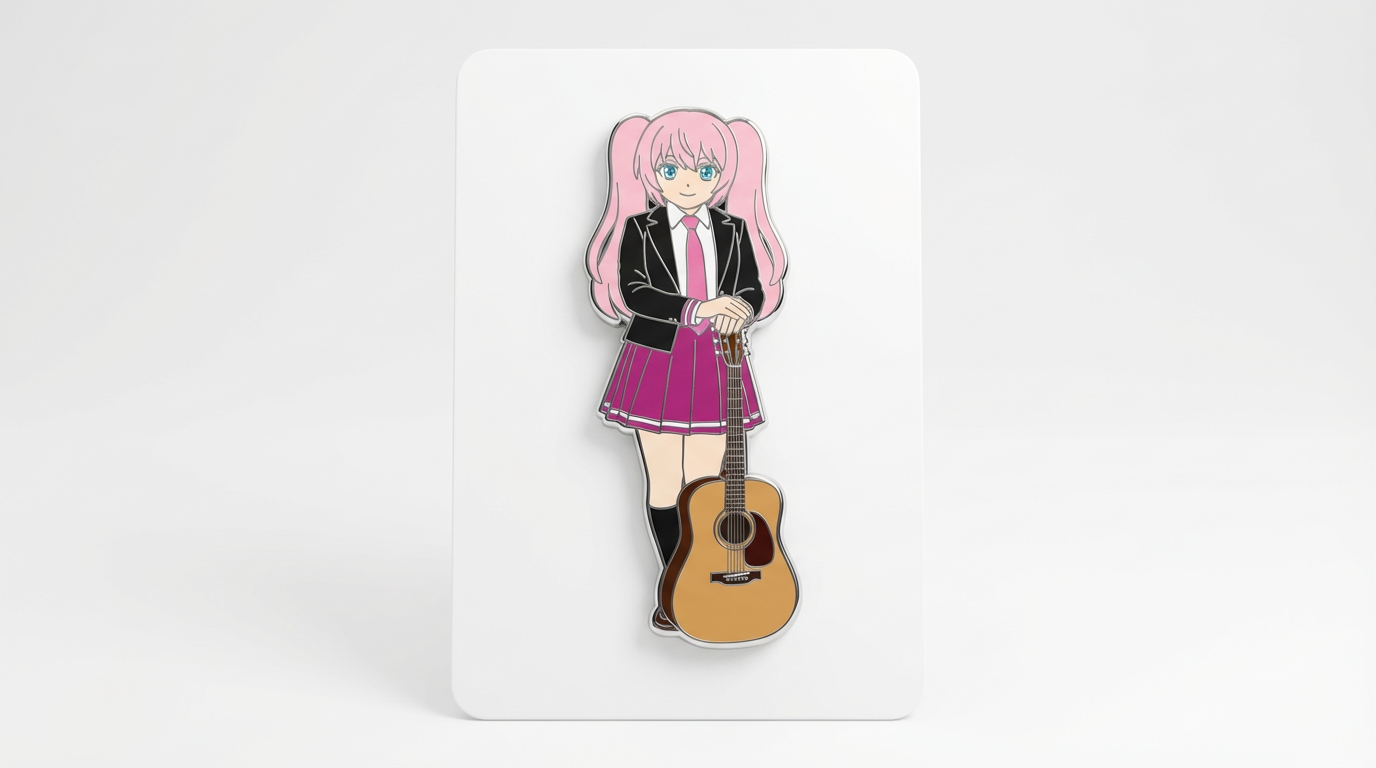
기존 이미지를 참조로 활용하여 AI를 사용해 새로운 스타일, 자산, 커버, 목업, 배지, 카드, 캐릭터 비주얼 등으로 변환하세요.
기존 이미지를 AI 프롬프트로 의상 변경, 스타일 보정, 구도 정리, 캐릭터 변형, 커버, 배지, 캠페인 에셋 등으로 편집하세요.

캐릭터 일관성, 참고 기반 편집, 만화, 표지, 재사용 에셋에 적합한 최고의 AI 이미지 생성기를 선택할 때 중요한 비교 포인트를 알려드립니다.
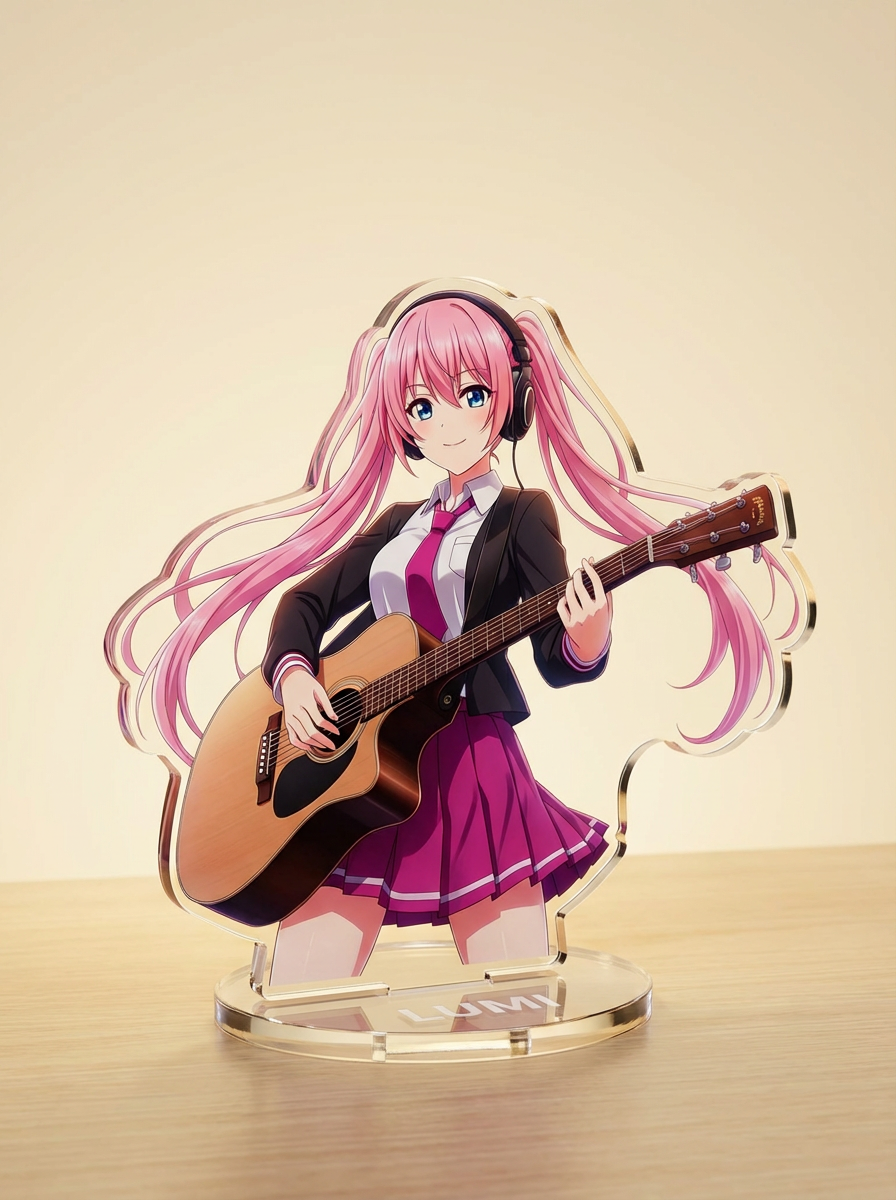
간단한 텍스트 프롬프트로 AI 이미지를 생성하고, 이후 실용적인 크리에이티브 활용을 위해 주제, 스타일, 구도, 최종 에셋 포맷을 다듬어보세요.
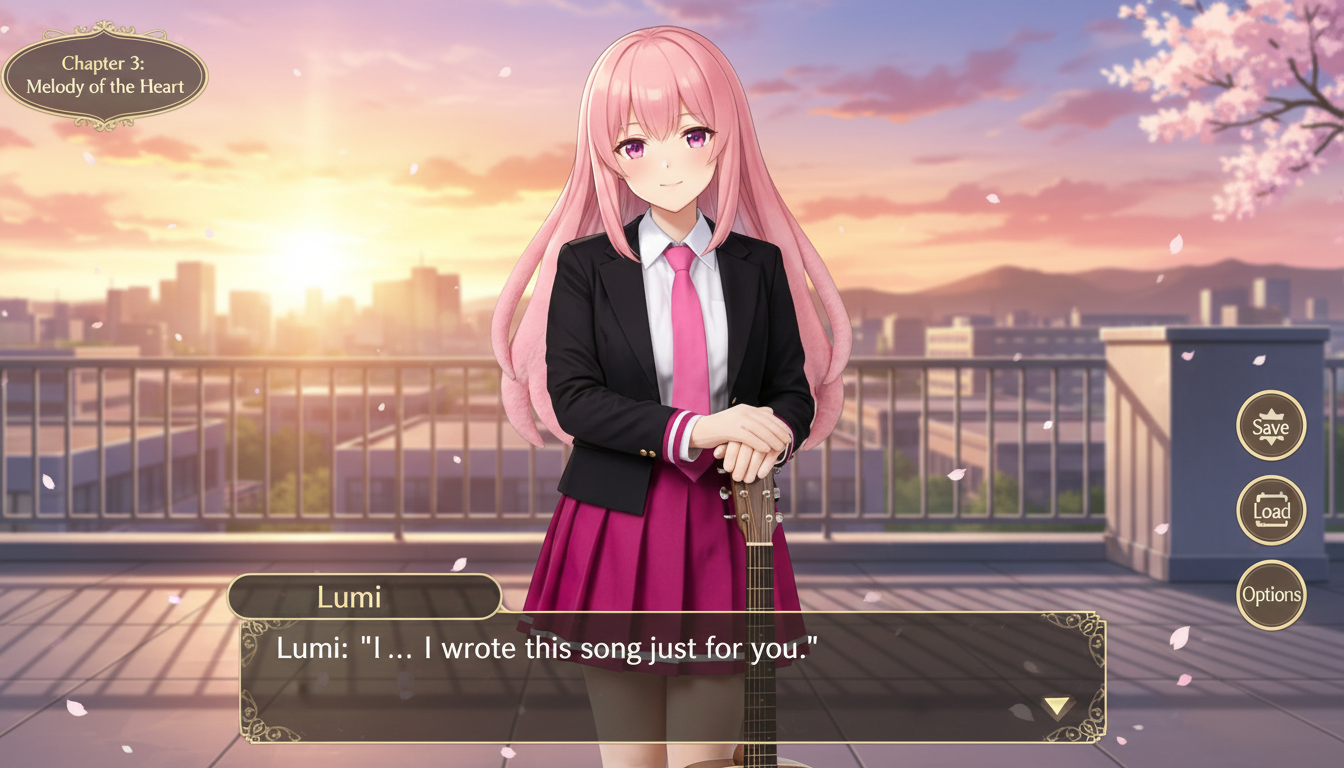
캐릭터 이미지를 인터페이스 프레이밍, 대사 공간 설계, 게임 화면 구성이 어우러진 비주얼 노벨 스타일 장면으로 바꿔보세요.
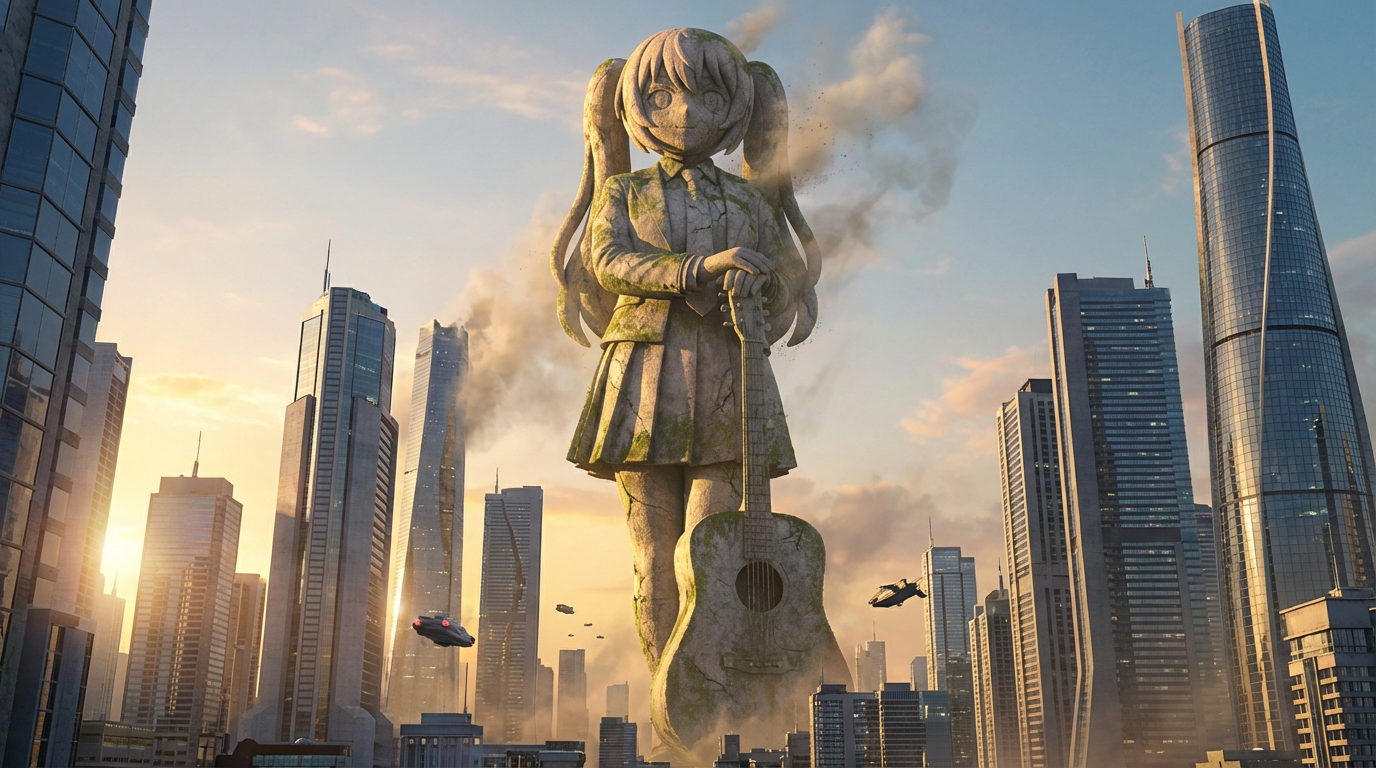
캐릭터를 도시 스케일의 구도, 스카이라인 배경, 랜드마크 같은 연출이 돋보이는 거대 조각상 비주얼로 변환해 보세요.
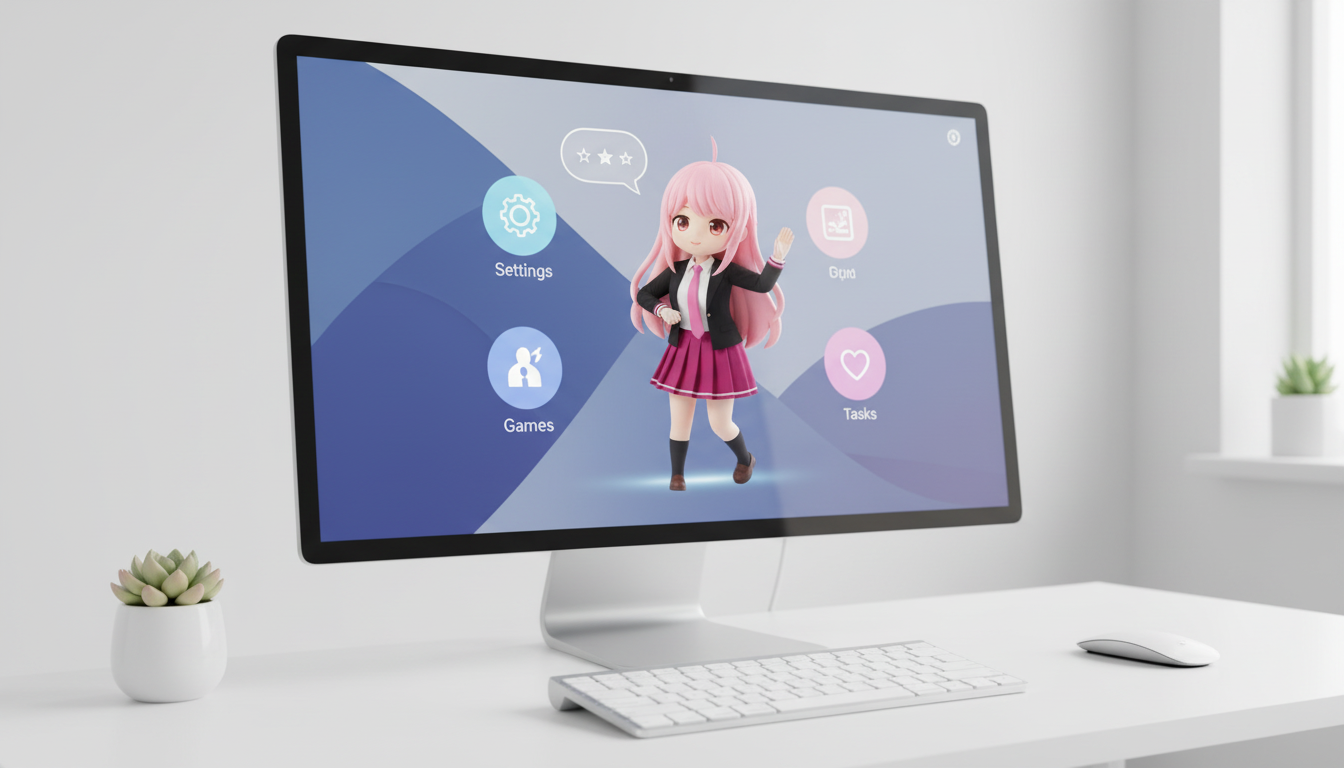
캐릭터와 오리지널 캐릭터(OC)를 화면에 잘 어울리는 구도와 함께 데스크톱 펫 스타일 비주얼로 변환하세요.
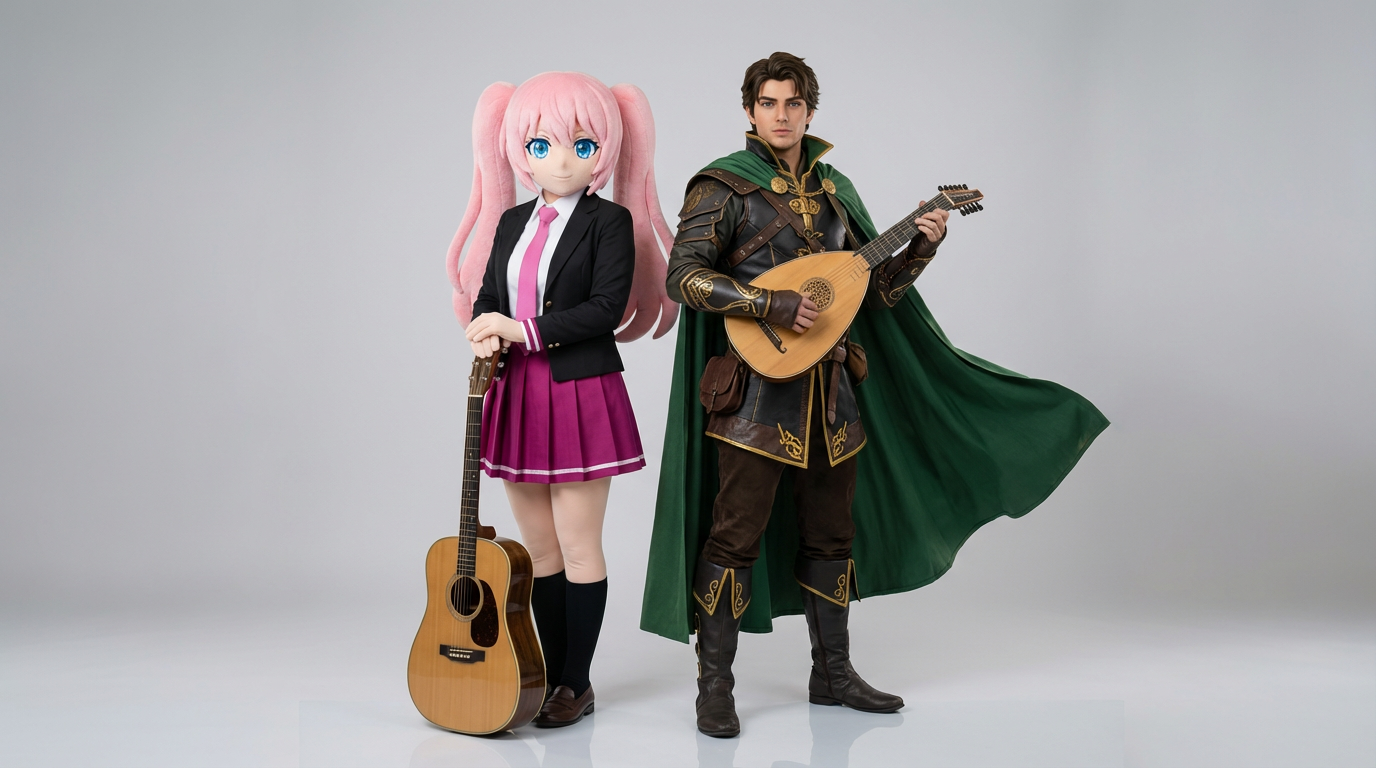
두 개의 캐릭터 레퍼런스를 업로드하고, 깔끔한 상호작용 장면, 균형 잡힌 2인 구도, 바로 활용 가능한 듀오 씬 구성을 생성하세요.
캐릭터와 OC를 강렬한 구도, 고급스러운 무드, 매거진 스타일 배치가 돋보이는 세련된 에디토리얼 커버 비주얼로 만들어보세요.
캐릭터 아트를 깔끔한 원형 프레이밍과 굿즈 감성, 아이콘에 최적화된 구도로 배지 스타일 비주얼로 바꿔보세요.
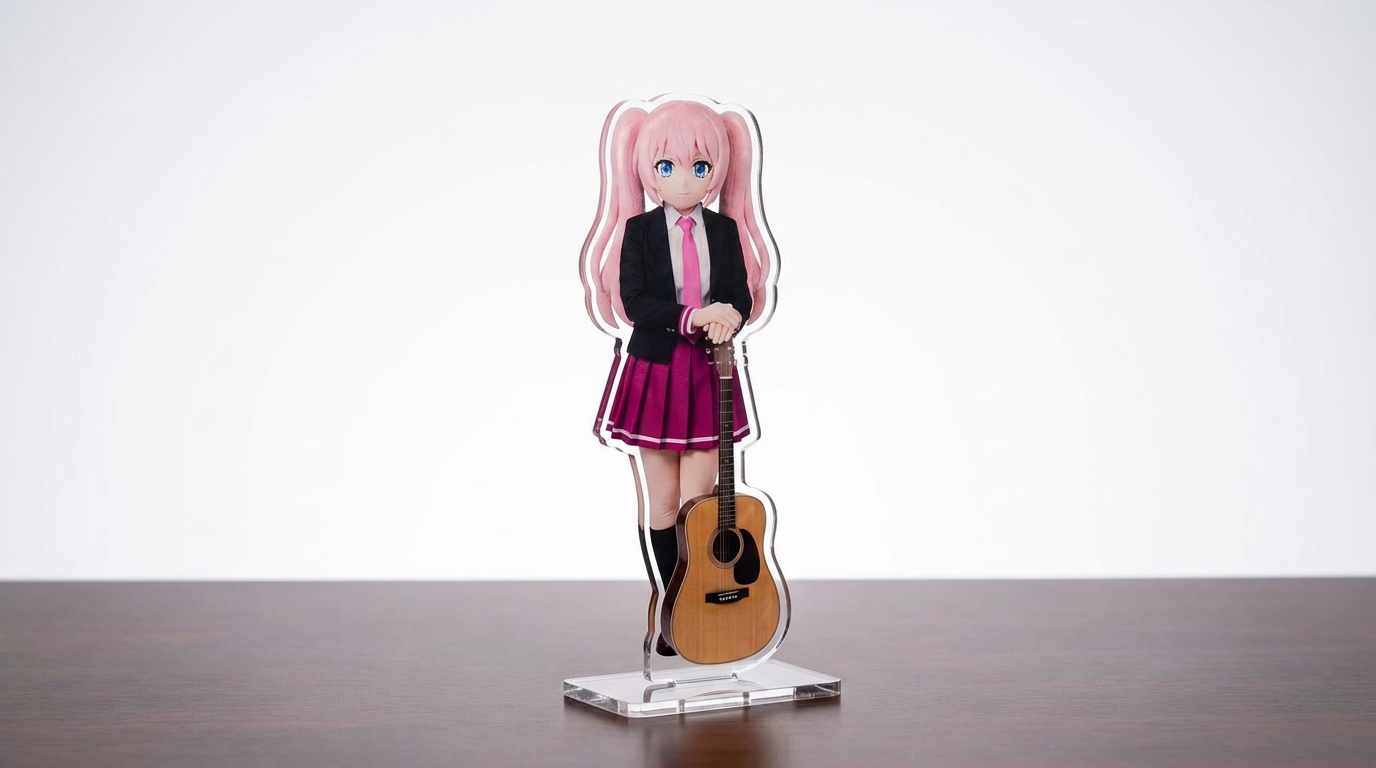
캐릭터 일러스트, 반려동물 사진, 오리지널 디자인을 설정 가능한 Lumi 중심 워크플로우로 아크릴 스탠디 목업으로 제작해 보세요.
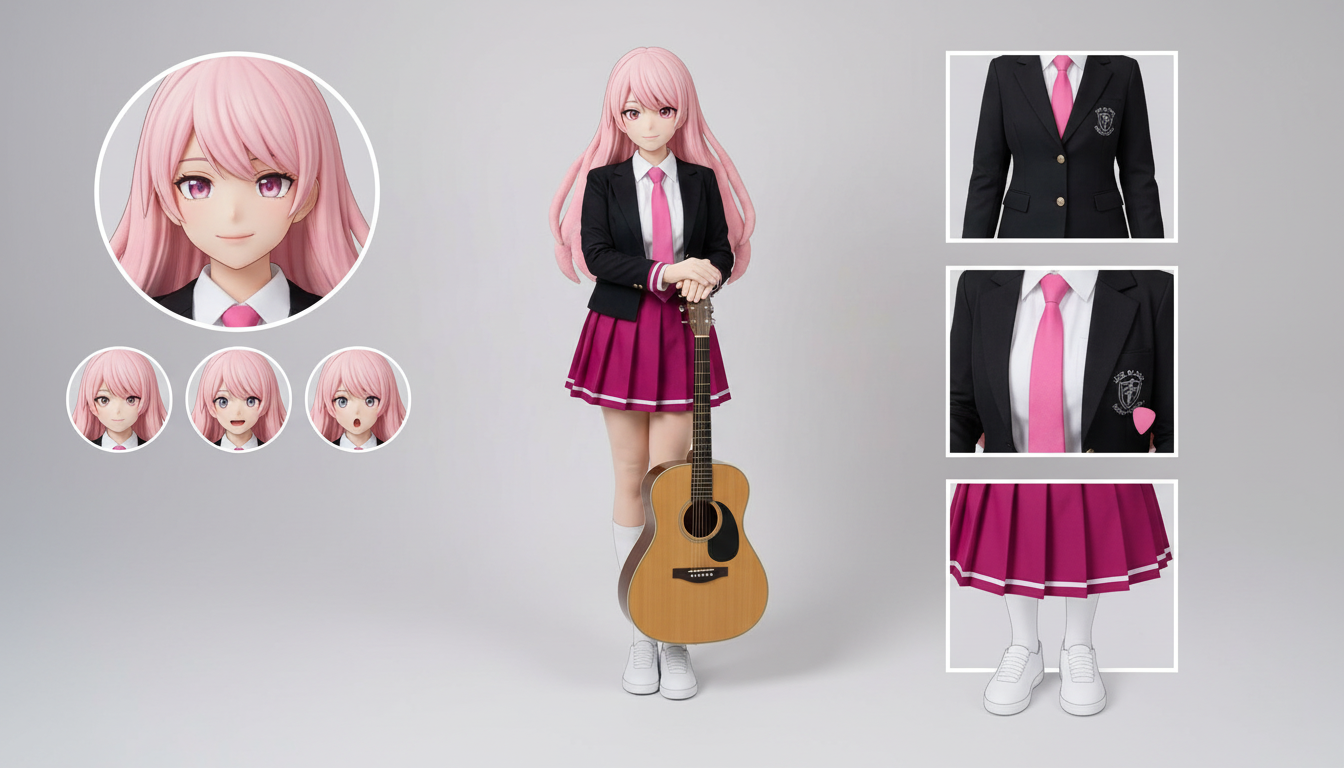
업로드한 캐릭터 디자인 한 장만으로 의상, 표정, 액세서리, 포즈 레퍼런스를 정리한 캐릭터 시트를 만들어보세요.
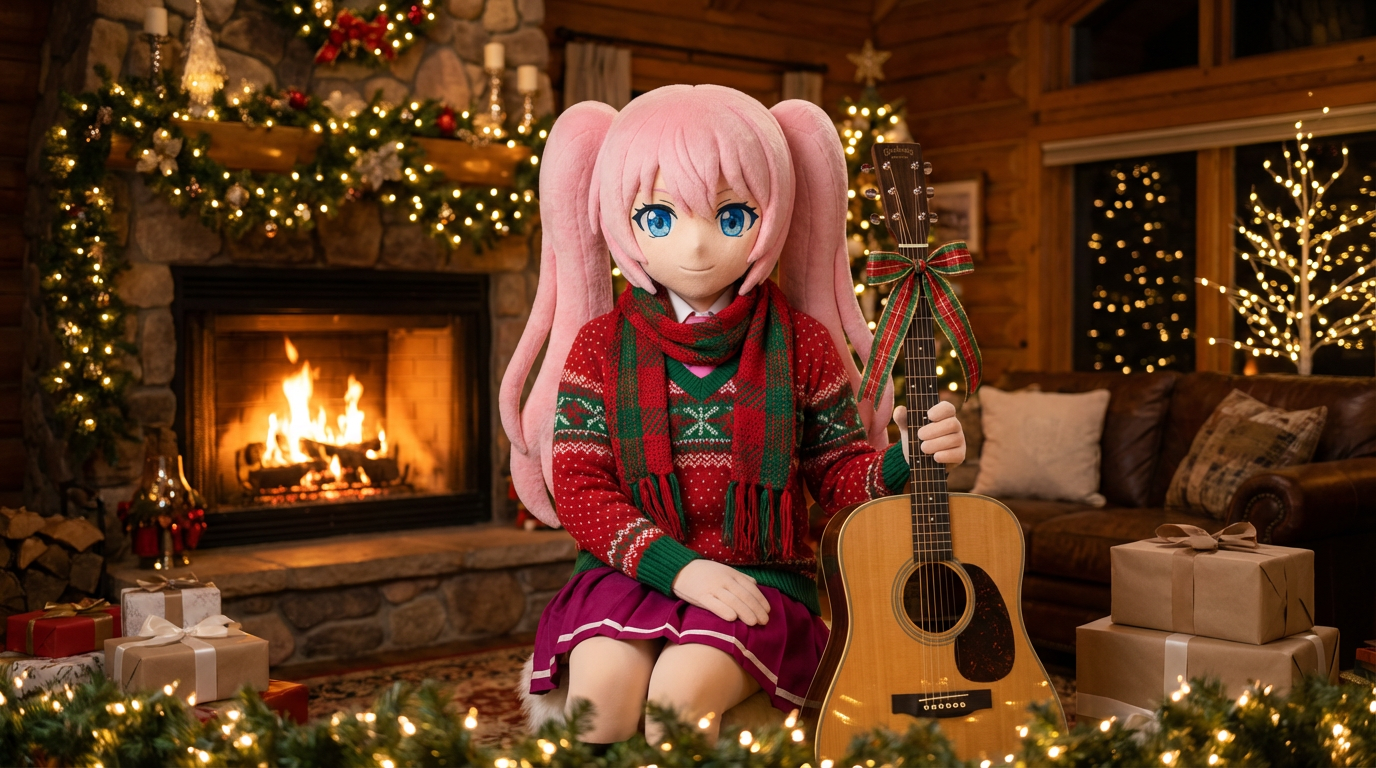
초상화와 캐릭터 아트에 목도리, 모자, 그리고 축제 분위기의 Lumi 스타일 연출을 더해 홀리데이 룩으로 바꿔보세요.
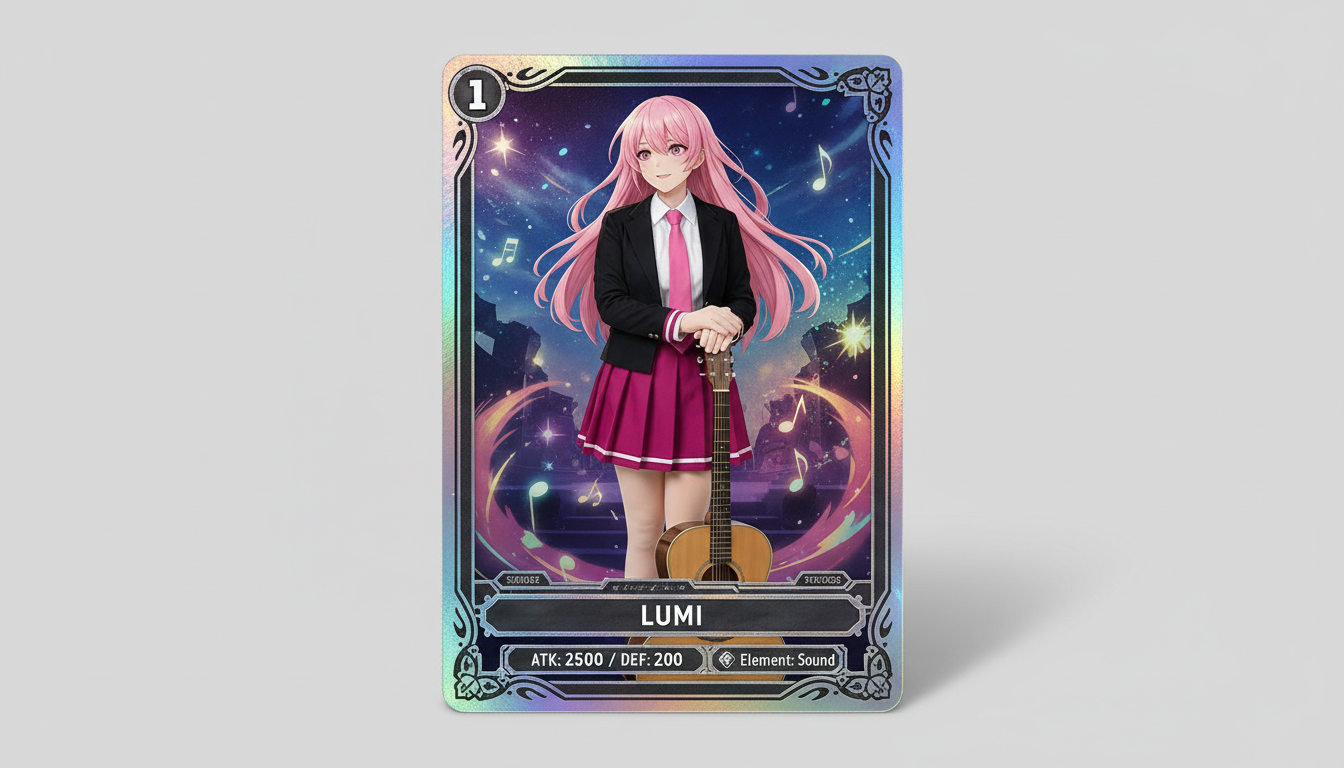
캐릭터 이미지를 희소성 분위기, 프레임형 스탯 연출, 굿즈용 구성을 갖춘 수집형 트레이딩 카드 스타일 비주얼로 바꿔보세요.
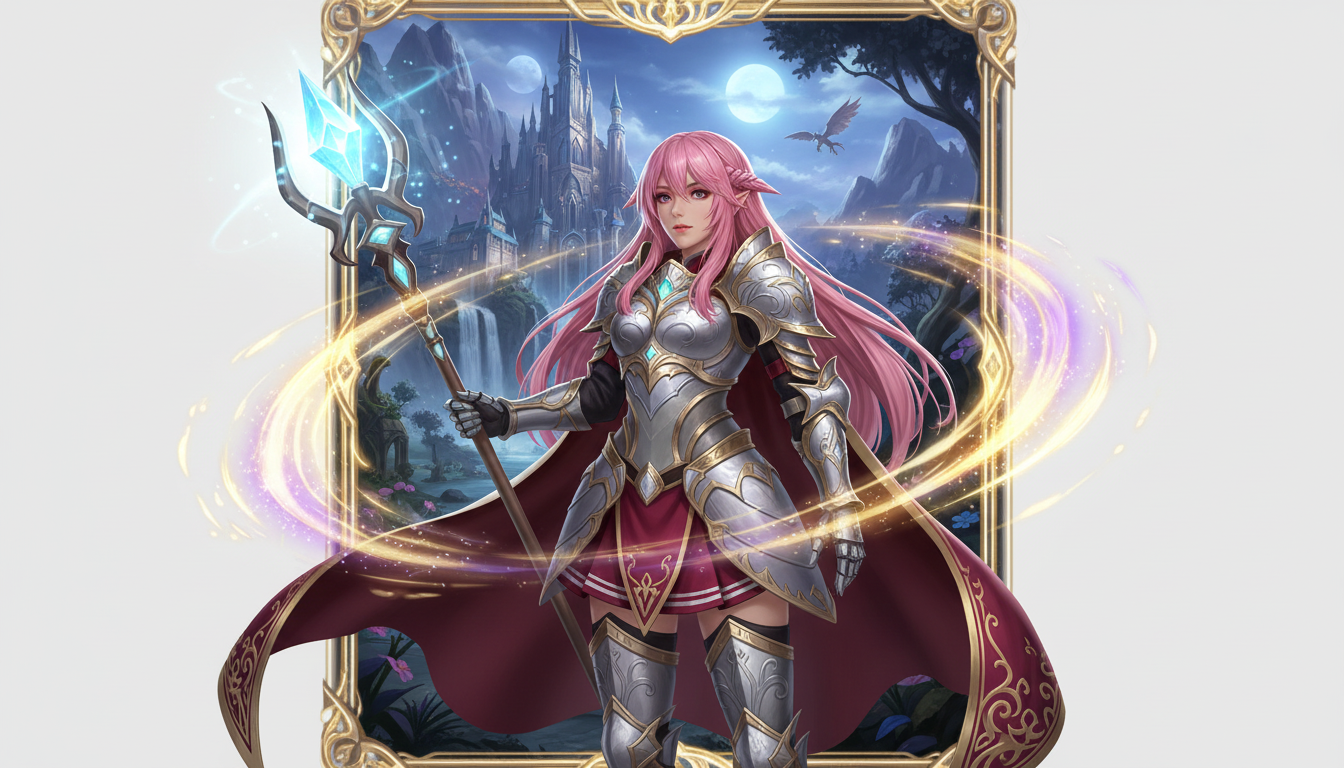
캐릭터 이미지를 클래스 스타일링, RPG 감성, 수집형 카드 같은 분위기의 판타지 히어로 비주얼로 바꿔보세요.
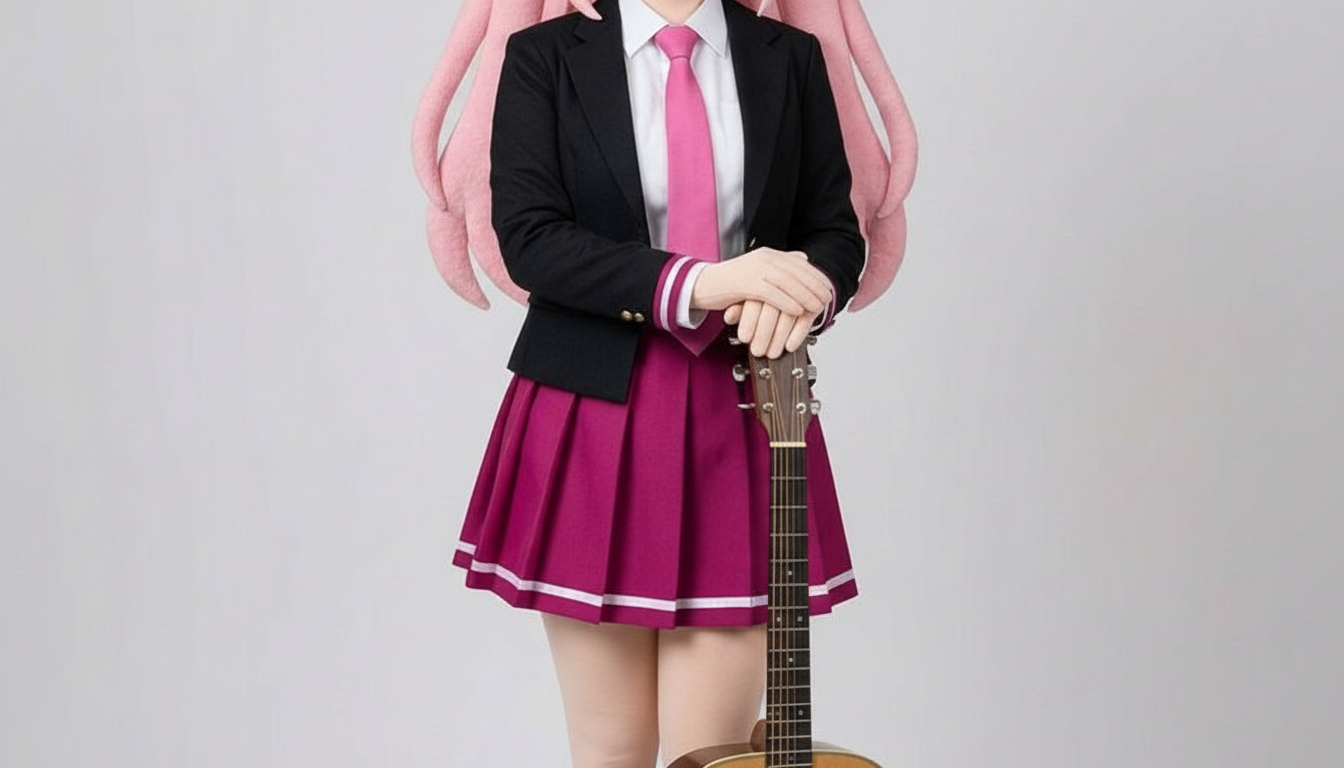
레이어드 공예 형태, 손에 닿는 듯한 깊이감, 깔끔한 실루엣 표현으로 캐릭터를 페이퍼 컷아웃 스타일 이미지로 변환해 보세요.
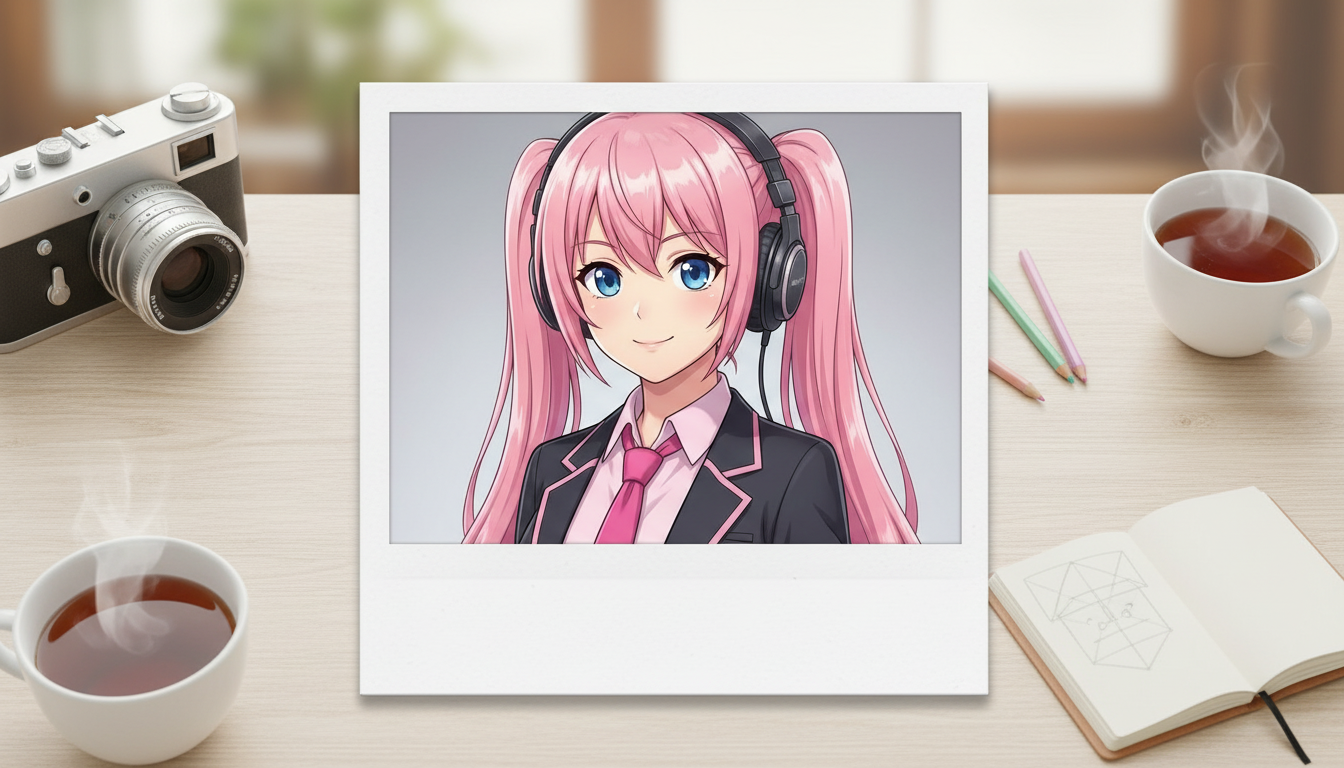
캐릭터 이미지를 추억 감성의 즉석사진 프레임과 소장하고 싶은 스냅 분위기의 폴라로이드 스타일 이미지로 변환해 보세요.
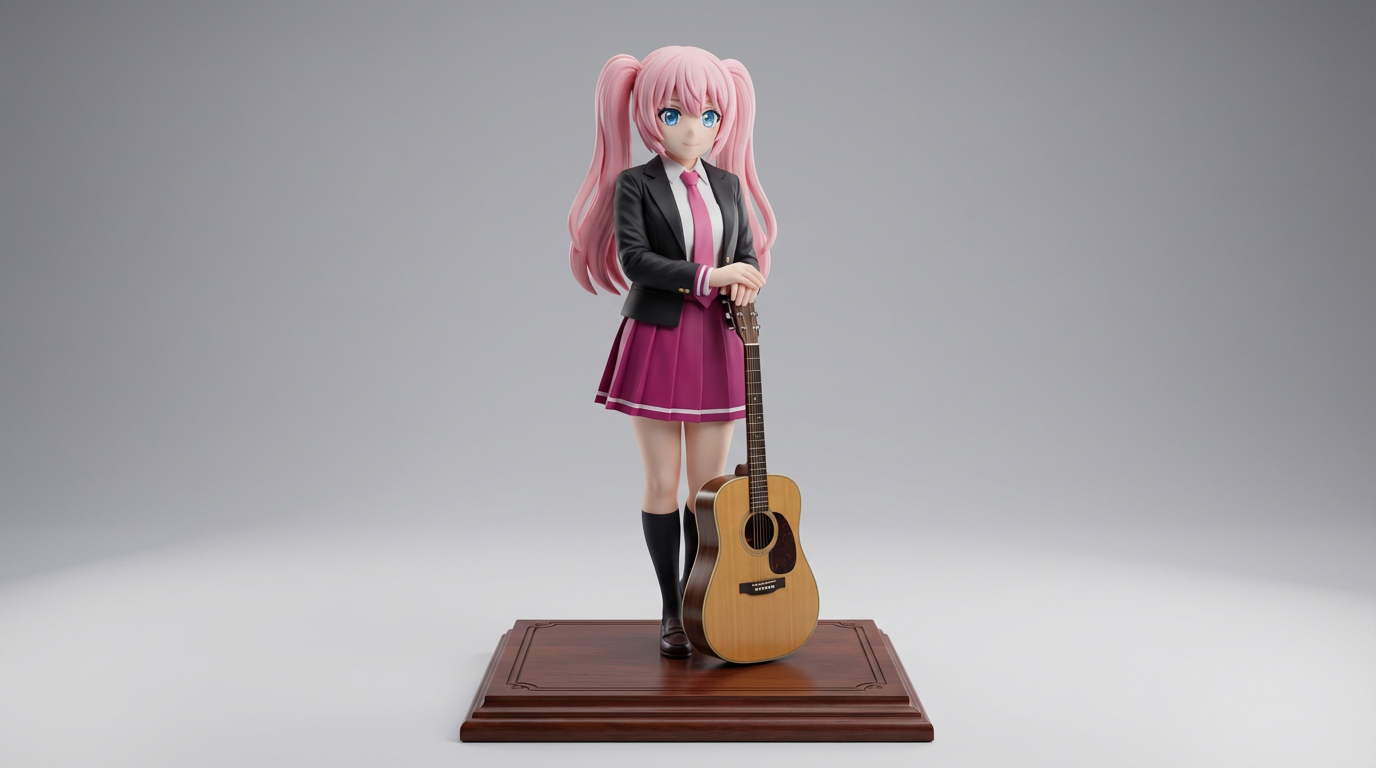
평면 캐릭터 아트를 수집용 콘셉트와 제품 스타일 피규어 비주얼에 어울리는 디스플레이 피규어 스타일 이미지로 바꿔보세요.
Use this page when you know the kind of visual asset you want, but not the exact prompt or workflow yet.
Search behavior has moved beyond one broad text-to-image query. Many users now start with an existing image, ask for an editor, or compare image generation workflows before they create.
Yes. Each page is built around a specific problem, such as turning a reference image into a new style, creating a character sheet, or making a magazine-cover visual.
Pick the page that matches your starting point. Use text-to-image when you only have an idea, image-to-image when you have a reference, and AI image editor when you need controlled changes.