

Visi ieraksti
From a Flat AI Image to an Editable Comic Page

Jay
2026. gada 28. oktobrī
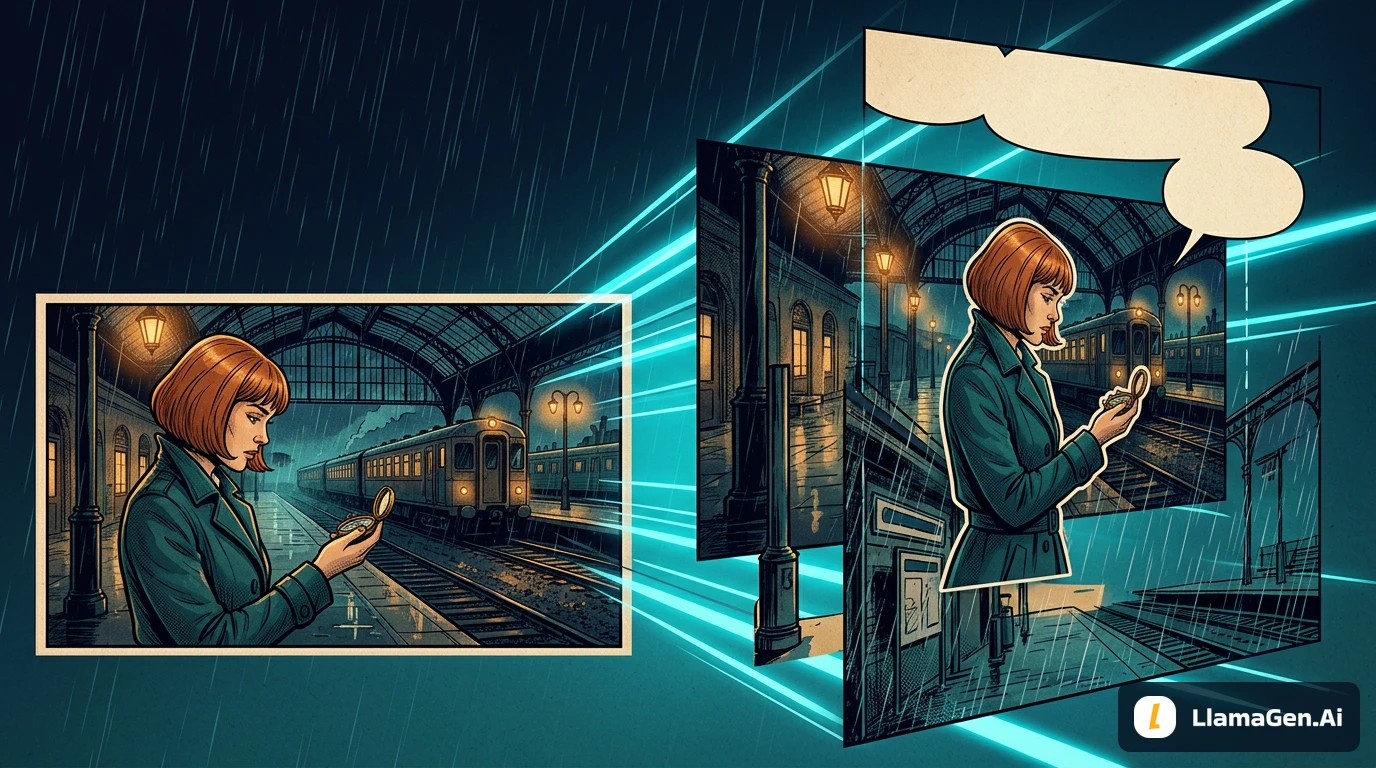
A finished comic PNG is easy to share. Moving a character, changing a balloon, or preparing a subtle camera move is harder because every visible element sits on the same pixel layer.
To make that image editable again, separate only the parts you need to change, inspect the reconstructed edges, and rebuild dialogue as live text. Keep the original image available as a reference throughout the process.
Start in LlamaGen.AI Visual Suite and open the Layer Splitter when you want to reuse an existing illustration.
What does an image layer splitter actually deliver?
The current AI Layer Splitter works in two stages. Quick Mode produces a reviewable PNG asset sheet, and PRO Mode produces a higher-quality sheet. Both first-pass results are still single images. A separate extraction step on a paid plan creates transparent PNG files, a ZIP, and a starter PSD. Check the current controls and pricing before you start each pass.
The asset sheet helps you approve the breakdown before you commit to extraction. The transparent files let you place parts independently in your editor. After download, confirm which deliverables you actually received before planning the next edit.
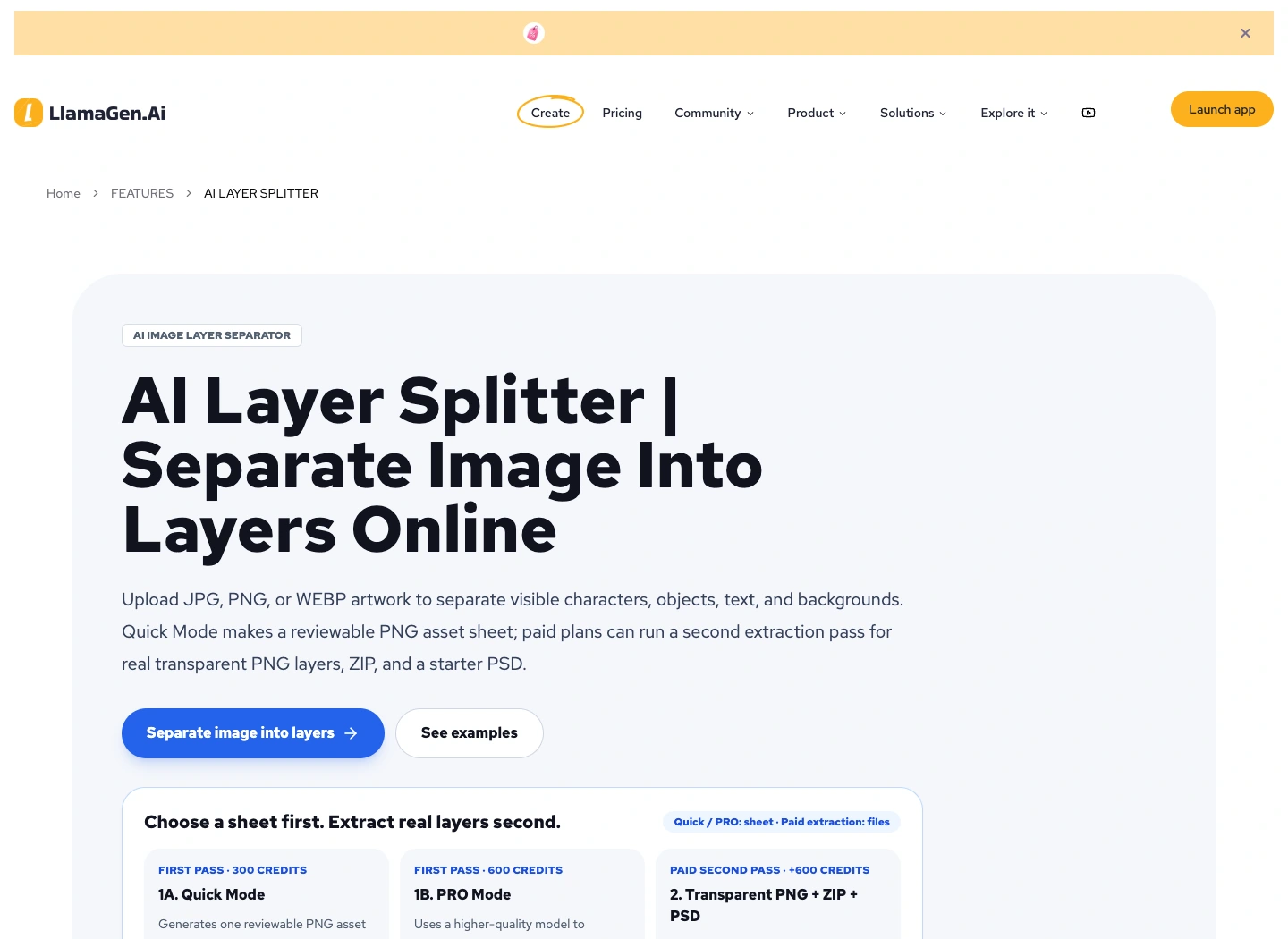
Public product page captured November 2, 2026. The diagrams below are original instructional illustrations, not screenshots of extraction results.
Layer separation also does not restore a missing original project. Picsart's image-to-layers explanation makes the same distinction: the output is a new breakdown of visible pixels. Hidden background detail and original type settings still need to be reconstructed.
Step 1: Decide what needs to become editable
Consider the example page: Mira stands in a rainy railway station holding a brass compass. A foreground railing overlaps her coat, and a balloon sits in the open wall area above her.
Write the intended change before splitting anything:
Goal: move Mira slightly right and shorten her dialogue.
Preserve: station perspective, coat design, compass and lighting.
Need separate: background, Mira, foreground railing, balloon, text.
Inspect: hair edges, fingers around compass, wall behind Mira.
This list prevents unnecessary work. If you only need new wording, rebuilding the balloon and text may be enough. If you need parallax, separating foreground, character, and background becomes useful. If you need a new pose, a redraw may be more practical than rearranging a cutout.
Keep the highest-resolution source you have. Save an untouched copy and a working copy with different filenames.
Step 2: Review the asset sheet before extracting
Upload a supported source image and generate the first-pass sheet. Compare it with the original at a size where small edges are visible.
Ask whether the breakdown supports your intended edit:
| Visible element | Useful separation | Review question |
|---|---|---|
| Station wall and windows | Background | Is perspective continuous? |
| Mira and her coat | Character | Are hair, hands, and accessories present? |
| Brass compass | Separate prop only if needed | Does its shape remain recognizable? |
| Foreground railing | Foreground | Can it still overlap the character correctly? |
| Balloon and dialogue | Shape plus rebuilt text | Can the wording be edited independently? |
Reject a sheet that changes the character or drops an essential object. Extracting a weak breakdown usually creates more cleanup later.
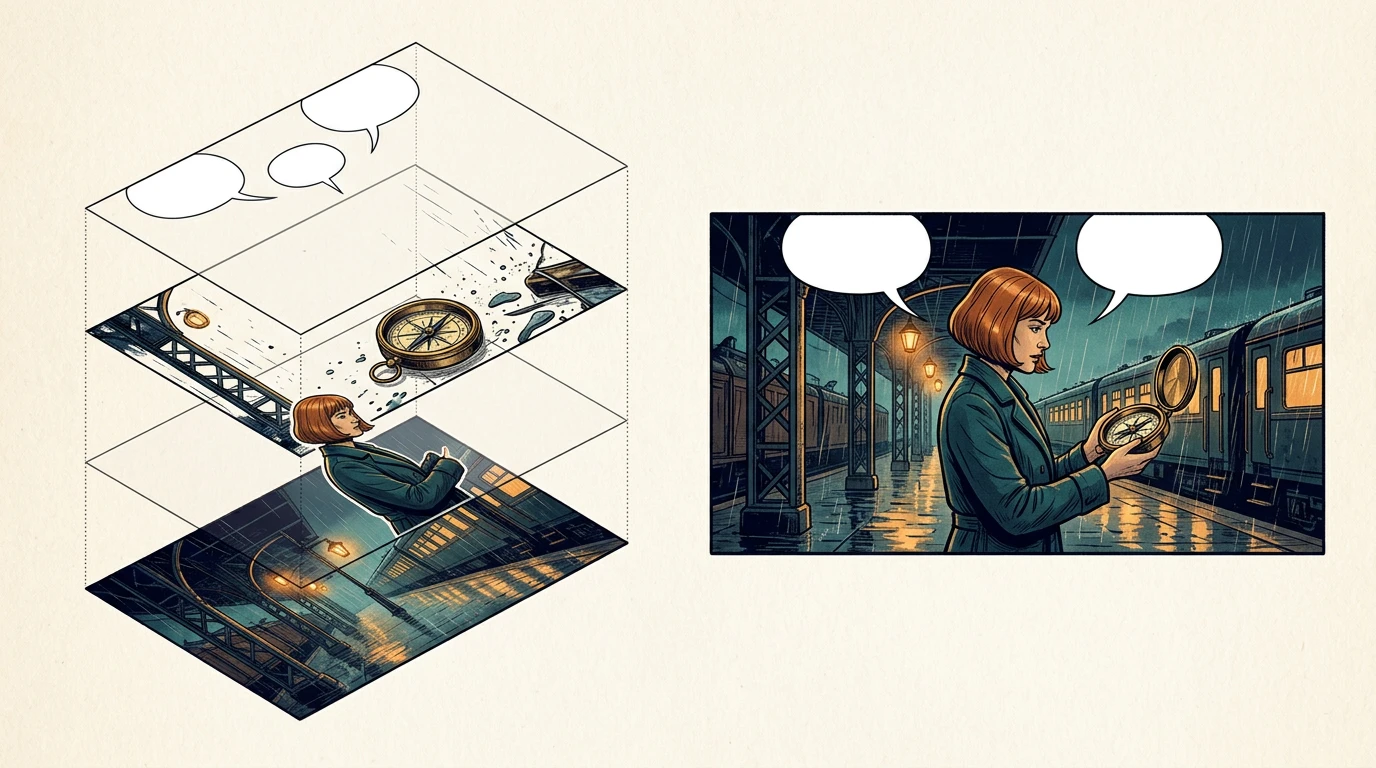
The stack illustrates layer roles. The exact layers returned by an extraction depend on the source image and the generated breakdown.
Step 3: Check transparency and alignment
After extraction, open the transparent assets on a contrasting background. A white rectangle around a character is not usable transparency. Check both a light and a dark backdrop because pale halos can disappear against white.
Place the files back into a document with the source canvas dimensions. Check each part's scale and position before moving anything. If an export uses tight crops, position those cropped assets manually rather than assuming every file shares the original coordinates.
Use simple layer names that describe their role:
station-background
mira-character
compass-prop
railing-foreground
balloon-shapes
dialogue-live-text
source-reference-locked
A reconstructed page should first match the original composition. Once that baseline is acceptable, make the requested change.
Step 4: Repair the areas that were hidden
Moving Mira reveals wall pixels that were not visible in the source. A splitter has to infer that area, or you have to repair it yourself. The same issue appears when removing a balloon from a detailed background.
Start with a small movement. Check the exposed region before attempting a larger camera move. Repeating bricks, window lines, floor reflections, and railings often make the repair boundary obvious.
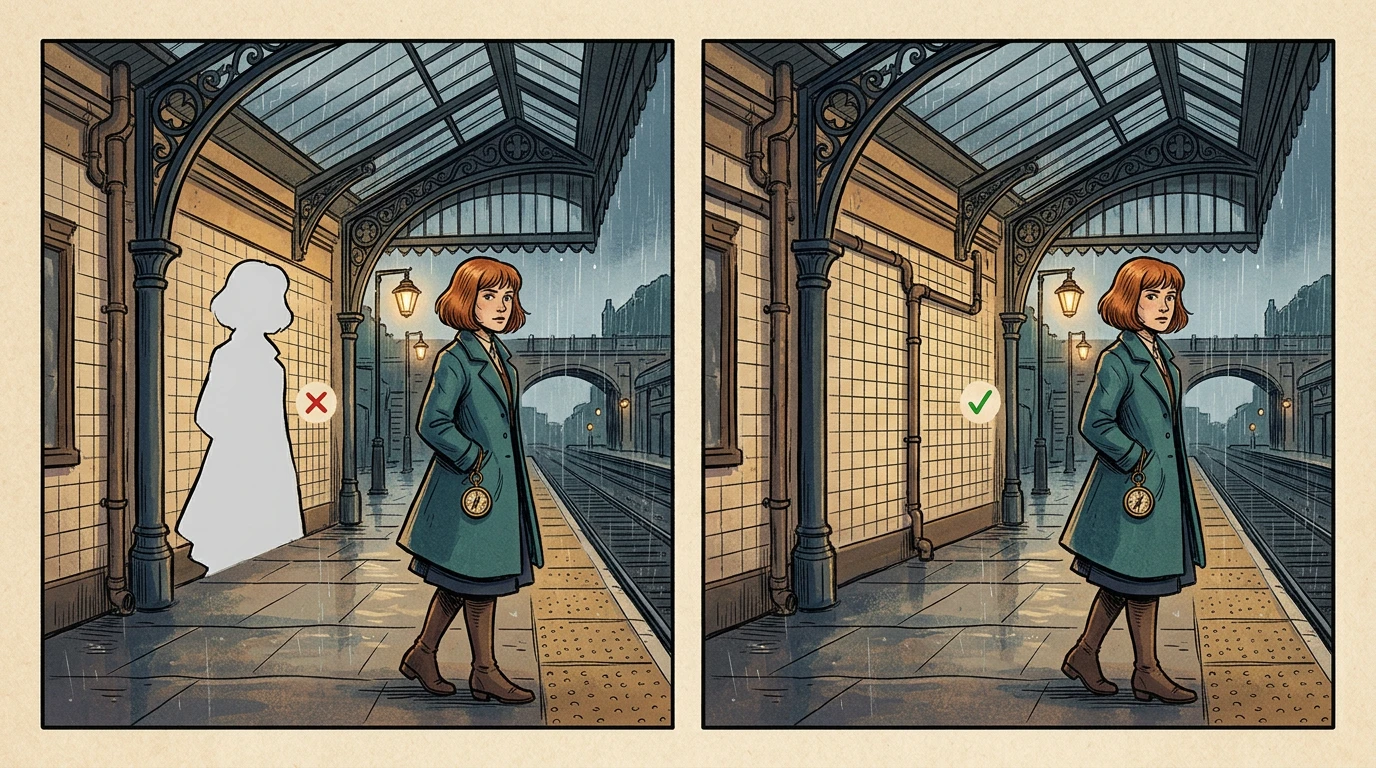
The failure example shows why an isolated character is only part of the job: the background underneath also has to hold up.
Use this repair direction when a local modification is appropriate:
Repair only the newly exposed station wall.
Continue the existing window perspective and warm light.
Preserve Mira, the compass, railing and the rest of the page.
Do not add signs, people or new objects.
Compare the repair with the original. If too much changes, go back to the working copy and reduce the repair region.
Step 5: Rebuild dialogue as editable type
Separating a picture of letters still leaves you with a picture of letters. Transcribe or recognize the text, proofread it, and then create a new live-text object in your editor. Keep the balloon shape independently editable.
Test a concrete change such as replacing “I think this belongs to someone” with “Someone lost this.” Confirm that you can update the line without repainting the character or background.
Check the font, line breaks, tail direction, and reading order at normal reading size. Keep sound effects on a separate layer if they may need localization later. The lettering workflow guide explains this separation in more detail.
How should you review time and cost?
Track first-pass generation, extraction, manual cleanup, and reassembly separately. A fast asset sheet is not the total time required to create an editable page.
Use a simple log with source filename, selected mode, displayed credits, elapsed time, rejected parts, cleanup minutes, and final export. Test one representative page before applying the process to a full chapter. Hair against rain, translucent objects, and overlapping hands deserve their own pilot checks.
Final page checklist
- The original source remains available and unchanged.
- Downloaded assets have usable transparency.
- Reassembled layers match the intended scale and composition.
- Newly exposed background areas have been inspected.
- Dialogue is live type rather than a raster crop.
- Balloon tails and overlaps still make sense.
- The editable project and a flattened preview both reopen correctly.
Open Visual Suite, choose one source page, and define one edit you want to make. A small verified reconstruction is a better foundation than splitting an entire book before reviewing the results.
FAQ
Will this restore my original PSD?
No. It creates a new editable starting point from visible artwork. Original masks, hidden content, fonts, and adjustment settings may be unavailable.
Can the first asset sheet be used as separate layers?
No. The first sheet is one image. Review it first, then use the extraction step if you need independent transparent files.
Can I animate the result immediately?
Try a restrained movement after checking edges and hidden regions. Larger movements may expose missing art and require additional reconstruction.
Product workflow reviewed November 2, 2026. Generated figures illustrate the method; they are not a benchmark of a live extraction run.
Related hot tags
Comic Workflow
Layer Editing
Comic Tutorial
Populārākie radošie rīki
Pārvērt iedvesmu nākamajā stāstā
Veidojiet komiksus, stāstu paneļus un stilizētas fotogrāfijas ar LlamaGen.
01
AI komiksu ģenerators
Pārvērtiet ideju par izstrādātām komiksu joslām minūšu laikā.
Izveidot komiksus02AI manga ģenerators
Veidojiet izteiksmīgu manga mākslu un vairāku paneļu stāstus.
Veidot mangu ar AI03AI sižetu ģenerators
Vizualizējiet katru ainu pirms ražošanas uzsākšanas.
Izveido stāstu dēļus ar mākslīgo intelektu04Pārvērt attēlu par komiksu
Pārvērt jebkuru fotogrāfiju komiksa stila ilustrācijā.
Izveido komiksus no attēliem05AI komiksu strēmelīšu veidotājs
Veido dalāmus komiksu kadrus ar konsekventiem tēliem.
Izveido komiksu lentes ar mākslīgo intelektu
Iededz sapņus jaunajiem
Kur miljoniem stāstu atdzīvojas
Pārskats par jaunākajām LlamaGen funkcijām, produkta uzlabojumiem, dizaina atjauninājumiem un svarīgiem kļūdu labojumiem.



