100 search interest
Image-to-image AI is the core intent
Users want to start from an image, preserve the subject, and quickly explore new styles, backgrounds, and campaign directions.
Prompt to production visual
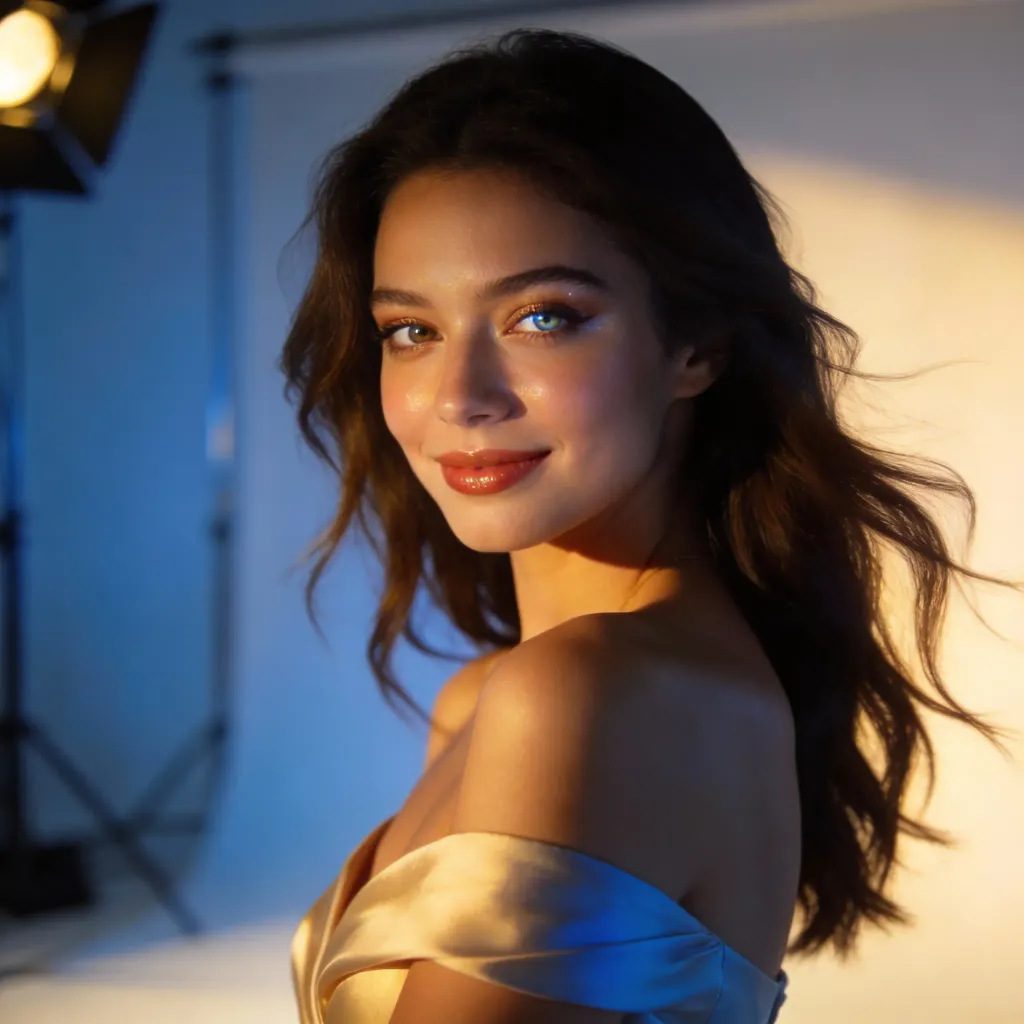
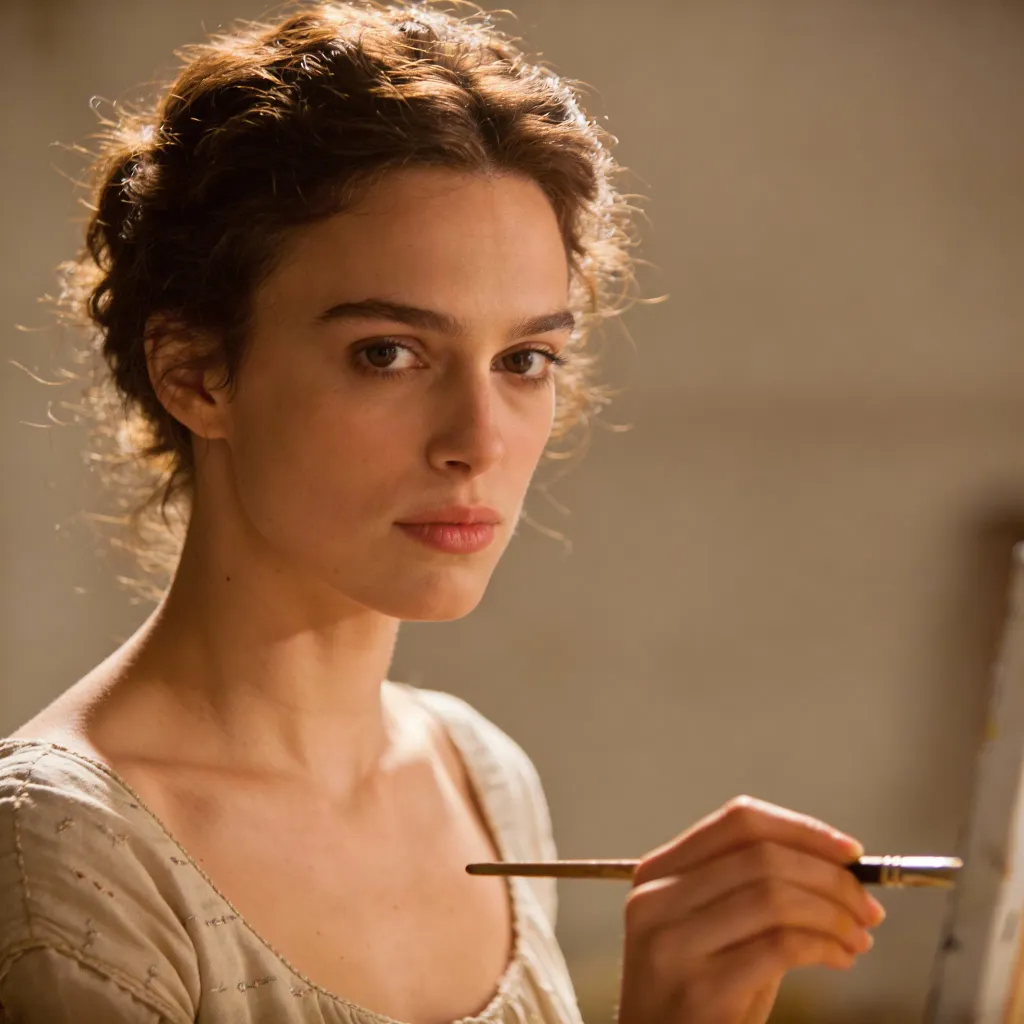
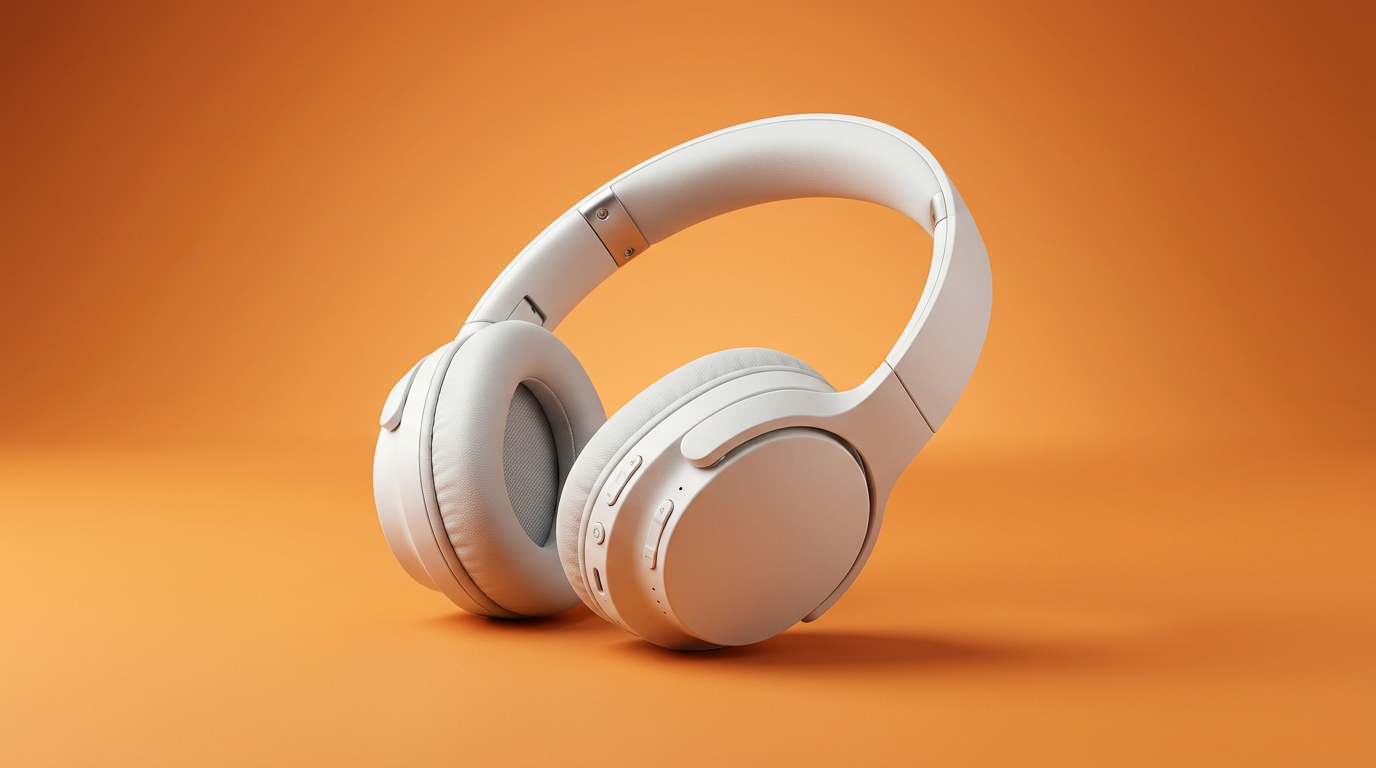
4 styles in seconds
Create realistic, product, editorial, anime, and thumbnail-ready images without opening a heavy design tool.
Free online AI image generation
Start with text or a reference image, then generate polished ad visuals, ecommerce shots, social posts, thumbnails, and video-ready frames in seconds.
Upload a reference image or start from a prompt
or drag in a reference
Paste a prompt, upload an image, or build image-to-image variations.
By creating or uploading an image, you agree to ourTerms of ServicePrivacy Policy
Stunning quality
Compare rough direction and refined output for image-to-image generation.
Create your first imageSEO trend-driven page focus
The page content maps current Google Trends demand to useful workflows: image-to-image AI, AI image generation, AI image editing, and image-to-video creative handoff.
Google Trends US, Jun 16 2025 - Jun 16 2026
Top related searches
Rising searches to cover
100 search interest
Users want to start from an image, preserve the subject, and quickly explore new styles, backgrounds, and campaign directions.
650% rising query
The page explains practical use cases, quality controls, and export workflows so visitors can evaluate LlamaGen quickly.
80% rising query
Copy emphasizes prompt refinement, reference-image iteration, and creative edits without positioning unsafe or unrestricted use.
200% rising query
Generated images can become consistent opening frames, thumbnails, storyboard beats, and creative inputs for video tools.
Create images for marketing, ecommerce, creators, agencies, and product teams without switching between prompt tools, editors, and stock libraries.
Generate clean product scenes, hero banners, lifestyle shots, and seasonal campaign images from one reference or prompt.
Create scroll-stopping images for Instagram, TikTok covers, YouTube thumbnails, blog headers, and ad creatives.
Upload a reference and explore different styles, compositions, lighting, and background directions.
Refine prompts, change mood, reshape visual direction, and generate cleaner iterations for production use.
Create product backdrops, character scenes, editorial environments, and brand-aligned visual settings.
Prepare consistent stills for image-to-video tools, ad storyboards, comic panels, and motion concepts.
How it works
The workflow is designed for fast iteration: write a prompt, add a reference if you have one, then export assets for real campaigns.
Add subject, audience, format, lighting, background, style, and where the image will be used.
Use image-to-image AI when you want to preserve a subject, product, pose, character, or composition.
Create multiple options, adjust the prompt, then export the strongest image for ads, posts, product pages, or video.
All-in-one AI image generator
LlamaGen helps teams move from idea to image quickly, whether the output is a product hero, concept art, social graphic, character visual, or ecommerce scene.
Image-to-video handoff
Search demand for image-to-video is rising. Use the AI image generator to design key frames, covers, thumbnails, and visual references before moving into video generation.
Marketing
Produce ad concepts, social images, and campaign variations before the creative brief slows down.
Growth teams
Campaign ideation and testing
Ecommerce
Move from product reference to clean hero images, seasonal looks, and lifestyle scenes in one workflow.
Shop owners
Product pages and marketplace listings
Creators
Design thumbnails, character visuals, covers, and image-to-video starting frames without a blank canvas.
Independent creators
Content, comics, and video concepts
Answers for the highest-intent AI image searches: image-to-image, text-to-image, AI image editing, commercial use, and image-to-video workflows.
An AI image-to-image generator starts from a reference image and creates new variations while keeping important visual direction such as the subject, pose, product, layout, or composition. It is useful when you want more control than a pure text-to-image prompt.
Yes. You can start creating AI images online for free and use the workflow to test prompts, explore styles, and generate visuals for ads, social posts, product pages, thumbnails, and creative concepts.
An AI image editor usually changes an existing image. LlamaGen combines generation and editing-style workflows: you can write prompts, use reference images, create image-to-image variations, and refine visual direction through new generations.
Strong prompts include the subject, audience, format, style, lighting, camera angle, background, mood, color palette, and intended use. For example, specify whether the image is for an ecommerce hero, social post, YouTube thumbnail, or video frame.
Generated images can be used for many commercial workflows such as ads, ecommerce listings, thumbnails, and campaign drafts. Review LlamaGen's terms and any project-specific requirements before publishing final assets.
Yes. AI-generated still images are useful as opening frames, storyboard beats, thumbnails, and visual references for image-to-video workflows.
No. You can start with plain language. Better results come from adding details about format, lighting, composition, background, and brand mood, but you do not need professional design software to begin.
Use LlamaGen to generate image-to-image variations, ad visuals, product scenes, thumbnails, and video-ready frames from one simple workflow.