

Kawalan Sudut Kamera - Penyunting Sudut Foto dengan AI
Muat naik media, tahan dan seret untuk menukar sudut kamera, dan jana daripada 12 sudut terbaik. Ubah imej anda dengan Kawalan Sudut Kamera Imej AI menggunakan perbualan semula jadi serta kawalan sudut mendatar, sudut menegak dan jarak zum.
Sunting melalui chat, luaskan babak, buang objek, tukar latar belakang, dan jana sudut kamera baharu daripada satu foto dengan aliran kerja Qwen Image Edit dan AIOmnigen.
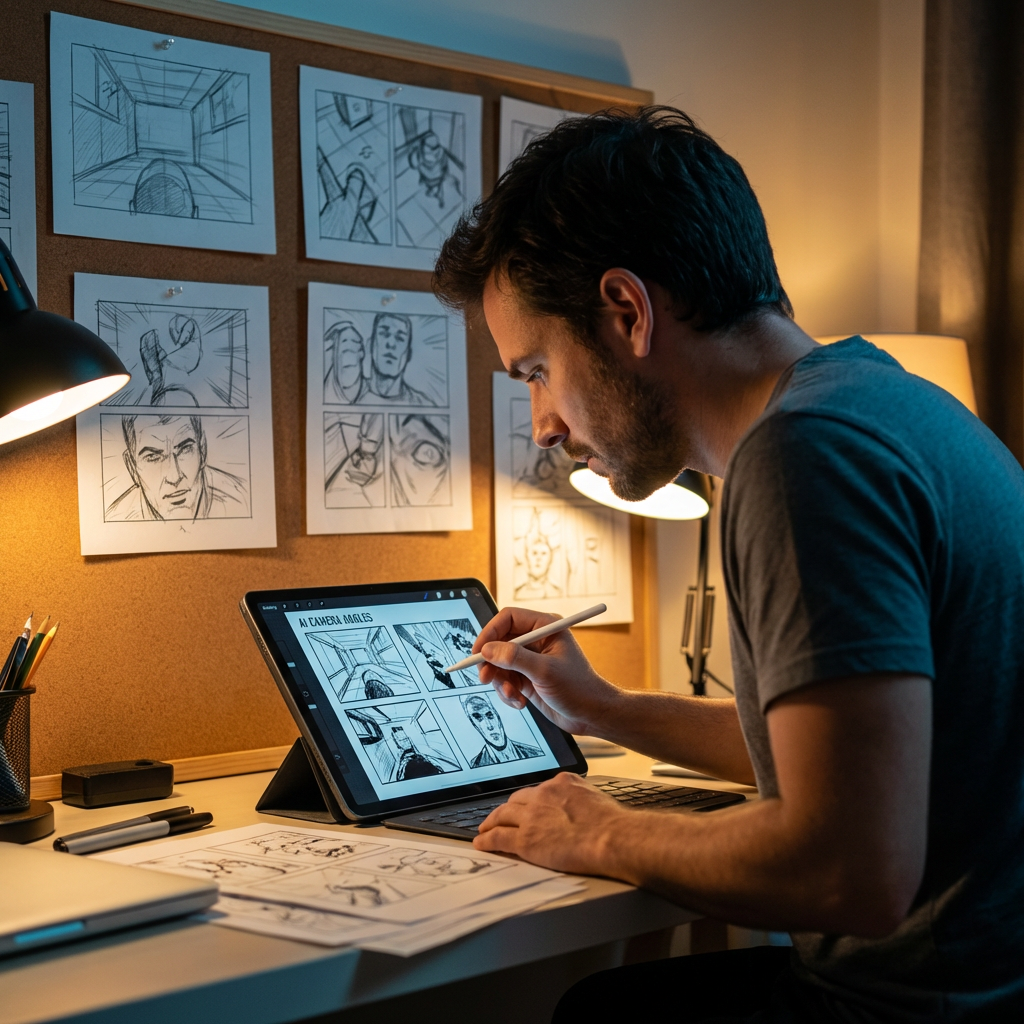
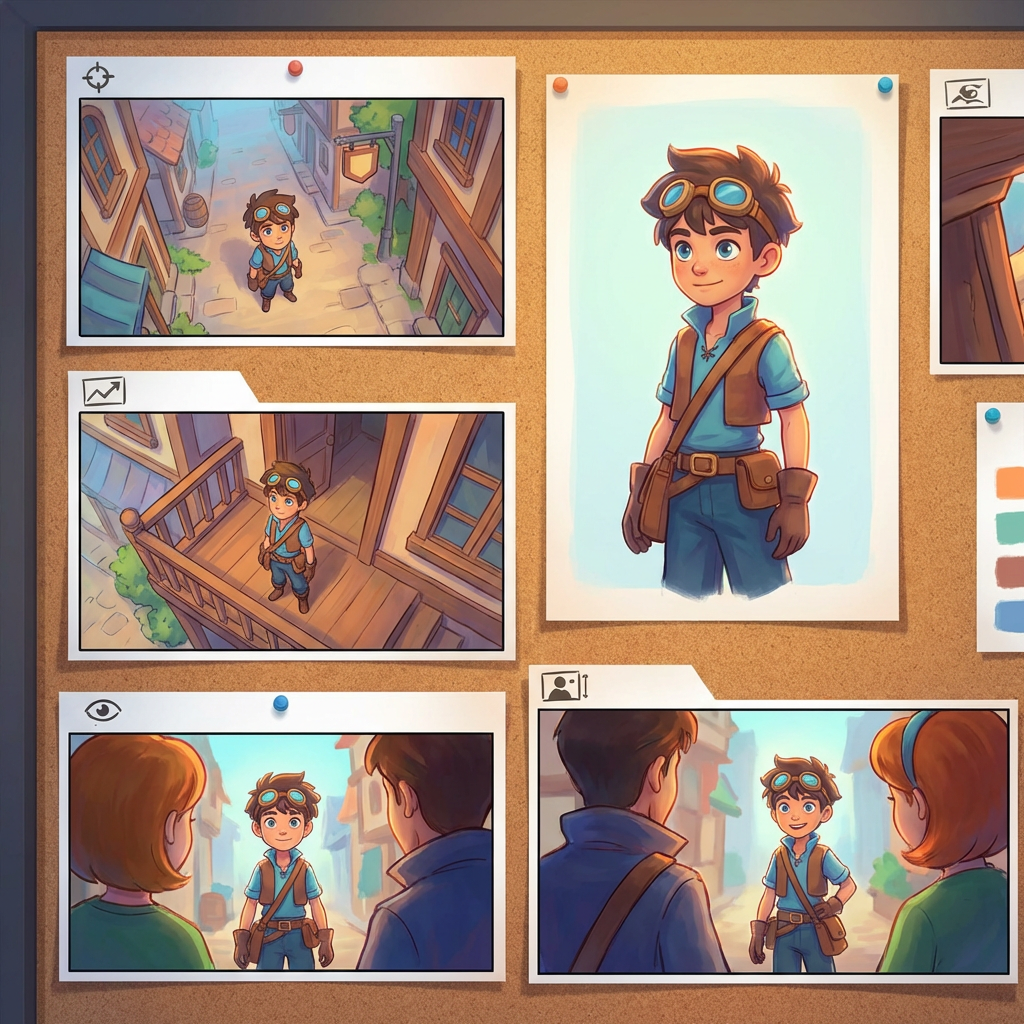
Makmal sudut interaktif
Muat naik satu imej, ubah sudut, dan sunting melalui chat
Alat terbenam ini membolehkan anda mengubah imej melalui perbualan semula jadi. Muat naik satu foto, kemudian luaskan, buang objek, tukar latar belakang, atau jana sudut kamera baharu dengan kawalan kamera interaktif dan model suntingan termasuk Qwen Image Edit.
Multi-Angles
Source Reference
Upload a reference image
Use the Replace and Remove buttons above anytime.
Generated Result
Examples
Source
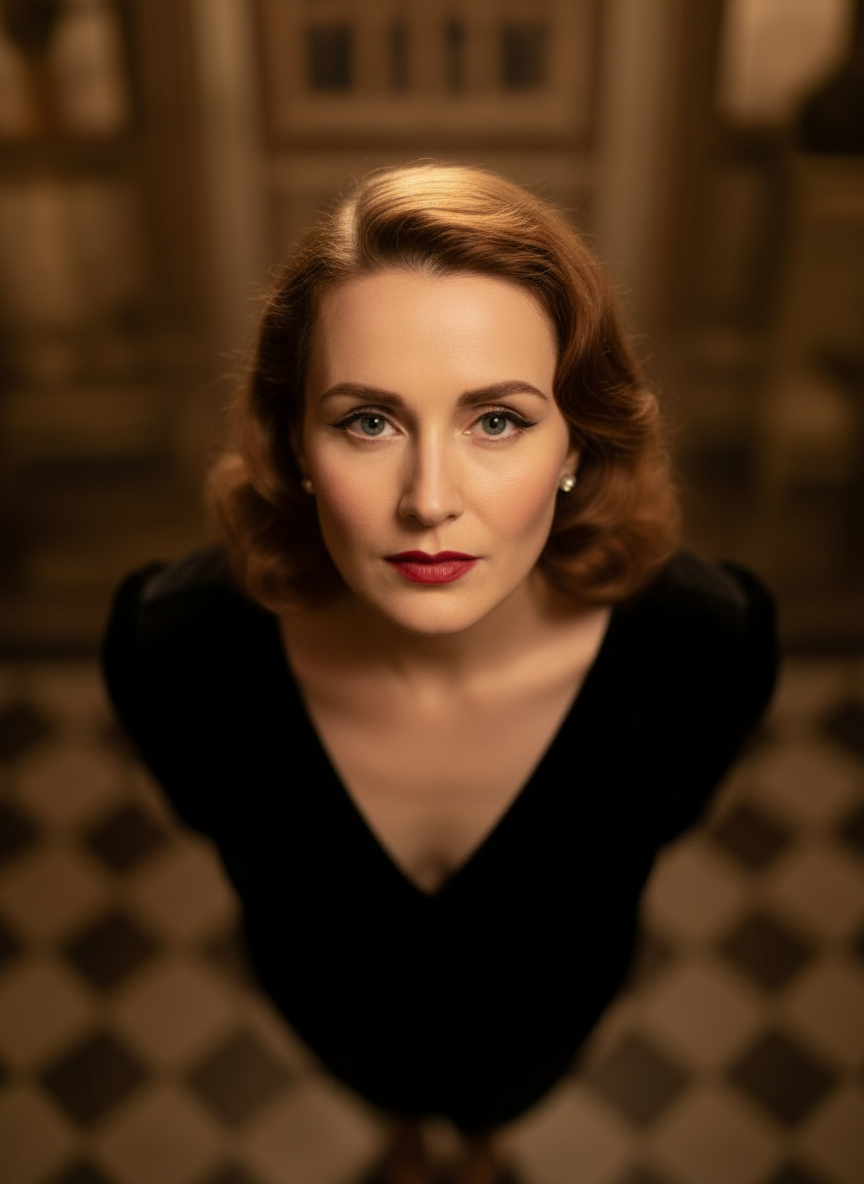
Overhead Angle
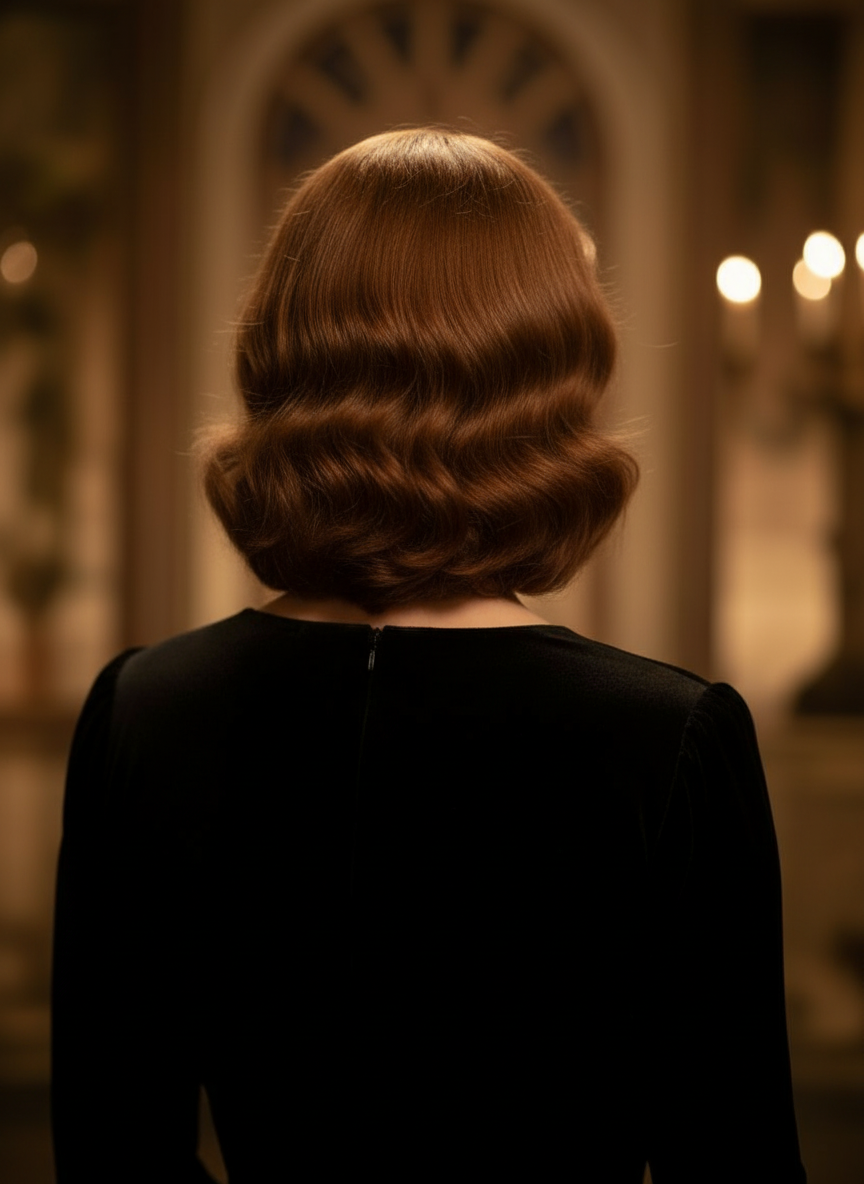
Back Angle
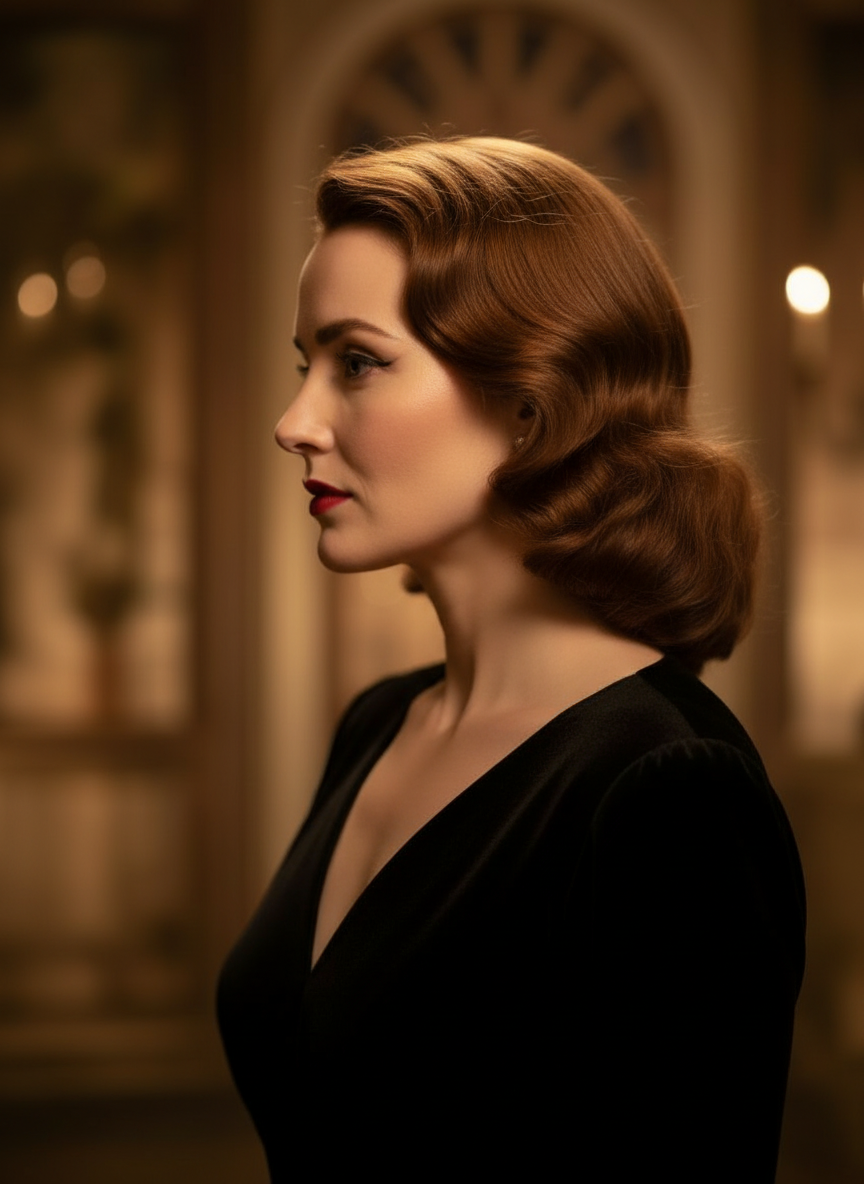
Three-Quarter Side
Ubah imej anda melalui perbualan semula jadi
Hanya muat naik satu imej dan chat untuk membuat suntingan. Luaskan bingkai, buang objek, tukar latar belakang, dan jana sudut kamera alternatif tanpa membina semula imej dari awal.
Buka Kawalan Sudut KameraLaraskan sudut mendatar, sudut menegak dan jarak zum
Tahan dan seret untuk menukar sudut kamera atau gunakan peluncur intuitif untuk melaraskan sudut mendatar, sudut menegak dan jarak zum. Jana variasi bersih daripada satu foto dengan aliran kerja kawalan kamera imej yang lebih pantas.
Jana sudut baharuCara menggunakan Kawalan Sudut Kamera dalam 3 langkah
Aliran kerja ringkas untuk penyuntingan foto, pembingkaian semula dan kawalan kamera AI.
Muat naik imej subjek
Mula dengan satu foto atau imej rujukan yang anda mahu kekalkan secara konsisten semasa menyunting dan membingkai semula.
Tetapkan pelan kamera
Pilih salah satu daripada 12 sudut terbaik, kemudian tahan dan seret atau gunakan kawalan untuk melaraskan sudut mendatar, sudut menegak, kecondongan dan jarak zum.
Chat, render, dan semak
Huraikan suntingan dalam bahasa semula jadi, jana paparan baharu, dan semak hasilnya untuk reka bentuk, kandungan atau serahan produksi.
Hasil Alat Sebenar
Satu Imej Input, Satu Hasil Sudut Kamera yang Dijana
Bandingkan imej sumber dengan output yang dihasilkan melalui aliran kerja Kawalan Sudut Kamera. Subjek kekal mudah dikenali sementara sudut pandang berubah menjadi kajian sudut yang lebih luas.
Input
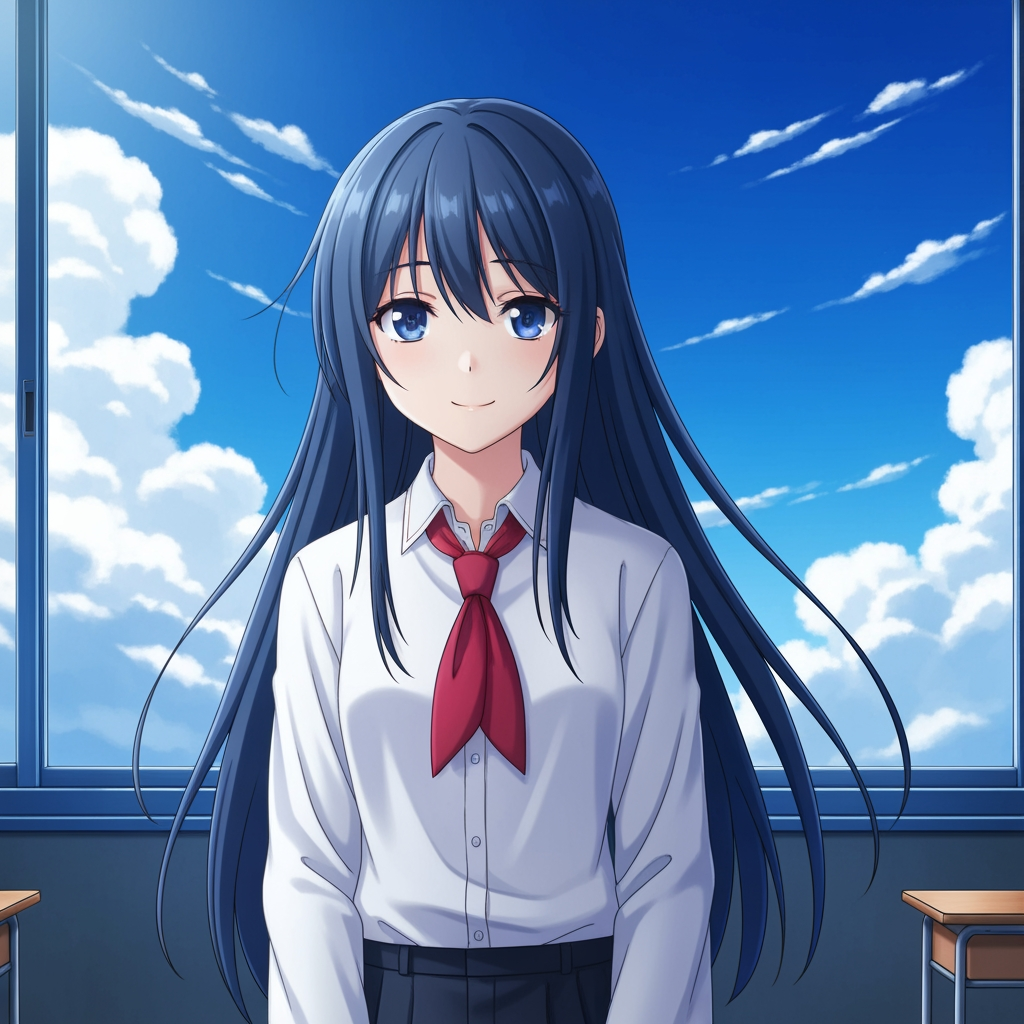
Imej subjek asal
Lukisan asas kekal tidak berubah. Ini ialah imej sumber yang digunakan untuk mengawal langkah sudut kamera.
- Peranan
- Rujukan yang dimuat naik
- Subjek
- Satu watak anime
Output Dijana

Hasil sudut kamera yang dibingkaikan semula
Output yang dijana menukar rujukan yang sama menjadi kajian sudut yang lebih luas untuk perancangan shot dan semakan visual.
- Peranan
- Variasi yang dijana
- Kegunaan
- Semakan sudut dan pembingkaian
Imej di bawah ialah pasangan sumber-dan-output sebenar daripada aliran kerja alat ini, bukan mockup stok. Hasil AI berbeza mengikut imej sumber, model yang dipilih, sudut, dan kawalan pembingkaian.
Apa itu Kawalan Sudut Kamera?
Kawalan Sudut Kamera ialah penyunting sudut foto dengan AI untuk mereka yang mahu mengubah imej melalui perbualan semula jadi. Muat naik satu imej, chat untuk menyuntingnya, kemudian laraskan sudut, kecondongan, pembingkaian dan zum untuk menjana sudut pandang baharu sambil mengekalkan identiti subjek yang konsisten.
Prompt to Comic
Jana daripada 12 sudut terbaik
Terokai sudut rendah, sudut tinggi, paras mata, sudut Belanda, atas bahu dan preset kamera lain yang boleh digunakan semula sebelum anda muktamadkan.
Jana daripada 12 sudut terbaik
Terokai sudut rendah, sudut tinggi, paras mata, sudut Belanda, atas bahu dan preset kamera lain yang boleh digunakan semula sebelum anda muktamadkan.
Kekalkan satu subjek yang konsisten
Gunakan imej rujukan supaya alat ini mengekalkan subjek, logik pencahayaan dan identiti visual lebih dekat kepada foto asal.
Sunting dan bingkaikan semula dalam satu aliran kerja
Gabungkan suntingan imej berasaskan chat dan kawalan kamera untuk meluaskan babak, membuang objek, menukar latar belakang, dan membingkaikan semula imej yang sama.

Mengapa pasukan menggunakan ini untuk penerokaan sudut kamera
Dibina untuk penerokaan shot, perancangan liputan dan semakan visual yang pantas.
Janaan berpandukan rujukan
Mula daripada imej asas yang dimuat naik, bukan daripada prompt subjek baharu setiap kali.
Preset sudut yang sepadan dengan bahasa produksi
Uji dengan cepat liputan paras mata, sudut rendah, sudut tinggi, sudut Belanda, pandangan mata burung dan atas bahu.
Berguna untuk previz dan papan
Bandingkan idea shot sebelum storyboard, susun atur komik atau semakan animasi dimuktamadkan.
Sedia untuk komik dan kartun
Tukar antara arah visual komik dan kartun tanpa membina semula panel kawalan.
Eksperimen pembingkaian pantas
Bergerak daripada close-up ke wide shot dan daripada kecondongan neutral ke pentas dramatik dalam beberapa saat.
Direka untuk kitaran semakan
Jana satu kajian sudut, bincangkannya, kemudian ulang iterasi pada seterusnya dengan segera.
Soalan lazim
Apa yang dilakukan oleh Kawalan Sudut Kamera?
Ia mengubah imej anda melalui perbualan semula jadi dan kawalan kamera interaktif, membantu anda menjana sudut kamera baharu, meluaskan babak, membuang objek, dan menukar latar belakang daripada satu imej yang dimuat naik.
Bolehkah saya menjana sudut kamera baharu daripada satu foto?
Ya. Muat naik media sekali, kemudian jana daripada 12 sudut terbaik sambil melaraskan sudut mendatar, sudut menegak dan jarak zum.
Perlukah saya memuat naik imej rujukan?
Ya. Aliran kerja ini direka sekitar penjanaan imej ke imej supaya model boleh mengekalkan subjek lebih dekat dengan papan, watak atau babak asal anda.
Apakah jenis sudut kamera yang boleh saya uji?
Anda boleh menguji paras mata, sudut rendah, sudut tinggi, atas bahu, sudut Belanda, pandangan mata burung dan preset sudut berpandu lain, kemudian memperhalusinya dengan kawalan seret dan peluncur.
Adakah ini berguna untuk semakan storyboard dan previz?
Ya. Ia berguna untuk pengarah, artis storyboard, pasukan komik dan artis previz yang memerlukan penerokaan shot yang lebih pantas dan perbandingan sudut.
Model manakah yang menggerakkan suntingan dan kawalan kamera?
Aliran kerja ini direka untuk model penyuntingan imej moden termasuk Qwen Image Edit dan kawalan kamera imej gaya AIOmnigen, bergantung pada laluan penjanaan yang aktif.
Perlu papan yang boleh digunakan semula selepas penerokaan sudut?
Buka Templat Storyboard Percuma untuk membahagikan helaian storyboard, memuat turun bingkai yang kemas, dan memastikan pakej semakan anda teratur.
Pergi ke Templat Storyboard PercumaSedia untuk mengawal sudut seterusnya bagi imej anda?
Muat naik satu imej, tahan dan seret untuk menukar sudut kamera, dan jana paparan baharu dalam beberapa minit.