A comic script is not a novel paragraph with line breaks.
It is a production plan. Each panel needs one clear job, one visual moment, and enough direction for a reader, artist, or AI system to understand what should appear on the page. If you skip this step, generation becomes guesswork: too much action in one panel, inconsistent camera angles, confusing dialogue, and backgrounds that do not support the story.
This guide continues the series:
Today you will create one practical output:
A 4-6 panel comic page script with visual direction, dialogue, and generation notes.
That script becomes the input for the next article: generating the comic page.
For a first page, keep the structure simple:
Panel 1: Establish the location.
Panel 2: Show the character's normal pressure.
Panel 3: Introduce the trigger.
Panel 4: Make the conflict visible.
Panel 5: Force a choice.
Panel 6: End with a hook.
Each panel should include:
Here is the working template:
Panel number:
Purpose:
Shot type:
Location:
Characters:
Action:
Emotion:
Background anchors:
Dialogue/caption:
Continuity notes:
Generation prompt:
This structure is usually enough to guide a page without overloading every panel.
A story seed can describe what happens. A character sheet can define who appears. A world bible can define where it happens.
The comic script decides how the reader experiences it.
Without panel planning, a prompt like this is too vague:
Leo finds a robot in the floating junk market and runs from guards.
That could turn into one crowded image, a random chase, or a scene with no readable sequence. A panel script turns the same idea into controlled visual beats:
A rundown of the latest LlamaGen feature releases, product enhancements, design updates, and important bug fixes.
| Beat | Reader sees |
|---|---|
| Setup | Floating junk market above open sky |
| Character pressure | Leo failing a repair in public |
| Trigger | A crate opens by itself |
| Discovery | Tiny robot repeats his sister's voice |
| Danger | Guard lights turn red |
| Hook | Robot projects a map to an impossible platform |
Now the page has rhythm.
Every page should have one main job.
For a first page, useful jobs include:
For the Leo story, the page job is:
Introduce Leo, show the floating junk market, reveal the robot, and end with the map hook.
That sentence keeps the page from trying to do too much.
A practical first-page structure is:
1 wide panel
3 medium panels
1 close-up
1 hook panel
For manga or webtoon, you may adjust the shape:
| Format | Good structure |
|---|---|
| Single comic page | 4-6 panels with a clear final beat |
| Webtoon episode opening | 5-7 vertical beats with more spacing |
| Manga page | 5-6 panels with stronger black-and-white contrast |
| Comic strip | 3-4 panels with one clean punch or reveal |
Do not start with 12 panels. More panels create more continuity risk and usually reduce clarity on an opening page.
A panel should not do five jobs at once.
Weak panel purpose:
Leo is at the market, fixing a machine, feeling nervous, hearing his sister, seeing the robot, and guards arrive.
Stronger sequence:
Panel 1: Establish the floating market.
Panel 2: Show Leo failing a repair.
Panel 3: Show the crate opening.
Panel 4: Show Leo hearing his sister's voice.
Panel 5: Show guard lights turning red.
Panel 6: Show the robot map hook.
Each panel gets one core visual idea.
Shot type tells the reader where to look.
Use this simple set:
For the Leo page:
| Panel | Shot type | Reason |
|---|---|---|
| 1 | Wide shot | Establish the floating market |
| 2 | Medium shot | Show Leo working under pressure |
| 3 | Detail shot | Make the crate important |
| 4 | Close-up | Show Leo's emotional reaction |
| 5 | Low angle | Make the guard lights feel dangerous |
| 6 | Over-the-shoulder | Show Leo and the impossible map together |
Shot types make generation prompts easier and pages more readable.
Here is a complete first-page script using the story, character sheet, and world notes from the previous guides.
Page job:
Introduce Leo, show the floating junk market, reveal the robot, and end with the map hook.

Panel 1:
Purpose: establish the world
Shot type: wide establishing shot
Location: Floating Junk Market
Characters: Leo as a small figure near a repair stall
Action: stacked salvage platforms hang above open sky while people move across narrow bridges
Emotion: adventurous, busy, slightly unstable
Background anchors: hanging cables, warning flags, pulley crates, open sky
Dialogue/caption: Caption: "The market floated high enough that broken things sometimes fell for minutes."
Continuity notes: keep the market above open sky; use dusty gray, faded yellow, rust orange
Generation prompt: wide cinematic manga panel of a floating junk market above open sky, stacked salvage platforms, hanging cables, warning flags, pulley crates, small repair stall, busy but readable background, no readable text

Panel 2:
Purpose: show Leo's normal pressure
Shot type: medium shot
Location: Floating Junk Market repair stall
Characters: Leo
Action: Leo tightens a screw on a wheezing machine as smoke puffs from the wrong side
Emotion: anxious focus, embarrassed determination
Background anchors: tool bench, patched metal, canvas awning, warning flags in distance
Dialogue/caption: Leo: "Almost fixed. Probably."
Continuity notes: Leo has messy black hair, copper clip, tan utility jacket, cheek bandage, dented screwdriver
Generation prompt: medium manga panel of Leo, nervous apprentice repair kid, tightening a screw on a damaged machine at a floating market repair stall, smoke puff, anxious focus, preserve copper hair clip, cheek bandage, tan utility jacket, dented screwdriver

Panel 3:
Purpose: introduce the trigger
Shot type: detail shot
Location: repair stall floor
Characters: Leo's hand only
Action: a dented delivery crate clicks open by itself beside Leo's boot
Emotion: quiet surprise
Background anchors: scratched metal floor, crate latch, loose bolts
Dialogue/caption: SFX: click
Continuity notes: keep crate dented and old; avoid extra characters
Generation prompt: close detail manga panel of a dented delivery crate on scratched metal floor beside a worn boot, latch opening by itself, loose bolts, tense quiet moment, no readable text

Panel 4:
Purpose: make the discovery emotional
Shot type: close-up
Location: repair stall
Characters: Leo, tiny robot
Action: the tiny robot looks up from the crate and repeats a voice Leo recognizes
Emotion: shock, hope, fear
Background anchors: crate edge, tool shadows, soft sky light
Dialogue/caption: Robot: "Leo?"
Continuity notes: Leo's face should show recognition; keep robot small and simple
Generation prompt: close-up cinematic manga panel of Leo staring at a tiny robot inside a dented crate, shocked expression, hopeful fear, soft daylight, tool shadows, preserve Leo's face details and outfit anchors

Panel 5:
Purpose: add danger
Shot type: low angle
Location: Guard Checkpoint Bridge near the market
Characters: guard silhouettes, Leo at the foreground edge
Action: red signal lights switch on across the bridge while guards turn toward the repair stall
Emotion: danger, exposure, urgency
Background anchors: steel gate ribs, red warning lights, narrow bridge
Dialogue/caption: Guard: "Seal the bridge."
Continuity notes: checkpoint uses red warning lights; keep guards as silhouettes
Generation prompt: low angle manga panel of a narrow guard checkpoint bridge, steel gate ribs, red warning lights turning on, guard silhouettes looking toward market repair stall, tense atmosphere, no readable signs

Panel 6:
Purpose: end with a hook
Shot type: over-the-shoulder
Location: repair stall looking toward open sky
Characters: Leo, tiny robot
Action: the robot projects a map line toward an unlisted platform below the market
Emotion: mystery, impossible choice
Background anchors: open sky, hanging cables, faint silver route line, distant pale arches
Dialogue/caption: Caption: "The map pointed down, to a place the market said did not exist."
Continuity notes: show Leo holding the dented screwdriver; make the map visual but avoid readable words
Generation prompt: over-the-shoulder manga panel of Leo holding a tiny robot as it projects a glowing map line toward an impossible hidden platform below a floating market, open sky, hanging cables, distant pale arches, mysterious silver light, no readable text
That is a usable 6-panel first page.
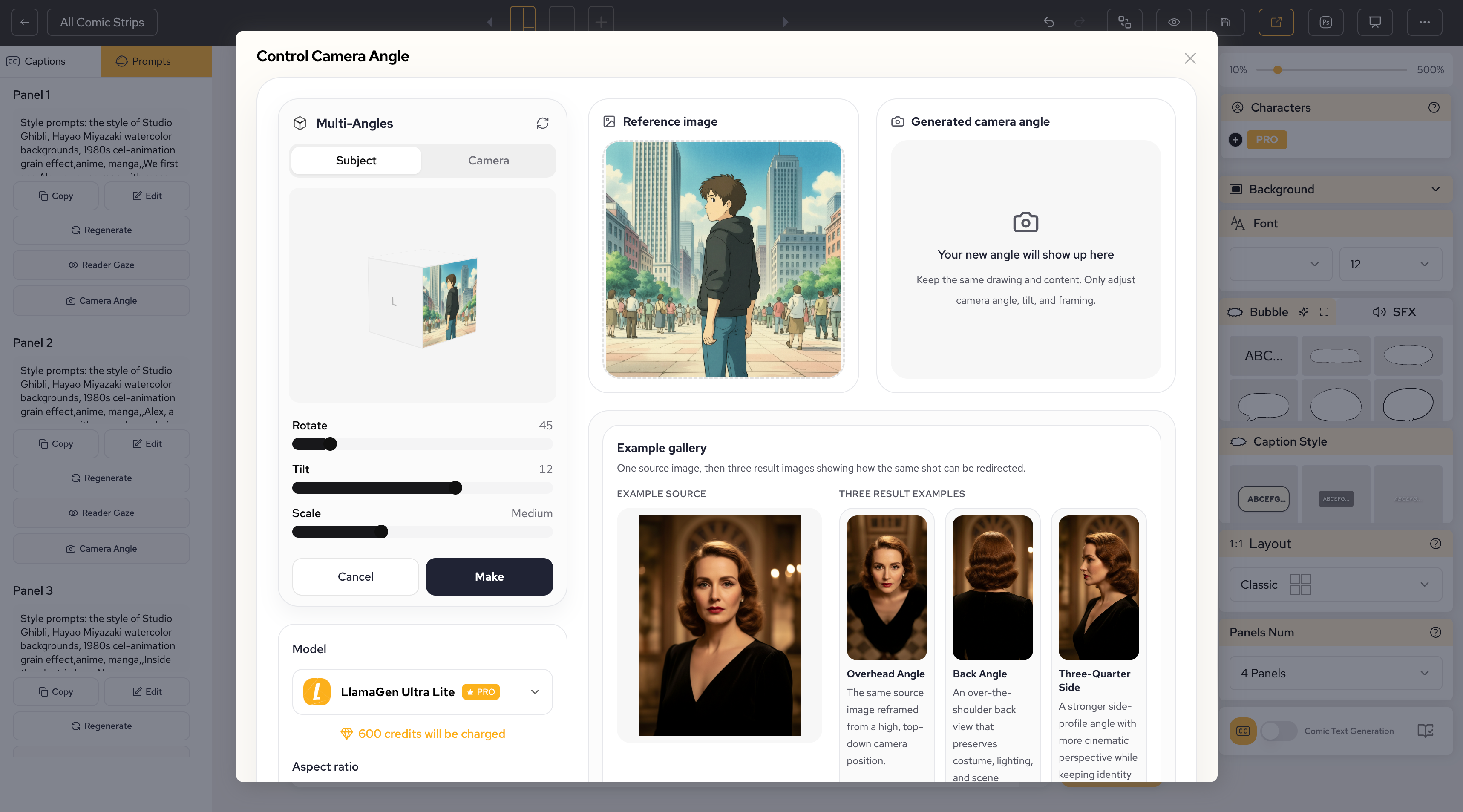
LlamaGen.AI works best when the script is treated as a structured visual brief instead of a loose story paragraph. Clear panel separation makes it easier to control flow, camera, characters, and continuity.
Use LlamaGen.AI to create:
Start by pasting:
Story seed:
[paste Day 1 story seed]

Character sheet:
[paste Day 2 character sheet]

World bible:
[paste Day 3 locations and style rules]

Panel script:
[paste the 4-6 panel script]
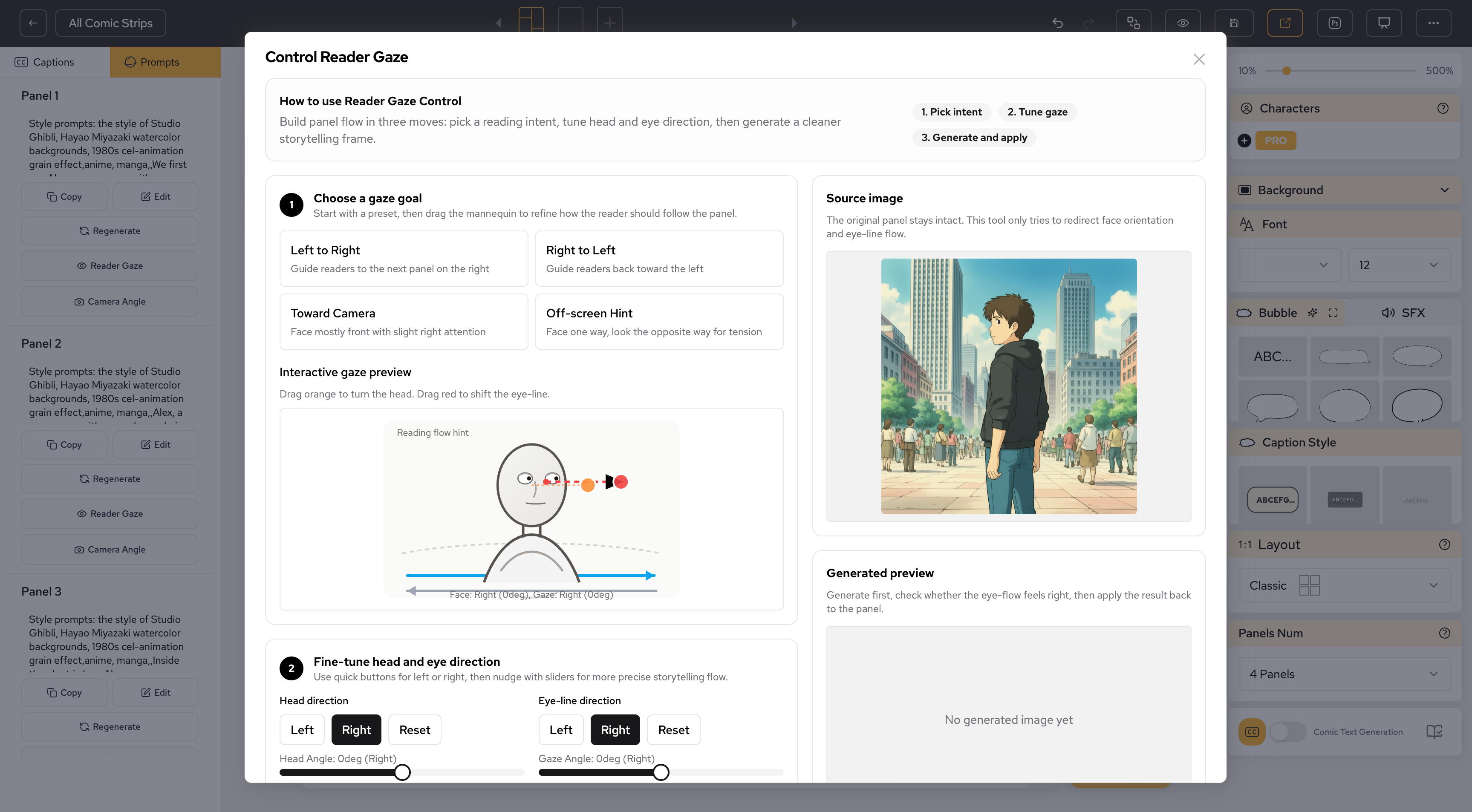
Then ask for a first visual draft. Do not ask for final polish immediately. First, check whether the sequence is readable, whether the character stays on-model, and whether the locations remain consistent from panel to panel.
A simple review pass after the first draft helps catch the most common issues:
Use these prompts to move from notes to a clean panel script.
Turn this comic story seed, character sheet, and world bible into a 6-panel first page script:
[paste story seed]
[paste character sheet]
[paste world bible]

For each panel include:
- purpose
- shot type
- location
- characters
- action
- emotion
- background anchors
- dialogue or caption
- continuity notes
- image-generation prompt
Keep each panel focused on one visual beat.
Review this comic panel script for pacing:
[paste panel script]

Find:
- panels doing too many jobs
- missing establishing shots
- unclear transitions
- weak final hook
- dialogue that could be more visual
Return a revised 4-6 panel version.
Convert this story paragraph into comic panel beats:
[paste paragraph]

Output:
Panel number | Beat purpose | Visible action | Shot type | Emotion | Hook value
Limit it to 4-6 panels.
Convert this comic script into AI-ready panel prompts:
[paste panel script]

Rules:
- preserve character anchors
- preserve location anchors
- keep prompts concise
- include shot type and emotion
- avoid readable text unless it is handled separately as dialogue
Check this panel script for continuity risks before generation:
[paste panel script]

Review:
- character appearance consistency
- location consistency
- prop continuity
- camera flow
- dialogue clarity
- final hook strength
Return a short fix list and a revised script.
Before you generate art, check your script:
Watch for these problems:
If the page feels confusing in script form, it will usually be more confusing after generation.
The next article in this series is Generate a Comic Page. That guide turns this panel script into a full visual comic page.
Previous step: Comic World Building
Start from Day 1: How to Start a Comic Story
When you are ready to generate the first visual draft, start here:
Just refer your friends, followers, and customers to earn up to 30% in recurring commissions for a lifetime!