You do not need strong drawing skills to start making manga. You need a clear story idea, a few reusable character details, and a workflow that turns writing into panels without forcing you to become a penciler, inker, colorist, letterer, and layout artist all at once.
That is good news for writers. Many manga ideas begin as scenes, not sketches: a lonely transfer student finding a hidden club room, a detective chasing a rumor through a rainy arcade, or a fantasy courier crossing a city where every rooftop has a shrine. If you can describe what happens, who is in the scene, and what the reader should feel, you already have the raw material for a manga page.
This tutorial shows a practical way to make manga without drawing from scratch. The goal is not to replace artistic judgment. The goal is to give beginners and writers a repeatable production path: outline the story, define characters, plan panels, generate a first page, edit weak spots, add dialogue, and prepare the result for sharing or publishing.
What “Without Drawing” Really Means
Making manga without drawing does not mean skipping visual decisions. It means you are not relying on hand-drawn draftsmanship as the only way to produce panels.
You still make creative choices:
The genre: school romance, shonen adventure, slice of life, horror, fantasy, mystery, comedy, or drama
The format: single-page manga, four-panel strip, vertical webtoon, short episode, or longer chapter
The cast: character appearance, personality, role, relationships, and recurring outfits
The pacing: where the page slows down, where it cuts fast, and where the emotional beat lands
The text: dialogue, captions, sound effects, and scene direction
The art direction: black-and-white manga, anime color, cinematic webtoon, soft shojo, gritty seinen, or simplified gag style
Traditional manga artists make these decisions through sketches and revisions. In a no-drawing workflow, you make them through writing, references, layout selection, and panel-level editing.
That is why a dedicated sequential storytelling tool matters. A generic image generator can create a strong anime-style picture, but manga is not one picture. Manga is a sequence of readable moments. LlamaGen.AI is designed for comics, manga, webtoons, storyboards, character consistency, panel editing, speech bubbles, and publishing outputs, so it fits this workflow better than a one-off image tool.
Step 1: Start With a One-Page Manga Concept
The fastest way to stall is to begin with a 200-page epic. Start with one page. Your first goal is to finish a small, readable scene.
Use this simple concept template:
Endringslogg
Tenn drømmer hos de unge Der millioner av historier blir levende
En oversikt over de nyeste funksjonslanseringene i LlamaGen, produktforbedringer, designoppdateringer og viktige feilrettinger.
✦
✧
✦
✧
Et nytt medium for Historiefortelling
Skap ubegrensede historier, tegneserier, animasjoner, spill og mer på sekunder som treffer moderne publikum
Genre:
Main character:
Setting:
Problem:
Twist or reveal:
Page ending:
Visual mood:
Example:
Genre: supernatural school mystery
Main character: Mei, a quiet first-year student who notices tiny details
Setting: an old music room after class
Problem: the piano plays when nobody is near it
Twist or reveal: the melody is a warning, not a haunting
Page ending: Mei sees a wet footprint under the piano bench
Visual mood: rainy afternoon, soft shadows, nervous curiosity
This is enough to begin. You do not need full worldbuilding yet. You need a page-sized story beat.
For writers, this point matters: your writing skill is not secondary here. It becomes the control system. The clearer your scene is, the easier it is for AI to create useful manga panels.
Step 2: Convert the Scene Into Panels
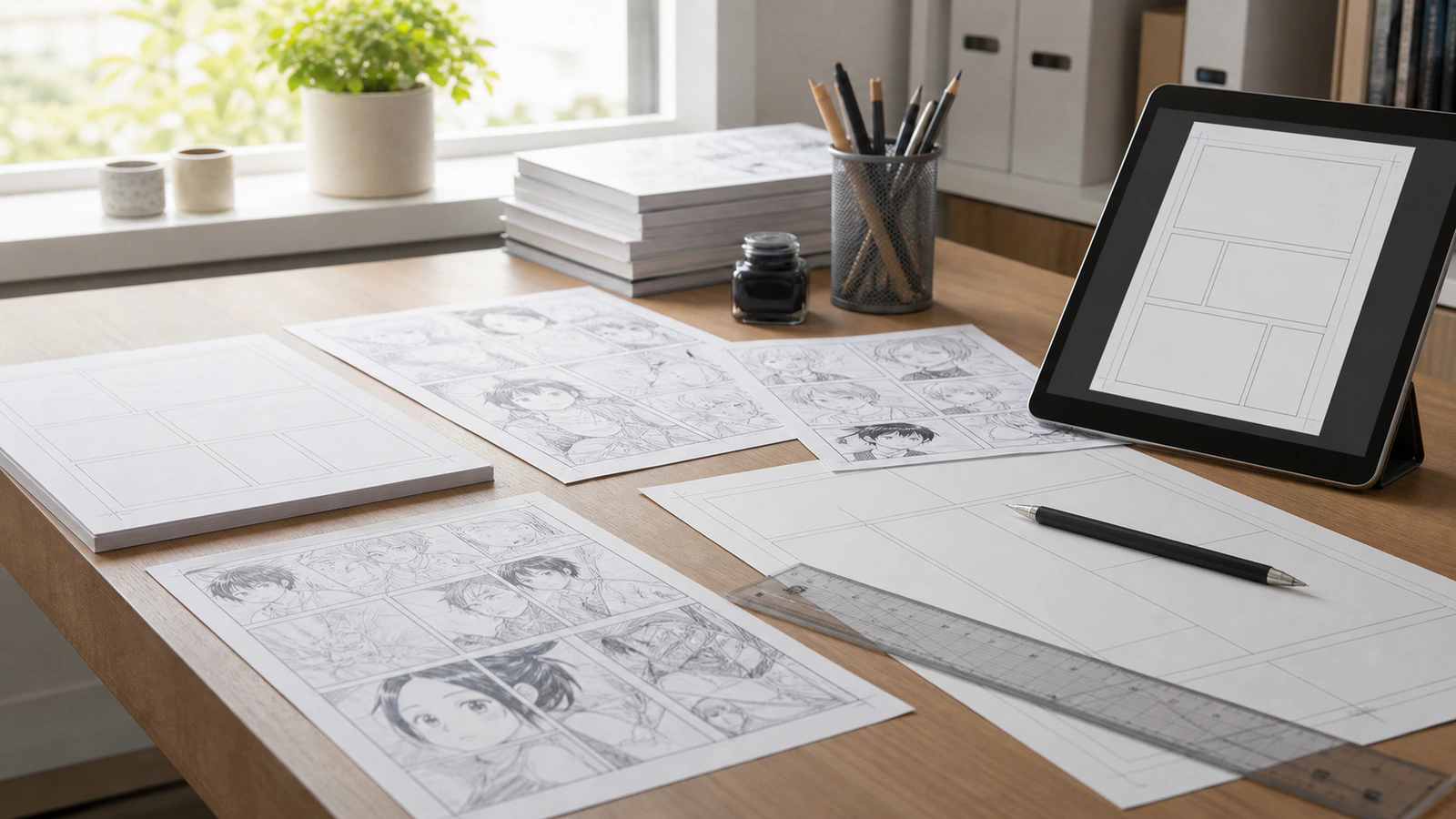
Manga works through panel rhythm. Before generating images, break the scene into panels so each panel has one job.
A beginner-friendly page can use four to six panels:
Establish the setting.
Show the main character noticing something.
Cut closer to the object or clue.
Show the character reaction.
Reveal the twist.
End with a small hook.
For the Mei example:
Panel
Purpose
Visual Direction
Text
1
Establish setting
Empty music room, rain at the window, piano in the corner
Caption: "After class, the old music room was supposed to be locked."
2
Character enters
Mei opens the sliding door, umbrella dripping
Mei: "Hello?"
3
Clue
Close-up of piano keys pressing down by themselves
Sound effect: "plink..."
4
Reaction
Mei freezes, eyes wide but curious
Mei: "That melody..."
5
Twist
Wet footprint under the piano bench
Caption: "Someone had been here."
6
Hook
Dark hallway behind Mei, a second footprint appears
Mei: "Then where did they go?"
This table is a strong input for an AI manga workflow. It tells the system not only what to draw, but why each panel exists.
Step 3: Build a Reusable Character Reference
Character consistency is where many beginner AI manga attempts fall apart. A character may look right in one panel, then change face shape, hair length, age, or outfit in the next.
Before making the page, write a character card:
Name: Mei
Age range: 15-16
Face: round face, thoughtful eyes, small nose
Hair: short black bob with uneven bangs
Outfit: navy school blazer, white shirt, red ribbon tie
Personality: observant, cautious, quietly brave
Recurring prop: yellow umbrella
Do not change: hairstyle, ribbon color, umbrella
If you use LlamaGen.AI, create the character first through the character or story-cast workflow, then reuse that character inside the manga page. This helps keep faces, outfits, and silhouettes stable across panels and future episodes.
For writers, think of this as a visual version of a character bible. You would not change a protagonist’s voice every scene. Do not let the visual identity change every panel.
Step 4: Choose a Manga Format Before Generating
Your format changes the whole page.
Choose one:
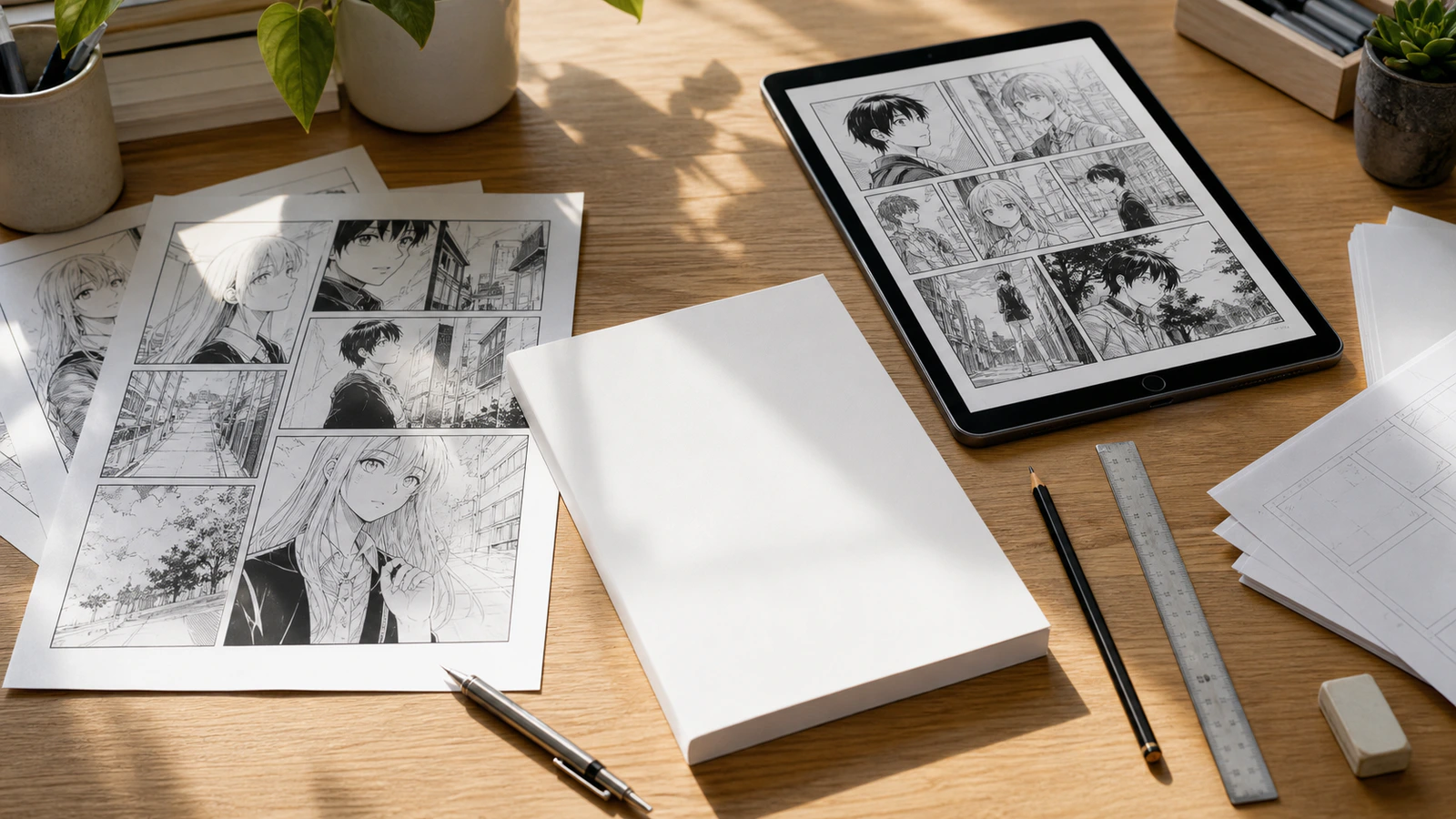
Classic manga page: best for print-style chapters, PDF export, and traditional page-based reading
Four-panel strip: best for jokes, short emotional beats, classroom examples, and social sharing
Vertical webtoon: best for mobile readers, scrolling drama, romance, fantasy, and serialized online episodes
Storyboard manga draft: best for writers testing scene structure before committing to final art
If you are a beginner, choose a four-panel strip or a single classic page. A long vertical episode is tempting, but it adds pacing, continuity, and editing complexity before you have learned the basics.
Step 5: Generate the First Page From the Script
Now turn your panel plan into a generation prompt. Keep it structured.
Use this prompt pattern:
Create a manga page based on this scene.

Style:
Black-and-white manga, rainy school mystery, expressive faces, clean panel readability.

Main character:
[Paste your character card.]

Page format:
Six panels, classic manga page, cinematic but easy to read.

Panel plan:
[Paste your panel table.]

Requirements:
Keep Mei consistent in every panel.
Keep the yellow umbrella visible whenever Mei appears.
Use clear panel composition.
Leave space for dialogue bubbles.
No random extra characters.
No readable text inside the image unless it is added later as a speech bubble.
The last two lines matter. Beginners often ask the image model to render dialogue directly into the art, then end up with distorted or unreadable text. A better workflow is to generate the art first, then add speech bubbles and captions with editable text.
Step 6: Edit the Weakest Panel, Not the Whole Page
Your first output will rarely be perfect. That is normal. The common mistake is regenerating everything every time.
Review the page with this checklist:
Does the reader understand where the scene is?
Does Mei look like the same person in every panel?
Is the key clue visible?
Is the emotional beat clear?
Are panels readable in order?
Is there enough blank space for dialogue?
Did the AI add unwanted characters, text, logos, or props?
Fix the weakest panel first. In LlamaGen.AI, panel-level editing, redraw, swap, restore, and layout control are part of the workflow. That matters because manga creation is iterative. You should be able to say, “keep the page, but redraw panel 3 as a close-up of the piano keys,” instead of rebuilding the whole scene.
This is the difference between using AI for a quick demo and using it as part of a workable production process.
Step 7: Add Speech Bubbles and Captions After the Art
Manga depends on readable text. Keep text short, especially in early drafts.
For the Mei page:
Caption: "After class, the old music room was supposed to be locked."
Mei: "Hello?"
Sound effect: "plink..."
Mei: "That melody..."
Caption: "Someone had been here."
Mei: "Then where did they go?"
A good beginner rule is one thought per bubble. If a bubble has three sentences, split it or cut it.
LlamaGen.AI includes speech bubble and caption workflows for adding, hiding, editing, and positioning dialogue. Use those tools after the image is stable. You will usually get cleaner art and more flexible text.
Step 8: Prepare the Page for Sharing or Publishing
Once the page reads clearly, choose your next output:
Export an image for feedback
Save a PDF for a short printable sample
Download panels as a ZIP for editing elsewhere
Continue into a second page
Adapt the page into a vertical webtoon
Publish to a creator platform when you have a polished episode
Do not publish your first rough generation as the final work. Treat it like a draft. Make one pass for story clarity, one pass for character consistency, and one pass for text readability.
If you are a writer, this is where the workflow becomes especially useful. You can test scenes visually before spending months on a full illustrated chapter. A scene that feels great in prose may need a different rhythm in panels. A no-drawing manga workflow lets you discover that quickly.
Common Mistakes Beginners Should Avoid
Mistake 1: Asking for an entire chapter at once
Start with one page. Long outputs multiply continuity problems.
Mistake 2: Using vague character prompts
“Cool anime girl” is not enough. Give age range, hairstyle, outfit, personality, and non-changing traits.
Mistake 3: Treating style as more important than readability
A beautiful panel that confuses the reader is not a good manga panel.
Mistake 4: Letting AI write all dialogue inside the image
Generate clean art first. Add editable bubbles later.
Mistake 5: Regenerating everything instead of editing one panel
Good production is controlled revision, not endless rerolling.
A Simple Beginner Workflow You Can Reuse
Here is the full workflow in one checklist:
Write a one-page concept.
Break the scene into four to six panels.
Create a reusable character card.
Choose classic manga, strip, or webtoon format.
Generate the page from a structured panel plan.
Check character consistency and story readability.
Redraw only the weakest panels.
Add speech bubbles and captions.
Export a shareable version.
Use reader feedback before making the next page.
This process works because it respects both sides of manga creation: story and visuals. You are not pretending drawing skill does not matter. You are using AI to translate writing decisions into visual drafts you can direct, edit, and improve.
Why This Works Especially Well for Writers
Writers already know how to think in scenes: desire, obstacle, action, reaction, reveal. Manga needs those same instincts.
Instead of asking, “Can I draw this pose?” ask:
What does the reader need to notice first?
What changes emotionally between this panel and the next?
Which prop or expression carries the meaning?
Where should the page slow down?
What should the final panel make the reader ask?
Those are writer questions. They are also manga direction questions.
LlamaGen.AI helps because it connects script, character references, panel layouts, editable bubbles, redraw workflows, and export options in one visual storytelling system. That lets beginners move from idea to page without stitching together several separate tools.
Start Your First Manga Page
If you have a story idea but no drawing confidence, start with a one-page scene today. Keep it small. Build one character. Make four to six panels. Edit the weakest panel. Add short dialogue. Export it. Then make the next page better.
The first page does not need to be perfect. It needs to exist.