

Non-fiction comic illustration for a verified process
Example preview
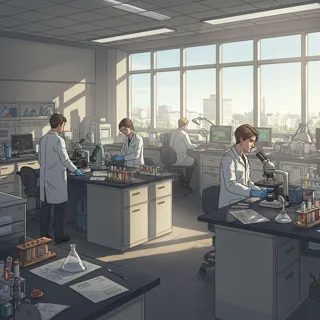
Use a factual comic direction to explain a real process, then verify every visible step before publishing educational material. A starting point for creating and refining an image in LlamaGen.
Separate observed facts from imagined dialogue or decoration.
When to use this template
- Process explanation
- Museum learning image
- Everyday science comic
Build your first draft
Choose the story moment
Describe who is present and what changes before adding decorative details. Separate observed facts from imagined dialogue or decoration.
Direct the composition
Show one stage per requested image and keep tools recognizable.
Review the first draft
Check root and leaf placement against a reliable reference. Check the focal point at a small size, then revise one issue at a time.
Try a complete example
Worked example — Non-fiction comic illustration for a verified process
Three non-fiction comic scenes showing a seed germinating: a bean rests on damp paper, a root emerges, and the first leaves unfold. Simple cutaway-like views, consistent bean size, no labels.
Repeating the bean makes the developmental change easy to compare. Use this direction as a draft brief; inspect the result before relying on fine details.
Before you publish
- Generated illustrations are not a substitute for fact checking.
- Timelines and anatomical details need subject-specific review.
- Add captions after reviewing the image so the story remains readable.
Questions about this template
- Can I change the subject?
- Yes. Replace the example subject while retaining the visual choices described above; too many competing actions make the result harder to read.
- Is this a blank downloadable file?
- This is a creation preset, not a blank worksheet. Open it, describe a scene, and refine the generated draft.
- Will the prompt reproduce every detail exactly?
- No. The prompt gives direction. Layout, lettering, anatomy, and repeated character details can need correction.