

Flat pastel adventure with a clear side-on path
Example preview
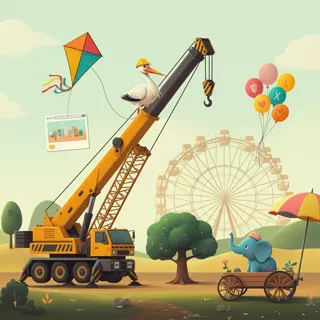
Bold uniform outlines, flat colors, and side-on staging suit a cheerful journey through simple whimsical landmarks. A starting point for creating and refining an image in LlamaGen.
Choose a destination and two landmarks that indicate progress.
When to use this template
- Journey comic
- Learning adventure
- Playful route illustration
Build your first draft
Choose the story moment
Describe who is present and what changes before adding decorative details. Choose a destination and two landmarks that indicate progress.
Direct the composition
Keep lighting even and avoid gradients or realistic surface texture.
Review the first draft
Review outline consistency and left-to-right progress across scenes. Check the focal point at a small size, then revise one issue at a time.
Try a complete example
Worked example — Flat pastel adventure with a clear side-on path
A child in a coral coat and a tiny turtle walk left to right past a bell-shaped hill toward a floating garden gate. Flat pastel comic panels, bold even outlines, side-on perspective, no words.
Landmarks and steady travel direction make the journey easy to follow. Use this direction as a draft brief; inspect the result before relying on fine details.
Before you publish
- A vector-like appearance is not an editable vector file.
- Changing panel spacing can disrupt the intended journey rhythm.
- Add captions after reviewing the image so the story remains readable.
Questions about this template
- Can I change the subject?
- Yes. Replace the example subject while retaining the visual choices described above; too many competing actions make the result harder to read.
- Is this a blank downloadable file?
- This is a creation preset, not a blank worksheet. Open it, describe a scene, and refine the generated draft.
- Will the prompt reproduce every detail exactly?
- No. The prompt gives direction. Layout, lettering, anatomy, and repeated character details can need correction.