

Dreamy floating-sheep bedtime illustration
Example preview
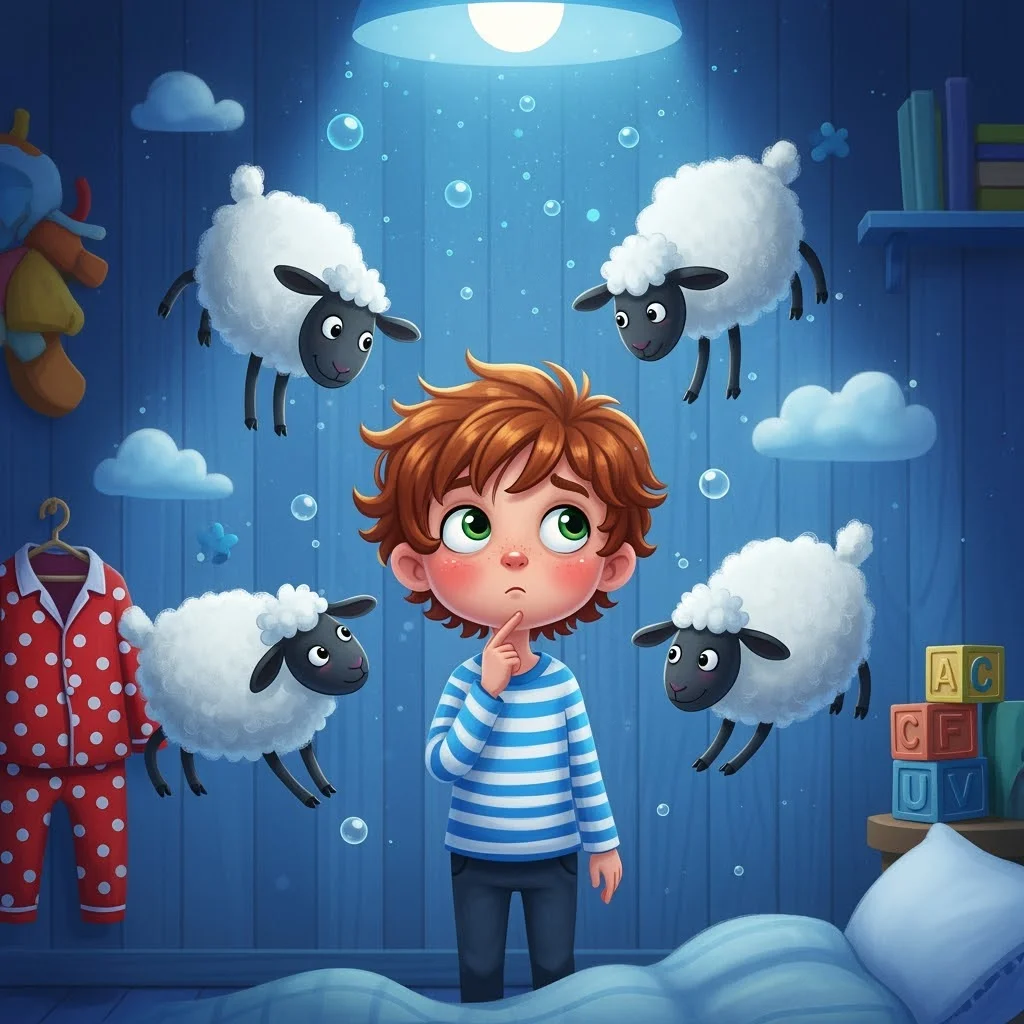
Soft blue pastels, a cozy bedroom, and floating sheep support a low-angle scene about settling down at night. A starting point for creating and refining an image in LlamaGen.
Give the child a calm observing role and a short path for the sheep.
When to use this template
- Bedtime story page
- Sleep routine illustration
- Gentle counting scene
Build your first draft
Choose the story moment
Describe who is present and what changes before adding decorative details. Give the child a calm observing role and a short path for the sheep.
Direct the composition
Use a bedside glow while keeping the rest of the room softly blue.
Review the first draft
Check the number and separation of sheep and the child’s relaxed expression. Check the focal point at a small size, then revise one issue at a time.
Try a complete example
Worked example — Dreamy floating-sheep bedtime illustration
A boy in striped pajamas watches three fluffy sheep drift from an open picture book toward a crescent-shaped pillow. Low-angle bedroom view, cool blue pastels, warm bedside lamp, dreamy light, no text.
The book-to-pillow path guides the eye through a quiet magical moment. Use this direction as a draft brief; inspect the result before relying on fine details.
Before you publish
- Too many floating sheep can make counting ambiguous.
- Soft lighting still needs enough contrast to distinguish the child.
- Add captions after reviewing the image so the story remains readable.
Questions about this template
- Can I change the subject?
- Yes. Replace the example subject while retaining the visual choices described above; too many competing actions make the result harder to read.
- Is this a blank downloadable file?
- This is a creation preset, not a blank worksheet. Open it, describe a scene, and refine the generated draft.
- Will the prompt reproduce every detail exactly?
- No. The prompt gives direction. Layout, lettering, anatomy, and repeated character details can need correction.