Find a story worth following
Explore a character's goal, an unusual setting, or a difficult choice. Compare different openings before you commit to a direction.


Uporabite LlamaGen.ai kot AI generator zgodb in pisec zgodb. Preprosto idejo spremenite v strukturiran osnutek z zapletom, liki, dialogi in potjo do storyborda ali stripovskih panelov.
Try the first draft here. Free access has limits; saved projects and visual tools use your account and plan credits.
See how it worksPick a prompt to read an illustrative opening, then generate your own version. These samples are prepared examples, not live results or customer testimonials.
Example opening
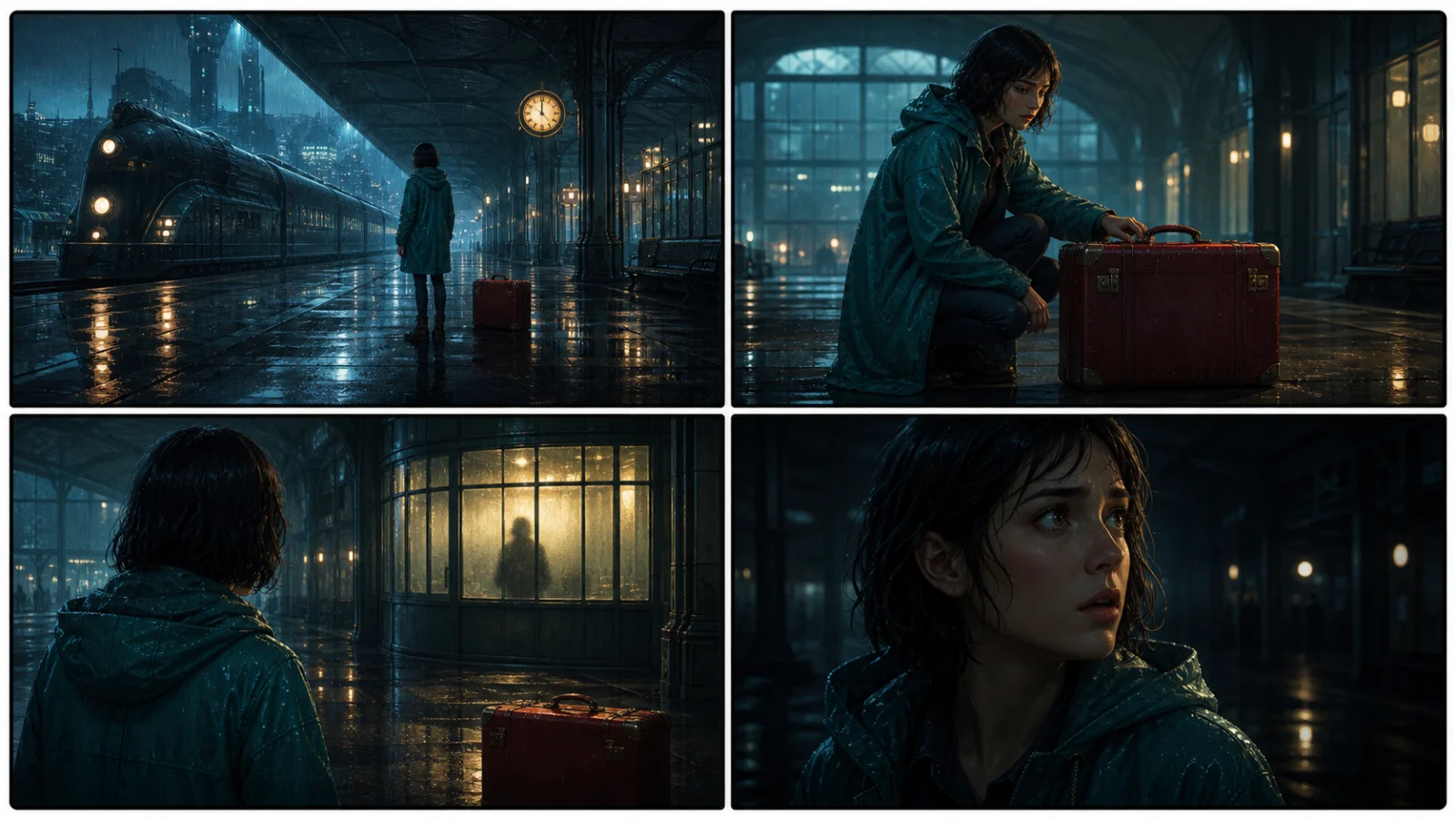
The radio said Mara's name before she switched it on. On Platform Three, rain gathered around a red suitcase. She had checked the platform a minute ago. Empty. Now someone had left a case beneath the broken clock, with a luggage tag written in her handwriting.
Start with something specific: a radio operator alone at a station, a red suitcase, and a message that knows her name. Generate an opening, read what works, then change the stakes or point of view. The next decision stays yours.
Generate story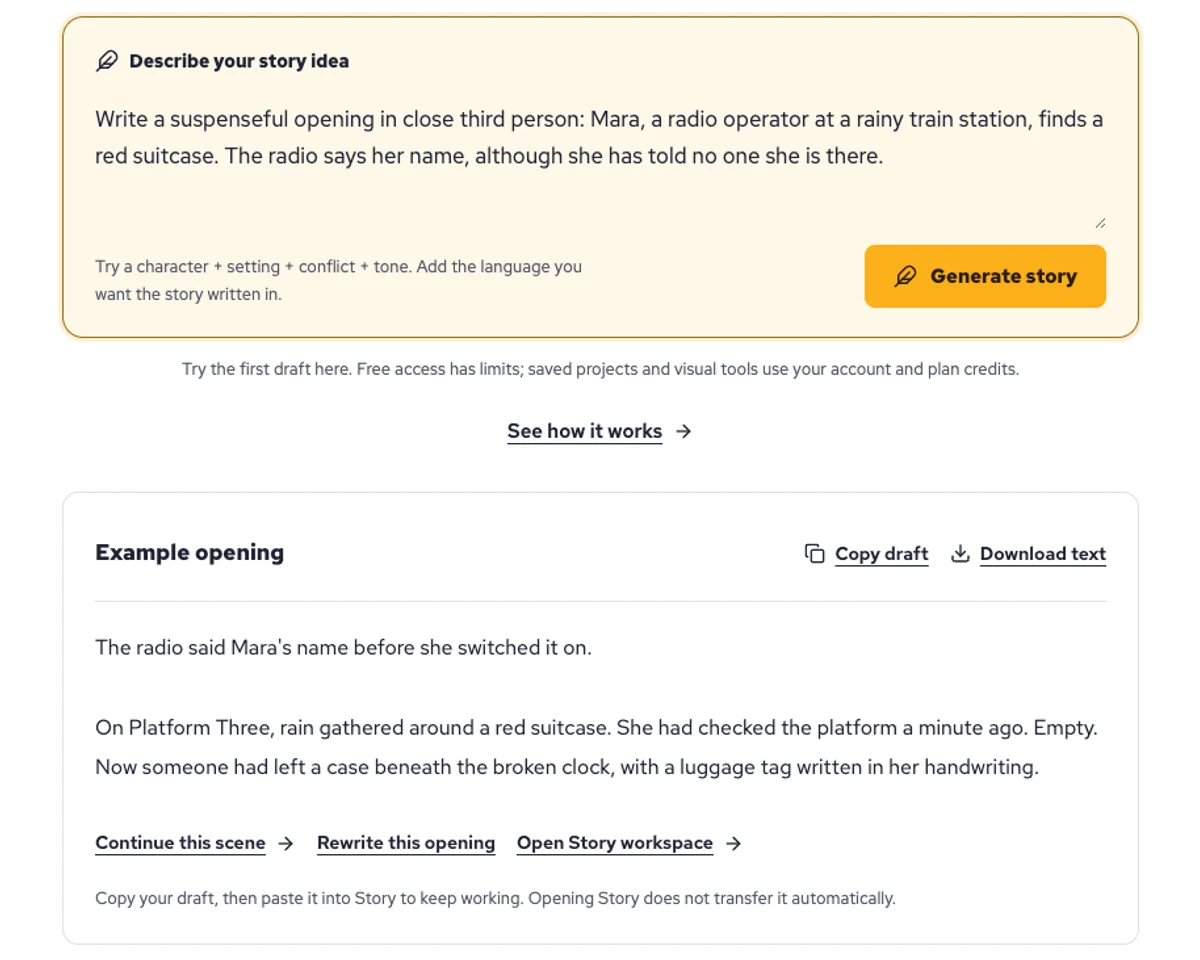
Explore a character's goal, an unusual setting, or a difficult choice. Compare different openings before you commit to a direction.
Paste an unfinished idea or use Continue after a draft. Read each new scene for names, motives, and details that need to stay consistent.
Use Rewrite to try a sharper opening. Copy a version you like before generating another, then edit the phrasing in your own voice.
This illustrative sequence follows Mara, her teal raincoat, and a red suitcase through four station shots. Use it as a guide: keep a character, location, and key prop consistent when you adapt your own draft into a storyboard or comic.
Explore script to storyboardThe same rainy-station story, imagined as a reading copy, a handheld proof, different cover designs, and a coordinated author set.
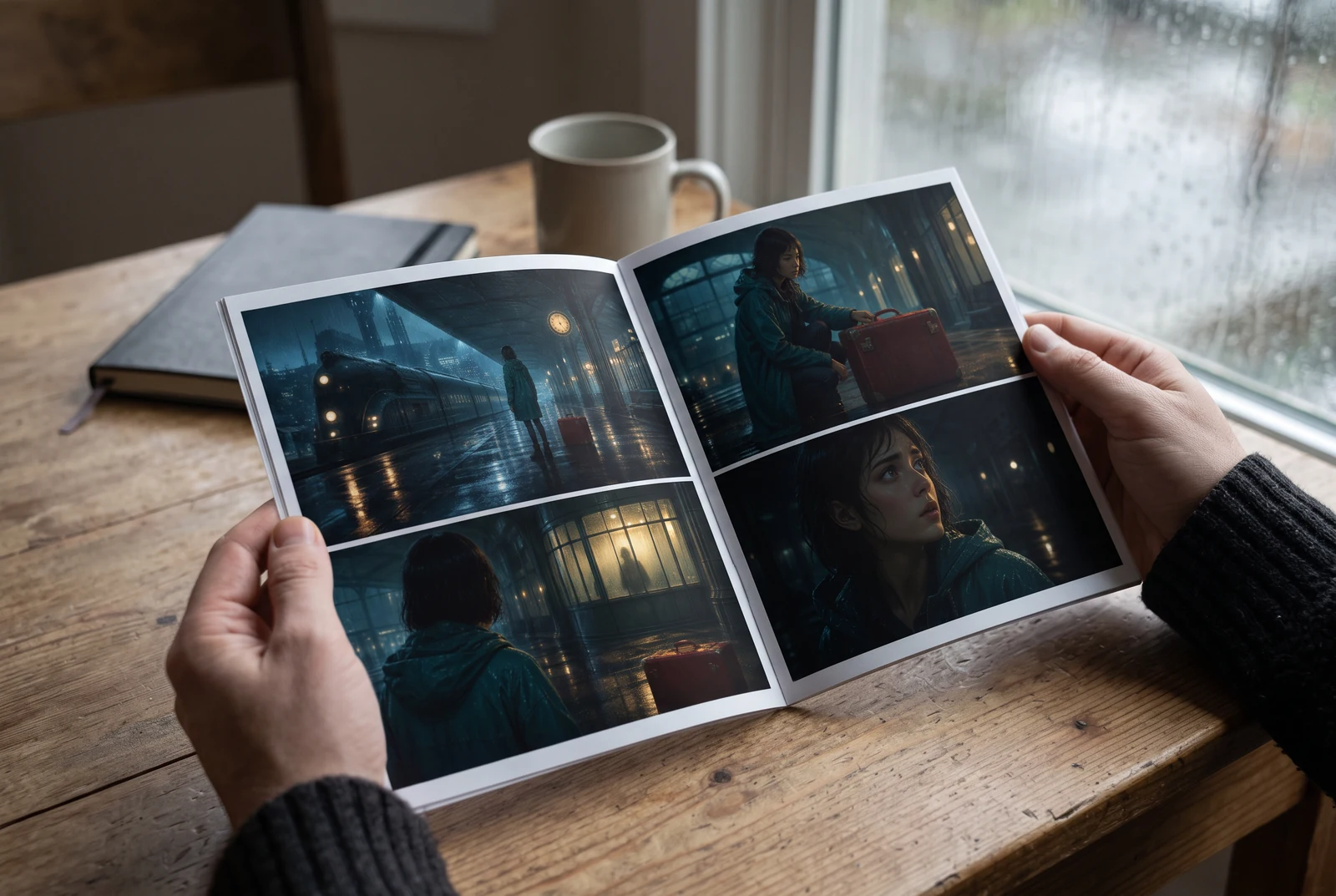
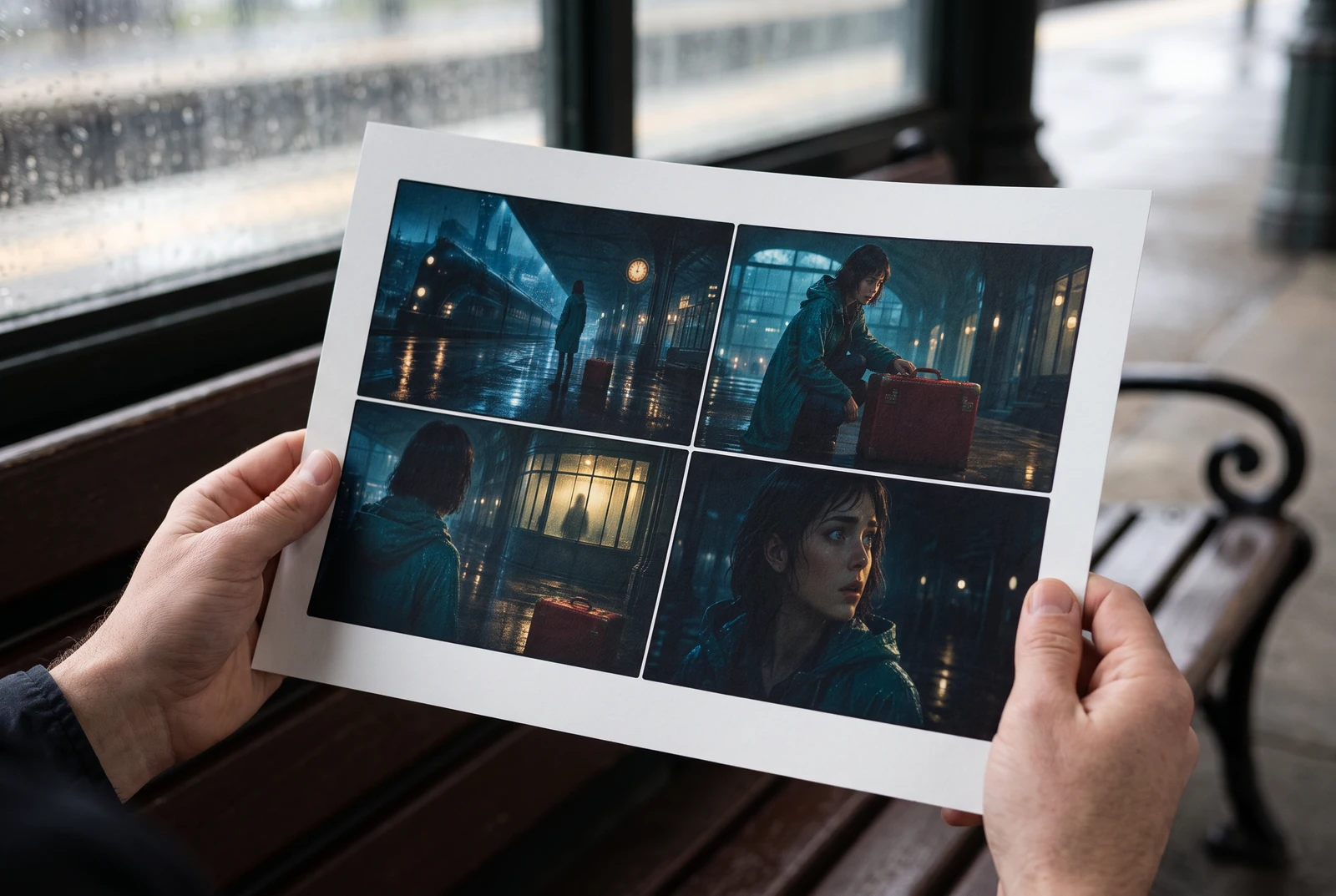
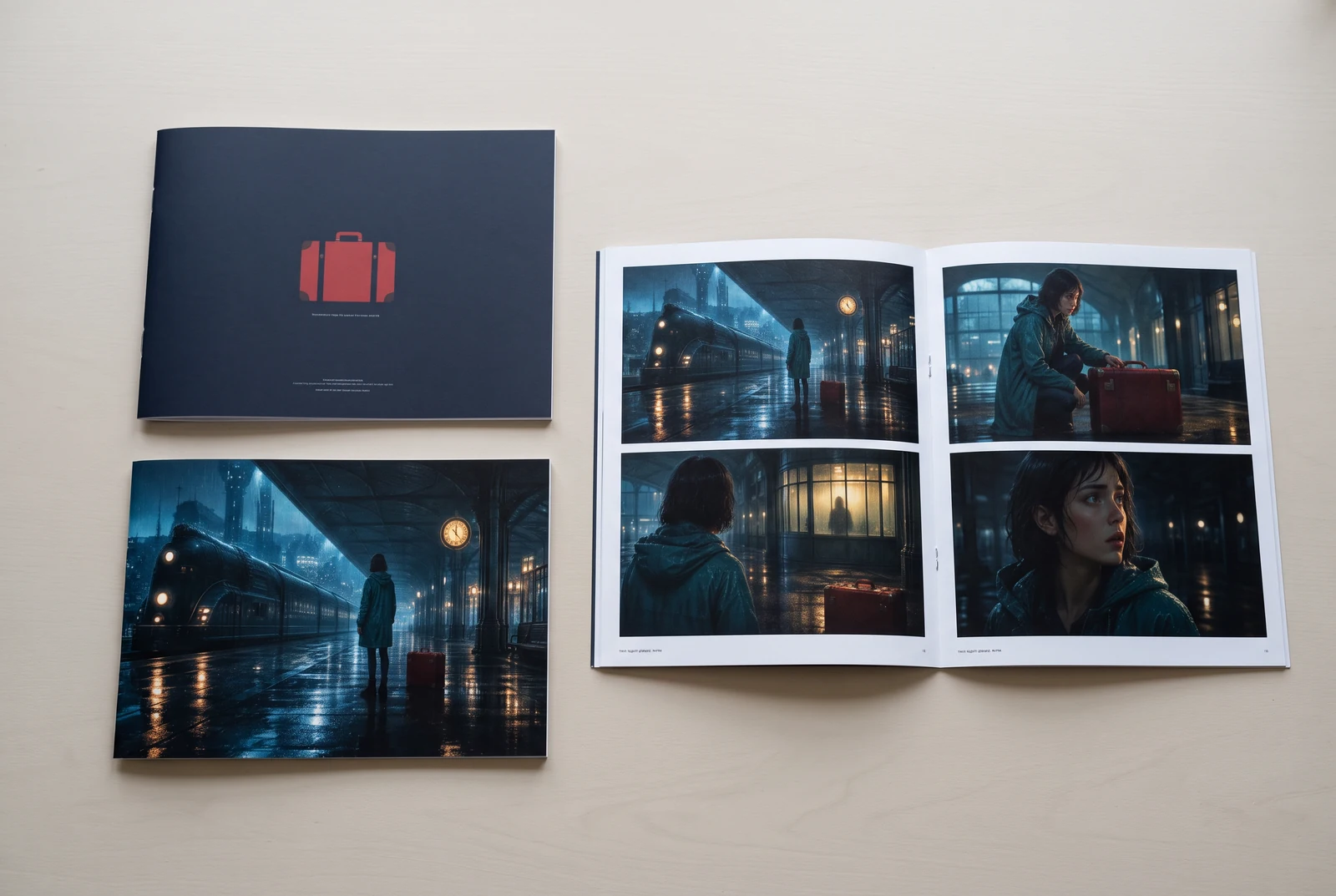
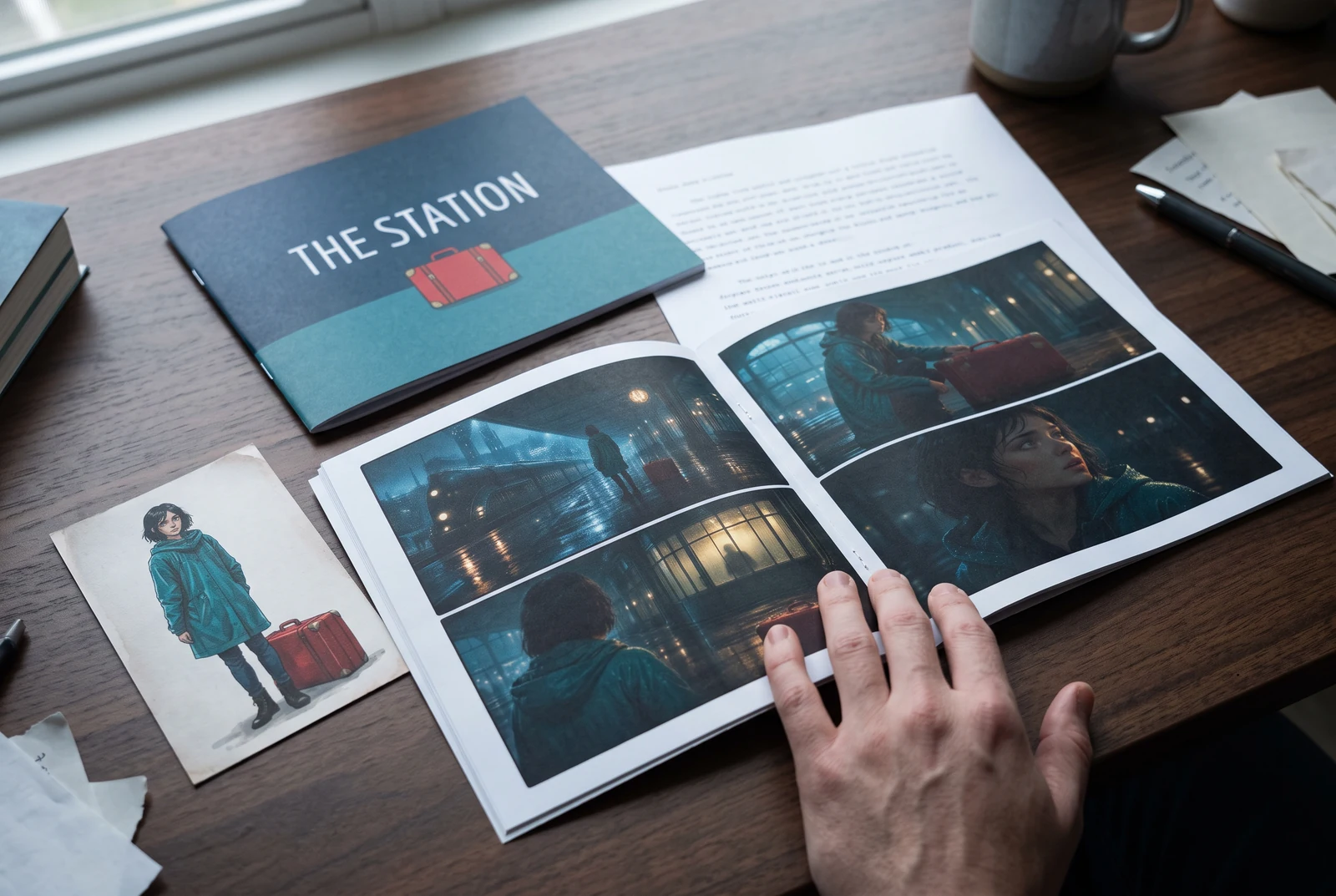
AI-generated display concepts using original LlamaGen story art. Paper examples illustrate personal printing and reading; they are not customer photographs or a print-delivery offer.
Test a premise, change the point of view, or work through the opening of a short story.
Draft scene beats and dialogue before planning comic panels or storyboard shots.
Create writing prompts and sample narratives. Review the output and follow your classroom or team's AI rules.
Describe a protagonist, setting, goal, and obstacle. Choose a tone and output language in your prompt.
Select Generate story. The result is a draft to review; one response is not a complete book.
Check the voice, facts, and continuity. Continue the next scene or rewrite the opening. Copy a version before replacing it.
Keep this text in this browser for up to seven days while you sign in, then choose a workspace and save it in Story. AI continuation uses your account's plan allowance.
AI can invent facts, repeat familiar phrasing, or lose track of a character. Review every draft before sharing it. Follow LlamaGen's terms and your school or workplace rules; check third-party material before publishing.
Gre za orodje v brskalniku, ki vaše ideje z uporabo AI spremeni v strukturirane zgodbe. Vnesite poziv in dobite osnutek z zapletom, liki, dialogi, prizori in vizualno usmeritvijo za leposlovje, stripe, šolsko pisanje, videe ali vizualne romane.
Dober poziv vključuje idejo zgodbe, žanr in ton. Na primer: 'Osamljena čarovnica odpre kavarno v gozdu' z toplim, kosičkom življenja občutkom. Bolj jasna kot je vaša ideja, boljša bo zgodba. Vključite posebne podrobnosti o likih, okolju, čustvenem tonu in morebitnih ključnih zapletih, ki jih želite.
Zgodbo lahko uredite ali razširite, ali pa jo uporabite kot osnovo za ustvarjanje stripovskih panelov ali prizorov vizualnega romana z ilustracijami, postavitvami in dialogi z našimi orodji. Mnogi ustvarjalci uporabljajo ustvarjene zgodbe kot scenarije za razvoj kompozicij panelov, izrazov likov in vizualnega toka.
Prihrani čas, spodbudi ustvarjalnost in pomaga piscem vseh ravni premagati blokado. Ne glede na to, ali ustvarjate leposlovje, strip, vizualni roman, učni poziv ali scenarij za video, vam ponudi hiter začetek s pripovedno strukturo, ki bi jo sicer razvijali več ur.
Yes. Choose Save this draft in Story, sign in, select a workspace, and confirm saving. The text stays in this browser for up to seven days and is never placed in the URL. If you reach a Story plan limit, compare plans and return to save the same draft.
Na tej strani lahko ustvarite prvi osnutek brez nakupa programske opreme za pisanje. Prijava odklene Story, shranjeno zgodovino, storyboard, stripe in video delovne tokove, ki uporabljajo kredite vašega načrta.
Orodje podpira prilagodljive pozive za zgodbe v žanrih romanca, fantazija, grozljivka, drama, komedija, šolsko življenje in eksperimentalni žanri. Ideje ne sili v eno generično predlogo, hkrati pa ohranja ustvarjanje znotraj varnostnih pravil platforme.
Med raziskovanjem lahko še naprej ustvarjate nove osnutke, alternativne konce, preobrate zapleta, razvojne loke likov in različice prizorov. Daljši projekti, shranjena zgodovina in vizualna produkcija uporabljajo vaš račun in kredite načrta.
Večina zgodb se ustvari v 5–10 sekundah, odvisno od zahtevnosti in dolžine. Naš AI vaš poziv obdela skoraj takoj, zato lahko hitro iterirate in v nekaj minutah raziskujete več smeri zgodbe.
Podpiramo vse glavne žanre, vključno z romanco za mlade odrasle, mestno fantastiko, superjunaki, znanstveno fantastiko, grozljivko, skrivnostjo, kosičkom življenja, akcijo, nadnaravnim, komedijo, dramo, zgodovinskimi zgodbami in še več. V pozivu preprosto navedite želeni žanr.
Na tej strani lahko ustvarite prvi osnutek brez ustvarjanja računa. Prijava odklene Story, zgodovino med sejami, storyboard, stripe in video delovne tokove, ki uporabljajo kredite vašega načrta.
Trenutno najbolj zanesljive osnutke dobite z angleškimi pozivi. Premiso lahko vseeno napišete v drugem jeziku; rezultat skrbno preverite in nadaljujte z urejanjem v Story.
LlamaGen builds tools for writing, comics, and storyboards. Explore the team and product, check plan details, or contact support before choosing a workflow.
Write a premise. Explore an opening. Decide what happens next.
Generate story