Elementi scenarija namenski za priču
Odvoji naslove scena, radnju, oznake likova, dijalog i prelaze umesto da ručno stilizuješ svaki red.


Zadrži naslove scena, radnju, oznake likova, dijalog, didaskalije i prelaze preglednim dok ostaješ fokusiran na priču. Zatim istu scenu prenesi u vizuelni storyboard bez ponovnog građenja od nule.
Otvara LlamaGen radni prostor za storyboard projekat.
Northline / vizuelni pravac
Jedan svet priče, od scenarija do produkcije.
Format treba da bude neprimetan
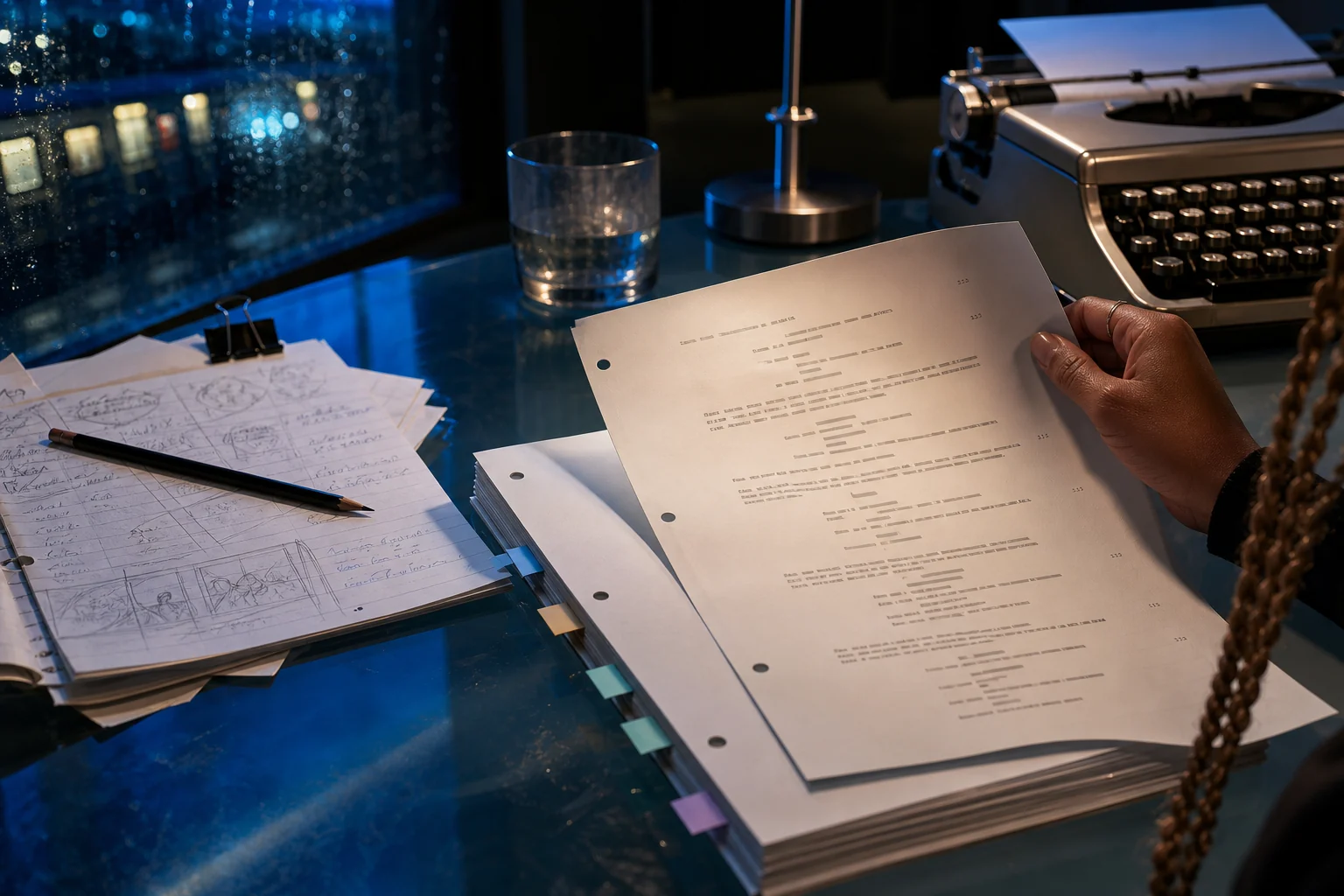
Formatiranje scenarija je vizuelna gramatika, a ne kreativna prepreka. LlamaGen drži svaki element jasno odvojenim, kako bi saradnici mogli brzo da skeniraju nacrt, a priča da lakše pređe u scene, kadrove i boardove uz manje dodatnog sređivanja.
Odvoji naslove scena, radnju, oznake likova, dijalog i prelaze umesto da ručno stilizuješ svaki red.
Pregledaj tempo, gustinu dijaloga i tok scene u formatu stranice koji ostaje poznat piscima i produkcijskim timovima.
Iskoristi formatiranu nameru scene kao polaznu tačku za planiranje kadrova, vizuelne reference i AI storyboard.
Primer u praksi · Za lakši predah između koraka
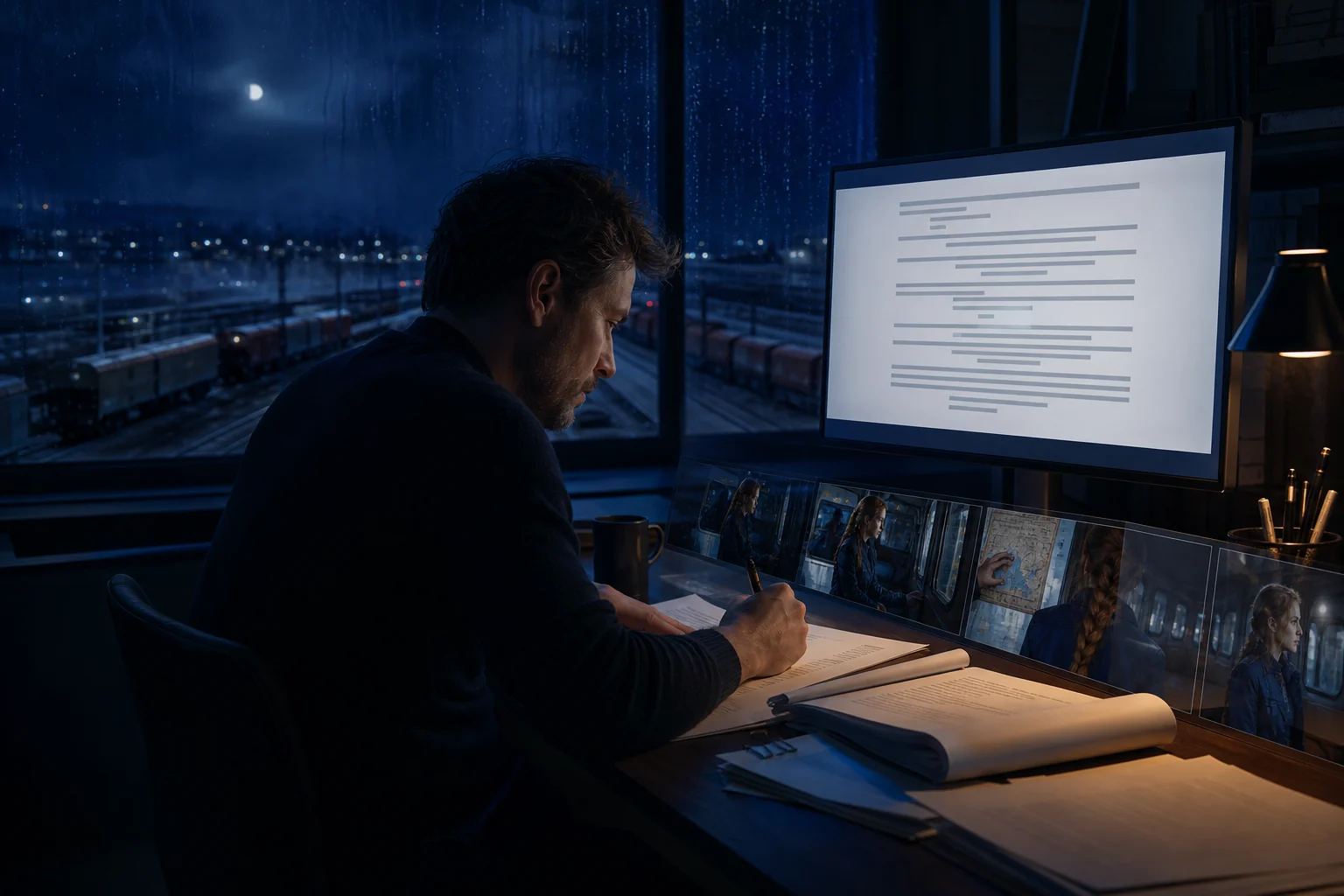
Čista stranica pomaže piscu, ali treba da pomogne i reditelju, storyboard artisti i vizuelnom autoru da razumeju šta se dešava, ko vodi trenutak i koji detalji moraju ostati dosledni.
Workflow
Workflow drži format korisnim, bez toga da usporava nacrt.
Napiši scenu jasnom radnjom, govornicima i dijalogom, umesto da se boriš sa ručnim uvlakama.
Proveri da li se stranica lako skenira, da li je radnja filmska i da li svaki red opravdava svoje mesto.
Pretvori scenu u vizuelne bitove i moguće kadrove dok je prvobitna namera još sveža.
Istraži povezani workflow
AI editor scenarija
Piši, formatiraj, revidiraj, prevodi i organizuj scene scenarija u jednom fokusiranom radnom prostoru — pa pretvori najjače trenutke u dosledne vizuelne storyboarde za sledeći pitch ili korak produkcije.
AI storyboard iz konteksta scene
Raščlani scenu na redosled kadrova, definiši nameru kadriranja i izvedbe, generiši vizuelne reference i zadrži doslednost likova i okruženja od jednog frejma do sledećeg.
AI radni prostor za scenaristiku
Dovedi trenutni red, scenu, luk lika, outline i storyboard u pravi zadatak u pravo vreme. Radi sa fokusiranim kontekstom umesto da lepiš ceo projekat u nepovezane razgovore.
FAQ
U najmanju ruku, odvoji naslove scena, radnju, oznake likova, dijalog, didaskalije i prelaze. Njihove vizuelne razlike pomažu čitaocu da stranicu razume na prvi pogled.
Ne. Formatiranje organizuje stranicu. Ti i dalje ostaješ odgovoran za likove, radnju, dijalog, ritam i svaku kreativnu odluku u sceni.
Jasni naslovi scena i radnja olakšavaju prepoznavanje lokacija, likova, vizuelnih bitova i mogućnosti za kadrove pre generisanja storyboard frejmova.
Kreni od scene, zadrži svaku kreativnu odluku vidljivom i pretvori priču u storyboard koji možeš dorađivati, deliti, predstavljati i eksportovati.