Purpose-built script elements
Separate scene headings, action, character cues, dialogue, and transitions instead of styling every line by hand.


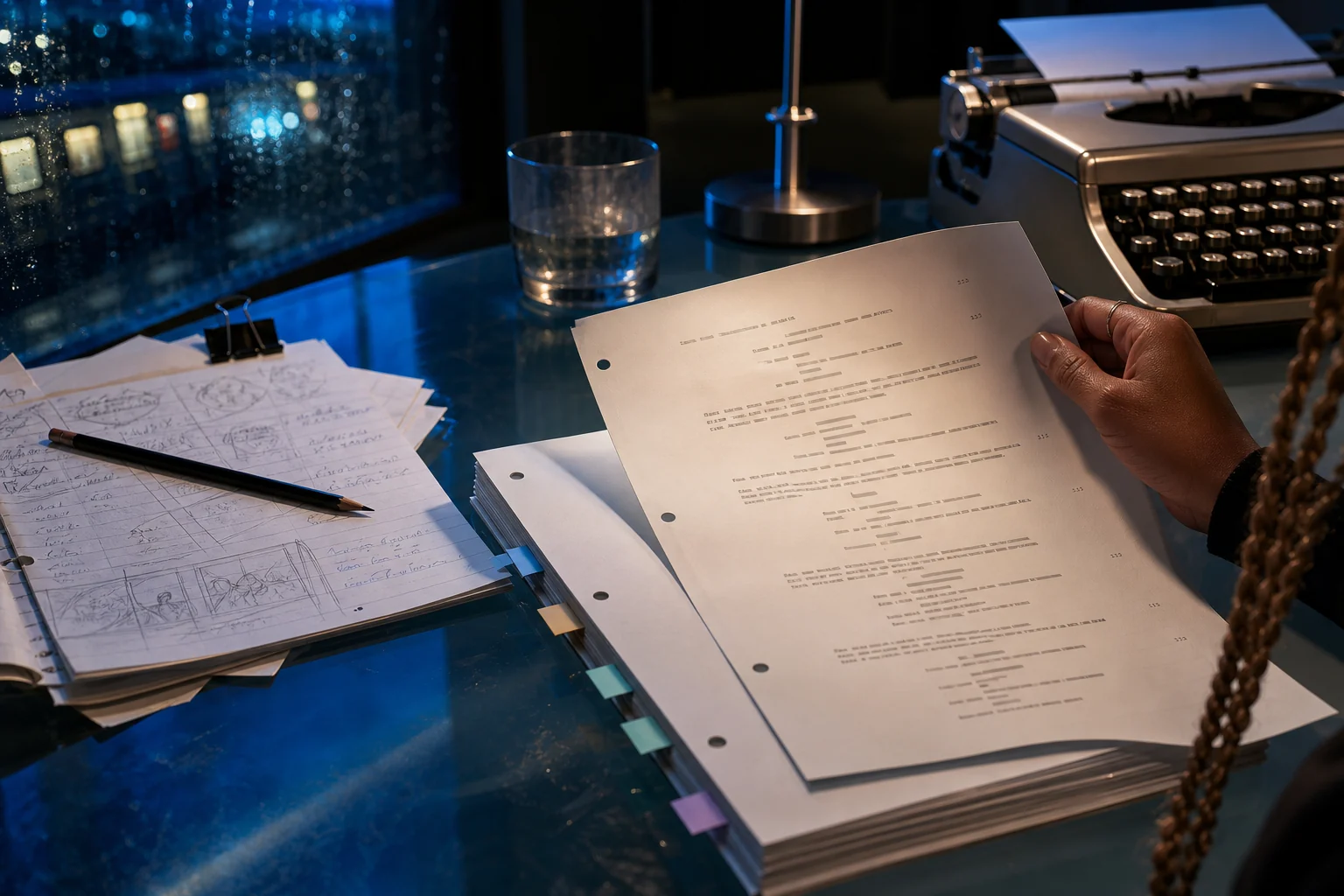
Keep scene headings, action, character cues, dialogue, parentheticals, and transitions readable while you stay focused on story. Then carry the same scene into a visual storyboard without rebuilding it from scratch.
Opens the LlamaGen storyboard project workspace.
Northline / visual direction
One story world, carried from screenplay to production.
Stay focused on the scene
Choose the right block for a scene heading, action, character cue, dialogue, or transition. LlamaGen keeps the page readable while you concentrate on character, rhythm, and what happens next.
Separate scene headings, action, character cues, dialogue, and transitions instead of styling every line by hand.
Review pace, dialogue density, and scene flow in a page shape that remains familiar to writers and production teams.
Use formatted scene intent as the starting point for shot planning, visual references, and AI storyboards.

Worked example · Built for the handoff
A clean page helps the writer, but it should also help the director, storyboard artist, and visual creator understand what happens, who drives the moment, and which details must remain consistent.
The workflow
The workflow keeps formatting useful without letting it get in the way of the draft.
Write the scene with clear action, speakers, and dialogue rather than wrestling with manual indentation.
Check whether the page is easy to scan, the action is filmable, and every line earns its place.
Translate the scene into visual beats and candidate shots while the original intent is still close at hand.
Explore the connected workflow
Visual screenplay handoff
Break down an approved scene into cast, location, props, story beats, blocking, continuity notes, and storyboard handoff requirements. This is a visual production workspace—not a replacement for drafting or screenplay formatting software.
Storyboard coverage planning
Turn one approved screenplay scene into a reviewable coverage plan: map story beats to shot purpose, framing, screen direction, continuity risks, and an intentional shot order. This workspace is for pre-production decisions, not one-click storyboard generation.
AI screenwriting workspace
Bring the current line, scene, character arc, outline, and storyboard into the right task at the right time. Work with focused context instead of pasting the whole project into disconnected chats.
FAQ
At minimum, keep scene headings, action, character cues, dialogue, parentheticals, and transitions distinct. Their visual differences help readers understand the page at a glance.
No. Formatting organizes the page. You remain responsible for character, action, dialogue, rhythm, and every creative decision in the scene.
Clear scene headings and action make it easier to identify locations, characters, visual beats, and shot opportunities before generating storyboard frames.
Write or import a scene, shape its structure, and turn the screenplay into a storyboard you can refine, share, present, and export.