

1
Choose the real intent
Start from what the user is trying to do: generate from text, edit an image, restyle a reference, compare options, or make a specific asset.
Find the right LlamaGen workflow for text-to-image prompts, image-to-image transformations, AI image editing, character assets, covers, collectibles, and social-ready visuals.
Start from text, transform a reference image, edit an existing result, compare generators, or turn an image into video.
For creators comparing text-to-image, image-to-image, editing, and image-to-video workflows.
For creators comparing editors by identity preservation, prompt control, edit boundaries, and reusable output quality.
For creators who already have a reference image and want to restyle it, preserve identity, or turn it into a specific asset.
For users who want to refine an existing image: change outfit, fix composition, adjust style, or prepare a final shareable version.
For people comparing how AI image generation works before they choose a model, prompt, reference workflow, or output format.
For users who want a clear path from a plain idea to a finished image without learning prompt engineering first.
For users whose real goal is motion. Route them to video instead of forcing them through an image-only page.
Choose the asset you want to create, then open the workflow with the most relevant inputs and controls.
Start from what the user is trying to do: generate from text, edit an image, restyle a reference, compare options, or make a specific asset.
Each page explains the input, output, prompt examples, and quality checks for that job before sending the user into creation.
Create the first image, check identity and composition, then reuse the result across comics, product mockups, profile art, and campaign sets.
Start with the pages that represent the collection best: character presentations, physical-product mockups, cover formats, and playful object transformations.
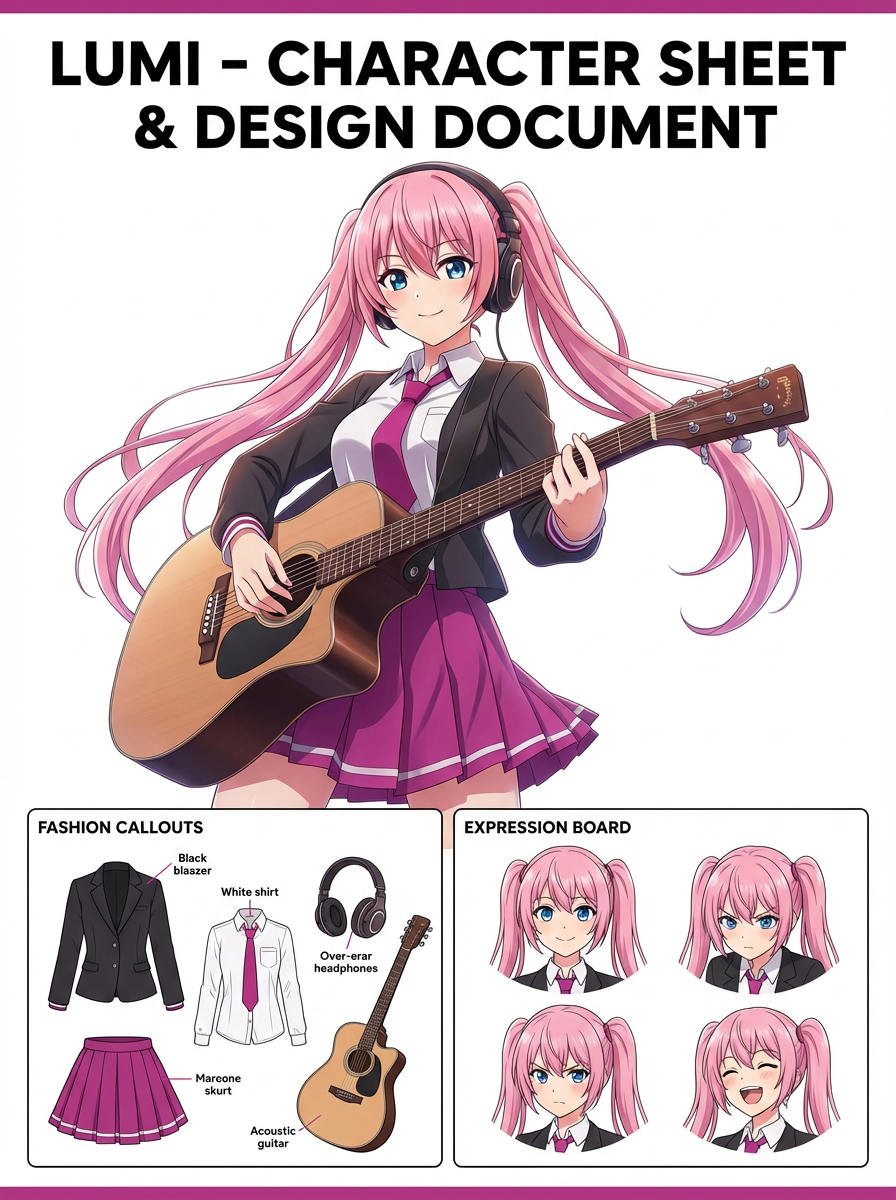
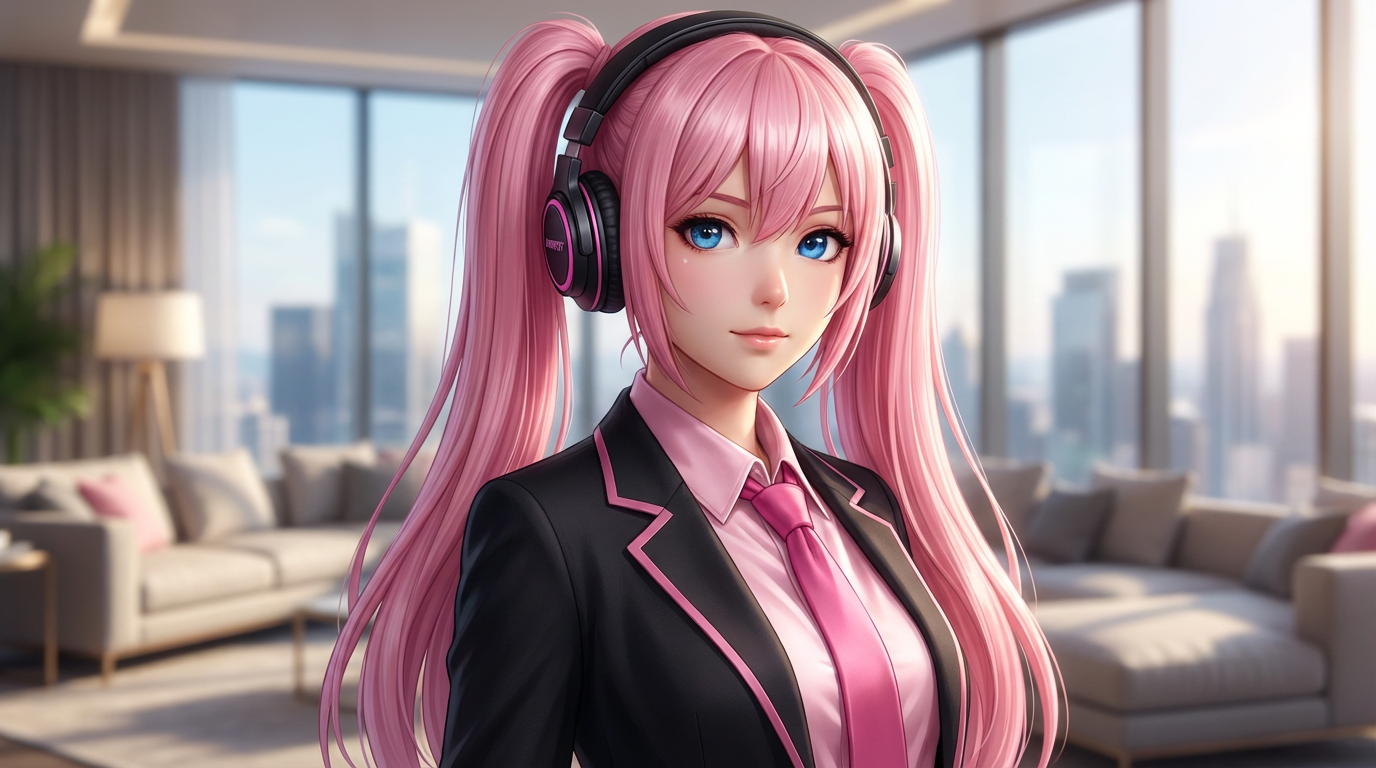
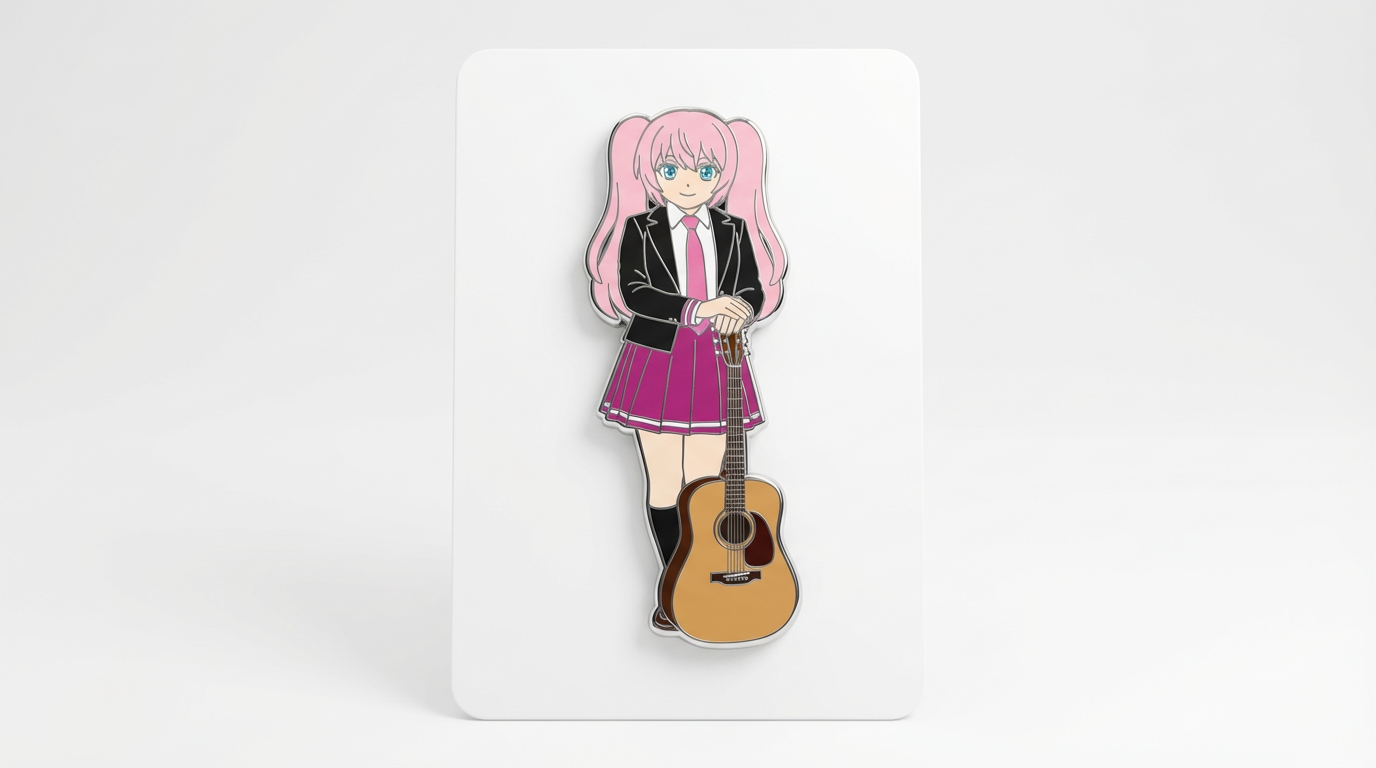
Each card includes examples, workflow guidance, practical answers, quality checks, and a direct creation path.
เปรียบเทียบเวิร์กโฟลว์ LlamaGen สำหรับข้อความ ภาพอ้างอิง การแต่งภาพ ความคงตัวละคร และส่งภาพเป็นวิดีโอ
ประเมิน AI image editor จากระดับควบคุม การคงตัวตน ความชัดเจนของพร็อมต์ ขอบเขตสร้างสรรค์ และผลลัพธ์ที่แก้ไขแล้วนำไปใช้ซ้ำได้หรือไม่
วางแผนและสร้างภาพ AI ด้วยกระบวนการที่แยกพร็อมต์ข้อความ อ้างอิงภาพ เป้าหมายการแก้ไข และการตรวจสอบผลลัพธ์สุดท้าย
ใช้ภาพที่มีอยู่เป็นอ้างอิง แล้วเปลี่ยนเป็นสไตล์ใหม่, สินทรัพย์, ปก, mockup, badge, การ์ด หรือภาพตัวละครด้วย AI
แก้ไขภาพที่มีอยู่ด้วย AI prompt สำหรับเปลี่ยนชุด แก้สไตล์ ปรับองค์ประกอบ สร้างตัวละครที่แตกต่าง ทำหน้าปก ตราสัญลักษณ์ และสินทรัพย์แคมเปญ

เปรียบเทียบสิ่งสำคัญในการเลือก AI image generator ที่ดีที่สุด สำหรับตัวละครที่เหมือนเดิม, การแก้ไขตามรูปอ้างอิง, งานการ์ตูน, ปก และการสร้างสินทรัพย์ที่นำไปใช้ซ้ำได้
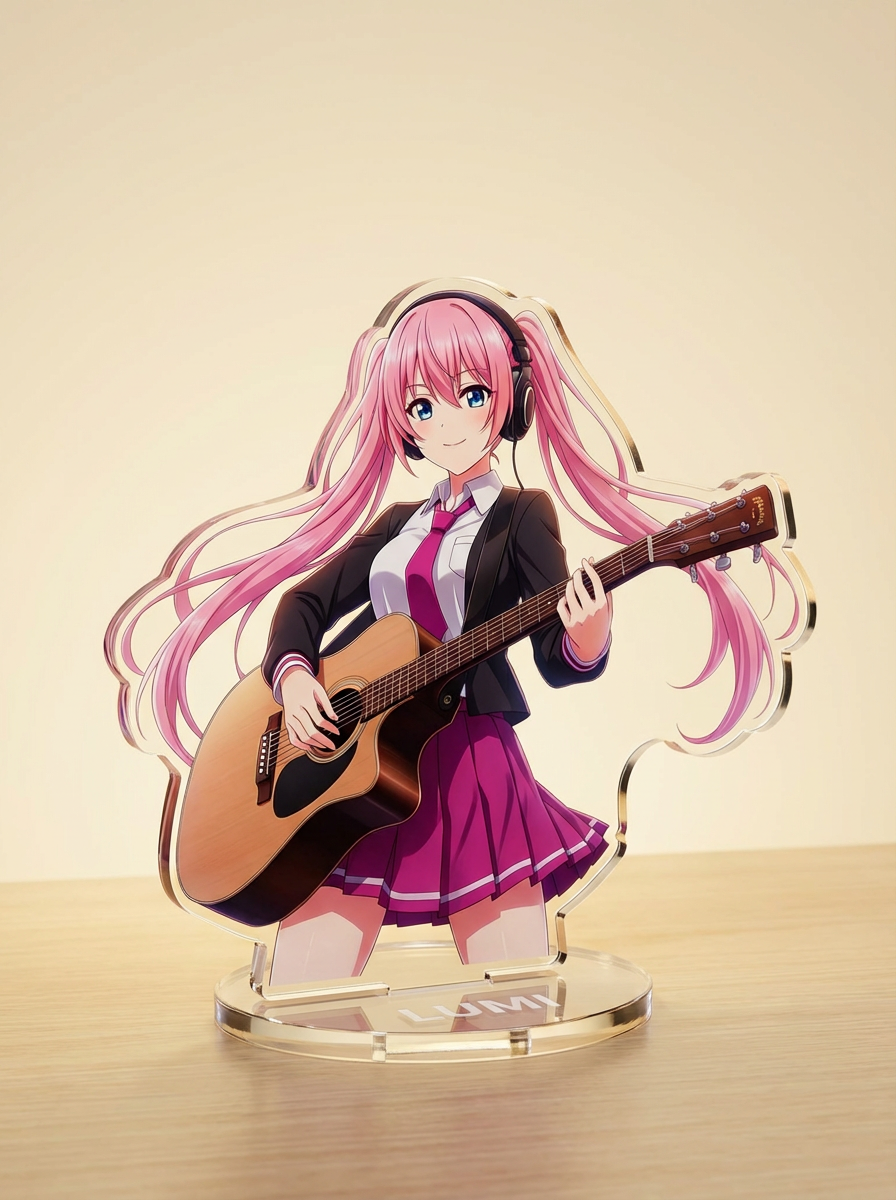
สร้างภาพด้วย AI จากพรอมต์ข้อความสั้น ๆ แล้วต่อยอดปรับหัวข้อ สไตล์ องค์ประกอบ และฟอร์แมตให้เหมาะกับการใช้งานสร้างสรรค์จริง
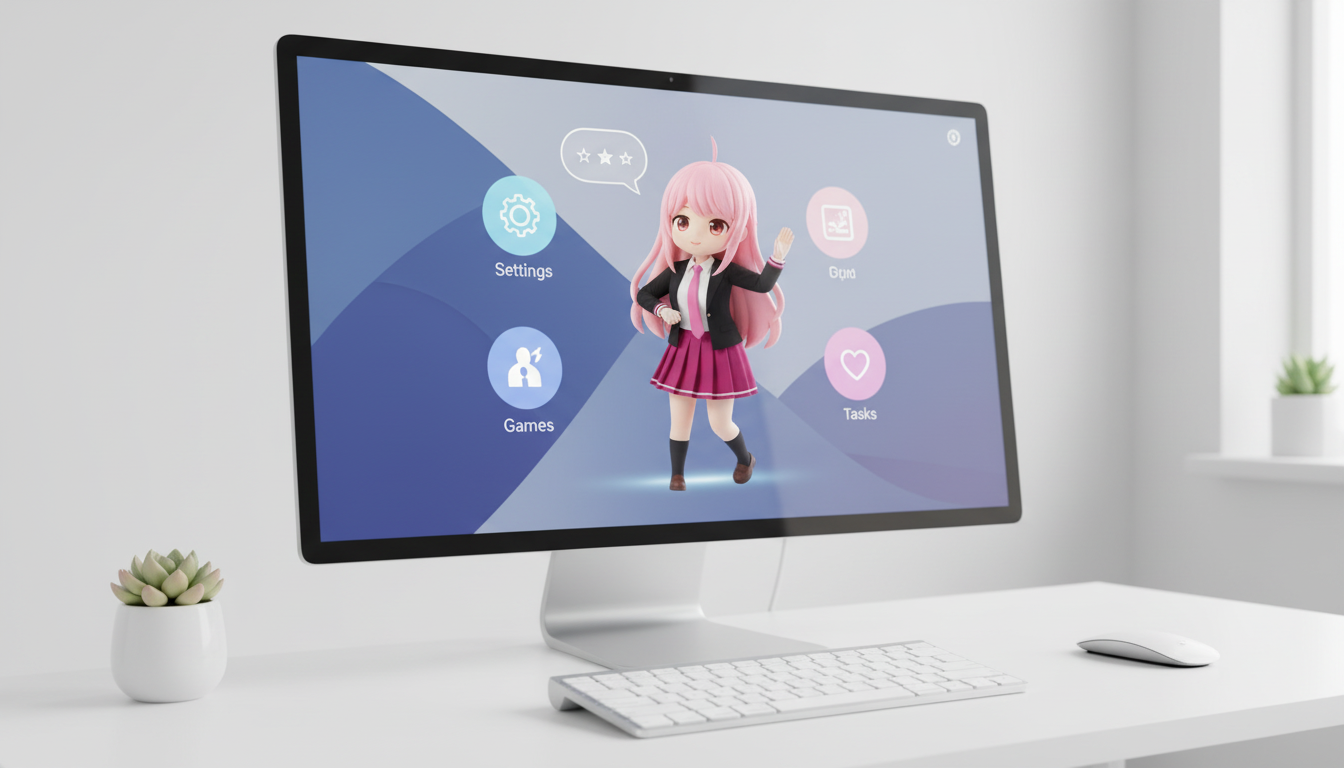
เปลี่ยนตัวละครและ OC ของคุณให้เป็นภาพสไตล์เดสก์ท็อปเพ็ต พร้อมการจัดเฟรมที่คำนึงถึงเลย์เอาต์เพื่อให้ดูโดดเด่นบนหน้าจอ
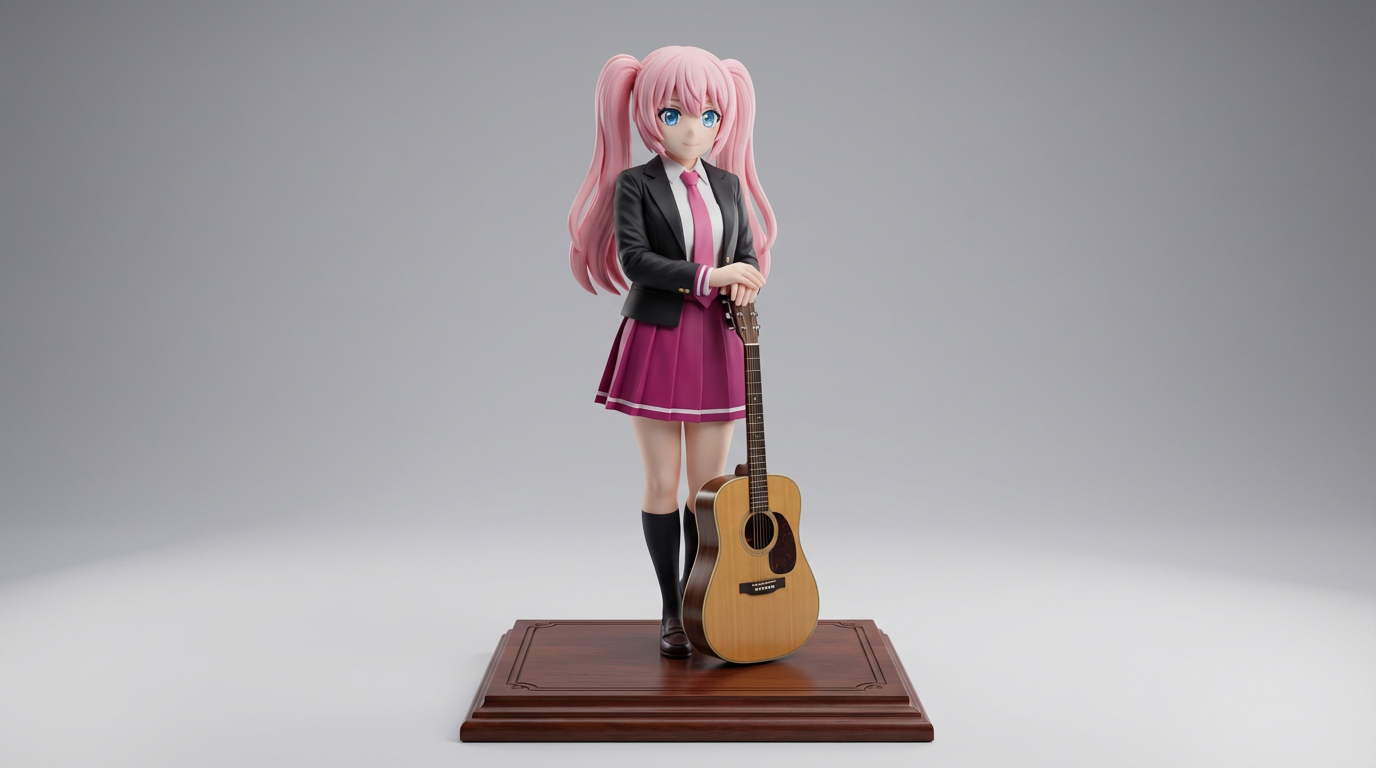
เปลี่ยนอาร์ตตัวละครแบบแบนให้กลายเป็นภาพสไตล์ฟิกเกอร์โชว์เคส สำหรับคอนเซ็ปต์ของสะสมและภาพสินค้าสไตล์ฟิกเกอร์
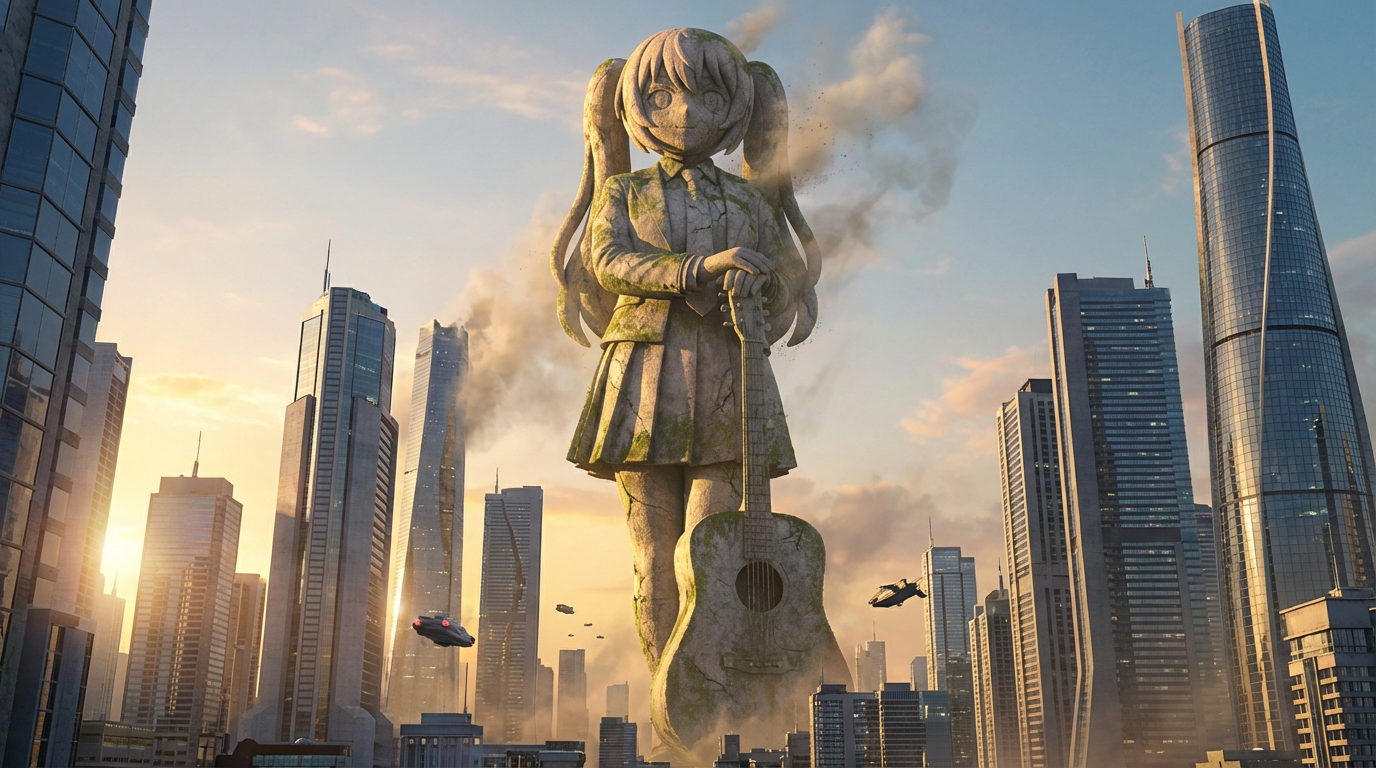
เปลี่ยนตัวละครให้กลายเป็นภาพรูปปั้นขนาดยักษ์ด้วยมุมมองระดับแลนด์มาร์ก ฉากหลังเส้นขอบฟ้าเมือง และการนำเสนอที่โดดเด่นราวกับอนุสาวรีย์
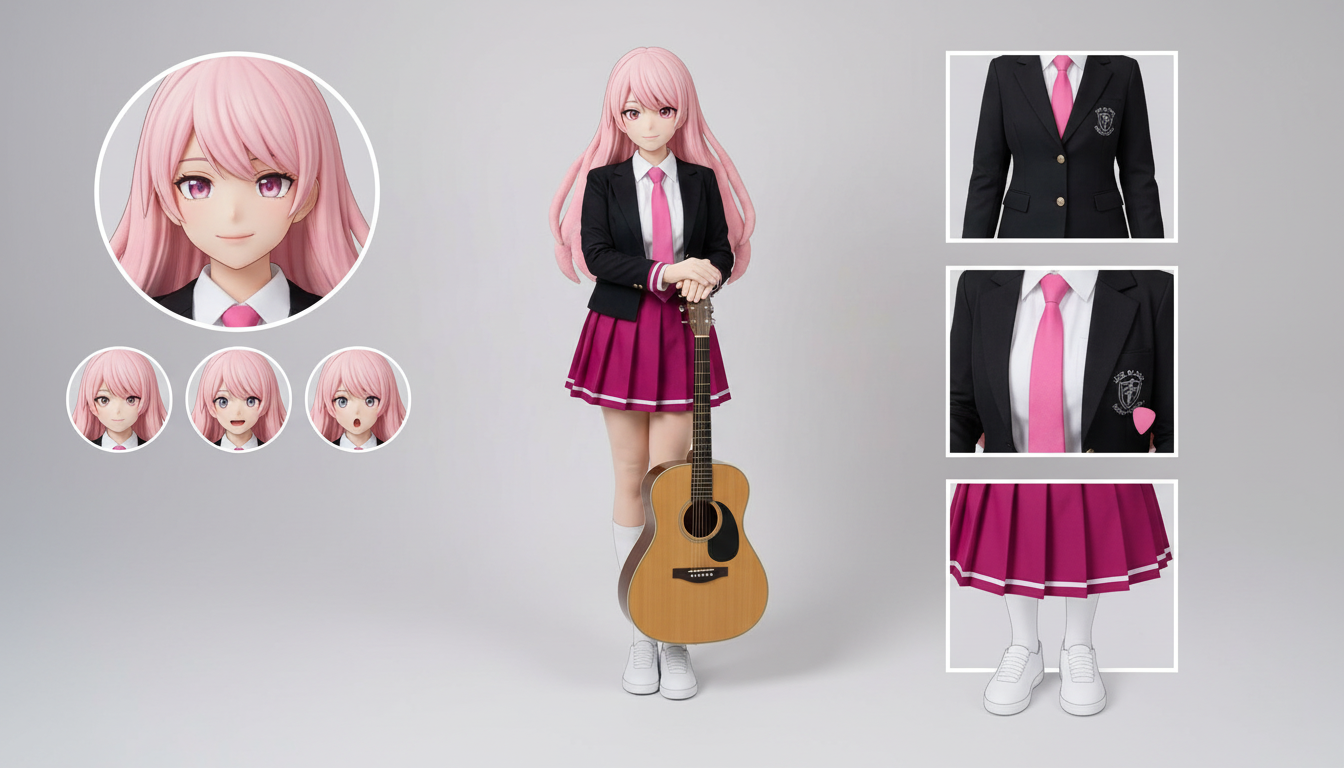
สร้างเลย์เอาต์ Character Sheet สำหรับชุด สีหน้า แอ็กเซสซอรี และภาพอ้างอิงท่าทางได้จากดีไซน์ที่อัปโหลดเพียงภาพเดียว
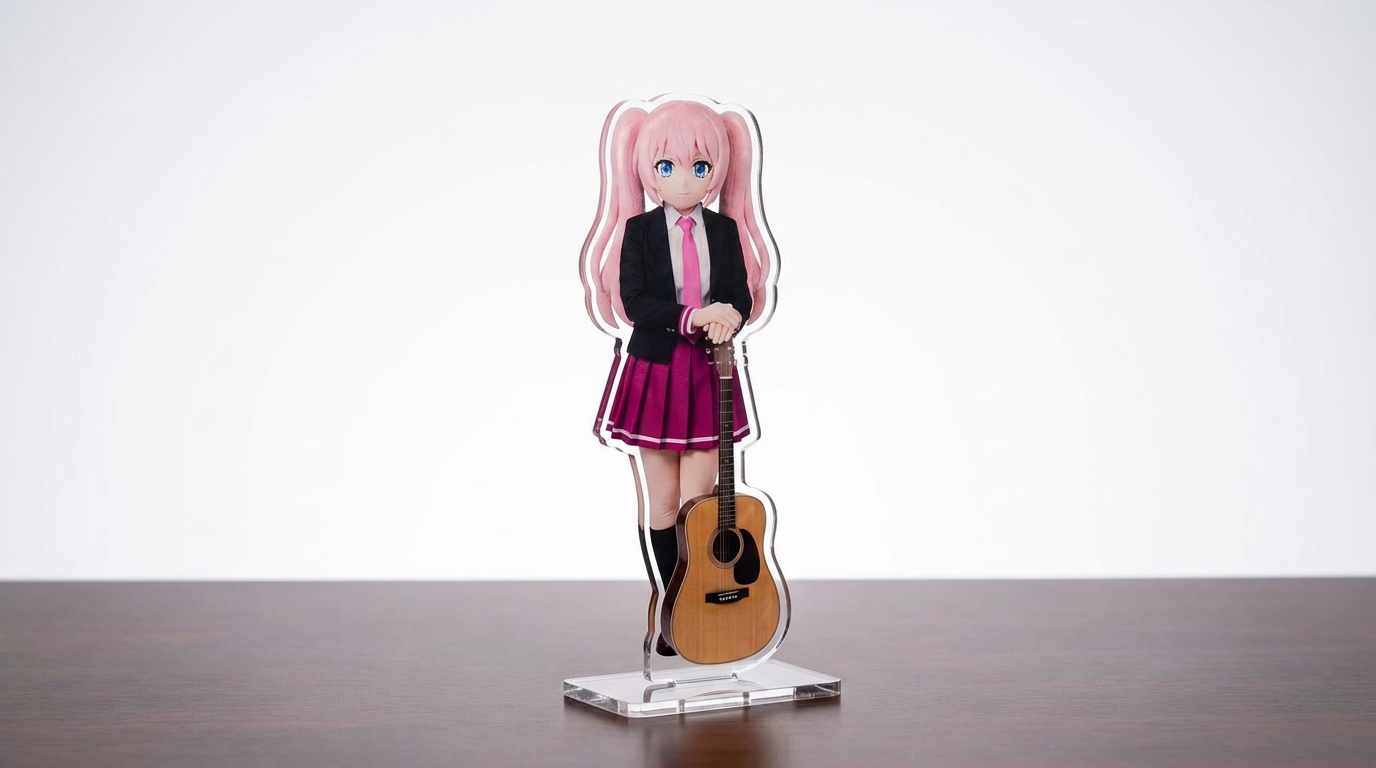
เปลี่ยนภาพตัวละคร สัตว์เลี้ยง และดีไซน์ต้นฉบับของคุณให้เป็นม็อกอัป acrylic standee ด้วย workflow แบบ Lumi-first ที่ปรับแต่งได้
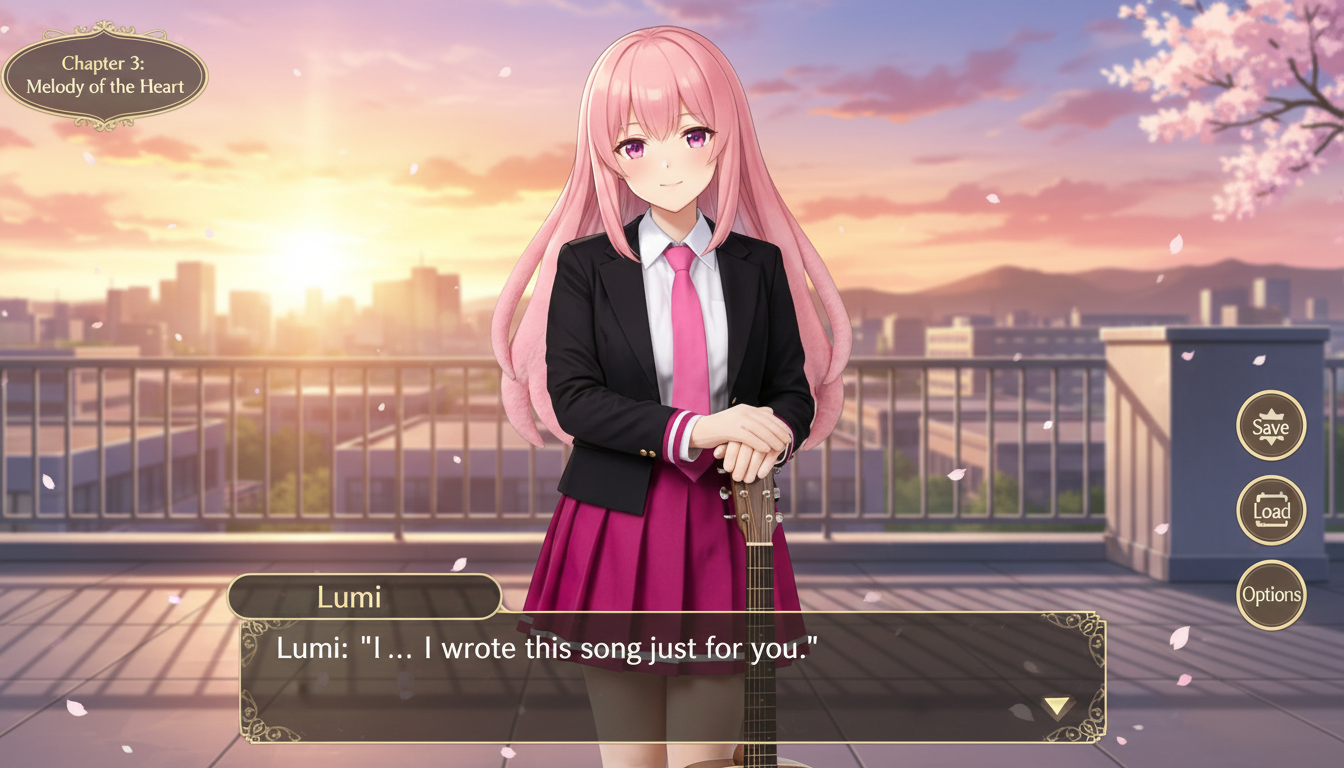
เปลี่ยนภาพตัวละครให้เป็นฉากสไตล์วิชวลโนเวล พร้อมกรอบอินเทอร์เฟซ พื้นที่สำหรับบทสนทนา และองค์ประกอบแบบหน้าจอเกม
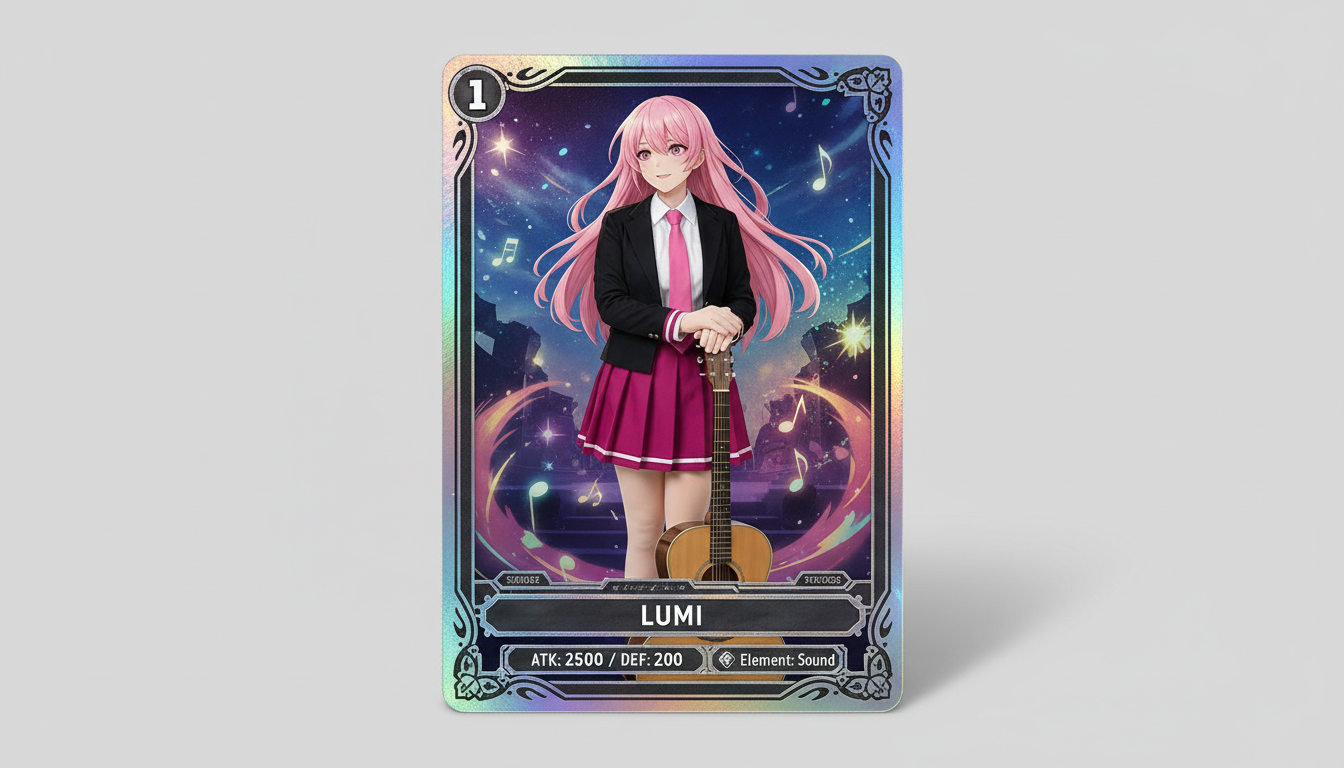
เปลี่ยนภาพตัวละครให้กลายเป็นงานภาพสไตล์การ์ดสะสม พร้อมอารมณ์ความหายาก ความรู้สึกแบบค่าสเตตัสในกรอบการ์ด และองค์ประกอบที่พร้อมต่อยอดเป็นสินค้า
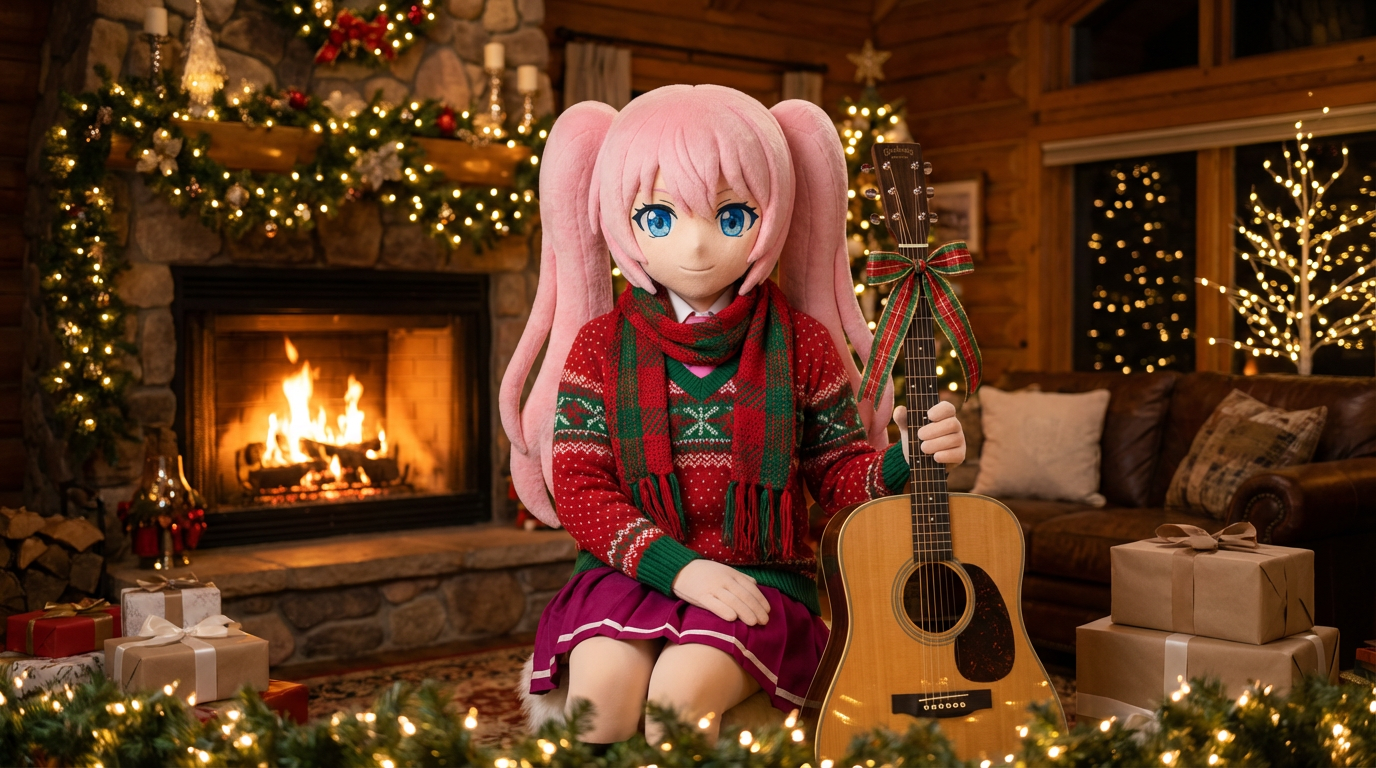
เปลี่ยนภาพพอร์ตเทรตและงานคาแรกเตอร์อาร์ตให้เข้ากับเทศกาล ด้วยผ้าพันคอ หมวก และงานนำเสนอในสไตล์ Lumi ที่อบอุ่นสดใส
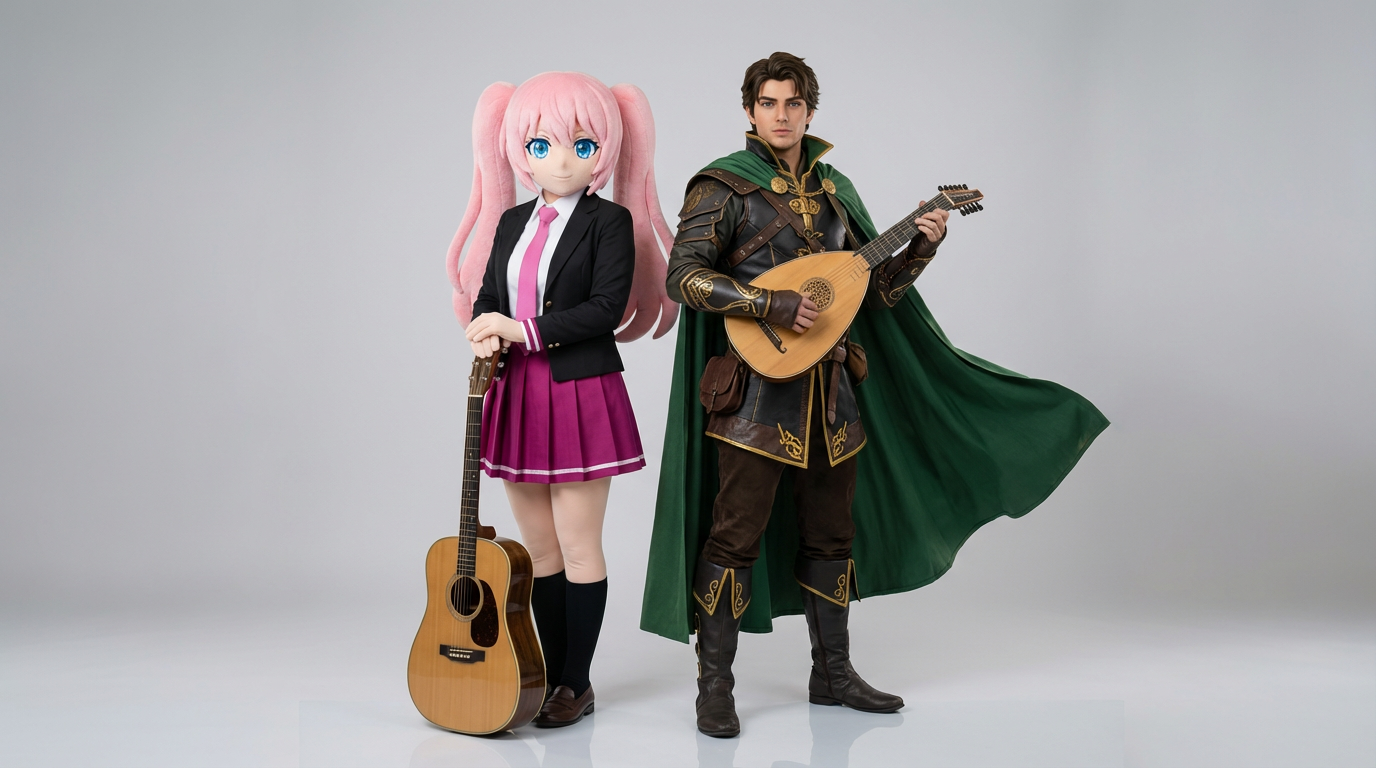
อัปโหลดภาพอ้างอิงตัวละคร 2 ตัว แล้วสร้างภาพฉากโต้ตอบแบบคมชัด องค์ประกอบภาพแบบคู่ และเฟรมคู่ที่พร้อมใช้งานในฉาก
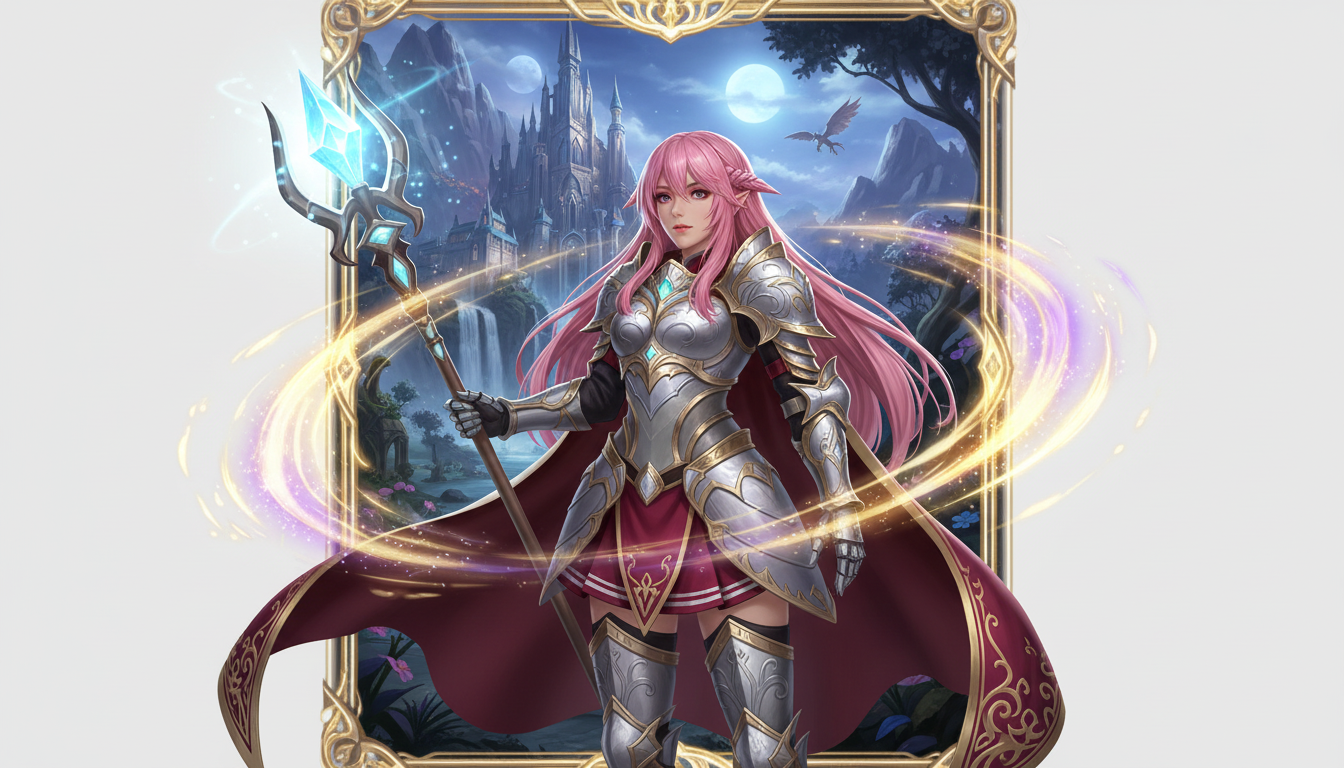
เปลี่ยนภาพตัวละครให้เป็นงานนำเสนอตัวเอกแฟนตาซี พร้อมสไตล์สายอาชีพ กลิ่นอาย RPG และพลังแบบการ์ดสะสม
เปลี่ยนภาพตัวละครให้เป็นงานภาพสไตล์แบดจ์ ด้วยกรอบวงกลมที่คมสะอาด อารมณ์แบบสินค้าที่ระลึก และองค์ประกอบที่เหมาะกับการใช้เป็นไอคอน
เปลี่ยนคาแรกเตอร์และ OC ให้กลายเป็นภาพปกสไตล์บรรณาธิการที่ดูเงางาม จัดเฟรมโดดเด่น อารมณ์พรีเมียม และวางองค์ประกอบแบบหน้าปกนิตยสาร
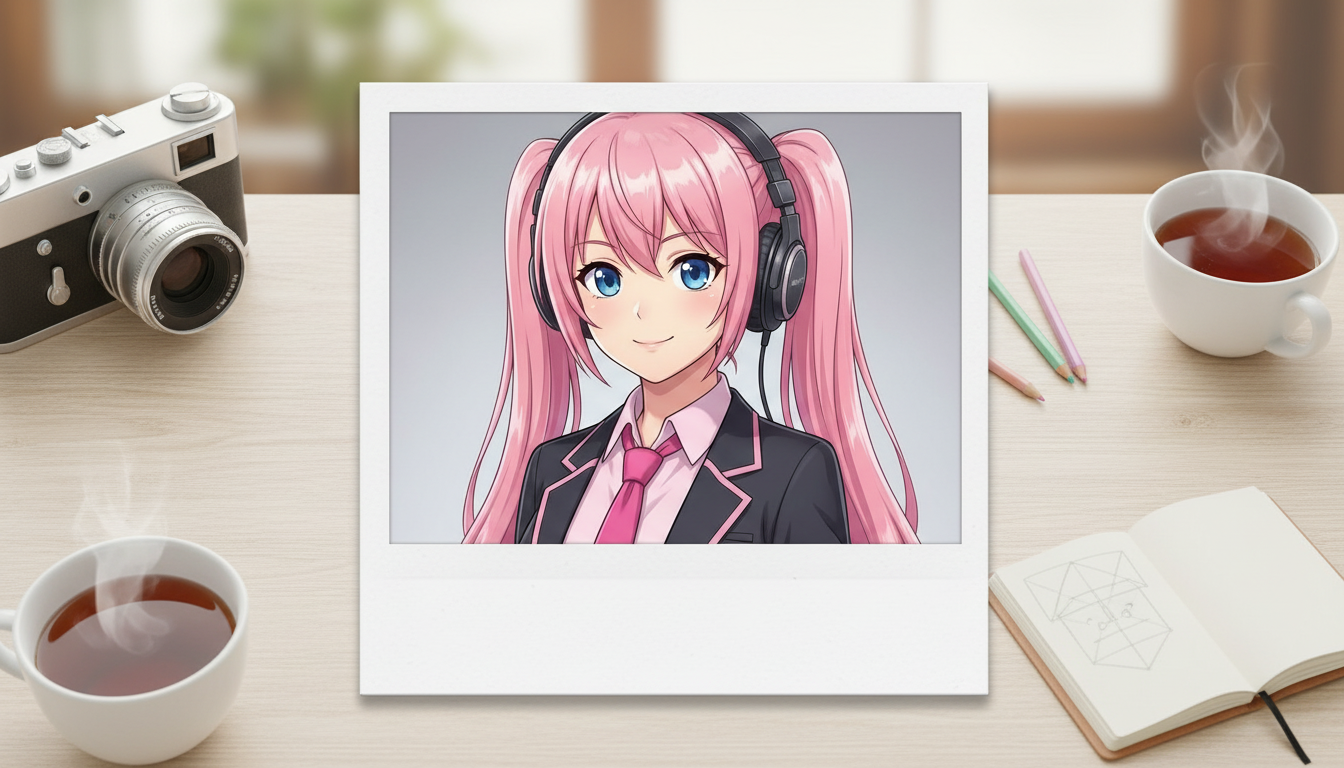
เปลี่ยนภาพตัวละครให้เป็นสไตล์ Polaroid พร้อมกรอบภาพถ่ายทันใจที่ชวนให้นึกถึงวันวาน และอารมณ์แบบภาพสะสม
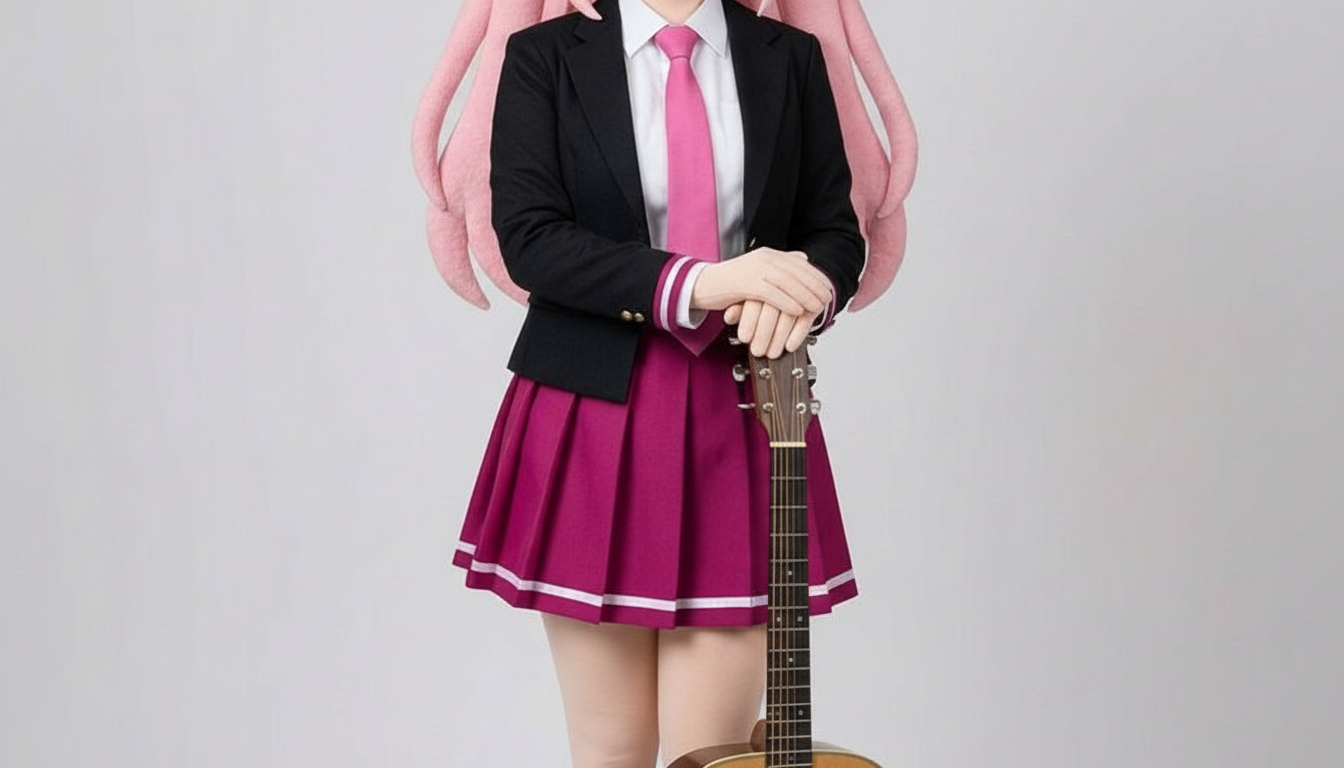
เปลี่ยนตัวละครให้เป็นภาพสไตล์กระดาษตัด ด้วยเลเยอร์งานคราฟต์ที่มีมิติสัมผัสและการควบคุมเส้นเงารูปทรงที่คมชัด
Use this page when you know the kind of visual asset you want, but not the exact prompt or workflow yet.
Search behavior has moved beyond one broad text-to-image query. Many users now start with an existing image, ask for an editor, or compare image generation workflows before they create.
Yes. Each page is built around a specific problem, such as turning a reference image into a new style, creating a character sheet, or making a magazine-cover visual.
Pick the page that matches your starting point. Use text-to-image when you only have an idea, image-to-image when you have a reference, and AI image editor when you need controlled changes.