

AI Görsel Stil Aktarma
AI fotoğraf stil aktarma aracı
Stilizasyon: Yüklediğiniz görselleri istediğiniz görsel stile dönüştürebilirsiniz.
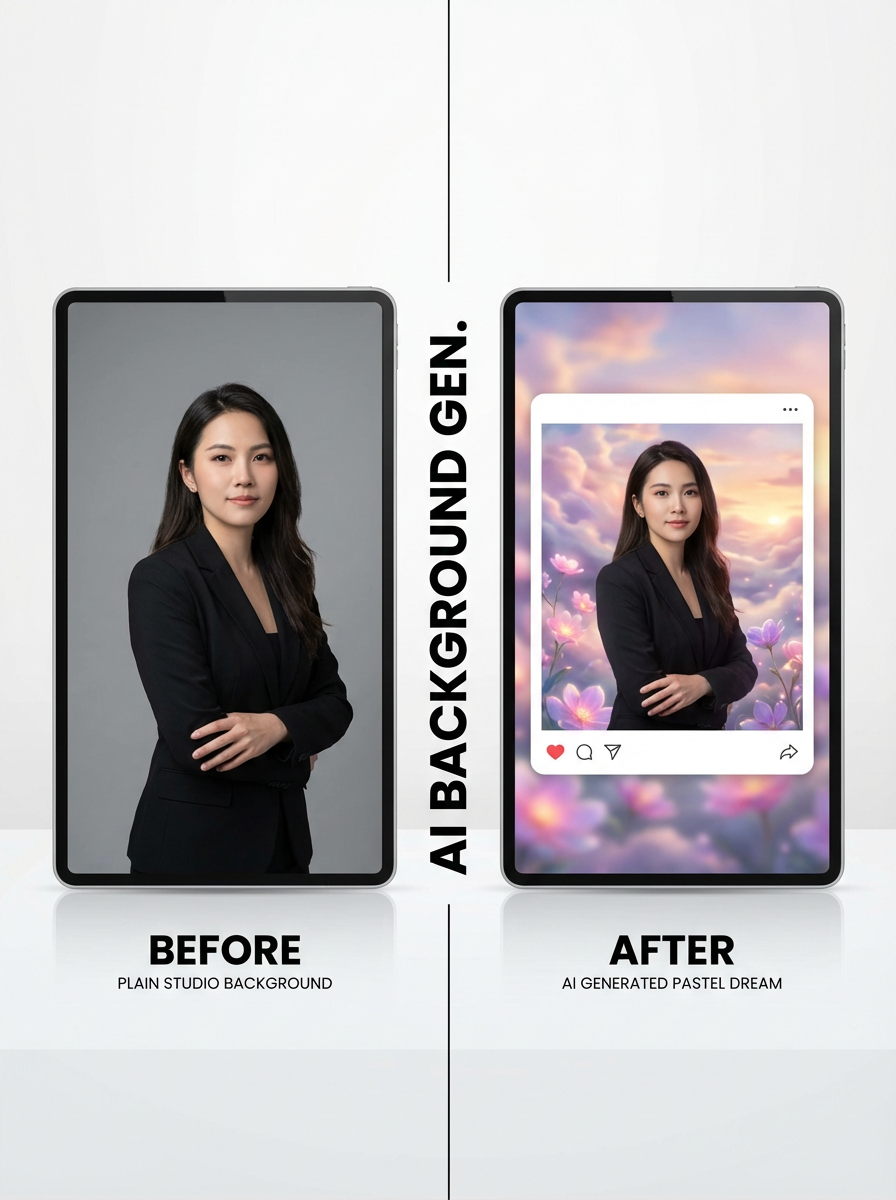
Studio workflow
Yükle, stil seç ve toplu stilize et
Çok adımlı workflow ile görselleri yükleyin, stil preset'i veya stil referanslarını seçin, en-boy oranını ayarlayın ve stilize edilmiş sonuçlar üretin.
Image Upload
Upload images to transform with AI style transfer.
Drag and drop images here
or click to select files
Up to 20 images supported. Current plan limit: 1 (0/1)

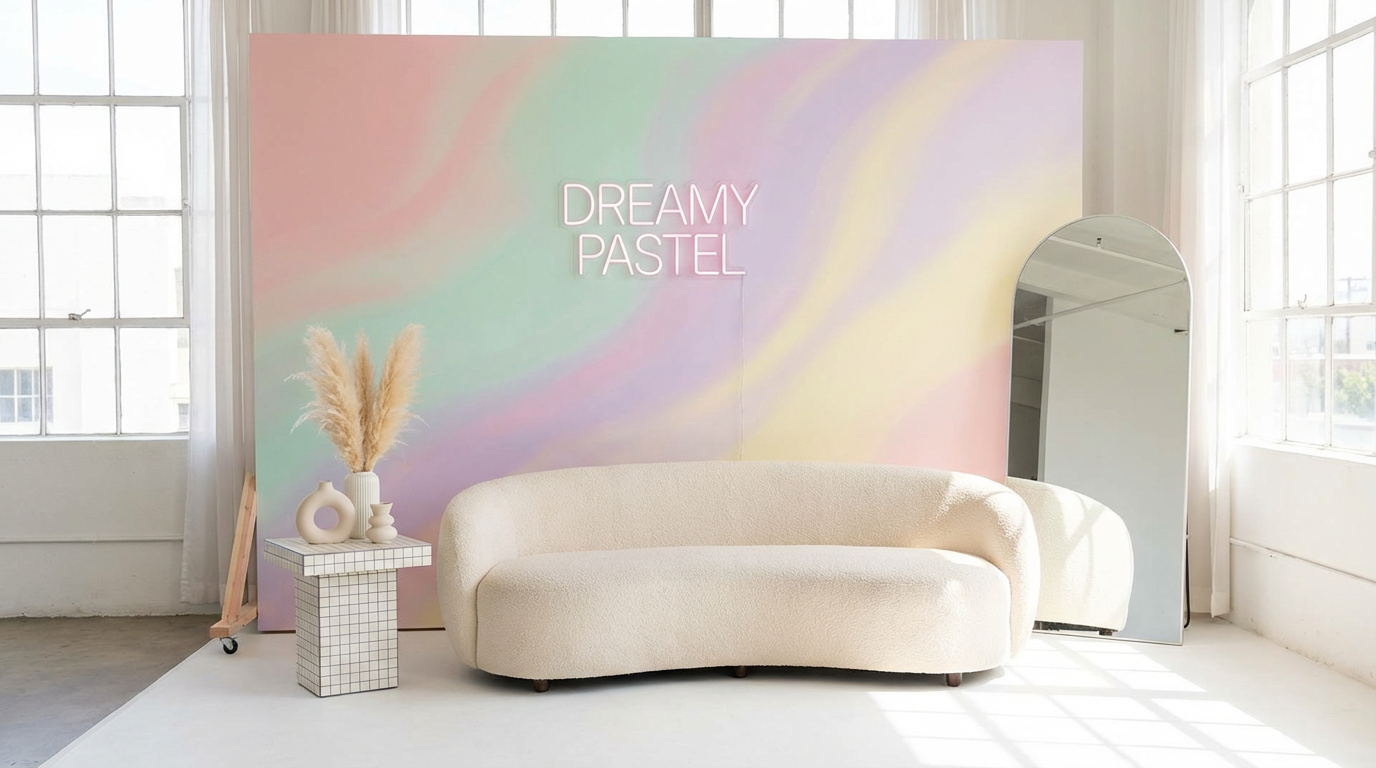
Görselleri preset veya referanslarla stilize et
ImageStyleSelector içindeki hazır stil preset'lerinden birini seçin veya stil yönlendirmesi için 1-2 referans görsel yükleyin.
Stilizasyonu dene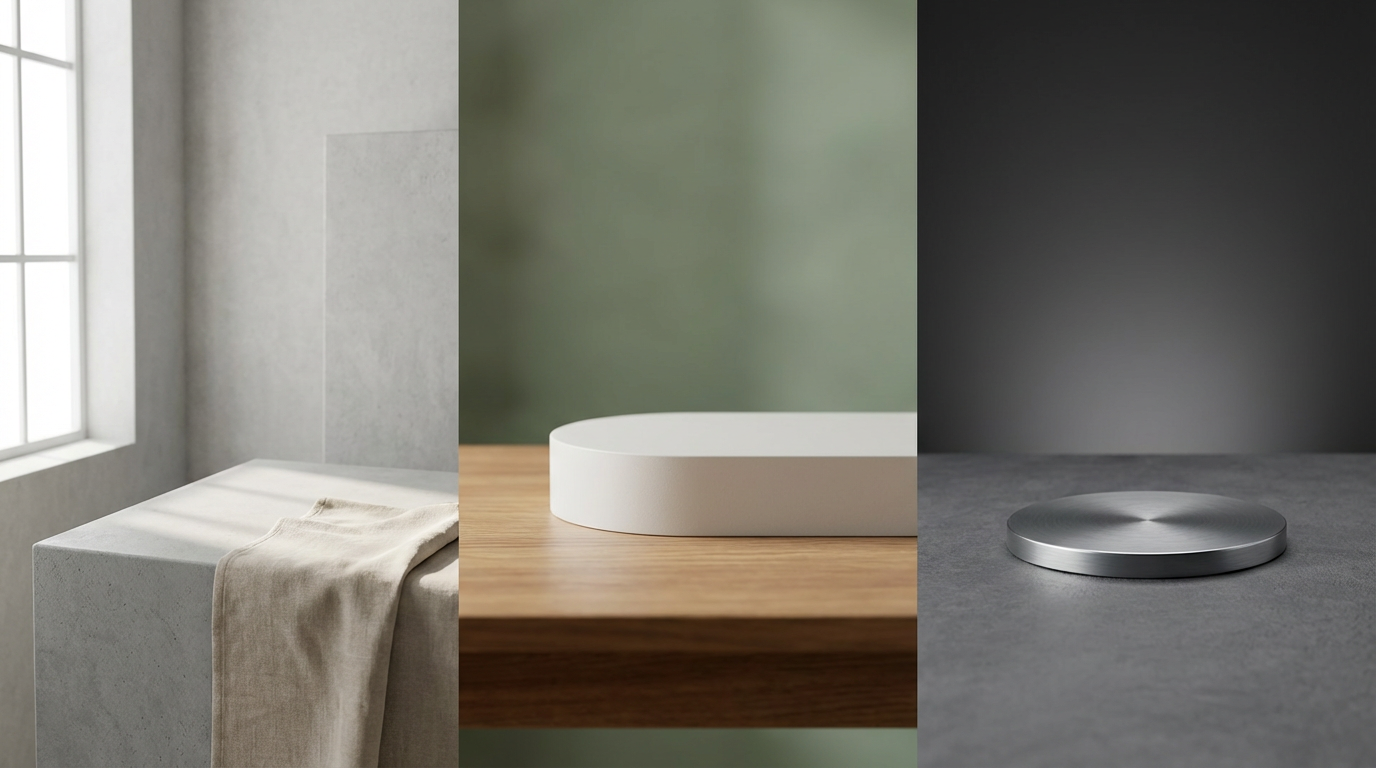
Plan bazlı yükleme sınırlarıyla toplu workflow
Birden fazla kaynak görsel yükleyin ve hepsini tek seferde dönüştürün. Free kullanıcılar 1 görsel, ücretli kullanıcılar tek seferde 10 görsele kadar yükleme yapabilir.
Studio'yu açAI Görsel Stil Aktarma nasıl kullanılır? 3 adımda
Studio içinde basit stilizasyon workflow'u.
Kaynak görselleri yükle
Toplu şekilde stilize etmek istediğiniz görselleri ekleyin.
Stili ve en-boy oranını seç
Bir preset stil seçin, isteğe bağlı referans görseller ekleyin ve çıktı en-boy oranını belirleyin.
Üret ve indir
Stilizasyonu çalıştırın ve yüksek kaliteli çıktıları indirin.
Sık sorulan sorular
AI görsel stil aktarma nedir?
AI görsel stil aktarma, bir kaynak görselin temel içeriğini koruyarak onu yeni bir görsel stile dönüştüren bir işlemdir.
Hazır stillerle referans stilleri birlikte kullanabilir miyim?
Evet. Bir preset stil seçebilir ve ayrıca en fazla 2 referans stil görseli yükleyebilirsiniz.
En-boy oranı destekleniyor mu?
Evet. Üretim öncesinde çıktı en-boy oranını seçebilirsiniz.
Kaç kaynak görsel yükleyebilirim?
Free kullanıcılar 1 görsel, ücretli kullanıcılar mevcut araç workflow'unda tek seferde 10 görsele kadar yükleme yapabilir.
Görsellerini stilize etmeye hazır mısın?
Studio'yu aç ve yüklediğin görselleri AI stil aktarma ile dönüştür.