

AI перенос стиля для изображений
Инструмент AI-переноса стиля фото
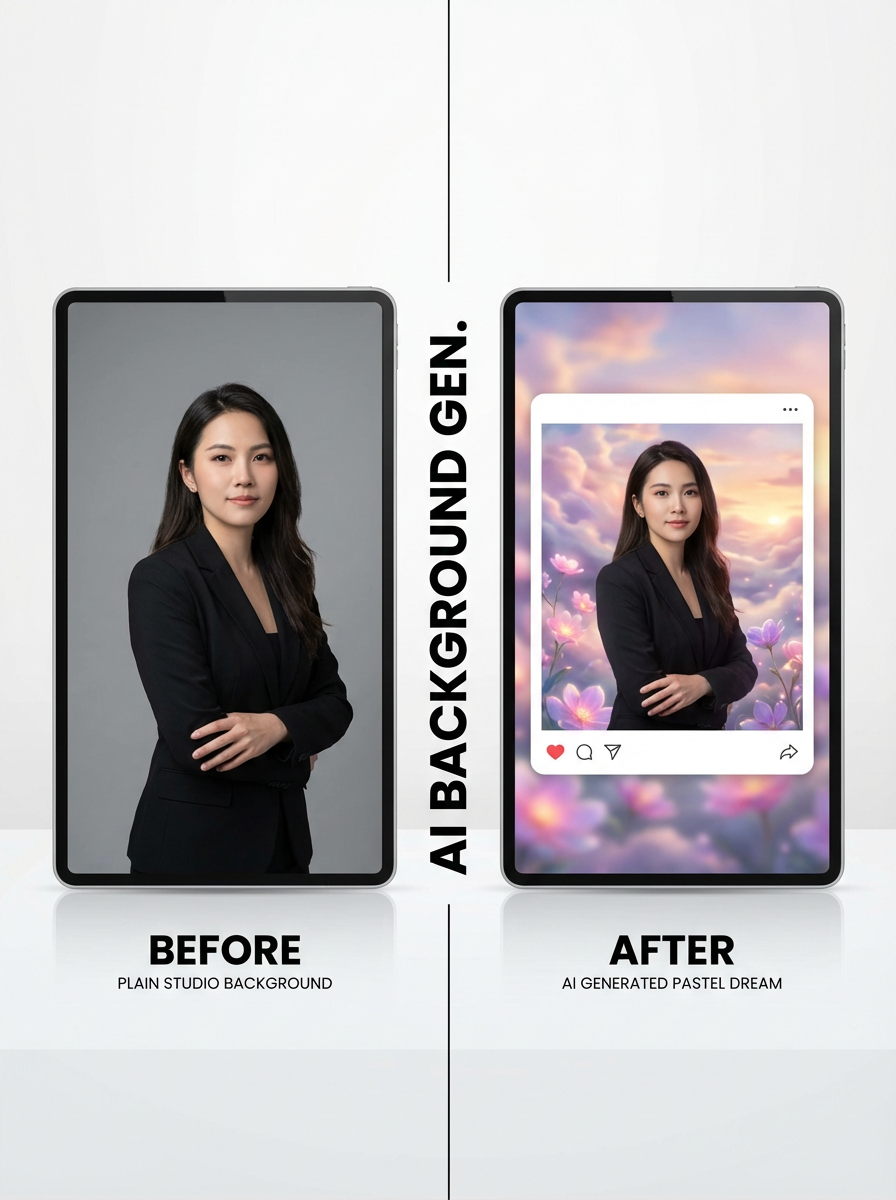
Стилизация: вы можете превращать загруженные изображения в нужный вам стиль.
Студийный workflow
Загрузите, выберите стиль и стилизуйте пакетно
Используйте многошаговый workflow: загрузите изображения, выберите пресет стиля или референсы, задайте соотношение сторон и получите стилизованный результат.
Image Upload
Upload images to transform with AI style transfer.
Drag and drop images here
or click to select files
Up to 20 images supported. Current plan limit: 1 (0/1)

Стилизация по пресетам или референсам
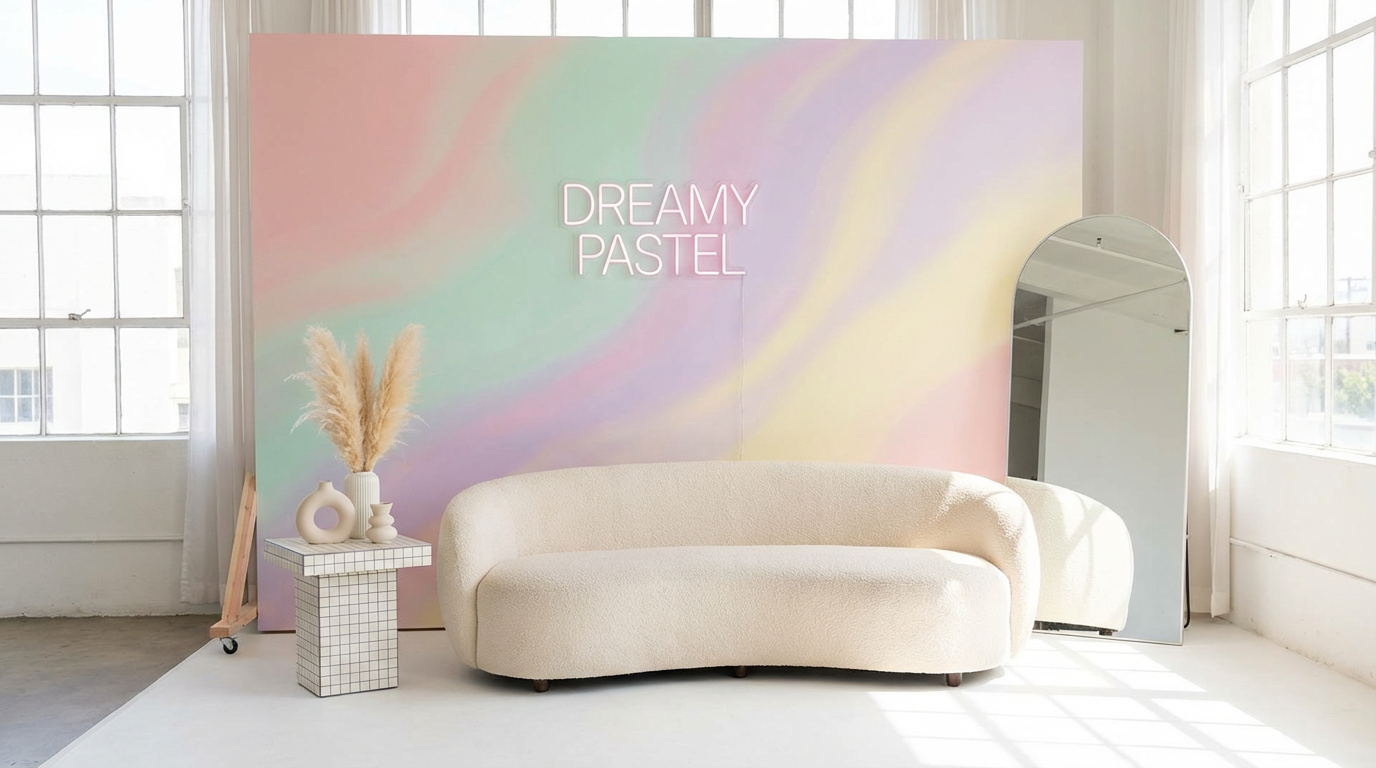
Выберите один из готовых пресетов стиля с помощью ImageStyleSelector или загрузите 1–2 референсных изображения для уточнения стиля.
Попробовать стилизацию
Пакетный workflow с лимитами загрузки по плану
Загружайте несколько исходных изображений и преобразуйте их за один запуск. Пользователи Free могут загрузить 1 изображение, платные — до 10 изображений.
Открыть студиюКак использовать AI перенос стиля за 3 шага
Простой workflow стилизации в студии.
Загрузите исходные изображения
Добавьте изображения, которые хотите стилизовать пакетно.
Выберите стиль и соотношение сторон
Выберите пресет стиля, при необходимости добавьте референсные изображения и задайте соотношение сторон результата.
Сгенерируйте и скачайте
Запустите стилизацию и скачайте готовые изображения в высоком качестве.
Часто задаваемые вопросы
Что такое AI перенос стиля для изображений?
AI перенос стиля преобразует исходное изображение в новый визуальный стиль, сохраняя основное содержание.
Могу ли я сочетать пресеты стиля и референсы?
Да. Вы можете выбрать пресет стиля и дополнительно загрузить до 2 референсных изображений.
Поддерживается ли выбор соотношения сторон?
Да. Вы можете задать соотношение сторон результата до генерации.
Сколько исходных изображений я могу загрузить?
Пользователи Free могут загрузить 1 изображение, а платные пользователи — до 10 изображений в текущем workflow инструмента.
Готовы стилизовать свои изображения?
Откройте студию и преобразуйте свои загрузки с помощью AI-переноса стиля.