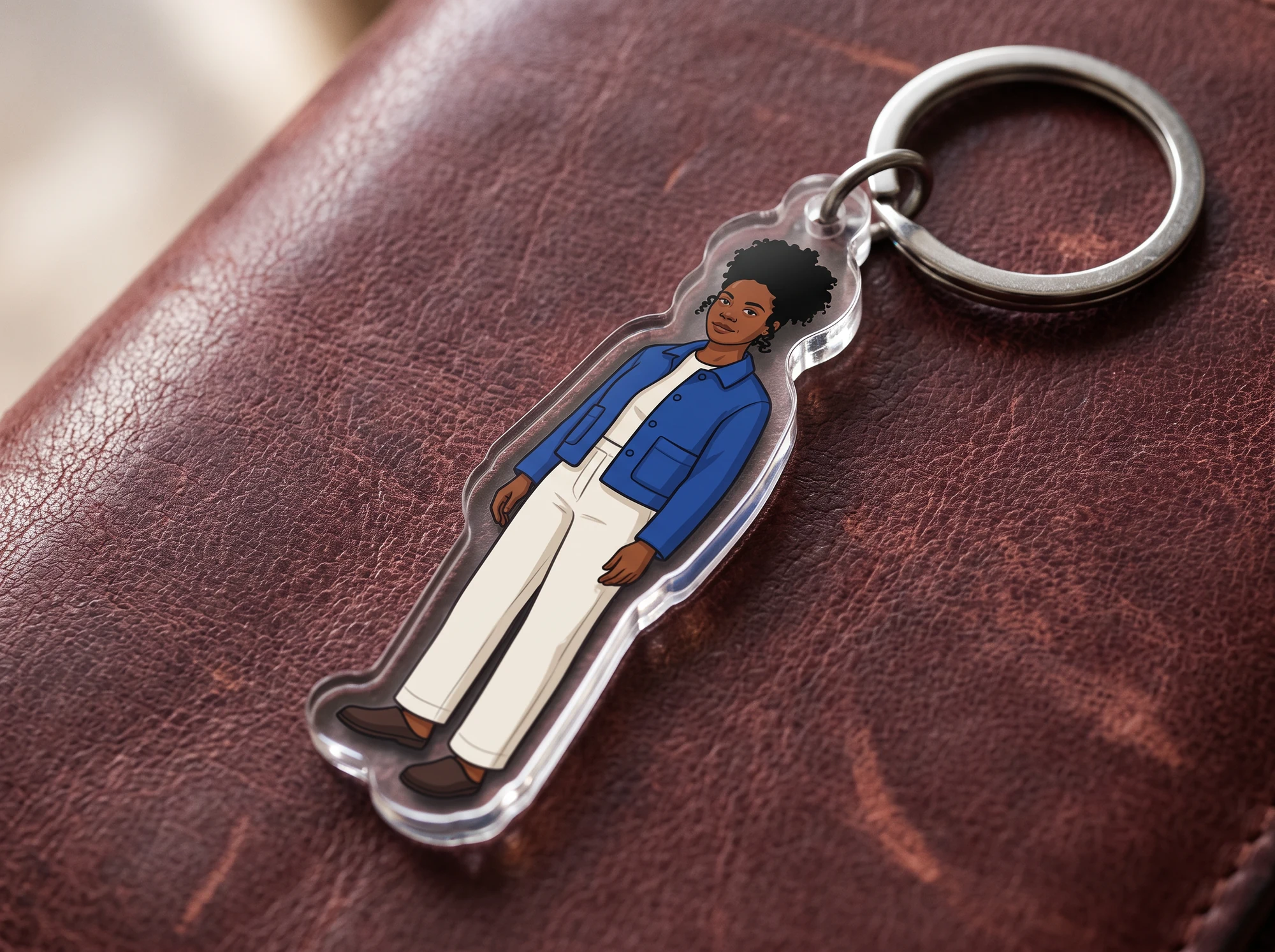
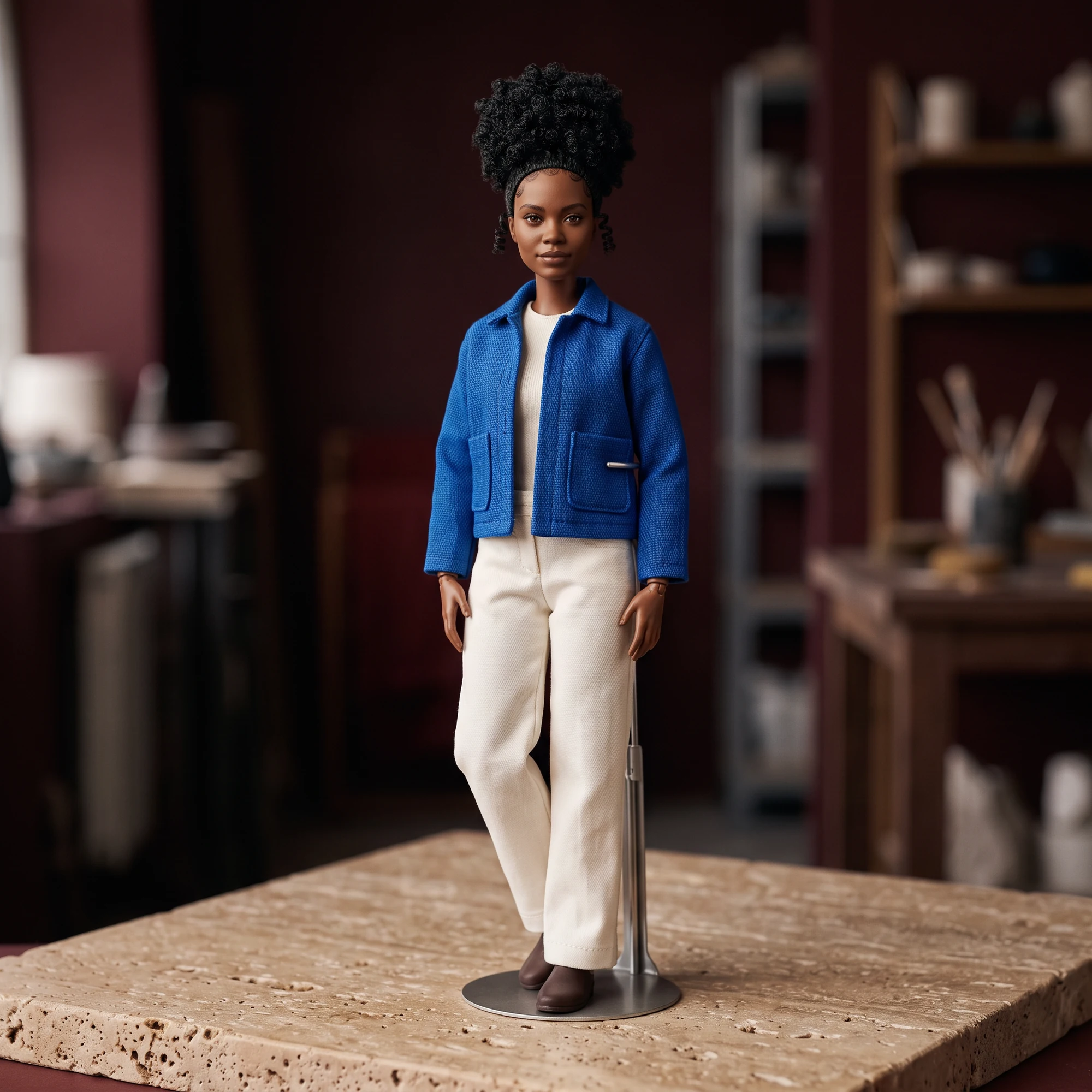
Full keychain
A complete character-keychain concept with a visible ring.


Turn a photo into a character-keychain concept. Inspect the attachment, silhouette and small details.
Your result will appear here
Upload a photo, choose a direction and generate your first draft.
AI can change faces, small details and lettering. Compare the result with your source before using it.
These AI-generated source and result concepts illustrate a direction; they are not recorded runs of this tool.
A complete character-keychain concept with a visible ring.
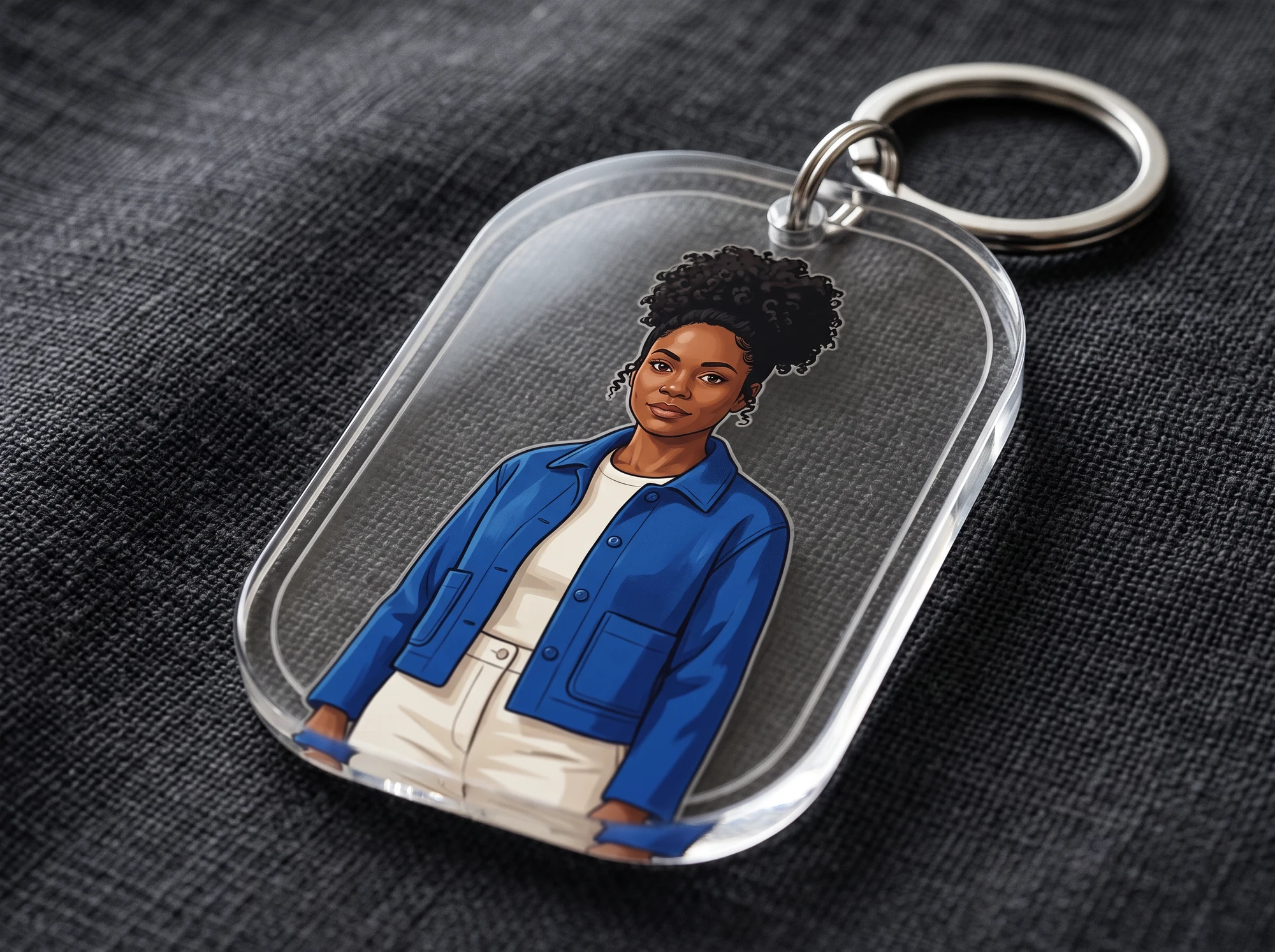
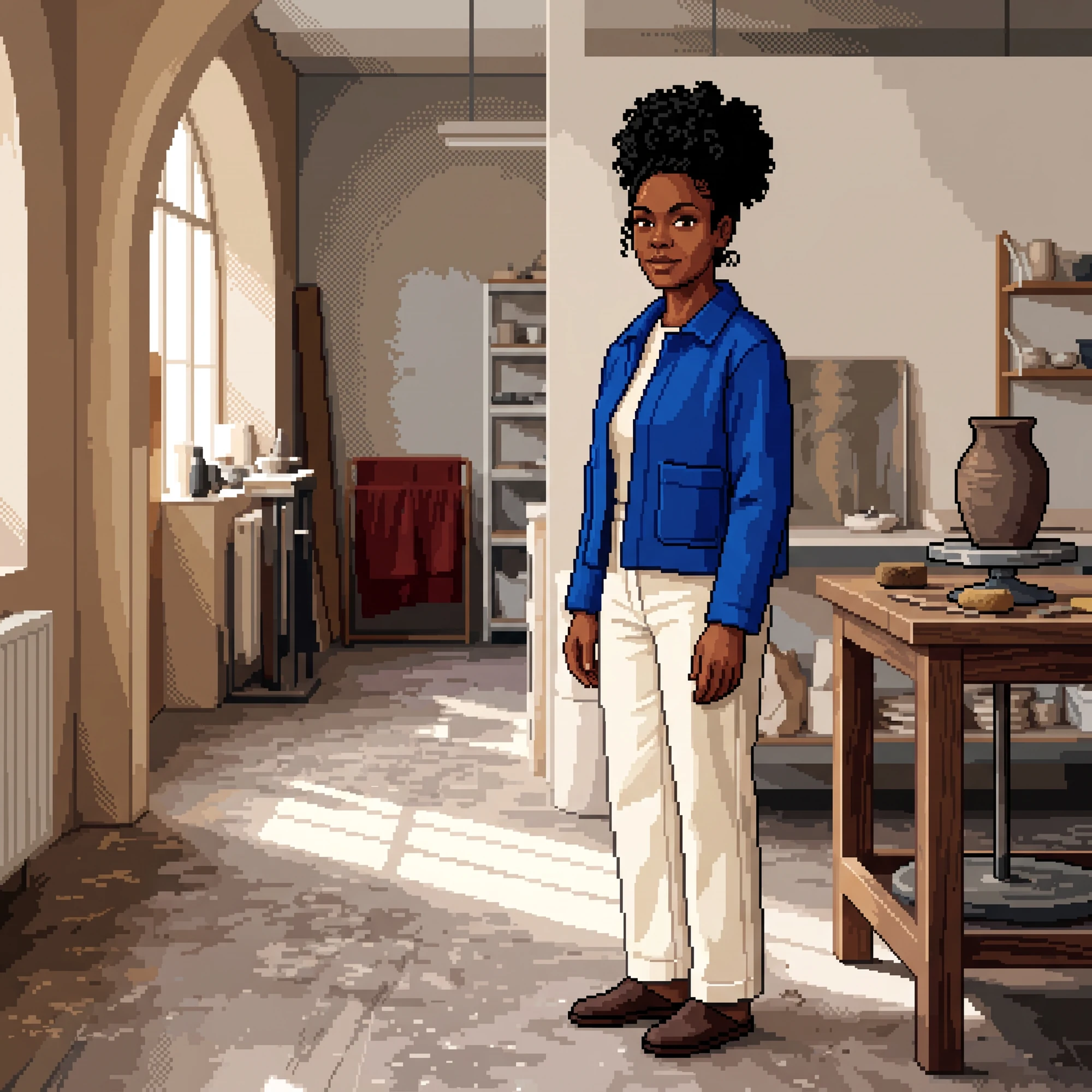
A closer view of the character and attachment.
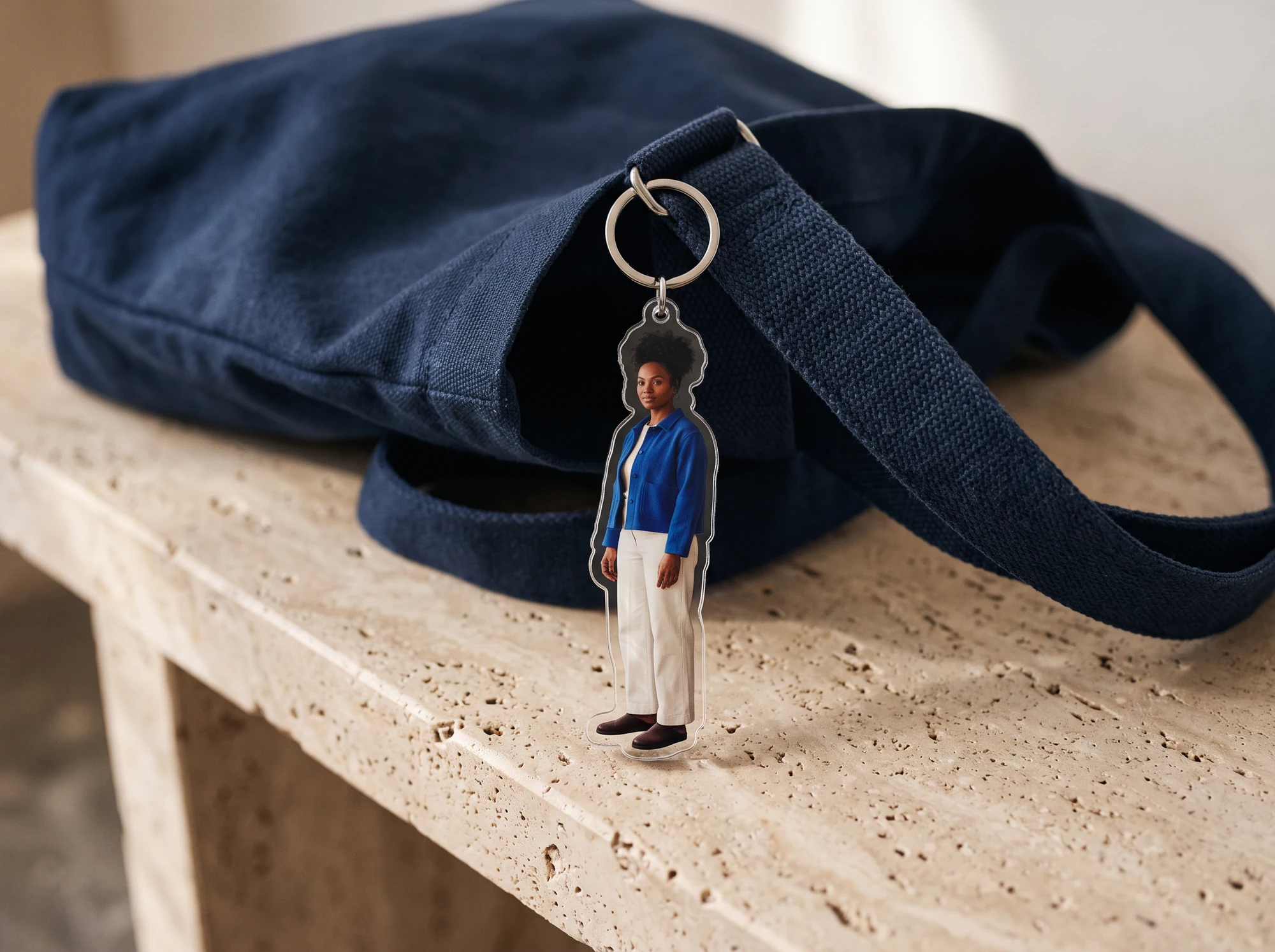
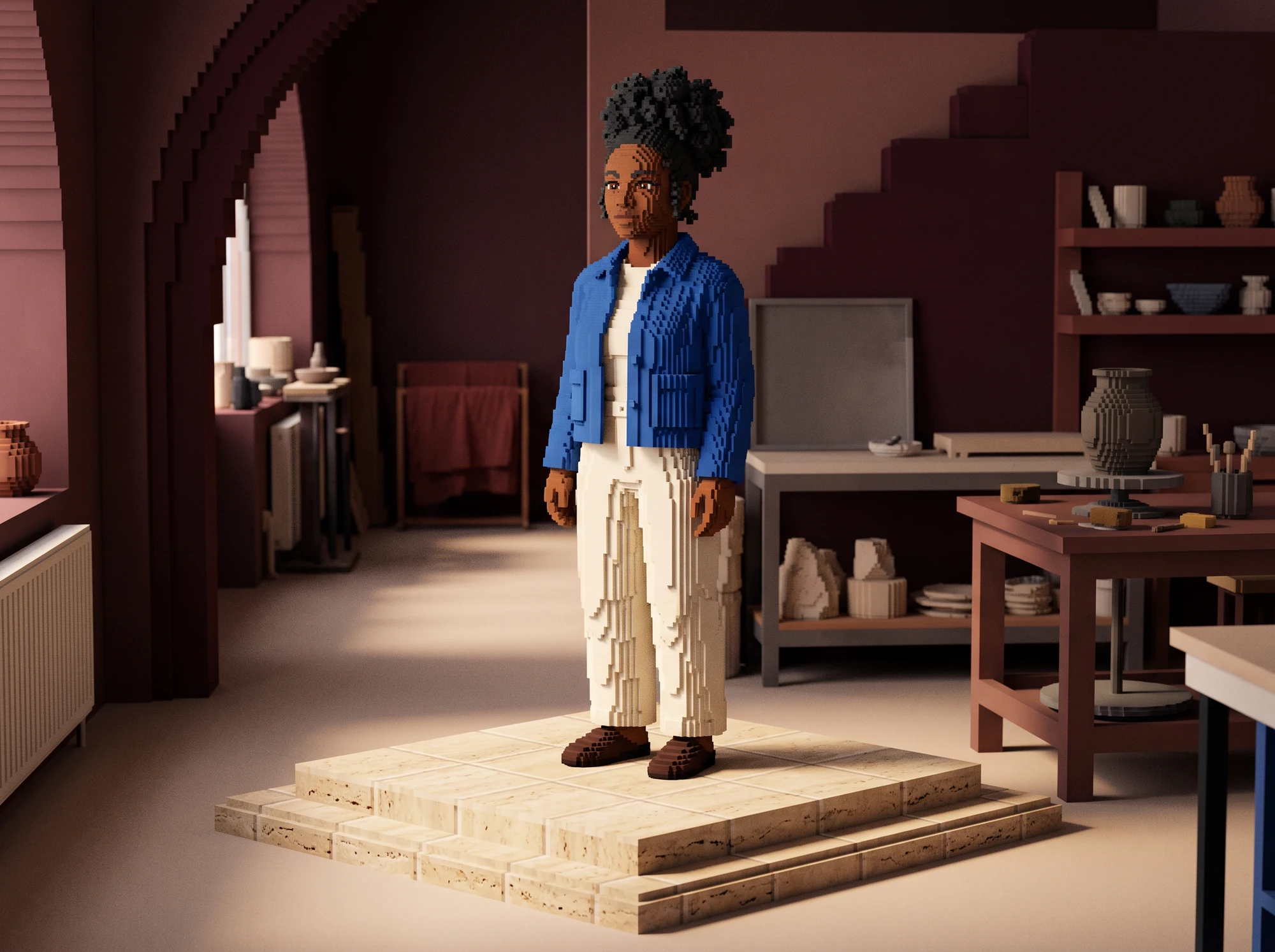
The accessory concept arranged in a display setting.
Upload a clear photo with the subject visible.
Add optional instructions and choose an output ratio.
Inspect and download the draft you want to keep.
Use a photo you own or may share.
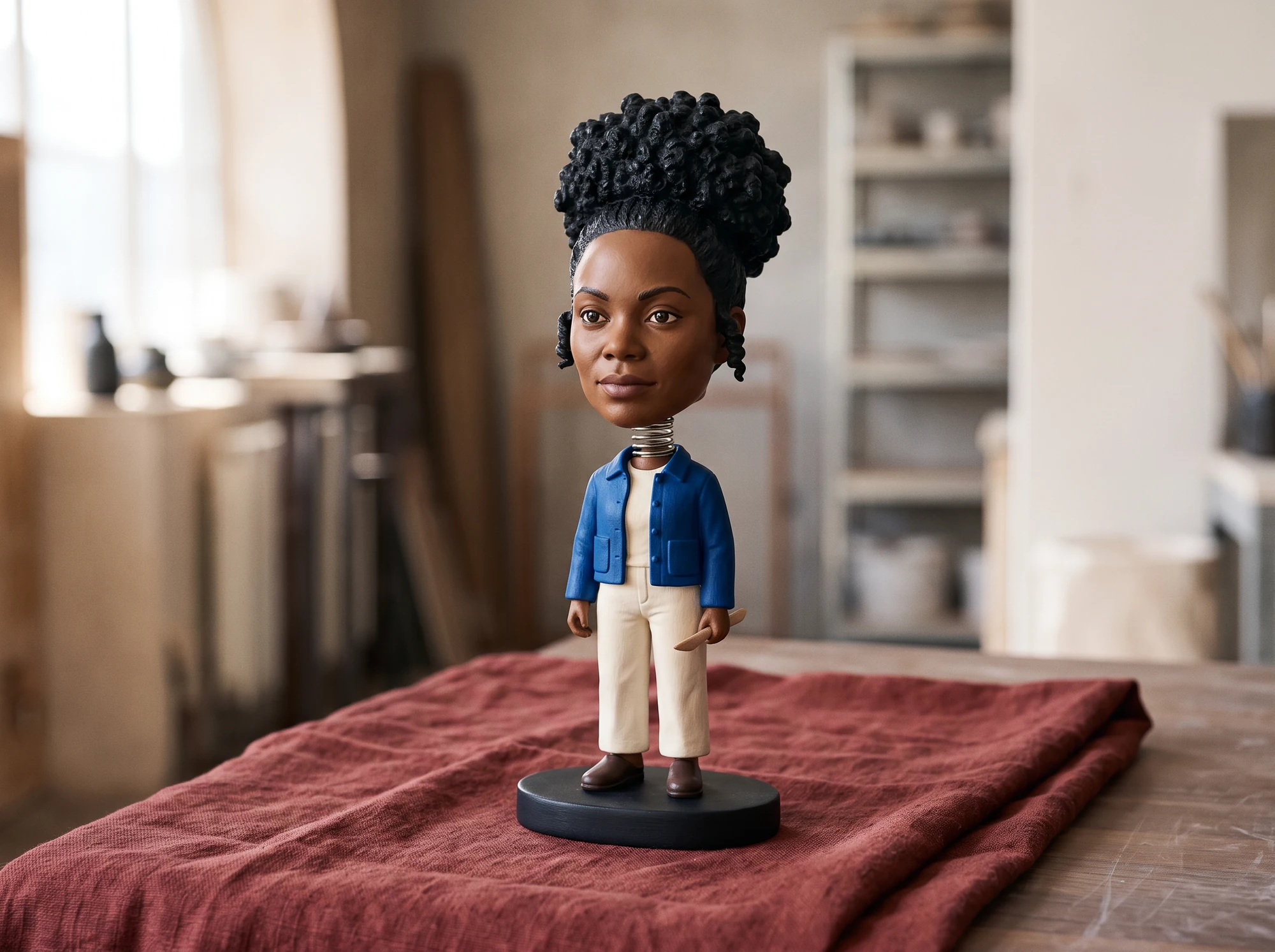
A character-shaped accessory concept with a ring.
Name one change and the details to keep.
Choose Auto or an output ratio.
Check the ring, attachment, silhouette and tiny details.
An image mockup; CAD, cutlines and physical production are separate.
Choose a clear, well-lit photo with unobstructed subject details.
No. Ask your manufacturer to create and check dimensions, attachment holes, materials and print files separately.
Edit your instructions, then generate another draft to compare.
Sign in and check your balance and plan. Costs and access vary by option.
Check the ring, attachment, silhouette and tiny details.
Explore ways a finished image might be displayed or shared.
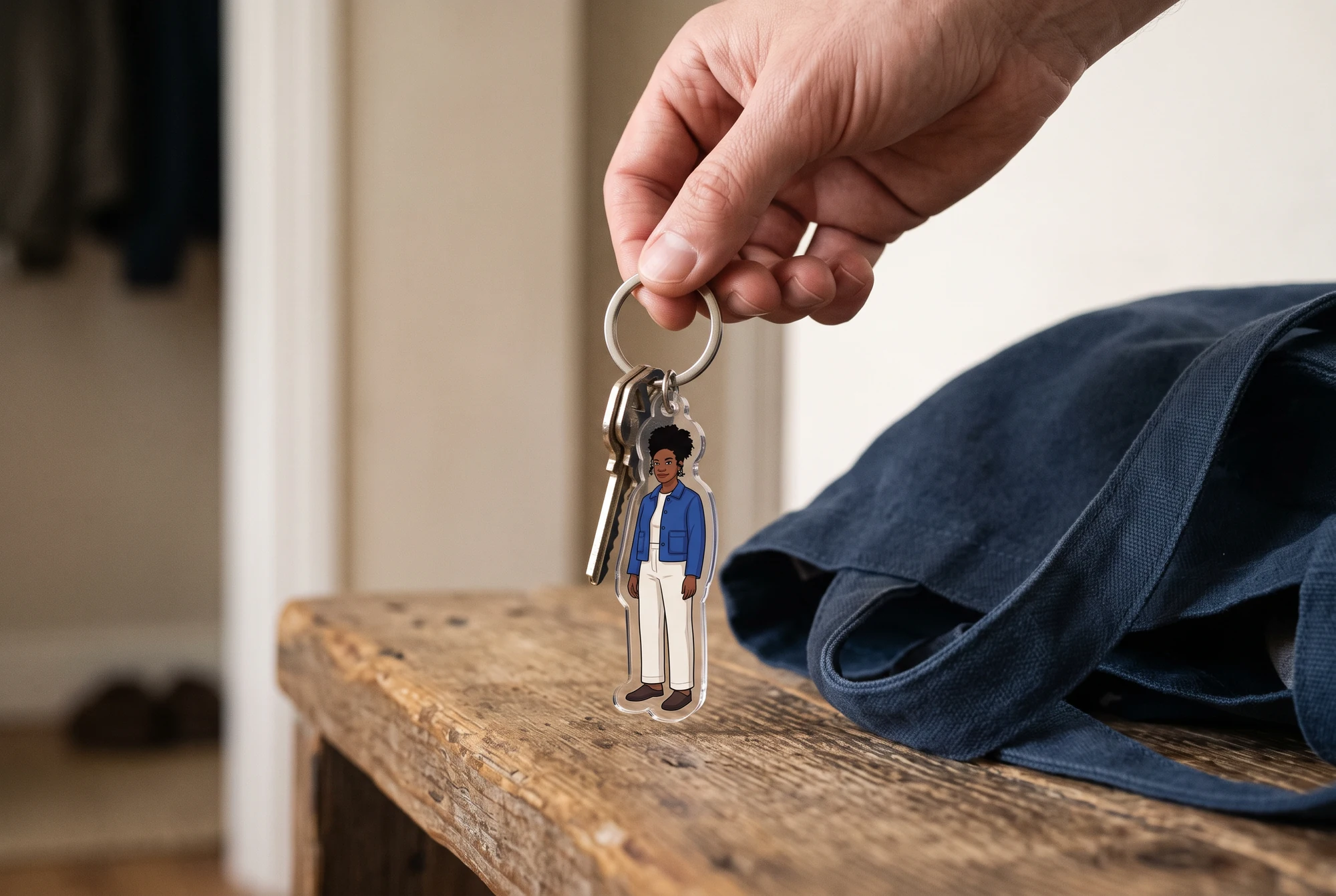
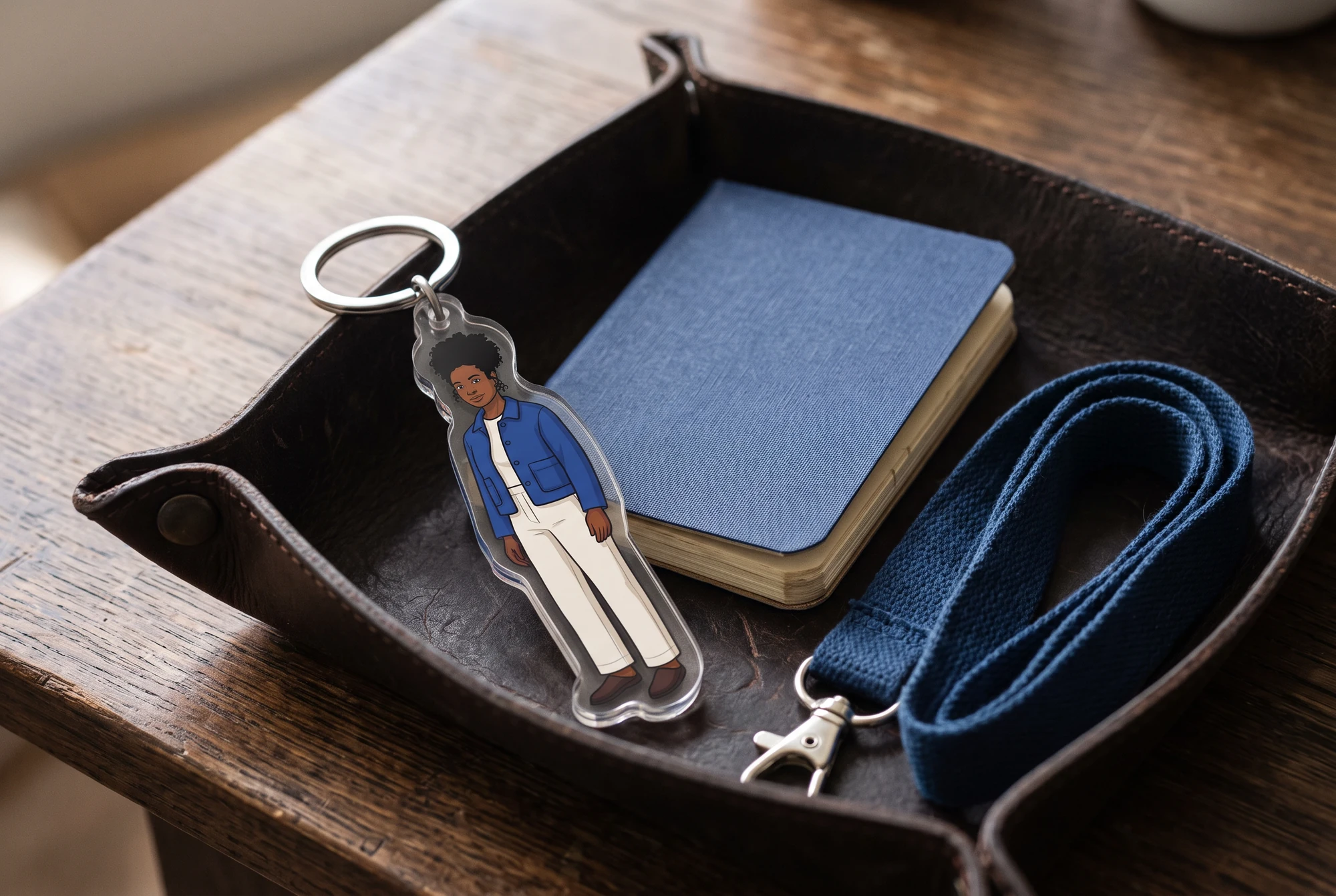
AI-generated concepts created with Vertex. These are illustrative scenes, not customer photographs or verified LlamaGen results. Physical products and printing are not included.
Explore another tool. Upload a photo there to start a new image.