

Learn · 106 Guides
Guides
Explore practical LlamaGen guides for photo to anime, AI comic creation, character consistency, comic lettering, manga production, webtoon publishing, and printing.
Choose a creation learning path
Start with the task you want to finish, then follow its preparation, workflow and review guides.
Character design and consistency
Build a reusable reference, compare panels and repair visual drift.
Read guide →Story adaptation and storyboards
Choose story beats, plan readable panels and review source fidelity.
Read guide →Scenes and backgrounds
Find a useful scene, preserve its landmarks and check camera changes.
Read guide →Educational comics
Turn one learning objective into a comic and a check for understanding.
Read guide →Comics to animation and video
Prepare panels, make a shot list and check motion and transitions.
Read guide →
Related manga workflows
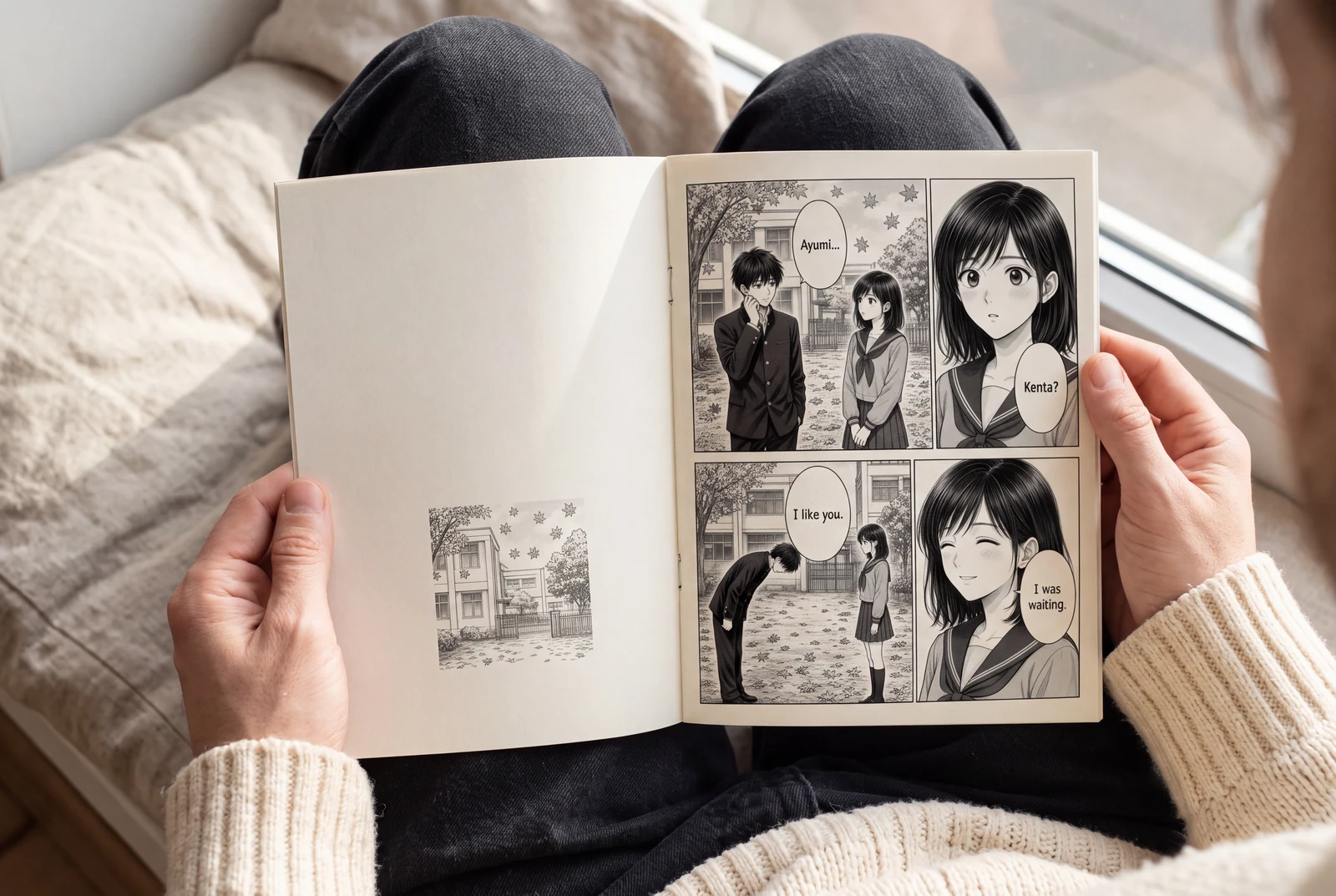
Manga Page Layout: Build a Clear Reading Order
Plan manga panels, gutters, image crops, and dialogue space before exporting a readable page. Includes a four-panel planning example and practical checks.
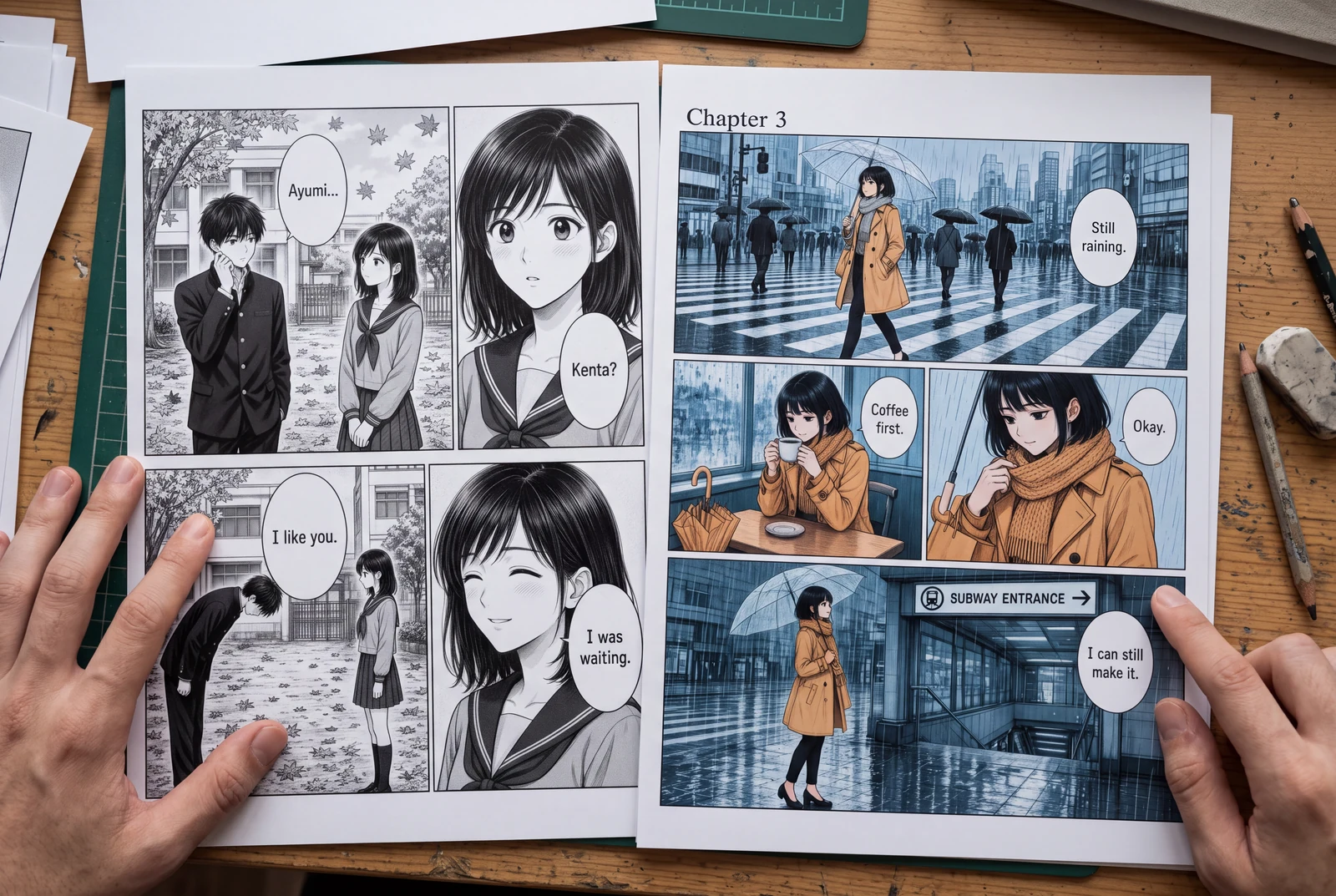
Manga Speech Bubble Placement: Keep Dialogue Readable
Place manga speech bubbles in a clear order, connect tails to speakers, and preserve text space across translations. Includes a dialogue planning example.
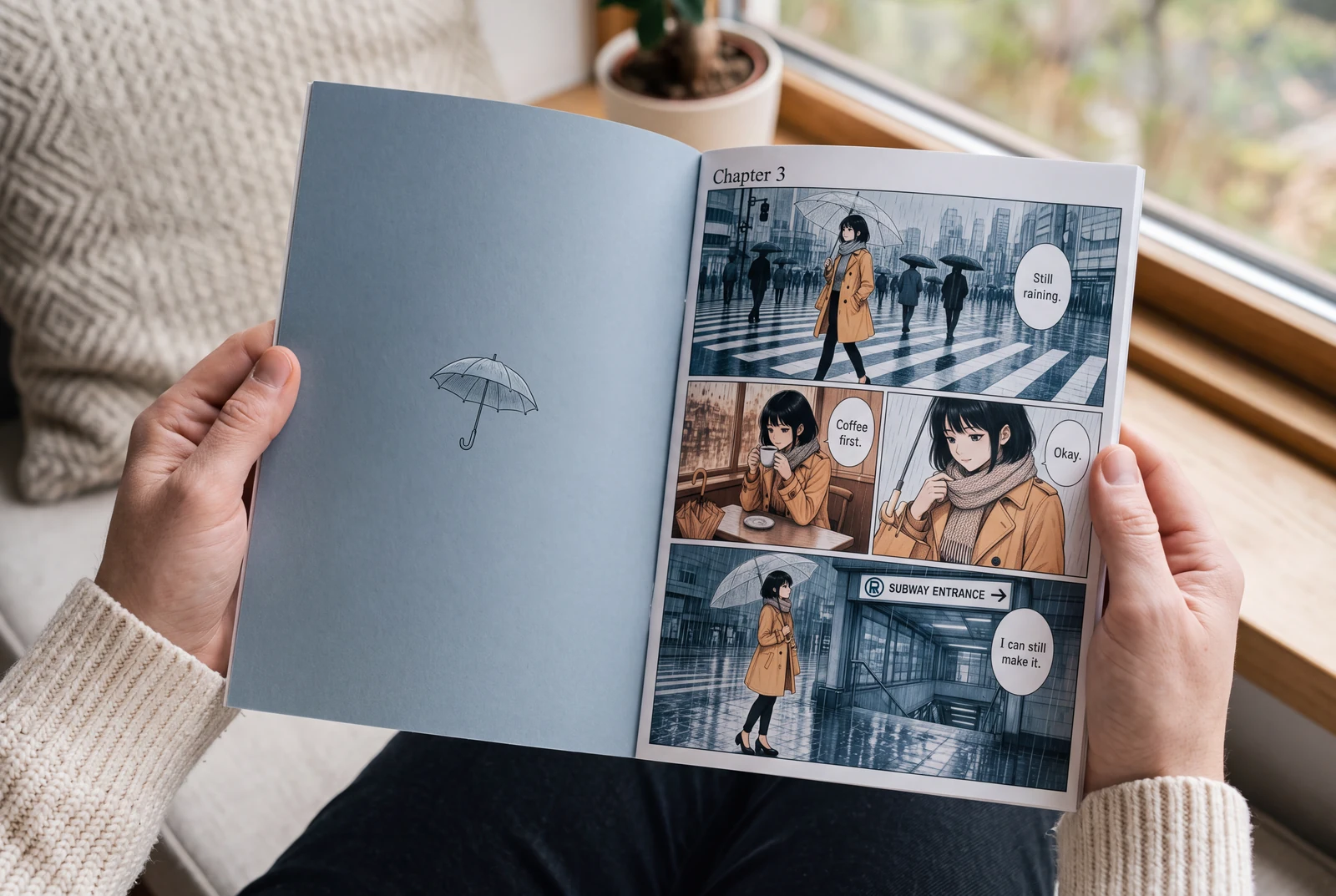
How to Colorize Manga While Protecting Line Art
Prepare manga for AI colorization, write a controlled palette prompt, and compare ink, text, and panel borders before accepting the result.
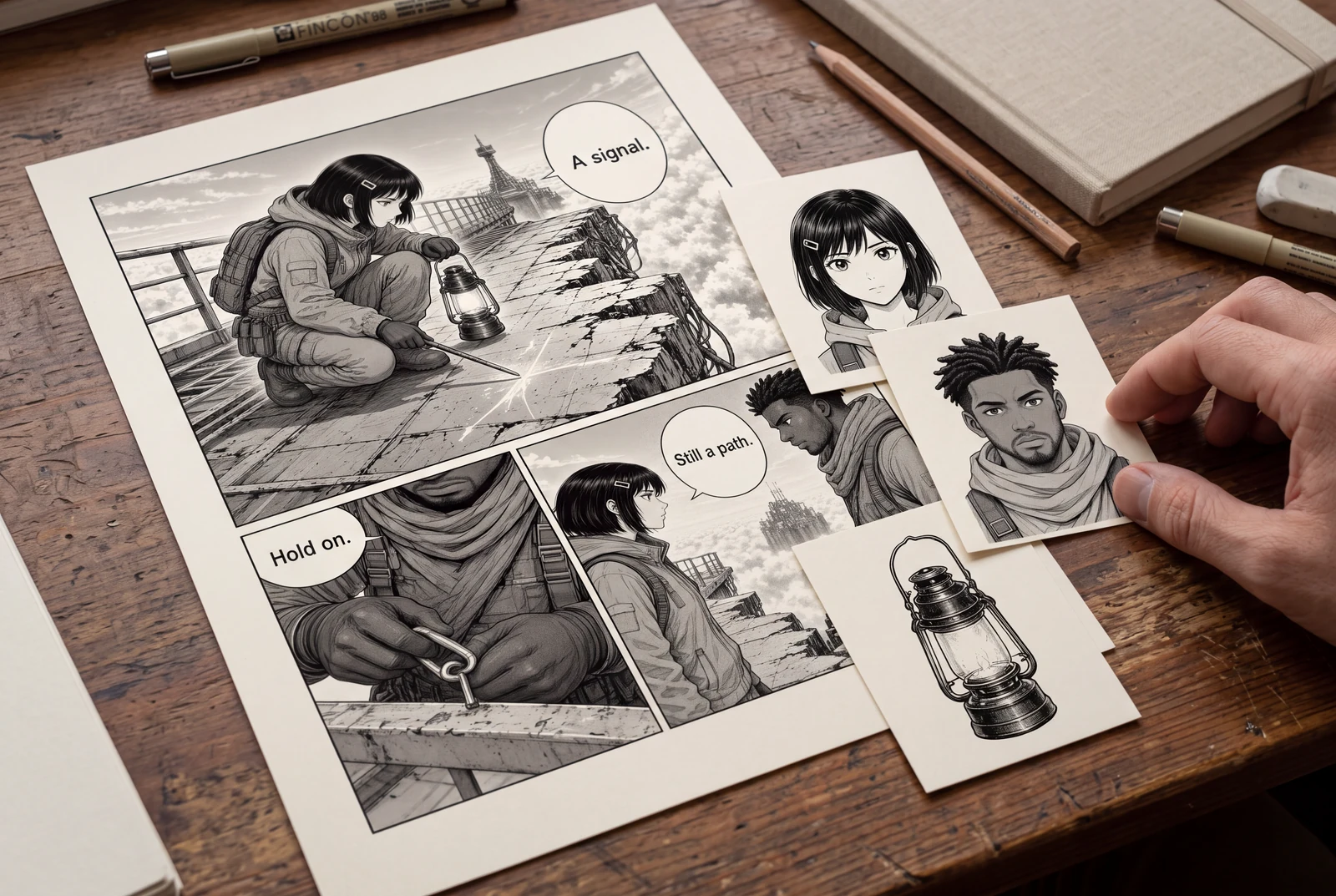
Prepare Manga Art for Layer Separation and PSD Handoff
Prepare a flattened manga panel for a reviewable asset sheet, then understand transparent PNG extraction, raster PSD limits, and cleanup before handoff.
Guides
Make your first manga page
Three practical guides to turn a story into panels you can read, revise, and share.
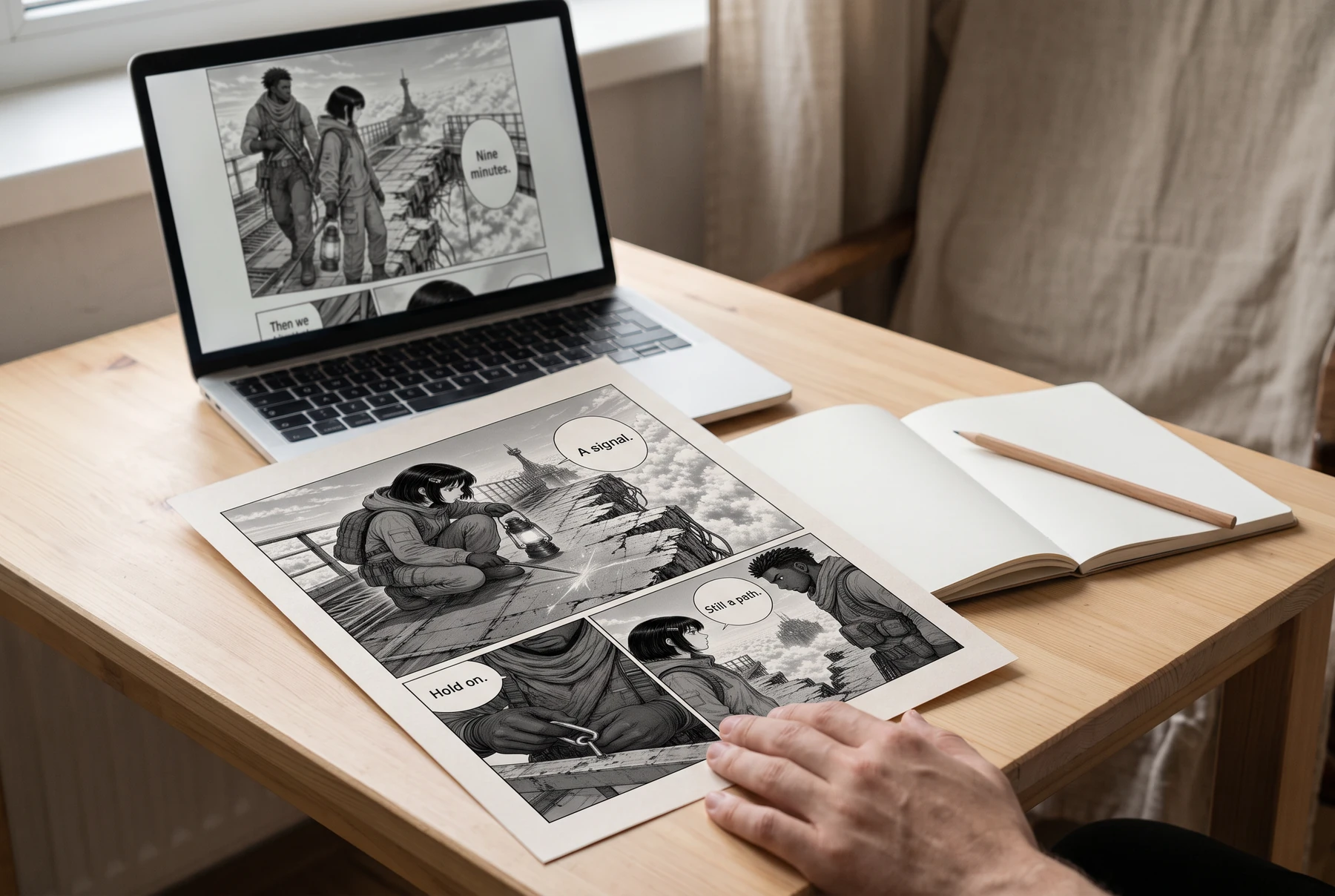 AI-generated lifestyle concept
Manga planning guide
Turn a short script into four readable manga panels
Turn a short manga script into four readable panels with an original worked example, a reusable prompt, dialogue checks, and an honest review checklist.
Read guide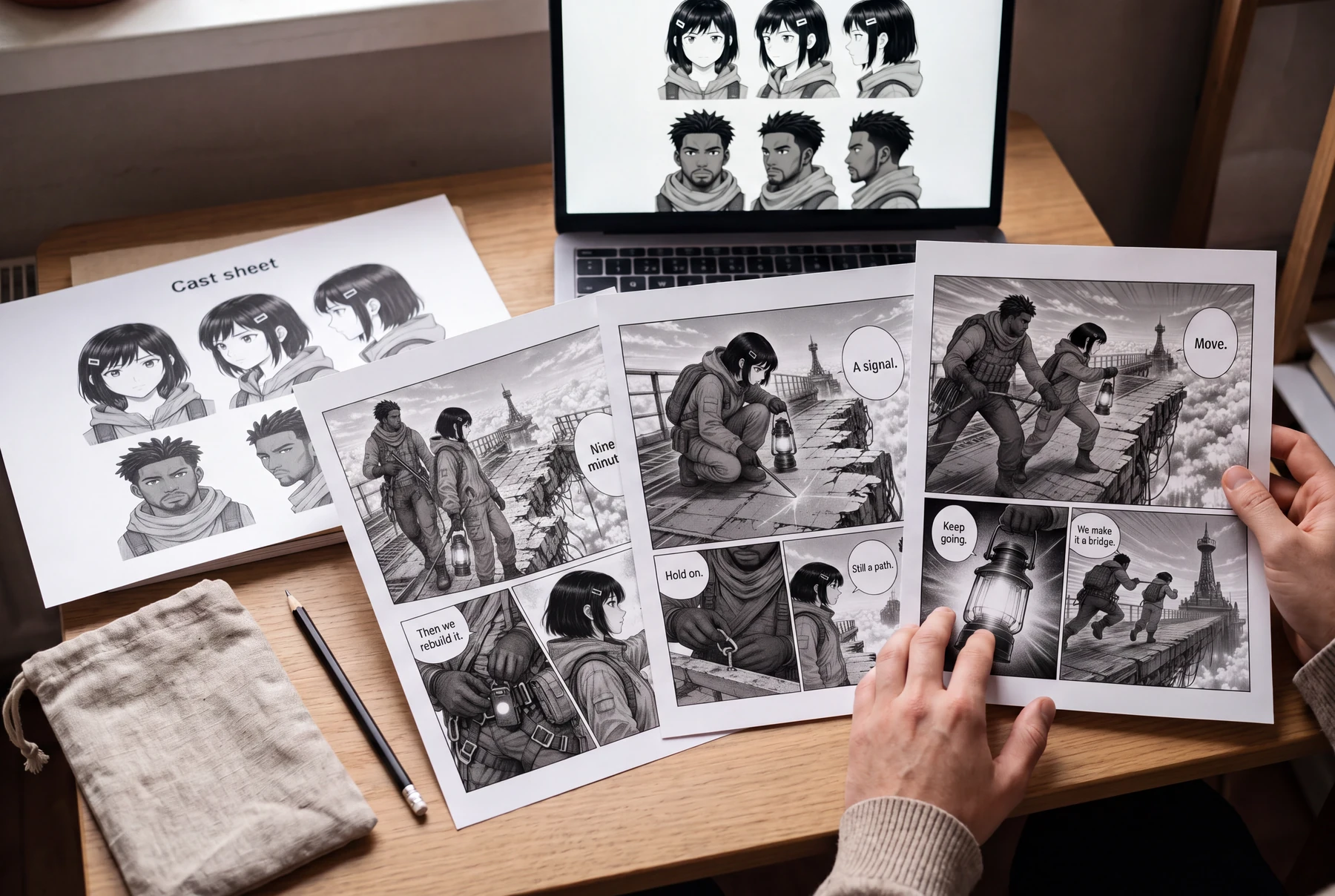 AI-generated lifestyle concept
Character continuity guide
Keep the same character recognizable across manga panels
Keep AI manga characters recognizable with a character bible, scene continuity checks, and a targeted redraw prompt. Includes an original illustrated example.
Read guide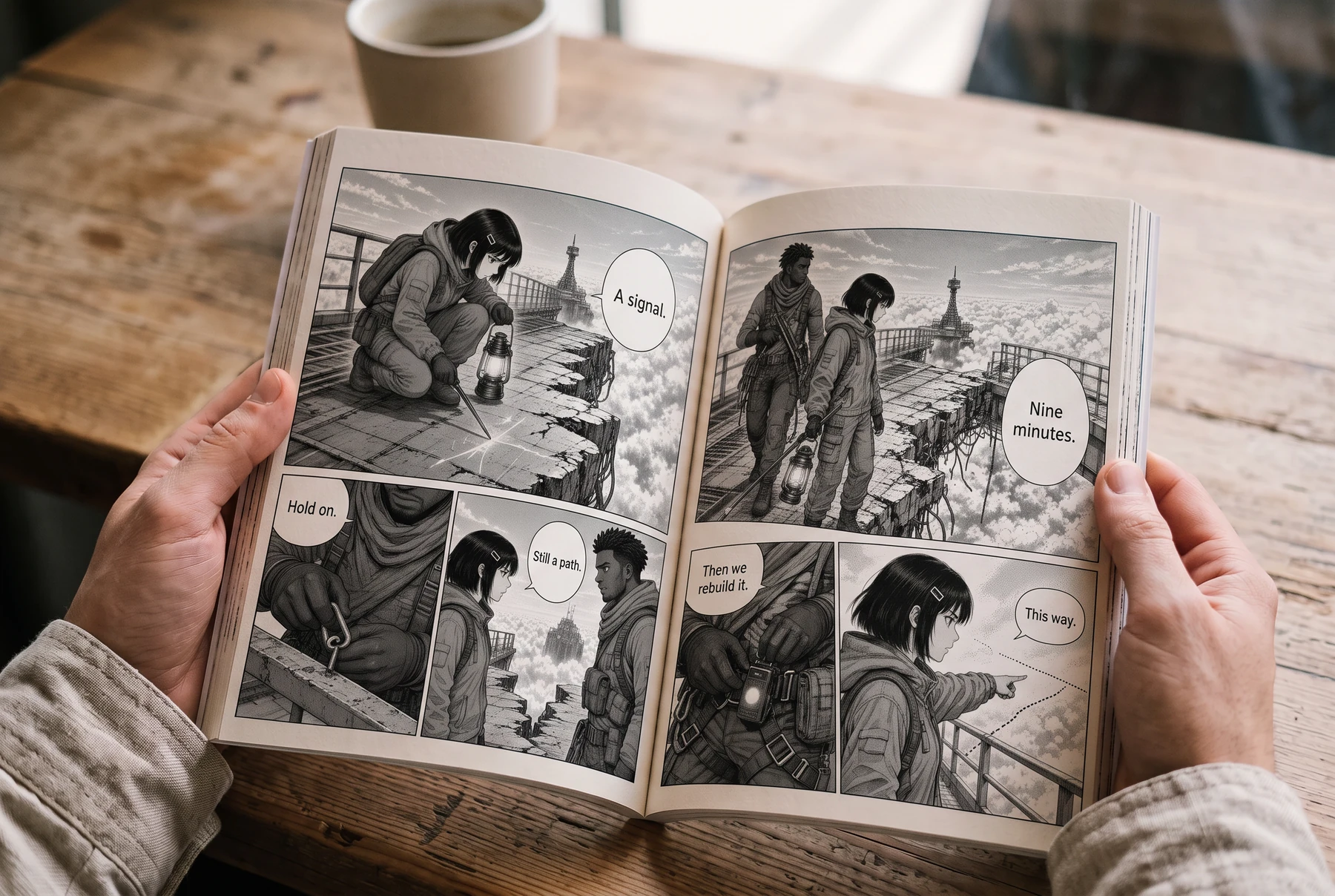 AI-generated lifestyle concept
Reading order & lettering
Make the next panel obvious.
Plan right-to-left manga panels and speech balloons with an illustrated four-panel example, a lettering brief, and a translation checklist.
Read guide
Continue your workflow
Comic prompt guide
Write AI comic strip prompts that tell a readable story
Write clearer AI comic strip prompts with a four-panel plan, an illustrative classroom example, dialogue checks, and honest generation limits.
Character continuity guide
Keep comic strip characters recognizable across panels
Plan recognizable comic characters with a compact character sheet, stable prompts, panel comparisons, and a continuity checklist.
LAYER EXPORT GUIDE
PNG, ZIP or PSD: choose and inspect your layer export
Learn what a layer sheet contains, when separate extraction is needed, and how to inspect transparent PNG, ZIP and starter raster PSD exports.
MOTION COMIC PREPARATION
Prepare comic layers for animation without hiding the repair work
Plan motion, inspect occluded artwork, clean extracted raster parts and prepare an honest handoff for motion comics or further rigging work.
Motion comics
Understand comic animation and choose a practical next production step.
Comic to video workflows
Choose a production task, then study relevant examples and a practical plan.
- Comic to video examples ↗
Compare short comic animations and choose a workflow for your source panels.
- Comic strip to video ↗
Plan a three- or four-panel strip as a short animation with readable timing.
- Comic book trailers ↗
Build a short story teaser from comic artwork without giving away the ending.
- Character consistency in comic videos ↗
Prepare character references and review identity, wardrobe, and props across shots.
- Scene transitions in comic videos ↗
Connect panels with purposeful cuts, visual anchors, and changes of scale.
Plan a comic that holds together
Four practical guides for a continuing webtoon, a photo-based scene, an eight-panel adaptation and a researched character.
Keep a webtoon character recognizable across pages
A strong opening panel is only the beginning. Give the next page the same character, a clear continuation and enough scrolling space for the story to land. Start with a short sequence before expanding an episode.
Creation guides →Decide what your photo-to-comic result should preserve
A picture can become a close visual adaptation or the starting point for a new story. Say which one you want. A polished comic face can still lose the details that made the source meaningful.
Creation guides →Turn a short story into eight readable comic panels
Eight panels are a useful planning constraint: enough room for a small problem, an attempt and a consequence. Build an action sequence first, then choose a layout that lets a reader follow it.
Creation guides →Build a historical character sheet you can explain
A recognizable historical character needs more than a period costume. Keep a source register beside the design, distinguish evidence from invention, and plan how the character changes without treating an AI image as a historical record.
Creation guides →
Comic animation and layout
Plan an ordered shot sequence, choose four-panel layouts, and stage a readable manga action scene.
Turn a comic page into a clear animation shot list
Plan a comic-to-animation sequence with a four-shot example, separate subject motion from camera motion, and review continuity before exporting video.
Read guide →Choose a four-panel comic layout that fits your story
Compare a 2 × 2 comic grid with a four-panel strip, plan dialogue and game cutscenes, and open the matching real LlamaGen layout.
Read guide →Plan a manga action layout the reader can follow
Stage a readable manga action sequence with an establishing view, a clear action beat and a reaction; compare panel layouts and review direction before export.
Read guide →
Nano Banana 2.1 workflows
Practical image-editing, reference, storyboard and product-scene guides, with official model references and visible review criteria.
Nano Banana 2.1 vs Pro: choose for the task in front of you
Compare Nano Banana 2.1 and Nano Banana Pro using official model descriptions, a task checklist and a clearly labeled 2.1 example.
Read guide →Run Nano Banana 2.1 through the Google Cloud image API
Use the exact Nano Banana 2.1 model ID in a direct Google Cloud SDK request, review supported settings and handle a response without an image.
Read guide →Edit an image with Nano Banana 2.1 without losing the brief
Plan a reference-image edit with Nano Banana 2.1: separate what should change from what should stay, inspect the result and keep useful versions.
Read guide →Make a character reference sheet you can actually review
Build and inspect a character reference sheet with Nano Banana 2.1, then use it as a controlled starting point for comic and storyboard scenes.
Read guide →Turn a short scene into a readable Nano Banana 2.1 storyboard
Create and review a Nano Banana 2.1 storyboard with a fixed character reference, clear shot roles and continuity checks before any animation step.
Read guide →Place a product in a lifestyle scene without losing its details
Plan a Nano Banana 2.1 product image using an owned reference, realistic scene direction and a checklist for product fidelity and honest presentation.
Read guide →
Family tree guides
Practical help for recording relatives, choosing a chart, adding portraits, and printing a family tree.
How to make a family tree, starting with what you know
Build a family tree from known relatives, check the relationships, add portraits, and save a draft or download a PNG or PDF chart with LlamaGen.
Read guide →Make family tree relationships easy to read
Plan parent, partner, child, and sibling connections; avoid duplicate people; and review blended-family branches before sharing your chart.
Read guide →Add family photos to a tree without losing their story
Choose readable portraits, identify unknown faces, add photos to relatives in LlamaGen, and understand local drafts and photo backup limits.
Read guide →Make a family tree chart that is easy to print and read
Prepare a readable family tree print proof, choose a focused branch, download a PDF or PNG, and check the smallest names before making copies.
Read guide →Choose a family tree template that fits the occasion
Compare LlamaGen’s six available family tree looks for research, portraits, classroom work, memorials, and keepsake prints.
Read guide →
Manga colorization guides
Plan colors, review a candidate and finish a readable manga page. These five guides address different color decisions around the existing AI Manga Colorizer.
A manga color palette you can explain and reuse
Choose a small set of character colors before asking an image model to color a page. A clear reference note makes it easier to spot a changed coat or a background that competes with the face. It guides review; it does not lock generated colors.
Read guide →Choose manga skin tones from your character reference
A black-and-white drawing does not reveal a character’s intended skin color. Use your own character design or an authorized reference, then check how light and shadow affect the face. Color choice is an art decision, not a deduction about a real person.
Read guide →Plan manga shading around the story’s important detail
Light can establish a setting and guide attention, but it can also hide the expression or object that explains the scene. Decide what the reader needs to see before requesting a dramatic treatment.
Read guide →Keep a character’s colors consistent across manga panels
A coat that changes color can distract from the story even when the face stays recognizable. Use one accepted reference and compare the sequence together. Repeating a prompt can help express your intent, but it does not certify continuity.
Read guide →Find the colorization problem before generating another draft
An attractive color result can still contain the wrong garment color, merged dark shapes or a fill that crosses an intended boundary. Identify one failure first, then choose whether to revise the request, prepare a cleaner input or make a controlled editor correction.
Read guide →
Make more of a coloring page
Choose a page that fits the moment, prepare a good print and turn a few colors into something of your own.
Easy coloring pages with room to make them yours
An easy coloring page starts with a readable picture: one clear subject, spaces that suit your chosen tool, and enough white paper to decide where the color goes. Start with a flower, fox or friendly dinosaur, then choose how much of the page you want to finish.
Read the guide →Preschool coloring activities that leave space to explore
Build a small activity around something a child already likes: a flower, an animal or the first letter of a familiar name. Offer a page and a few colors, then let the child choose how to use them. Scribbling, talking about the picture and leaving it unfinished are all possible ways to take part.
Read the guide →Coloring pages for adults, at your own level of detail
Choose a picture for the way you want to spend the session. A repeating mandala offers separate sections to revisit; a flower lets you focus on one subject. Detailed is an option, not a rule: broad shapes can be just as satisfying to color.
Read the guide →Classroom coloring activities with a clear plan
A useful classroom coloring activity starts with a small decision: will the pictures introduce a conversation, accompany a story or become a shared display? Choose a few related sheets, prepare the materials and give students a clear invitation with more than one way to participate.
Read the guide →How to print coloring pages on A4 and US Letter
A clean printable starts with the original artwork file and a quick look at the print preview. Use the prepared PDF when you want an already arranged page. Choose the PNG when you need to place the picture yourself in a separate document.
Read the guide →Turn a photo into a coloring-page idea you can finish
A photo can provide the subject for a personal coloring page: a pet, a plant or a familiar object with a clear silhouette. Treat the first generated outline as a draft. The useful part of the process is deciding what to keep, what to remove and whether the remaining shapes are comfortable to color.
Read the guide →Make coloring bookmarks for a book you love
A coloring bookmark can be a tiny gift, a reading-group activity or a place to try a new palette. Begin with an existing flower or animal sheet, then arrange a small copy in a narrow document. The linked downloads are full-page artwork; this guide explains the extra layout and cutting steps.
Read the guide →Birthday coloring activities with a personal finishing touch
Turn a favorite animal, dinosaur or flower into a small birthday activity. Give guests a choice of prepared sheets, offer a few coloring tools and leave room for a handwritten greeting. These examples come from the existing printable library; they are subject sheets you can use at a party, rather than a separate birthday collection.
Read the guide →
Continue with a practical guide
The comic maker and AI comic generator open the same editable Comic Studio. Finish the panels, then choose a download for reading, printing, a birthday gift, or a presentation.
AI Comic Download: Save Pages, PDF and CBZ
Download your own AI comic from LlamaGen Studio. Choose images, a PDF or a CBZ archive, understand paid options, and check the final file before sharing.
Read guide →Comic Maker for Birthday Gifts: Make, Edit and Download
Make a birthday comic from one shared memory. Plan a short story, revise the names and dialogue in the comic maker, then prepare a digital gift or a print proof.
Read guide →AI Comic Generator for Presentations: Export to PowerPoint
Turn an edited AI comic into a presentation. Select the pages, export PPTX, and check how flattened comic-page images fit on widescreen slides.
Read guide →
Download, export & print
Turn reviewed comic pages into files your readers can use.
Export your comic to PDF
Download selected Comic Studio pages as one PDF. Compare page-range export with Save All As PDF, choose a reading or paper size, and check the result before sharing.
Read guide →Print your comic from Comic Studio
Prepare a comic PDF, choose a paper size and print a proof. Learn what Use My Printer does on desktop and mobile, and check lettering, margins and image resolution.
Read guide →
Photo to anime guides
Prepare a photo, choose an anime direction, and review the result before sharing it.
How to Turn a Photo into Anime
Follow the upload workflow, prepare a useful source image, and check likeness and privacy.
Read guide →Choose a Photo to Anime Style
Compare cel anime, watercolor, and monochrome manga directions with reusable creative briefs.
Read guide →Fix Photo to Anime Results
Work through changed facial features, blur, busy backgrounds, and missing details.
Read guide →
Photo to comic guides
Write a useful photo brief, preserve pet markings, and fix common image-to-comic problems.
Photo to Comic Prompts
Try three worked briefs for a portrait, travel memory, or product demonstration, with clear review criteria.
Read guide →Pet Photo to Comic
Keep coat markings, collar details, and a readable story consistent across panels.
Read guide →Photo to Comic Troubleshooting
Diagnose changed faces, unreadable lettering, crowded scenes, and upload failures one variable at a time.
Read guide →
Personalized comic gifts
Plan a meaningful gift, prepare character photos, and choose a practical creation workflow.
Last-Minute Personalized Comic Gifts
Choose by deadline, plan digital or local print delivery, and use a final send checklist.
Read guide →Photos for Personalized Comics
Compare reference-photo conditions and check a local image without uploading it.
Read guide →Choose an AI Comic Generator for Gifts
Compare published product capabilities and use a repeatable six-panel birthday brief.
Read guide →
AI comics and storytelling
Practical walkthroughs for generating comics and visual stories.
Gemini AI Comic Generator
Create comics with Gemini and plan prompts, panels and revisions.
Read guide →Gemini Comic Character Consistency
Keep characters recognizable across scenes and panels.
Read guide →Gemini AI Storybook
Turn a story idea into an illustrated storybook.
Read guide →Claude Comic Book Skill
Structure a comic-writing workflow using Claude.
Read guide →GPT-6 Astra Comics
Explore a comic creation workflow and its visual examples.
Read guide →GPT-6 Manga Coloring
Explore workflows for coloring black-and-white manga art.
Read guide →GPT-6 Astra Video Generation
Plan and review illustrated stories as motion sequences.
Read guide →Turn a Manuscript into a Comic
Upload a PDF or EPUB, build a storyboard, and refine the result.
Read guide →
Manga and comic production
Improve the clarity, consistency and readability of your pages.
Comic panel transitions: make every cut serve the story
A panel transition is the change a reader infers between two drawings. Use Scott McCloud’s six-category vocabulary to describe that change, then choose the cut that makes your story clear.
Read guide →Comic story pacing: control how long a moment feels
Comic pacing comes from the distance between story beats and how they are presented across panels, page turns, dialogue, and empty space.
Read guide →Comic dialogue vs captions: give each line a job
Speech balloons and captions are not interchangeable. The format changes who is speaking, when readers encounter the words, and what the image still needs to show.
Read guide →Manga storyboard workflow: turn a scene into readable pages
A manga storyboard, often called a name, is the rough page plan where story beats, panel order, camera distance, dialogue space, and page turns are tested before finished art.
Read guide →Manga background continuity: keep locations consistent across panels
Manga backgrounds do more than decorate a panel. Repeated landmarks, perspective, entrances, and character positions help readers understand where an action happens as the camera changes.
Read guide →AI manga generator prompts: describe a page the model can stage
A useful manga prompt does more than name an art style. It states the visible story beat, recurring character facts, location, camera distance, page structure, reading direction, and details that must remain editable or text-free.
Read guide →Black-and-white AI manga: control ink, tones, and readability
A monochrome manga page is not a color image with saturation removed. It needs intentional black shapes, clean line hierarchy, restrained screentones, readable faces, and spacing that survives export and print.
Read guide →AI manga generator for shonen action: stage force, choice, and consequence
Shonen action reads when the reader can track the goal, positions, direction of force, impact, and response. Speed lines and dramatic close-ups help only after the encounter geography is clear.
Read guide →AI manga generator for fantasy: keep the world consistent across pages
Fantasy manga needs more than a dramatic castle or creature. Readers must recognize recurring characters, landmarks, rules, props, scale, weather, and travel paths as the story moves between panels and pages.
Read guide →Online manga maker workflow: finish one page before scaling up
An online manga maker is most useful when it supports a repeatable workflow: define a short scene, prepare references, draft panels, arrange the page, add editable dialogue, review at reading size, and save a version before continuing.
Read guide →Manga character sheet maker: define what must stay consistent
A manga character sheet is a compact visual contract for identity. It records the views, proportions, hair, clothing, props, expressions, and color or tone choices that should remain recognizable across panels.
Read guide →Manga chapter maker workflow: manage pages as one story
A chapter is not a pile of finished pages. It is a sequence with a promise, escalation, page turns, recurring state, and an ending change that must remain clear when pages are reordered, replaced, or revised.
Read guide →Manga maker export checklist: proof the file your reader receives
The editing canvas is not the final deliverable. Export can flatten layers, resample tones, crop bleed, change color handling, alter file size, or expose spelling and page-order errors that were easy to miss while working.
Read guide →How to Avoid Moiré in Manga
Prepare screentones and artwork for cleaner output.
Read guide →Screentones for Digital vs Print
Choose screentone settings for different publishing formats.
Read guide →Manga Screentone LPI
Understand screentone frequency and reproduction.
Read guide →Comic Lettering Font Size
Keep dialogue and captions legible on the finished page.
Read guide →Speech Bubble Types
Choose visual styles for dialogue, thoughts and sound.
Read guide →
Free Printable Coloring Pages
Age-focused collections, checked learning activities and useful print formats make a page easier to choose.
Coloring pages
Filter finished pictures by subject and detail level. Each result links to the actual matching artwork.
View & print →Personalized Name Coloring Pages
Turn a name or short message into outlined lettering with original frames, printable PNG, SVG and PDF exports.
View & print →Free Coloring Book Maker
Select original coloring pages, arrange their order, add a cover and download a multi-page Letter or A4 PDF.
View & print →Photo to Coloring Page
Use a photo reference to create a coloring-page draft, then review its outlines and prepare the result for printing.
View & print →Preschool Coloring Pages and Activities
Print preschool coloring and learning activities with large spaces, familiar pictures, shape practice and simple counting.
View & print →Math Coloring Worksheets
Practice small addition and subtraction problems through original coded coloring worksheets with checked answer pages.
View & print →Printable Coloring Bookmarks
Print original coloring bookmarks at their intended size, with clear cutting guides and space for a personal touch.
View & print →
Comic background resources
Find backgrounds, choose a scene and use it in your next comic.
Free Manga Backgrounds: Where to Find and How to Use Them
Find free manga backgrounds and line art, compare material sources, and use classroom, bedroom and street scenes in your comic.
Read guide →Webtoon Backgrounds for Rooms, Streets and Everyday Scenes
Choose webtoon backgrounds with room for characters and dialogue. Preview color scenes and reuse references across your story.
Read guide →Classroom Manga Backgrounds for School Comics
Find classroom and school corridor backgrounds in manga line art or color. Choose a useful camera angle and use the scene in a comic.
Read guide →Photo to Manga Background: Turn a Location into a Comic Scene
Prepare a room or street photo, choose a manga background style and generate a scene reference for your comic.
Read guide →
Webtoon and print publishing
Size, prepare and publish comic pages with fewer surprises.